





Give your photo a plot twist
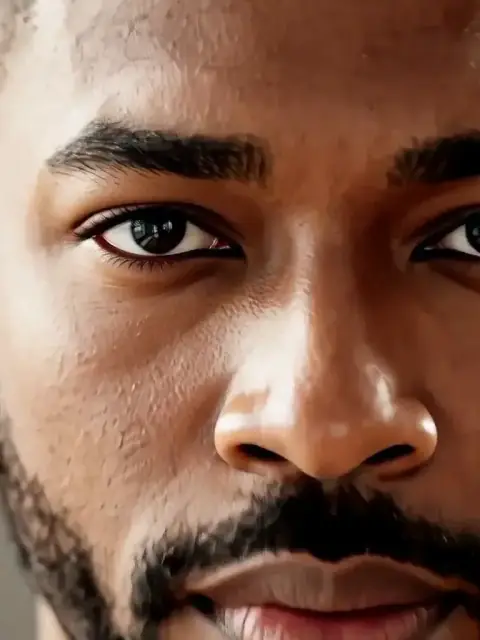
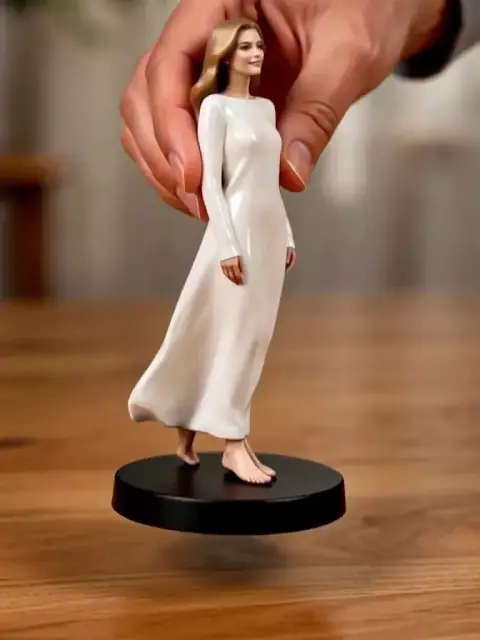
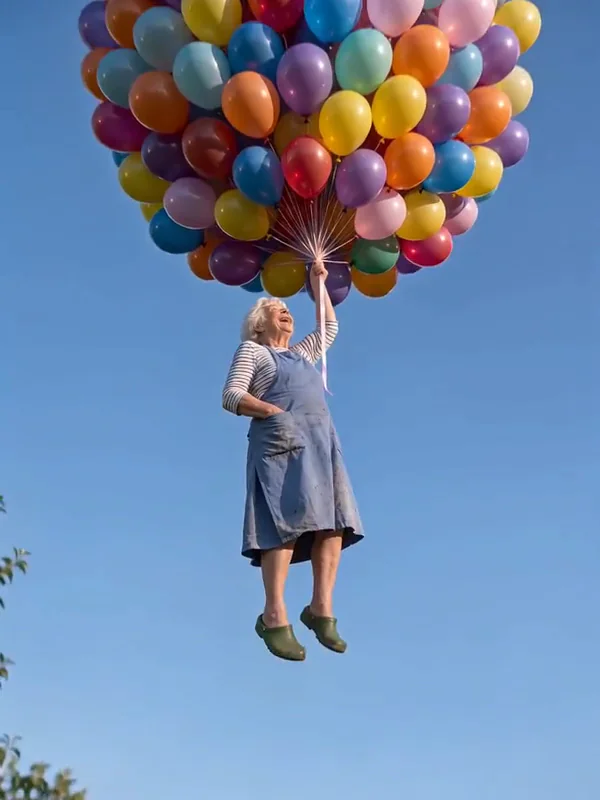
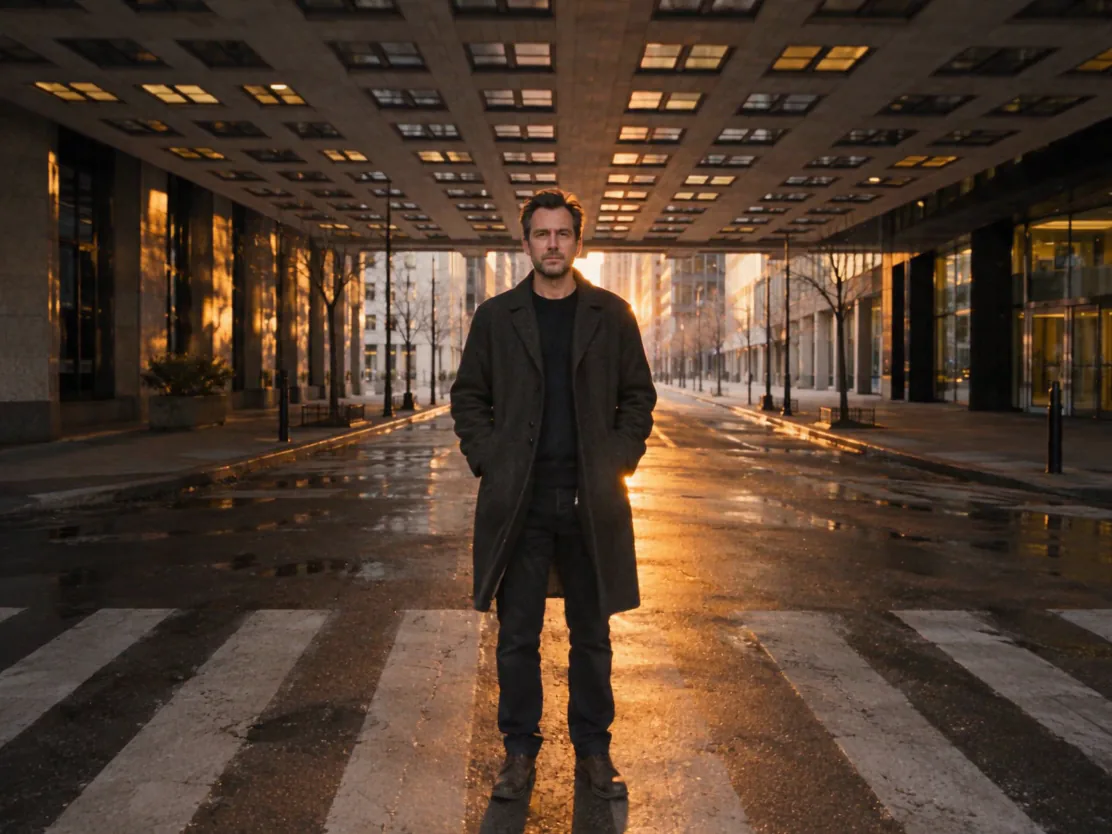
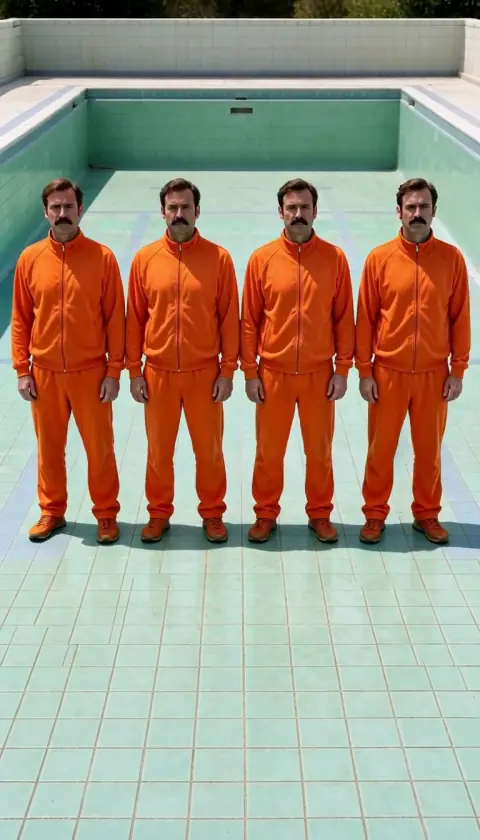
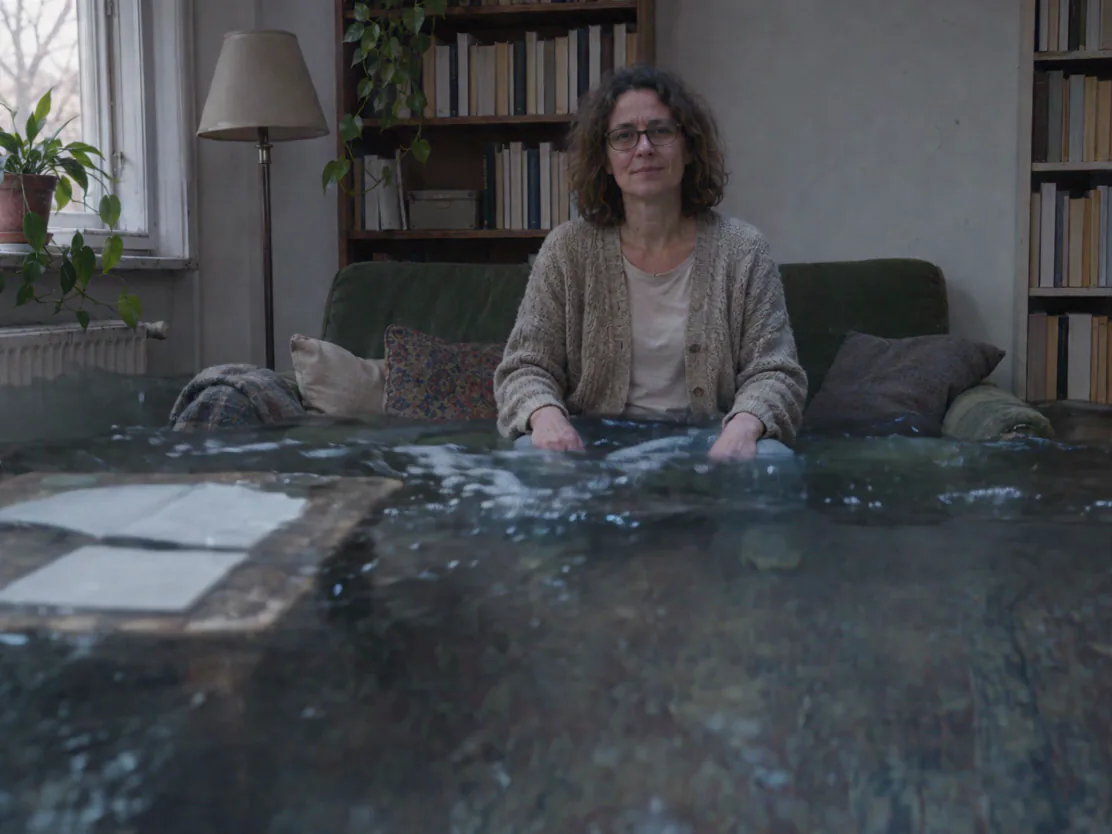
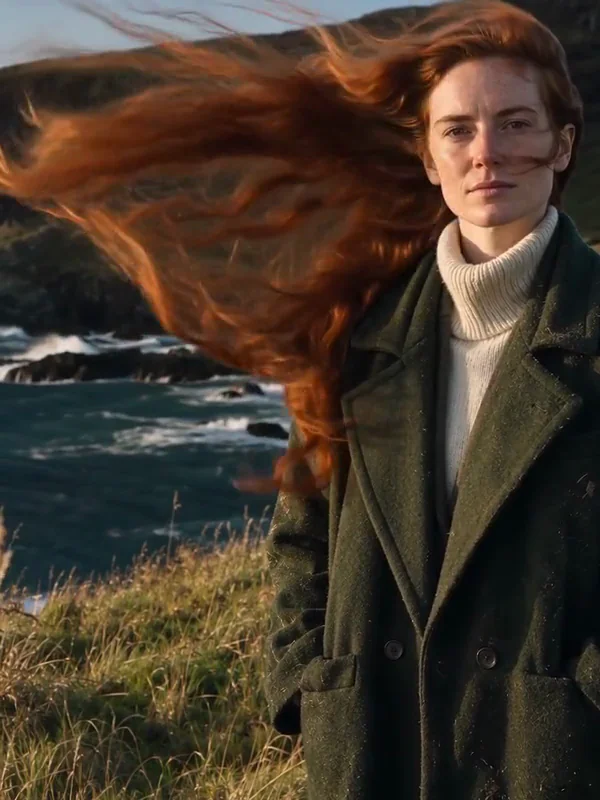
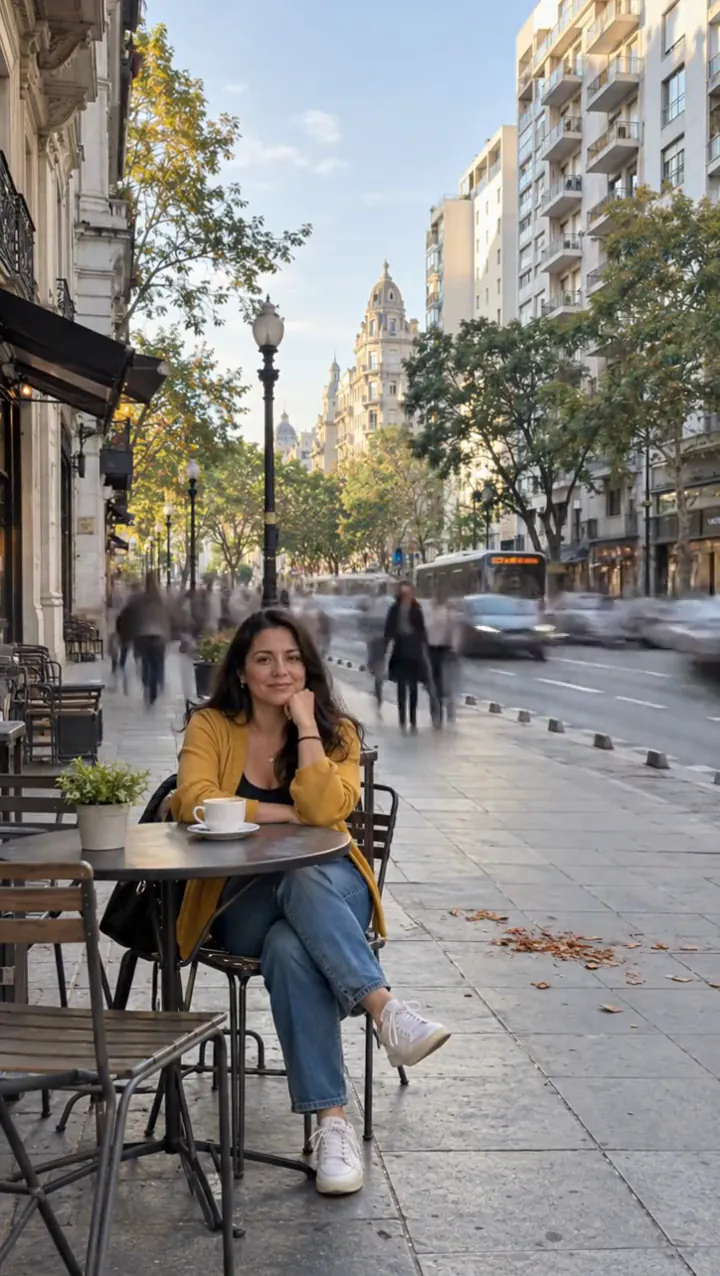



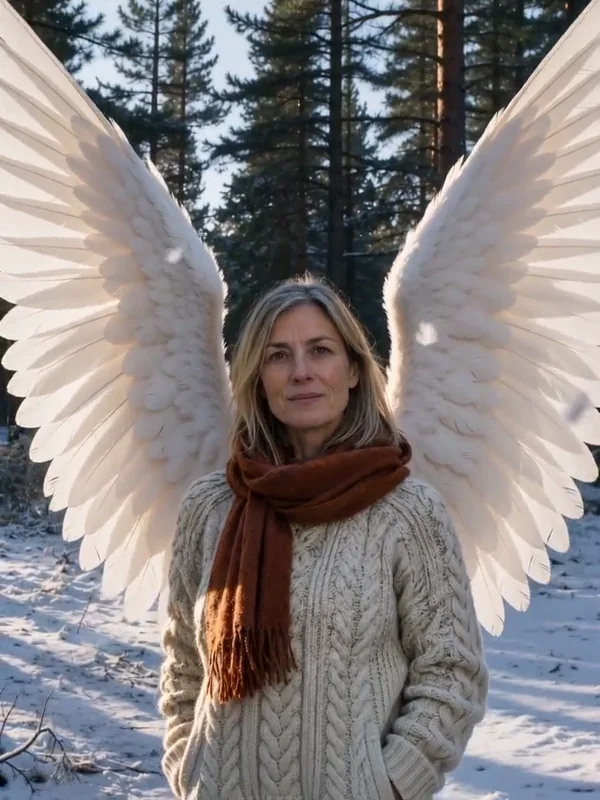
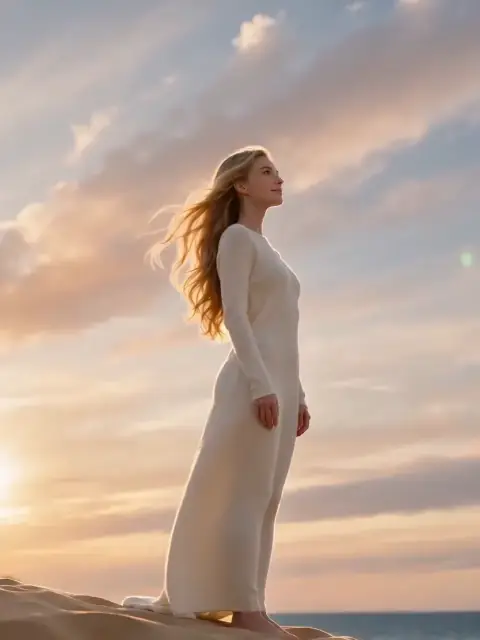
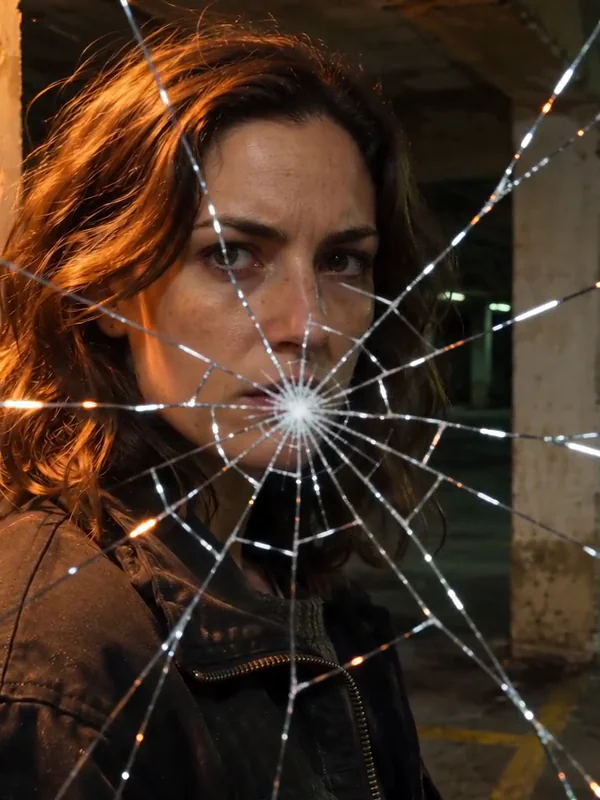

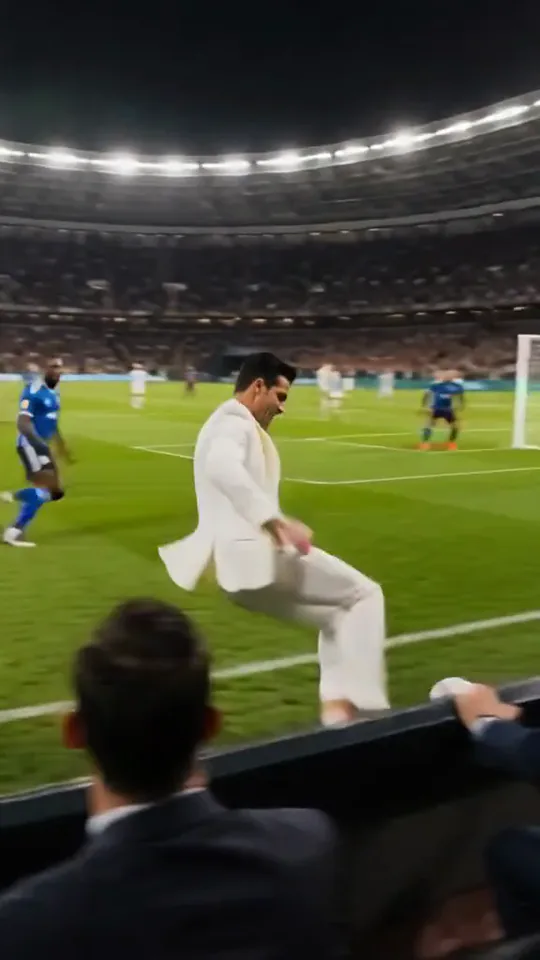

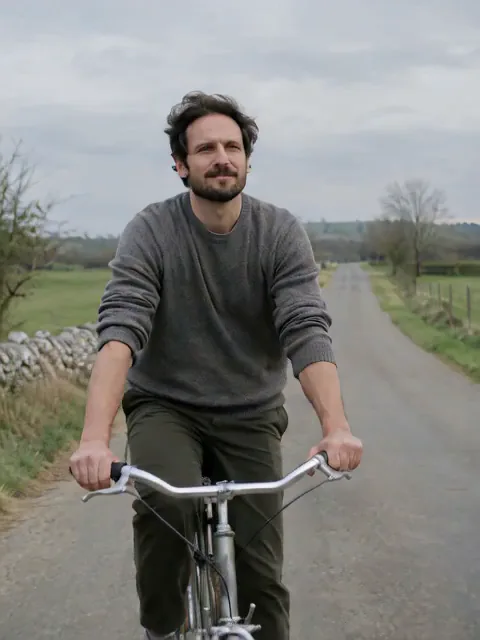
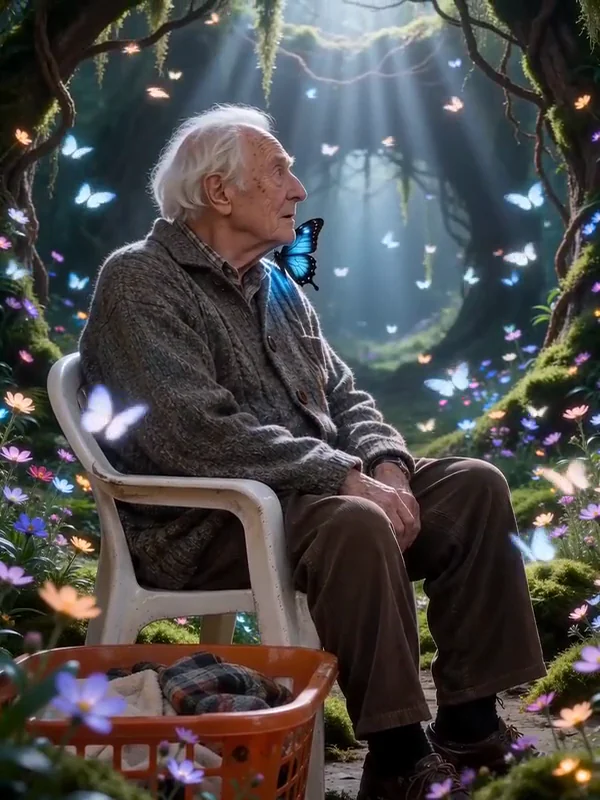
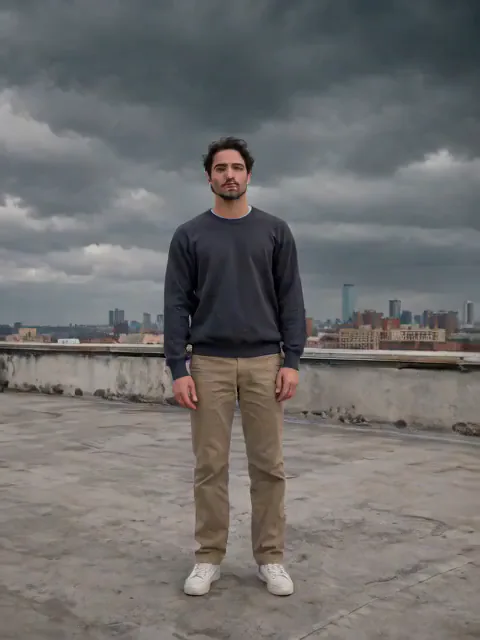





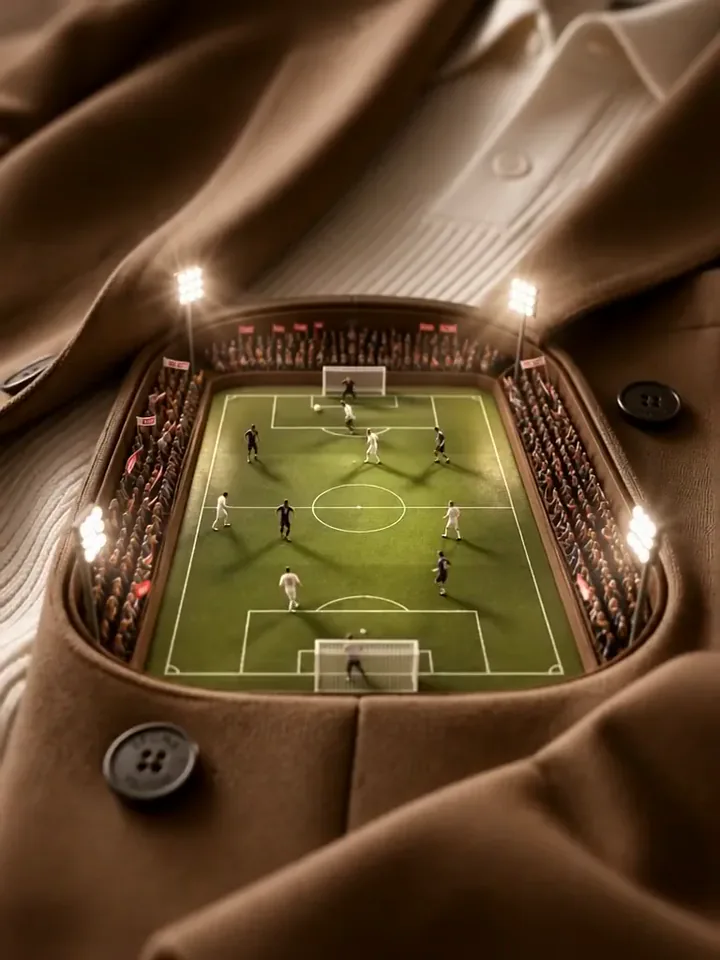


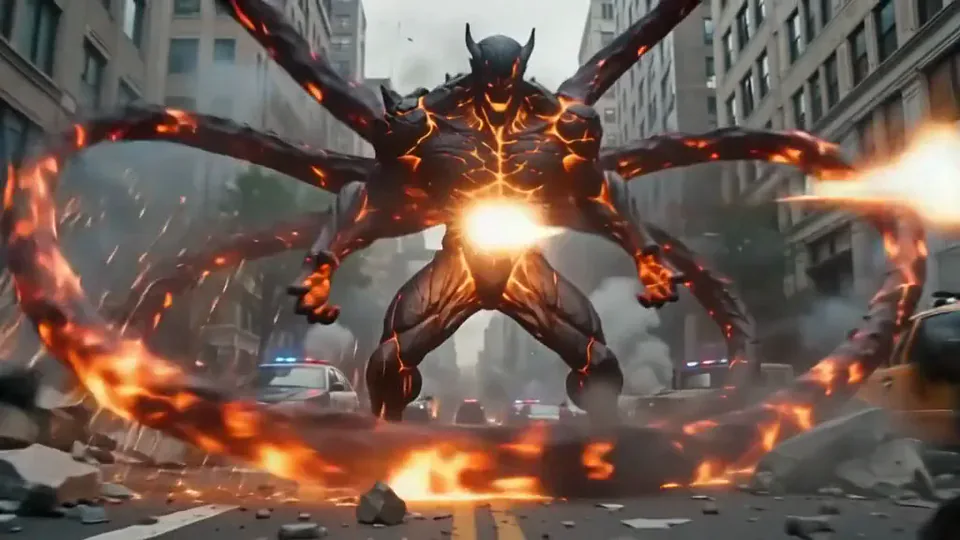
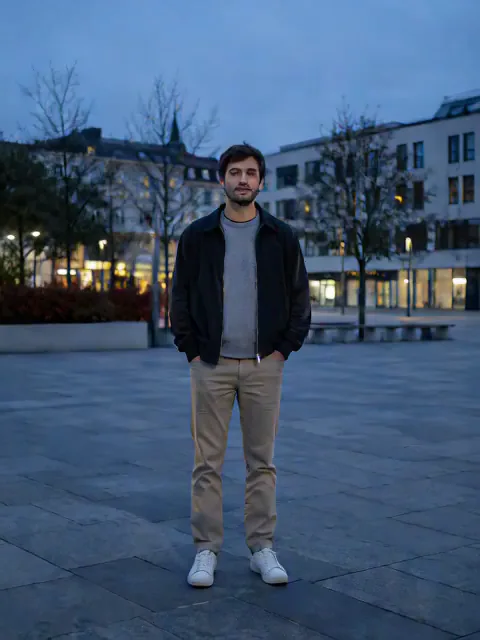
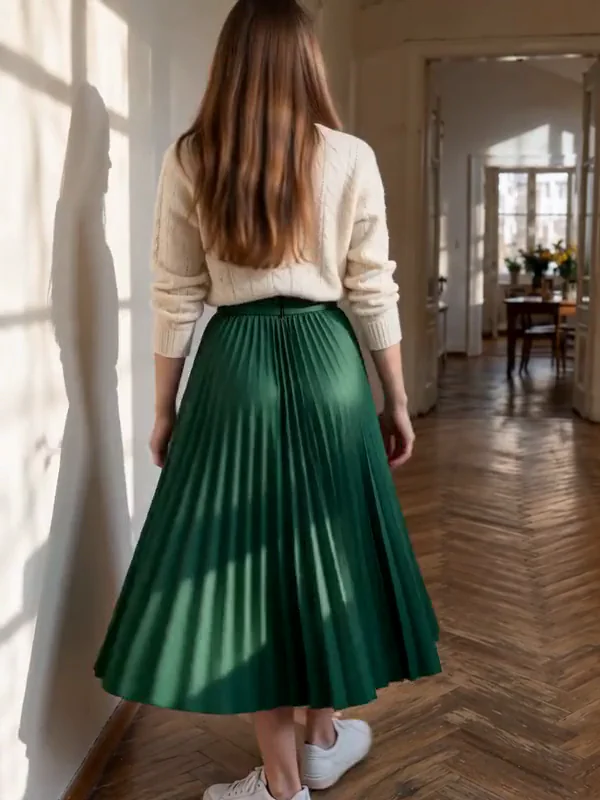




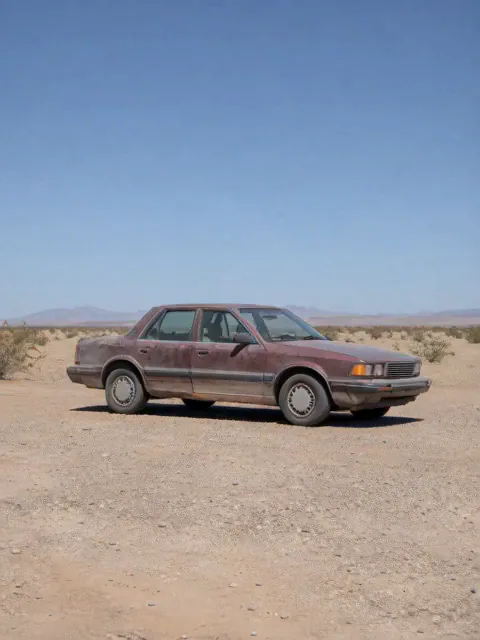
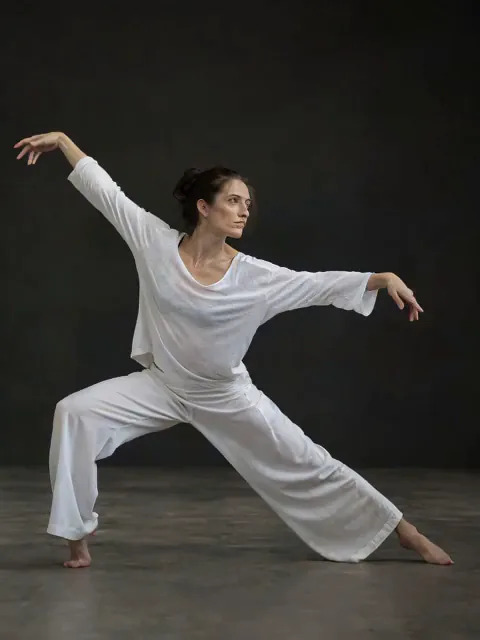
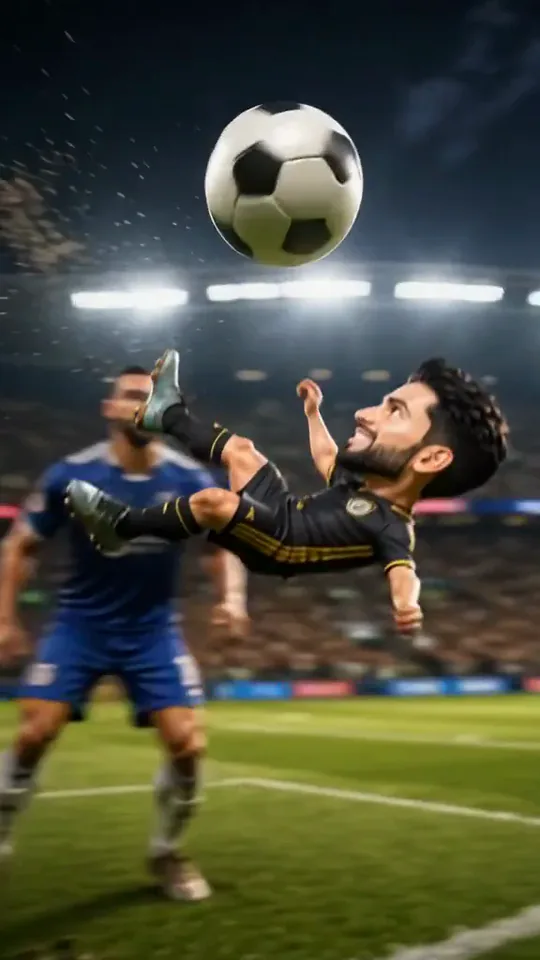
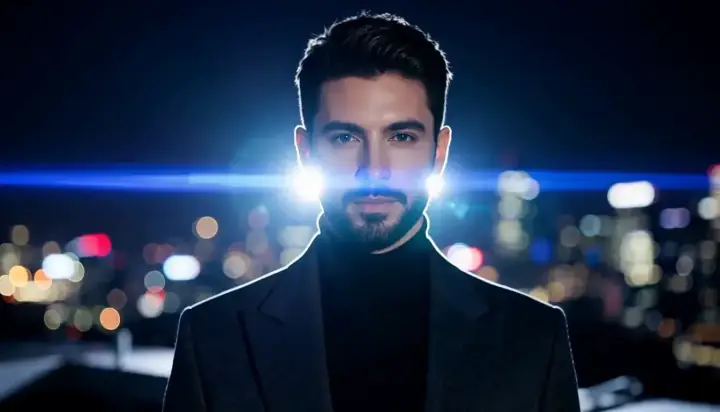
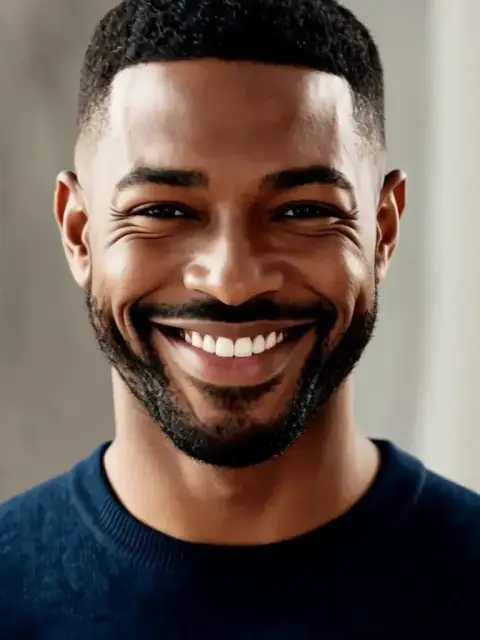
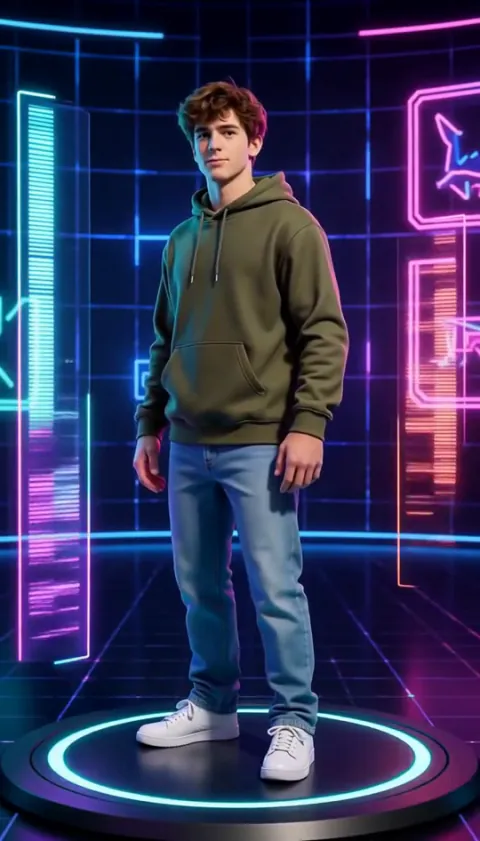
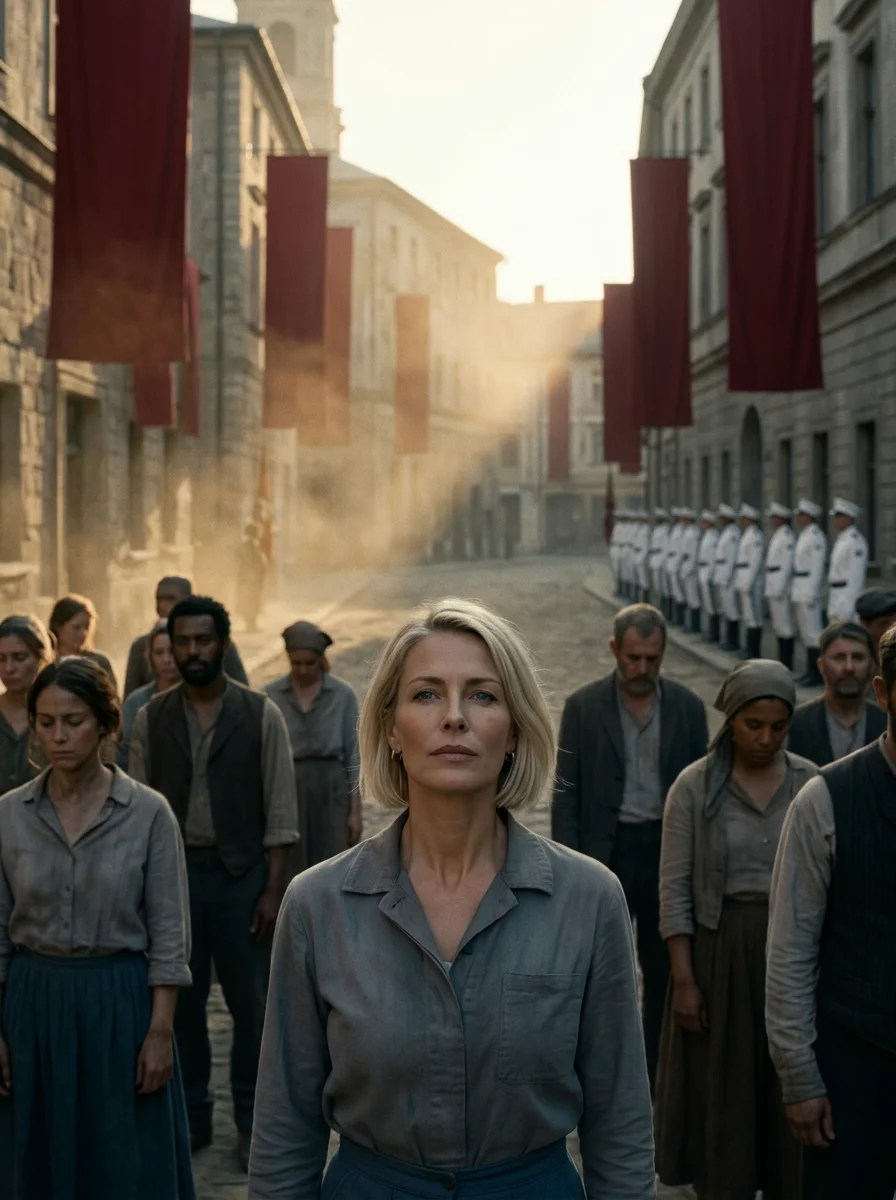
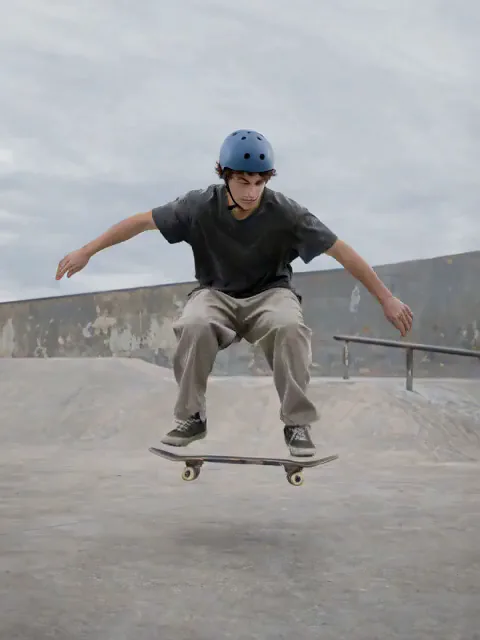
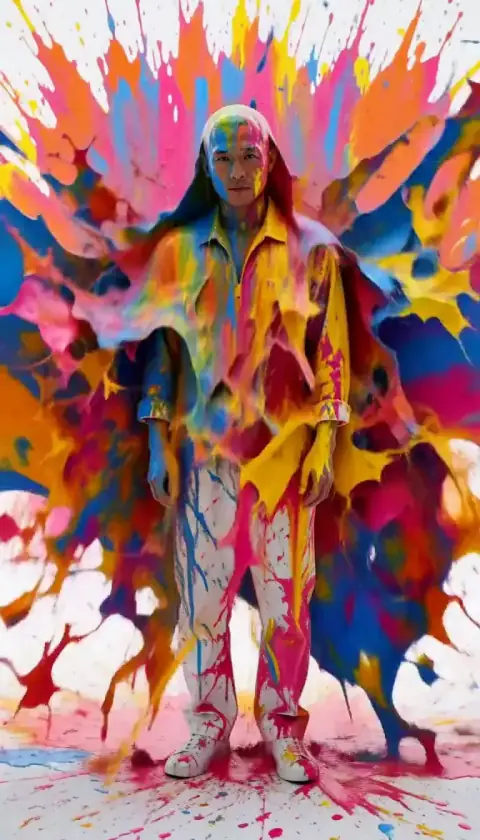
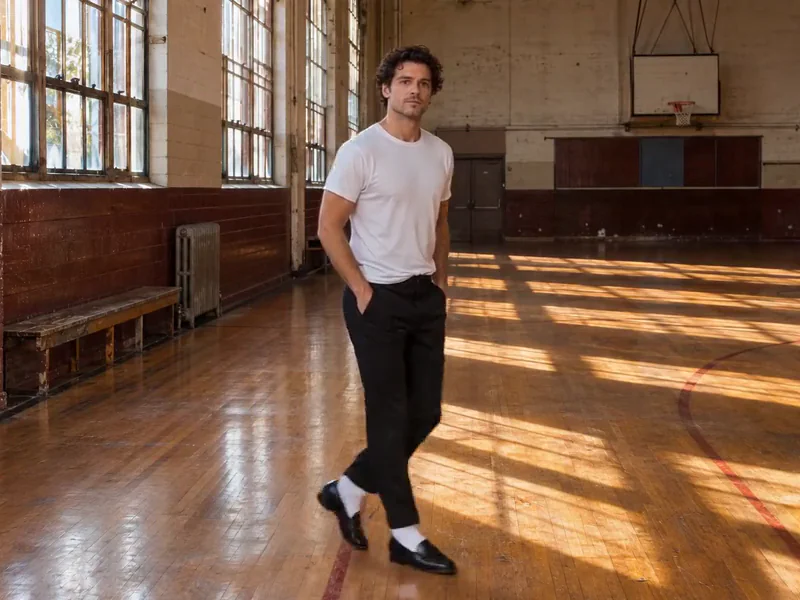
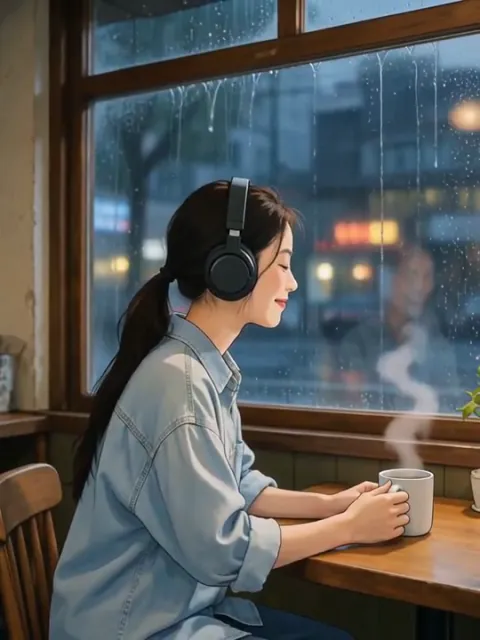
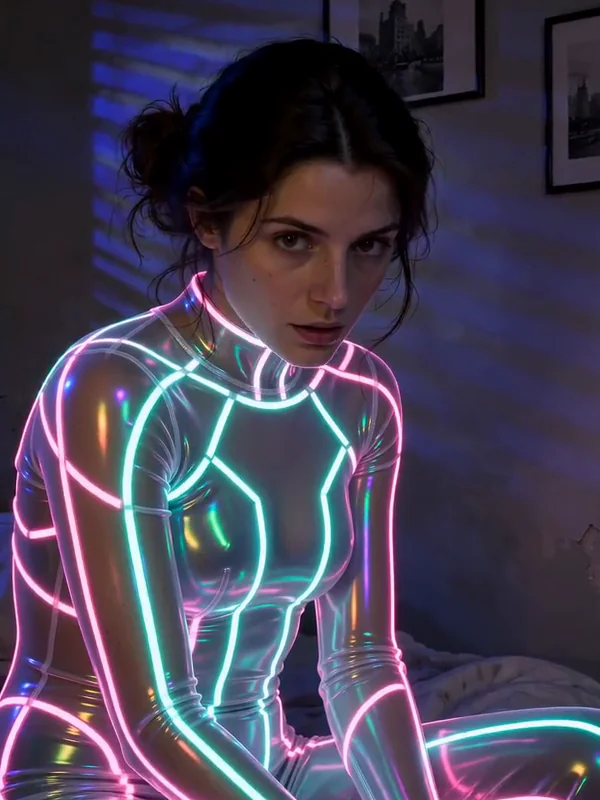

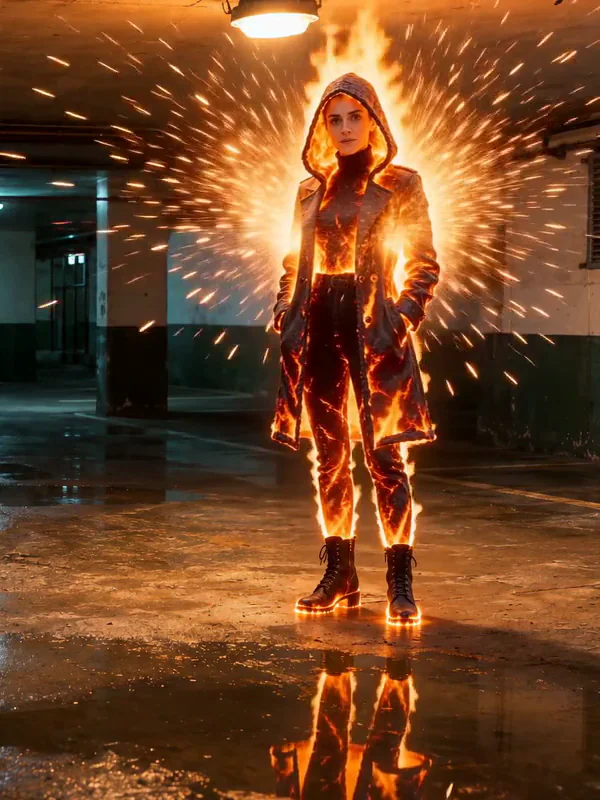
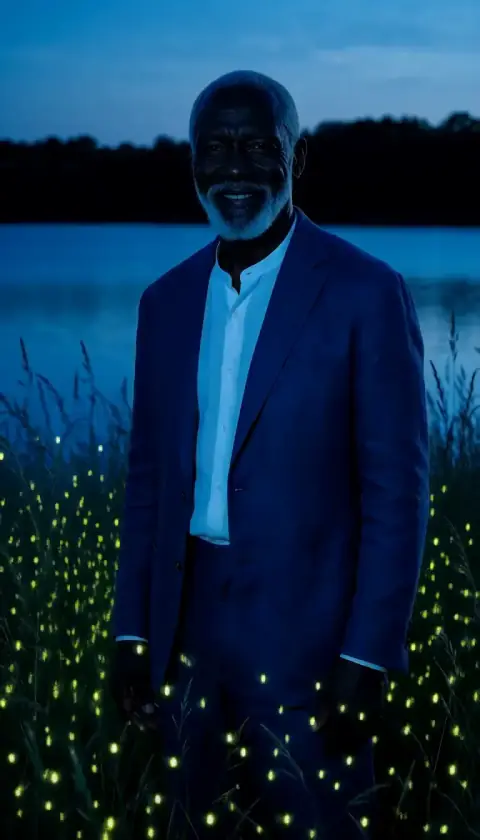
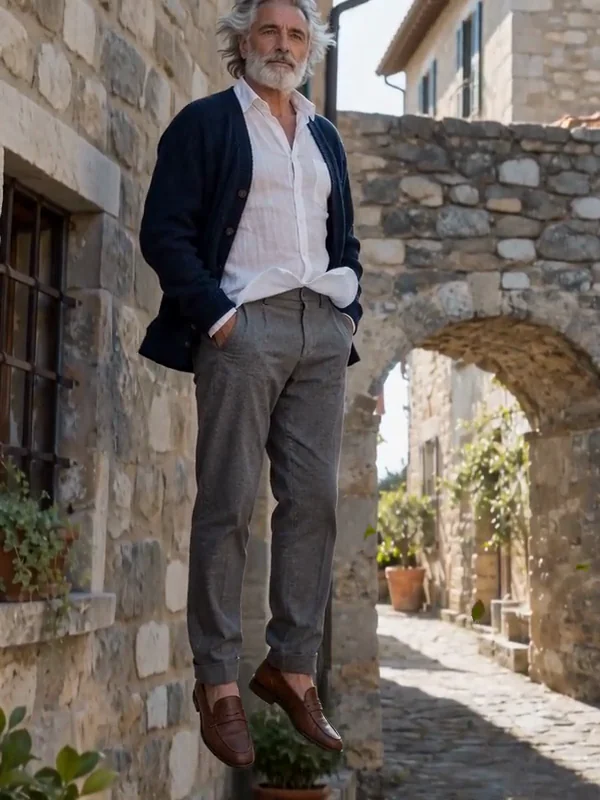
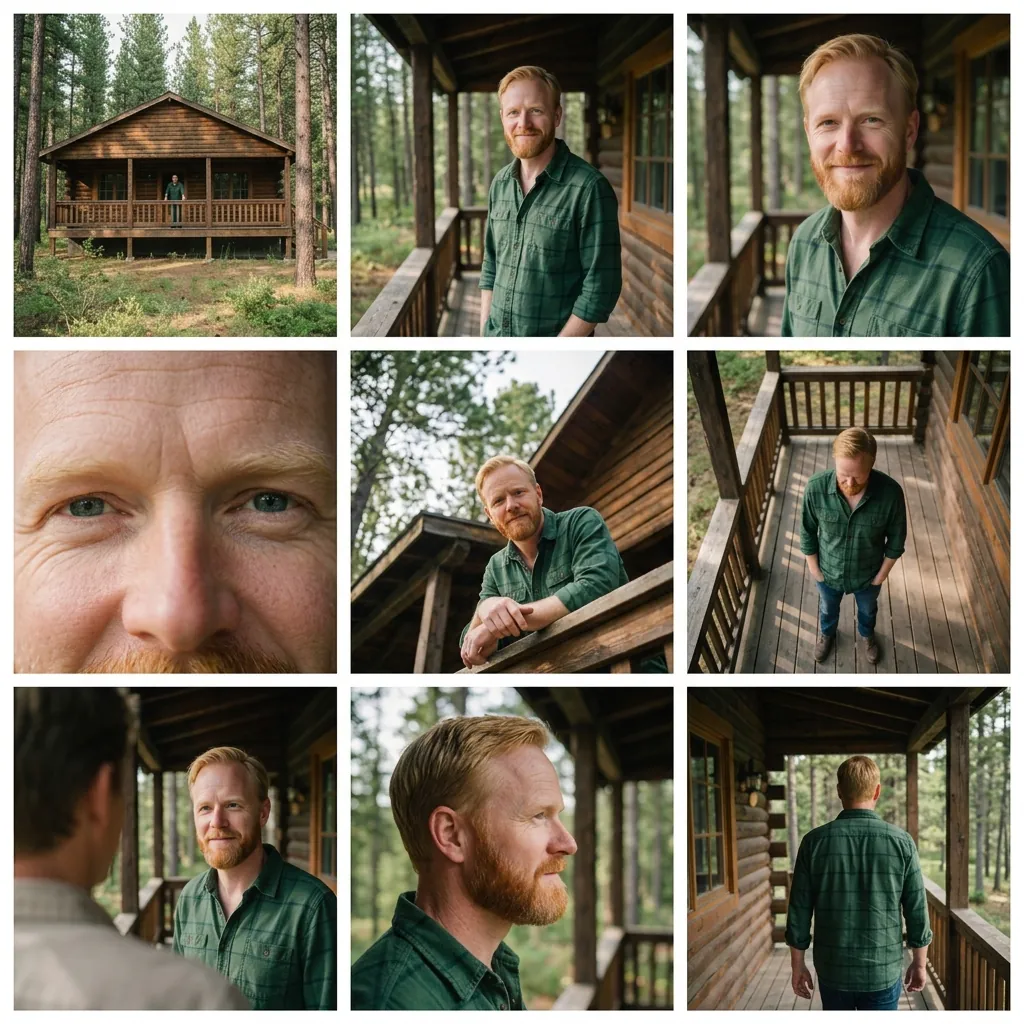
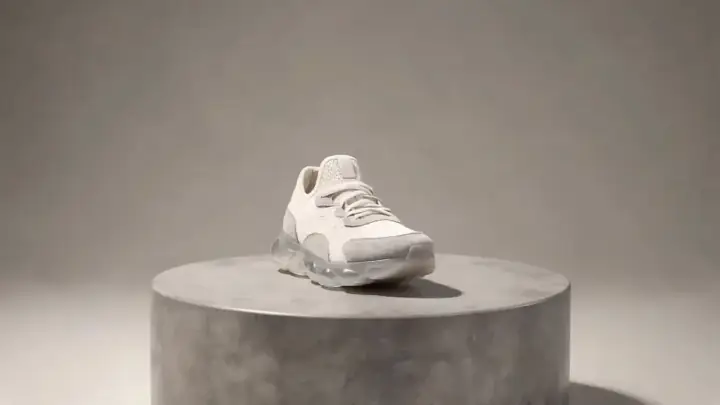

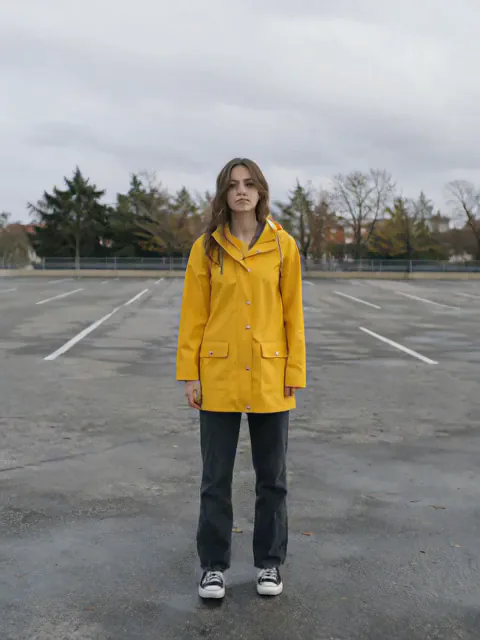
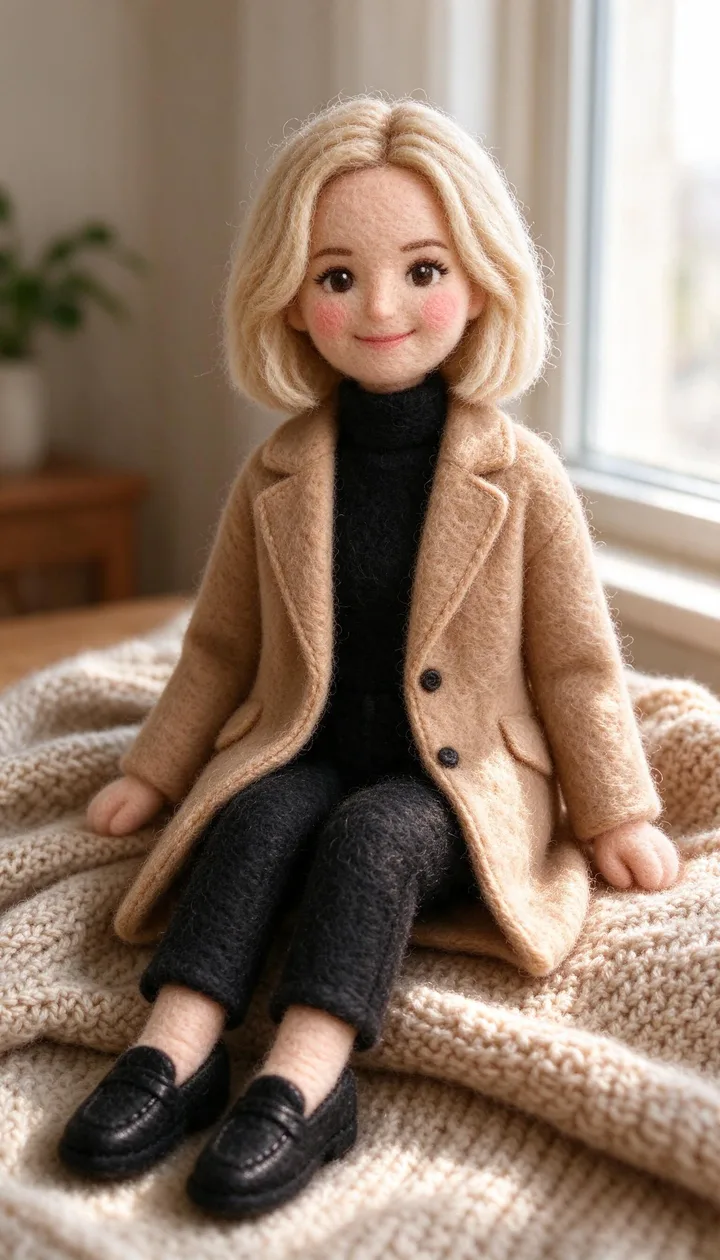

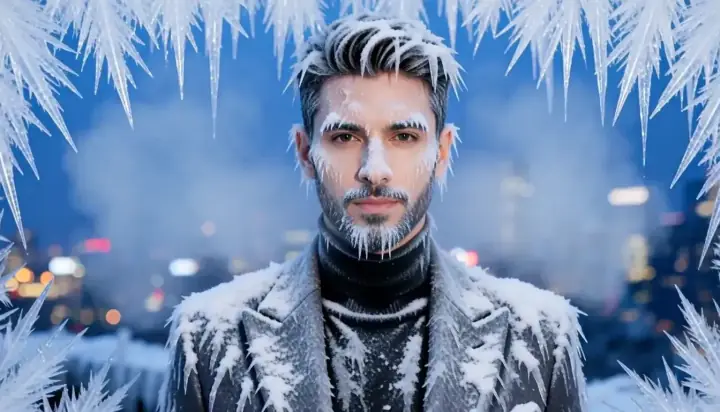
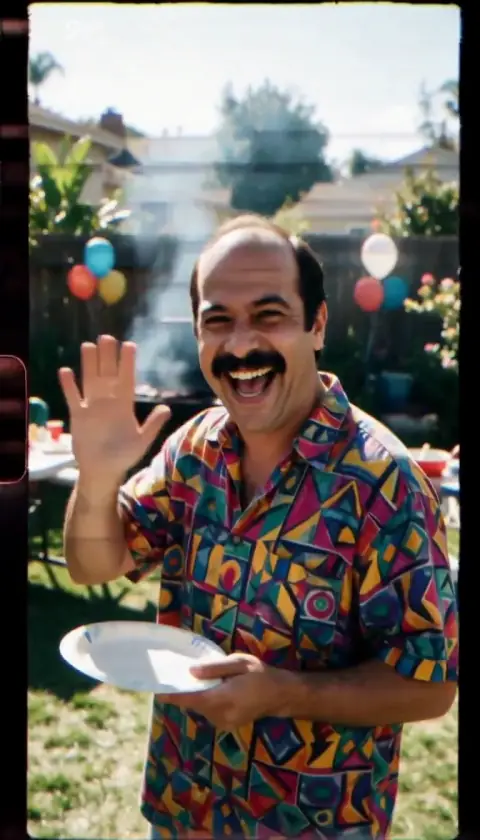
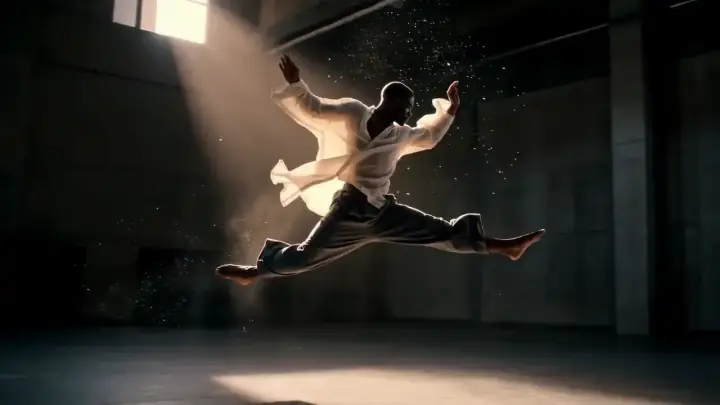
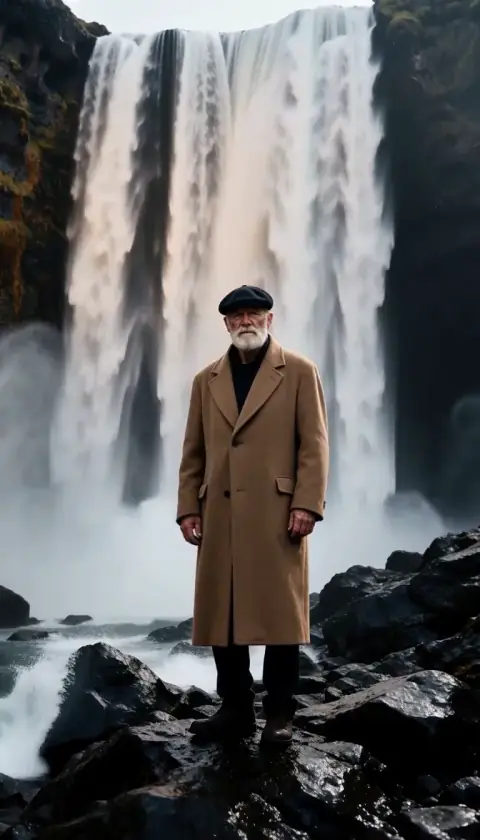
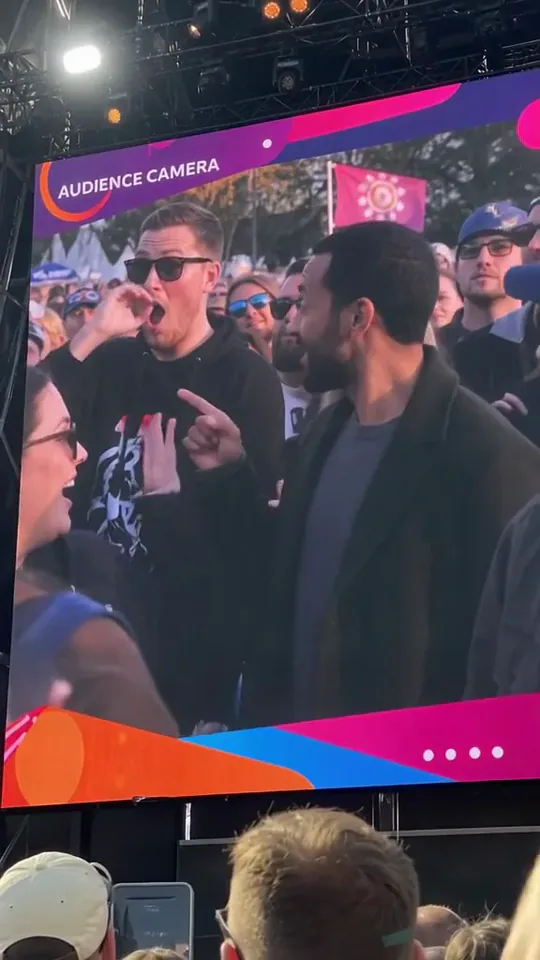
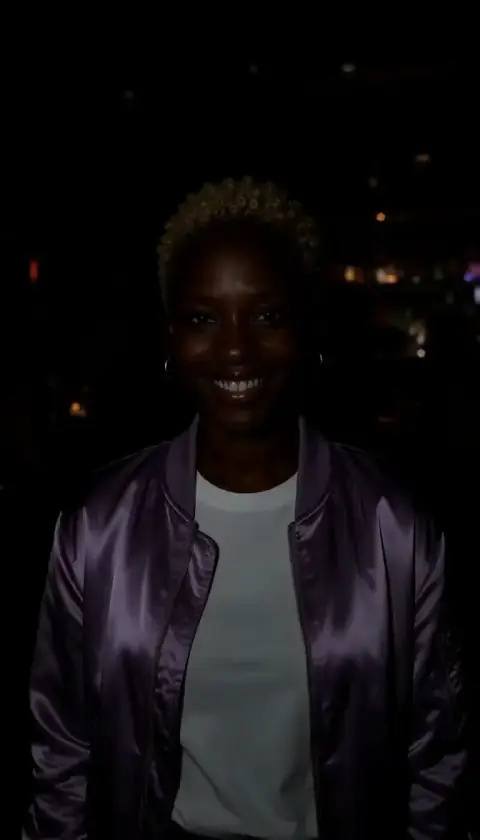
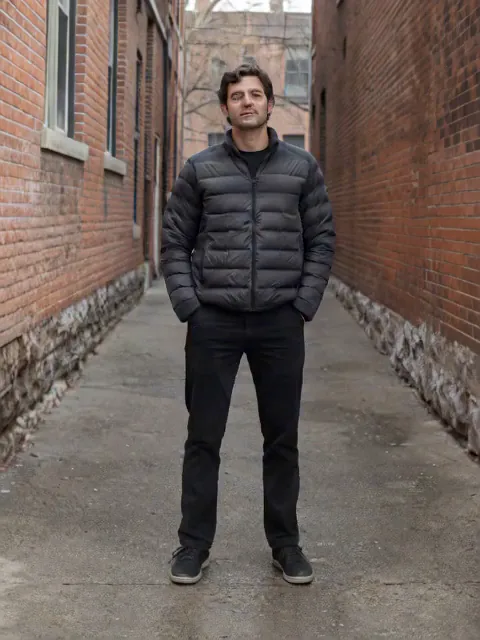
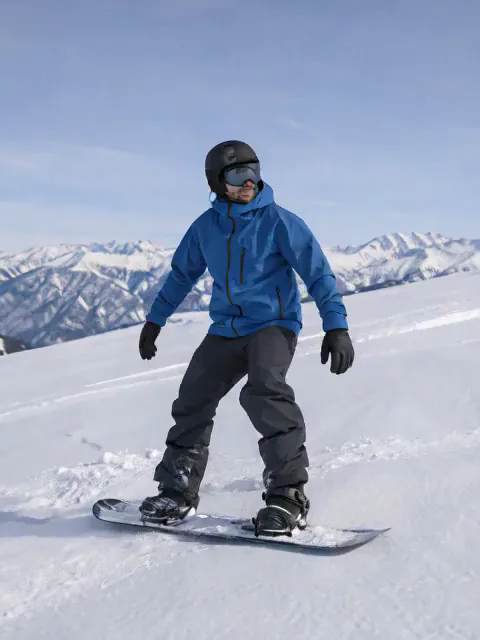
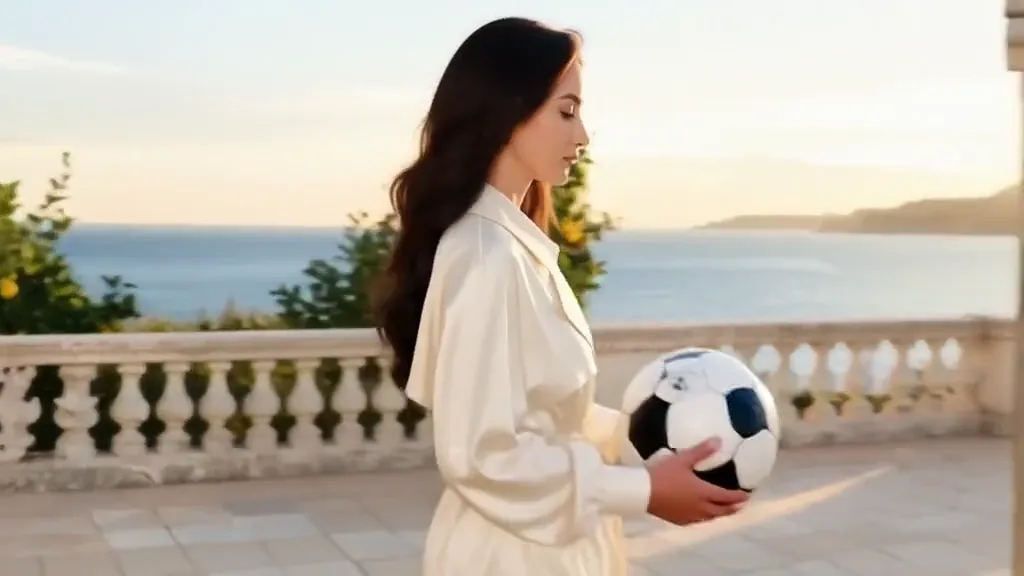



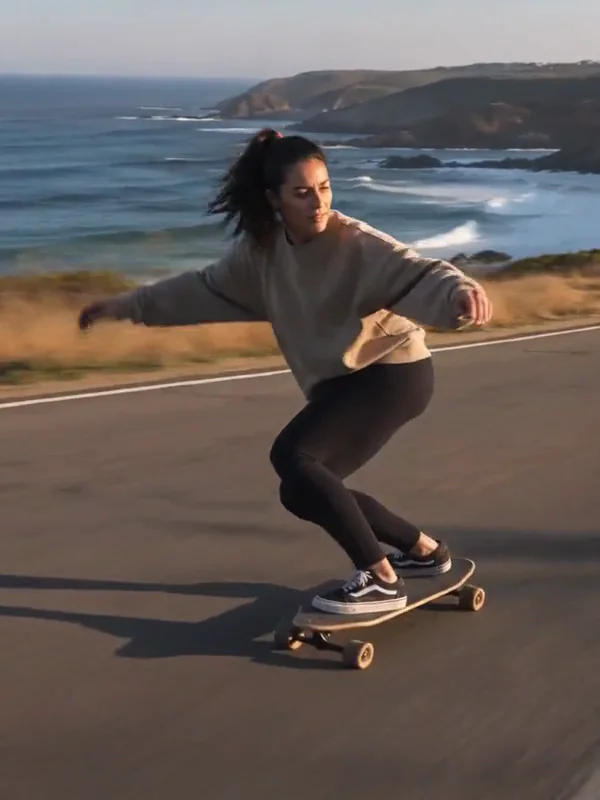
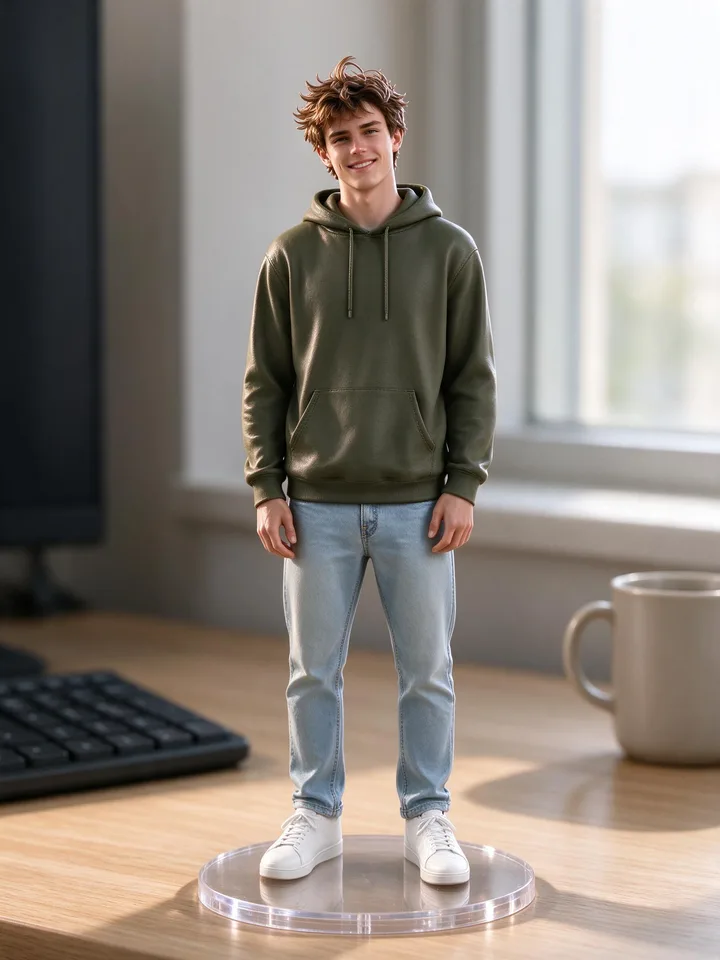

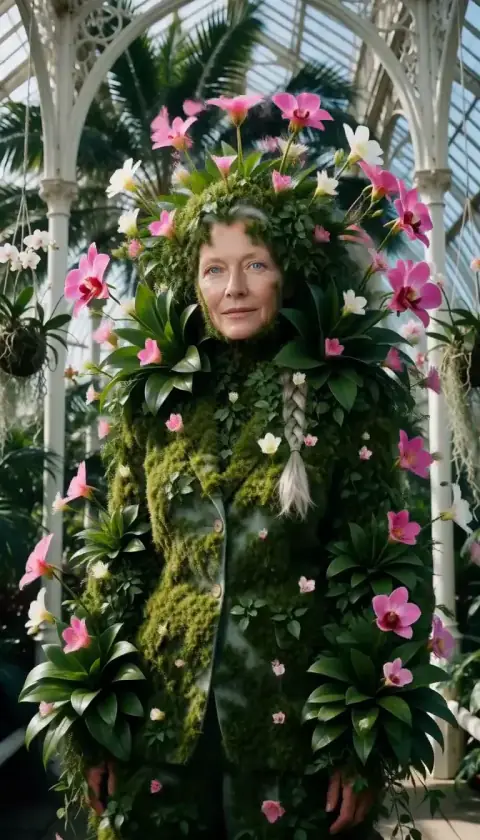
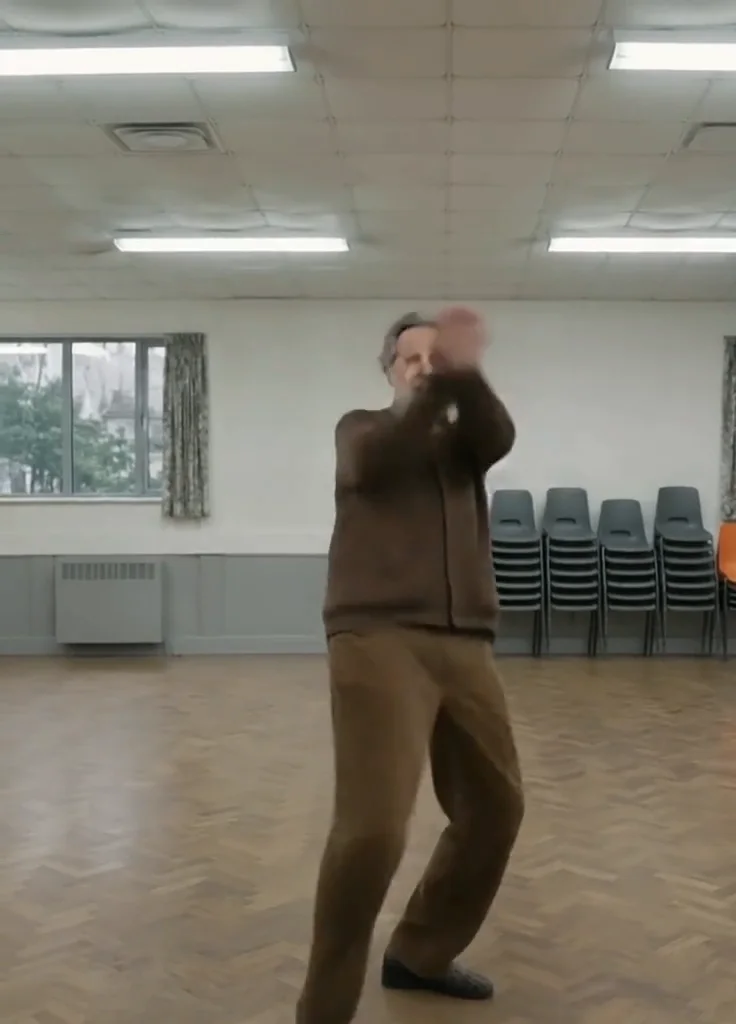
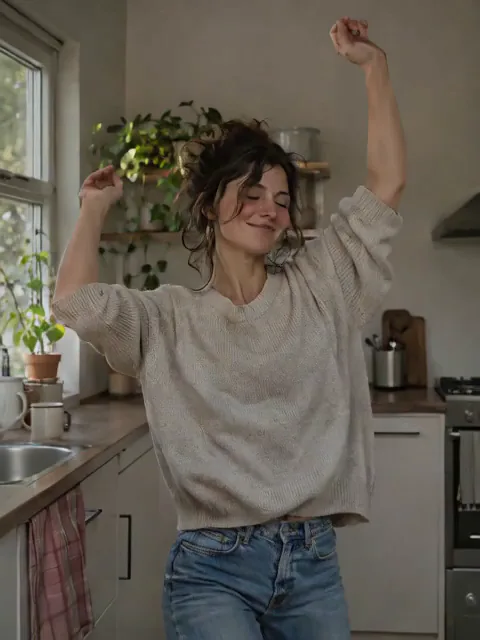
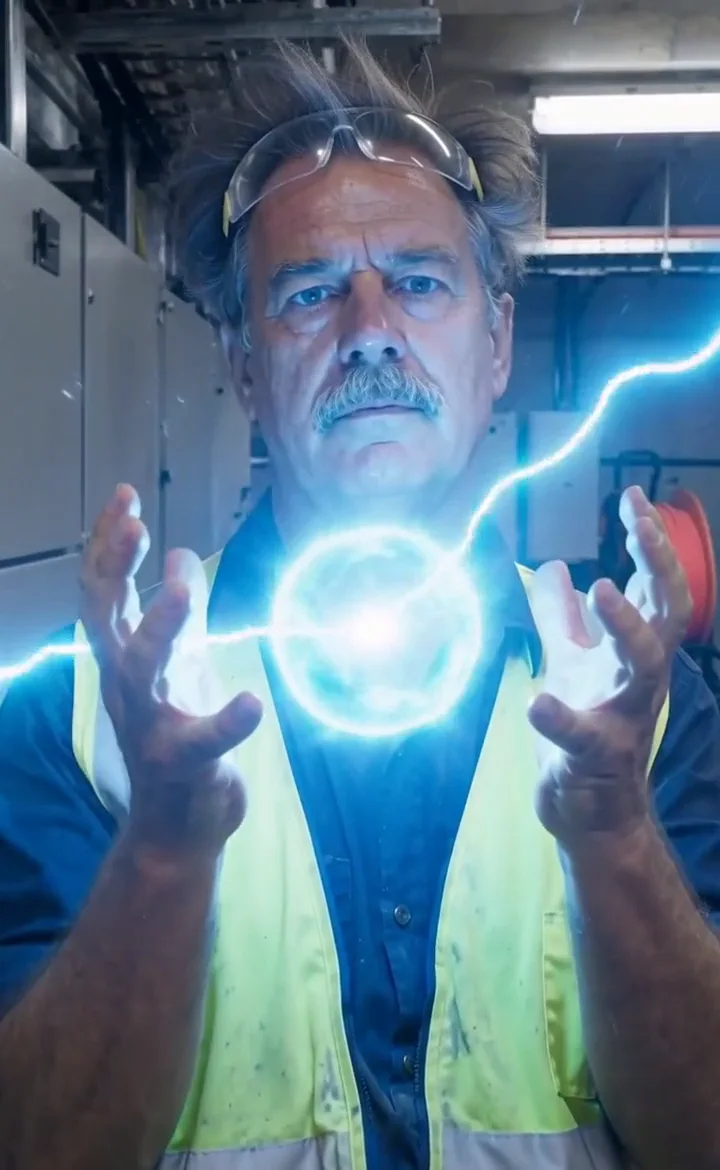
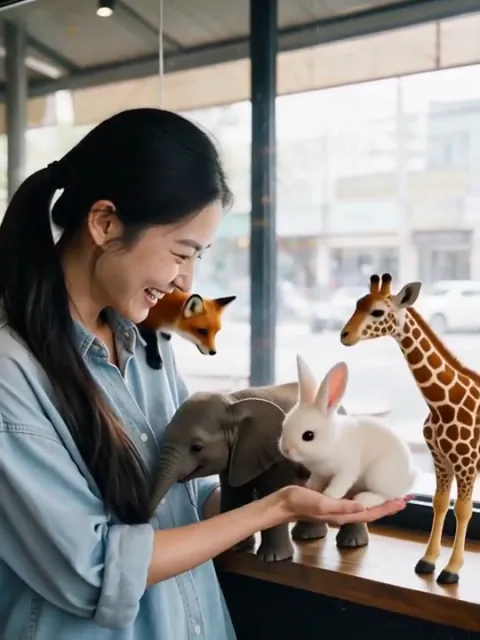
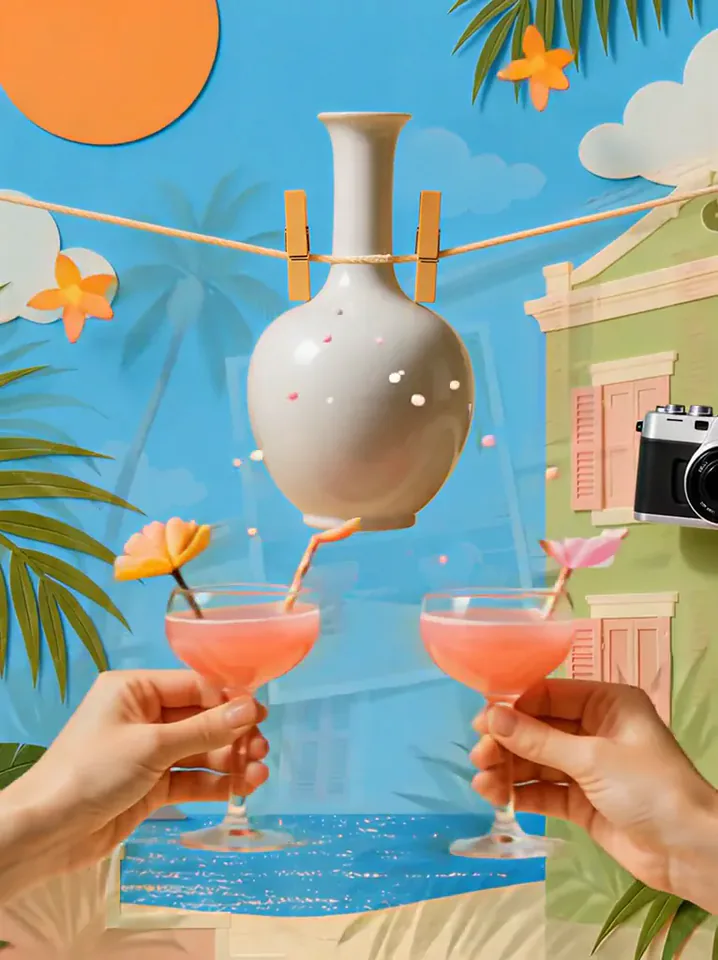


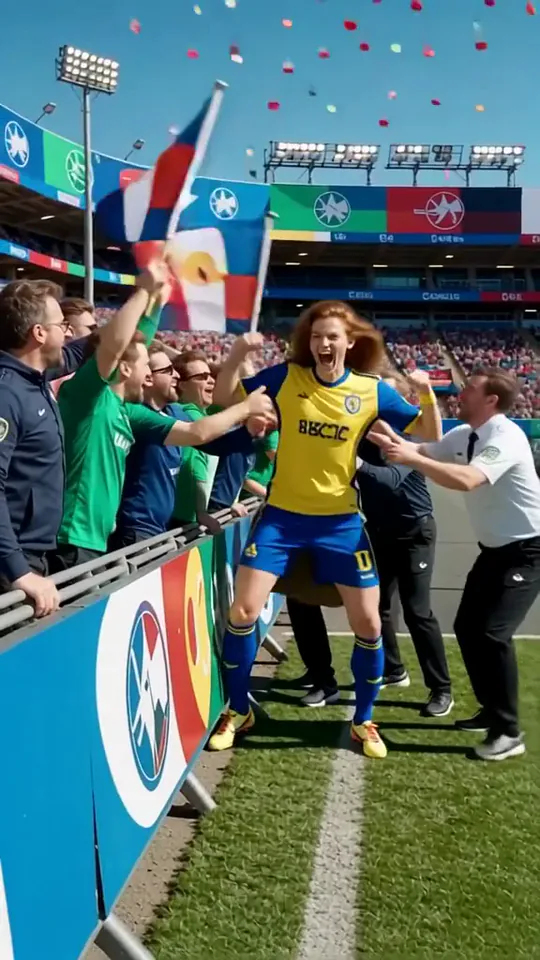
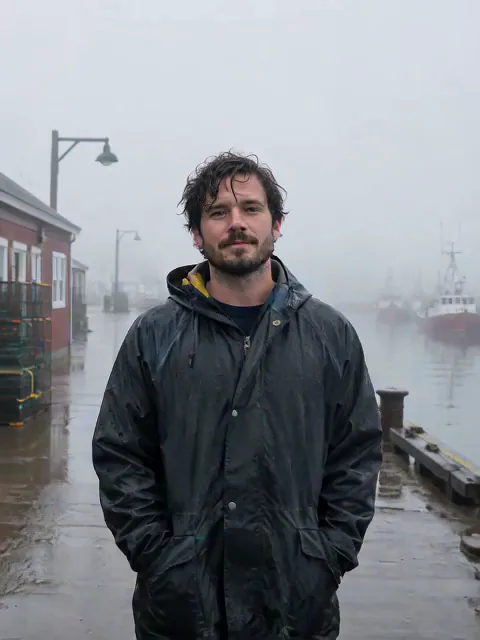

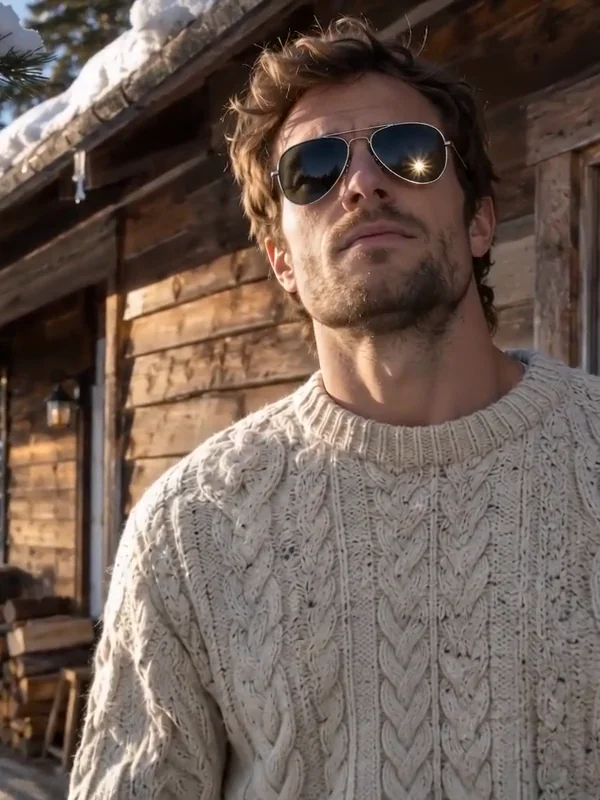
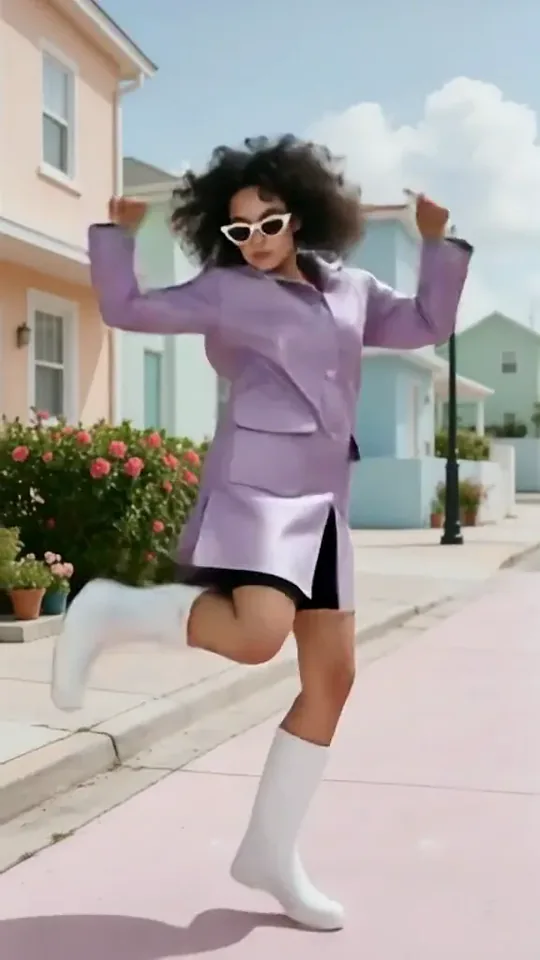



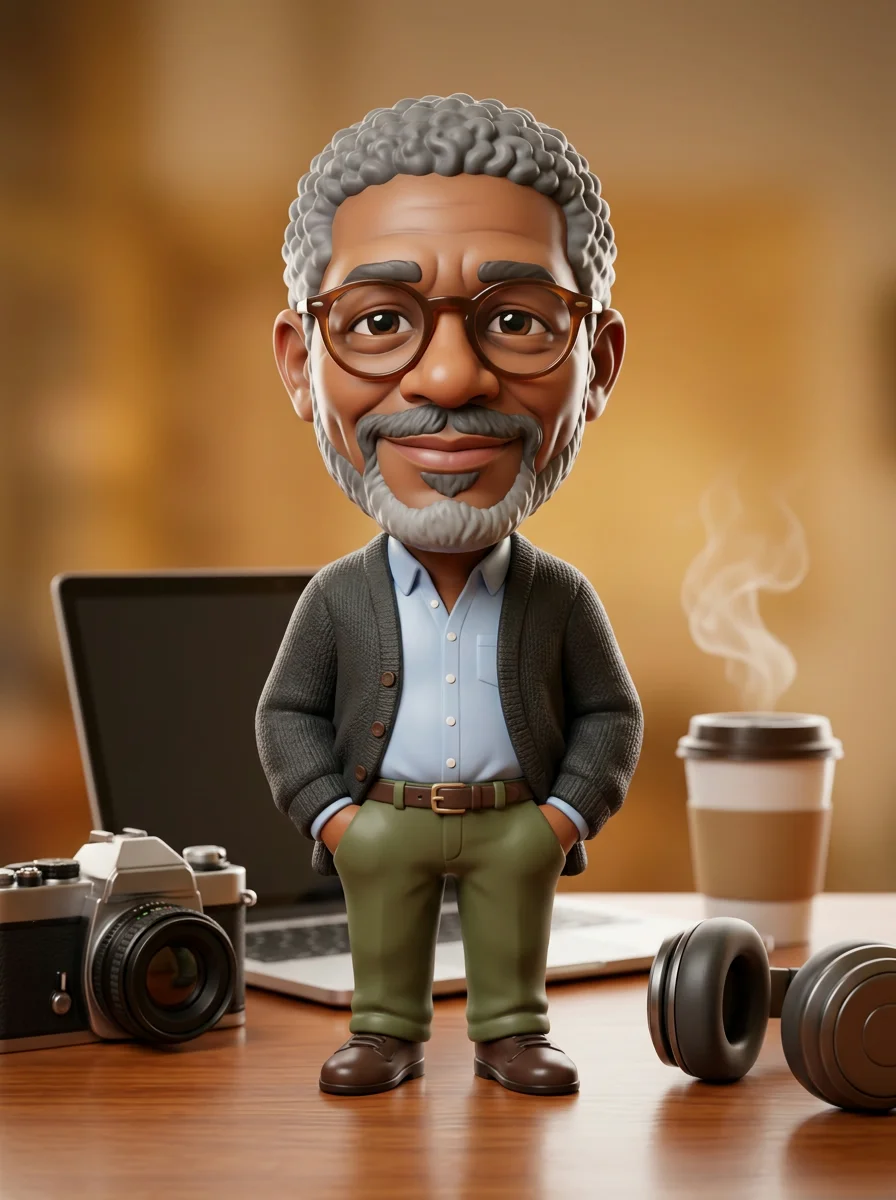
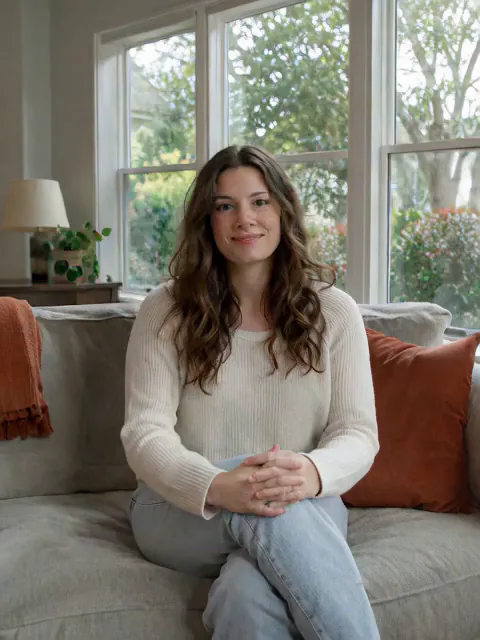
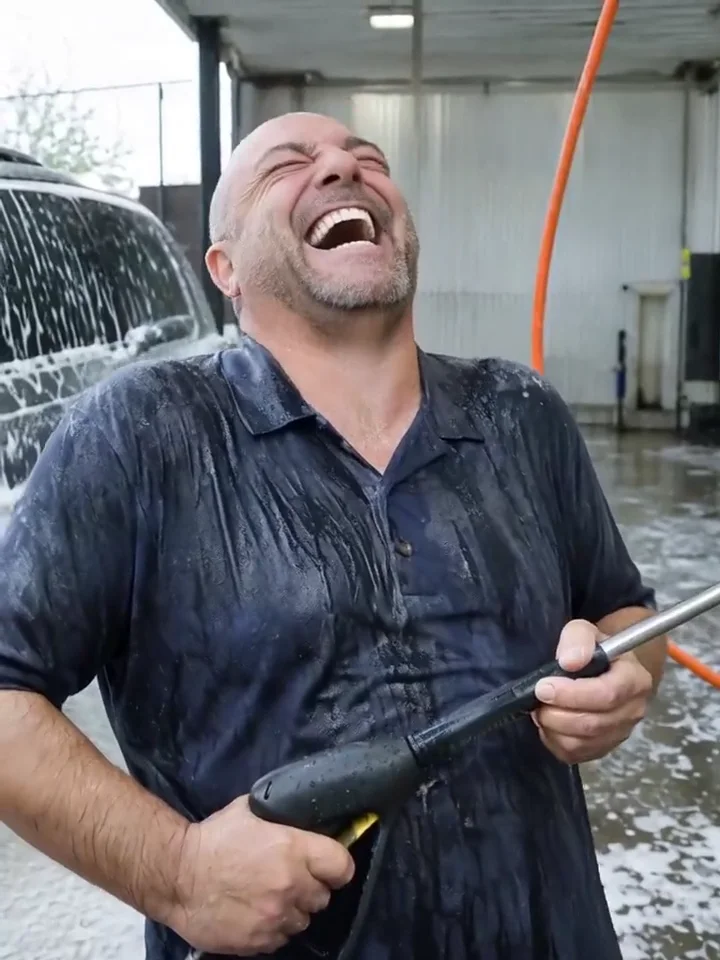
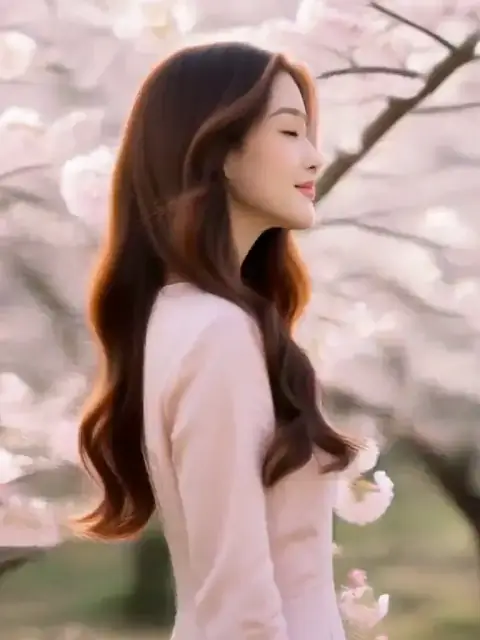
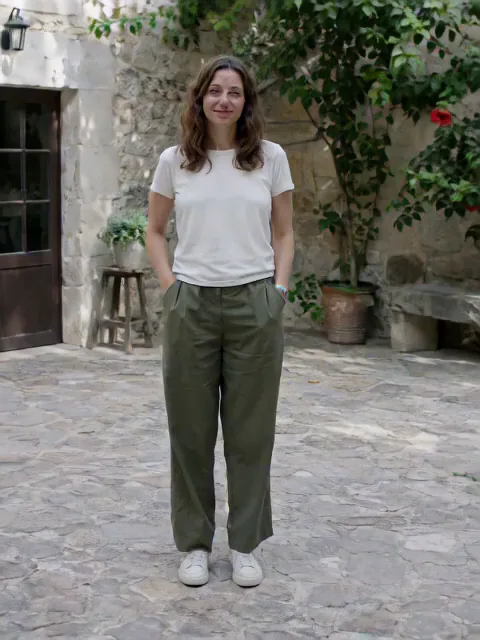
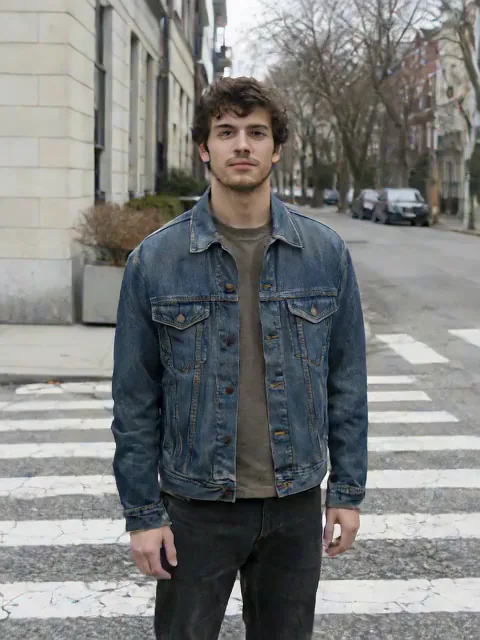
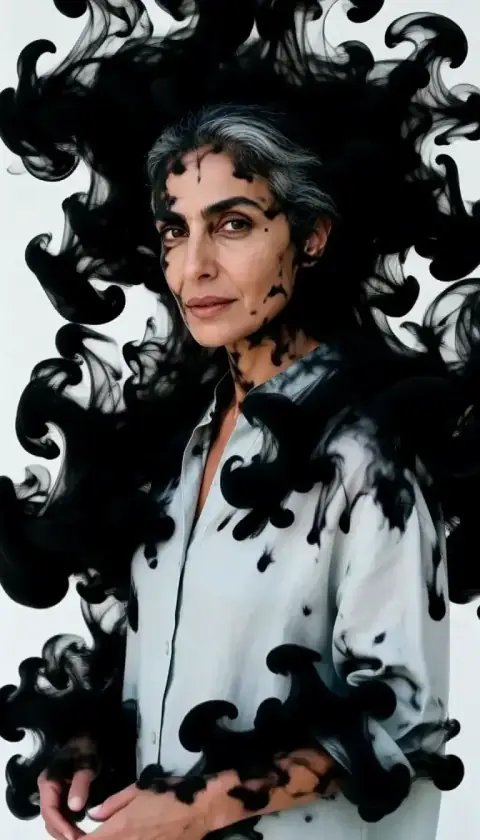
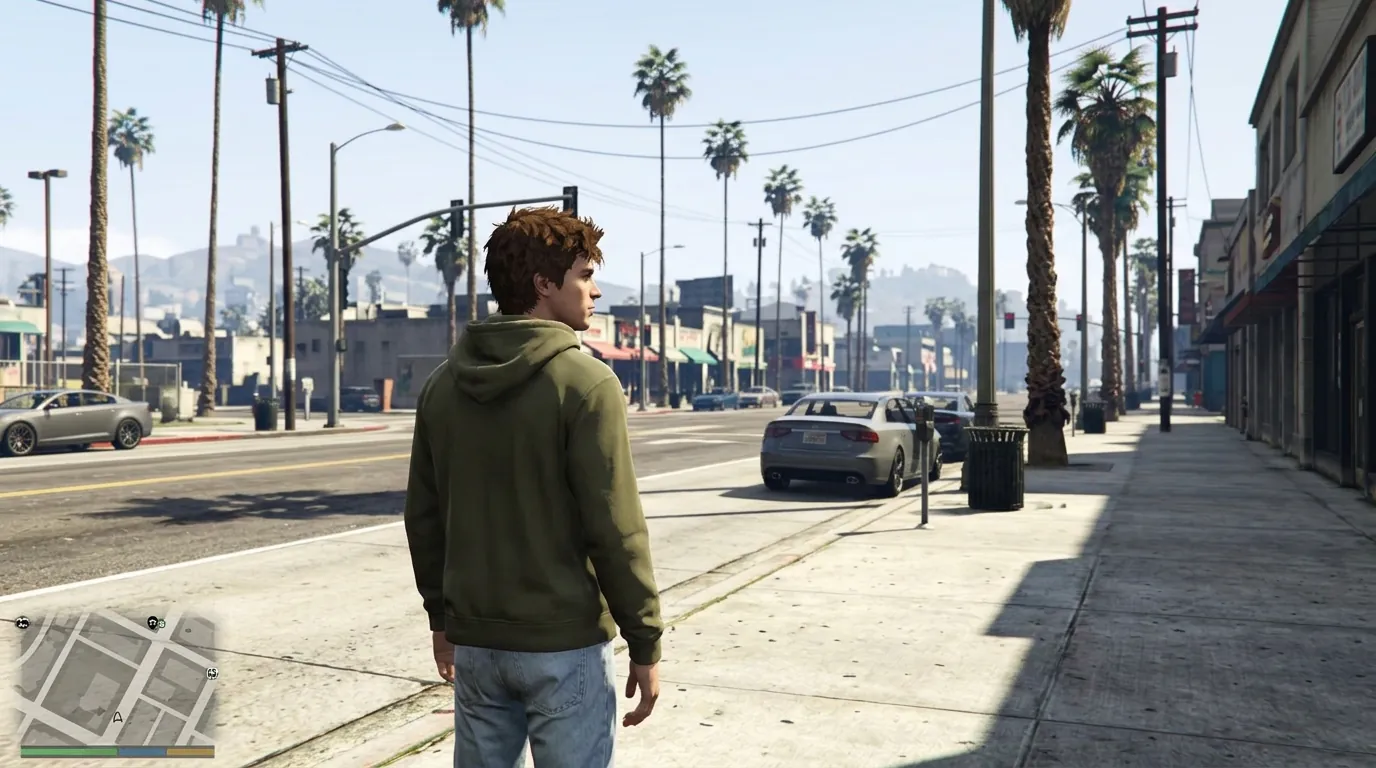






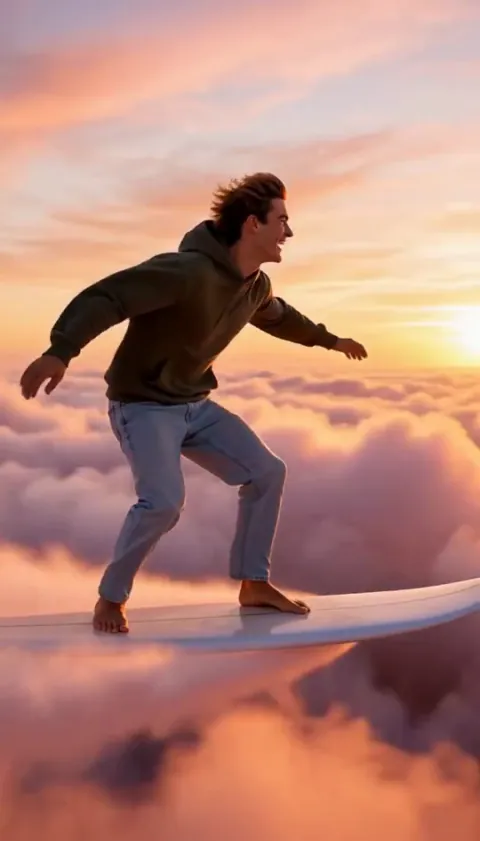
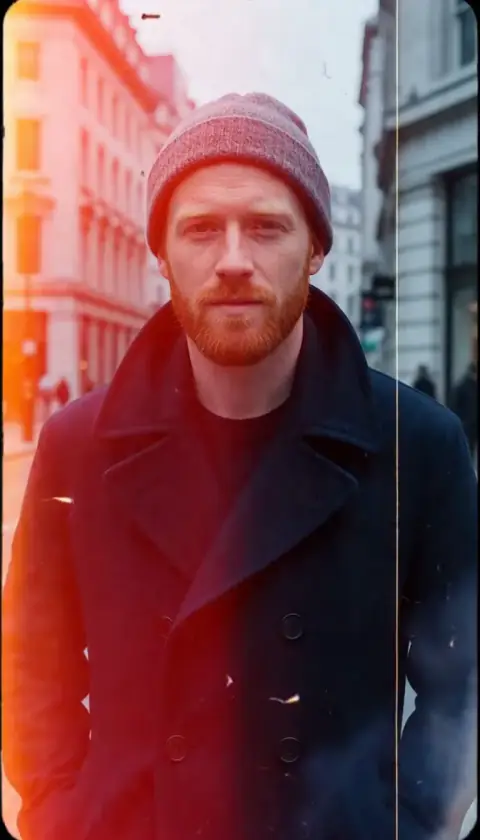

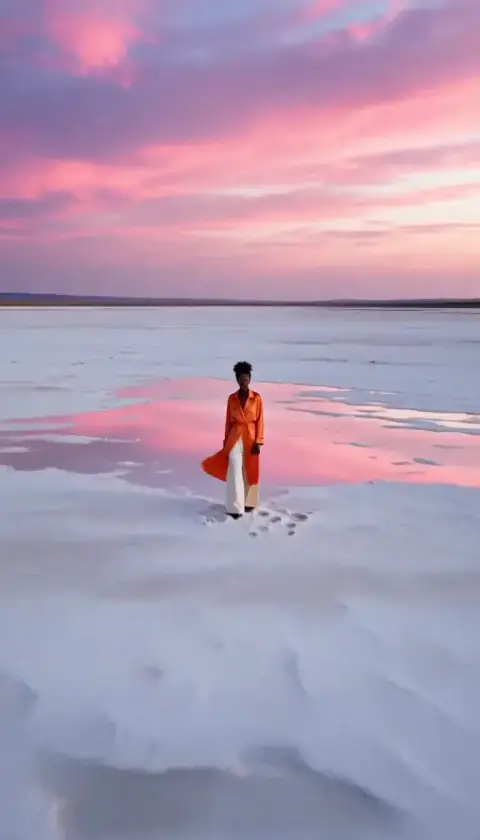
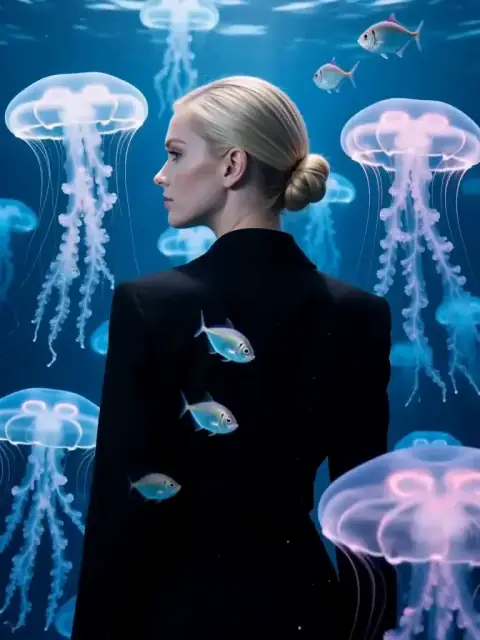

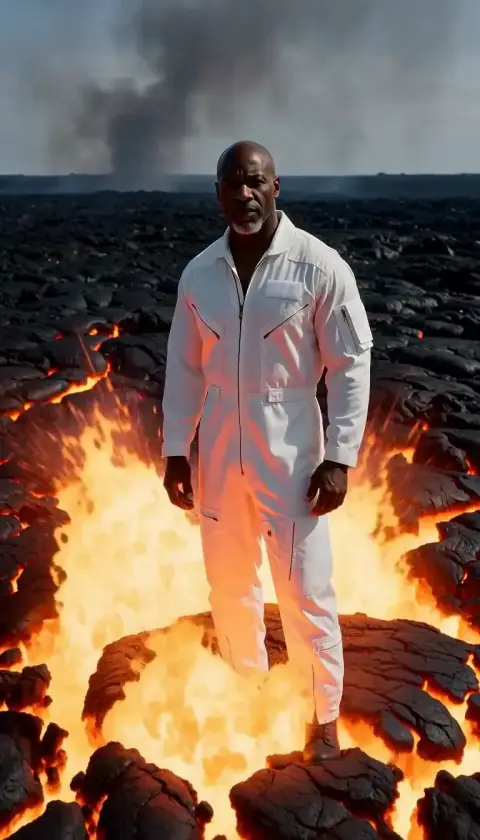
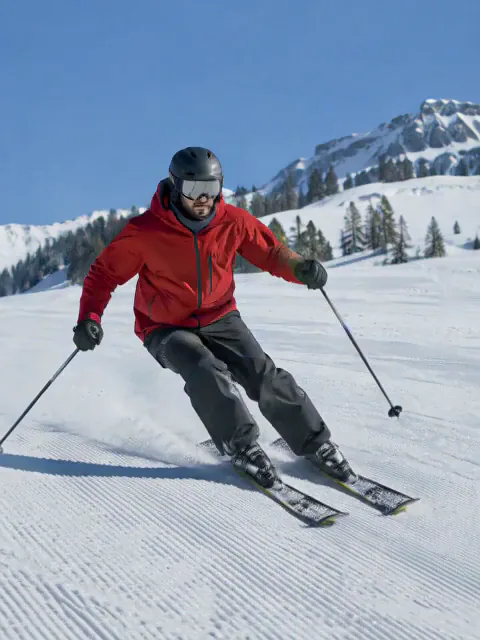
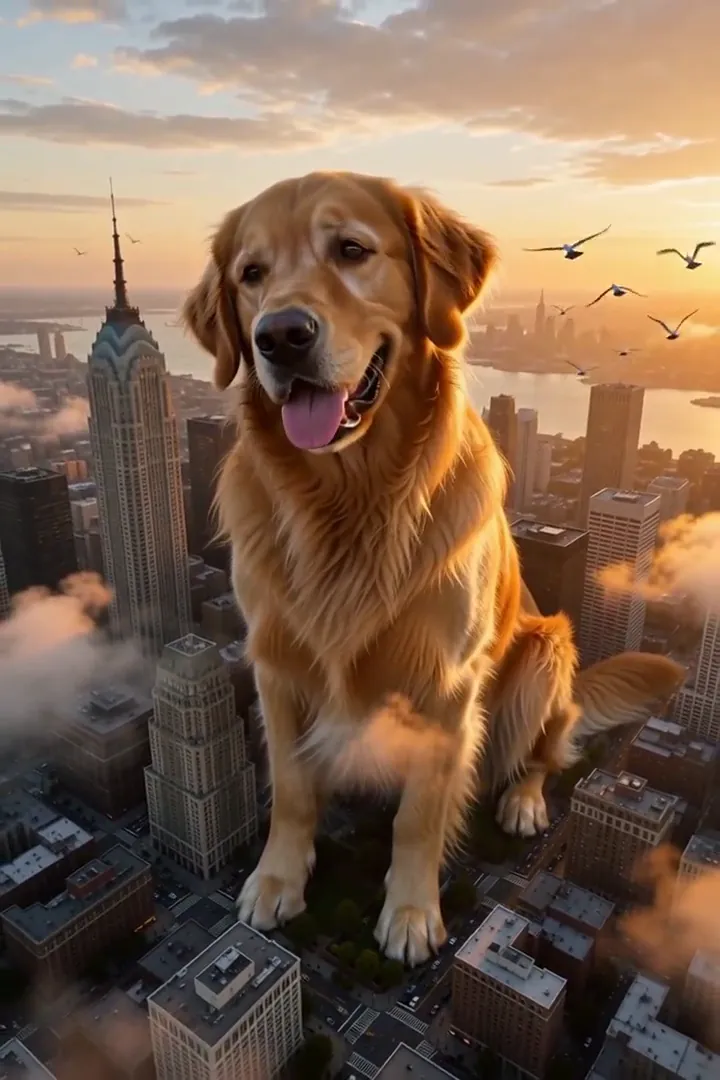
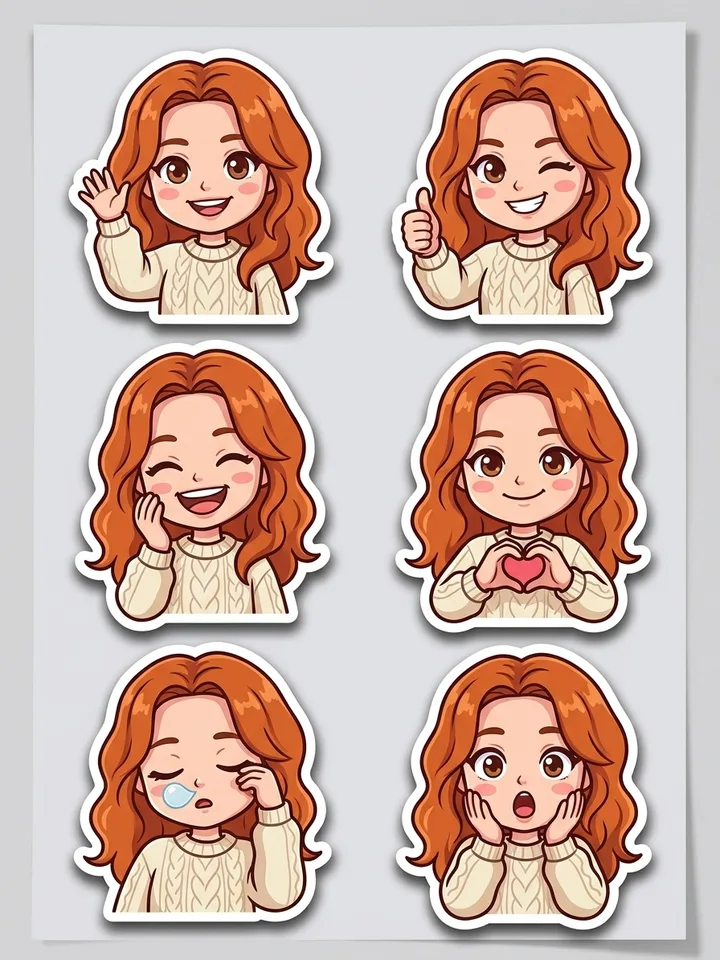
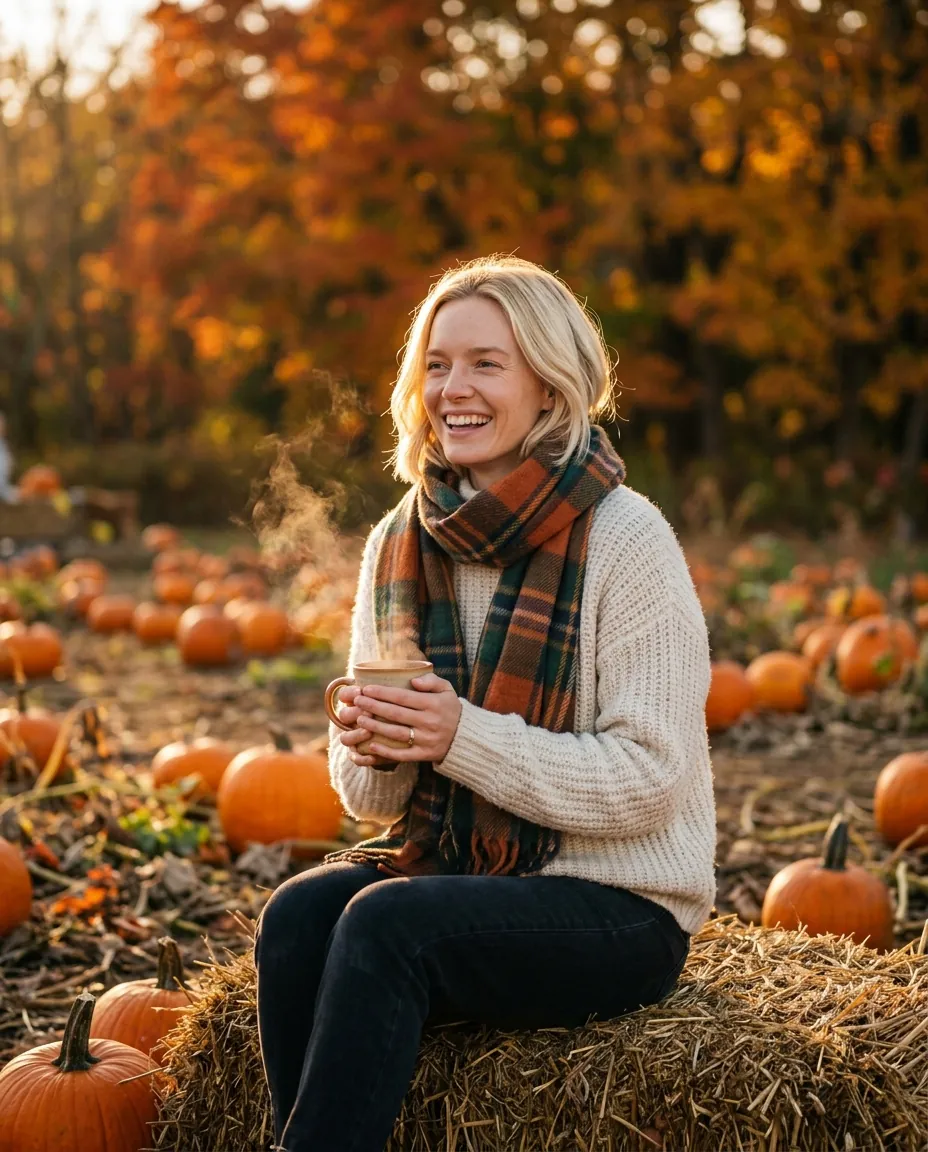
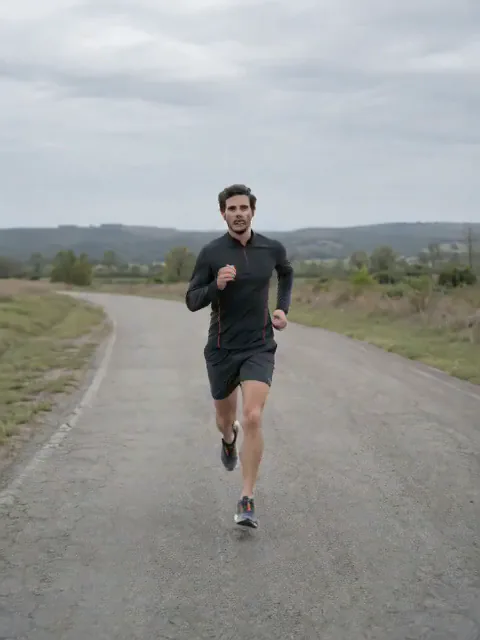

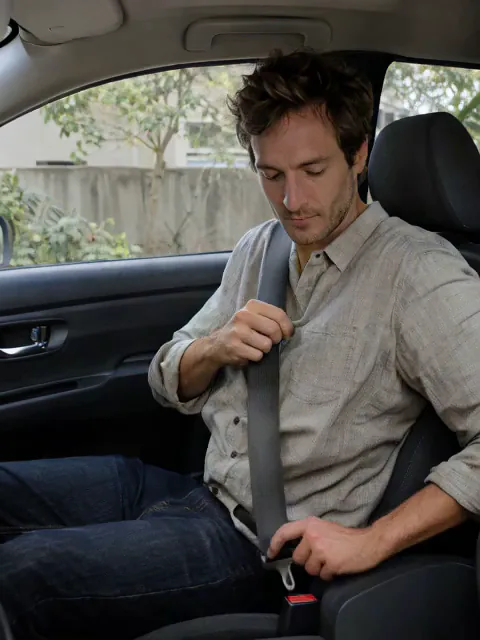
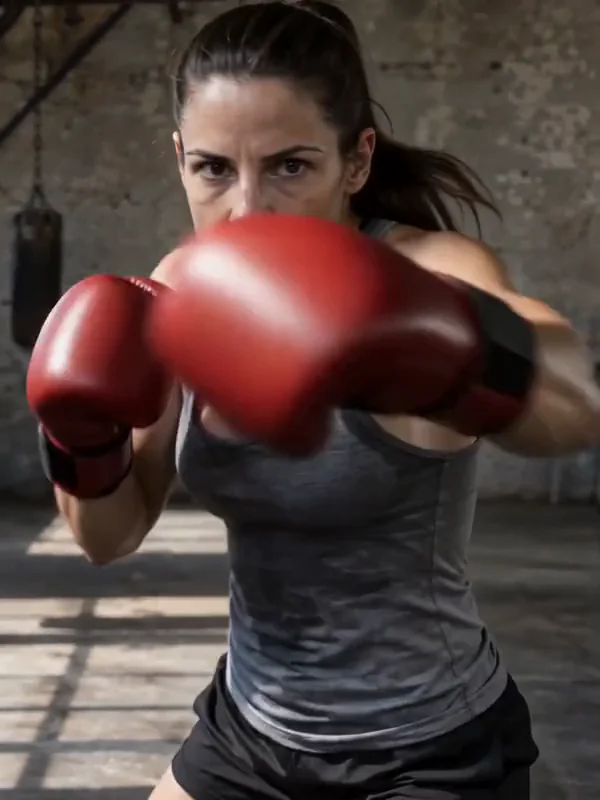





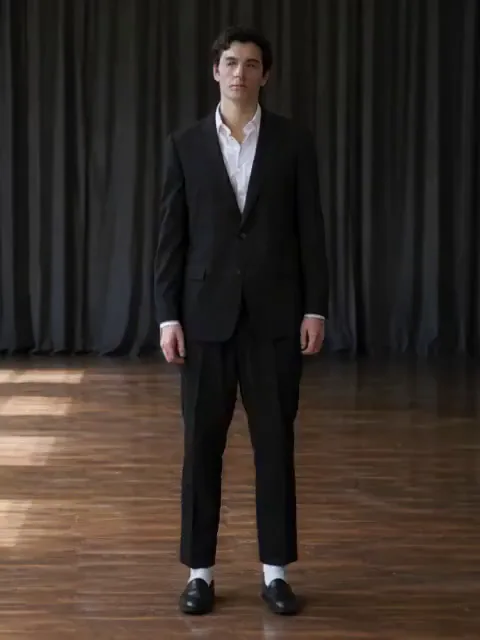
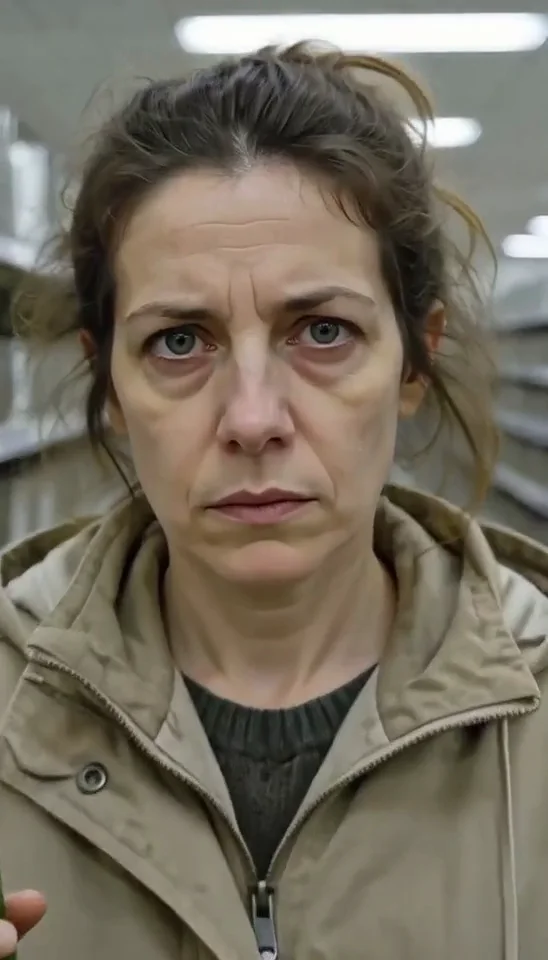
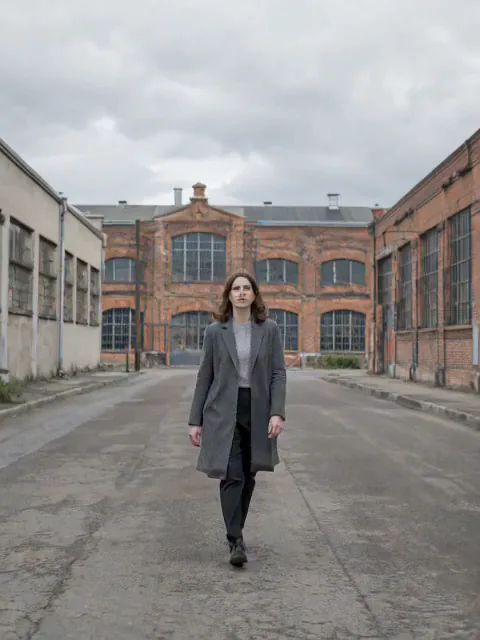
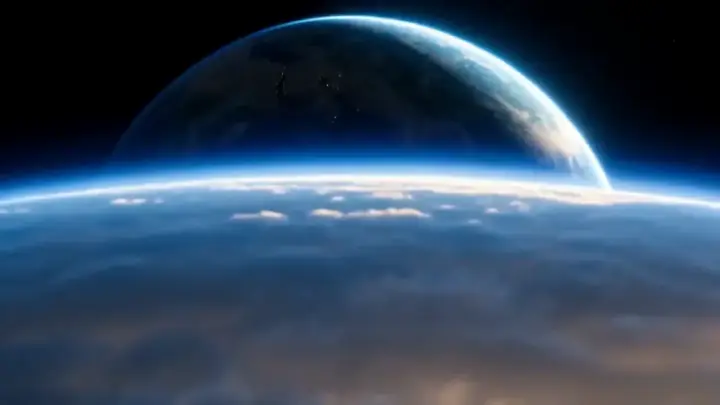

AI Video Effects: Turn a Photo into a Viral Clip
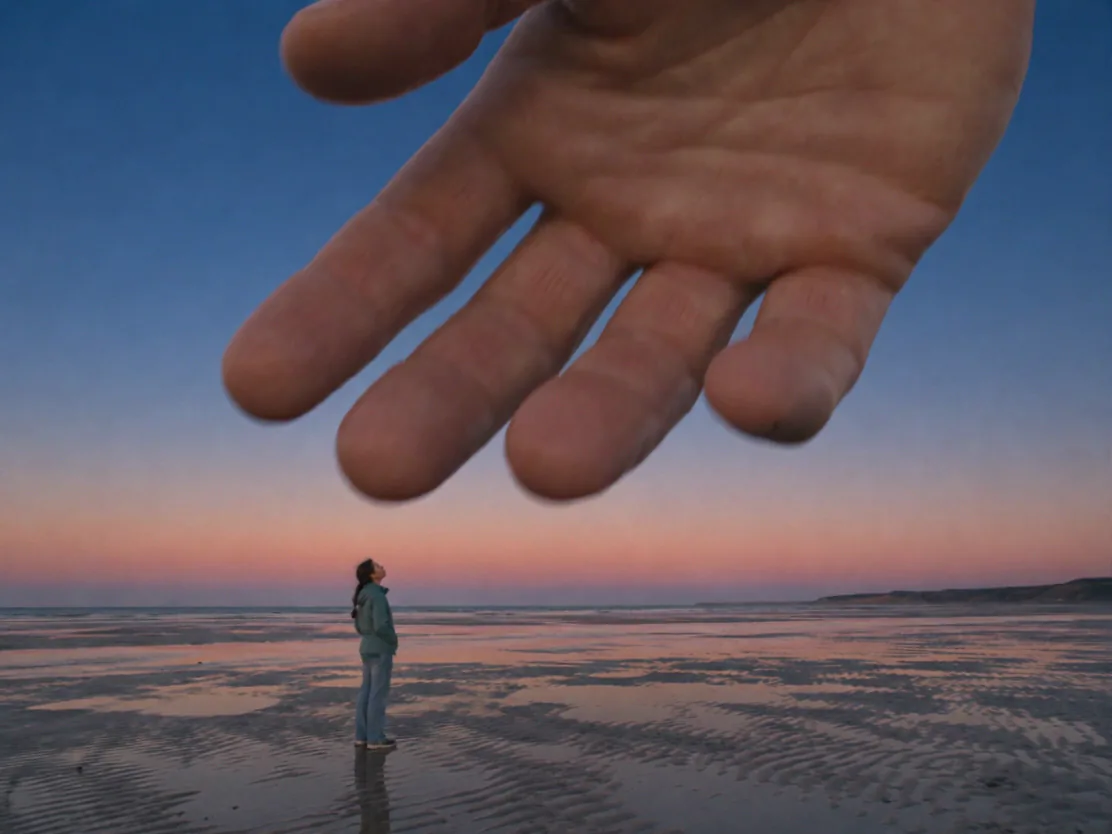
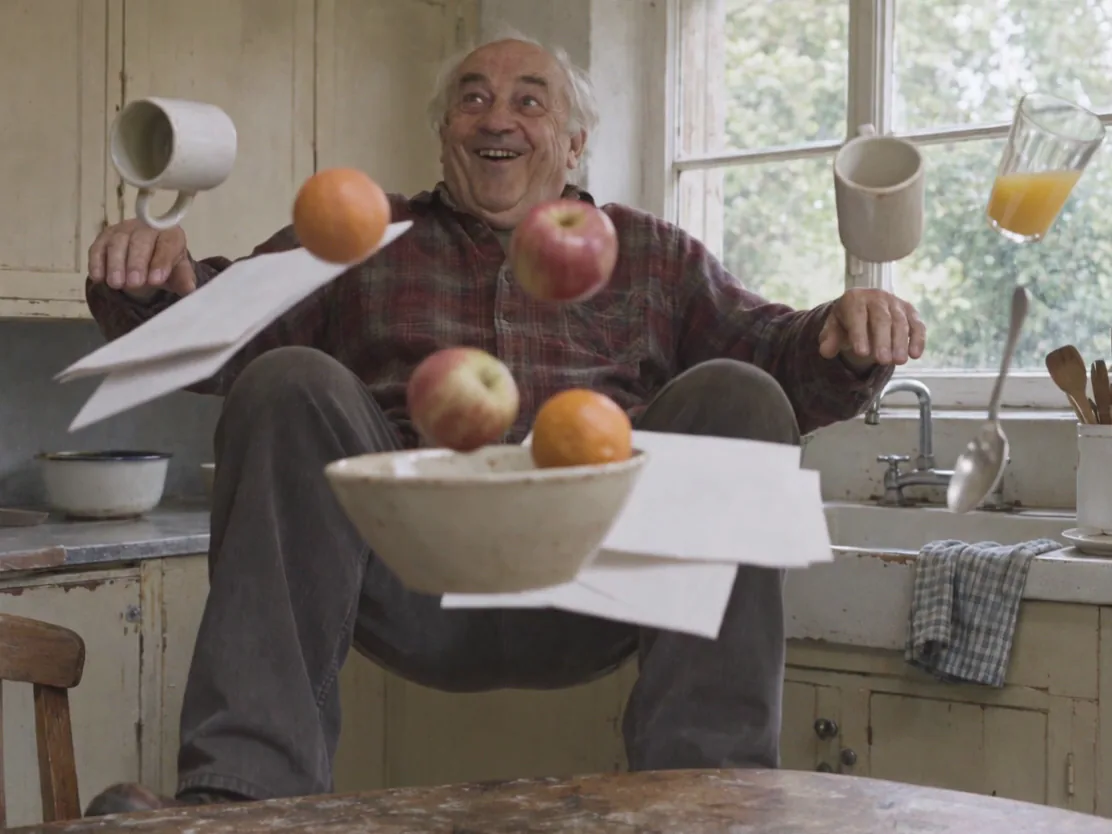
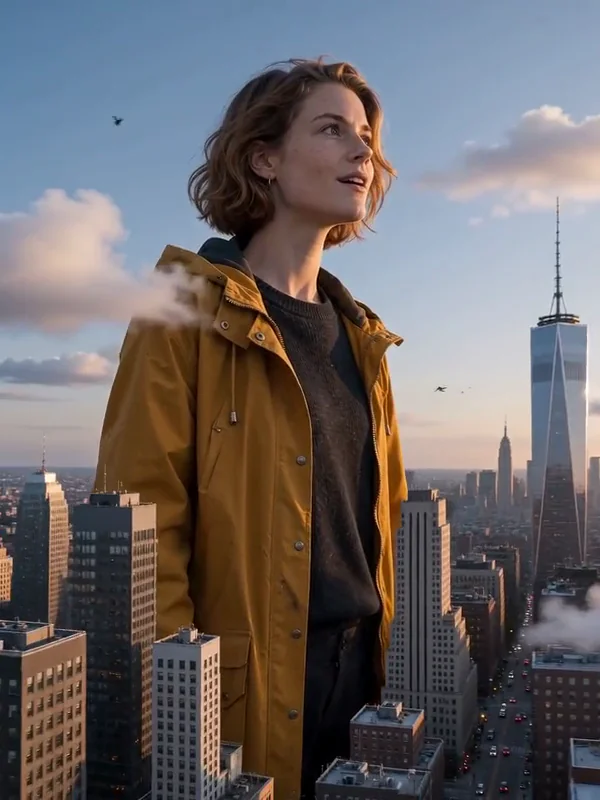
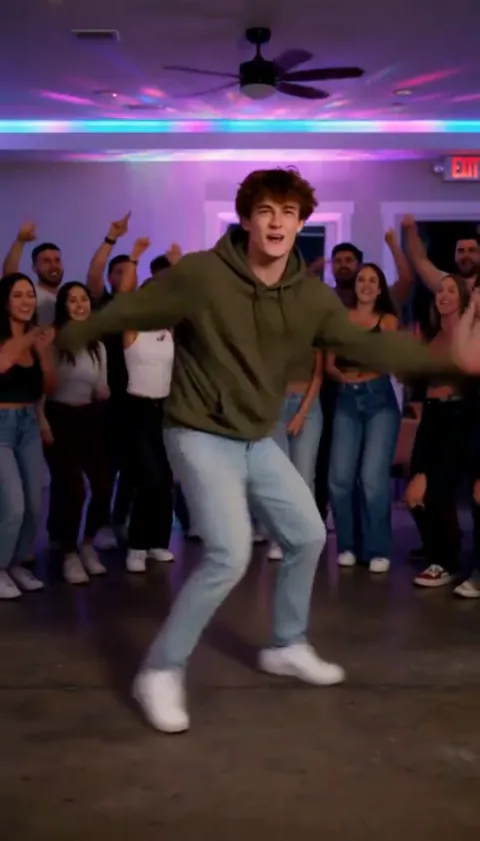
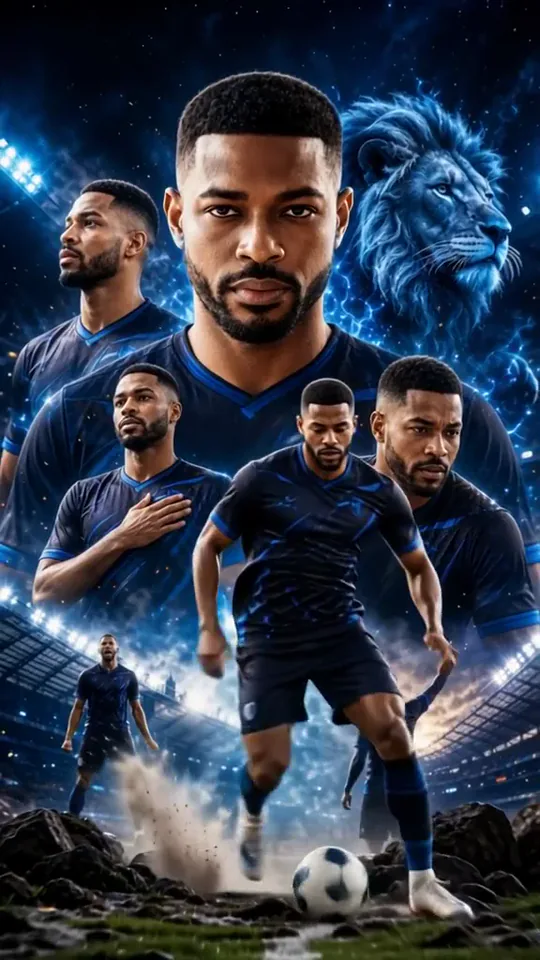
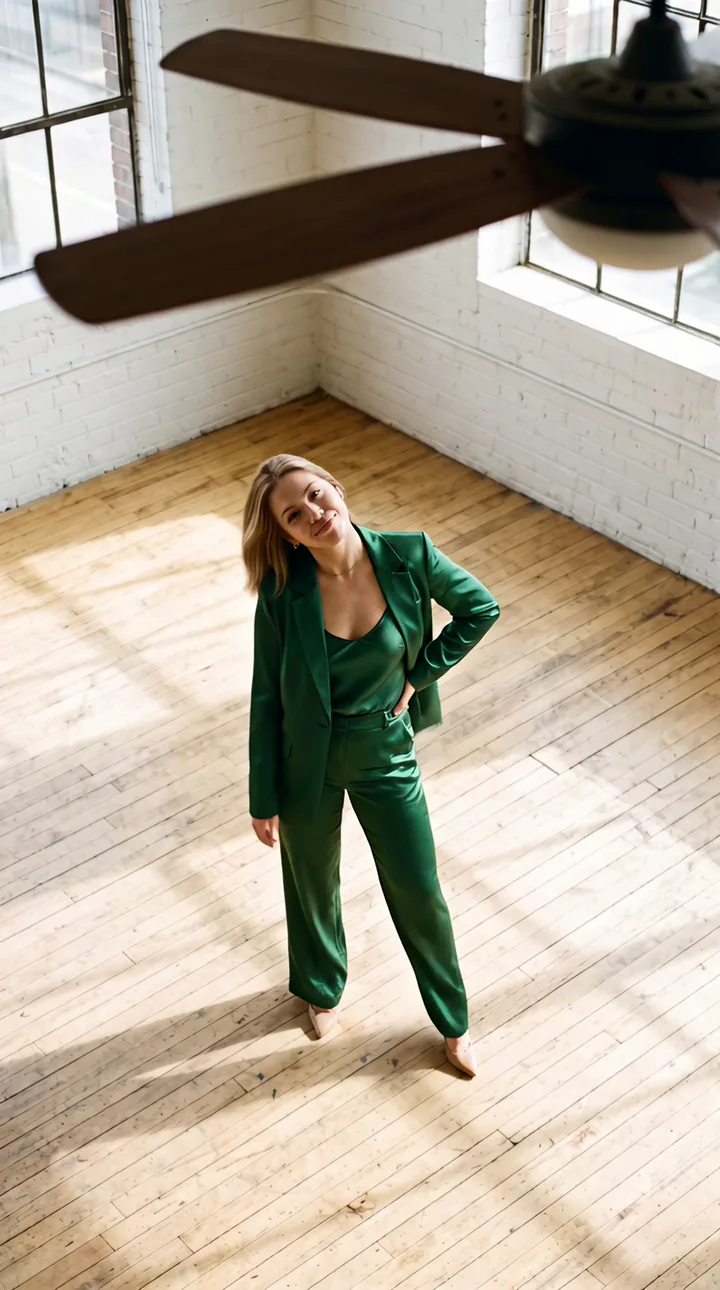
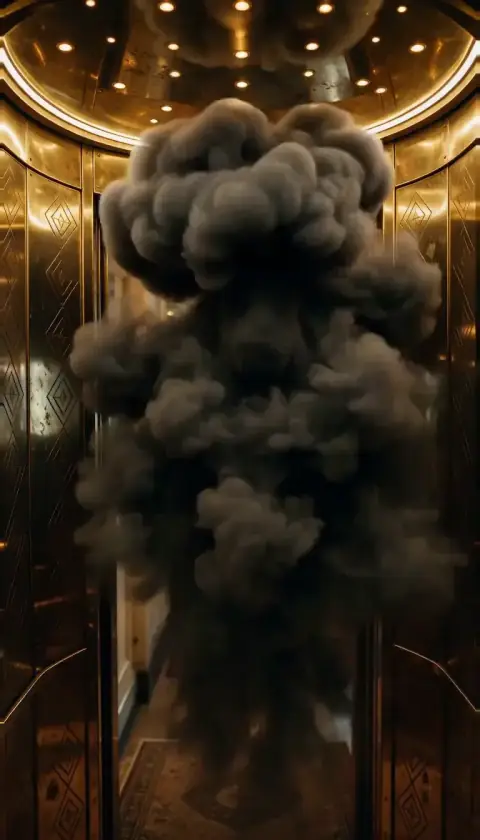
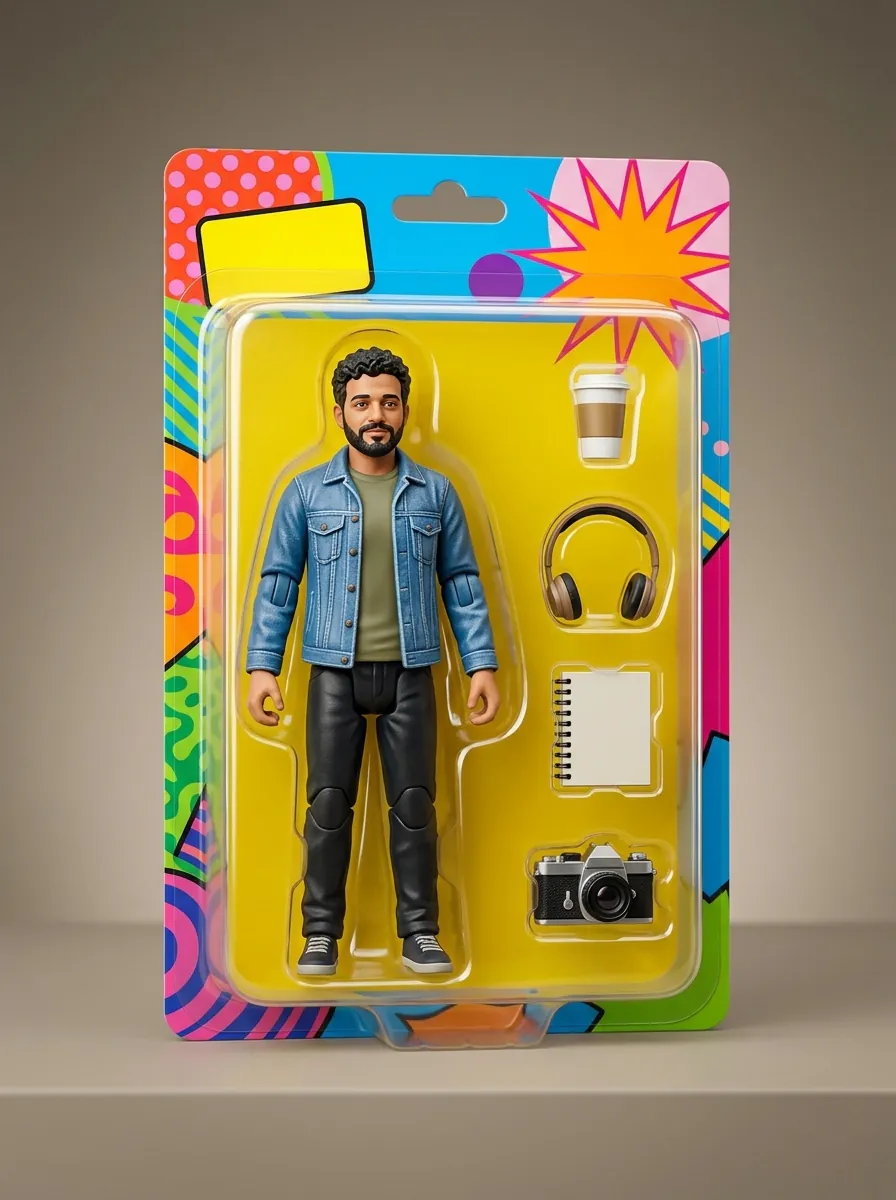
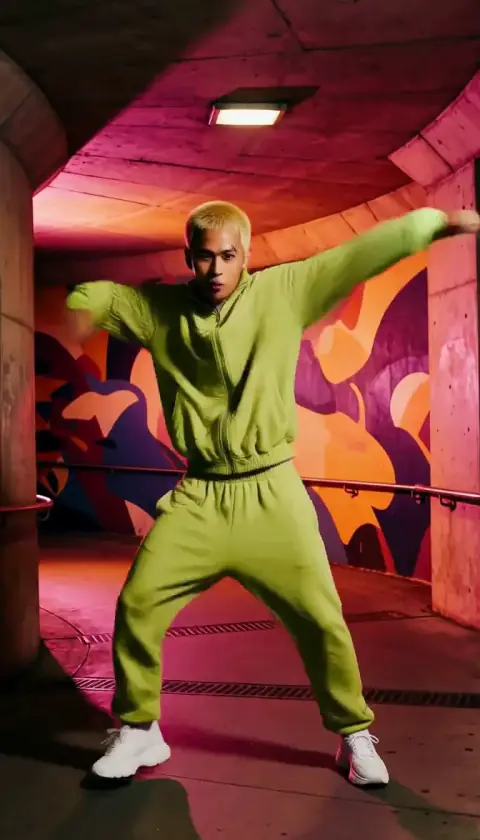
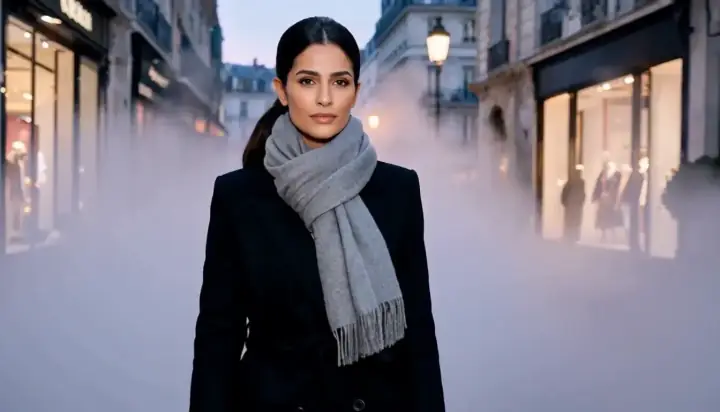
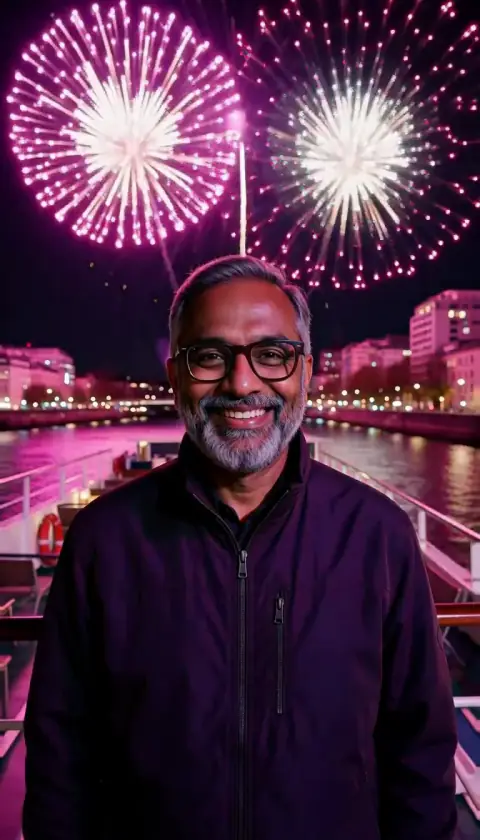
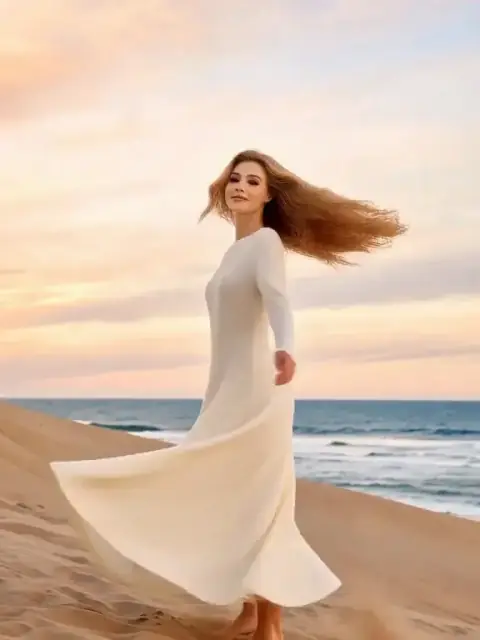
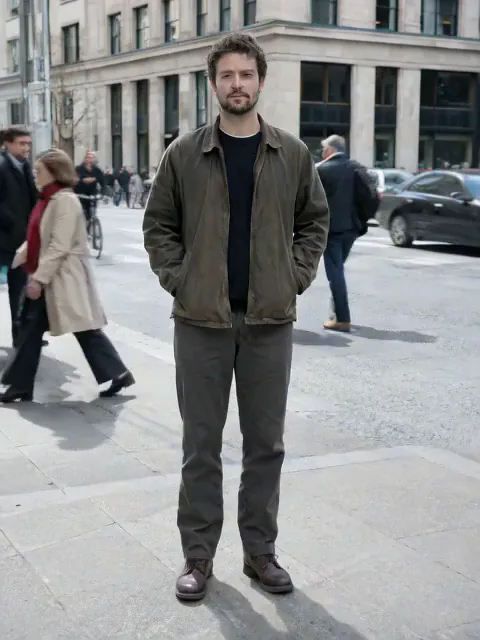
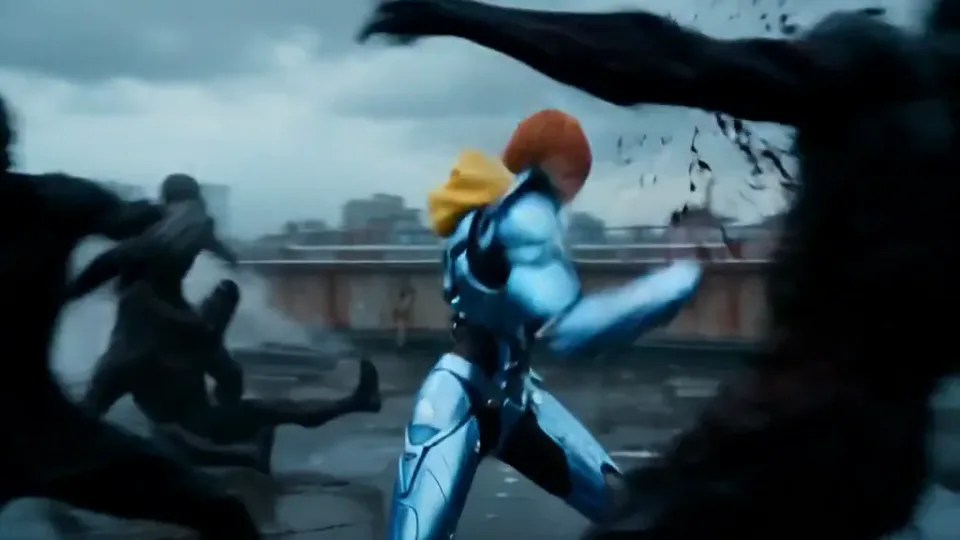
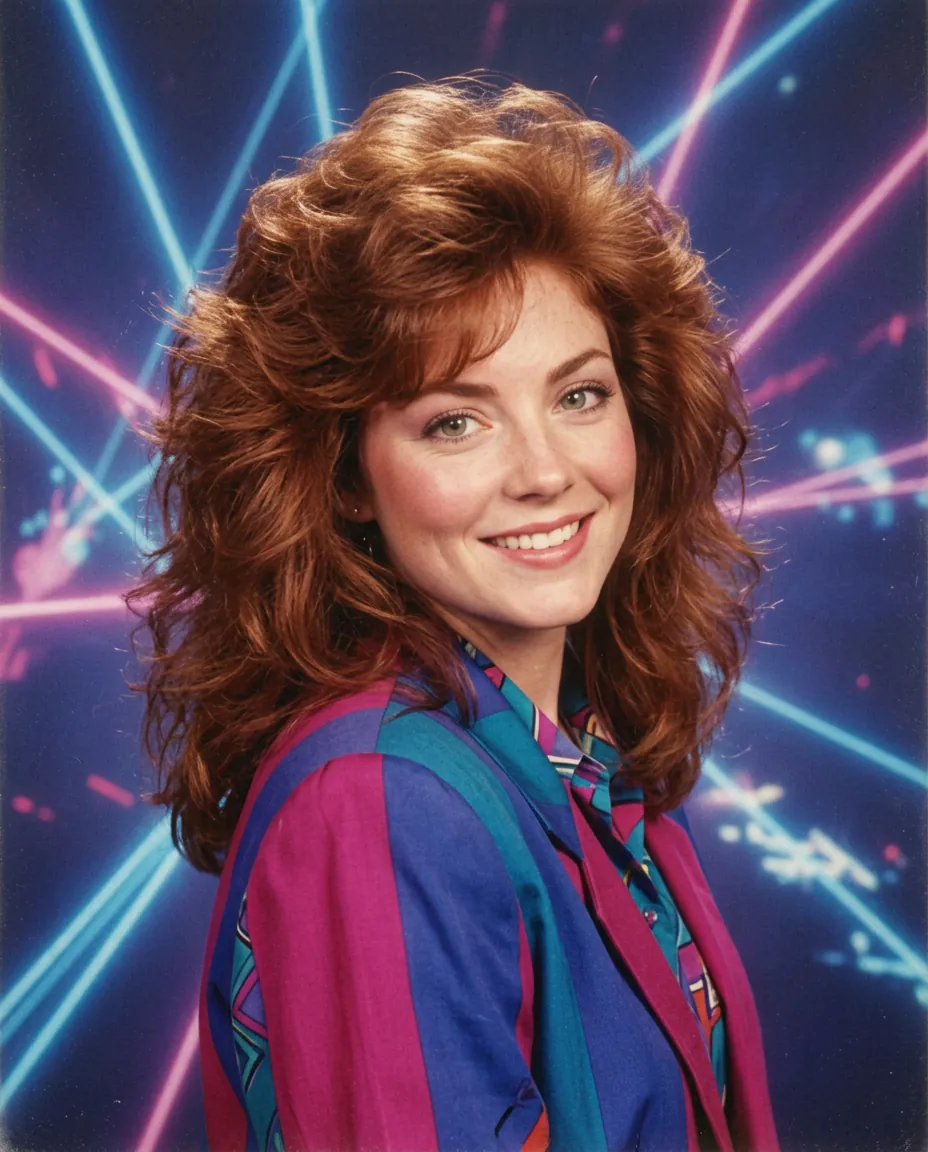
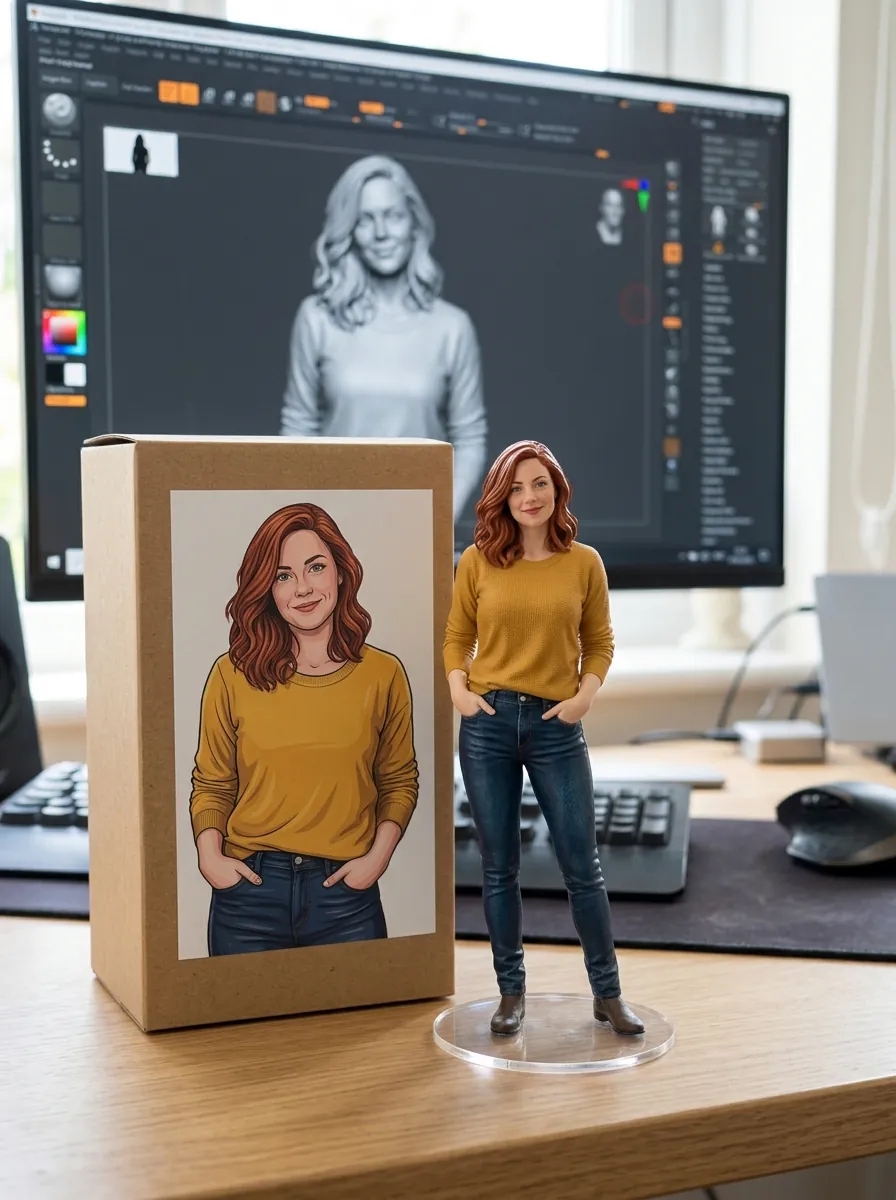
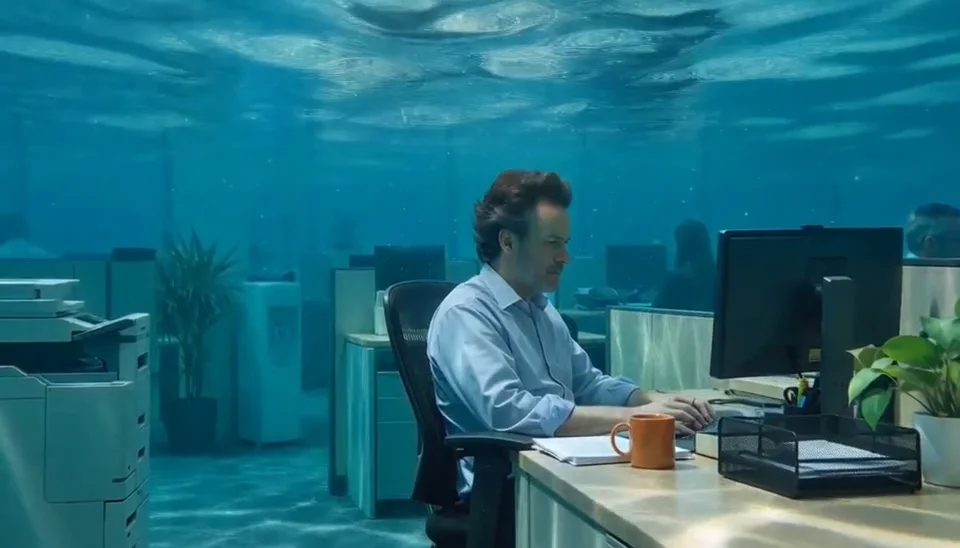
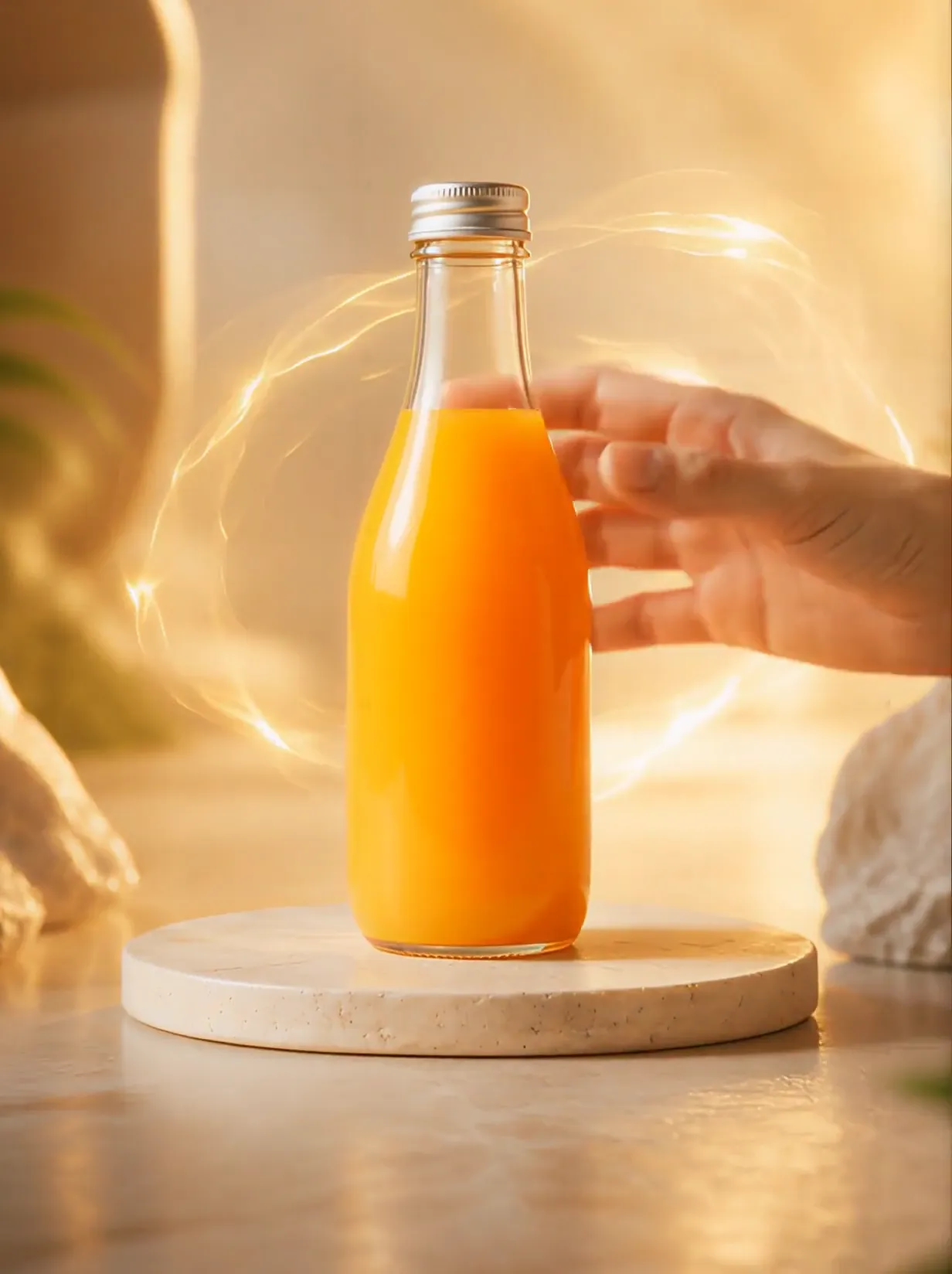
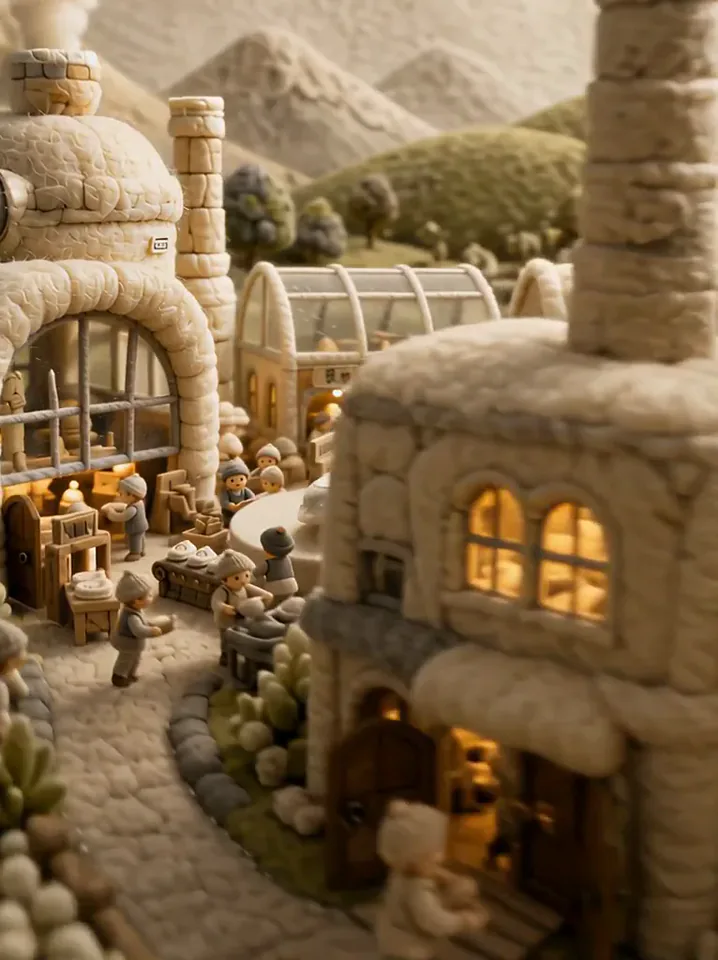
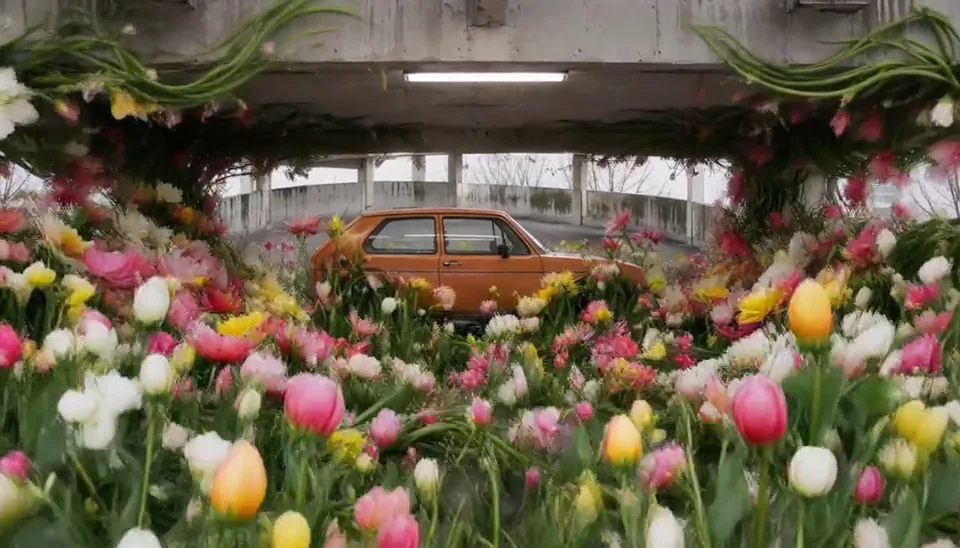
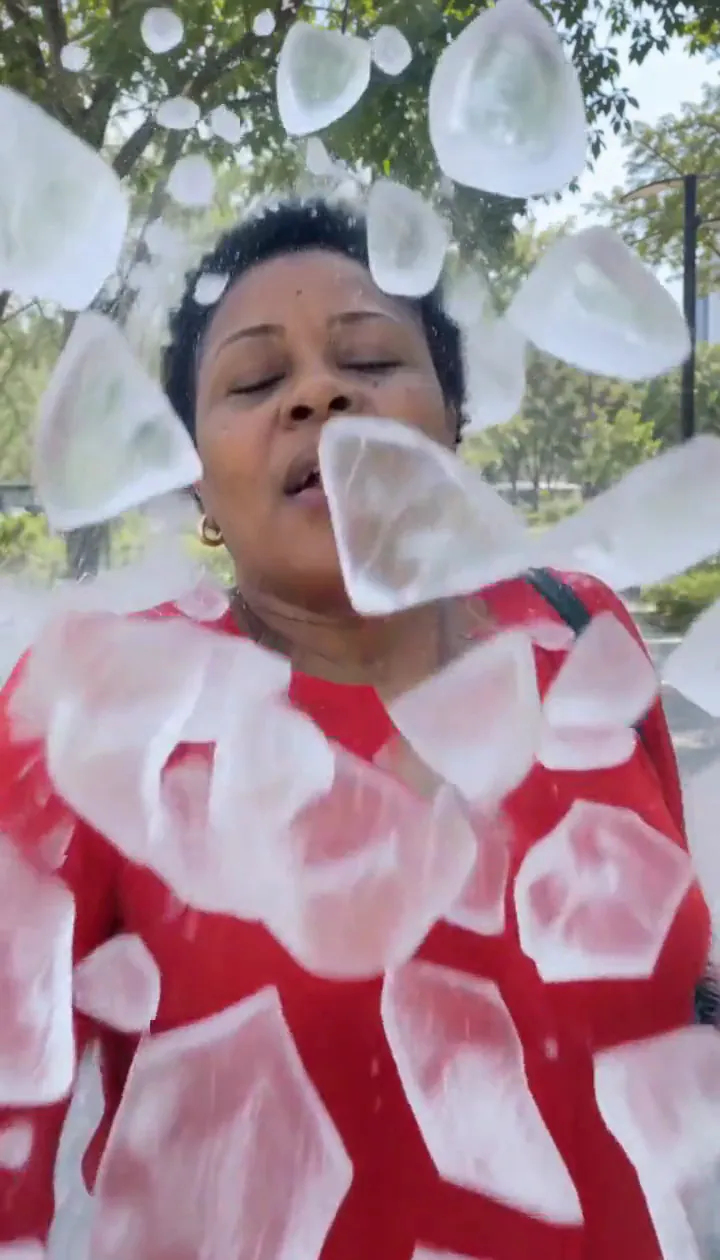
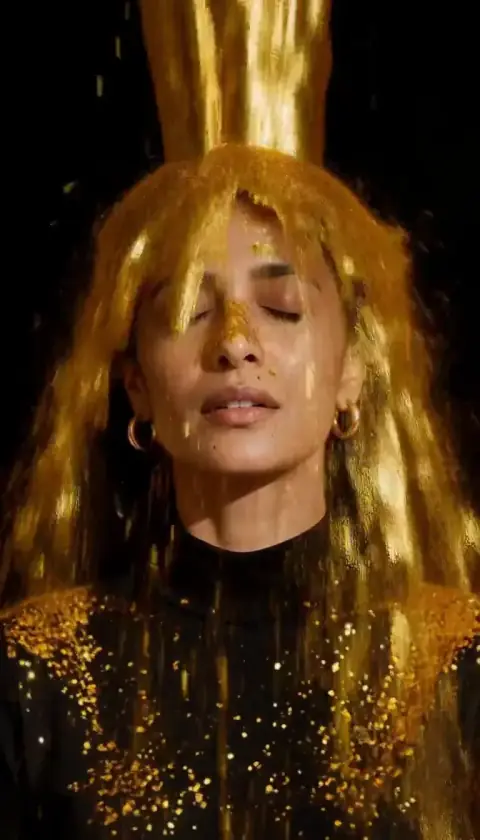
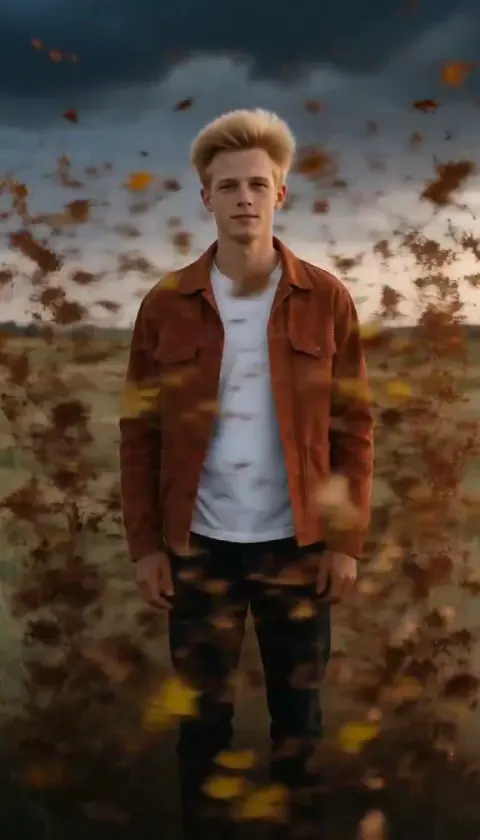
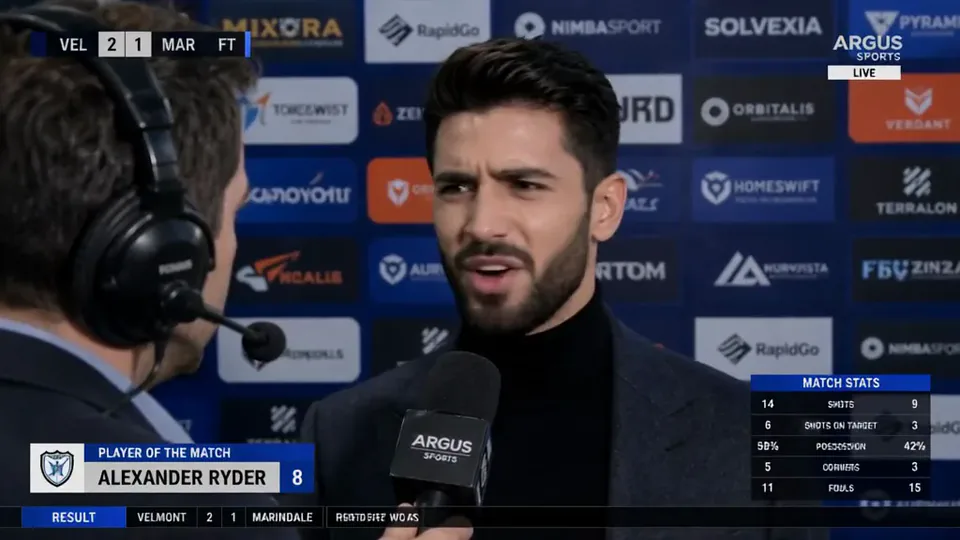
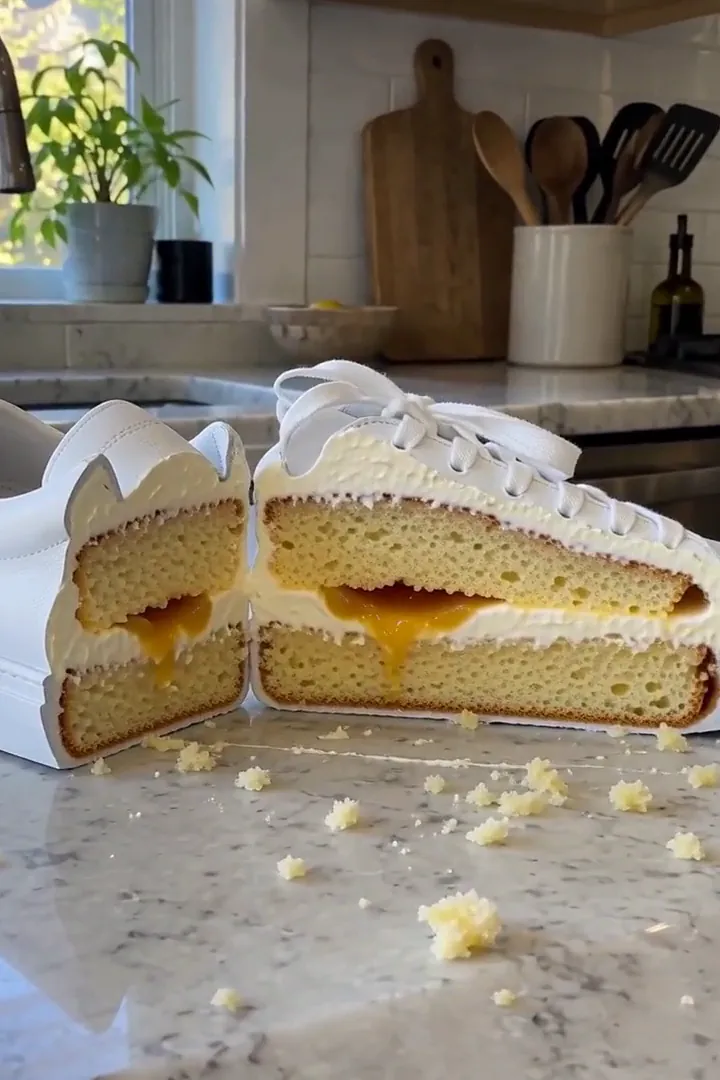
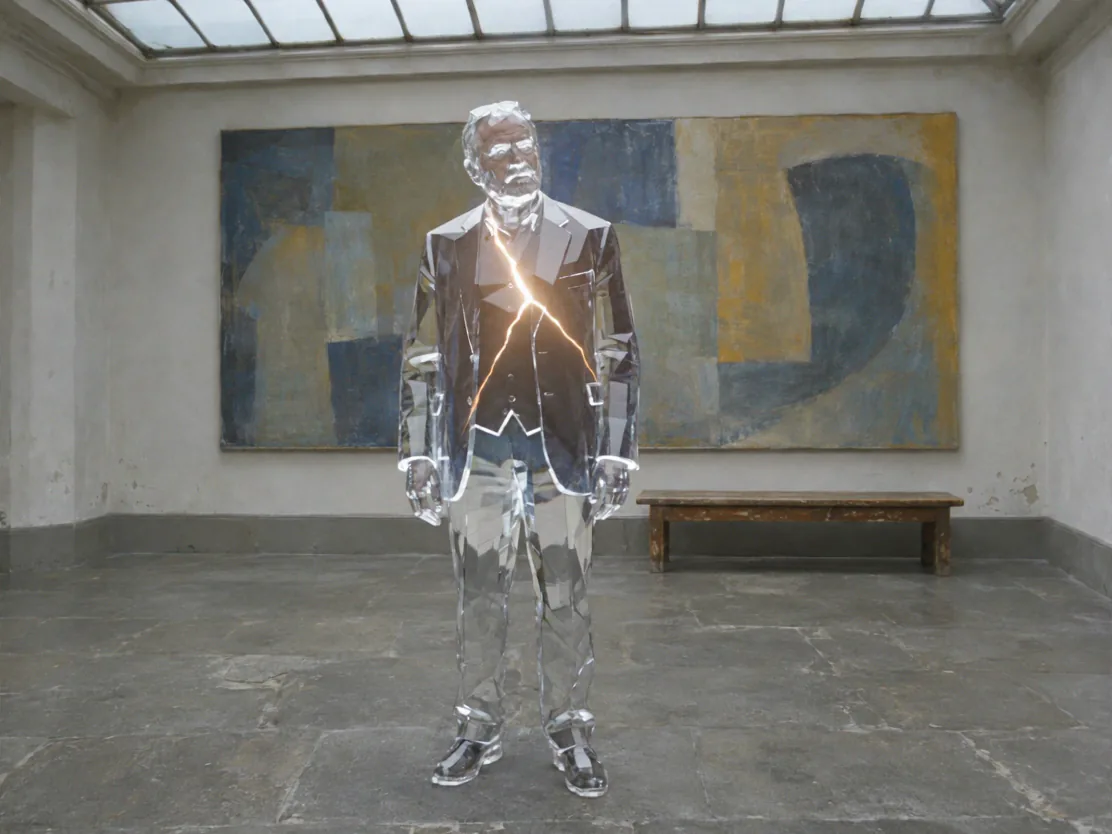
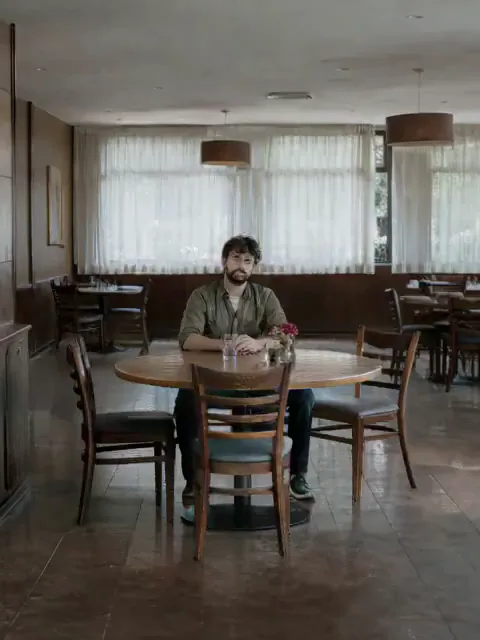
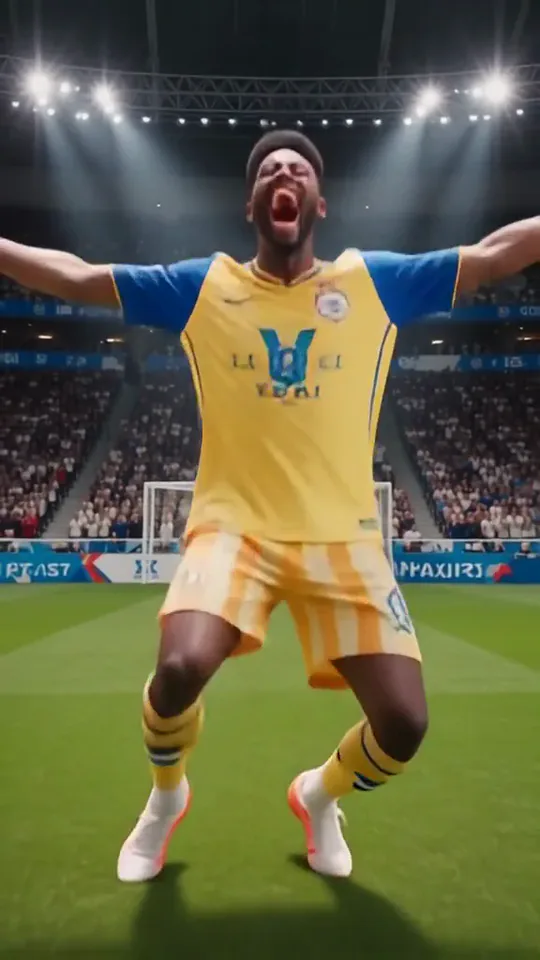
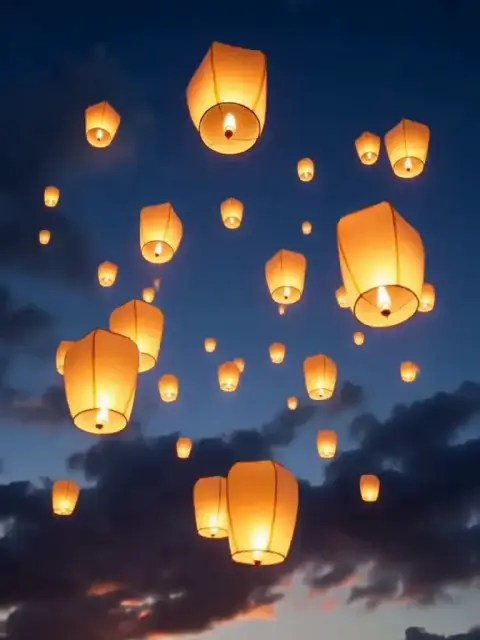
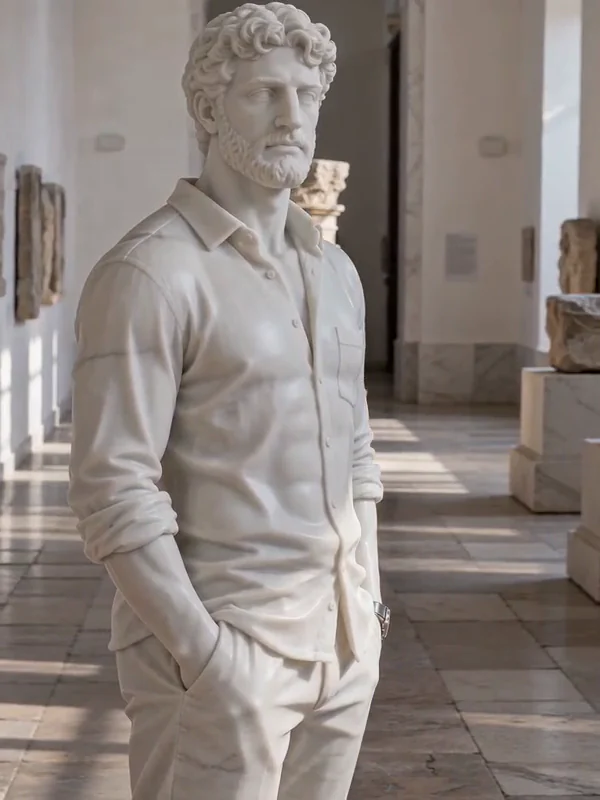
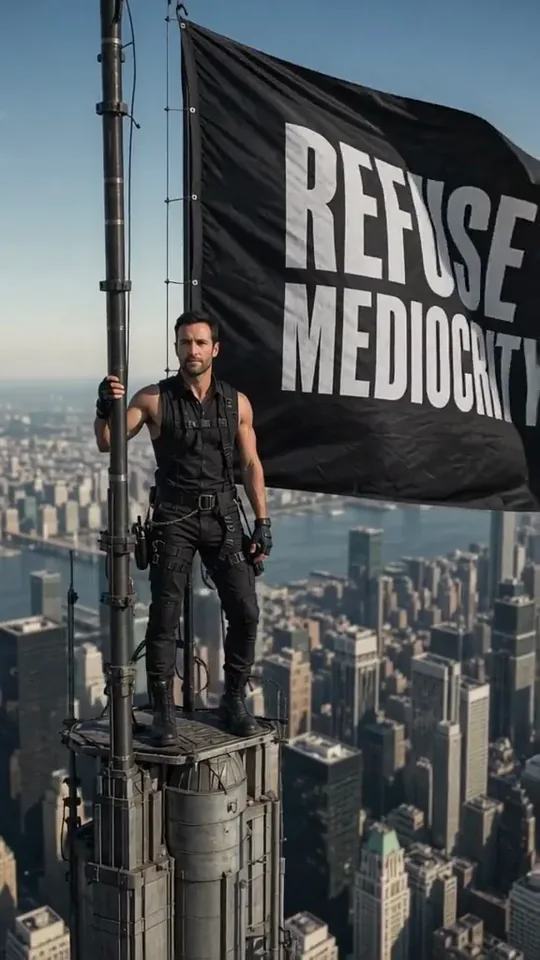
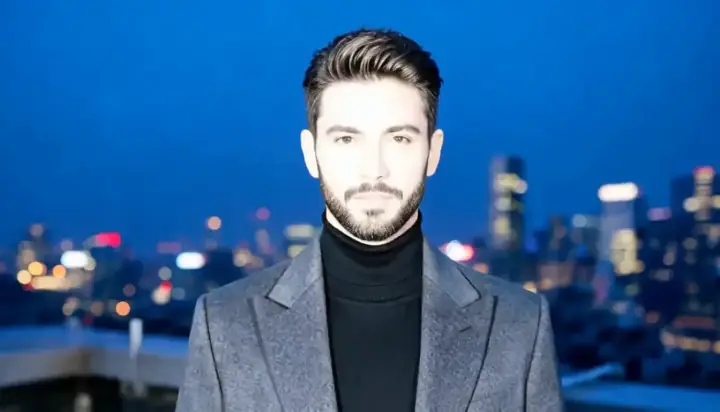
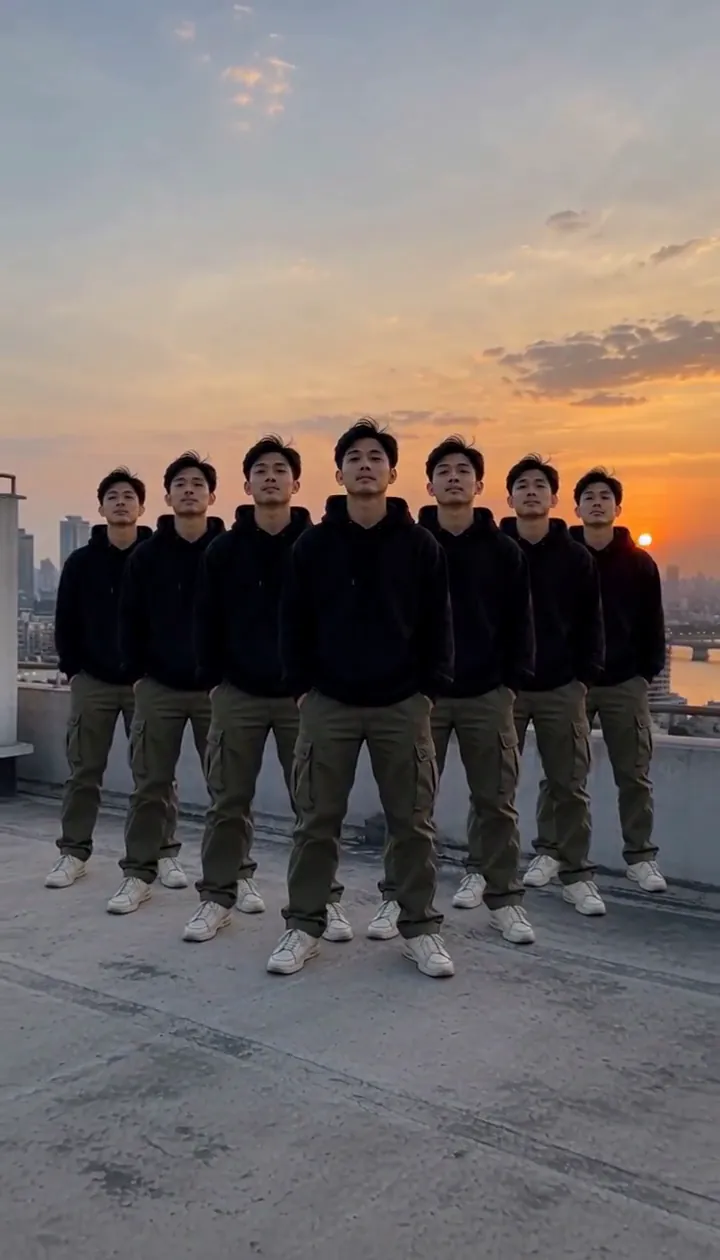
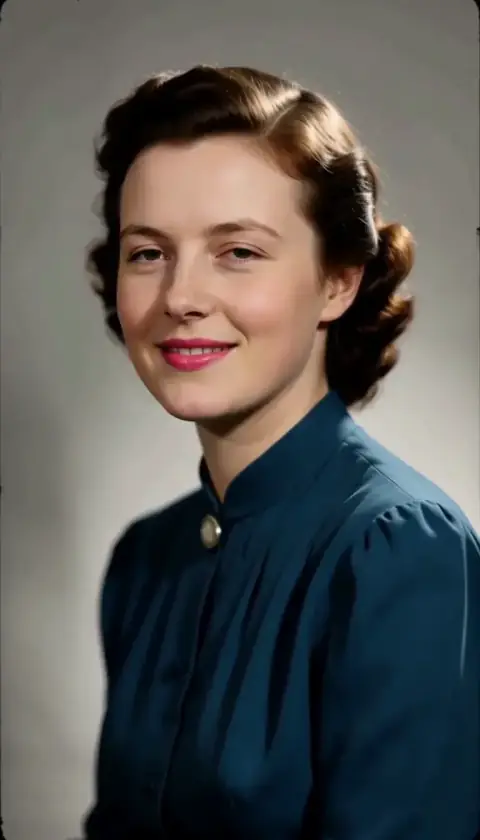
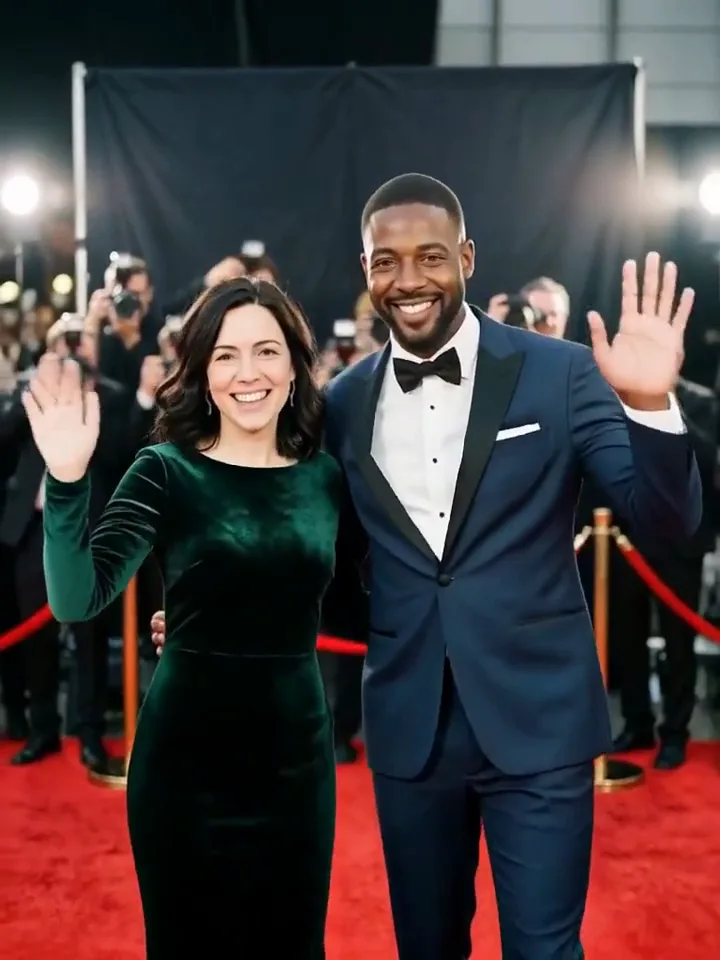
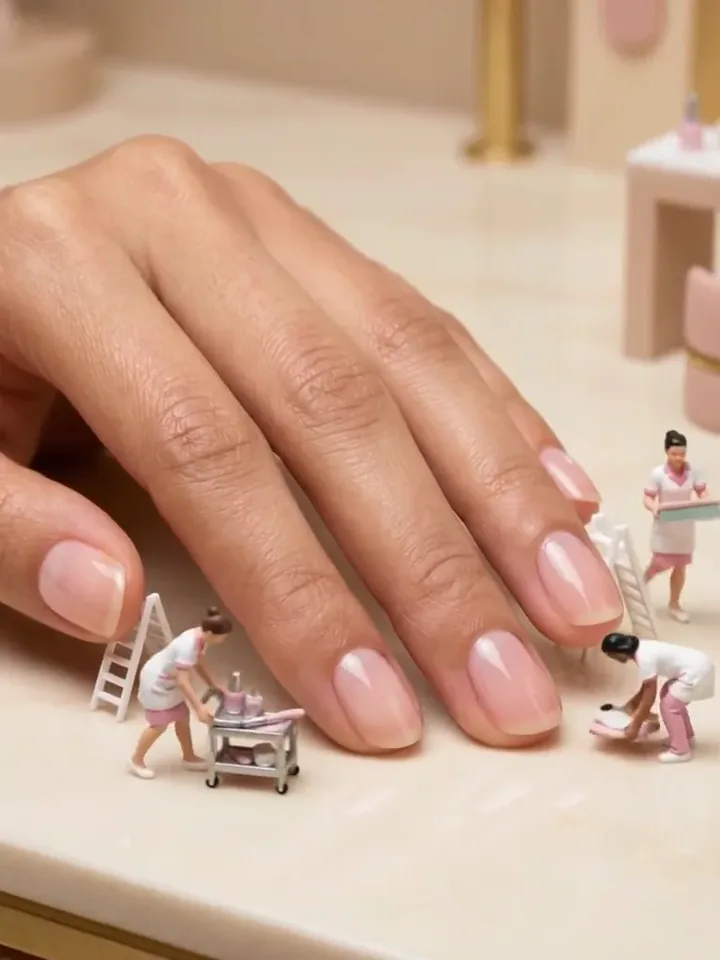
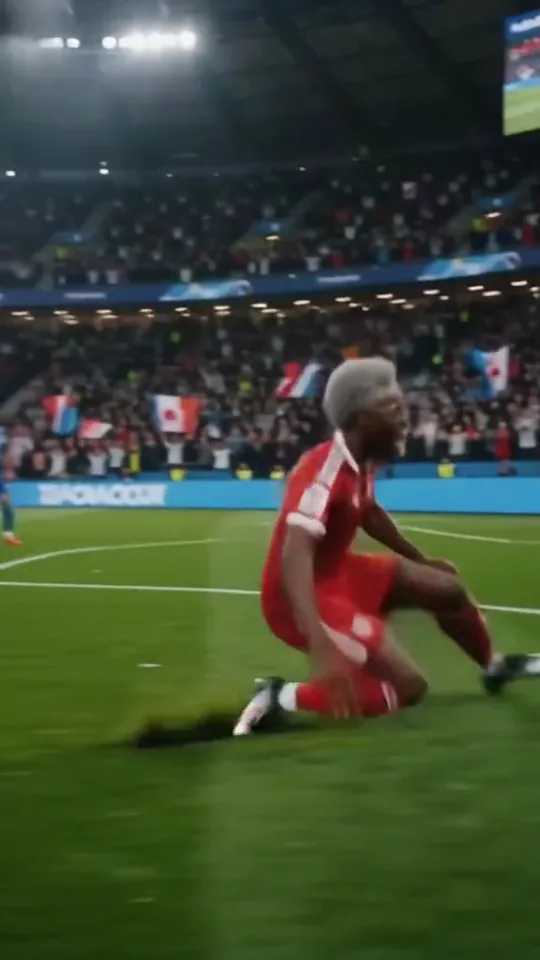
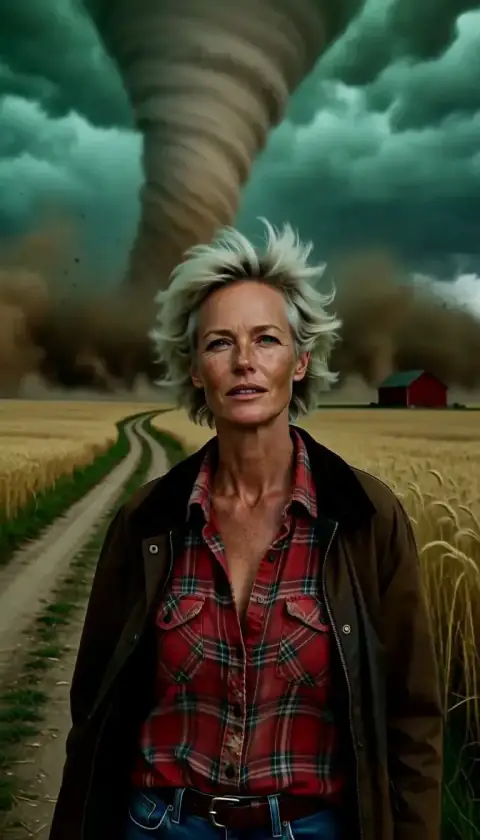
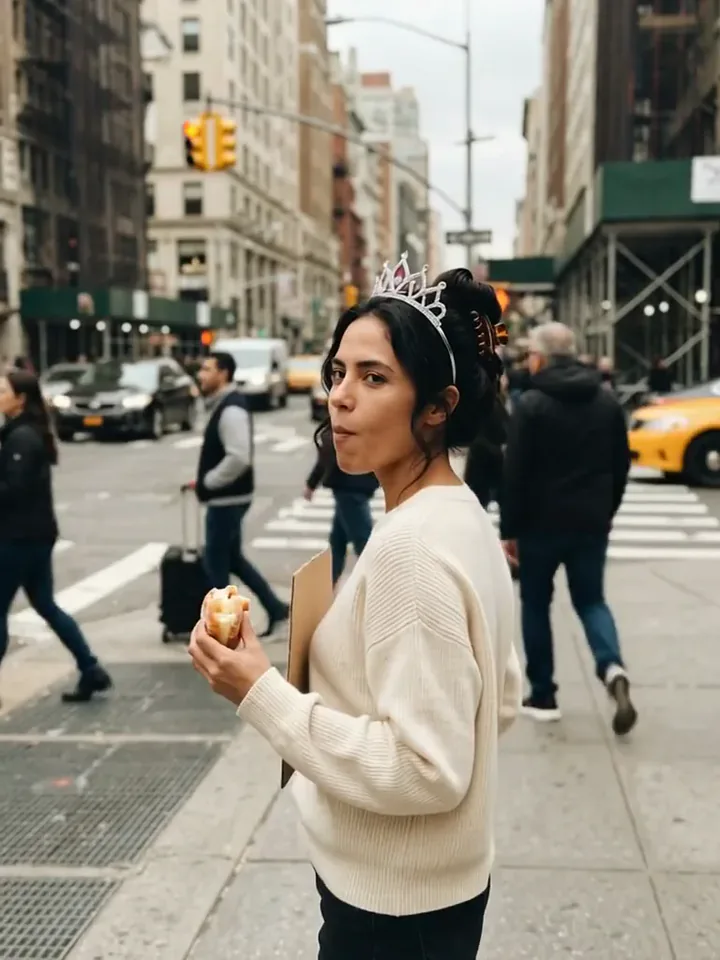
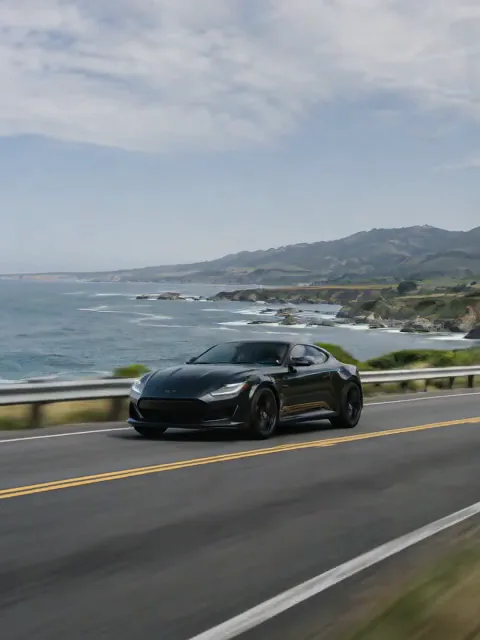
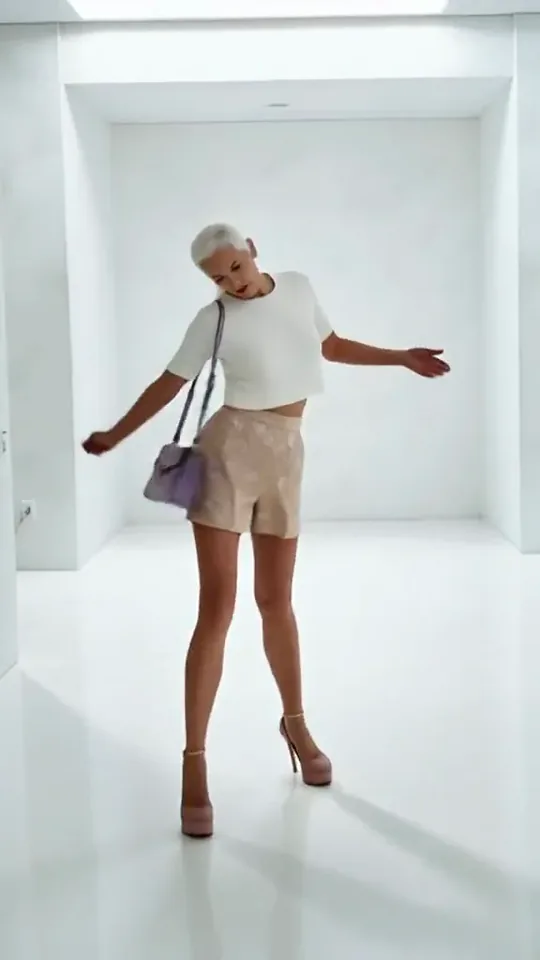
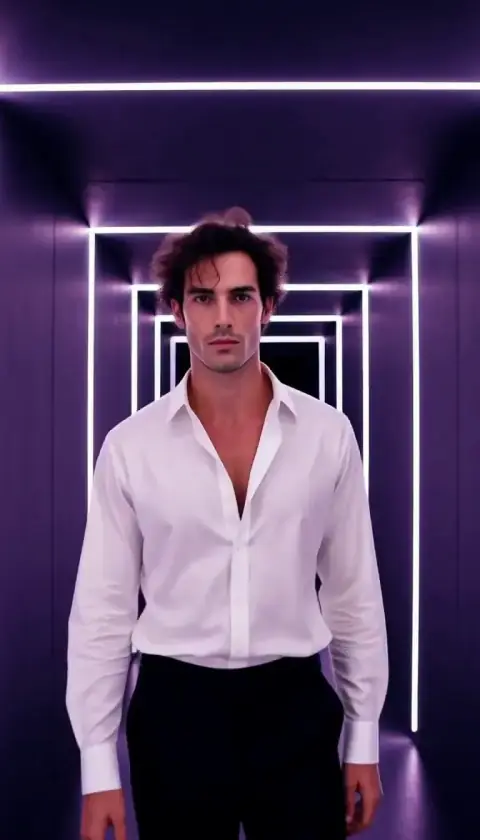
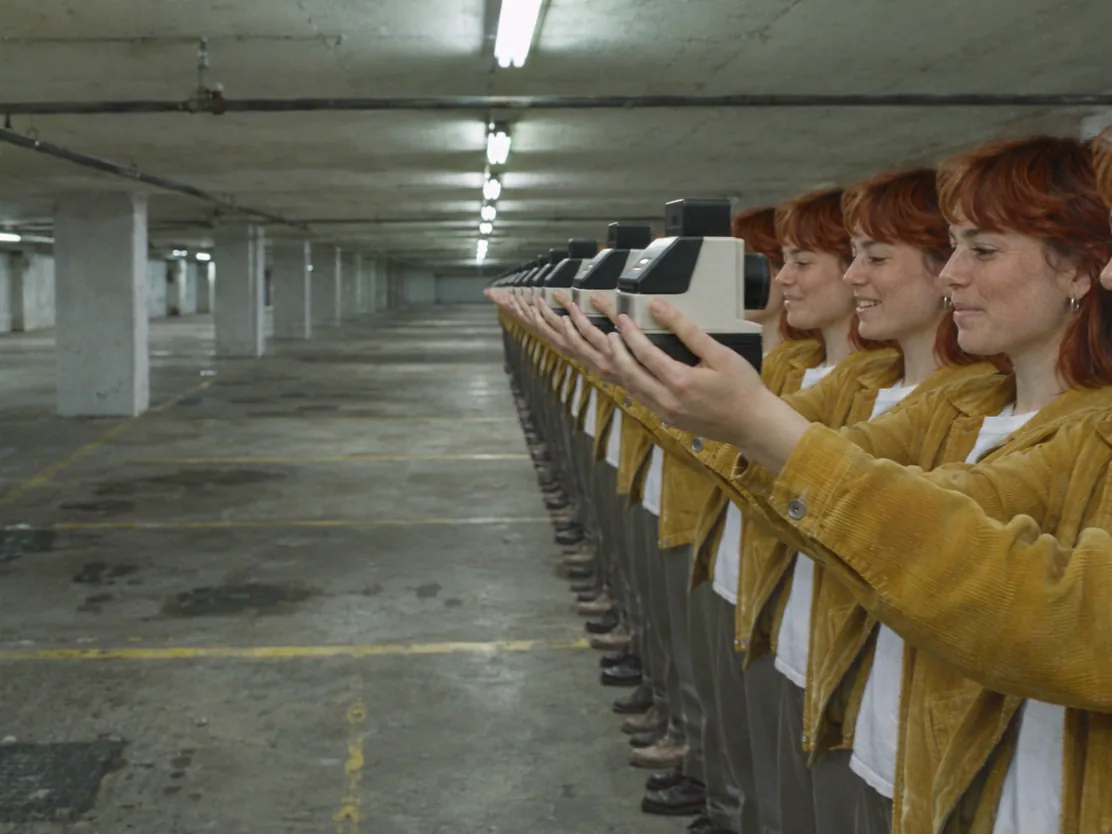
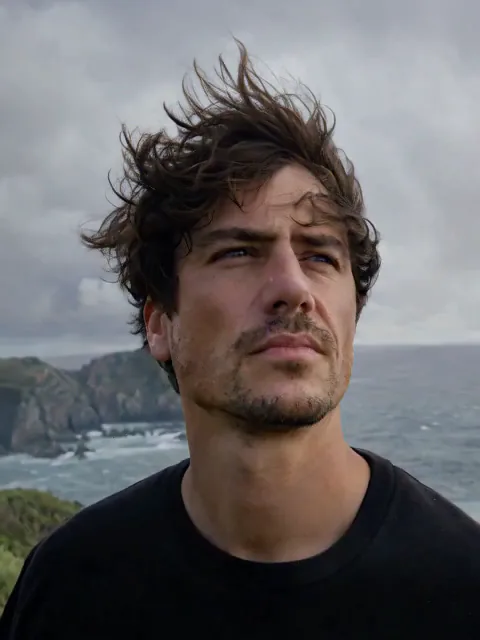
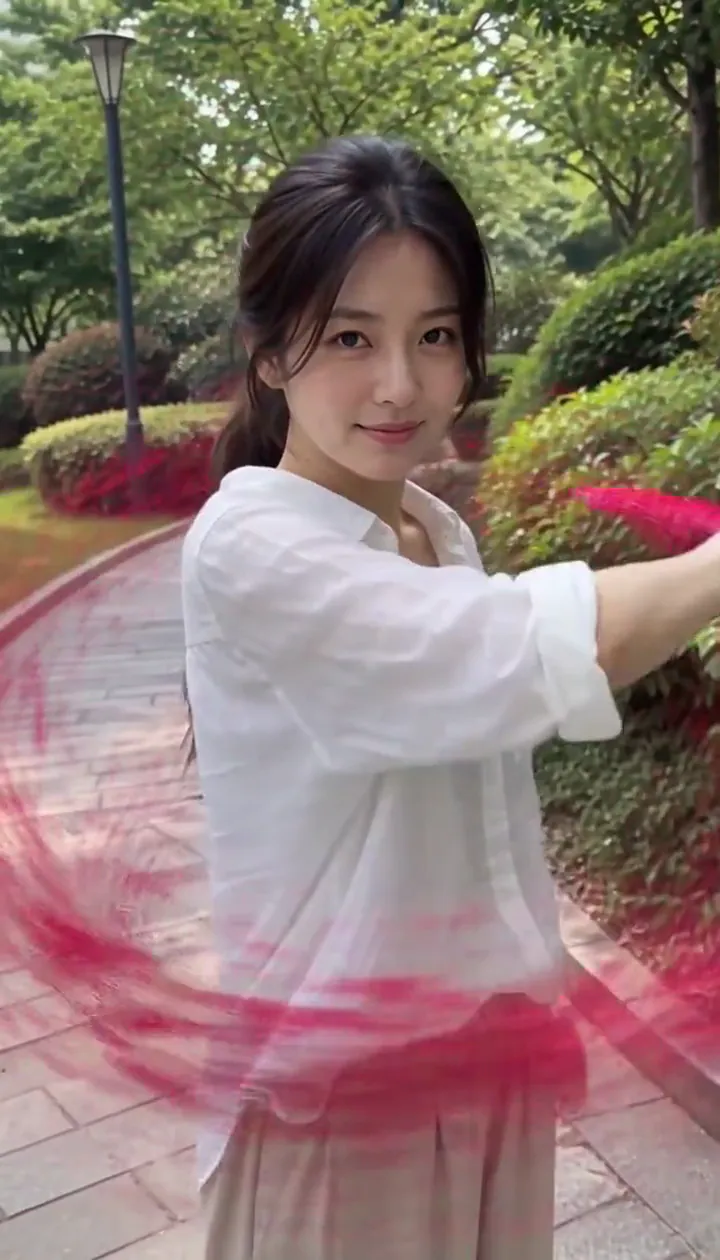
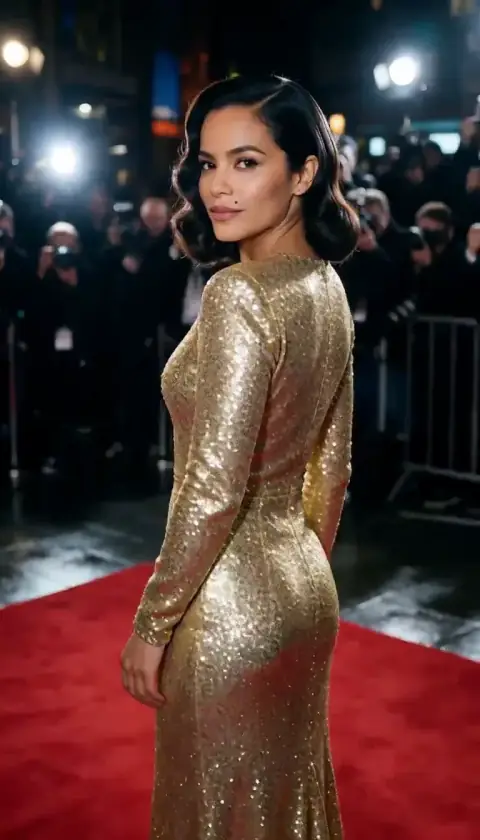
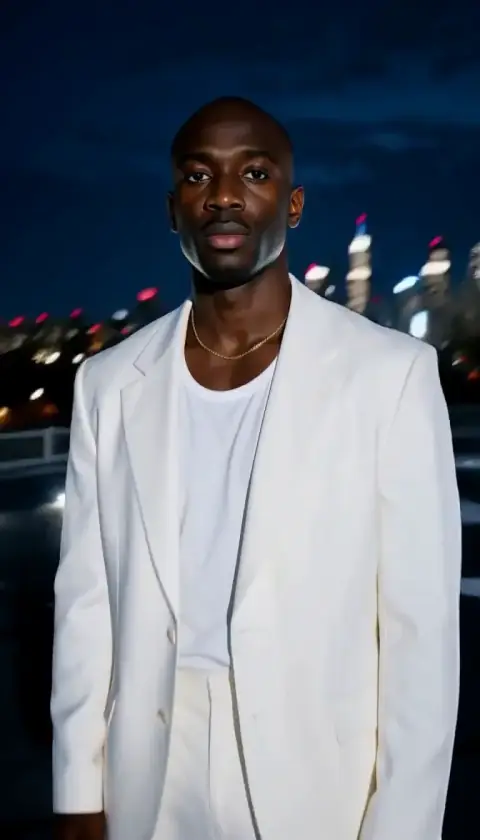
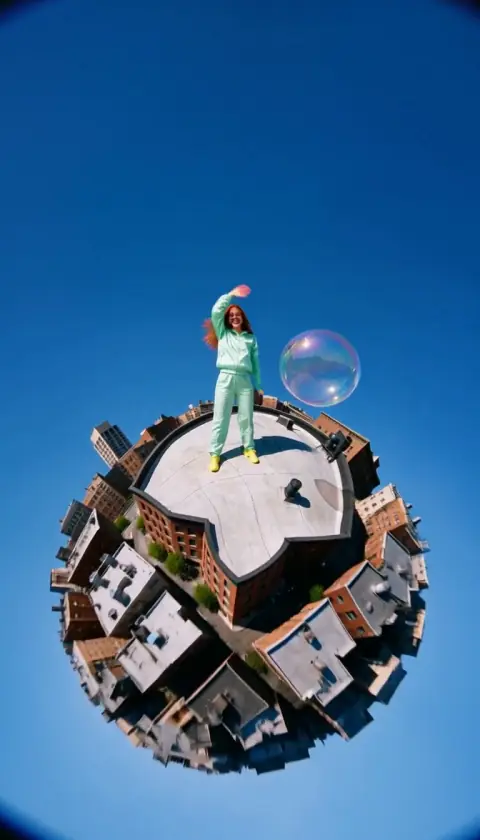
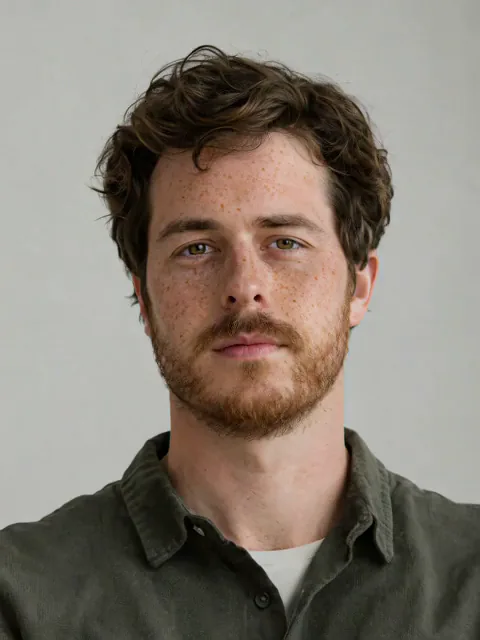
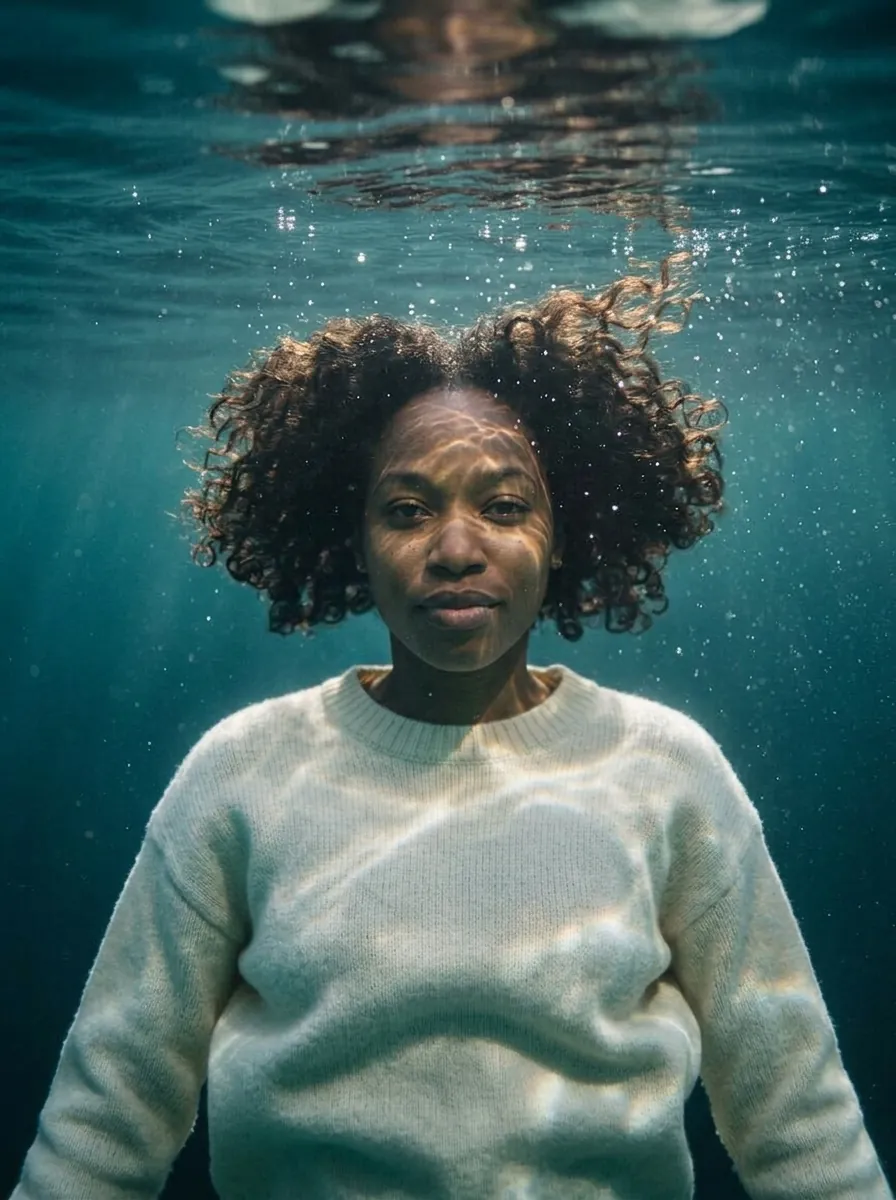
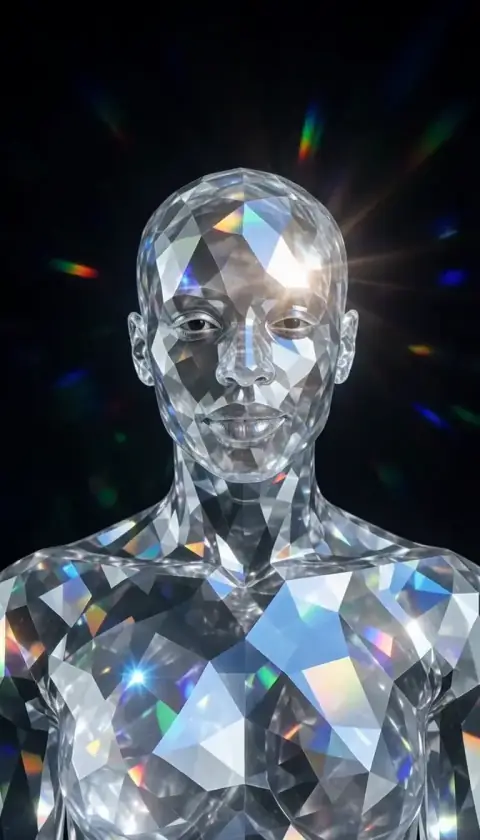
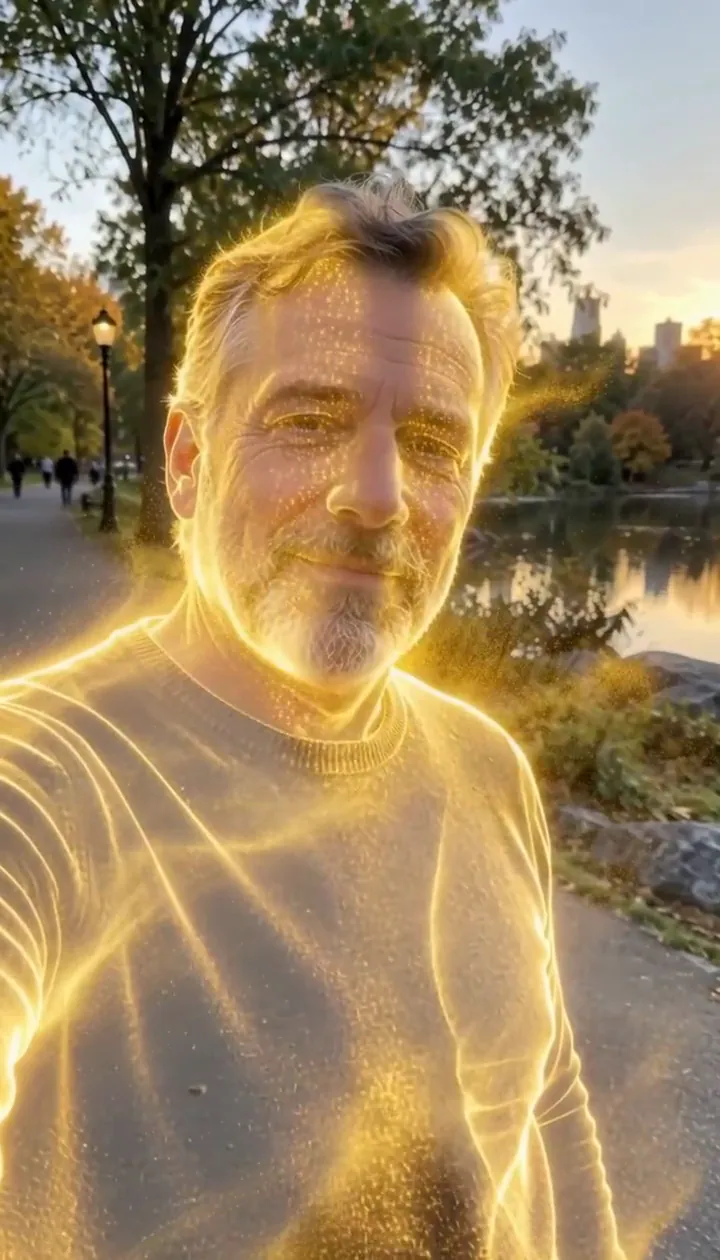
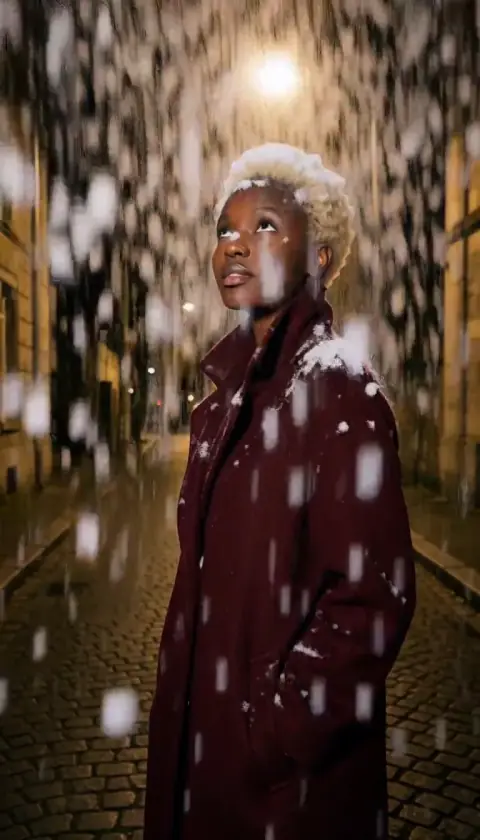
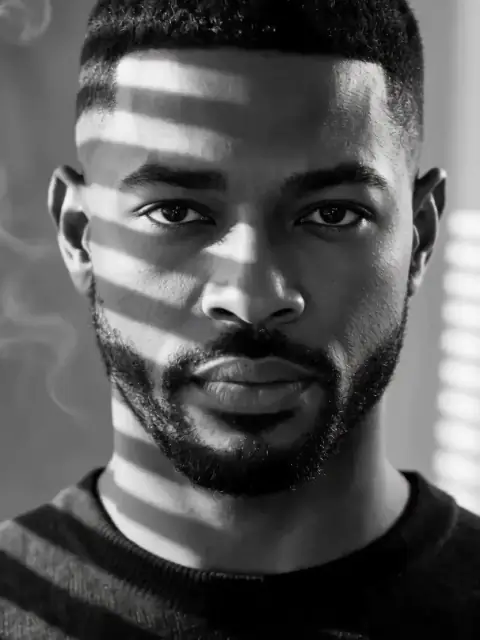
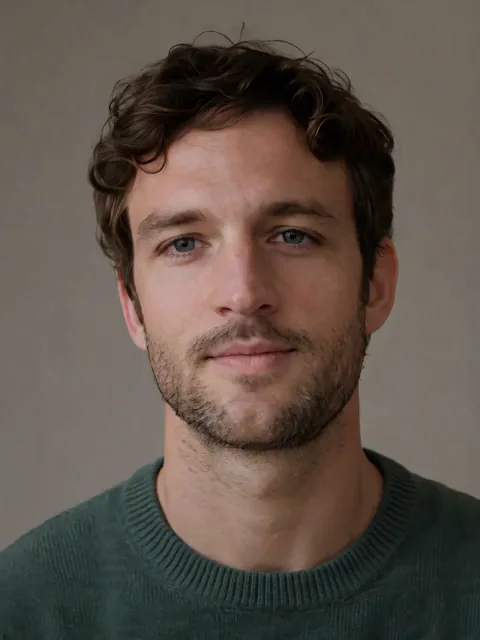
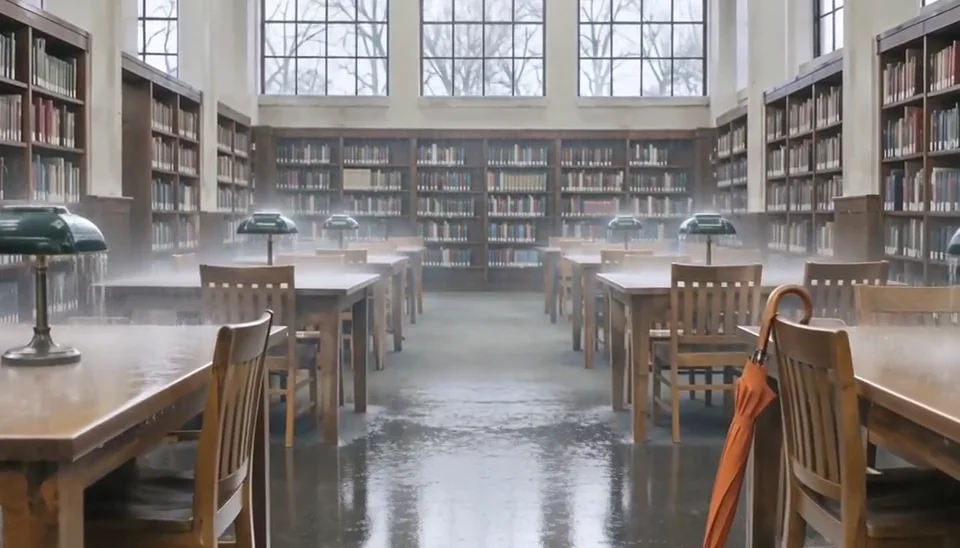
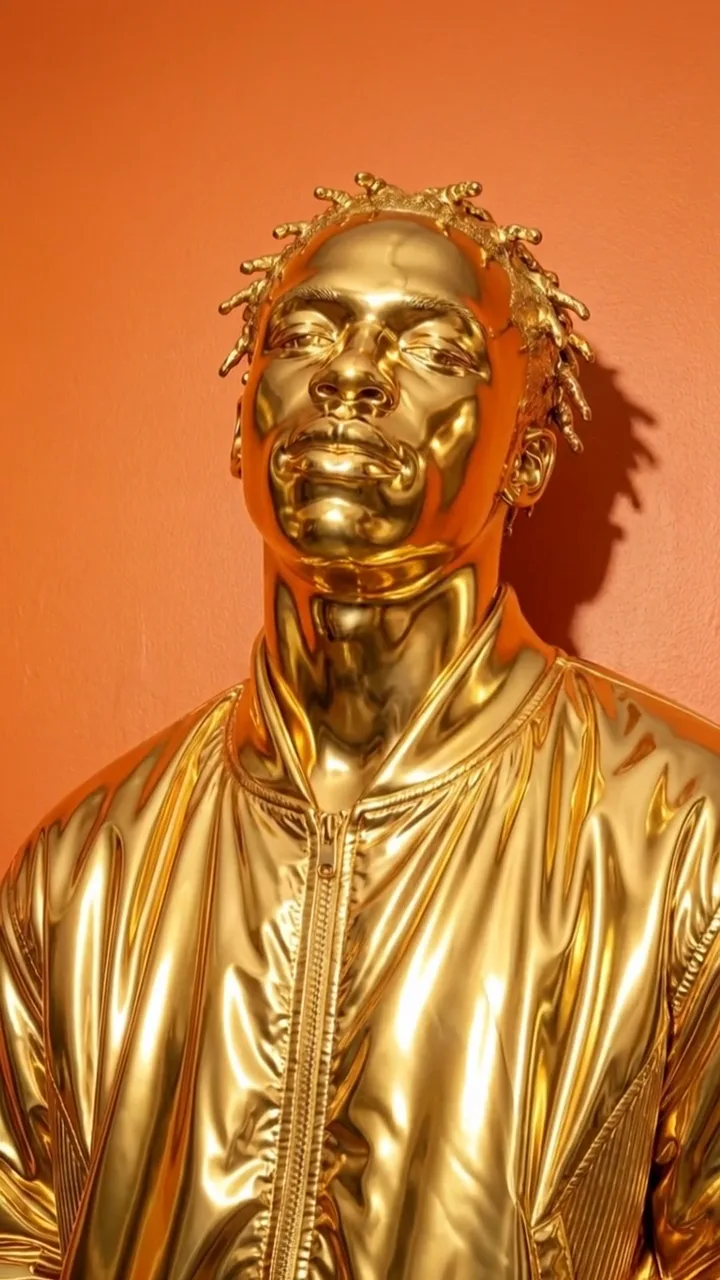
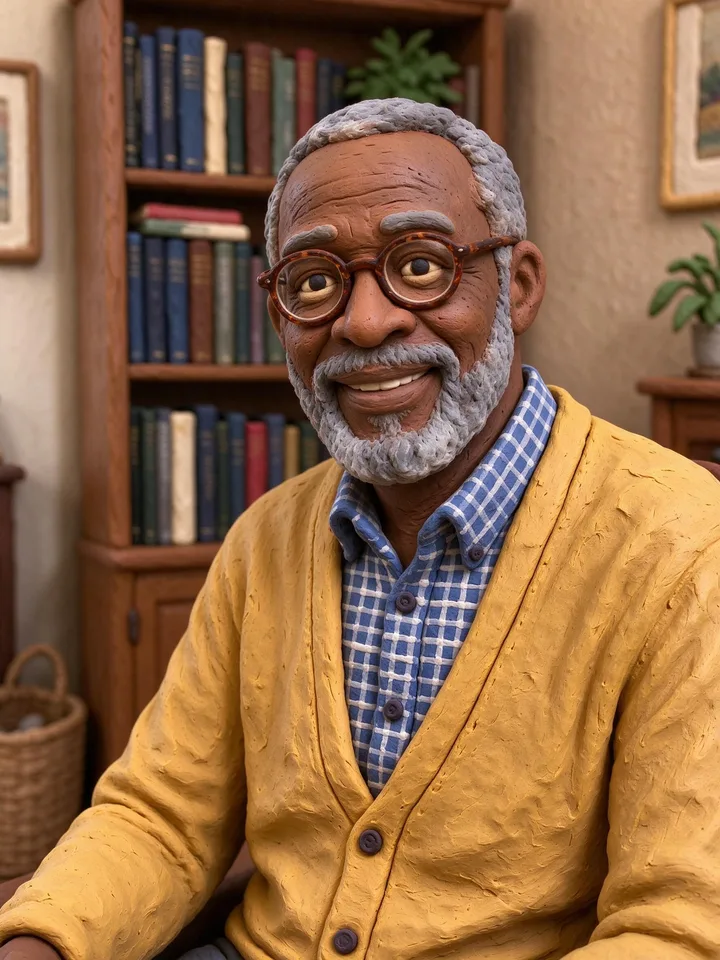
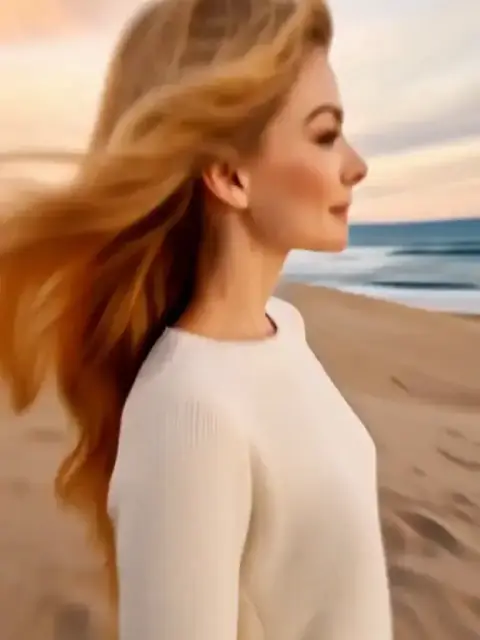
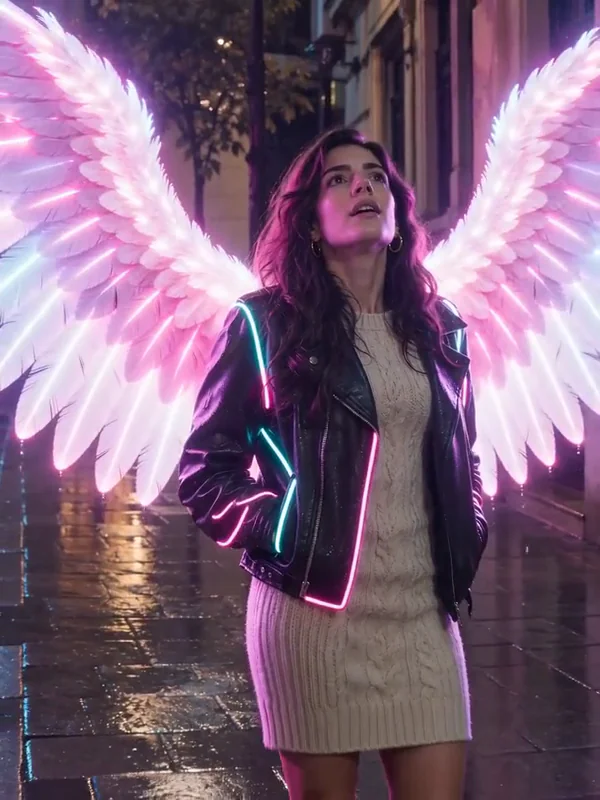
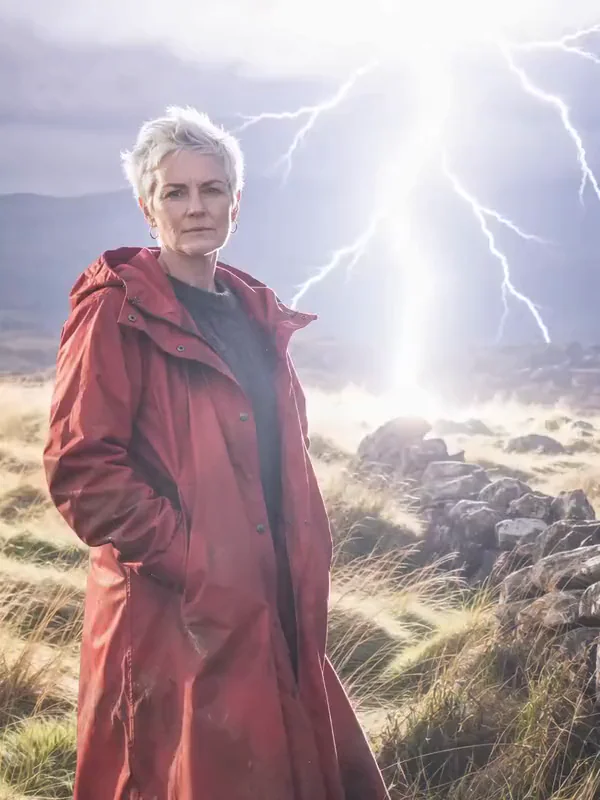
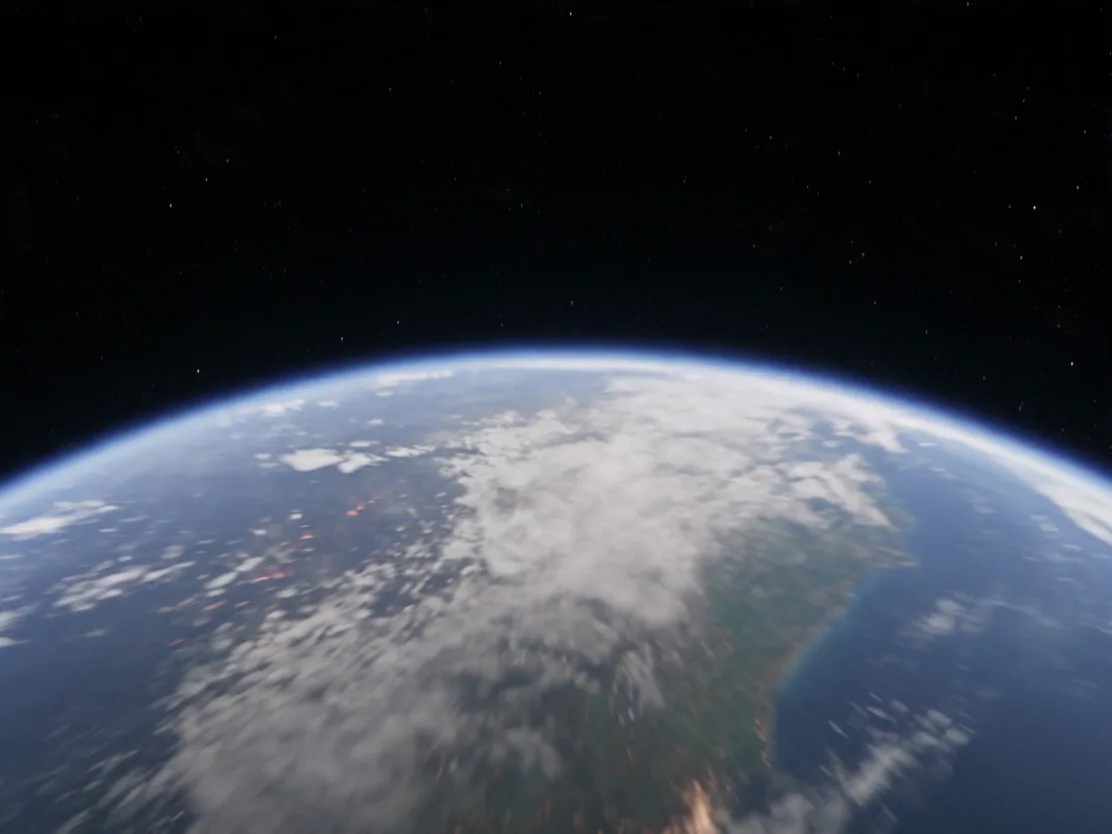
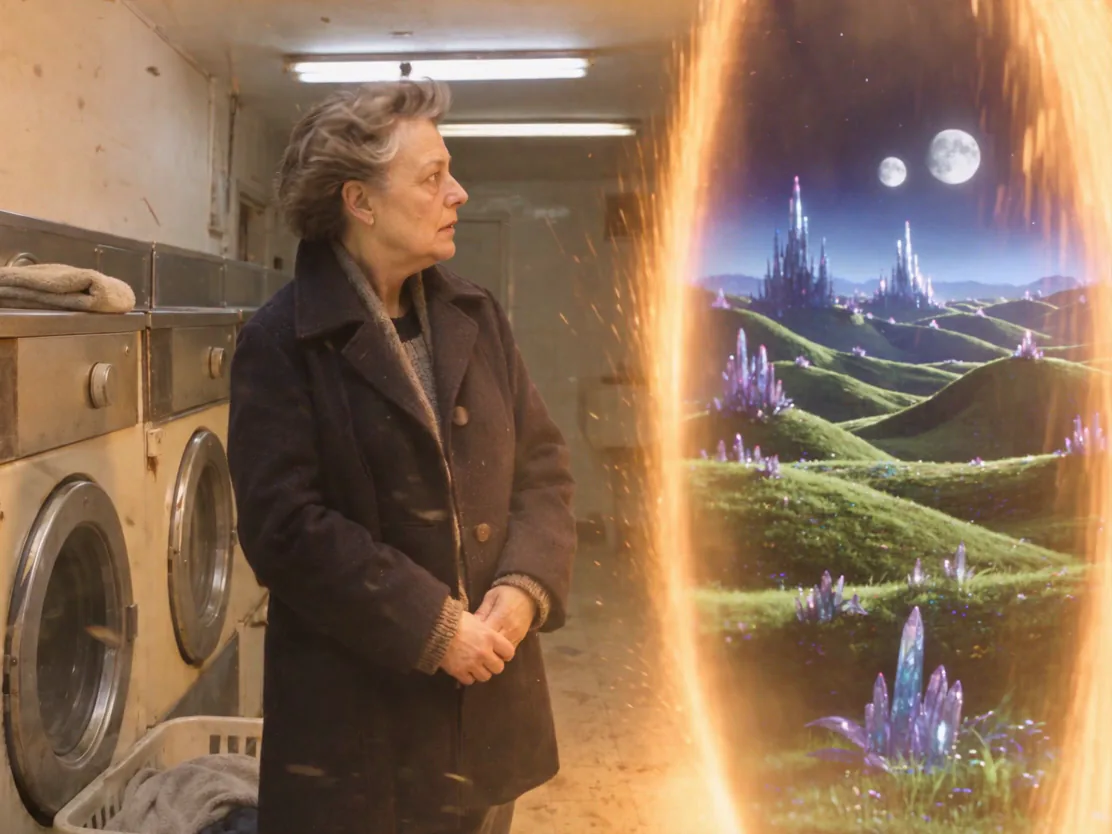
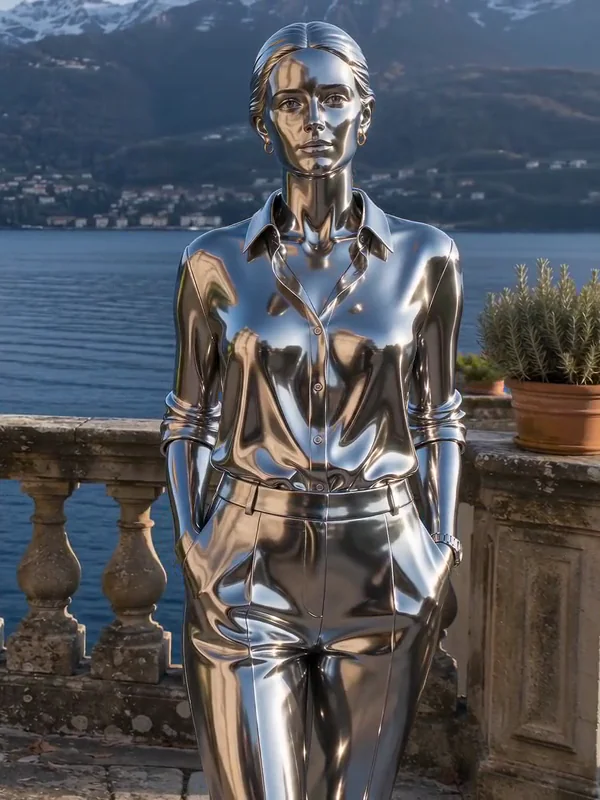
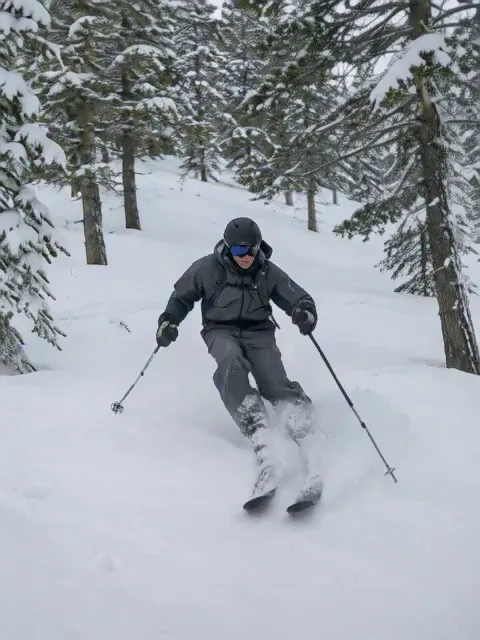
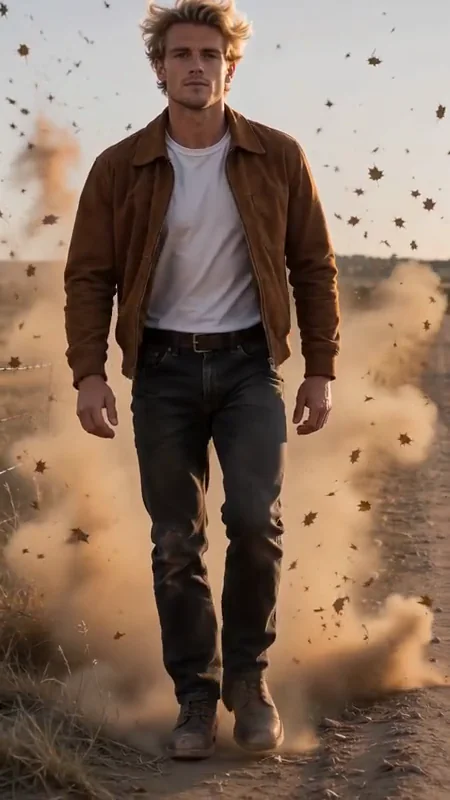
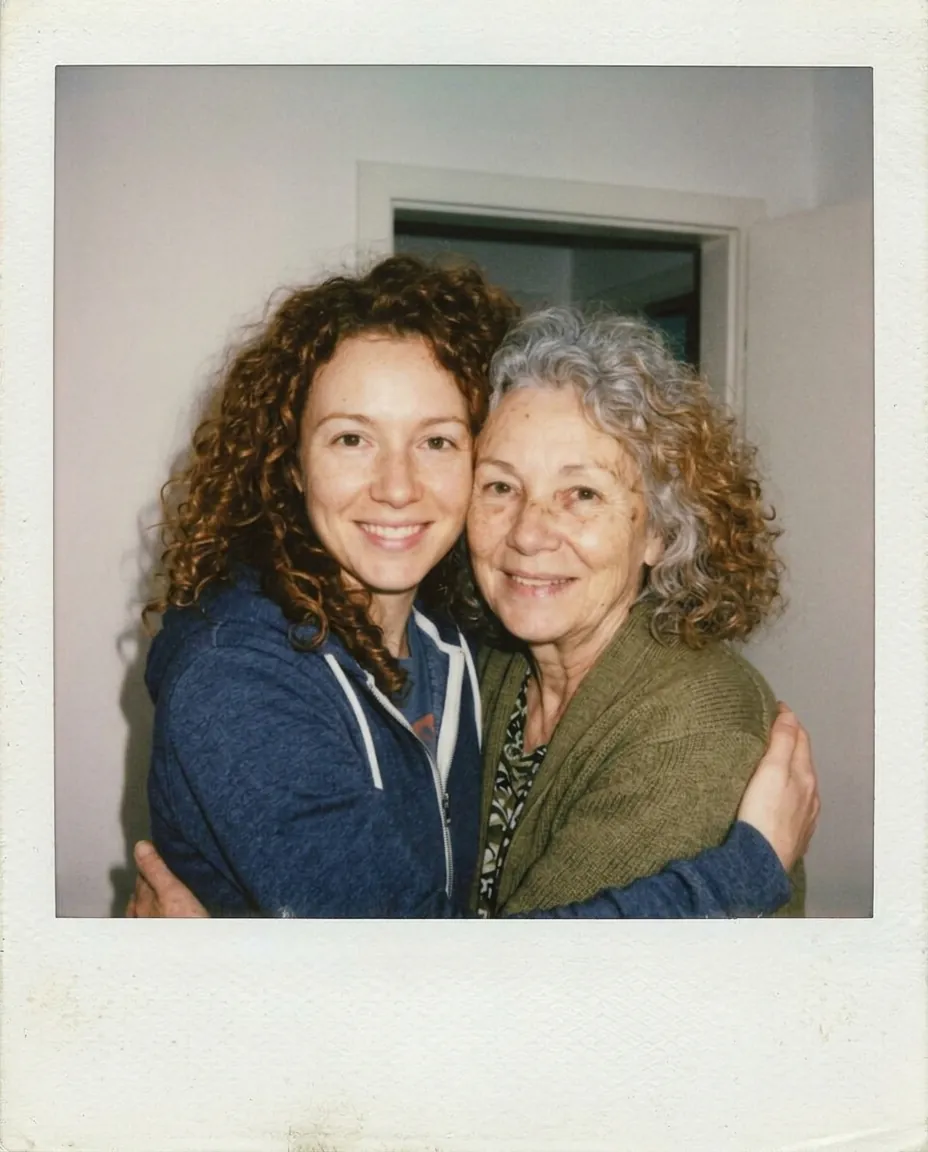
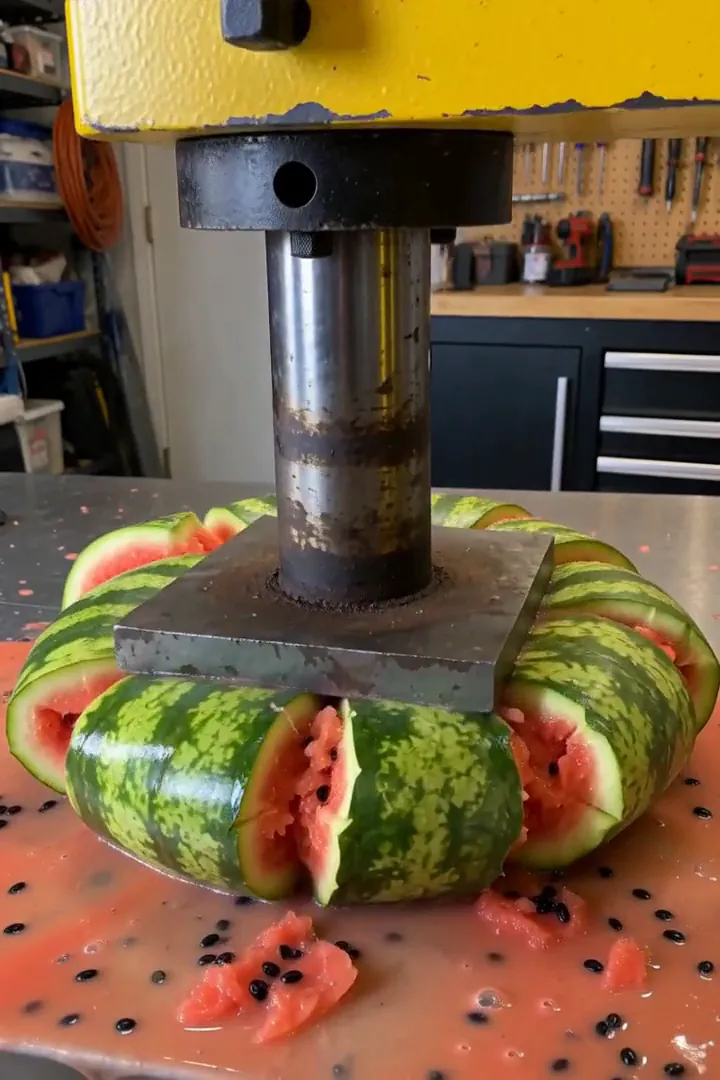
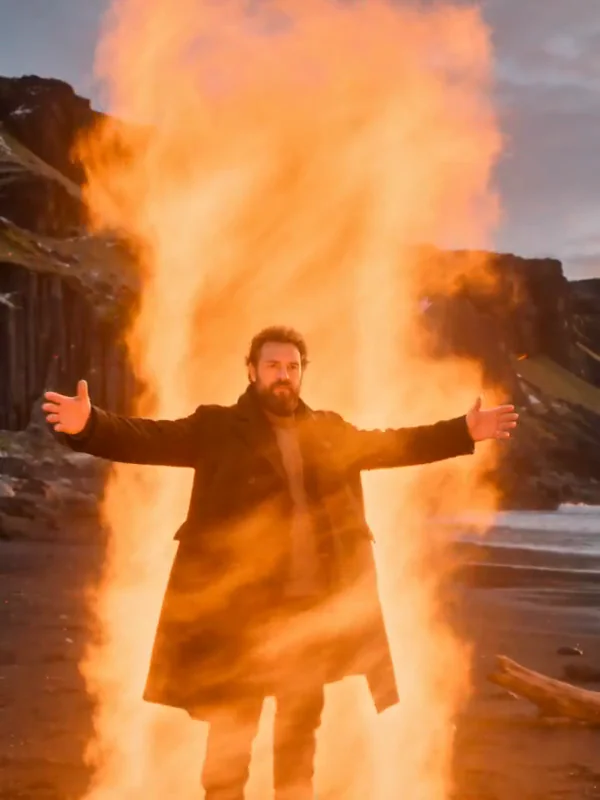
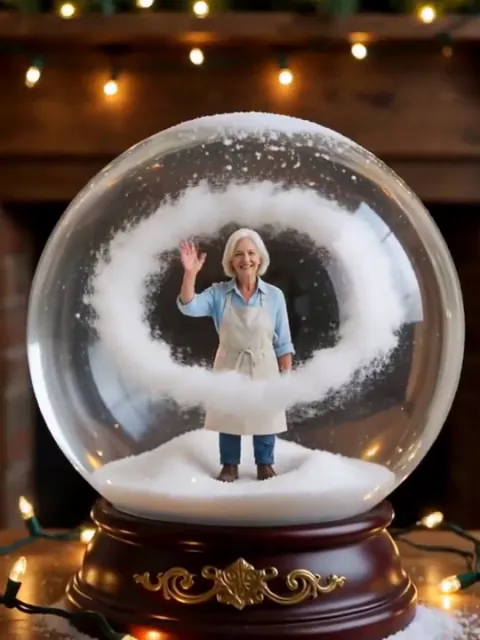
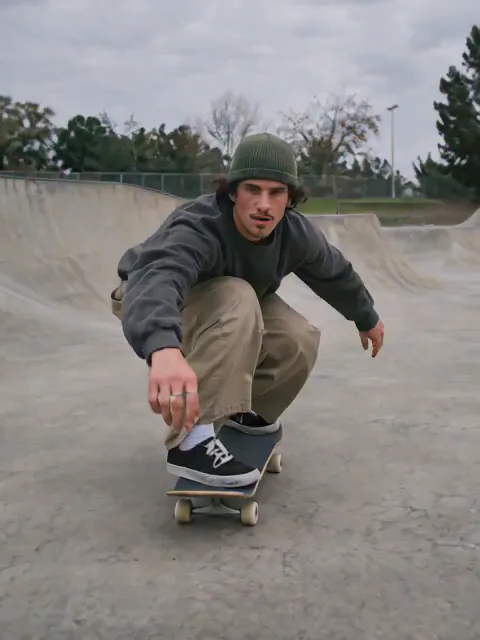
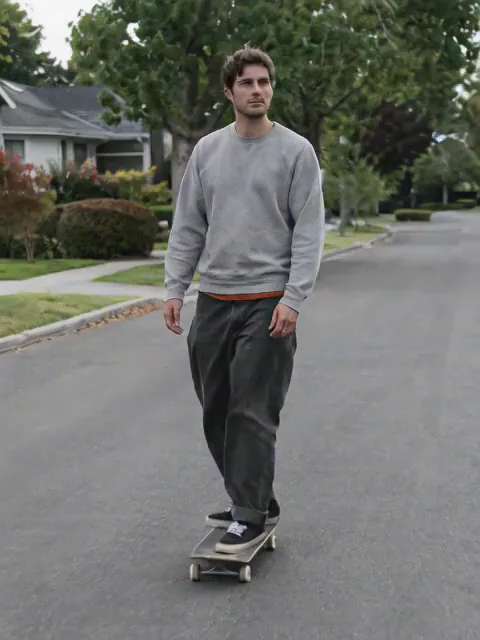
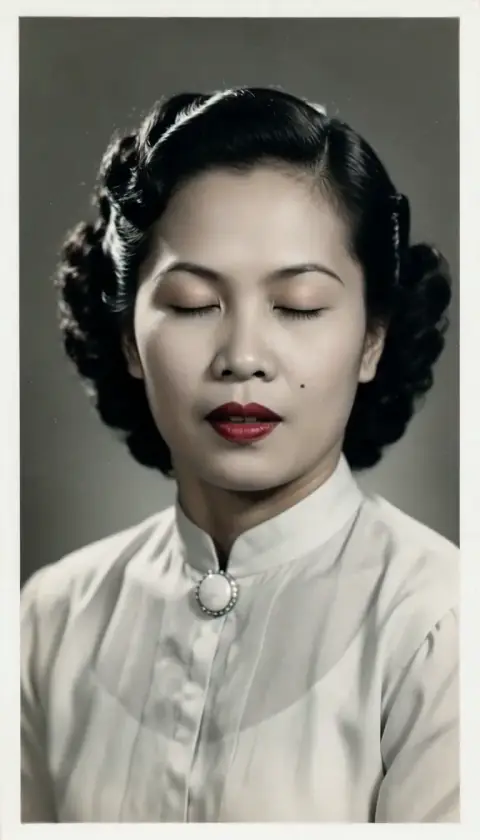
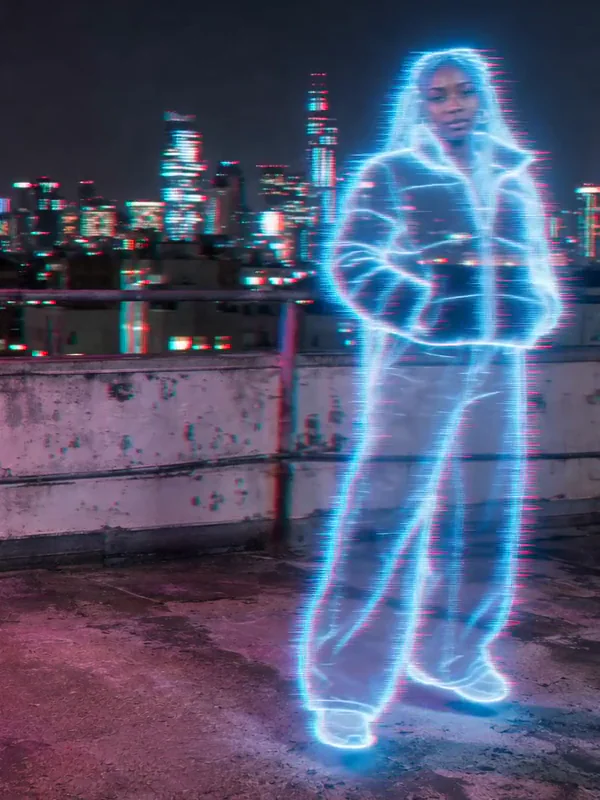
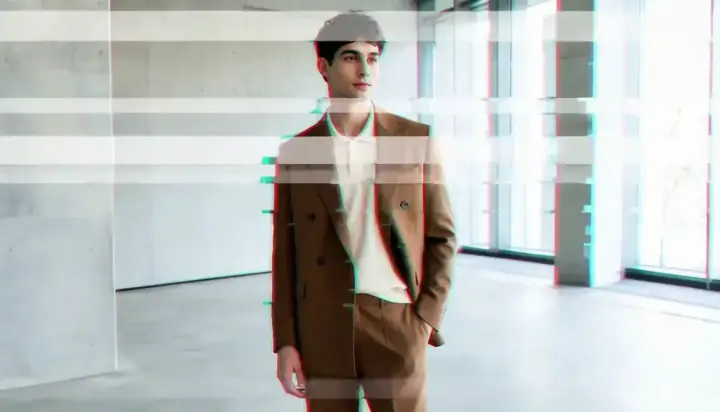
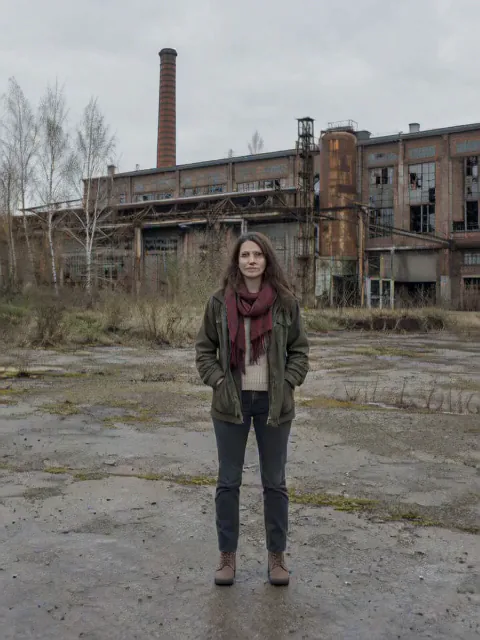
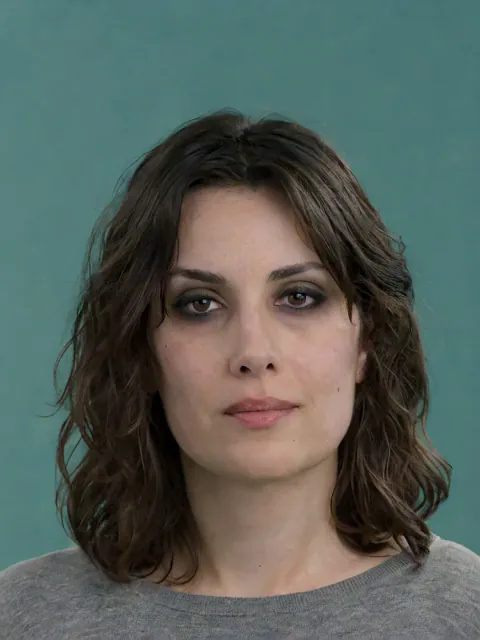
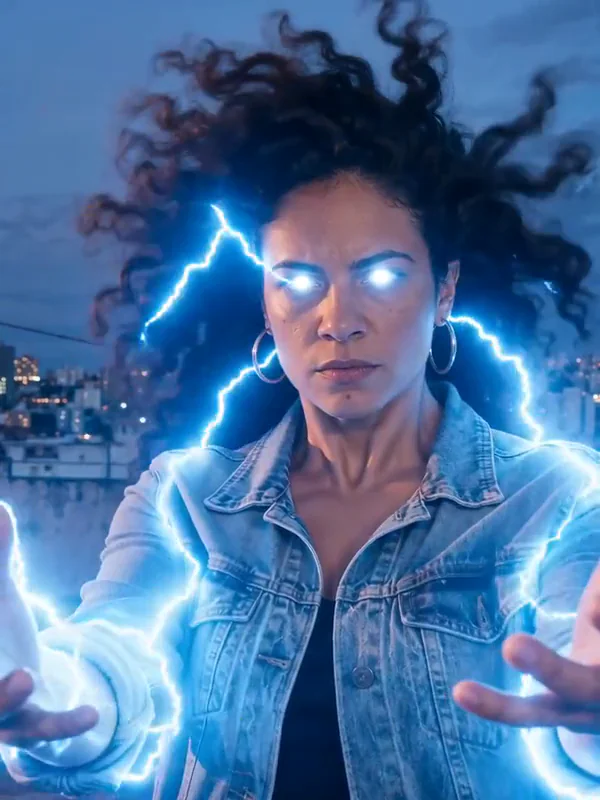
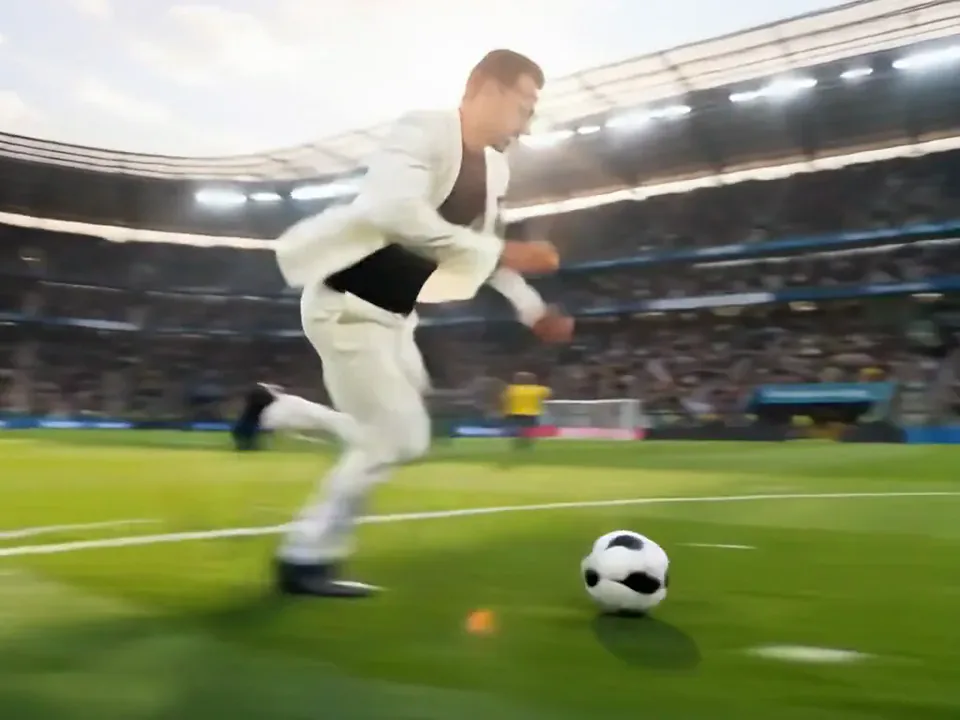
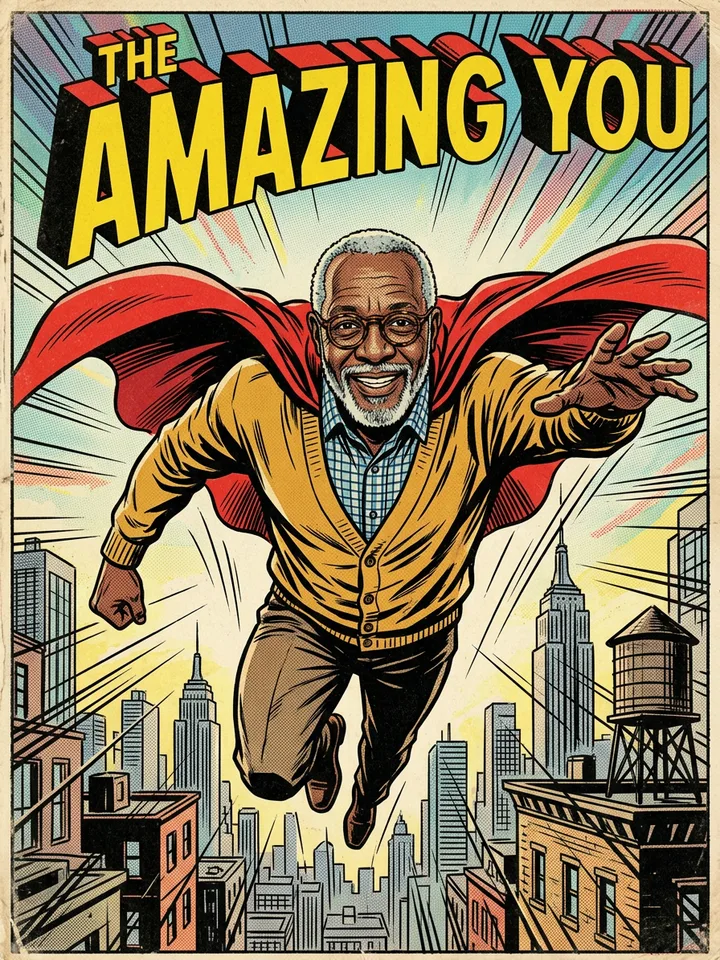
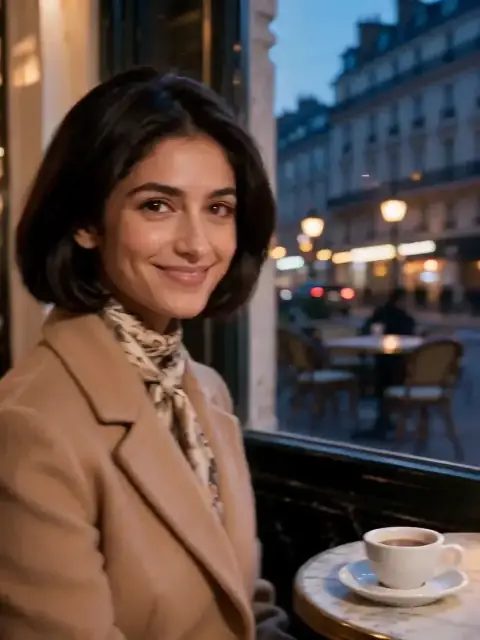
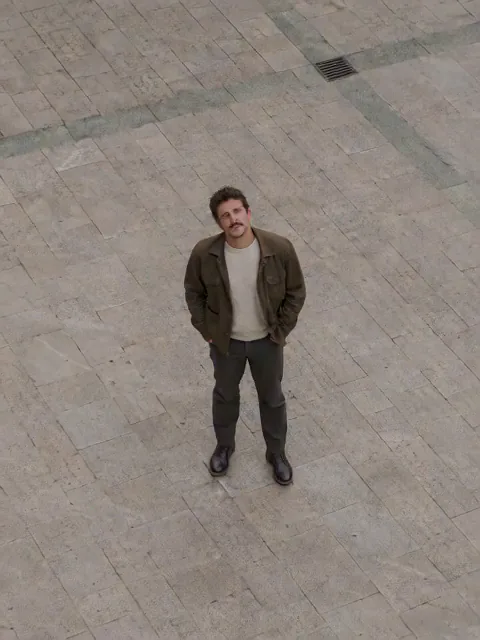
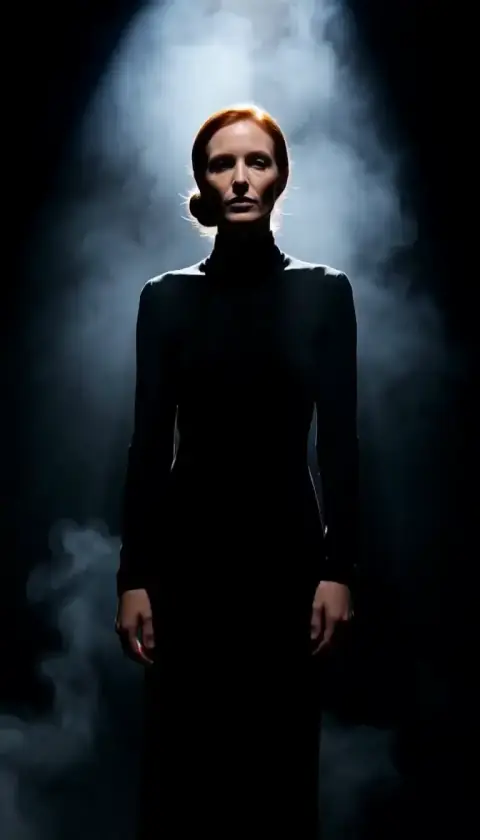
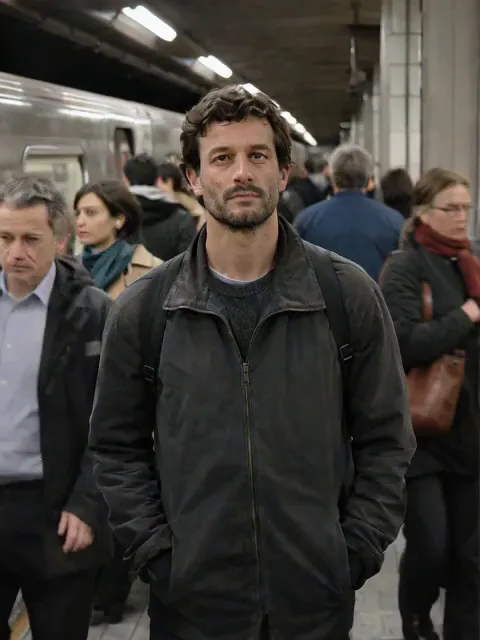
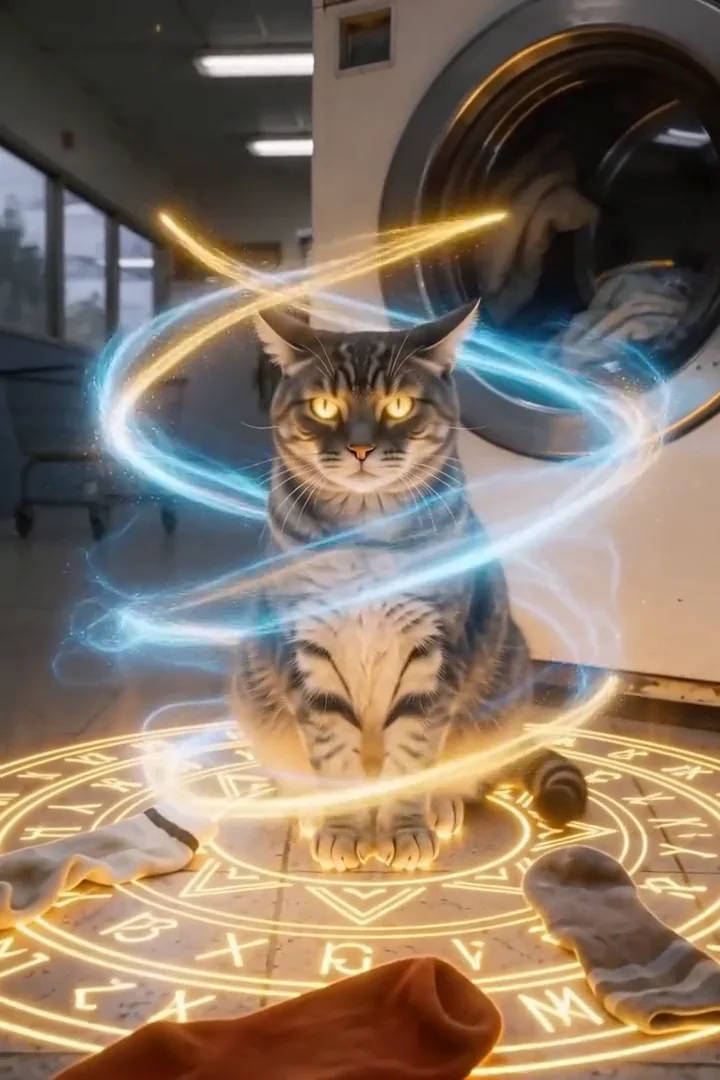
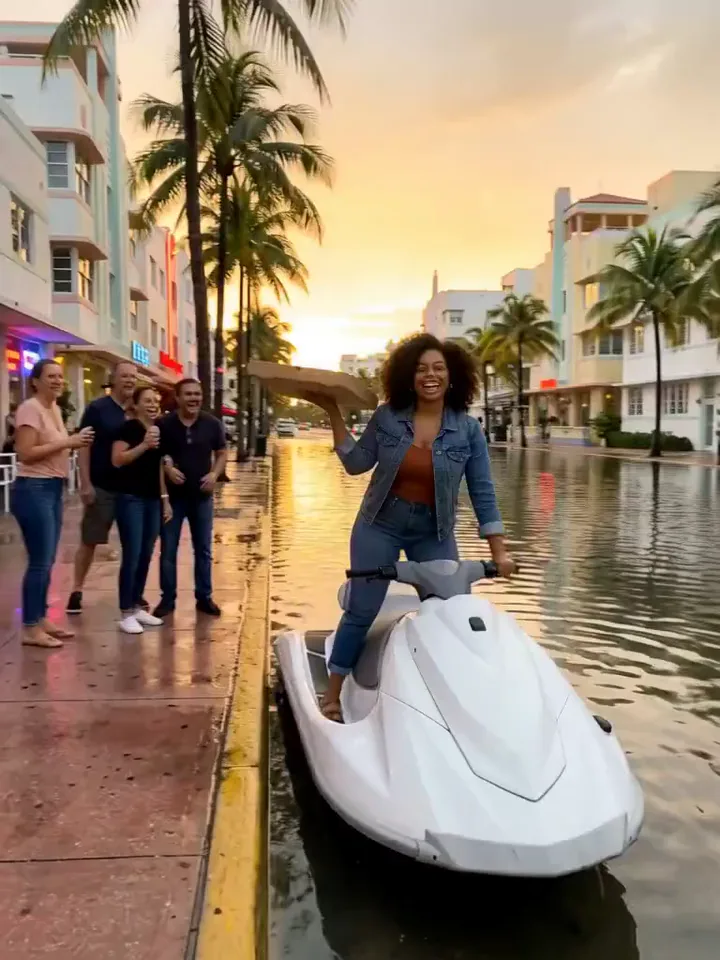
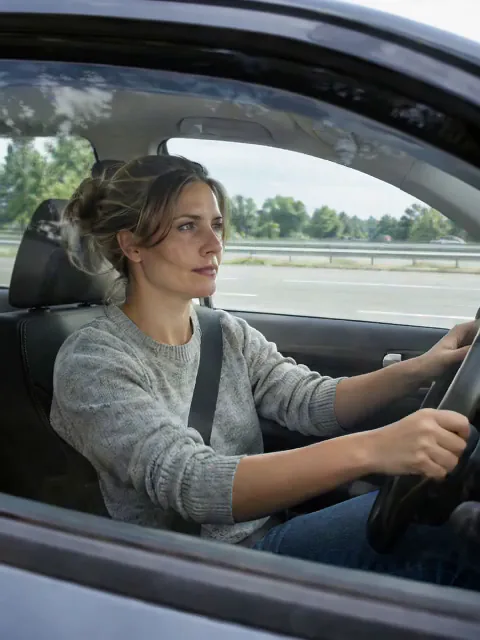
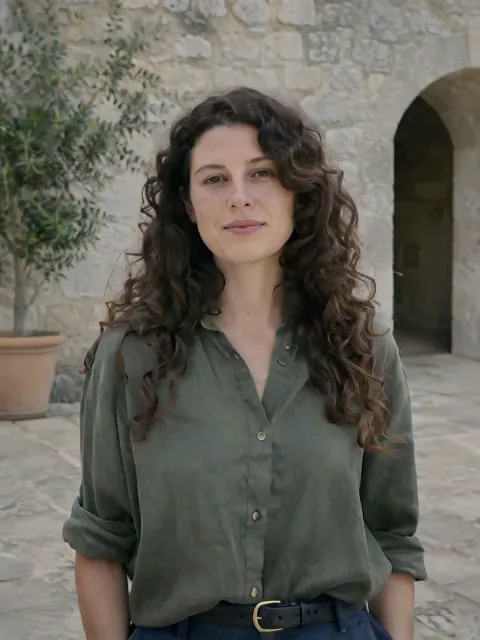
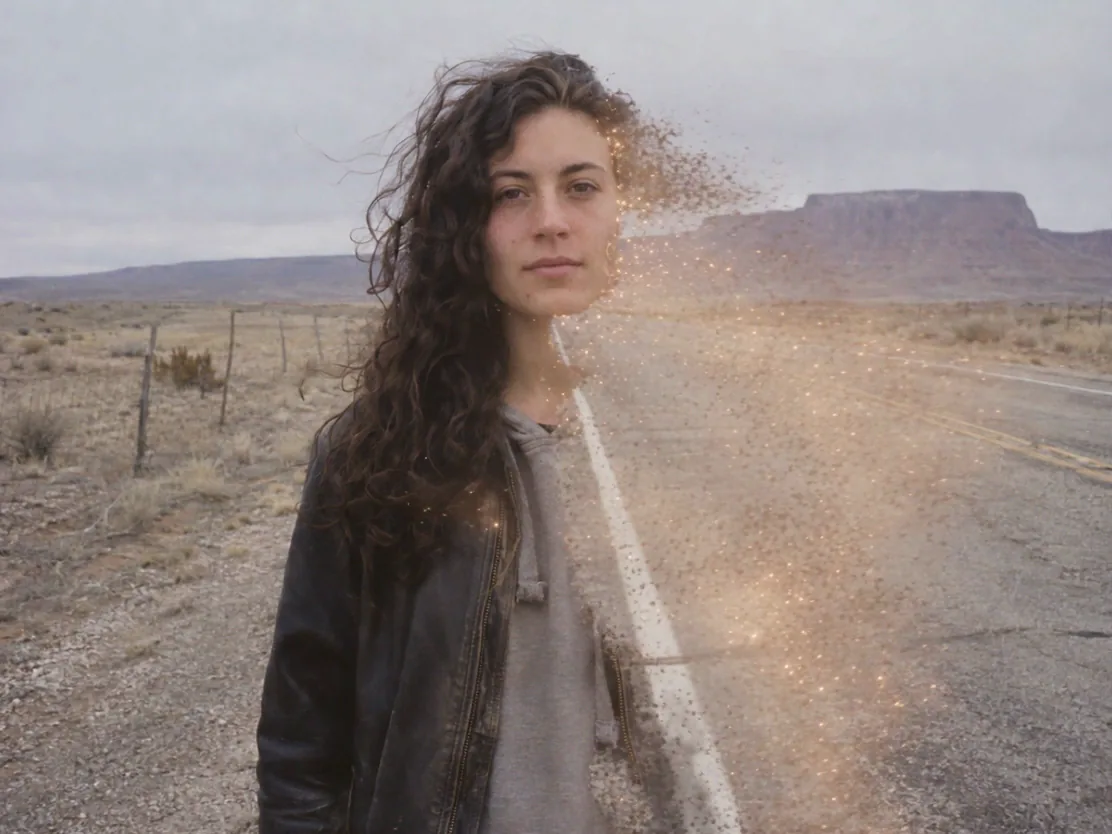
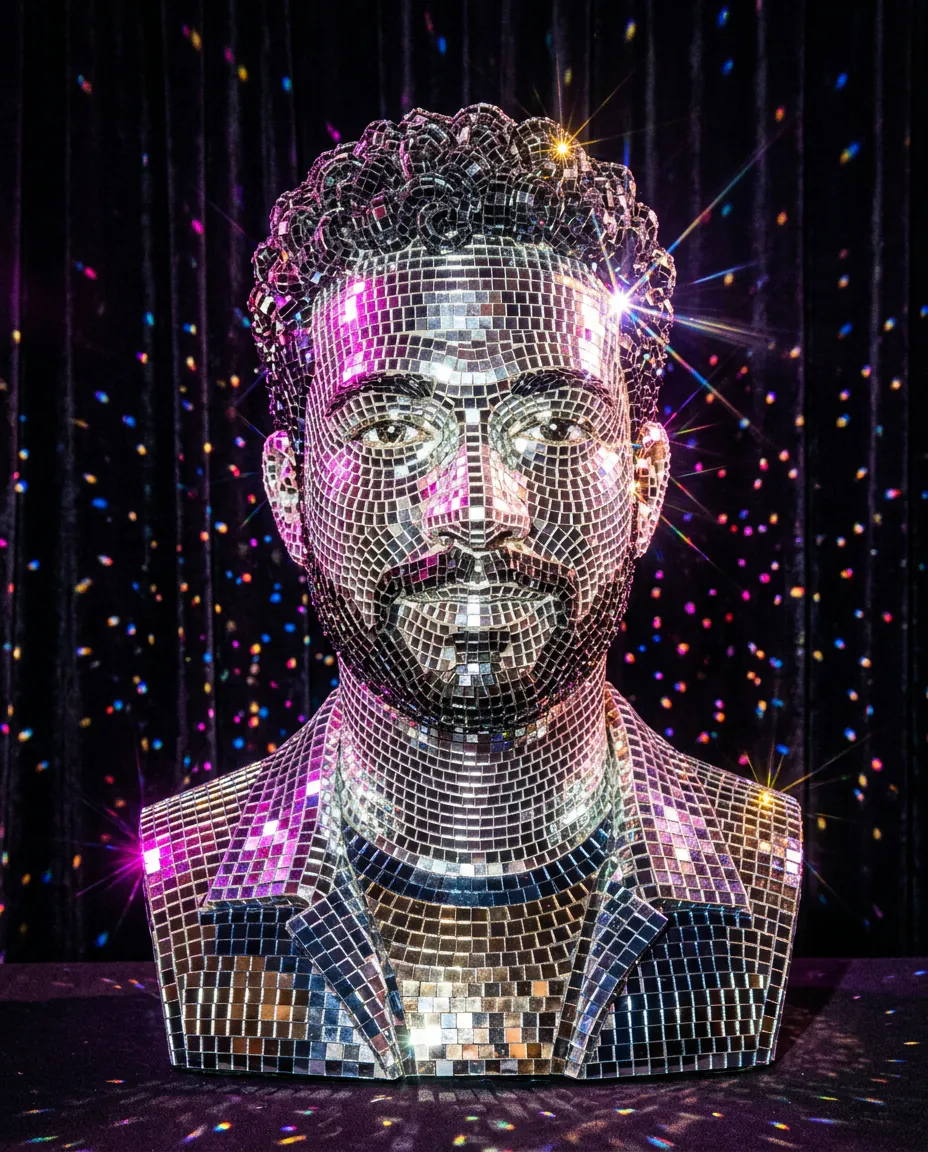
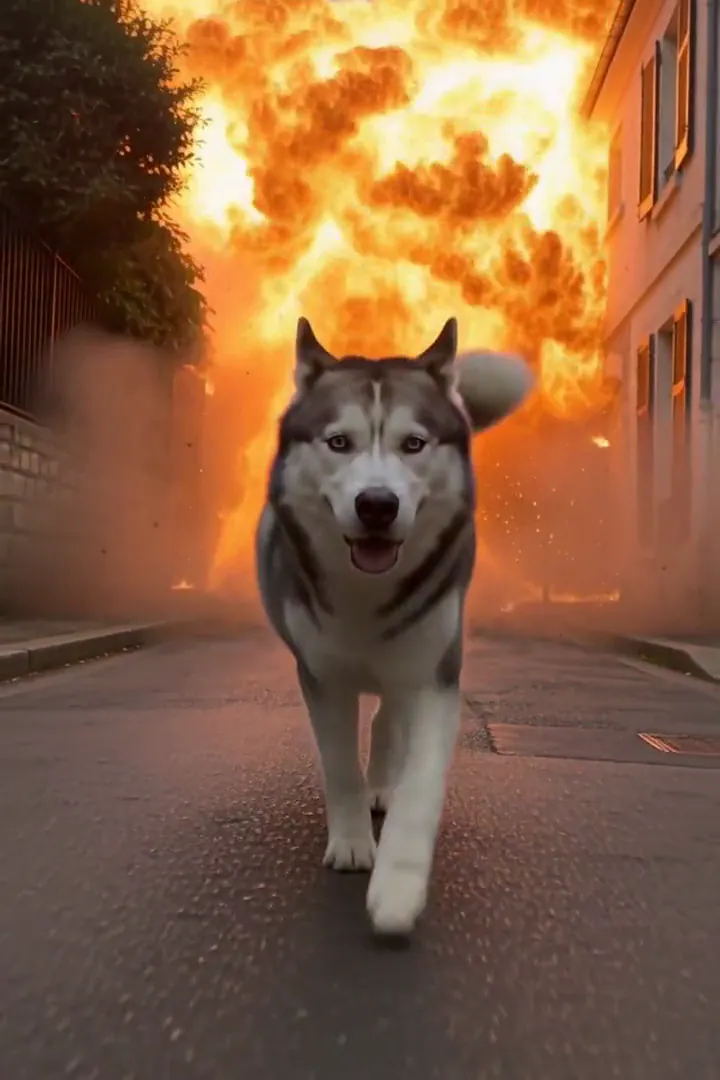
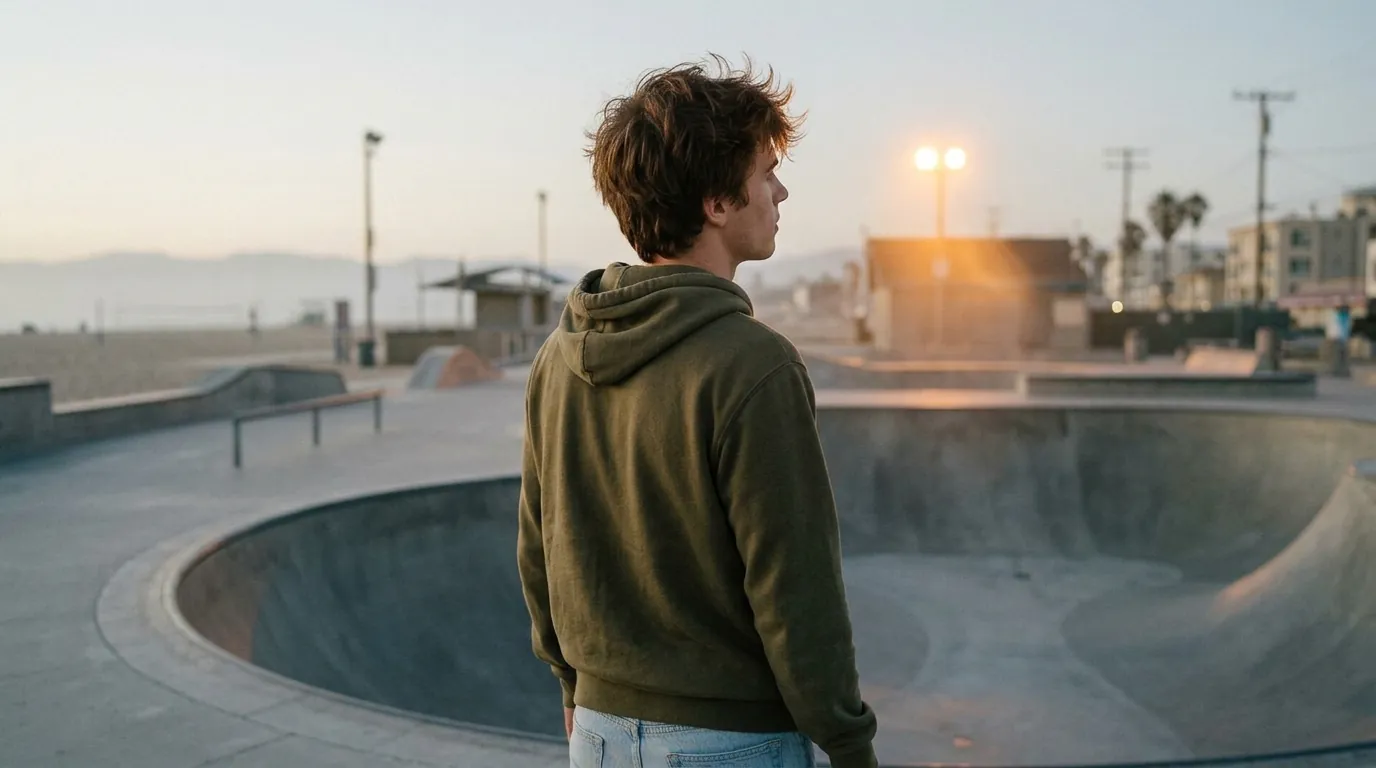
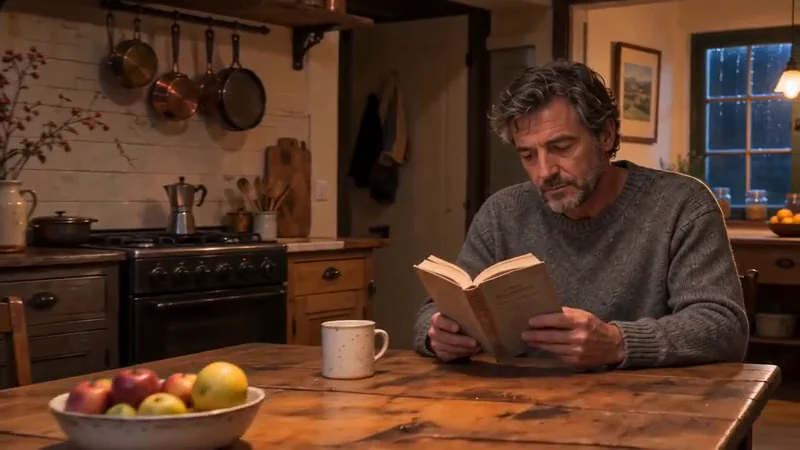
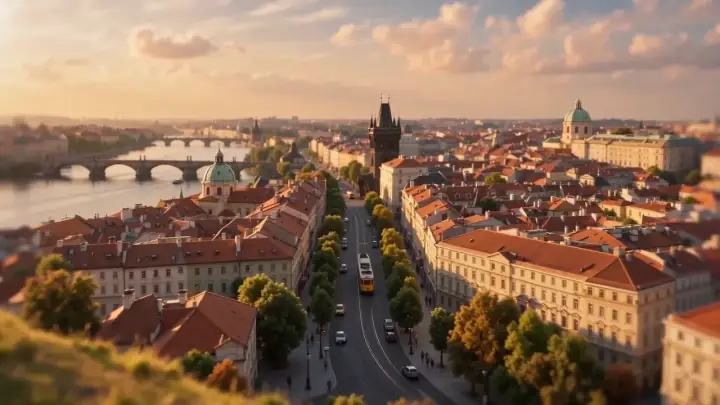
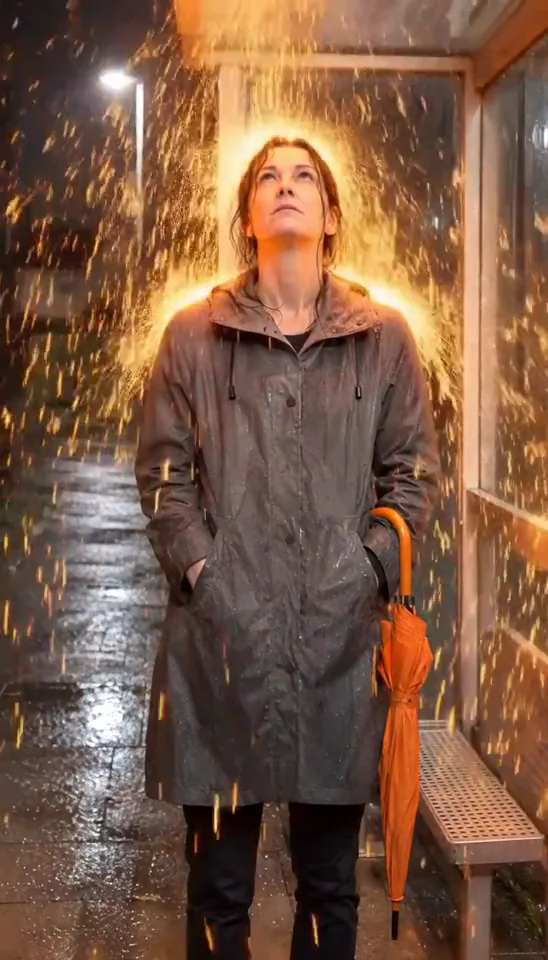
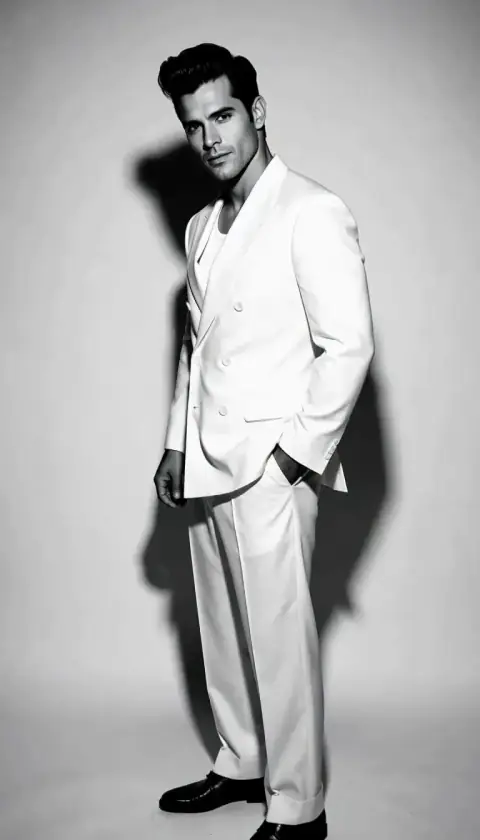
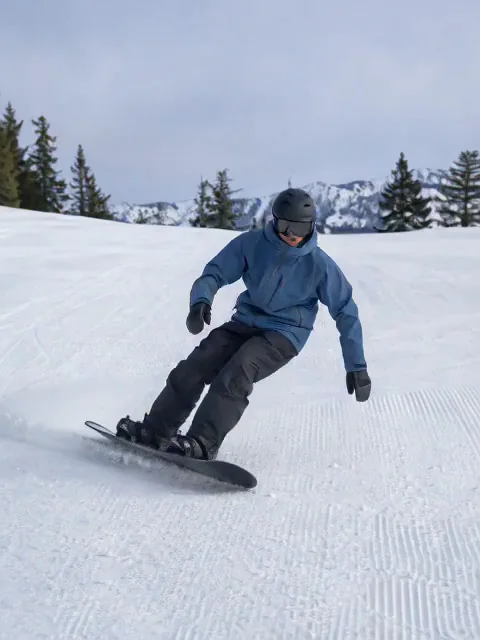
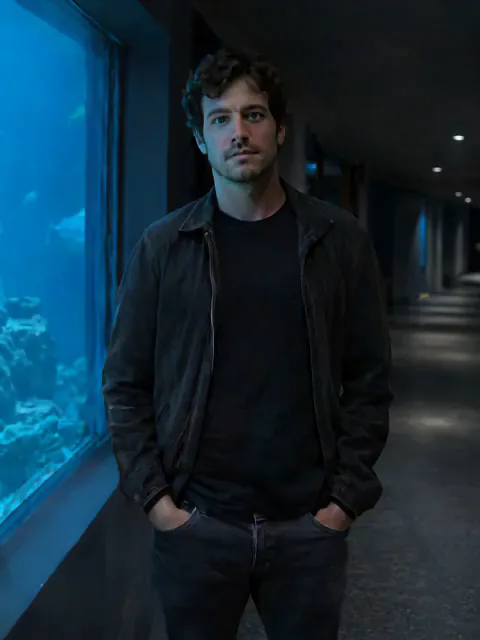
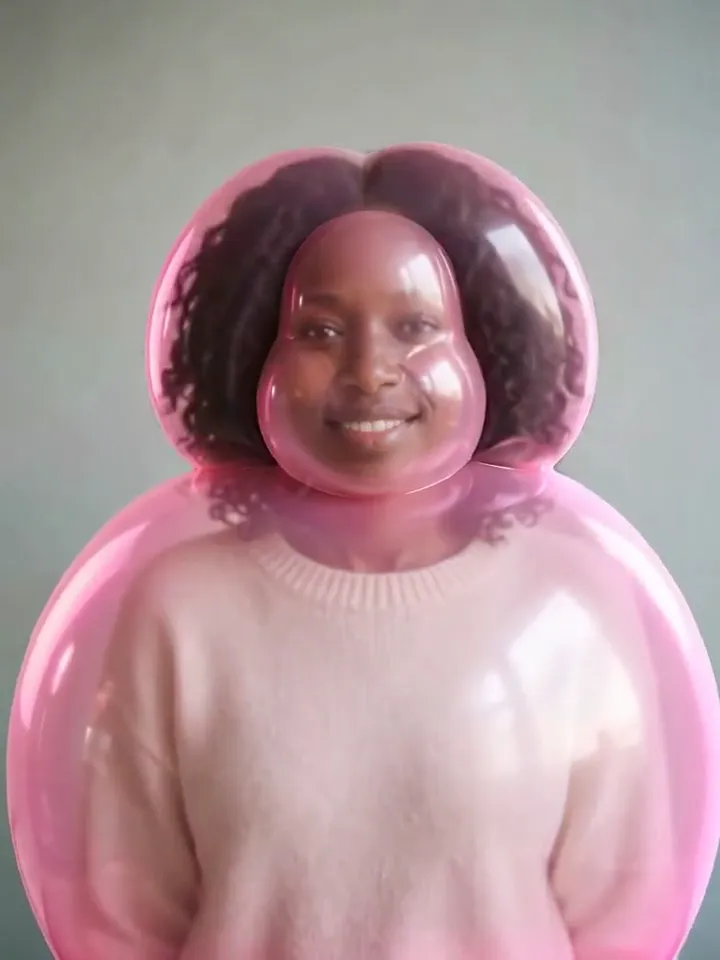
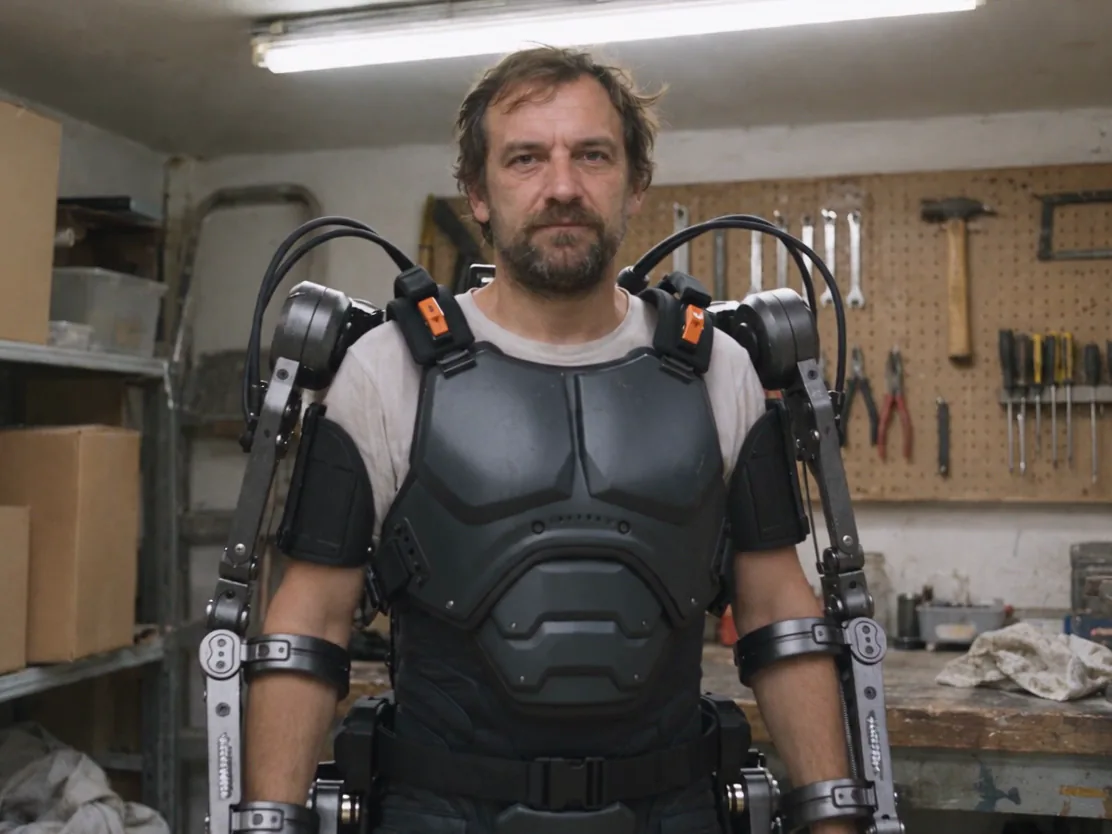
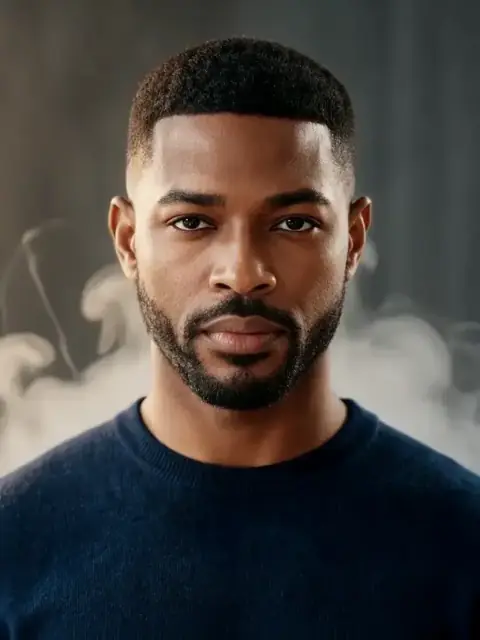
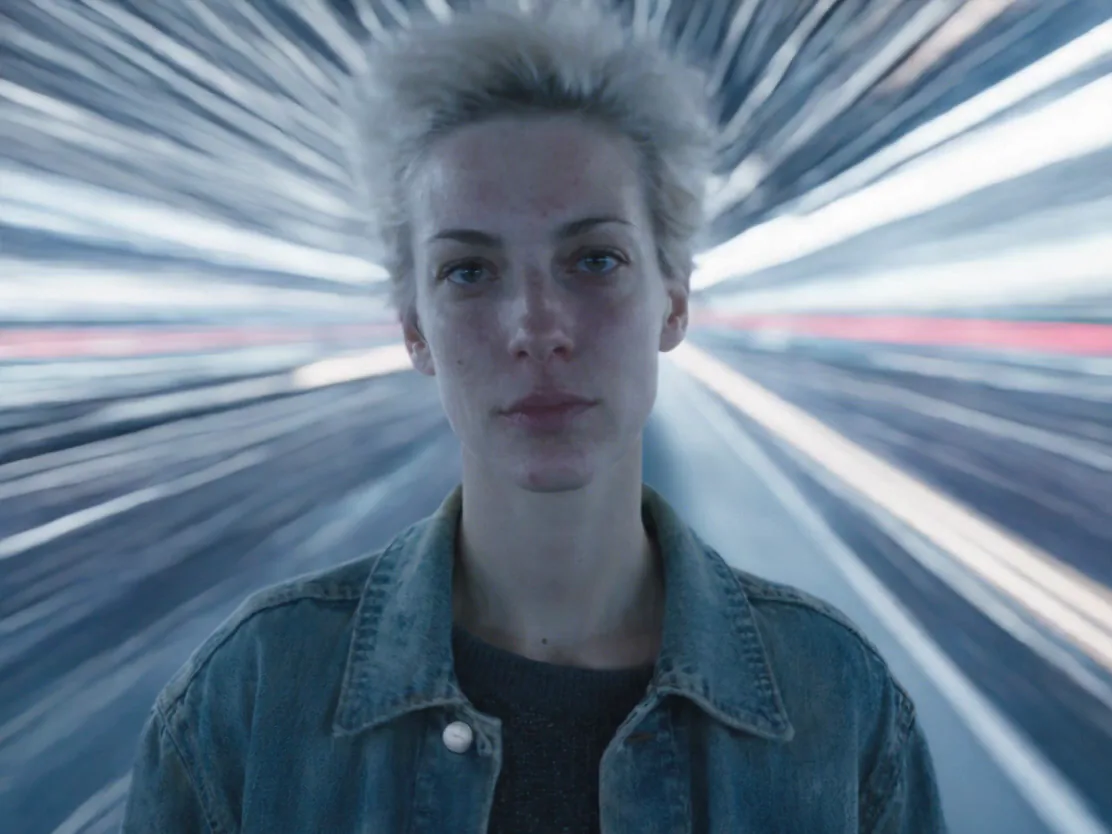
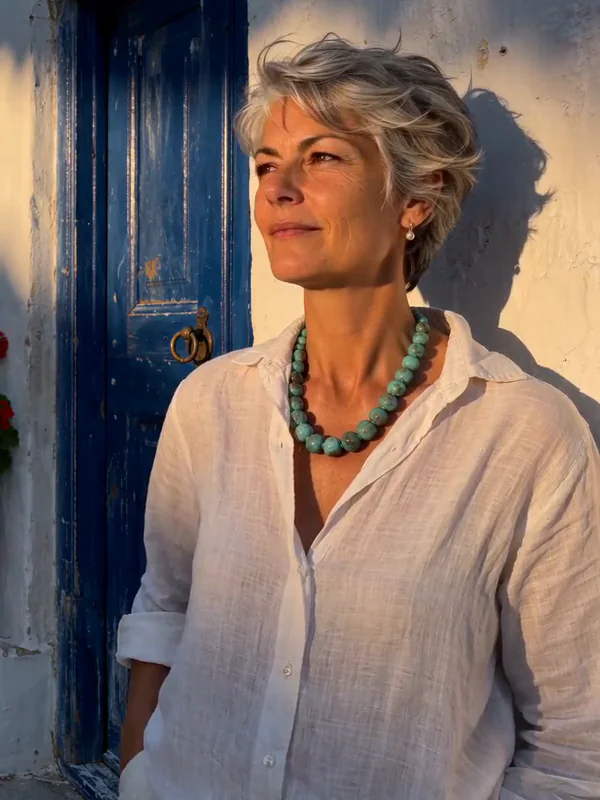
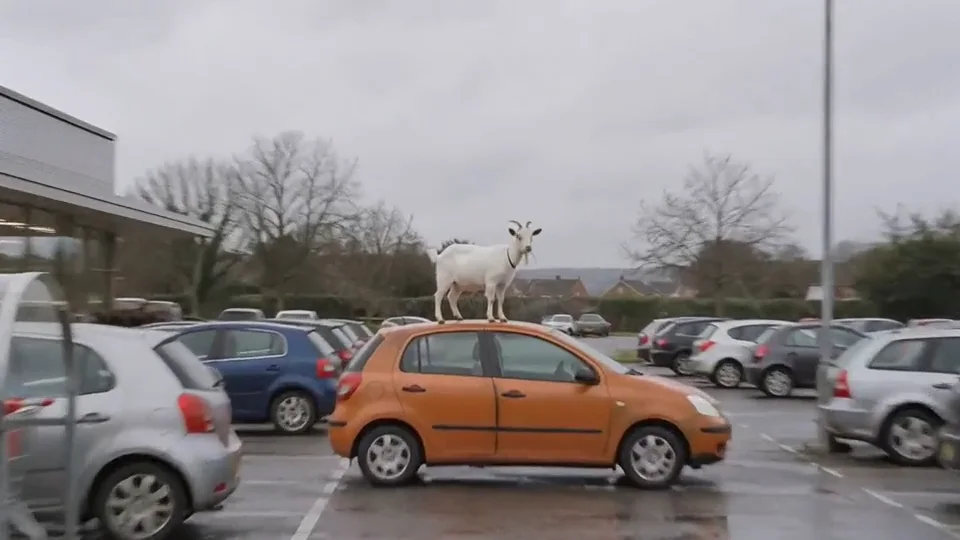
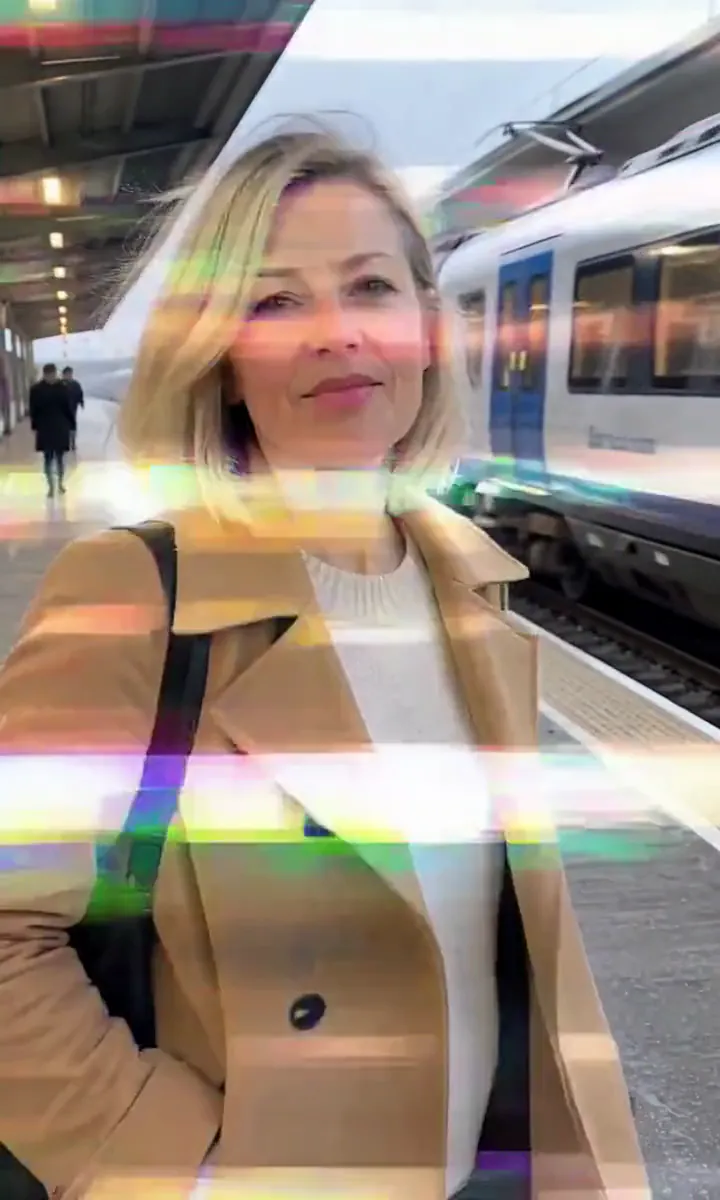
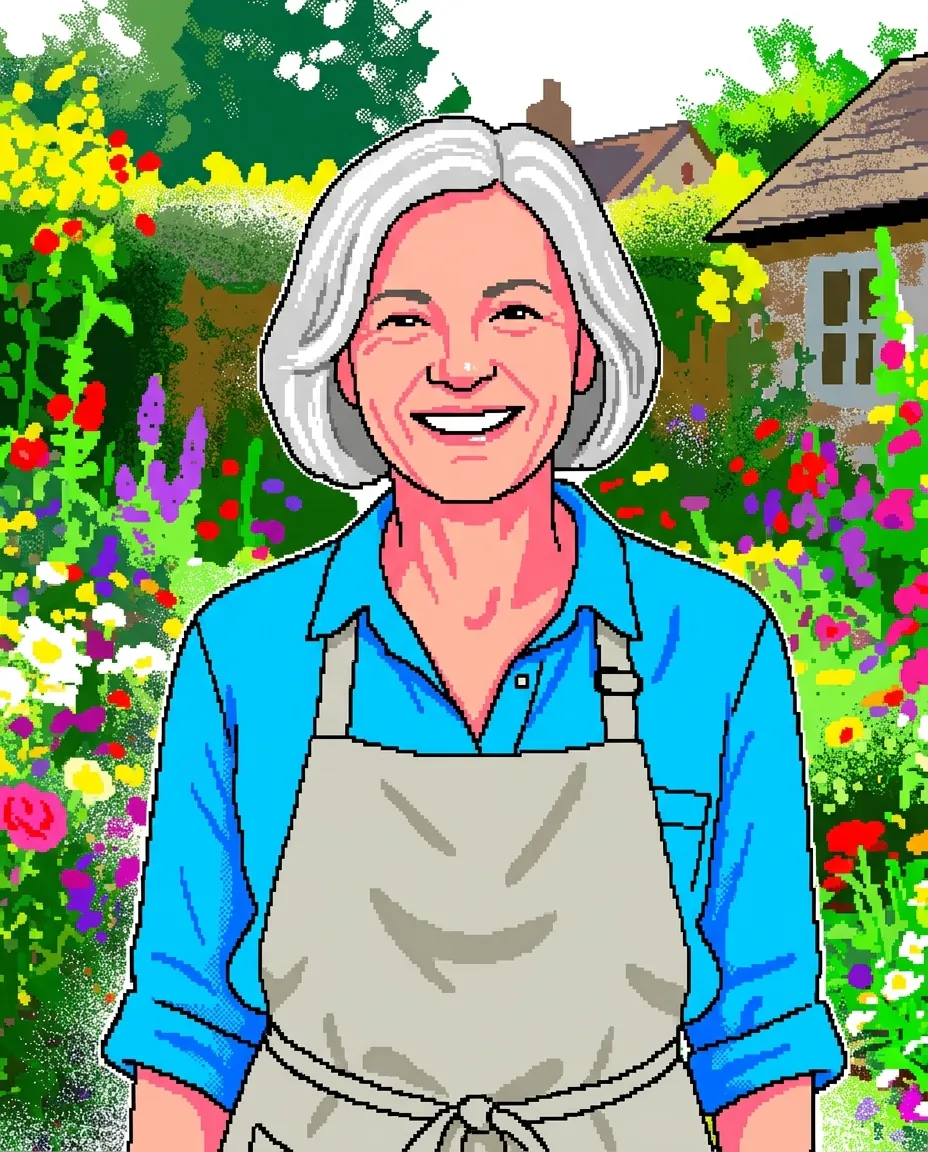
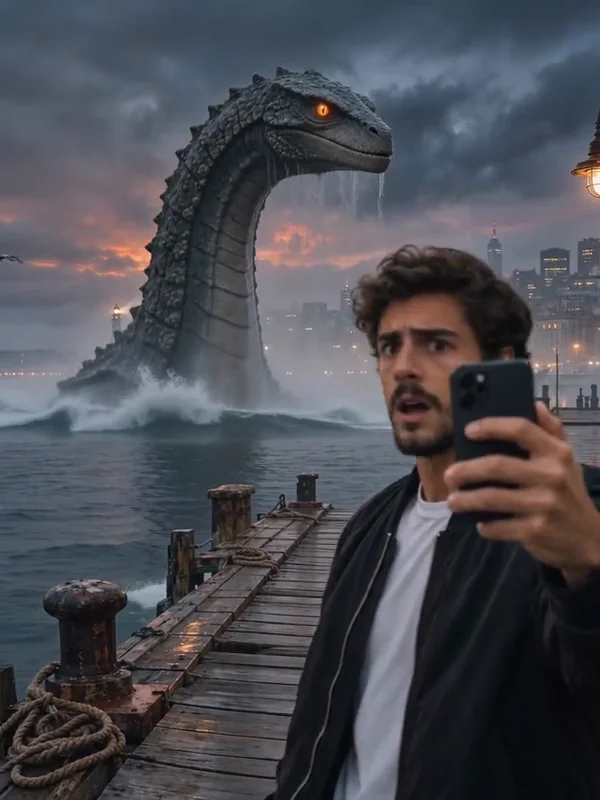
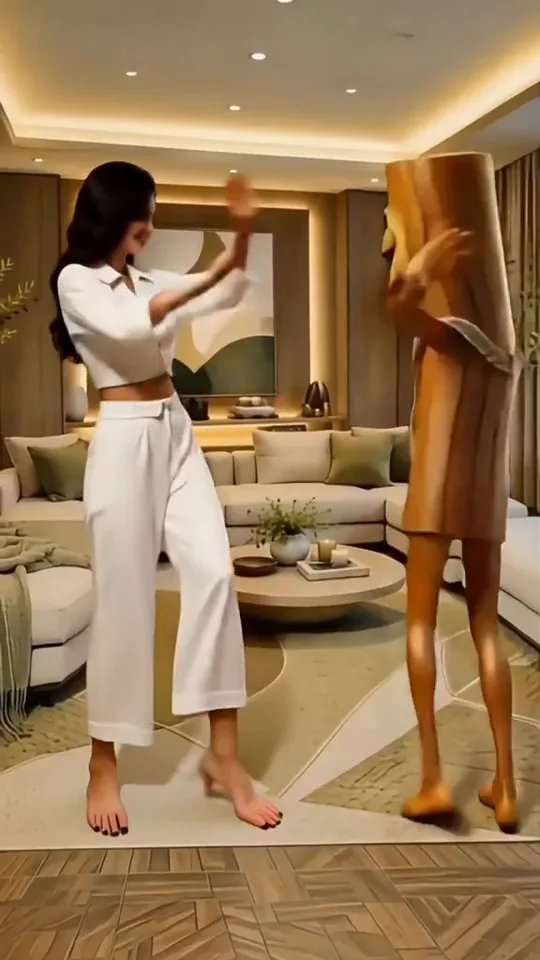
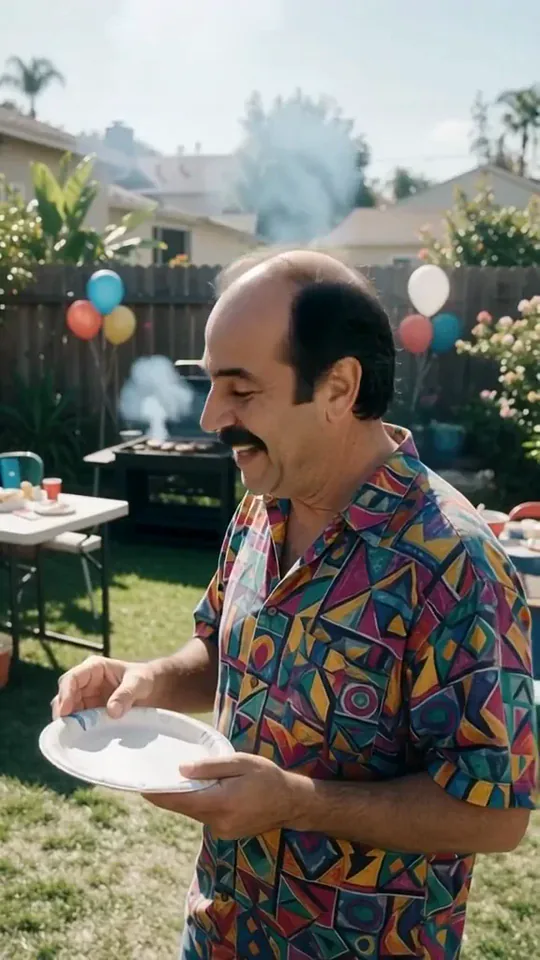
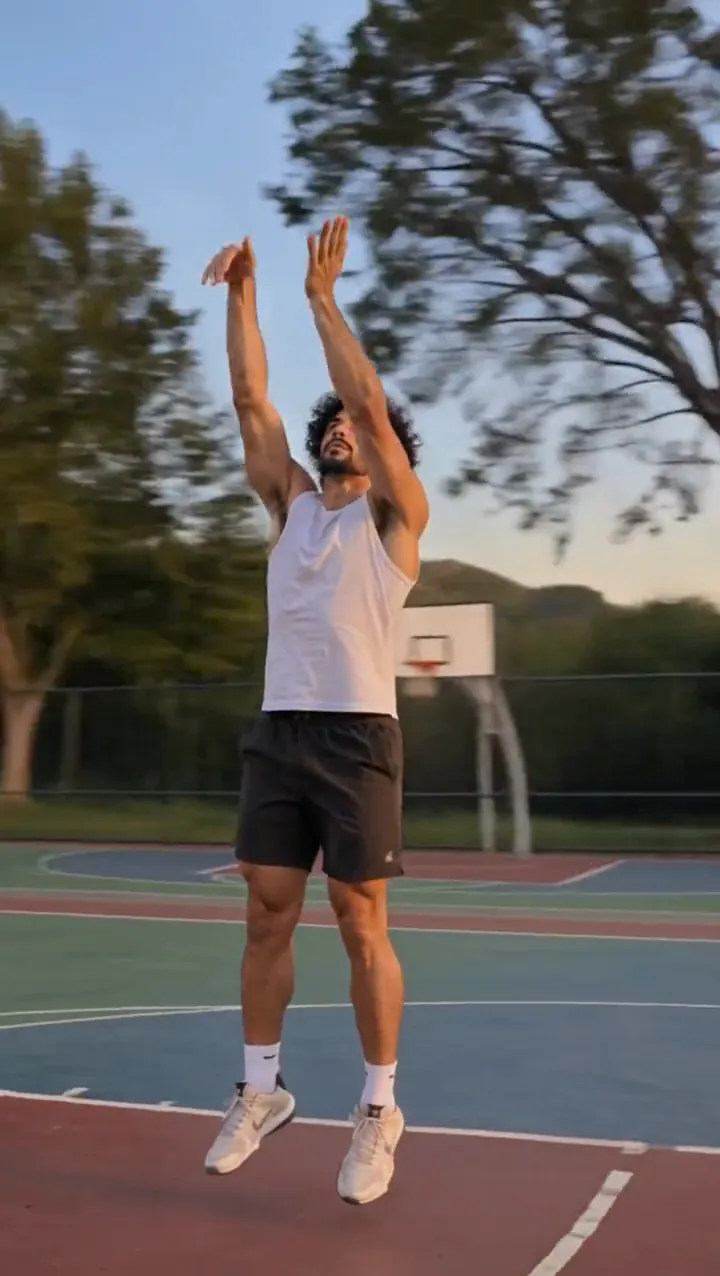
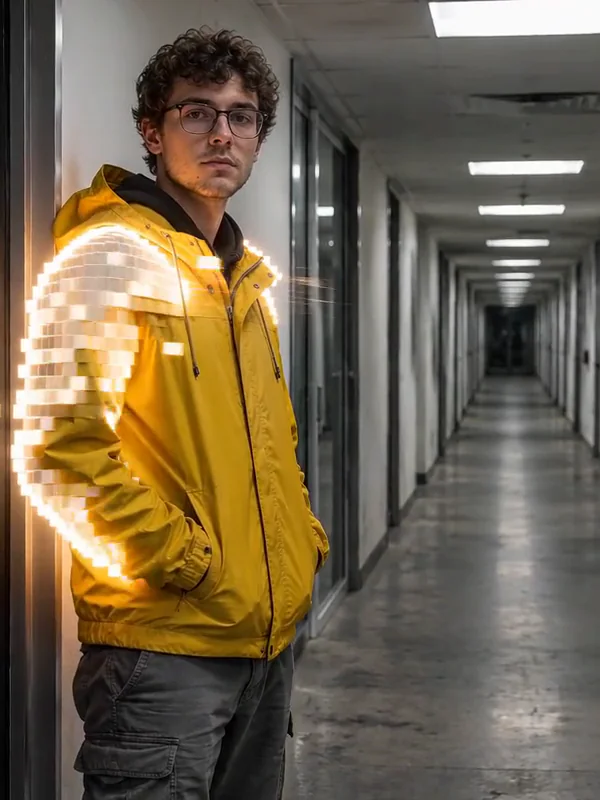
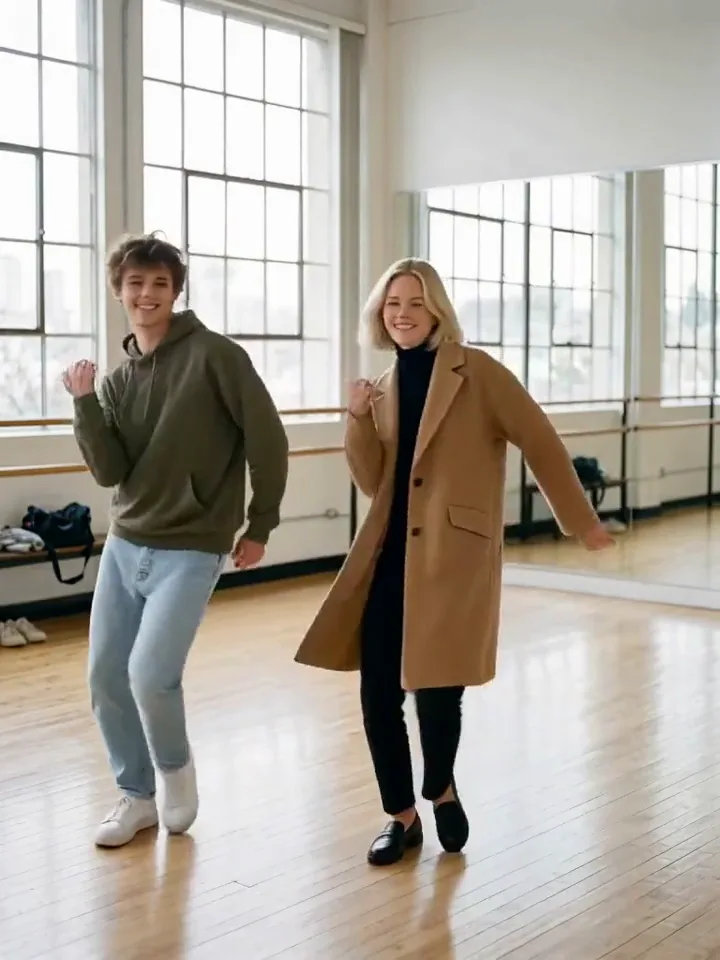
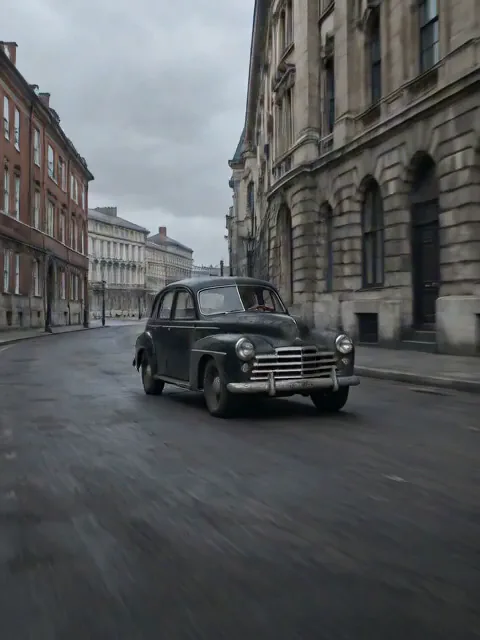
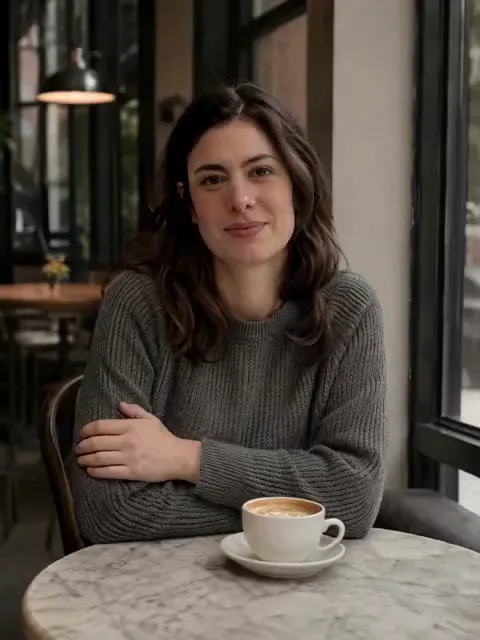
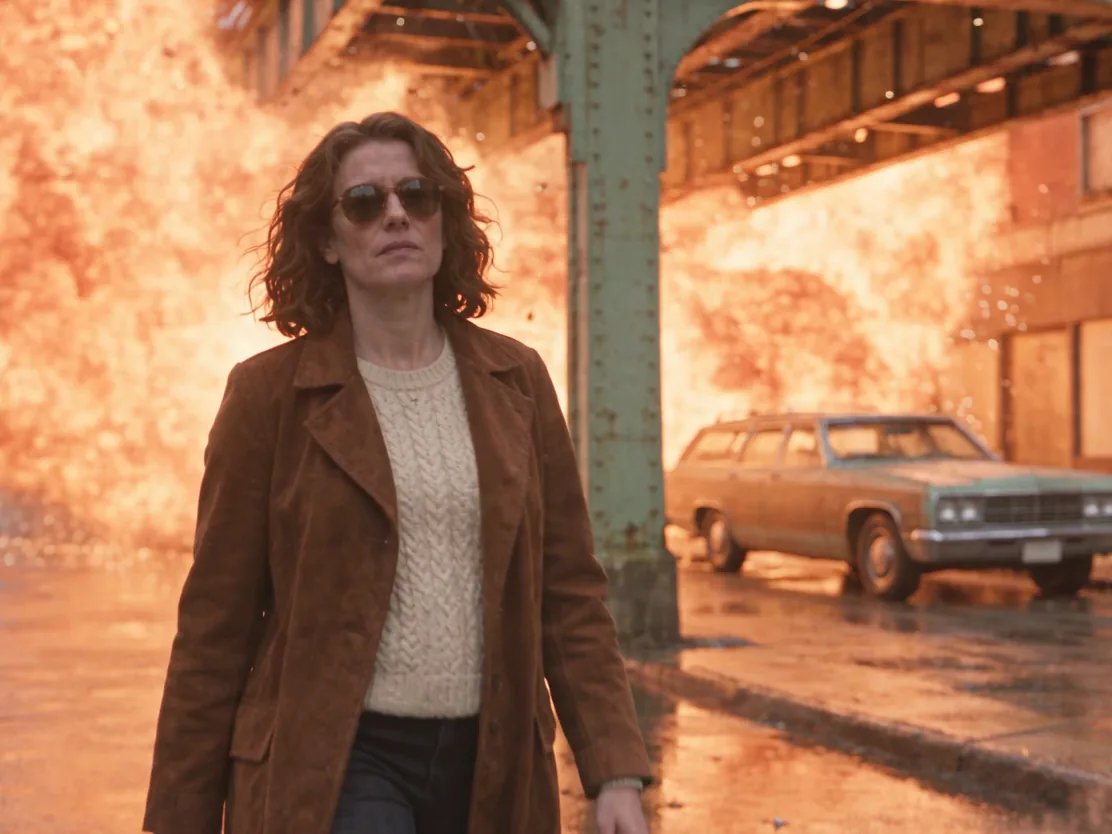
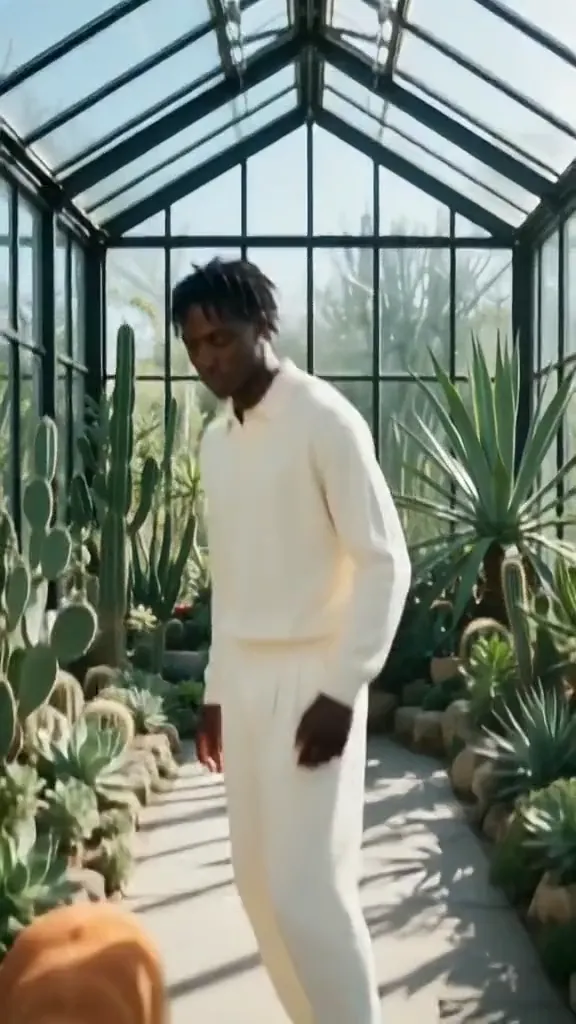
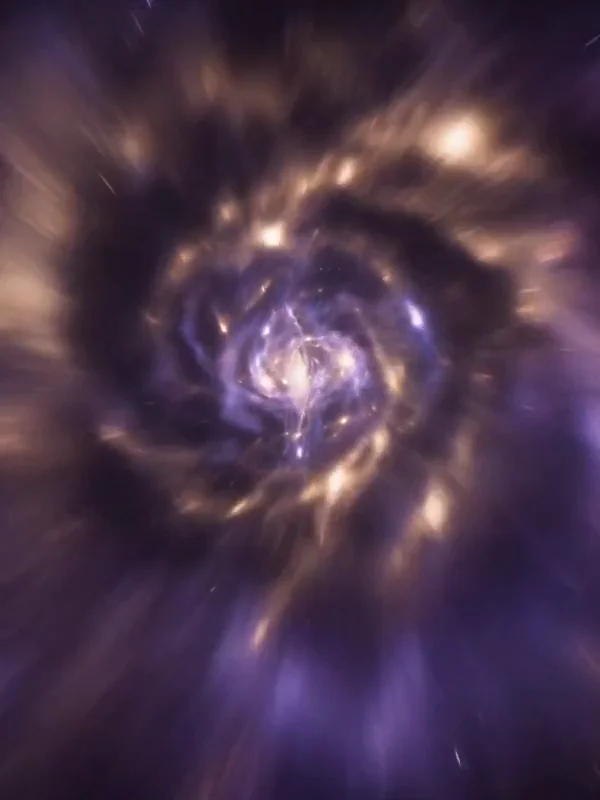
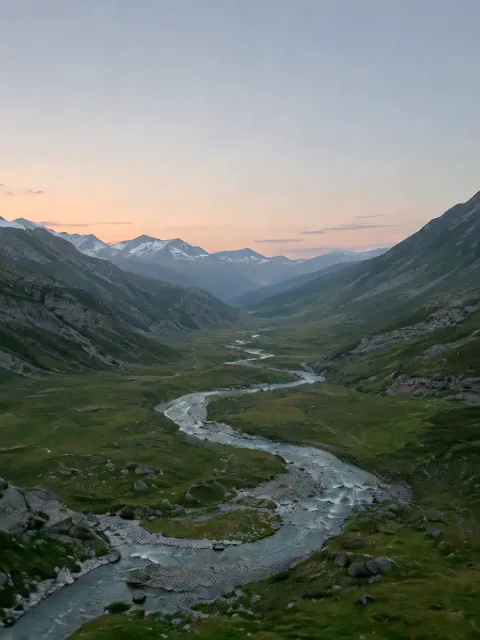
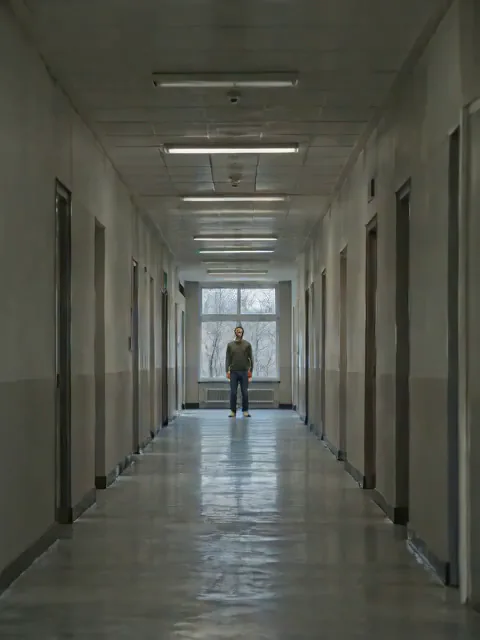
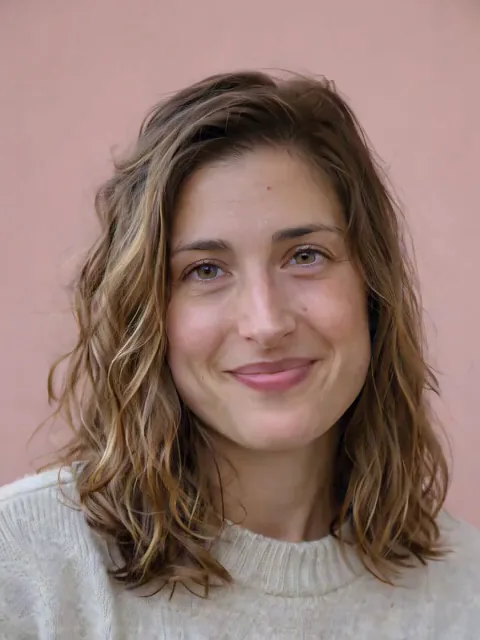
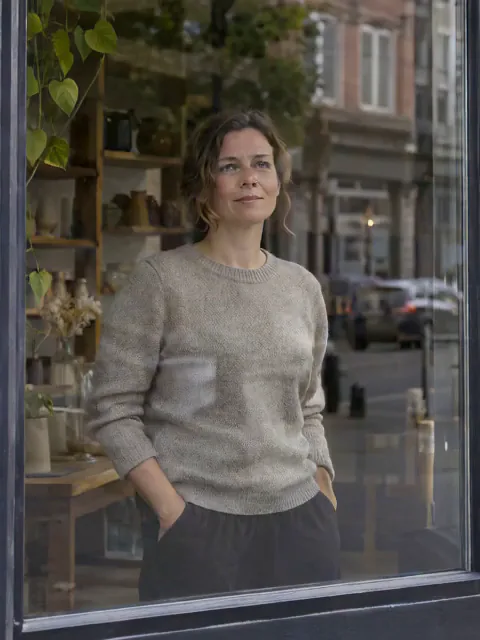
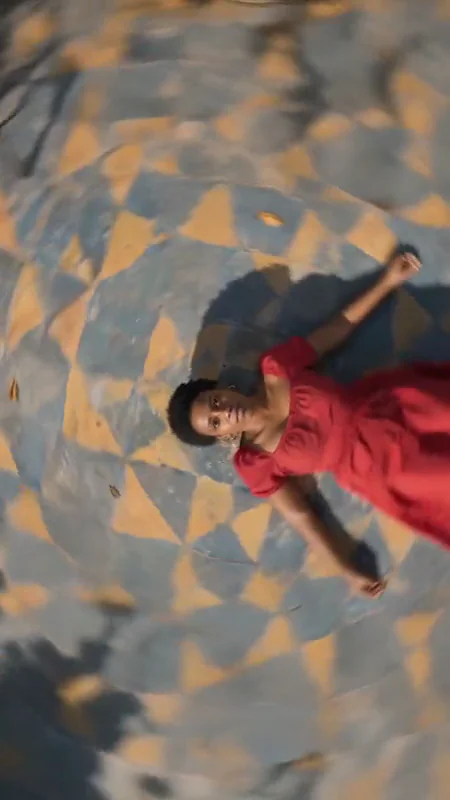
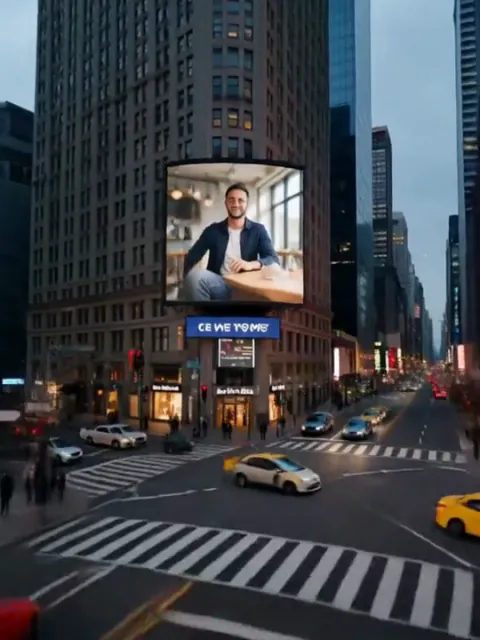
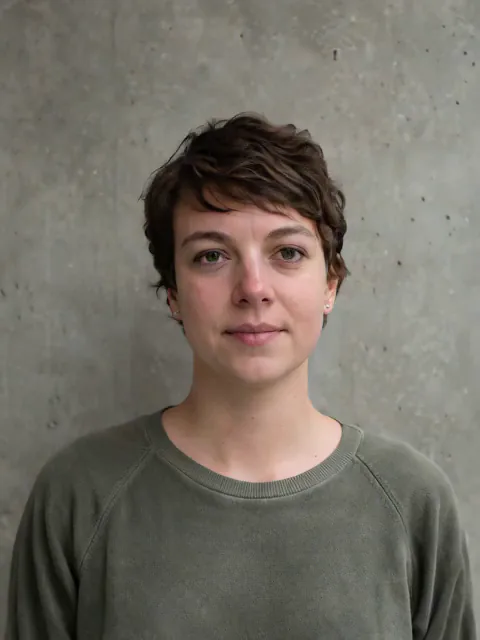
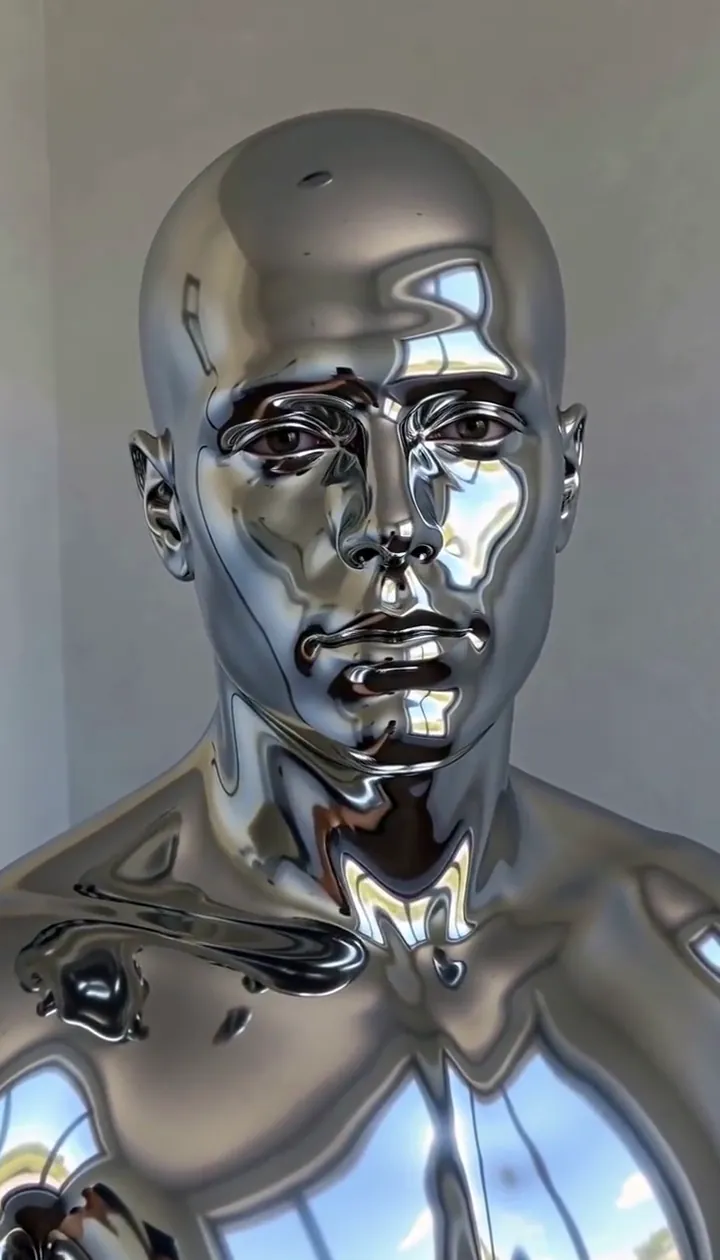
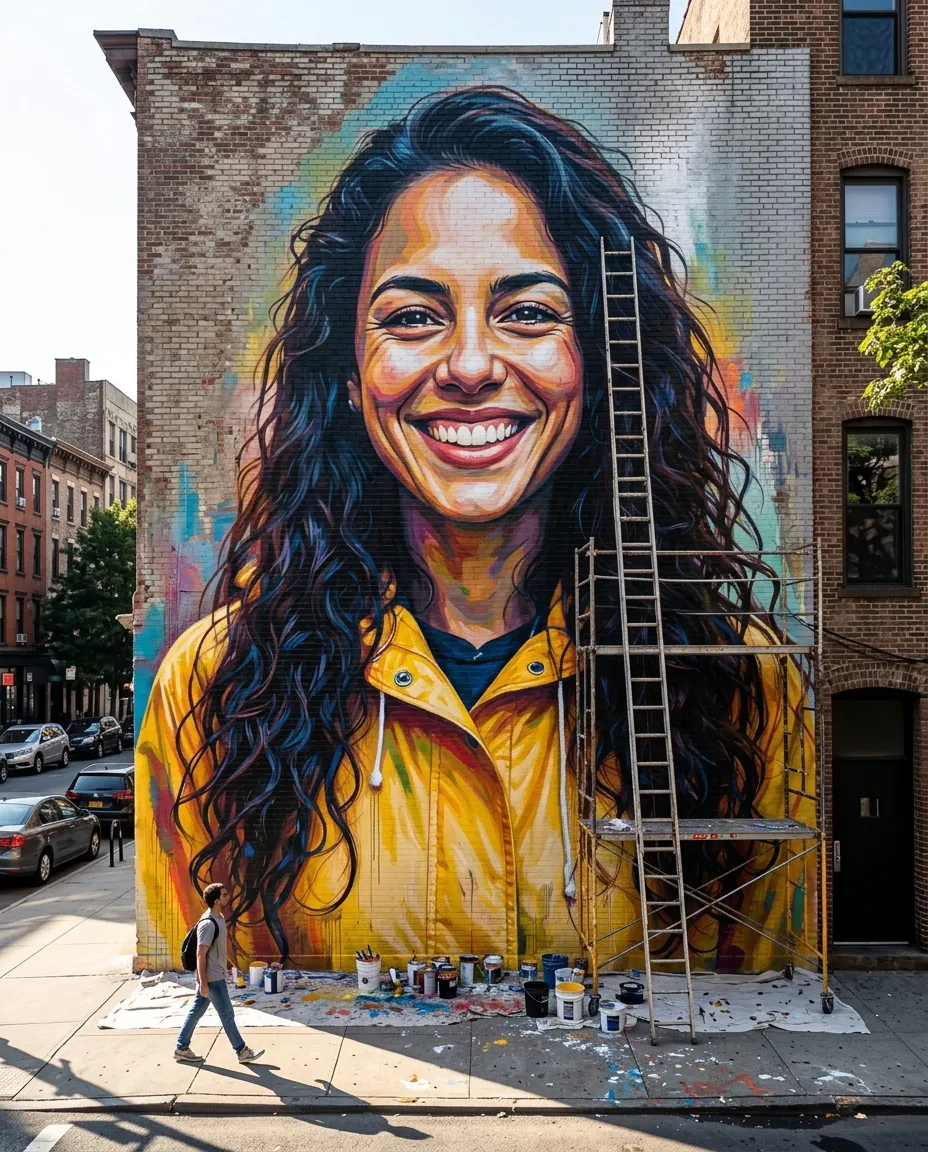
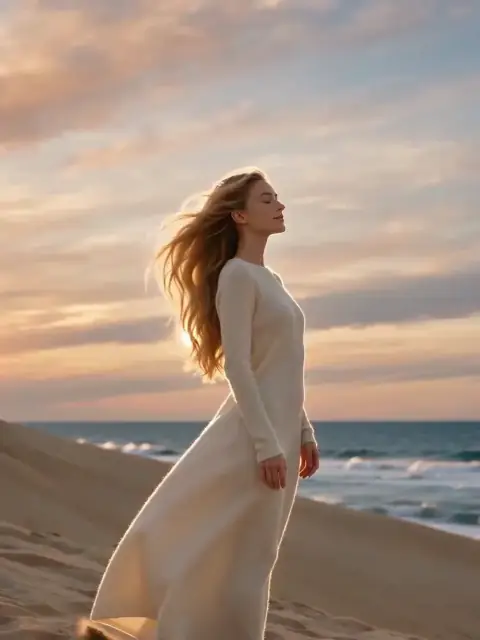
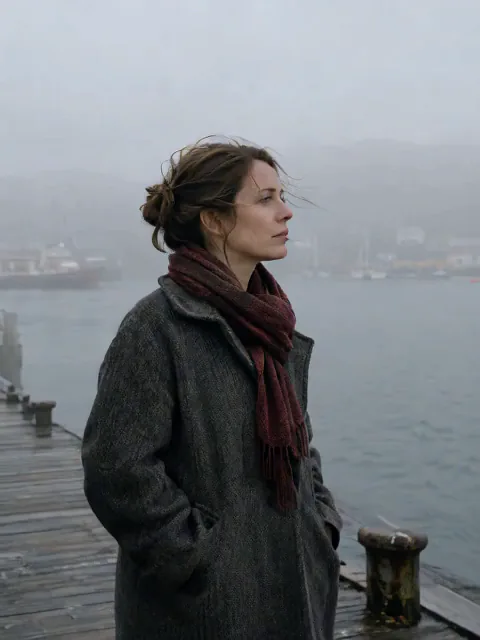
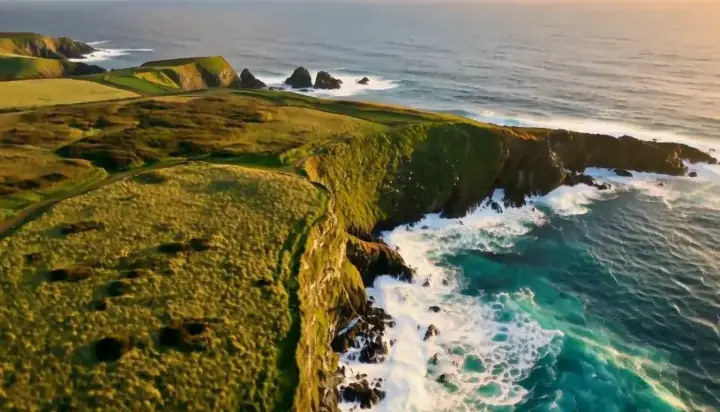
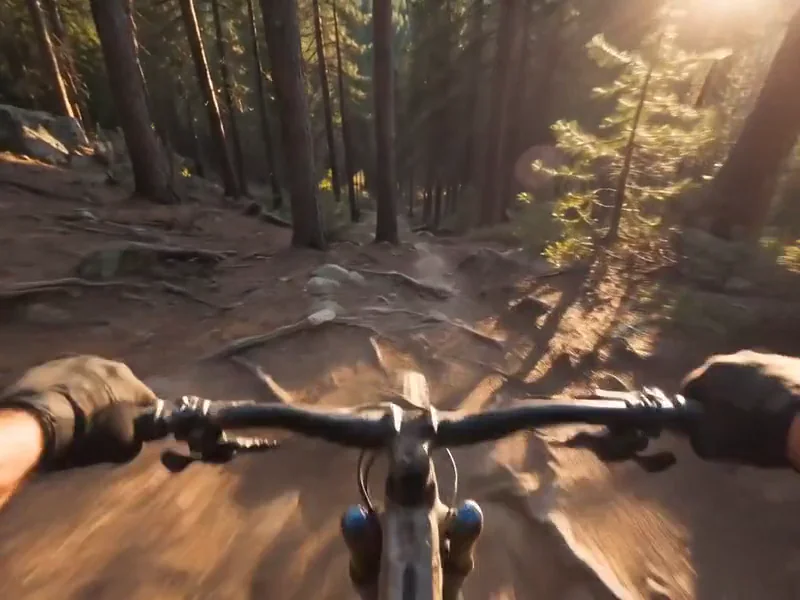
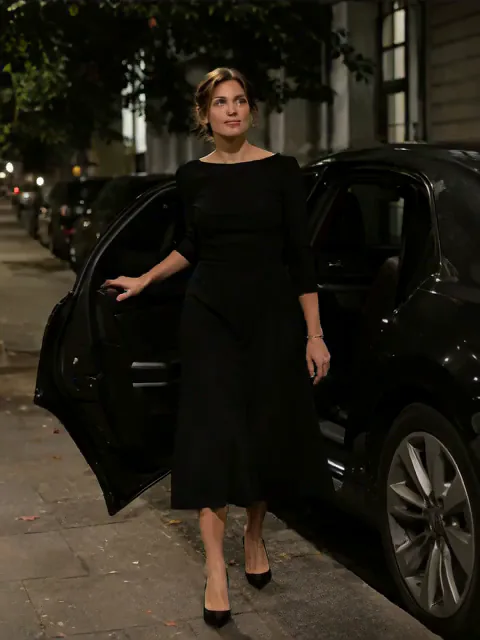
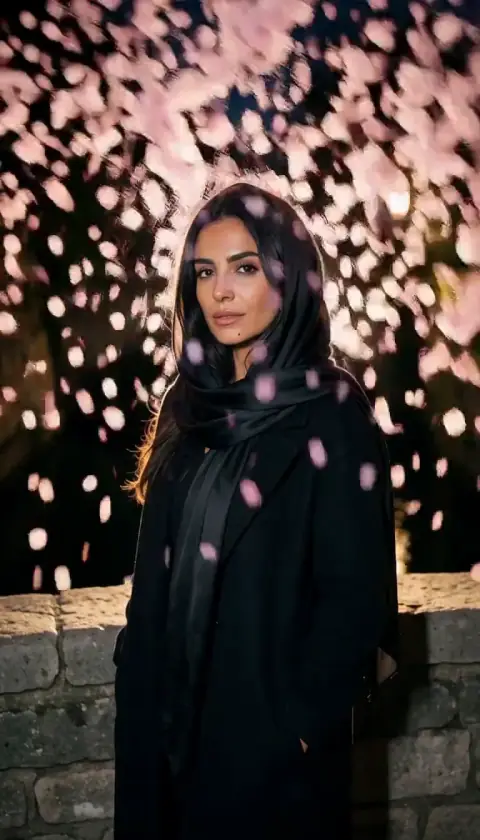
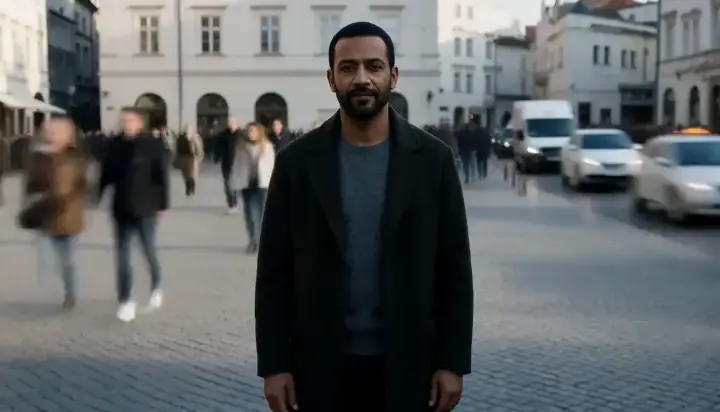
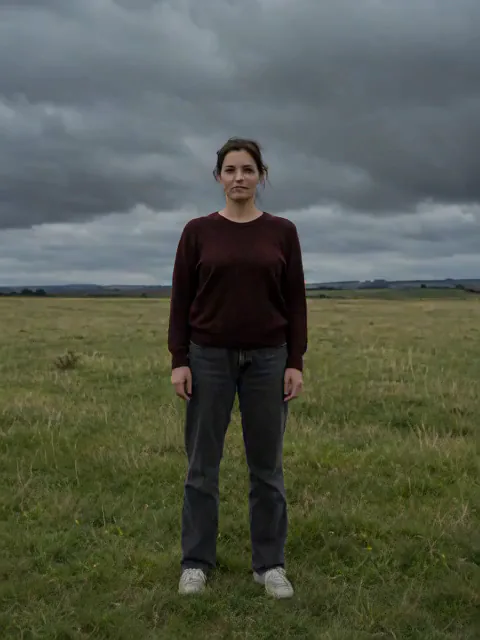
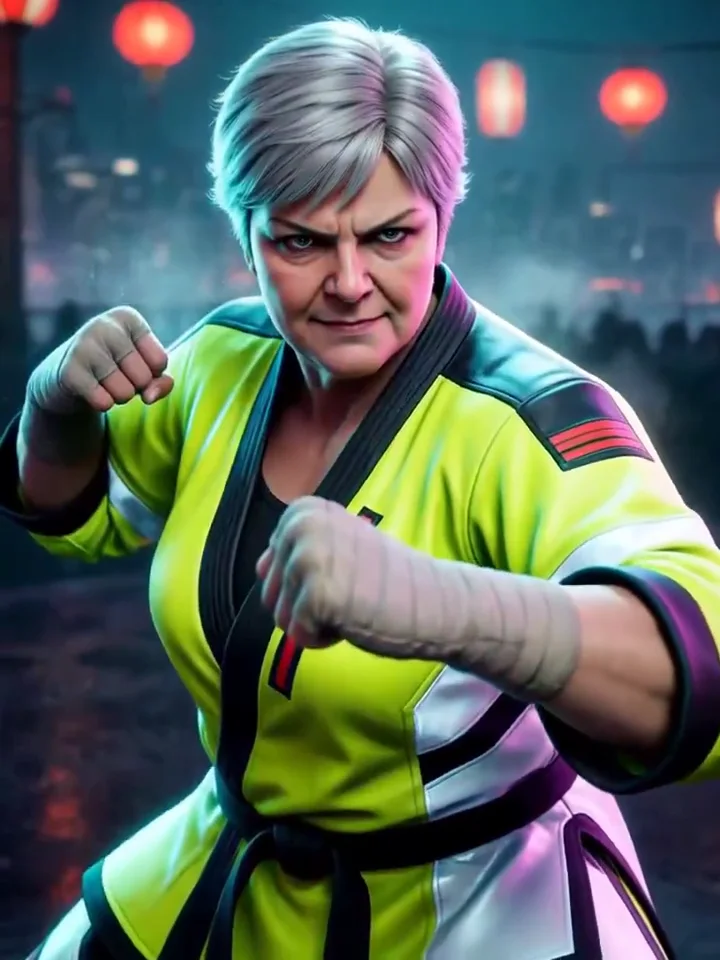
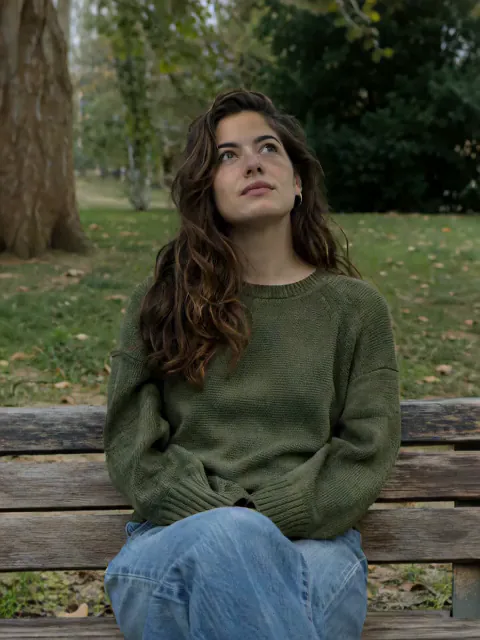
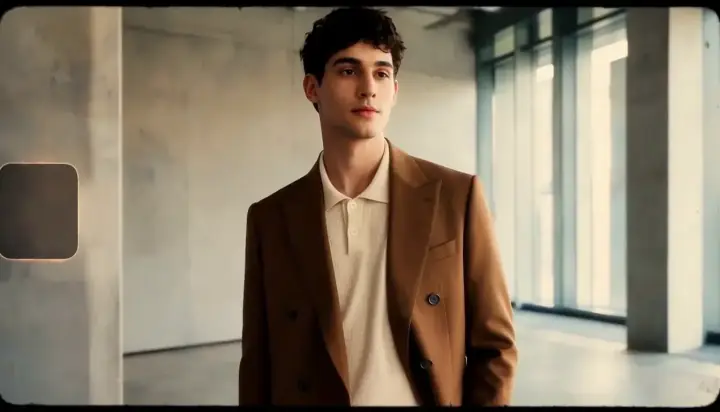
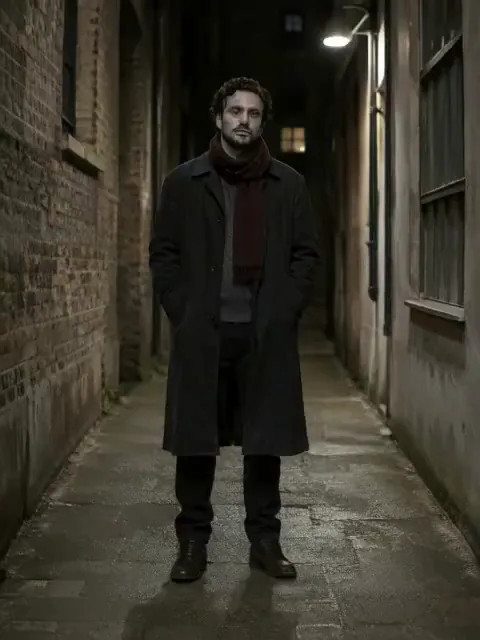
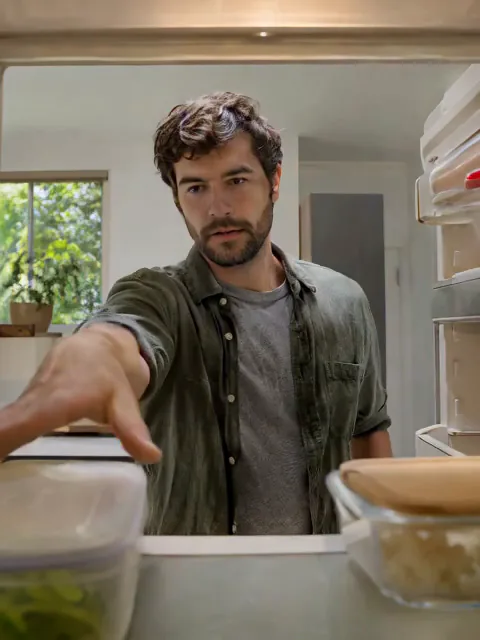
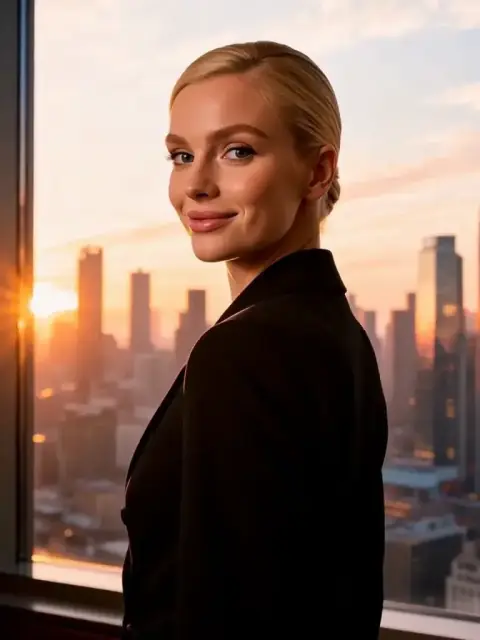
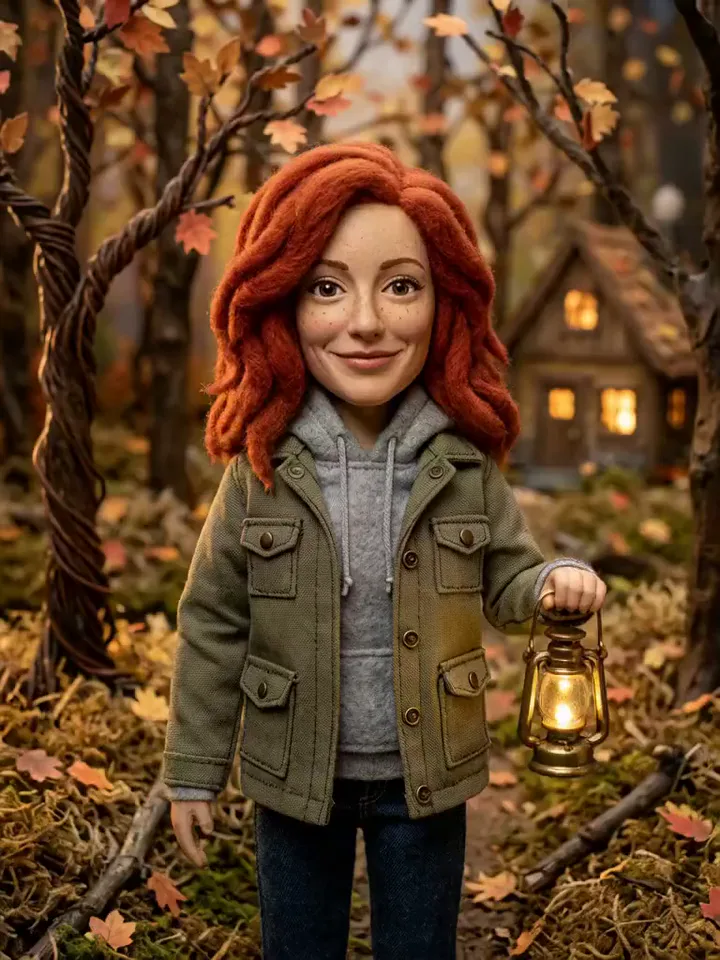
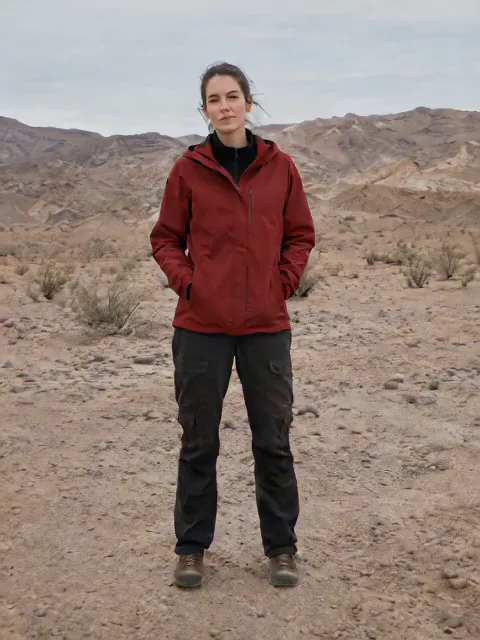
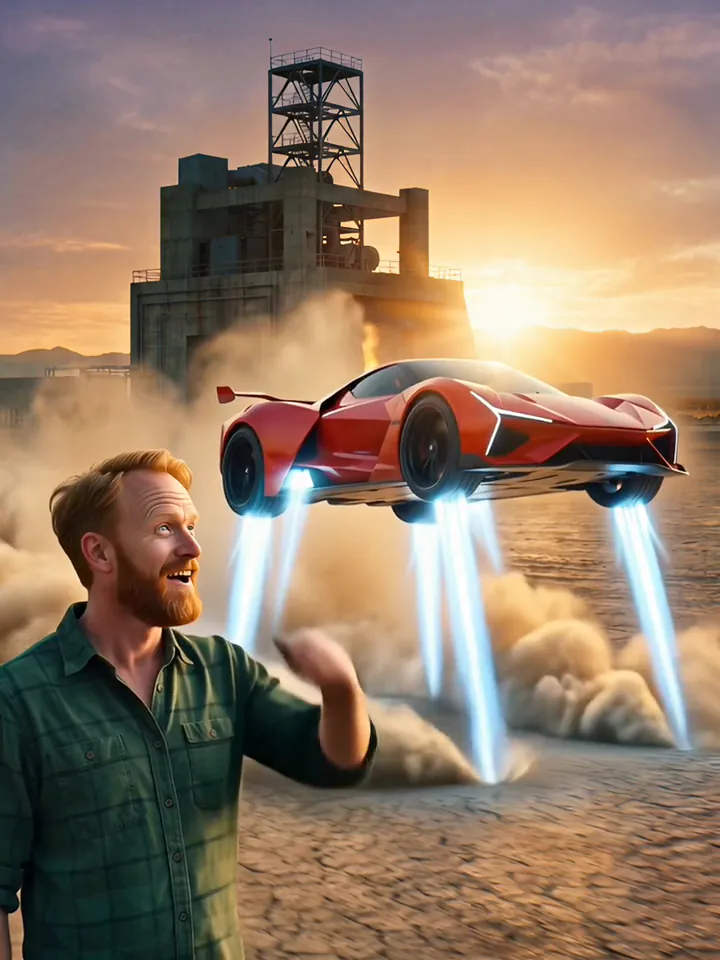
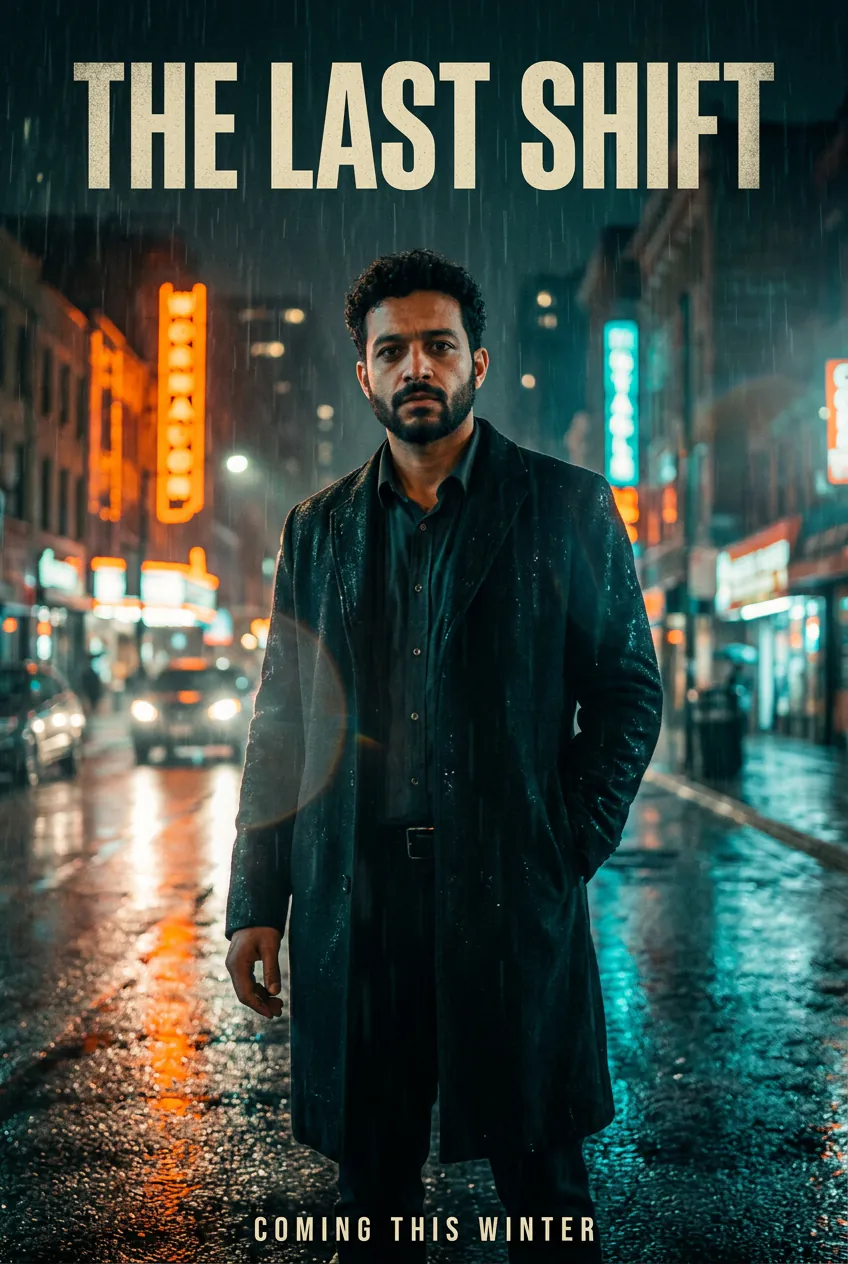
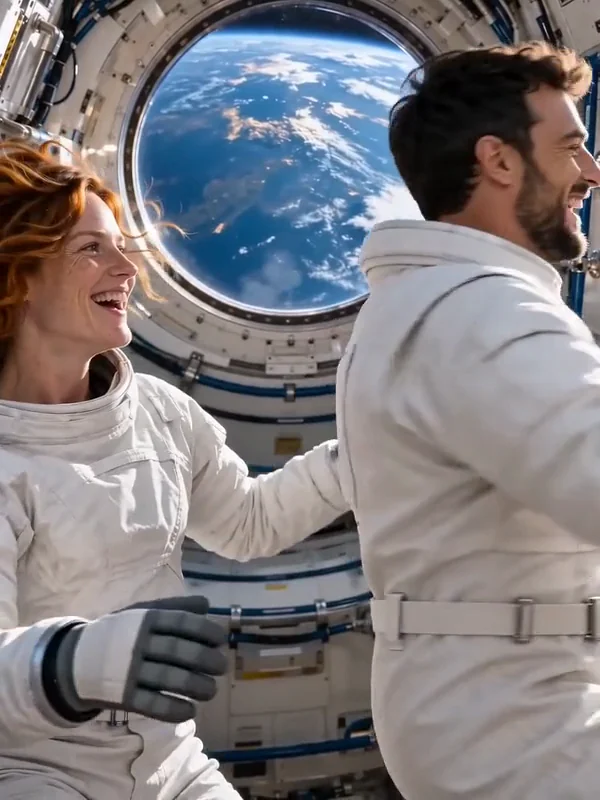
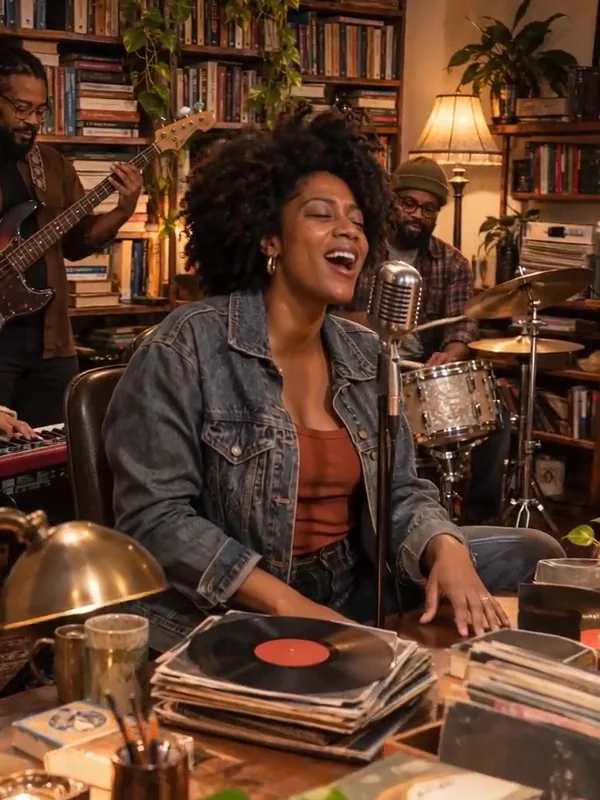
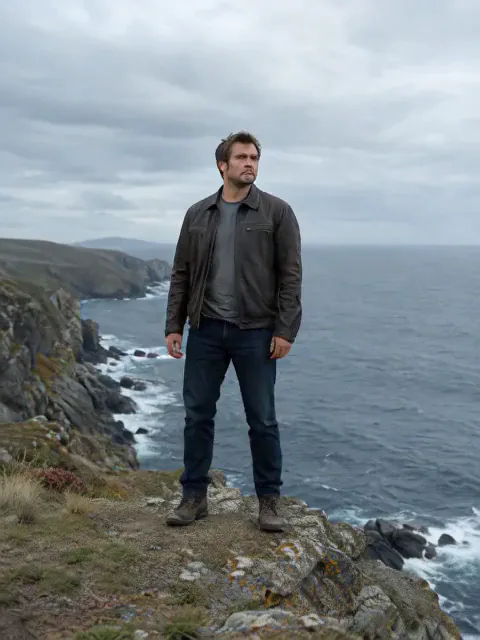
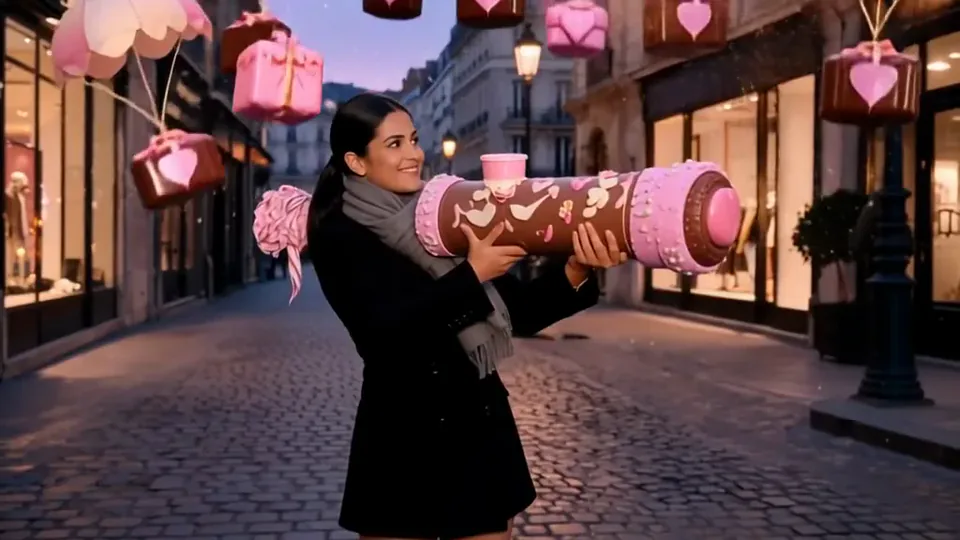
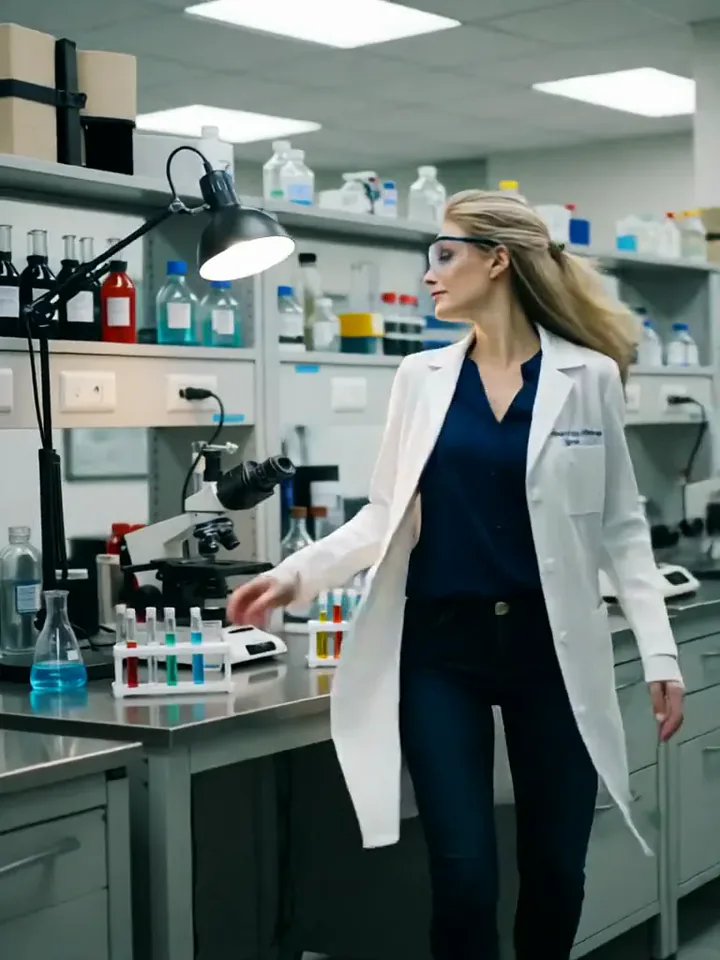
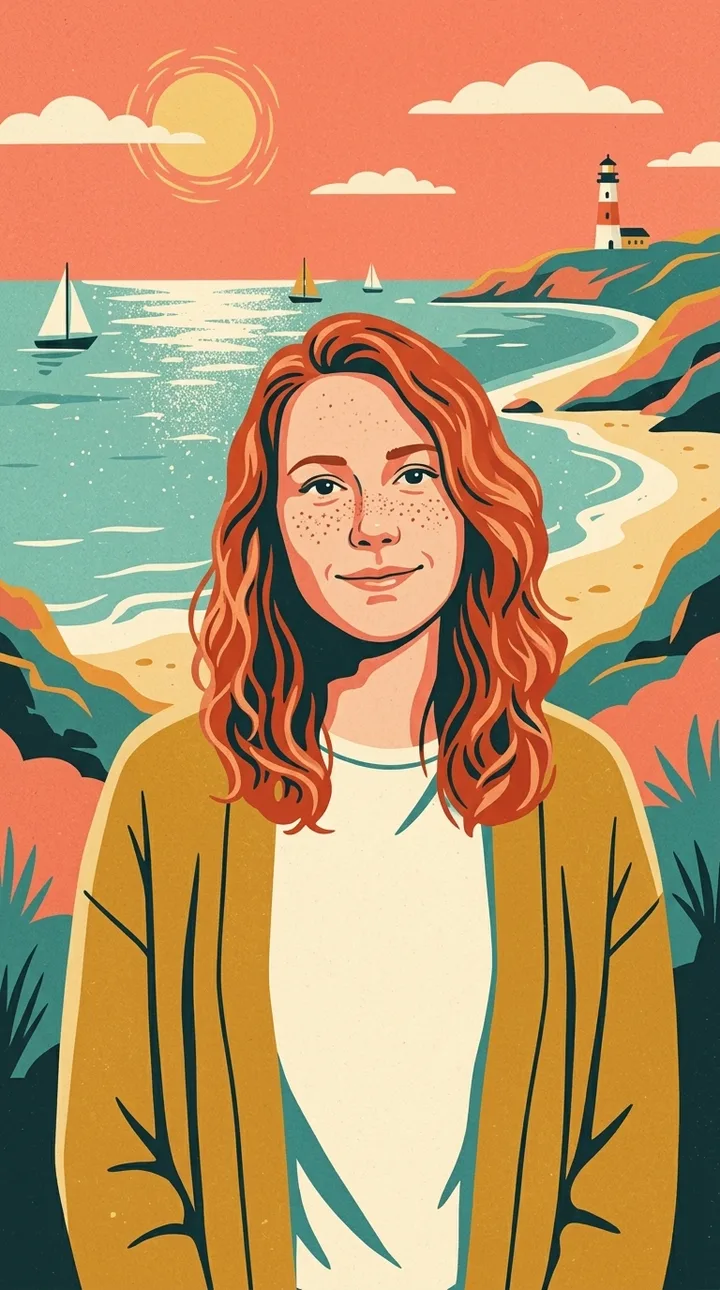
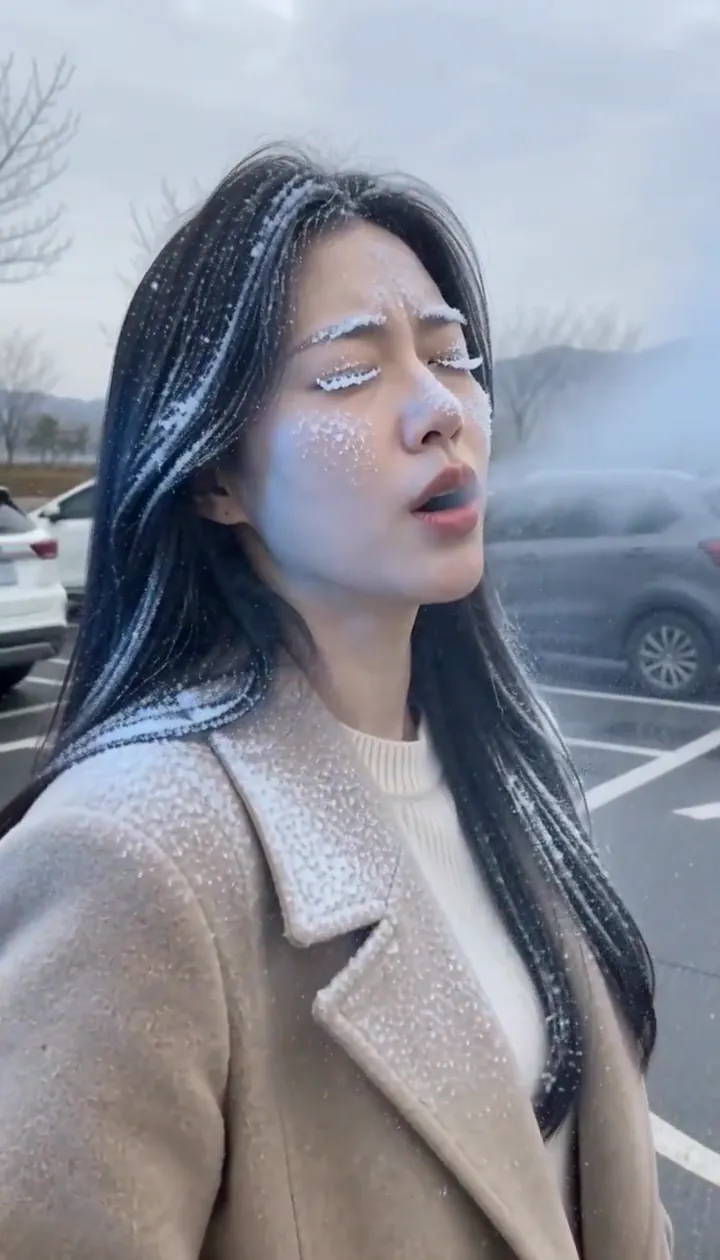
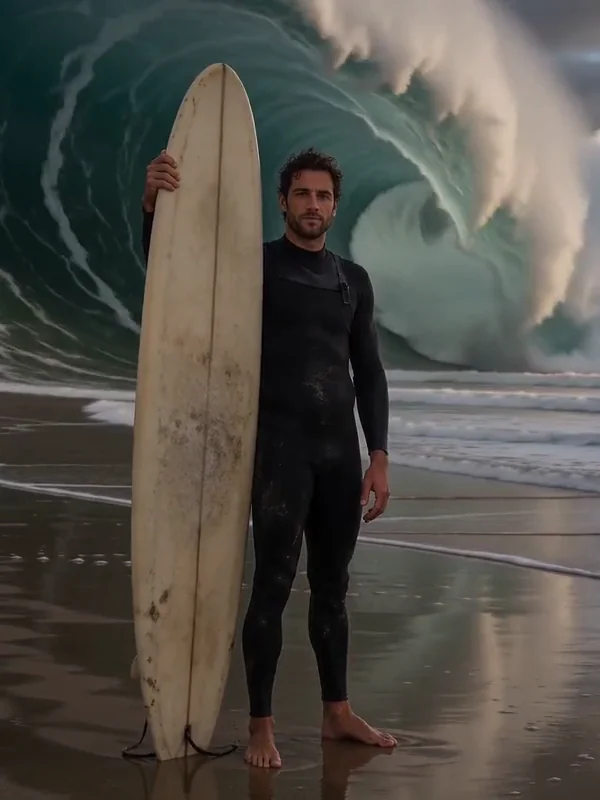
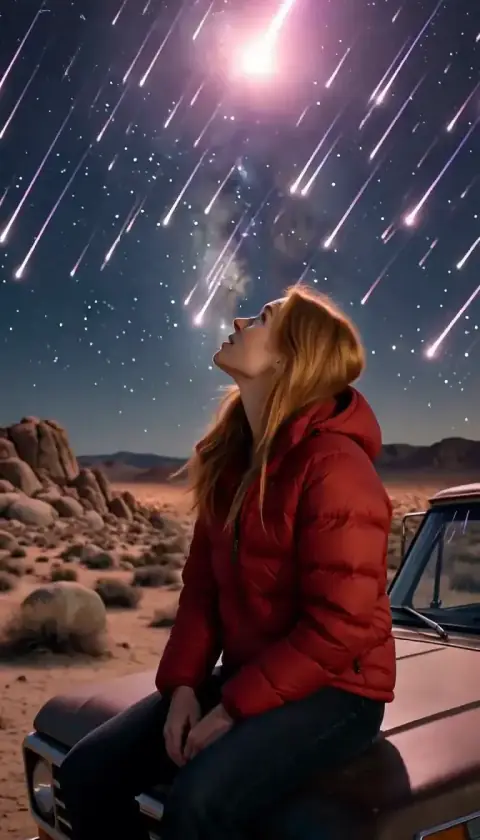
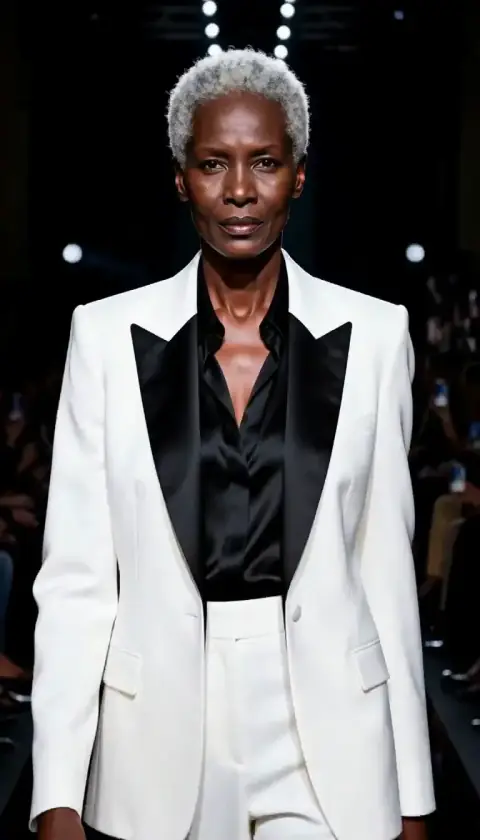
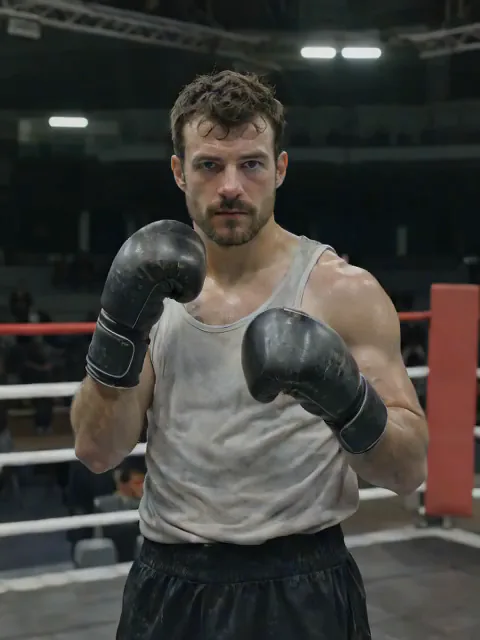
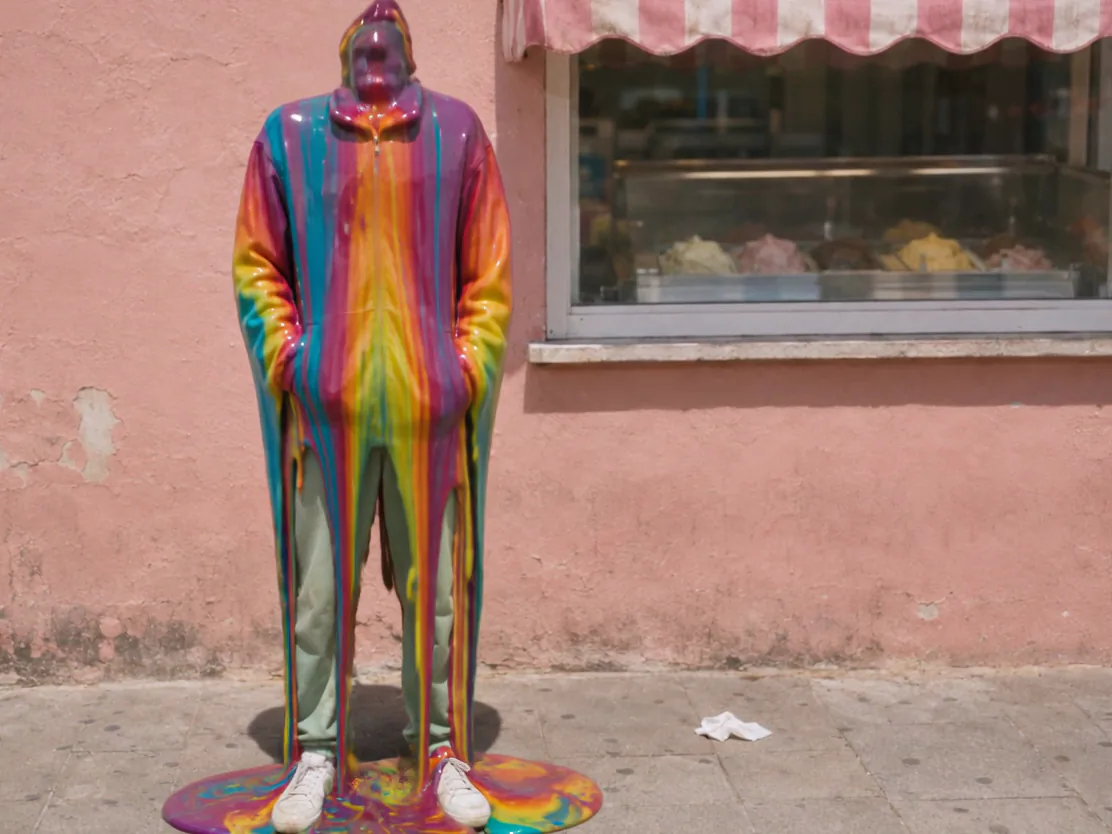
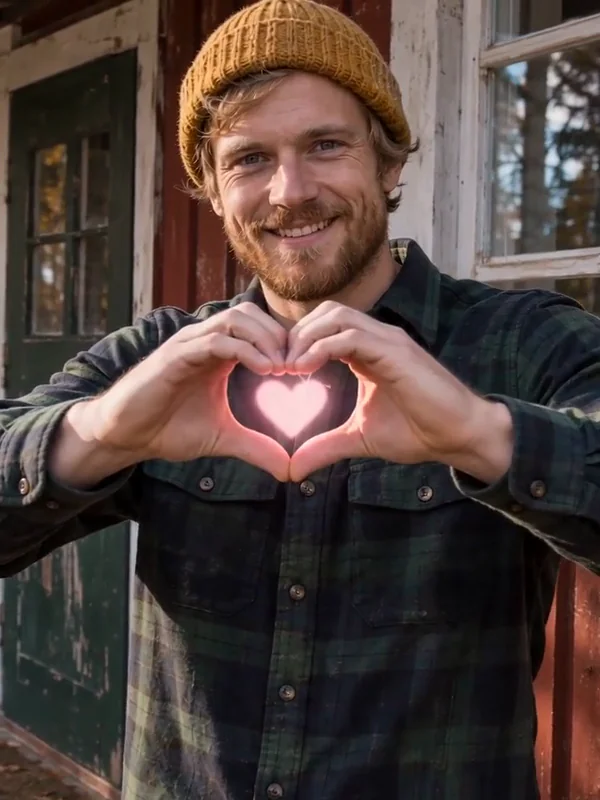
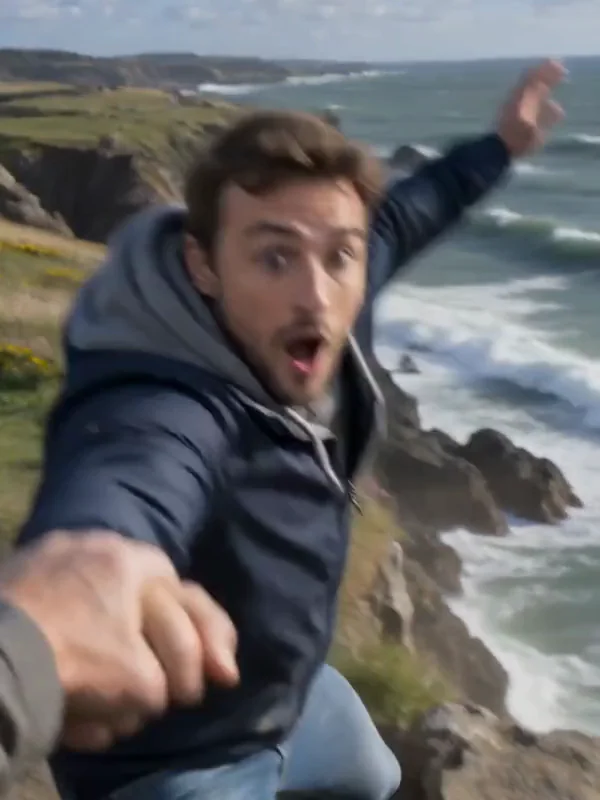
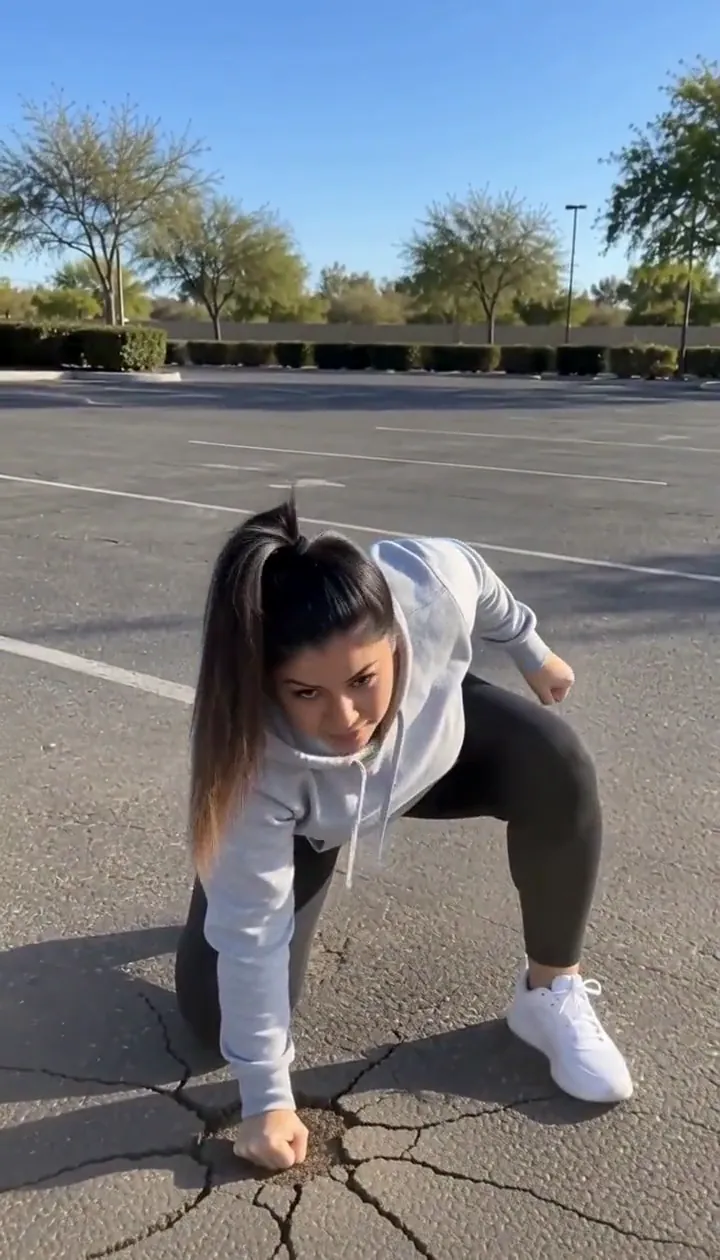
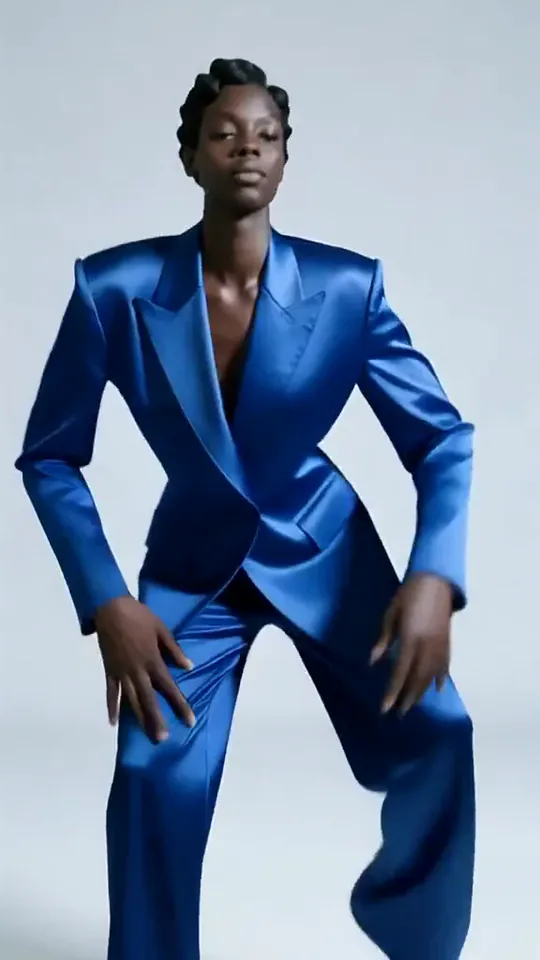
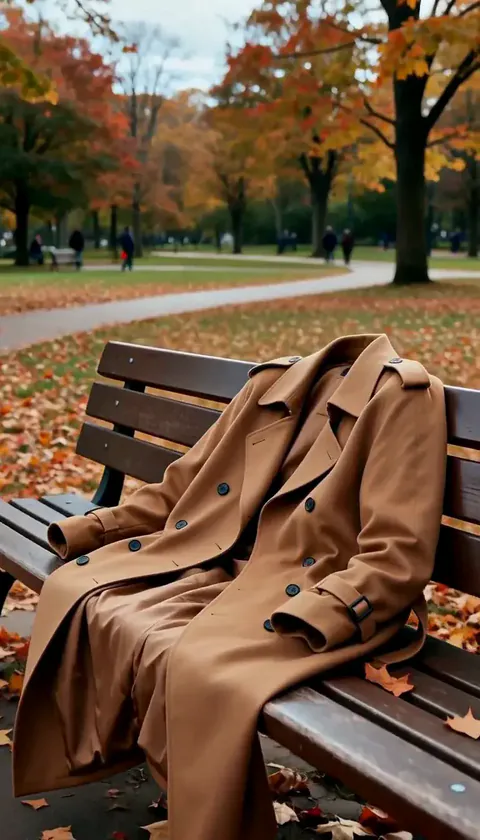
328 one-tap AI video effects. Upload one photo, get a short video: tiny planet, molten gold, lightning, earth zoom-out and more. No prompt needed.
Have your own footage? Add VFX to it
How AI video effects work
Each effect is a ready-made recipe: the prompt, the camera move and the model settings are already tuned, so you only bring the photo.
Make one in three steps
- Pick an effectBrowse the wall or filter by what is in your photo. Every card plays the real result made with that effect.
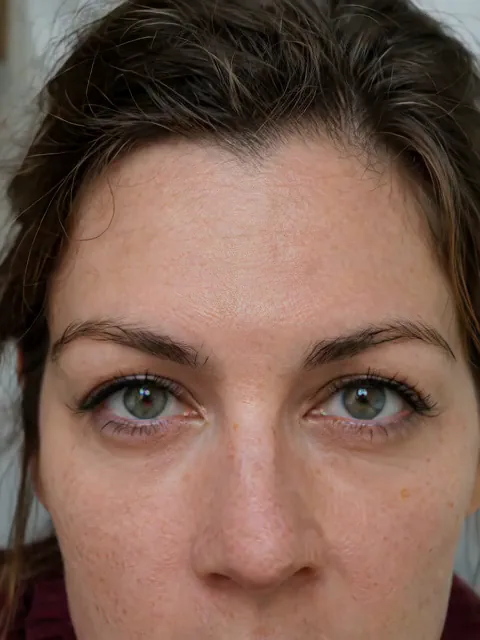
- Add your photoUpload one clear photo, or two for the duo effects. Faces facing the camera and good light give the best match.
- Press the buttonThe button shows the exact credits before you start. Most clips are ready in one to three minutes and land in your library.
Pick by what is in your photo
Not every effect suits every picture. These groups show which effects work well for each kind of photo.
People 281
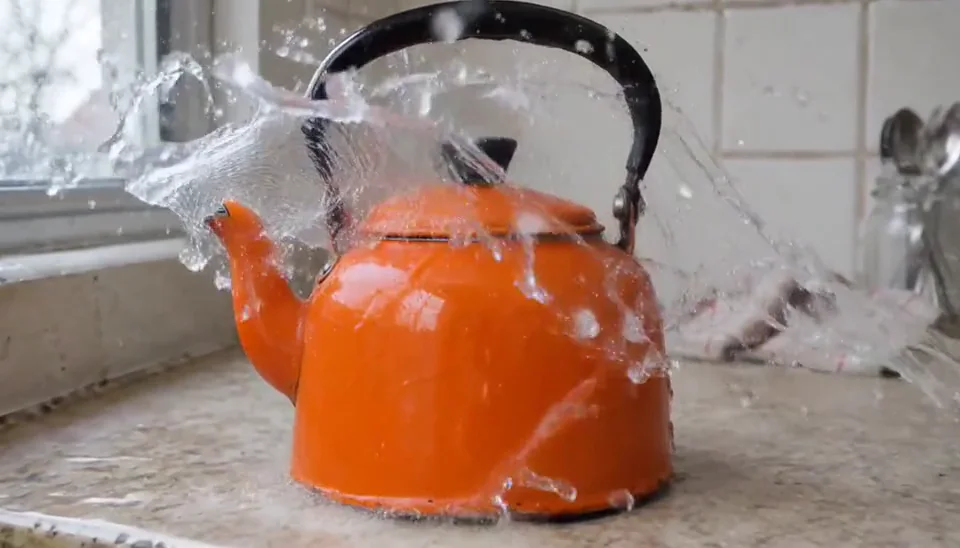
Products 34
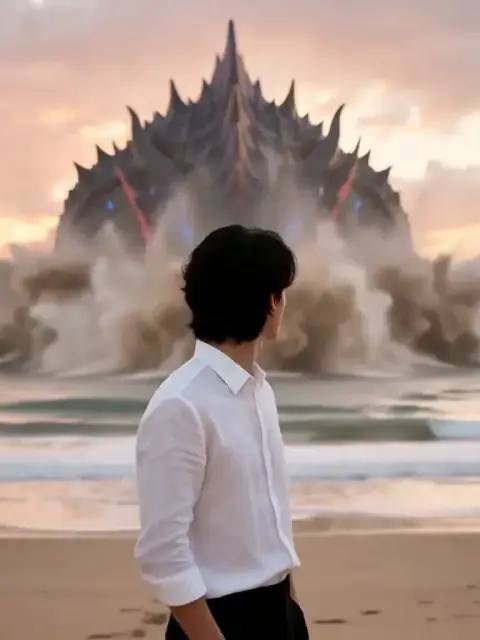
Places 41
Weather & mood 30
Models, lengths and credits
| Model | Length | Quality | From |
|---|---|---|---|
| MiniMax H3 | 5s | 768p | 210 credits |
| MiniMax H3 | 4s | 768p | 168 credits |
| Seedance 2.0 Mini | 5s | 480p | 125 credits |
| Wan 3.0 | 5s | 720p | 425 credits |
| Kling 3.0 | 5s | 720p | 340 credits |
| Seedance 2.0 Fast | 5s | 720p | 510 credits |
Prices are for one clip at that setting. Each effect page lists only the models that suit it, with the effect's own default first.
Questions people ask
Do I need to write a prompt?
No. Each effect already carries its own prompt and camera move. On the effect page you can add a short note if you want a small change, like a color or an object.
Which photos work best?
One clear subject, good light and no heavy filters. For people, a face looking at the camera works best. For products, a plain background helps the effect read clearly.
How long are the clips?
Most effects make a 5-second clip. Some cheaper settings make 4 seconds, and photo effects return a still image instead of a video.
Can I use my own model or settings?
Yes. Open More options on an effect page to change length, quality or sound where the model allows it, or use Edit in Video to take the full prompt to the video generator.
Where do my results go?
Every finished clip is saved to your library, where you can download it, share it or send it to the editor, canvas or another tool.