What the Roll Transition effect does
Roll Transition turns one still photo into a short AI video. A full-speed barrel roll that lands right back on you.
How to use Roll Transition
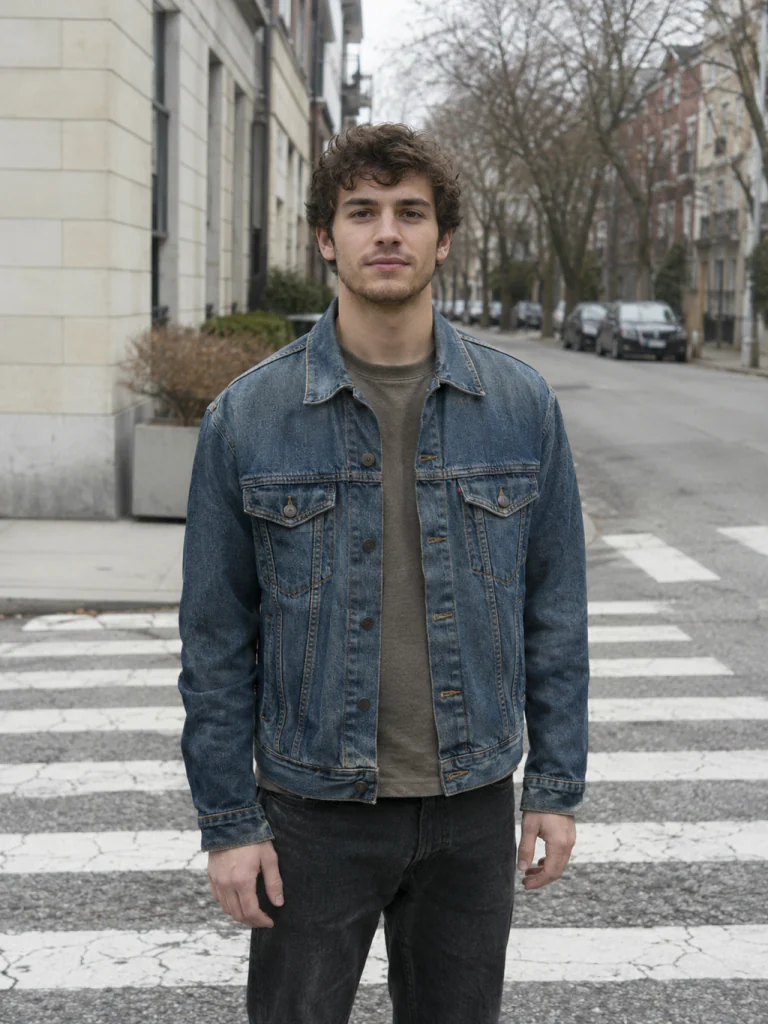
- Add one photo Upload a clear photo of the person, pet or object you want in the Roll Transition clip.
- Keep the default model or pick another MiniMax H3 is selected; the list shows every other model with its price before anything runs.
- Press Generate The clip is usually ready in about 55 s. Download it or send it to another tool.
Which photos work best for Roll Transition
Avoid
- Group photos with several faces
- Sunglasses, masks or hands covering the face
What we saw when we tested Roll Transition
How Roll Transition does on each model
- MiniMax H3 (210 credits · about 55 s)$0.21 vs Runway $0.50 · 768p · 5s−58% vs Runway
- Seedance 2.0 Mini · 480p (125 credits · about 2 min)$0.13 vs fal $0.36 · 480p · 5s−65% vs fal
The prompt behind Roll Transition
The shot holds for half a second, then the camera spins around its own lens axis in one fast 360-degree barrel roll: the whole frame rotates with heavy motion blur, the horizon flips upside down and back, and the roll lands smoothly on the person, level again, as they look into the lens. The person stays exactly as they appear in the photo.
Roll Transition: questions and answers
How many credits does Roll Transition cost?
210 credits with MiniMax H3; the cheapest option for Roll Transition is 125 credits. There’s no subscription, and failed runs are refunded automatically.
What does Roll Transition change in my photo?
The shot holds for half a second, then the camera spins around its own lens axis in one fast 360-degree barrel roll: the whole frame rotates with heavy motion blur, the horizon flips upside down and back, and the roll lands smoothly on the person, level again, as they look into the lens. The person stays exactly as they appear in the photo.

 Your photo

