What is image to prompt?
Image to prompt turns a picture into words an image model understands. PopNow looks at your image and writes its recipe: the subject, the medium, the style, the framing, the camera, the light, the mood and the five colors that carry it, plus a finished prompt you can paste anywhere. It also writes three variations, a one-line edit that puts the same look on your own photo, and the PopNow styles and tools that come closest.
How to get the prompt from an image
- Drop an image into the box: a photo, a screenshot, a poster, art you saw online or one of your own creations.
- Press Read the recipe. In a few seconds you get the prompt, the palette and every ingredient, labeled so you can reuse them.
- Edit the prompt if you like, then press Make it to create a new image, or Apply to my photo to give your own picture the same look.
Why a recipe beats a caption
A plain description tells you what is in a picture. It doesn't tell a model how the picture was made, which is what decides the look. The recipe separates the parts that matter: medium and technique, lens and depth of field, the direction and color of light, the palette as real hex codes, and the layout. Change one part and keep the rest, and you get the same feel with a new subject, a new place or a new style.
What's in a recipe
- Subject: what the image shows and what is happening, written neutrally.
- Medium: 35mm film, gouache on paper, glossy 3D render, 16-bit pixel art and so on.
- Style: texture, line, level of detail and the era the image recalls.
- Composition and camera: shot size, angle, lens, focus and depth of field.
- Lighting: where the light comes from, how soft it is, its color and the time of day.
- Palette: five hex colors you can copy straight into a design tool.
- Prompt and variations: a full prompt, plus versions with a new subject, a new scene and a new style.
Make it, or apply it to your photo
Make it opens the image generator with your prompt, the right shape and a suggested model, and starts right away. Nano Banana 2.1 matched the look best in our tests and spells lettering cleanly; Seedream 5.0 Flash is the cheaper option. Turn on Stay closer to the original to send your image along as a reference. Apply to my photo works on a picture of your own: the look changes, while faces, poses and clothes stay the same.
What the recipe never does
It describes the look, not identities: it never names the people in an image, real artists, studios or brands. When an image clearly imitates someone's style, the recipe describes the technique in plain words instead. Lettering is not copied word for word, it becomes a placeholder headline you can change, and logos and watermarks are left out.
Images that read best
Works well
- One clear picture rather than a collage of many
- Full images, not tight crops of a corner
- Screenshots of art, posters, product shots and photos alike
- Images at least 512 pixels on the short side
Harder to read
- Tiny thumbnails or heavily compressed images
- Pages that are mostly text, like documents
- Images with a lot of overlaid interface
- Anything with nudity or adult content, which is declined
Recipes and what they made
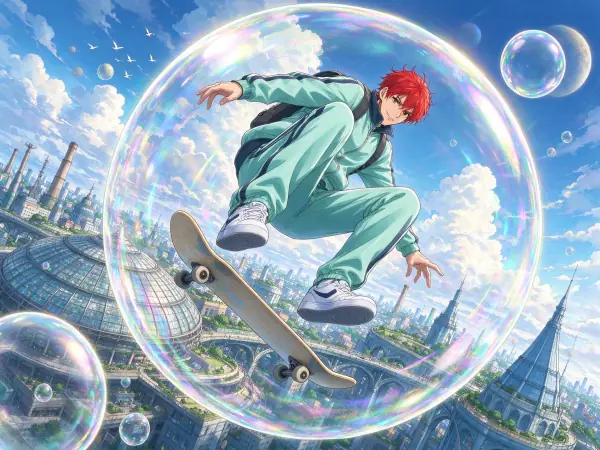
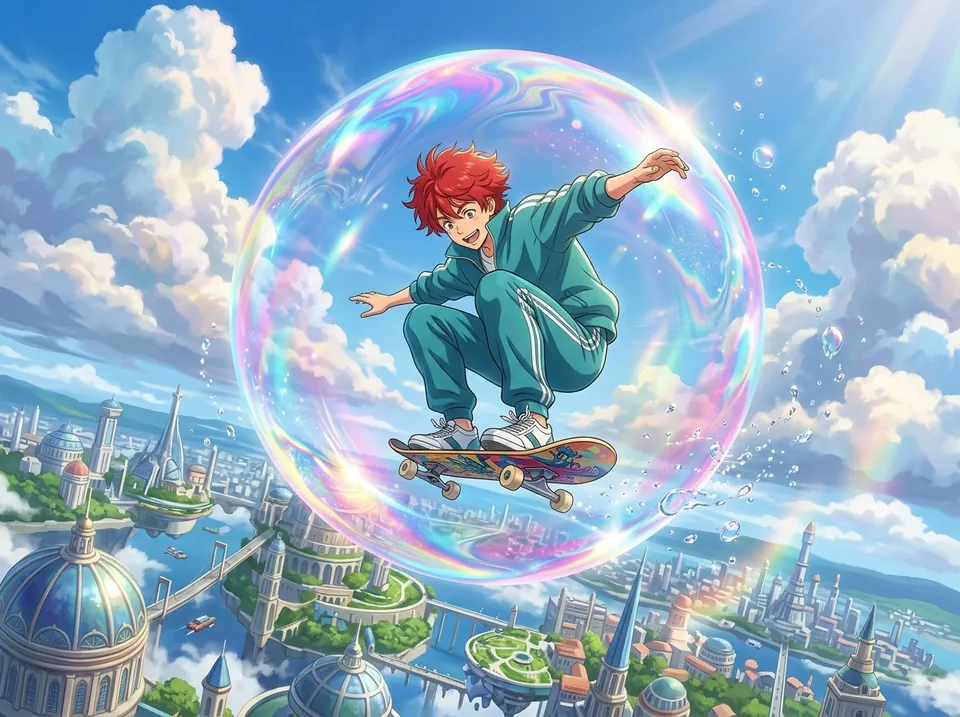 Anime Skater in Bubble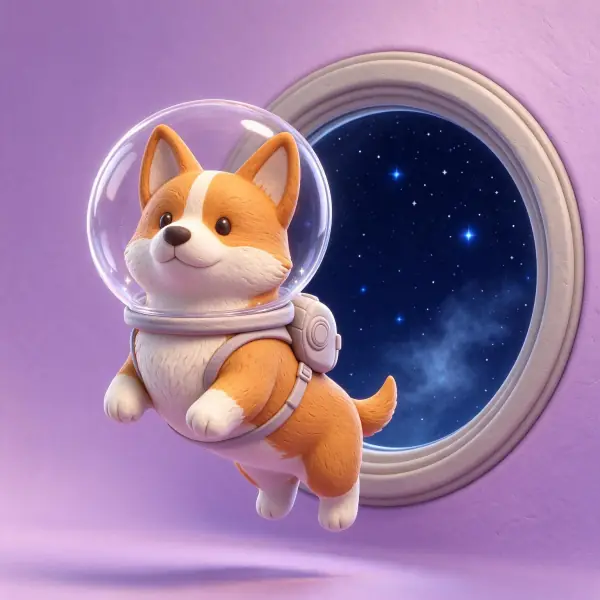
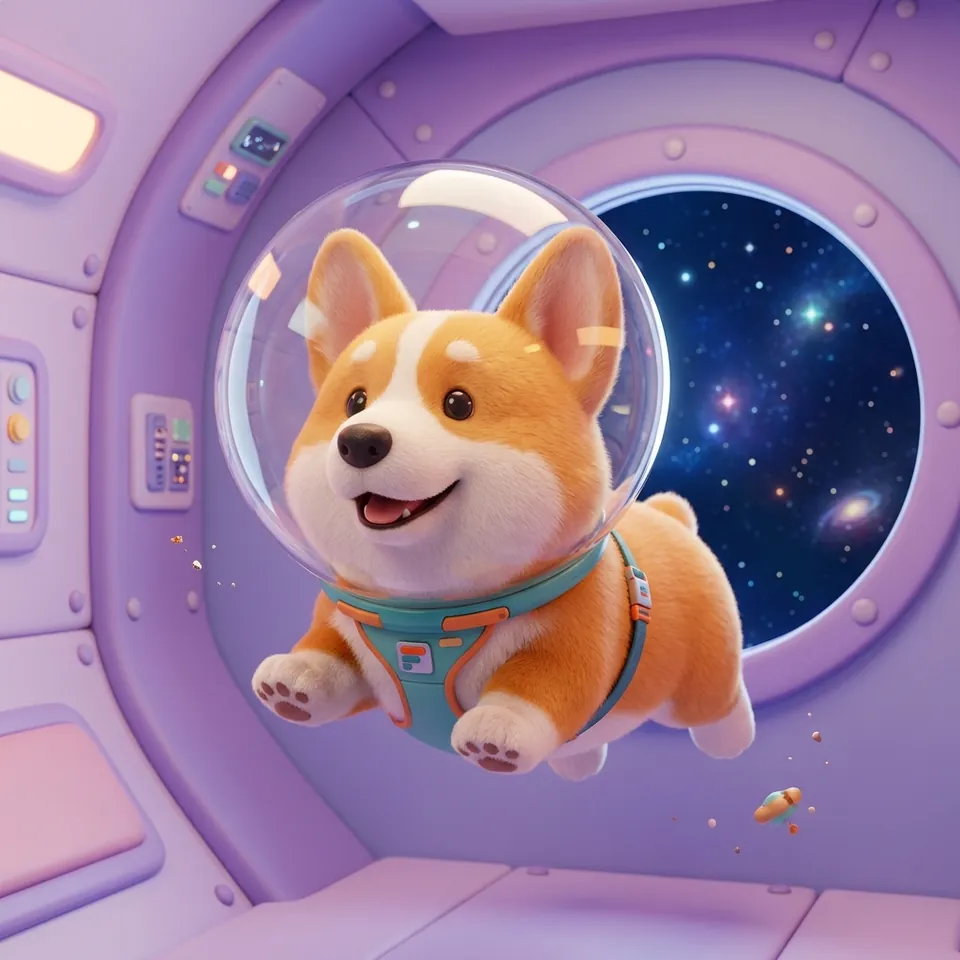 Cute Astronaut Corgi 3D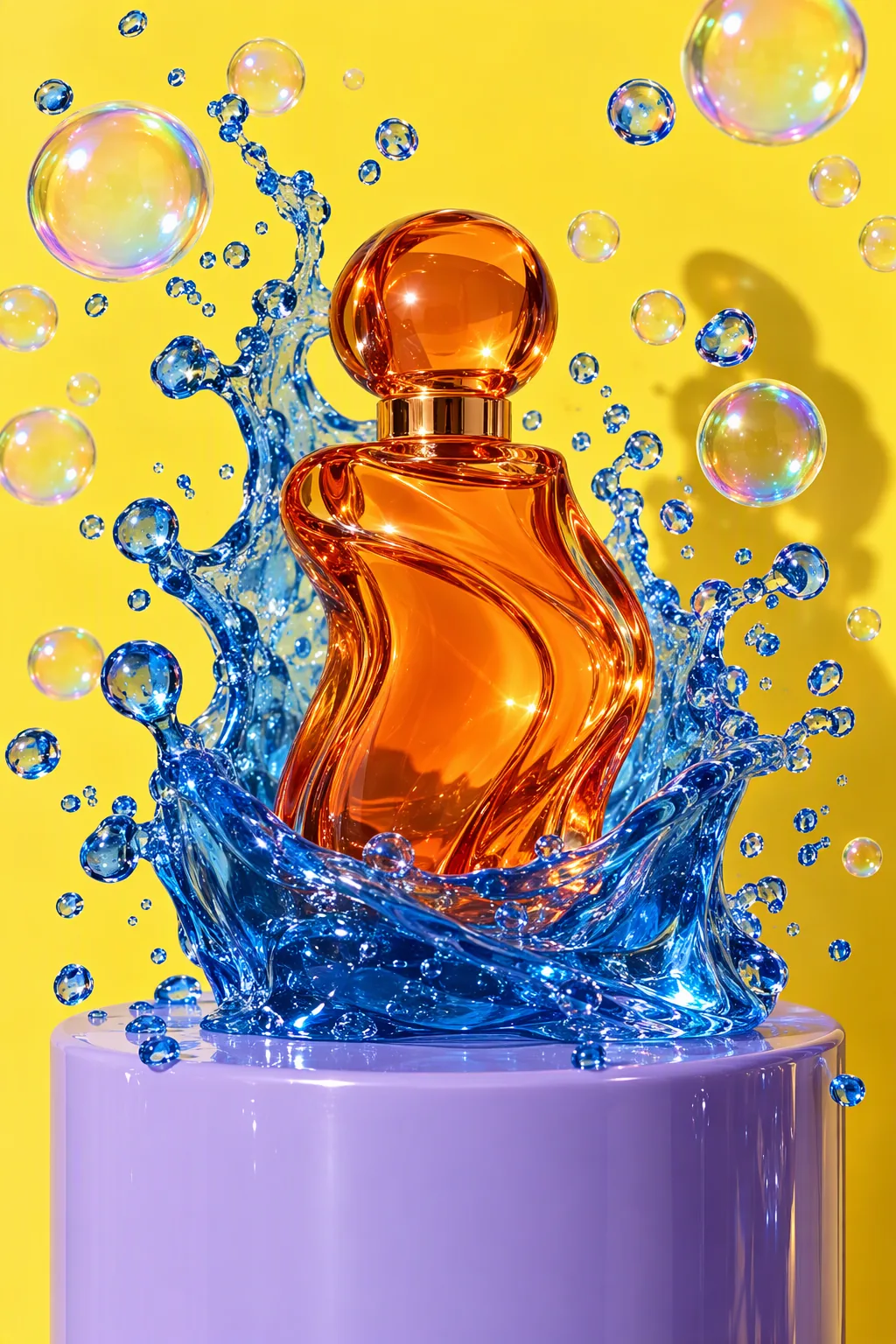
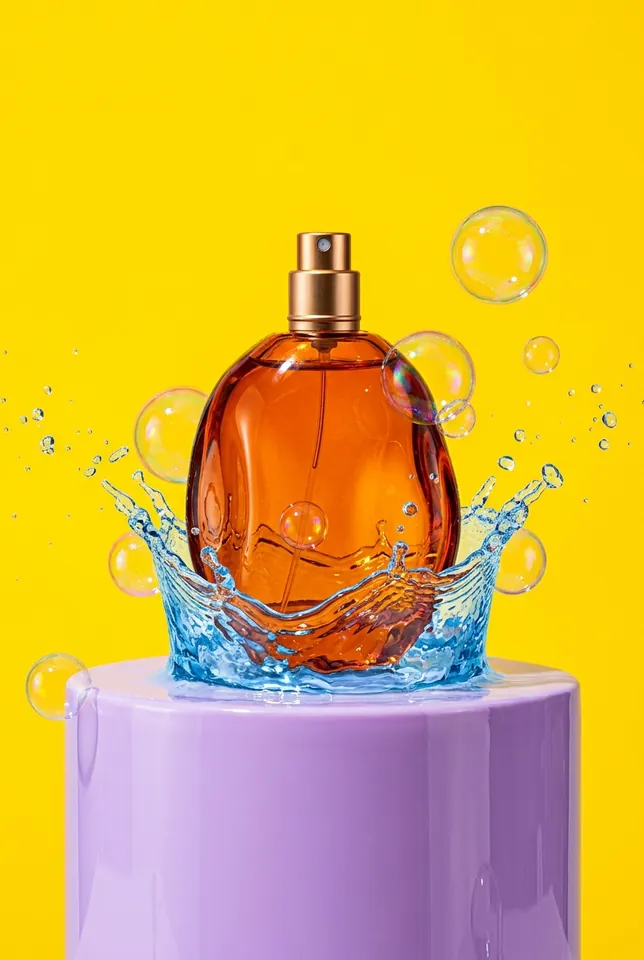 Vibrant Splash Product Photography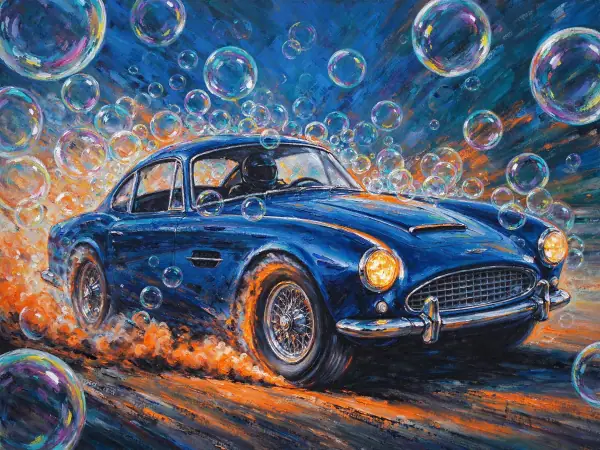
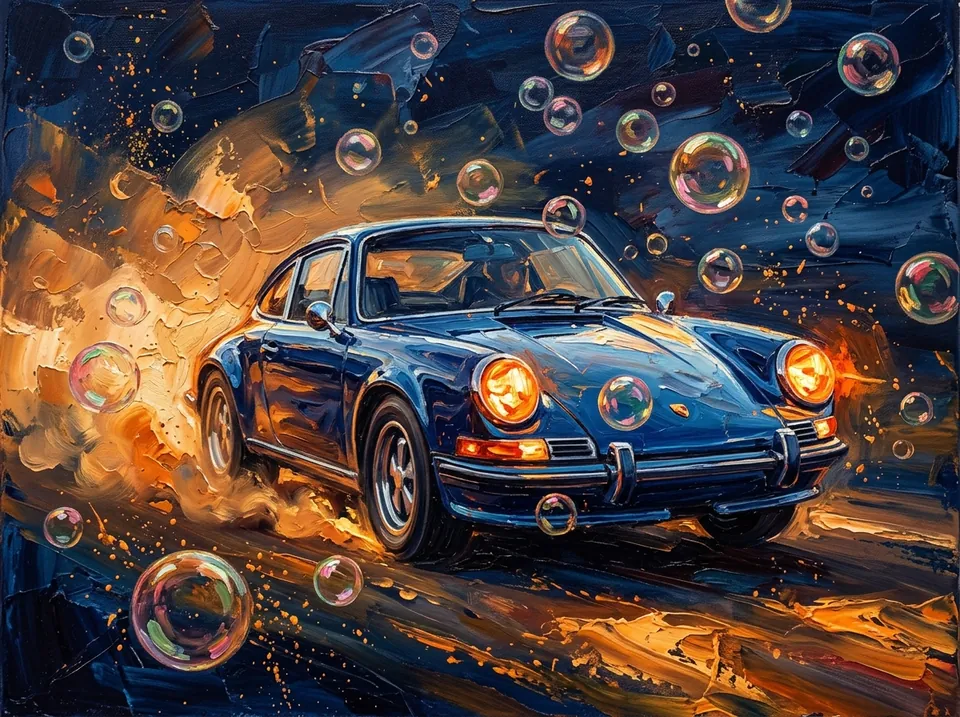 Impasto Classic Car and Bubbles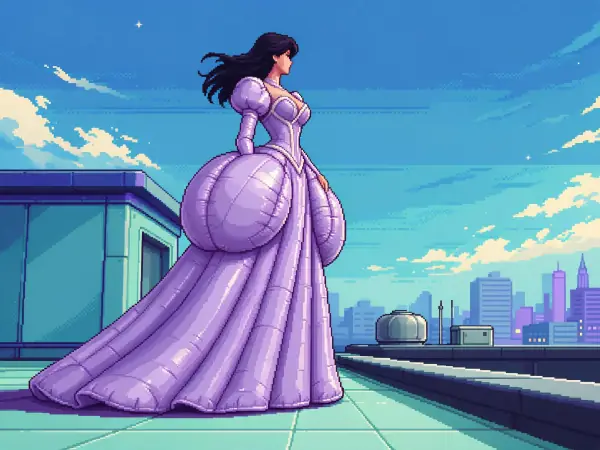
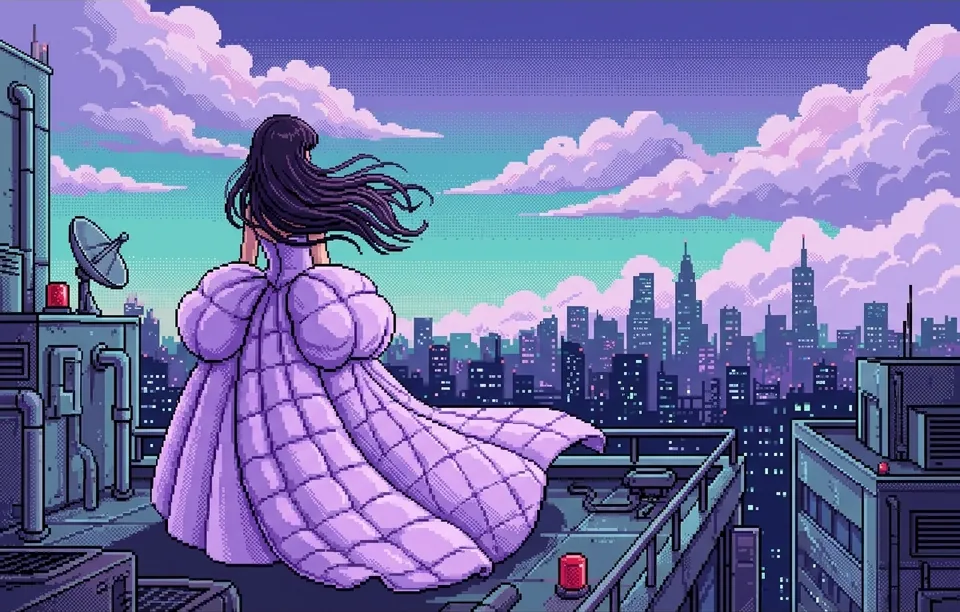 Retro Pixel Anime Rooftop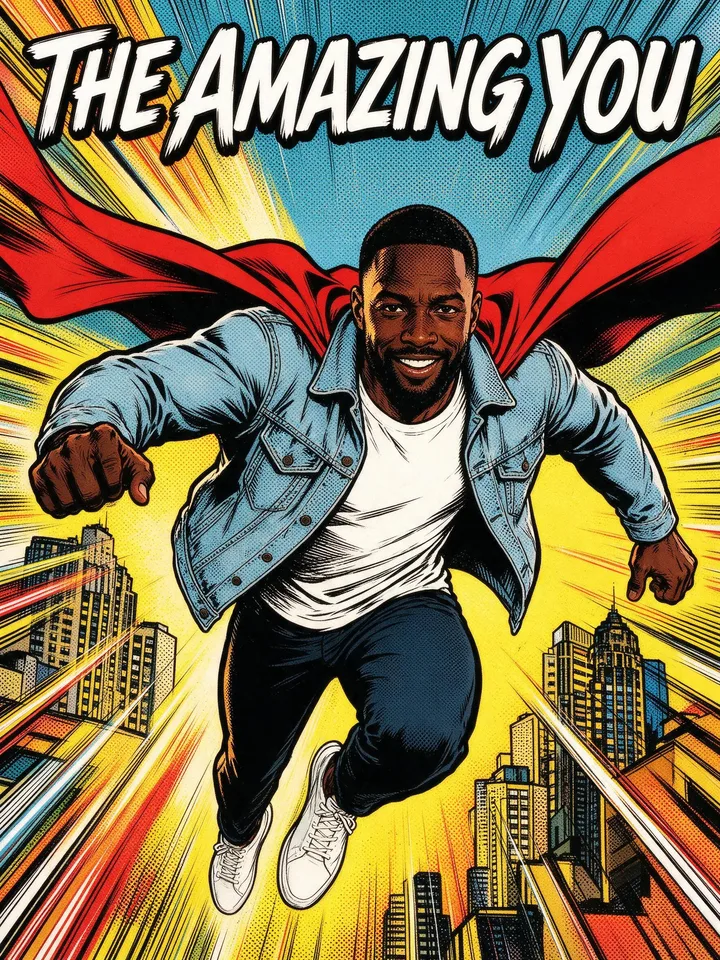
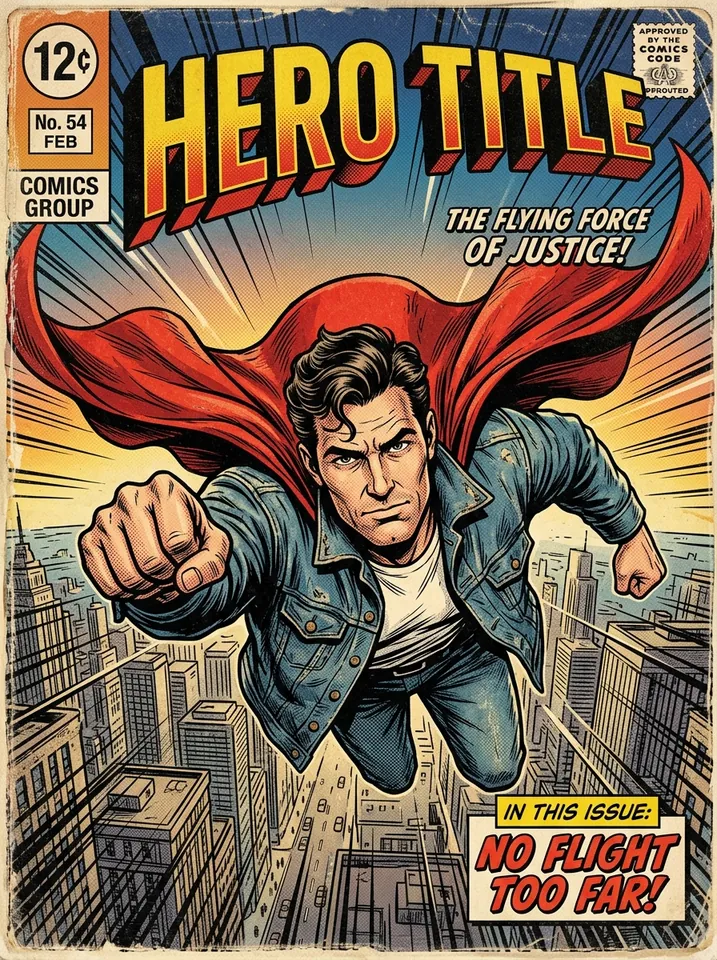 Vintage Superhero Comic Cover
Models behind it
- Gemini 3.7 Flash reads the image and writes the recipe as structured data, which PopNow checks before you see it.
- Nano Banana 2.1 or Seedream 5.0 Flash turns the prompt into a new image when you press Make it.
- Nano Banana 2.1 puts the look on your photo, using your image only as a style reference.
Price
- Read a recipe
- Shown before you start
- Make it with Nano Banana 2.1
- 48 credits
- Make it with Seedream 5.0 Flash
- 29 credits
- Apply to my photo
- 48 credits
The examples on this page are saved recipes and cost nothing to open. If reading fails, the credit comes back.
Nano Banana 2.1 · Seedream 5.0 Flash
Questions
How do I get the prompt from an image?+
Upload the image and press Read the recipe. PopNow writes a ready-to-use English prompt plus each ingredient on its own line, so you can copy the whole prompt or just the lighting or palette. The current price is shown before you start.
Can I use the prompt in other image generators?+
Yes. The prompt is plain English with no special syntax, so it works in most image models. Copy full recipe also gives you the hex palette and every ingredient as text.
Will the new image look exactly like the original?+
It keeps the look: medium, light, palette, composition and mood, with a fresh picture. If you want it closer, turn on Stay closer to the original so your image goes along as a reference, or edit the prompt and try again.
Can I put this style on my own photo?+
Yes. Use Apply to my photo, add a picture of your own and PopNow redraws it in the same medium, colors and light while keeping faces, poses and clothes. It costs 48 credits per image.
Does it recognize people or name artists?+
No. The recipe describes what is visible and how it was made, never who is in the picture. It does not name real artists, studios or brands; it writes the technique in plain words instead.
What images can I upload?+
JPEG, PNG or WebP images you are allowed to use: your own photos, screenshots of art you like, or your PopNow creations. Images with nudity or adult content are declined and you are not charged.


