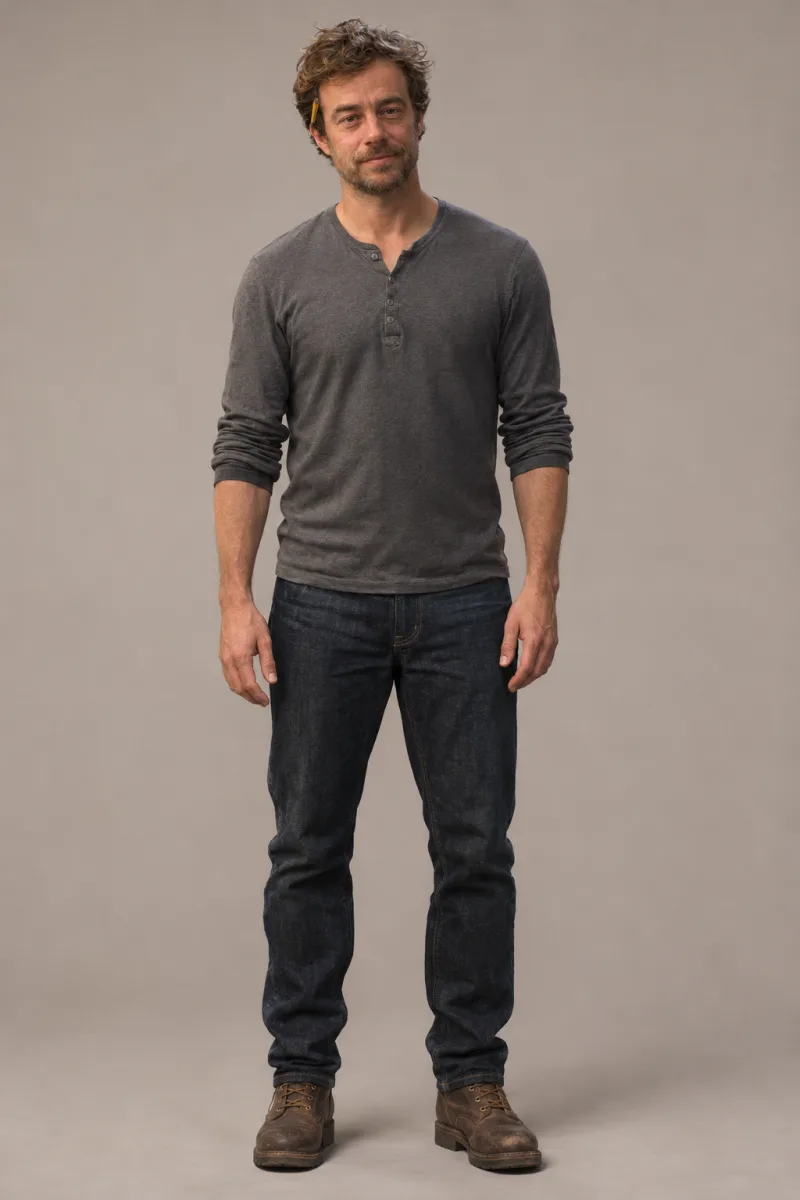
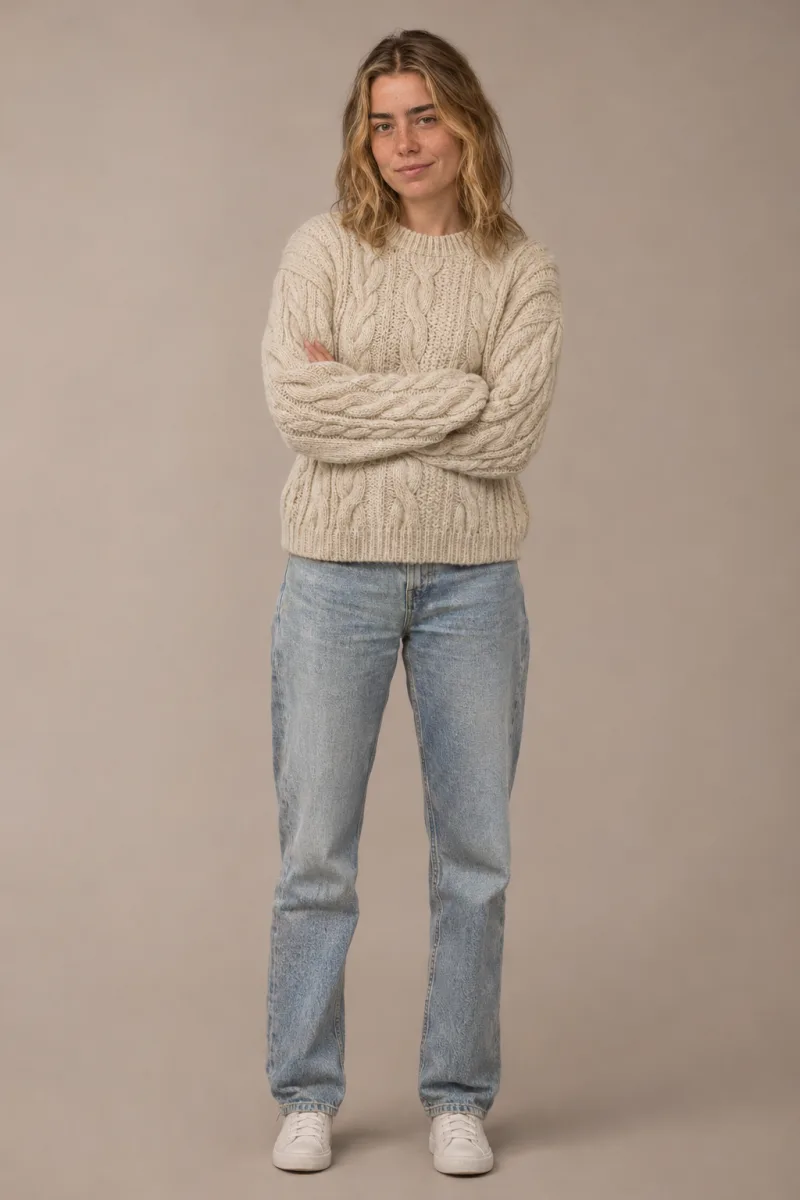
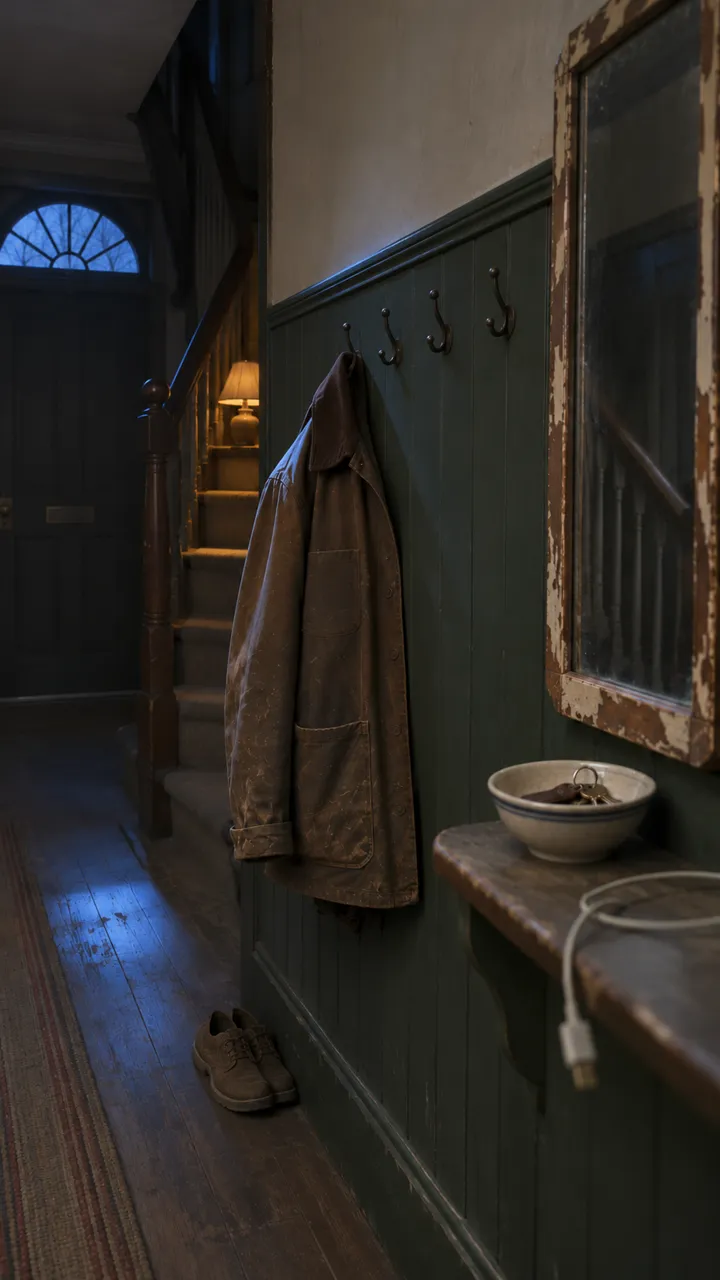
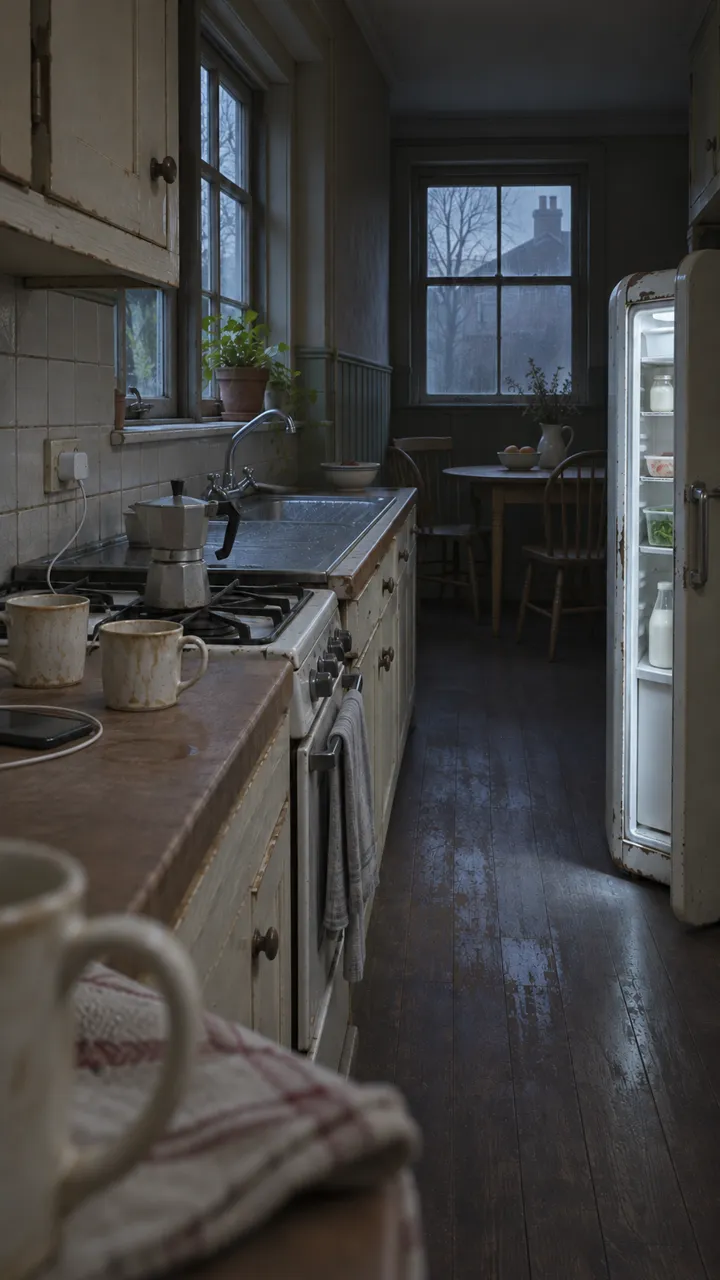
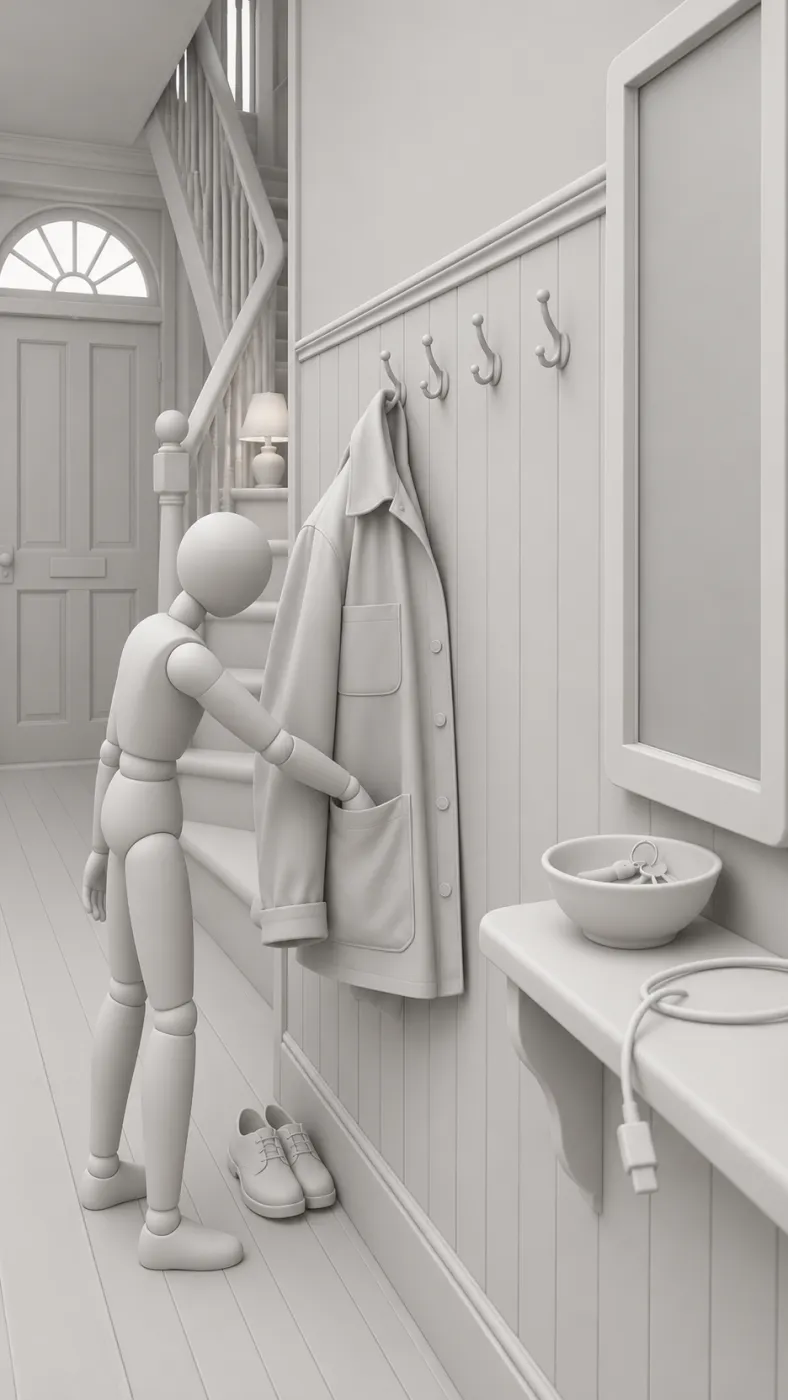
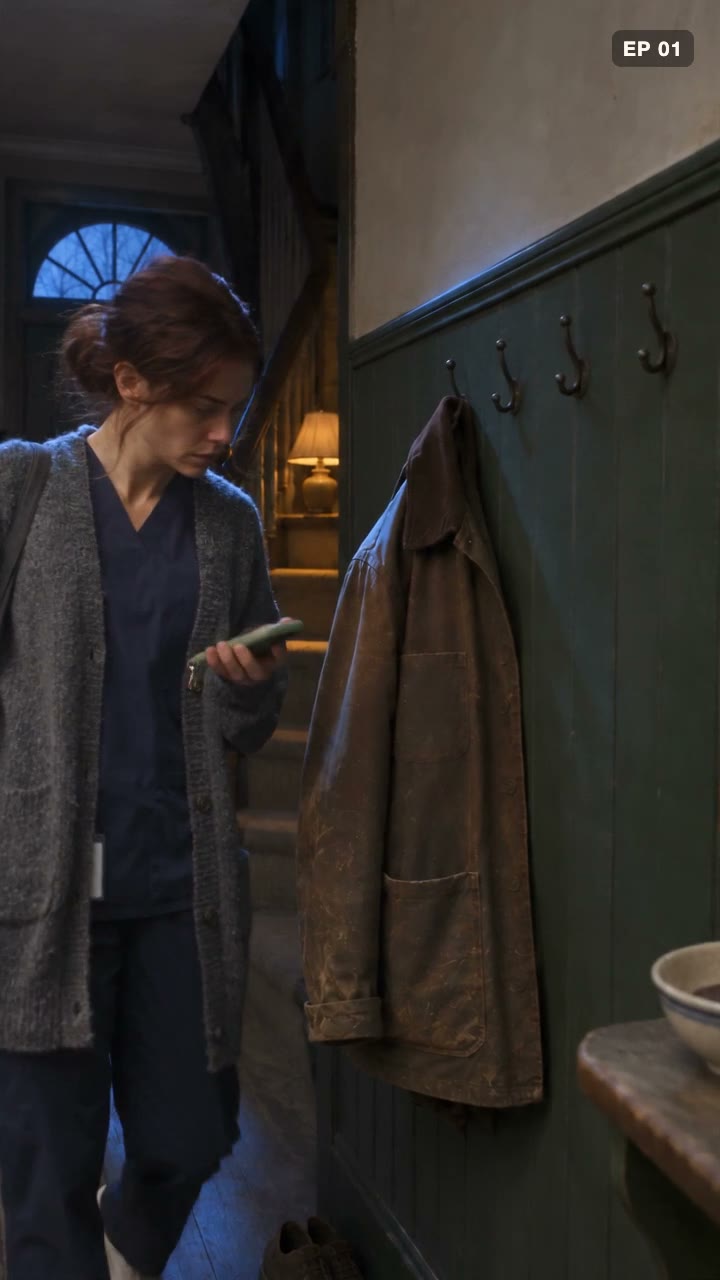
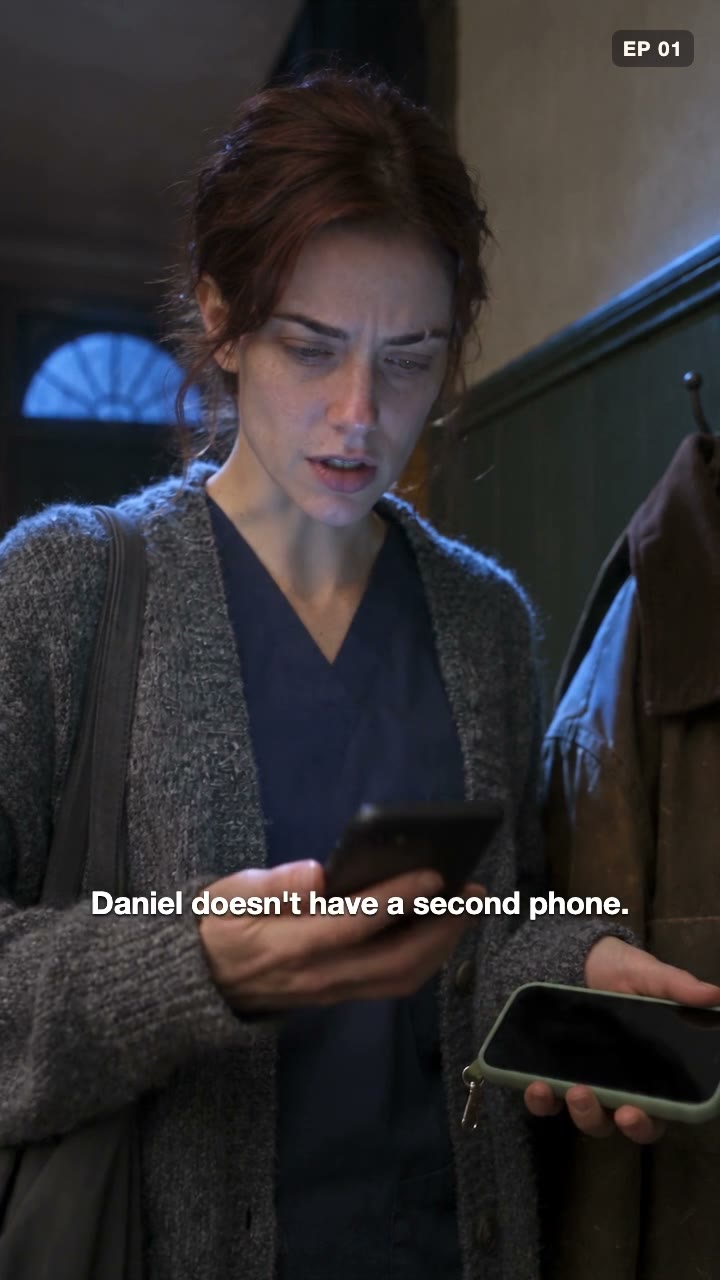
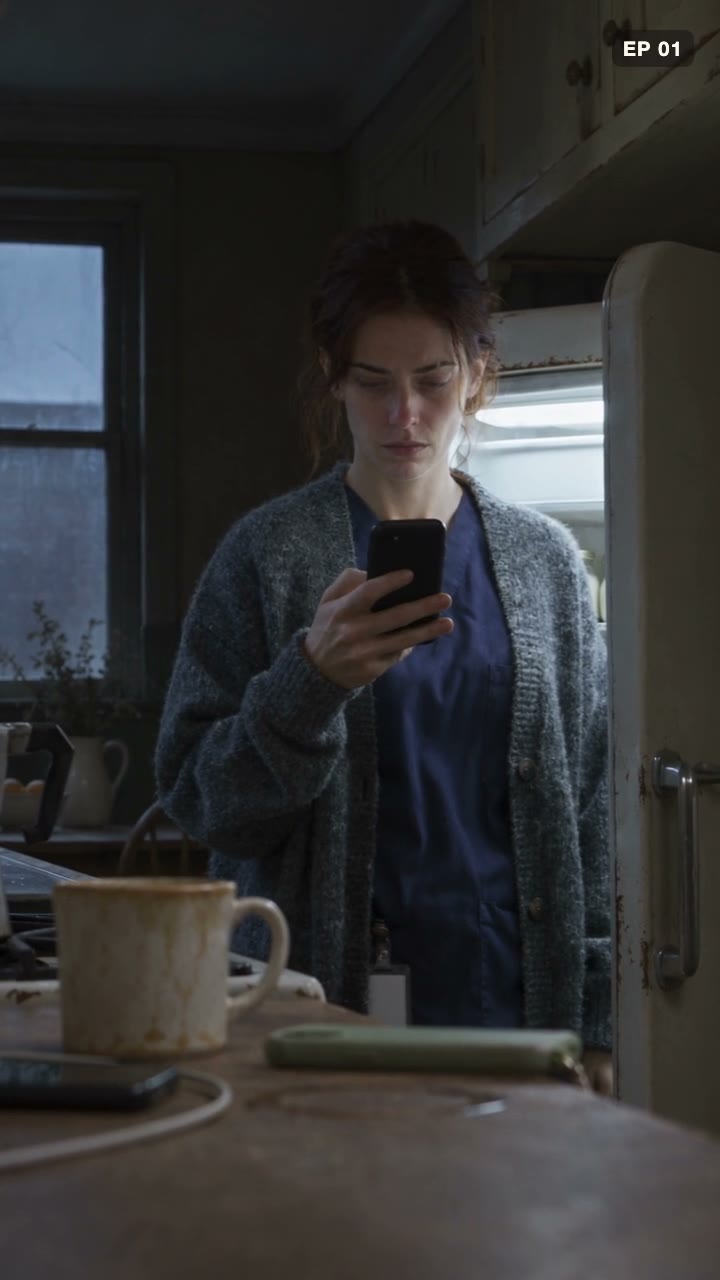
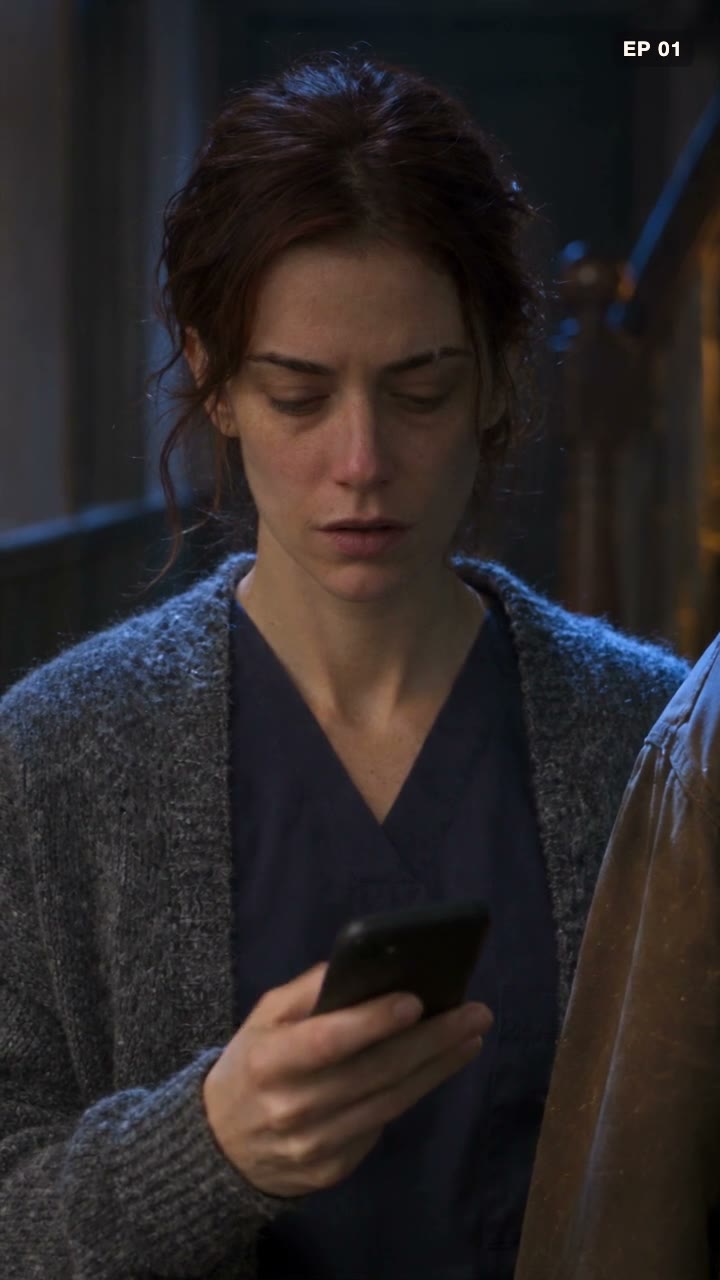
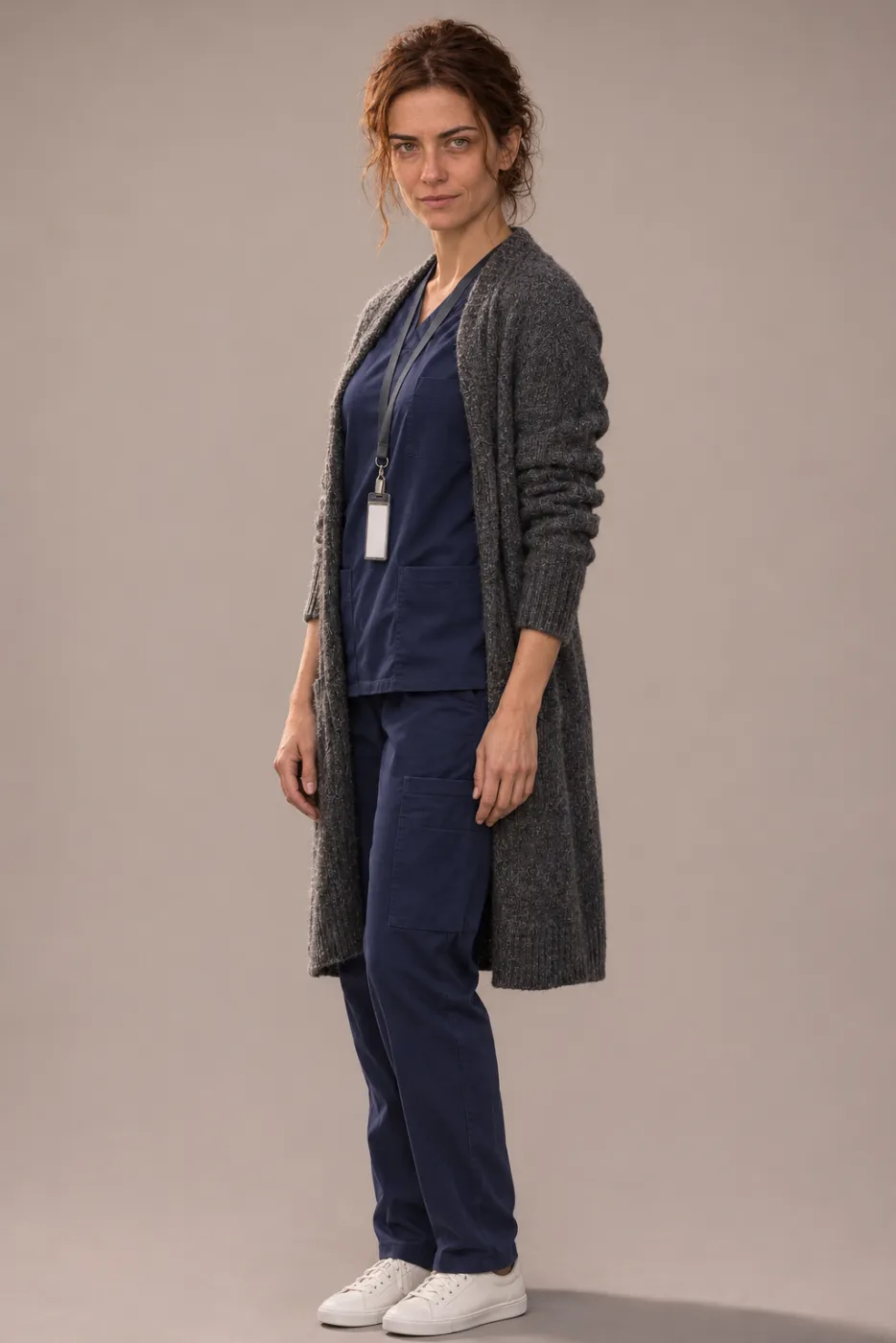
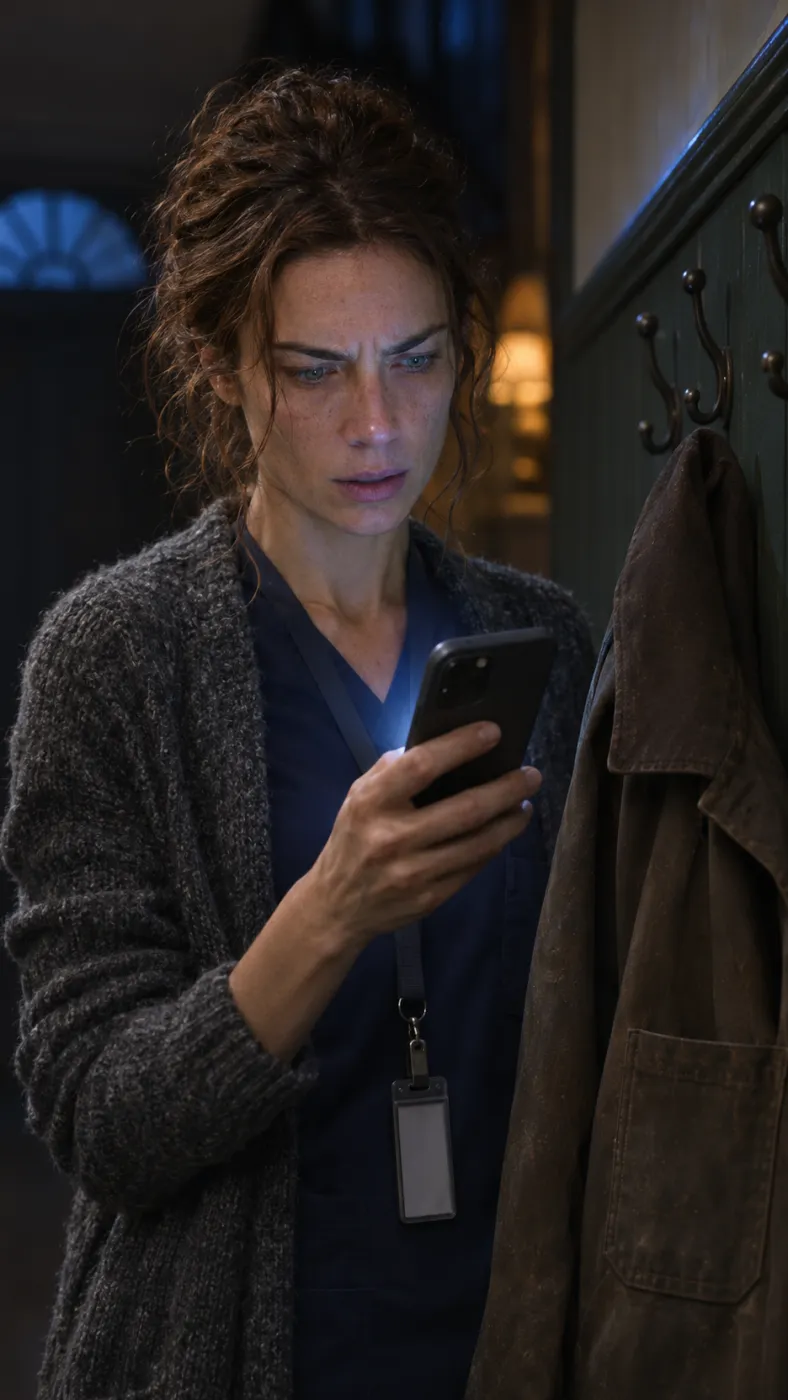
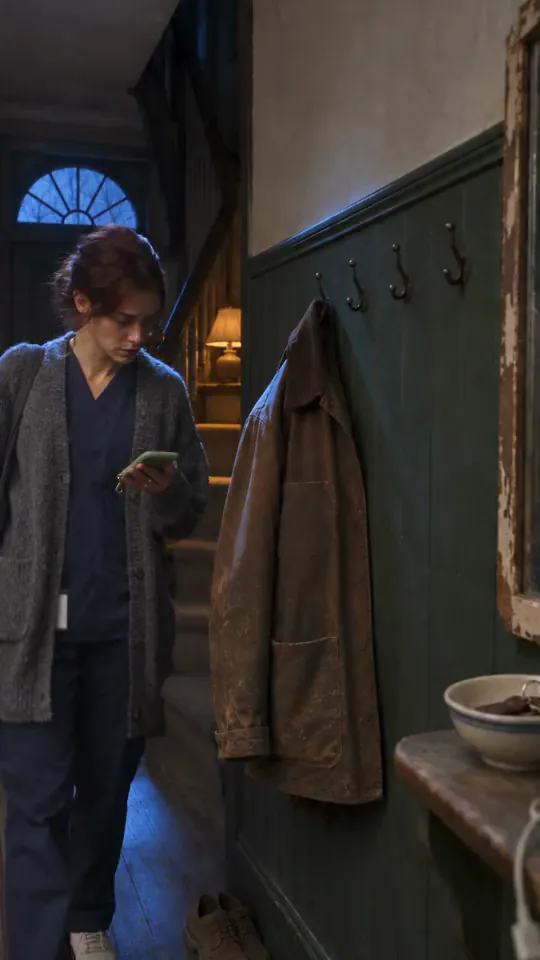
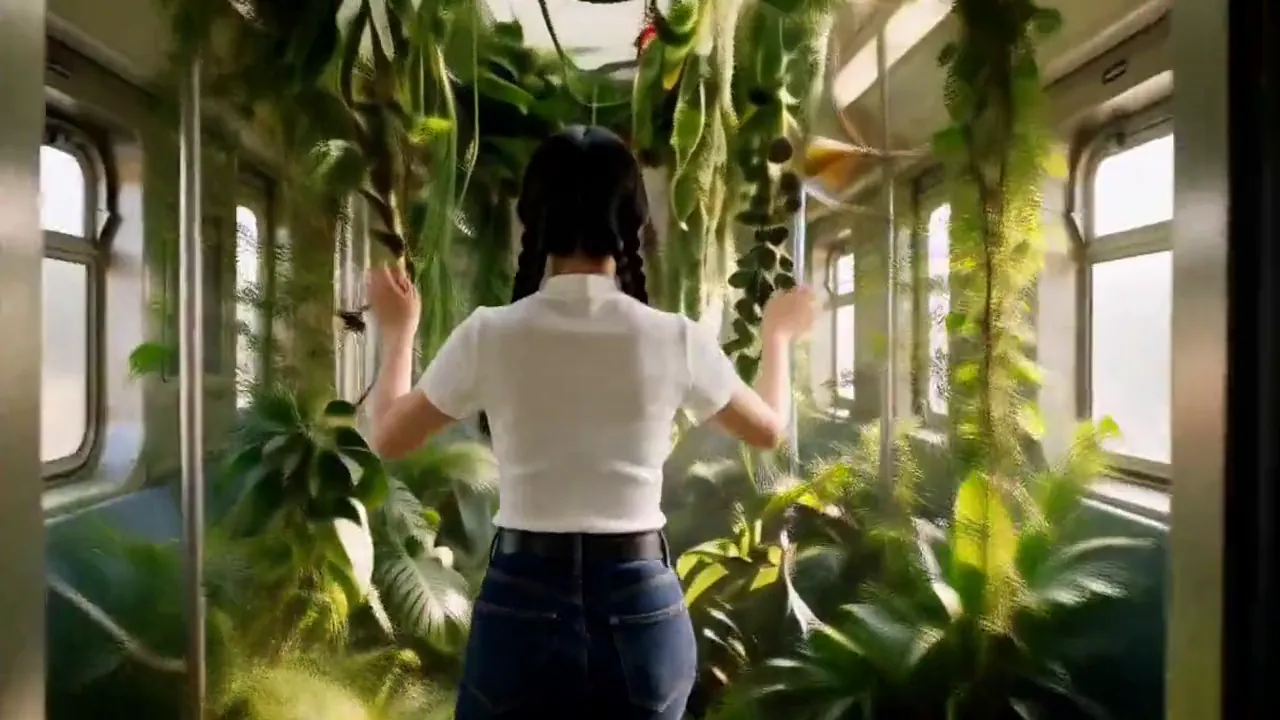
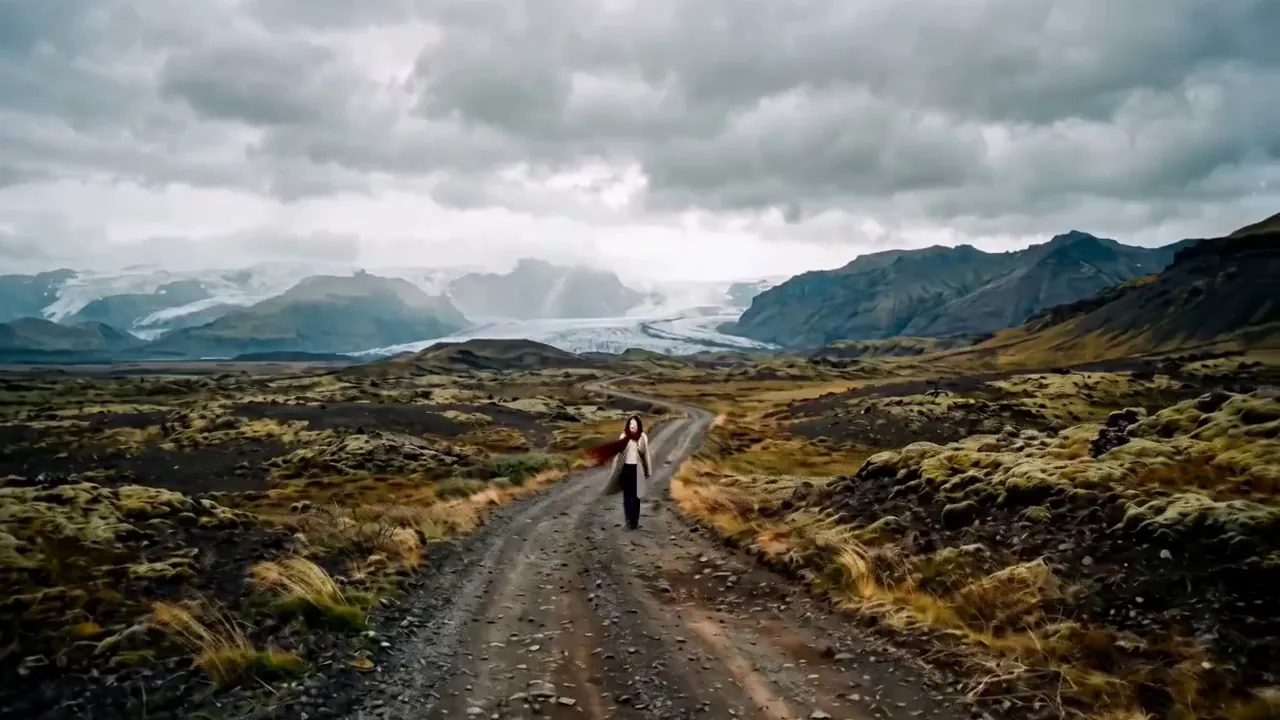
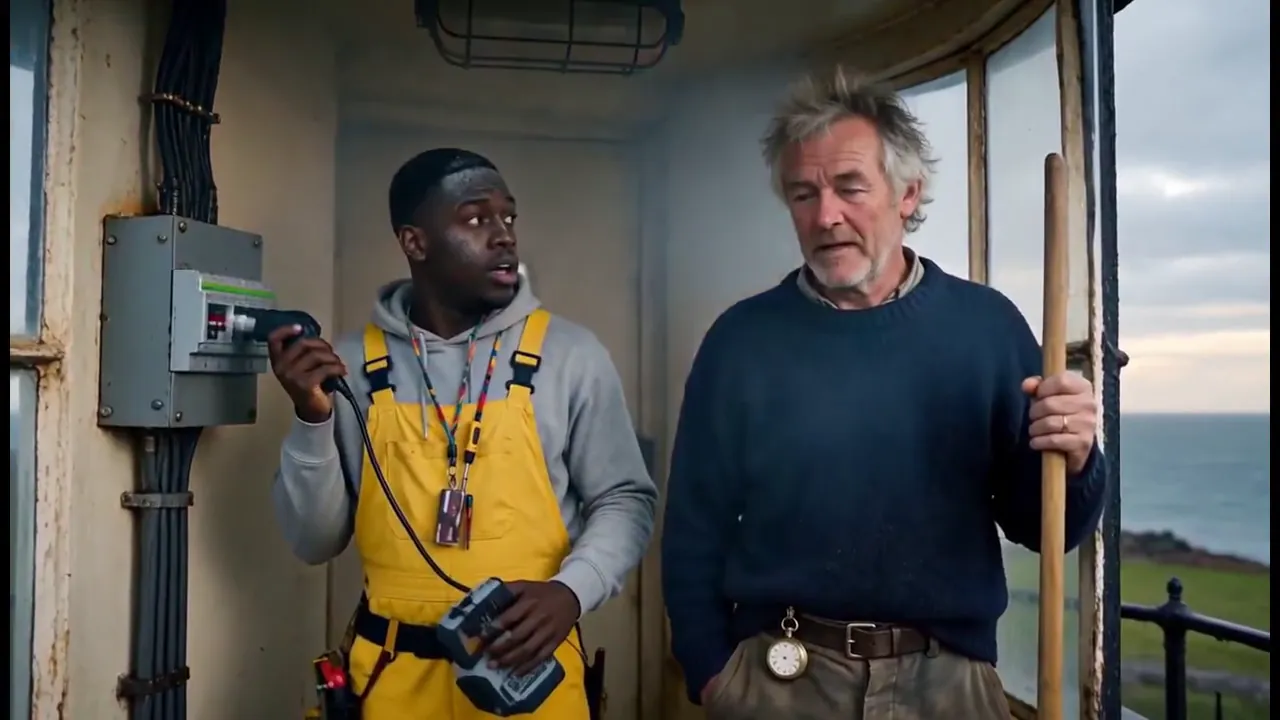
PopNow Canvas is a visual node board where every generated image, video clip, voiceover, music track, and sound effect stays connected to the cards it came from. Write a note, drop in a photo, turn it into a still frame, animate the frame into a moving shot, and layer matching audio on the same workspace so you can always see how each take was built. Credits apply only when you run a generation step, and the exact maximum credit price is shown on the confirmation button before anything runs.
Canvas FAQ
What is an AI canvas?+
A board where each generation step is a node. Connect them, and the output of one becomes the input of the next.
When do I pay?+
Only when you run a node. The price is on the button before you press it, and it is the most you pay.
Can I use my Short Drama or Previs project?+
Yes. Open a Short Drama or Previs project, or an existing Film board, in Canvas. Characters, places and shots lay out on the board, and new versions go back to the project.
Will Canvas change my locked shots?+
No. New versions are added next to them. You choose whether to use them.
Which models can I use?+
Every image, video and audio model on PopNow. Auto picks one and shows you which.
Can my AI assistant build a board?+
Yes. PopNow in Claude or ChatGPT can lay out a board. You approve the price before anything runs.
What can I create on Canvas?+
You can create images, video clips, voiceovers, songs and sound effects on one board. You can also animate an existing picture, edit it with a single sentence, upscale it, remove its background, extend a video clip or add matching sound, with every step linked by a wire.
How is Canvas different from the image or video generator?+
A standalone generator produces one output at a time. Canvas keeps an entire multi-step chain together—such as text note, character portrait, scene still, moving shot and audio track—so you can trace where every result came from, see which cards go out of date when an input changes, and rerun only the steps you want.
Where are my boards saved, and can I export or share them?+
Find all your local, cloud-synced and studio-linked boards under My boards in the room row or through the board switcher in the editor top bar. Layouts save on this device and sync to your account when you sign in. From the board menu you can also export or import JSON and .zip packages, download outputs, or create a view-only share link.
Can I use Canvas as a moodboard or a storyboard?+
Yes. Drop reference images onto the board and generate variations next to them to build a moodboard, group cards to keep a visual direction together, and switch to Board view to review shots in order as a storyboard before animating each frame into video.
Does Canvas include an AI assistant and reusable skills?+
Yes. Open Ask Poppie in the dock to analyze a reference, draft a script or shot list, lay out connected cards, or run built-in skills such as character turnarounds and style transfers. You can also save a working chain as your own reusable skill under Skills and confirm each generation plan and credit price before running.
Can I crop, annotate or capture a video frame directly on the board?+
Yes. Select an image card and open More to choose Crop image or Annotate image, or select a video card and choose Capture frame to pull the frame currently shown in the preview. You can download the resulting PNG or add a non-destructive copy to the canvas while keeping the original card unchanged; added PNG copies stay in this browser, so download them to keep a separate file.