An auto subtitle generator you can edit
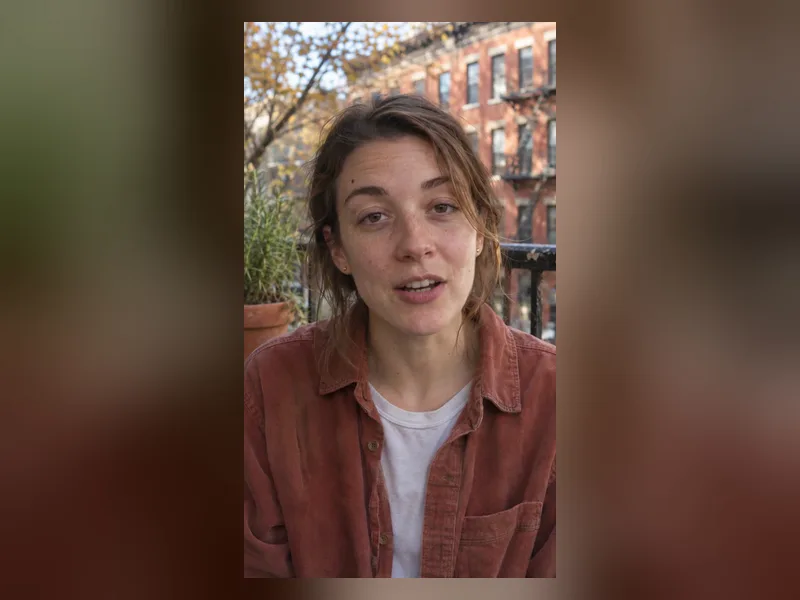
Drop in a video and PopNow listens to it, writes down every word with its exact timing and splits the speech into short, readable subtitle lines. Lines are sized for the frame: shorter on vertical videos for TikTok, Reels and Shorts, longer on wide YouTube videos.
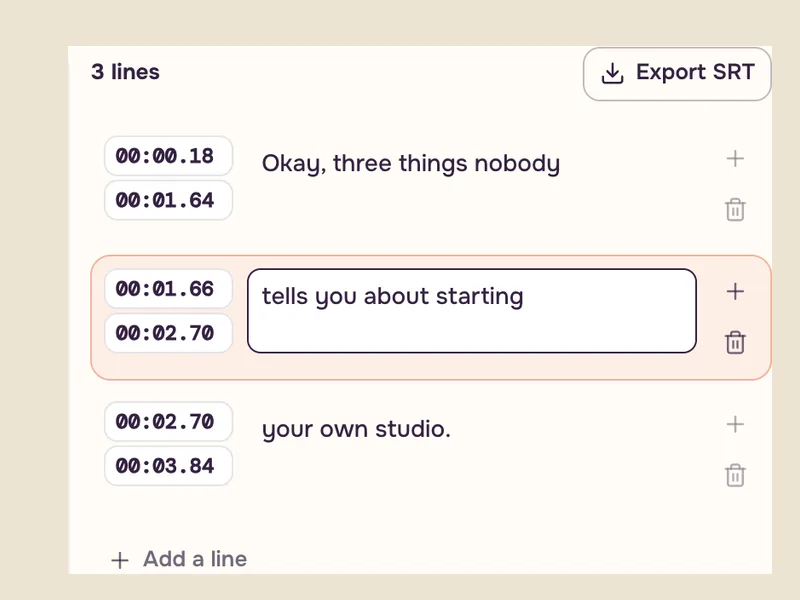
Nothing is locked. Fix a name, change a word, nudge a start or end time, split a line or delete one, then pick a caption style. The subtitles are burned into a new copy of your video, and you can download an SRT file at any point for YouTube, Premiere, Final Cut or CapCut.
How to add subtitles to a video
- Add a videoUpload a video up to 10 minutes long. Transcription starts by itself and costs about 2 credits per minute.
- Edit the subtitlesEvery line has its own start and end time. Click a line to jump there, type to fix it, and choose a style while the preview plays.
- Get the videoPress Apply subtitles. The finished video shows up in History, ready to download, along with its SRT file.
16 caption styles
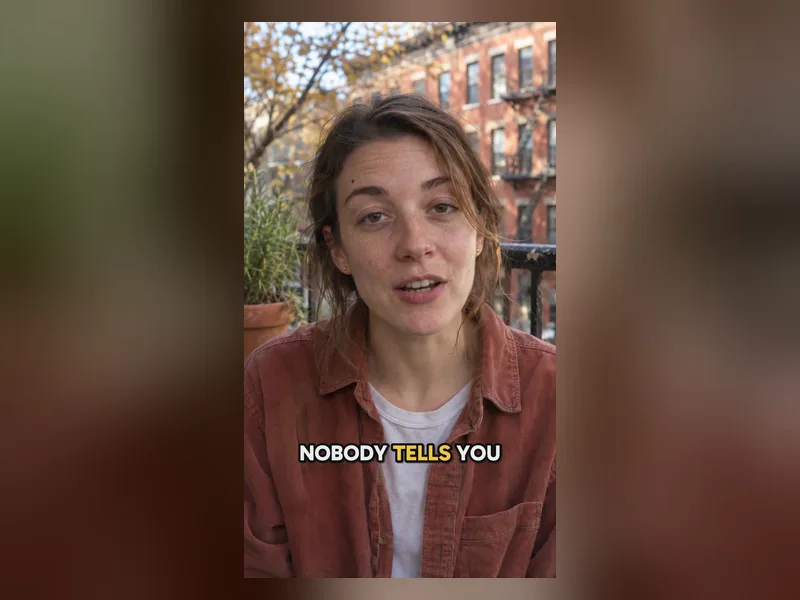
Six standard styles (Simple, Plain, Bold, Glass, Whisper and Beans) keep each line steady on screen. Eight dynamic styles (Glide, Glide 2, Highlight, Bounce, Neon, Terminal, Handwritten and Fusion) follow the speaker word by word, the karaoke look short-form creators use to hold attention. Two premium styles, Backdrop and Backdrop 2, cut the speaker out of the frame and set big words behind them, like a magazine cover that moves.
Position can stay on Auto or move to the top, middle or bottom, so captions never sit on top of a face, a product or the platform buttons.
Where people use it
- Short-form video Most people scroll with the sound off. Word-by-word captions keep them watching past the first seconds.
- YouTube and podcasts Export the SRT for closed captions that viewers can switch on, or burn a clean style into clips and trailers.
- Courses and tutorials Fix technical terms once and every learner gets the right spelling, including people who are hard of hearing.
- Ads and product videos Put the key line on screen in your brand’s style so the offer lands even on mute.
Tips for cleaner subtitles
- Clear speech with little music underneath gives the most accurate words and timing.
- If the speaker uses one language for the whole video, set it under More options. Auto works for most videos.
- Read the lines once with the preview playing. Names, brands and numbers are the usual fixes.
- Keep lines short on vertical video. Two short lines read faster than one long one.
- Move captions to the top when the bottom of the frame has text, a product or a face.
Languages
Auto detects the spoken language. You can also pick it yourself: English, Spanish, French, German, Portuguese, Italian, Japanese, Korean, Hindi, Arabic and more than 50 others, including Chinese, Ukrainian and Greek. Subtitles are written in the language that is spoken.
What it costs
Transcription is about 2 credits per minute of video. Burning in a standard style costs 1 credit per second, a dynamic style 2 credits per second, and a premium style 26 credits per second including the cutout. Short videos are billed as at least 3 seconds. The exact price is on the button before you press it, and a video that fails to finish is not charged.
Questions
Can I edit the subtitles before they go into the video?+
Yes. Every line can be retyped, retimed, split or deleted, and the preview shows the chosen style on the video as you work. Nothing is burned in until you press Apply subtitles.
Can I download an SRT file?+
Yes. Export SRT saves the lines as they are right now, with your edits, so you can upload them to YouTube as closed captions or open them in any editor.
How long can the video be?+
Up to 10 minutes for standard and dynamic styles, and up to 2 minutes for the premium Backdrop styles.
What is the difference between standard and dynamic styles?+
Standard styles show each line steadily. Dynamic styles animate word by word as they are spoken and cost twice as much per second.
Which languages does it understand?+
Auto detection covers most videos. You can also set the spoken language yourself, from English and Spanish to Japanese, Hindi, Arabic and Chinese.
Does it change my original video?+
No. You get a new copy with the subtitles burned in. The original stays as it was, and your uploads stay private to your account.
How much does it cost?+
About 2 credits per minute to transcribe, then 1 credit per second for a standard style or 2 credits per second for a dynamic one. You see the exact number on the button first.