Go deeper
Before and after: what changes
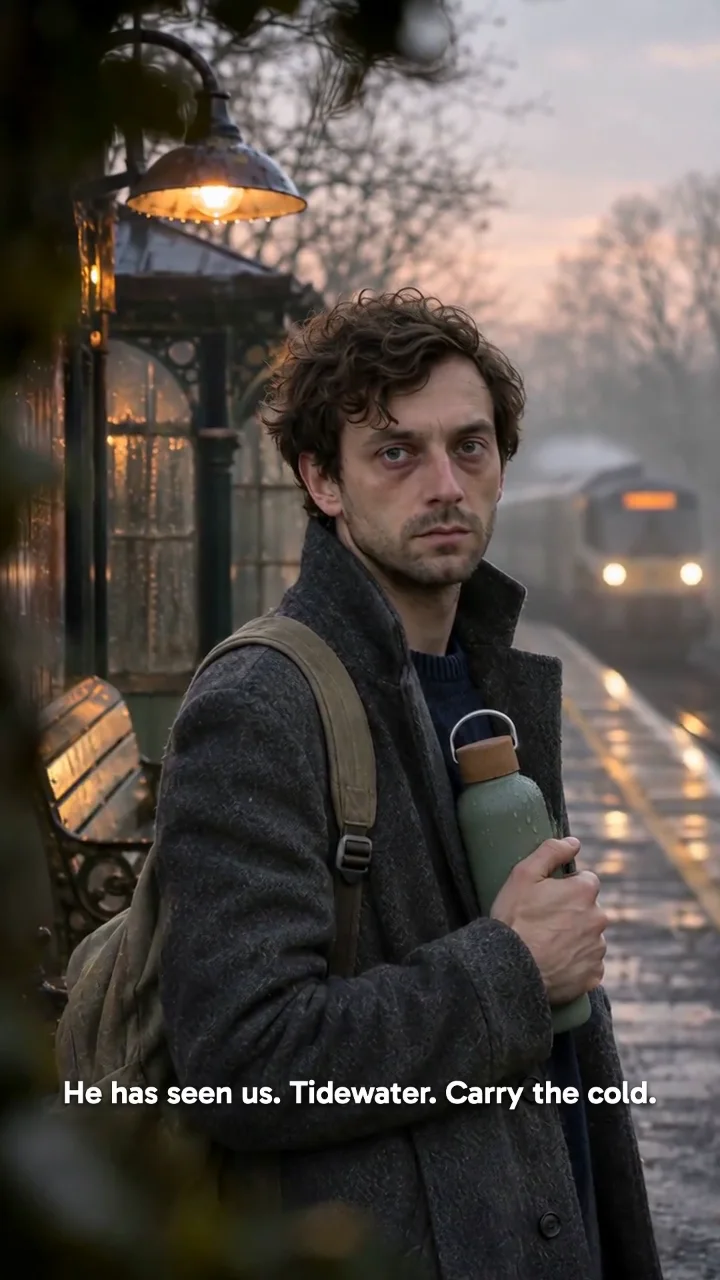
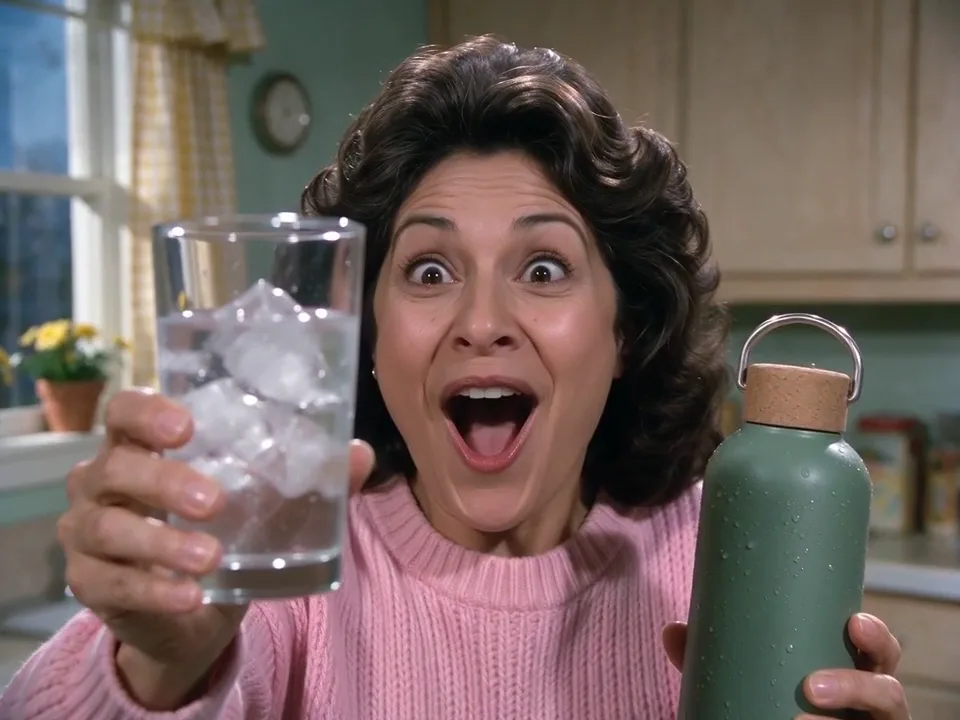
PopNow Ad Campaigns starts from one product you sell, a serum, a water bottle, a pair of running shoes, and turns it into ads you can post: talking-to-camera UGC videos, product videos, image ads and listing photos. You put the product on the desk once, and every format, template and tool on the page works from that same item.
- What you bring
- A product photo on a plain background, a link to the product page, or a product you already saved under Products. Add an avatar if you want a person to hold, use or talk about it, and one sentence if you have a specific idea. That is the whole input.
- What comes back
- A plan that lists each piece with its format, the models it uses and its credits, then the finished videos and images. Image ads come back as stills, video ads as short clips sized for feeds, stories and shop pages, and everything lands in All media and in the project you are working in.
- What to check before you approve
- Compare the product in the plan with your real one: label, colour, cap and size. Read the opening line out loud and ask whether a real buyer would say it. If a format does not fit where you post, switch it under Format before you generate.
Product photos that work, and ones that don't
Works well
- One product with the label facing the camera on a plain light background, so every format can match the colour, shape and print on the pack.
- Two or three angles of the same item saved under Products, front, side and in use, which helps when the ad turns the product or shows it in a hand.
- A selling point you can stand behind, such as how long it keeps drinks cold, written as one short line under Advanced.
Avoid
- A busy lifestyle photo with several products in it, which leaves the planner guessing which one is yours.
- Screenshots of another brand's ad, a competitor's listing or a famous person; use your own product and your own or a stock avatar.
- Claims you cannot prove, such as medical results or guaranteed income; ad platforms reject them and the rest of the ad loses trust.
Step by step
- Put your product on the deskClick the Product tray to choose a saved product, paste a product link or upload a photo. Once it is there, the reels, the tool cards and the template wall show it too, so you can see where it will go.
- Pick an avatar if you need oneThe Avatar tray opens the stock presenters and the AI influencers you built yourself. Formats that use a person move to the front of the Format list.
- Choose what to makeVideo ad and Image ad make one piece in the format you pick; Campaign plans a set of pieces for a launch. Open Format to see a real sample of each one, and set the aspect ratio in the size control next to it.
- Plan, read and approveWith Ask first switched on, the main button writes a plan with the credits for every piece. Change a line or remove a piece, then press Generate. Nothing is charged before you approve.
- Start from a winnerBelow the desk, each template is a finished ad. Open one, drop in your product and avatar, and it fills the desk for you with the template's size and the closest format.
What sits behind the studio
- Assets you keep
- Brand holds your logo, colours, fonts and tagline; Products keeps photos, links and selling points; Avatars has stock presenters and your own AI influencers; Projects keeps plans, finished ads and files together. They are the same records everywhere on the site.
- Story ads
- For a longer ad with a story arc, Story ads writes a script around your product from a story card, such as a nature documentary parody, and shows you the plan before anything is generated.
- Tools next to the studio
- Ad remix rebuilds a winning ad's shots and beats around your product, Product swap replaces the product inside an existing clip, Resize for every screen reframes one ad for vertical, square and wide, and Hook checker scores the first seconds of a video.
More questions
Do I pay for the plan?
No. The plan shows each piece with its credits and a total. Credits are only charged when you approve it and press Generate, and a piece that fails gives its credits back.
Do I need my own avatar?
No. You can use one of the stock presenters, or build your own in Avatar builder; it then shows up under Avatars and in the Avatar tray. Uploading someone else's photo asks you to confirm you have their permission.
Can I use the same product for many ads?
Yes. Save it once under Products and pick it from the tray each time. The name, photos and selling points come with it, so every ad shows the same item.
What do the template samples show?
Each template is a finished ad made with PopNow. When you use one, your version is planned in the closest format on the desk, and the plan names the format, the models and the credits before you approve.
Where do finished ads go?
Every result lands in All media. If you are working inside a project, it is saved there too, next to the plan, so you can come back, regenerate one piece or plan a follow-up.
Where to go next