


by ByteDanceVideoTop

Seedance 2.5
ByteDance's newest: 30-second clips with native audio
- Up to 1080p
- 4–30s clips
- Sound included
- Start and end frames
- Up to 30 reference images
- 6 aspect ratios
From 56 credits for a 5-second clip≈ $0.56· Reference to Video
What is Seedance 2.5?
Seedance 2.5 is ByteDance's flagship video model. It writes clips of up to 30 seconds from a prompt, a starting image or a big pile of reference photos and clips, and it generates the sound in the same pass so footsteps, voices and room noise land on the right frames.
Best on PopNow for: Longer single takes, product films that start from an approved packshot, and series where a character has to look identical across many clips.
Good for
- Product films that start from an approved packshot
- Recurring characters who look the same from one episode to the next
- Atmospheric scenes where sound matters, like a busy bar or a train platform
What Seedance 2.5 does well
Up to 30 seconds in one take
Most video models stop at 10 or 15 seconds. Seedance 2.5 goes to 30, which is enough for a full product reveal or a short scene without stitching. In practice takes stay cleanest up to about ten seconds, so longer clips work best when the action is simple.
Thirty references at once
Reference mode accepts up to 30 images, 10 clips and 10 audio tracks. Three angles of one face hold a character together far better than one photo, and a reference clip can set the camera rhythm you want to copy.
Sound that fits the room
Audio is on by default and comes out of the same generation as the picture. A bar sounds like a bar, a train platform has its announcements, and a line in quotes is spoken on the right mouth.
Real results from Seedance 2.5
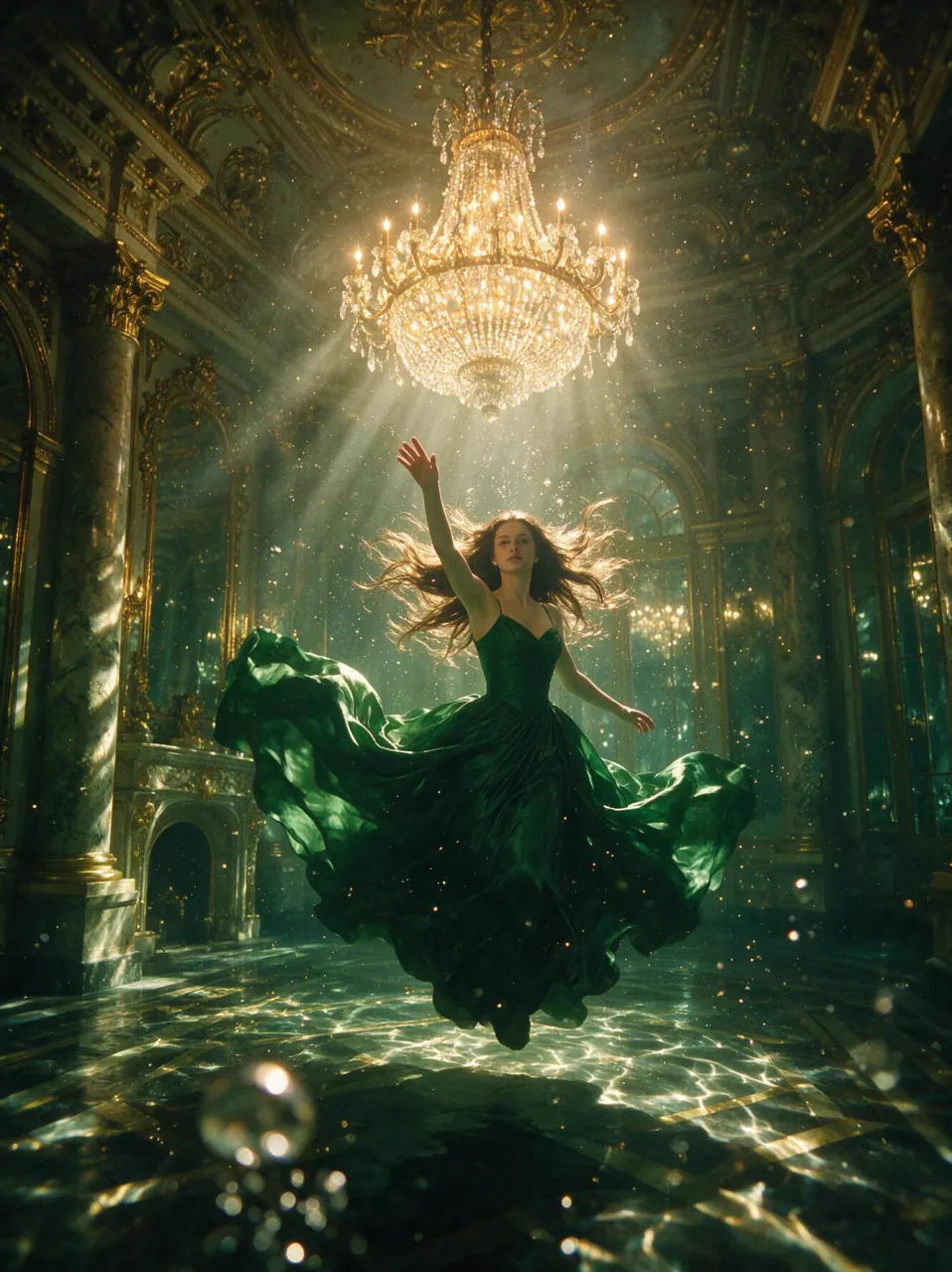
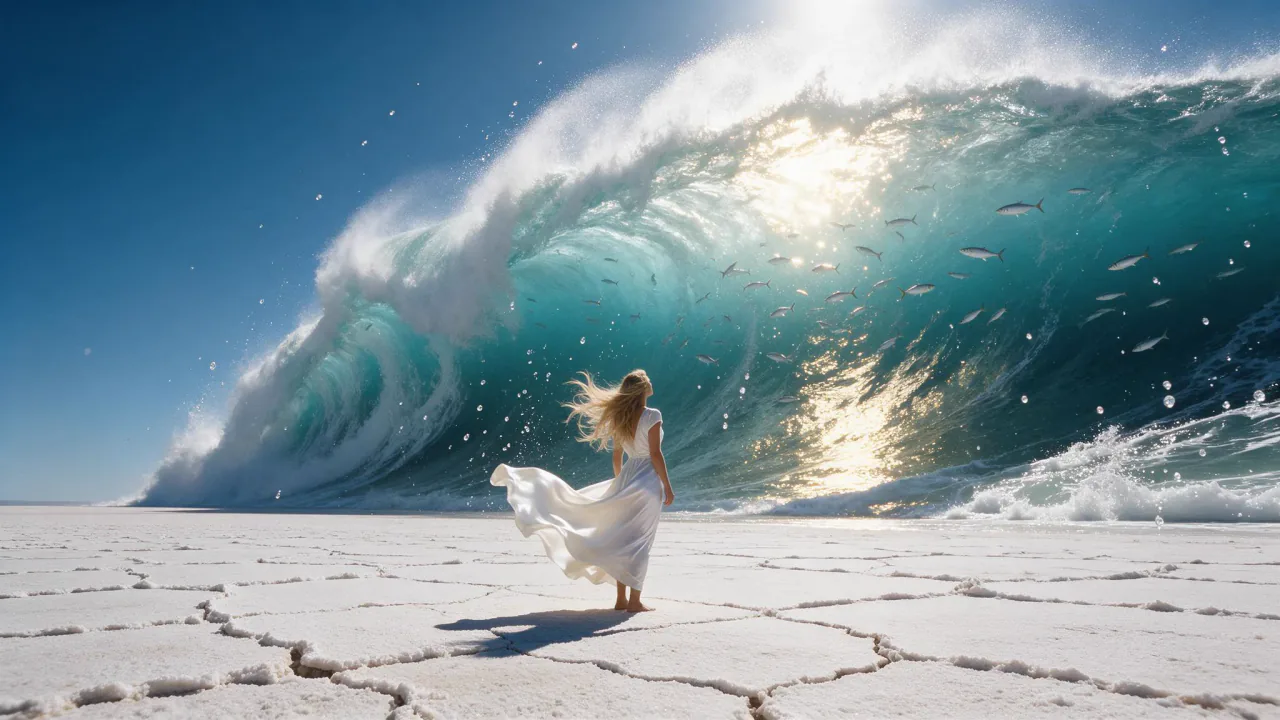
Every image and clip here was generated with Seedance 2.5. Hit Recreate to open it in the studio with the same prompt and settings.
 Input
InputBring your own image
 Input
InputBring your own image
 Input
InputBring your own image
 Input
InputBring your own image
Prompts that worked on Seedance 2.5
Real outputs with the exact prompt we used, and why it worked. Hit Recreate to try the same settings.
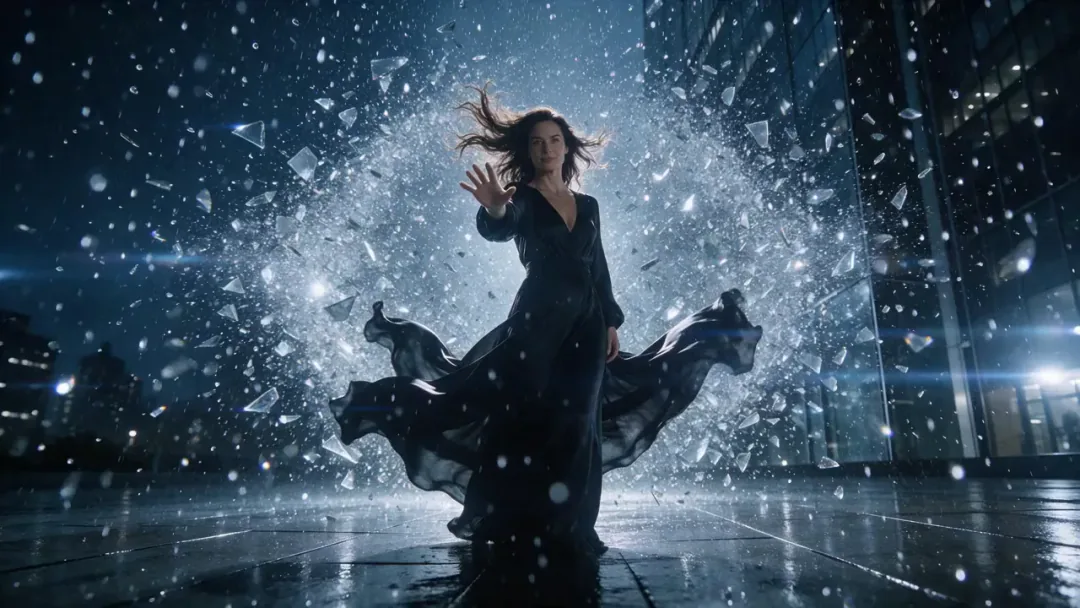
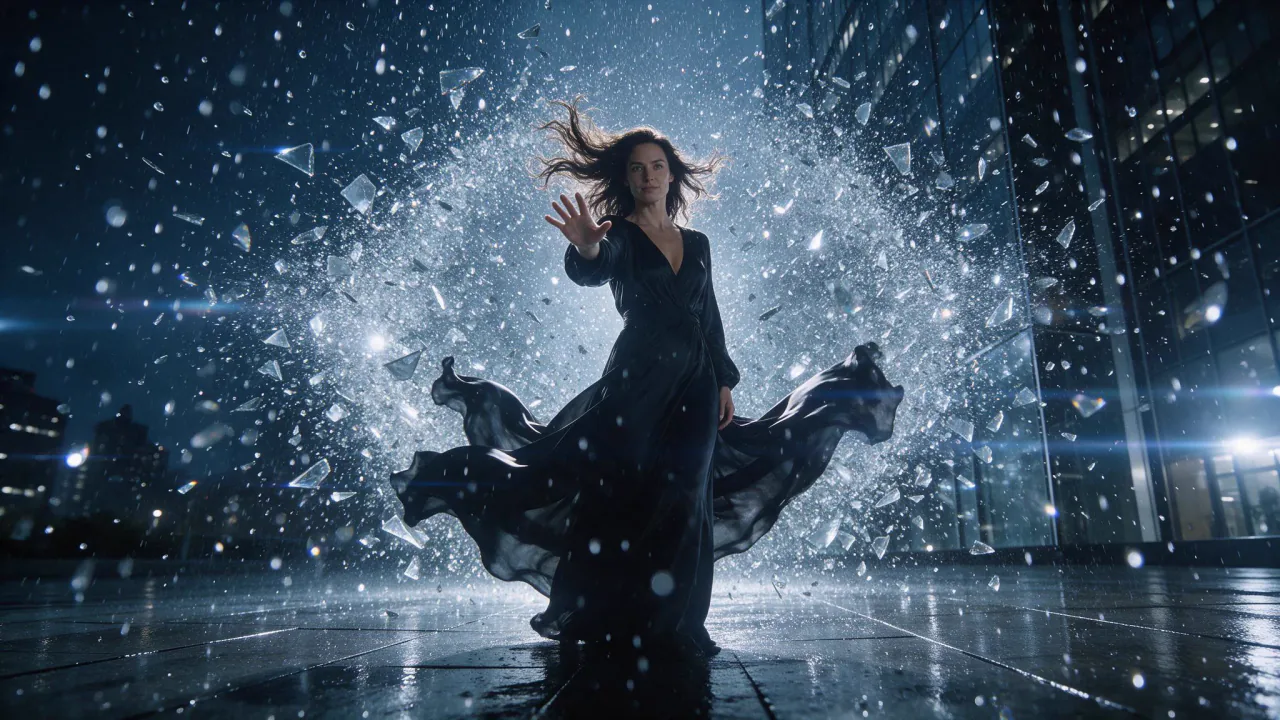
Time is frozen: the rain and the wall of shattered glass hang dead still for a beat. Then the camera charges in fast and whips around her as she closes her raised hand into a fist; the suspended shards snap into a spiralling orbit around her, the frozen raindrops streak into long lines, and the whole shockwave blasts outward past the lens as the rain crashes down all at once. Her gown and hair whip in the blast. Extreme camera move, anamorphic flares, cold blue-white grade, shattering glass and a deep low boom.
The prompt is written as a timeline: first everything freezes, then the camera charges in. Ordering the beats like that is what gets Seedance to hold a pause and then release it.
Recreate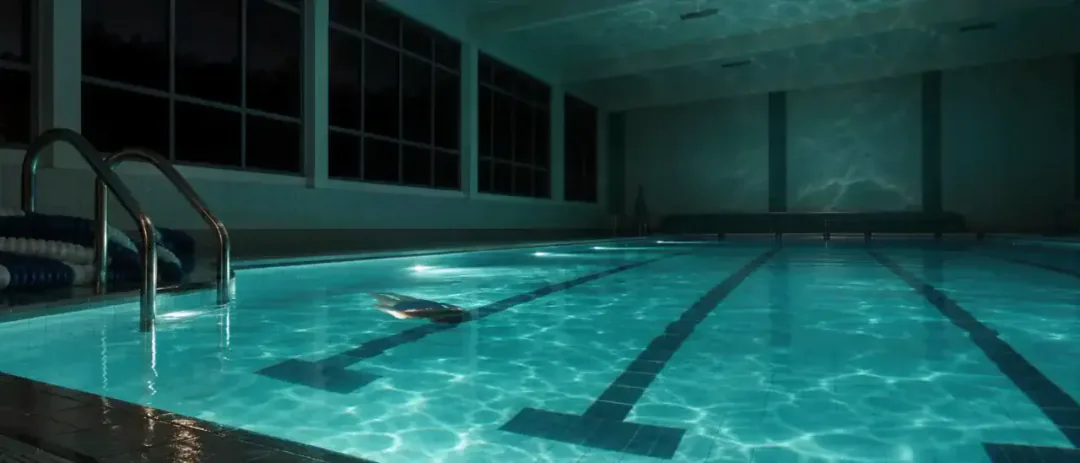
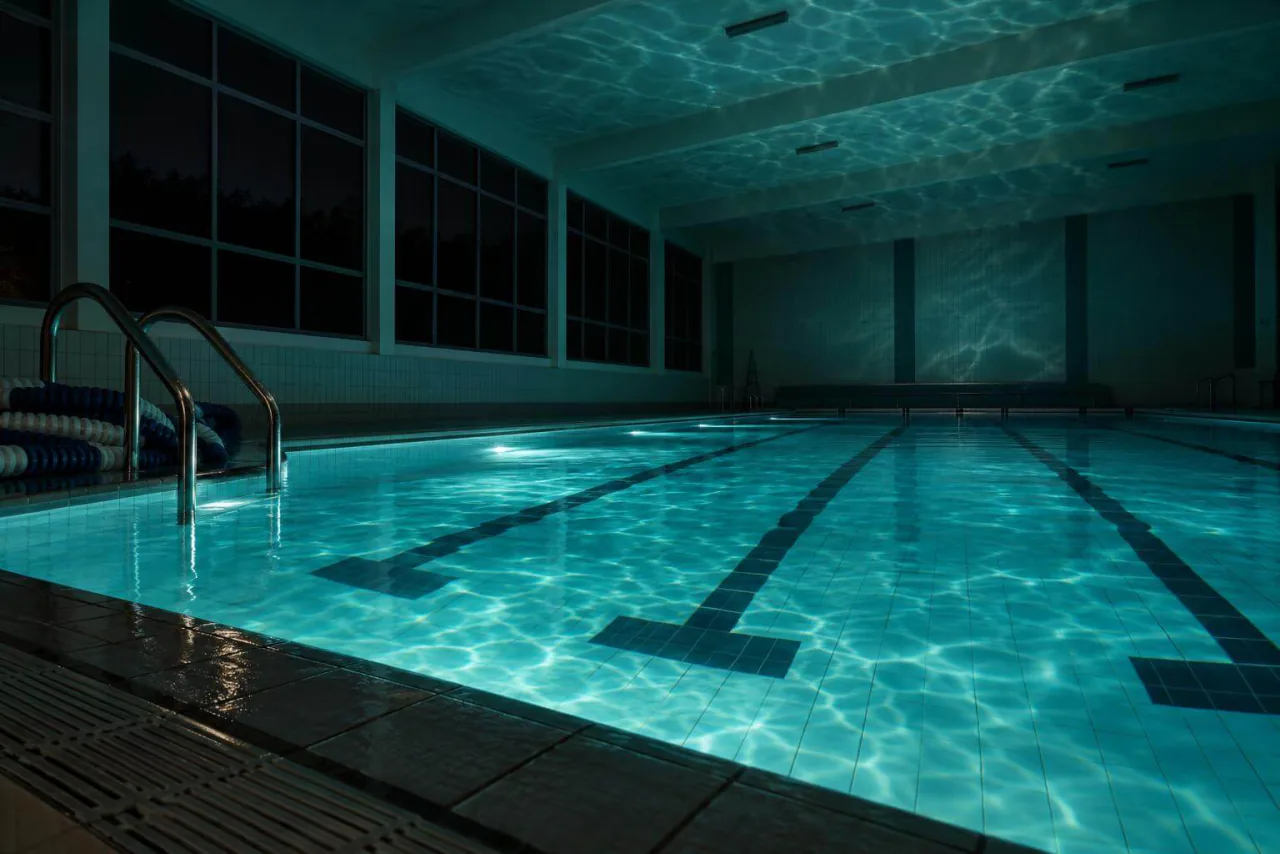
Follow the camera language of the reference clip — low, wide, drifting right — but stage it in an empty indoor pool at night. Cut the movement to the pulse in the reference track. One swimmer, underwater lights, tiles echoing.
Instead of describing camera moves in words, it points at a reference clip and asks for its camera language in a new location. That is the reference mode at its most useful.
RecreateWhat Seedance 2.5 can do
Each mode opens in the studio with Seedance 2.5 already picked. The price shows before you generate.
 Create VideoGenerate a video clip from a text prompt.From 93 creditsfor a 5-second clip480p 93 · 720p 208 · 1080p 512
 Image to VideoBring a still image to life with motion and sound.From 93 creditsfor a 5-second clip480p 93 · 720p 208 · 1080p 512
 Reference to VideoKeep characters, outfits and places consistent from your references.From 56 creditsfor a 5-second clip480p 56 · 720p 125 · 1080p 307
 Extend VideoContinue a clip from where it ends for a longer shot.From 56 creditsfor a 5-second clip480p 56 · 720p 125 · 1080p 307
Best ways to use Seedance 2.5 on PopNow
Where this model already does the work for you, from one-tap apps to the full studio.
Movie scenes with a cast
The Movie app uses Seedance for scenes that need a longer take and a consistent cast of characters.
OpenClay and stop-motion looks
Clay turns your idea into a handmade stop-motion style clip, and Seedance 2.5 handles the longer, smoother shots.
OpenProduct reveals from a packshot
Use your approved product photo as the first frame and describe one slow move and the sound of the room.
OpenHow to prompt Seedance 2.5
- Write the shot, not the picture: subject, action, camera, light, then sound, one idea per sentence.
- Already have a still you like? Use it as the first frame. The look stays put and the prompt only has to describe the motion.
- Draft at 480p and five seconds, then rerun the keeper at 1080p. A single take starts to drift past about ten seconds, so shorter takes cut together usually look better.
Settings worth knowing
Everything else has a sensible default, so you can type a prompt and go.
resolution480p · 720p · 1080p- Output size. Bigger sizes look sharper and cost more.
aspect_ratio21:9 · 16:9 · 4:3 · 1:1 · 3:4 · 9:16- The shape of the frame: wide, square or tall.
duration_seconds4–30s- How long the clip runs. You pay per second.
generate_audio- Adds sound made to match the picture: voices, ambience and effects.
reference_image_urls≤ 30- Pictures of the people, outfits or places the result should keep.
image_url- The picture to start from.
last_image_url- Optional final frame, so the clip ends exactly where you want.
reference_video_urls≤ 10- Clips whose motion, camera or style the result should follow.
reference_audio_urls≤ 10- Audio to match: a voice, music or a rhythm.
How it compares
Same kind of job, different strengths and prices.
Seedance 2.0 reaches 4K but stops at 15 seconds, and costs less per second. Seedance 2.5 runs up to 30 seconds per take and takes the largest reference sets.
- Kling 3.0 vs Seedance 2.5
- Seedance 2.5 vs Wan 3.0
- Seedance 2.0 vs Seedance 2.5
- Sora alternatives: 6 models, same prompt


Where Seedance 2.5 falls short
- It is the slowest model in the catalog: plan for several minutes per clip, more at 1080p and 30 seconds.
- It is also one of the pricier per second. Draft at 480p and five seconds before committing to a long 1080p take.
- Past about ten seconds, faces and backgrounds can drift. Several shorter takes often cut together better than one long one.
How to use Seedance 2.5 in three steps
- Pick Seedance 2.5 in the video studio and choose text, image or reference mode.
- Write the shot in order: subject, action, camera, light, then the sound. Add a first frame if you have one.
- Generate a 480p, five second draft, then rerun the version you like at 1080p and the length you need.
Questions about Seedance 2.5
How much does Seedance 2.5 cost?
On PopNow, the cheapest run of Seedance 2.5 costs 56 credits ($0.56) for a 5-second clip. Larger sizes cost more: 480p 56 · 720p 125 · 1080p 307. You pay with credits (1 credit = $0.01), the exact cost shows on the Generate button before you start, and failed generations are refunded automatically.
How long and how sharp are Seedance 2.5 videos?
Clips run 4–30s at up to 1080p, with sound generated along with the picture.
How long can a Seedance 2.5 video be?
Anywhere from 4 to 30 seconds per clip, chosen in whole seconds. Five seconds is the default and the cheapest place to test an idea.
Does Seedance 2.5 generate audio?
Yes, sound is on by default. Ambience, effects and spoken lines are generated with the picture, so most clips need no separate sound edit.
Why is Seedance 2.5 slower than other models?
It renders longer, higher detail takes with sound in one pass. Expect a few minutes for a five second clip and longer for 30 seconds at 1080p; you can leave the page and the result waits in your library.
What is the difference between Seedance 2.5 and Seedance 2.0?
Seedance 2.0 goes up to 4K but stops at 15 seconds and costs less per second. Seedance 2.5 tops out at 1080p but runs up to 30 seconds and accepts far bigger reference sets.
Can I set both the first and last frame?
Yes. In image to video, add a closing image and the clip has to end on it, which is handy for transitions and before and after shots.
Seedance 2.5 or Seedance 2.0?
Seedance 2.0 reaches 4K but stops at 15 seconds, and costs less per second. Seedance 2.5 runs up to 30 seconds per take and takes the largest reference sets.
Make something with Seedance 2.5
Have a frame you love? Make it the opening shot and let Seedance 2.5 carry it for as long as the story needs.