


 ExampleSeedream 5.0 Pro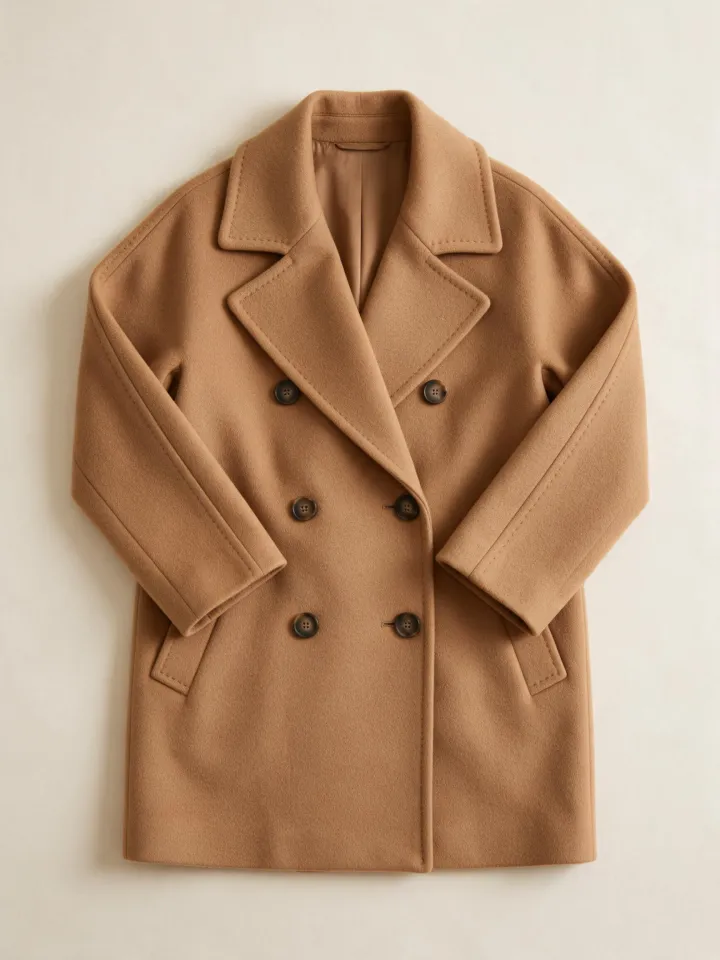
For fashion brands
AI fashion model generator for lookbooks
Show a garment on an AI model from a single flat-lay photo, move an outfit to a street or a studio, or make the look turn and walk in a short clip.
1Pick a look
2Your photo
Example photoA flat lay or a full-length photo of the outfit, evenly lit.3Quality
Usually ready in about 1 min · new accounts get 30 free credits
Why brands build lookbooks with AI
A lookbook shows the same piece on a person, in a setting and from more than one angle. A full shoot means booking a model, a photographer and a location for every drop, and small brands often only have a flat lay or a mannequin photo.
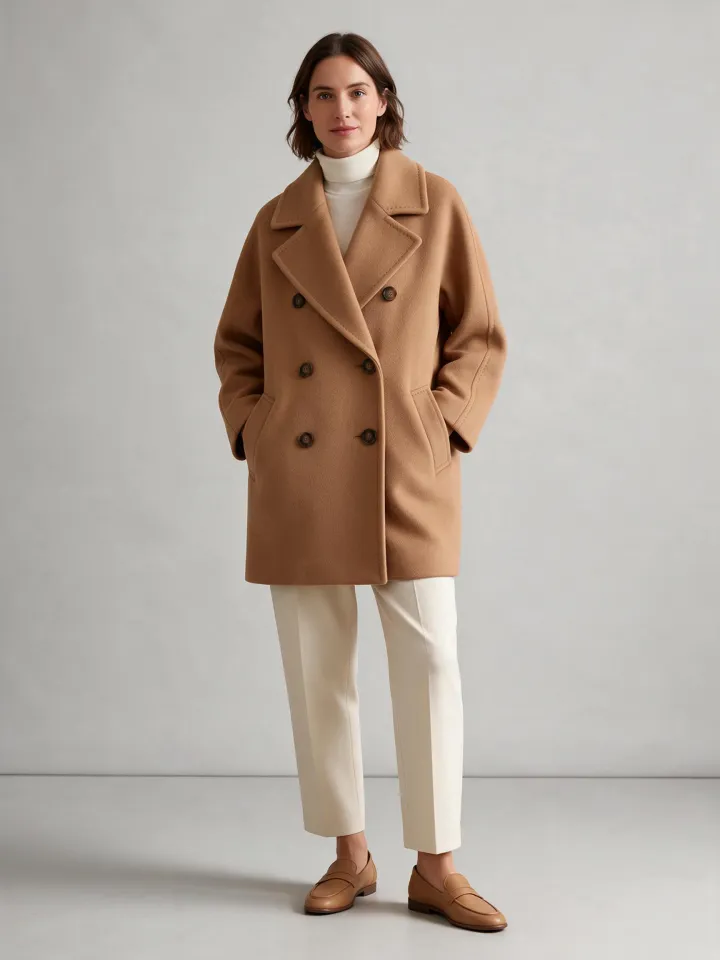
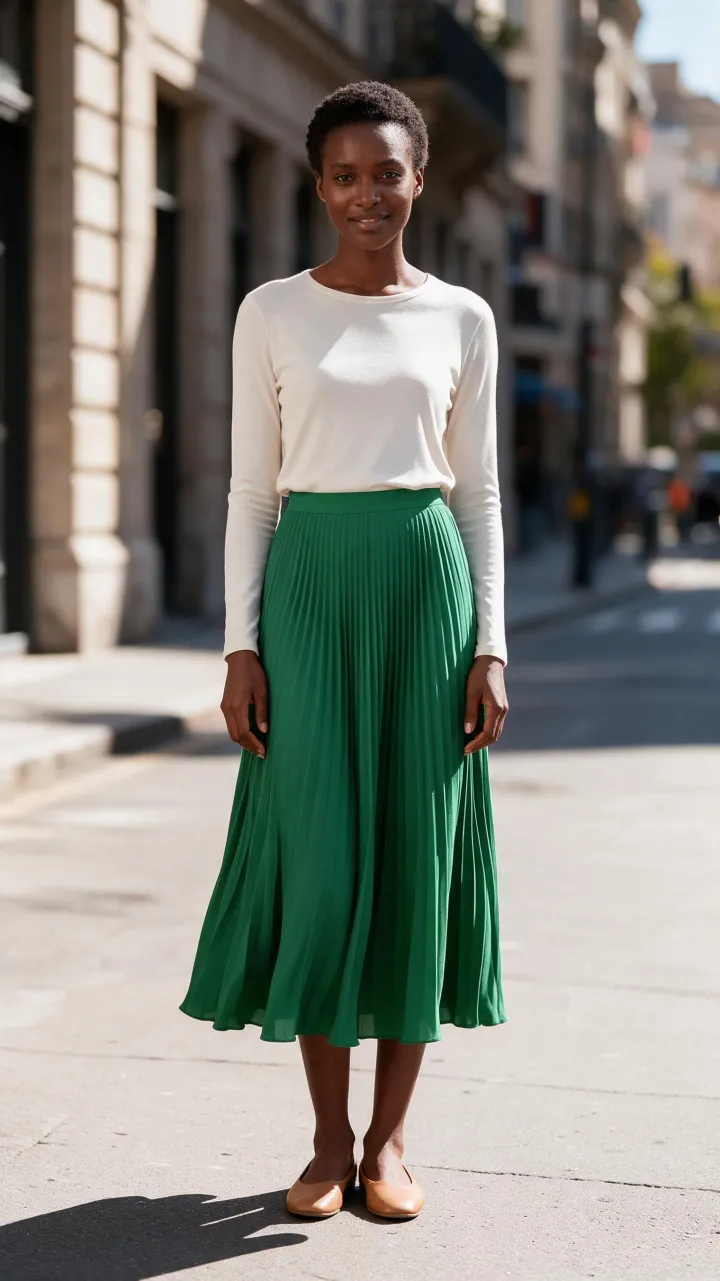
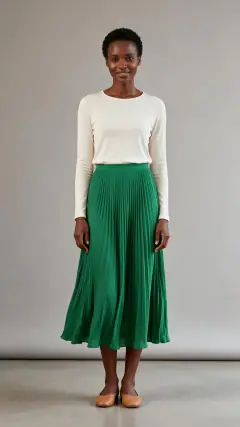
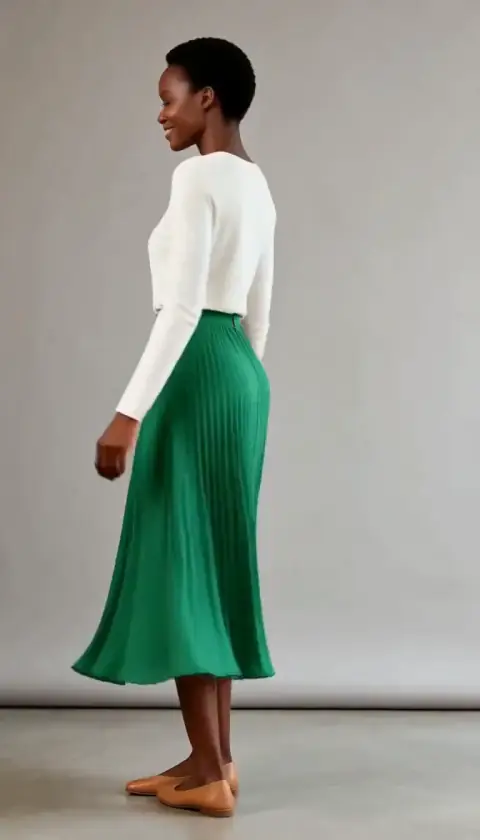
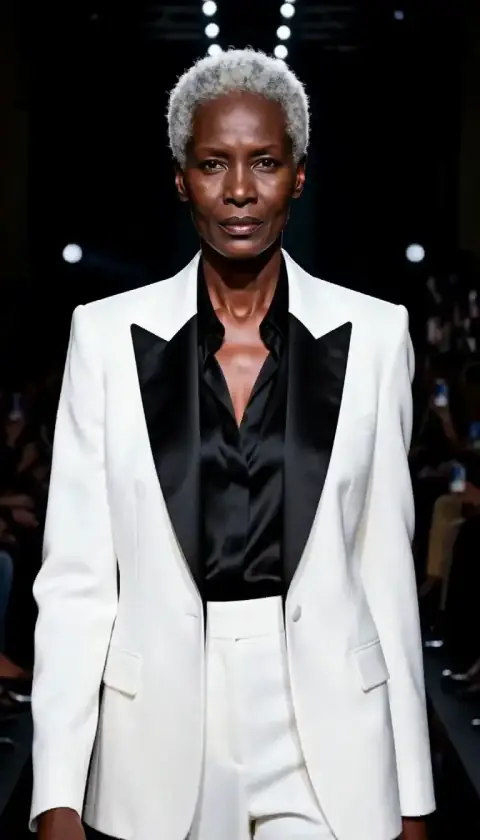
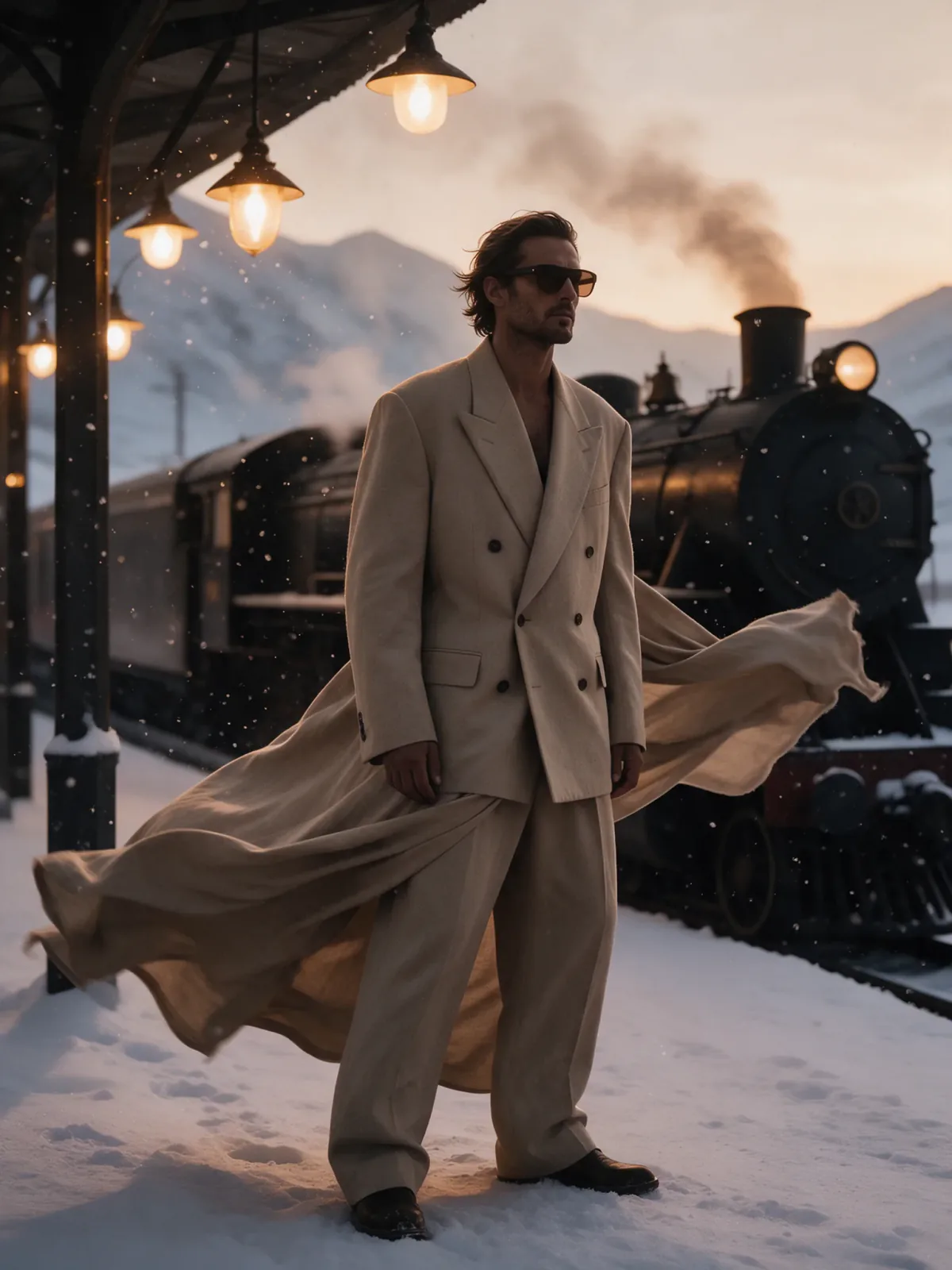
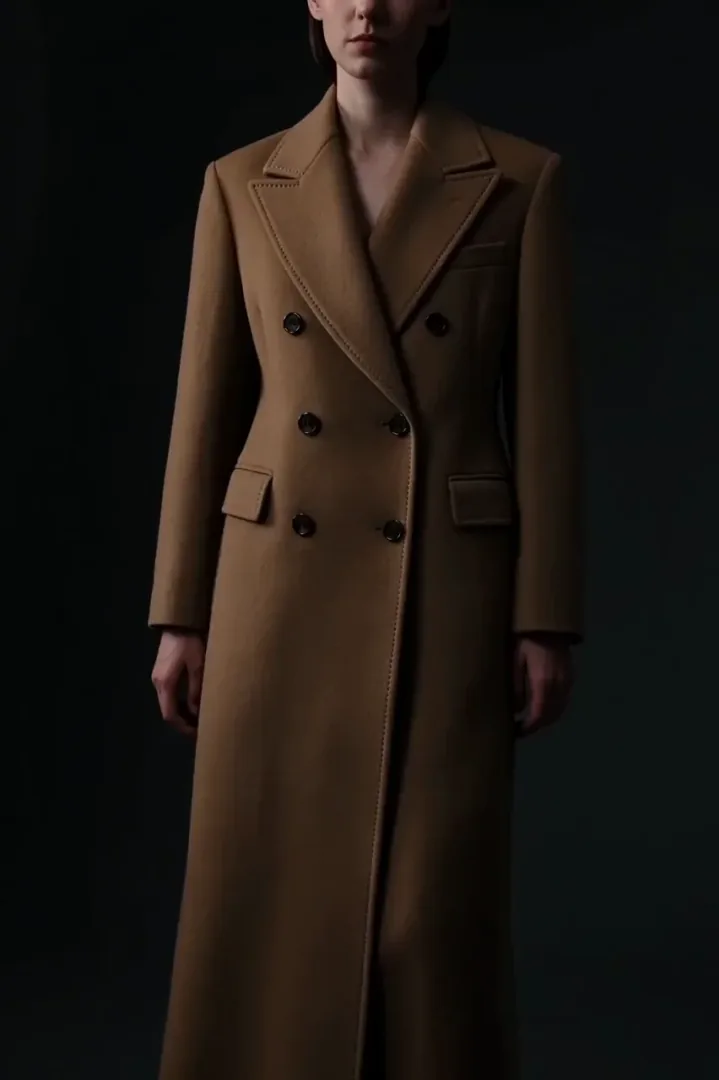
Start from that one photo. On a model keeps the garment’s cut, colour and fabric texture and puts it on an adult model in a clean studio; street style moves an existing outfit photo to a new place; the turn and runway looks add motion for reels. Check every result against the real piece before you publish.
Real results made on PopNow
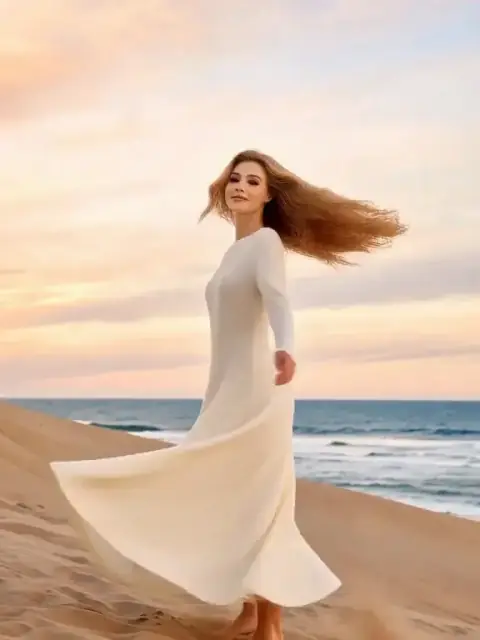
Real results: a flat lay put on a model, an outfit moved to a city street, and outfit clips from our effect library and prompt library.



How to make an AI lookbook
- 1
Photograph the piece
Lay it flat on a plain background or shoot it on a person, full length and evenly lit, so the fabric and the details are clear.
- 2
Choose the shot
On a model for a studio lookbook frame, street style for a location shot, outfit turn or runway walk for a short clip.
- 3
Build the set
Make one image per look, keep the ones that match the real garment and collect them in your assets for the store or the press kit.
Which model to use for fashion images
For photos the garment’s detail matters most; for clips, smooth movement.
- Seedream 5.0 ProThe default for photos. Keeps cut, colour and fabric texture best, and made the on-model and street-style examples.from 6 credits
- Nano Banana 2.1A little cheaper and quick. Good for trying several settings before you pick the final look.from 8 credits
- MiniMax H3Made the outfit turn and runway clips: smooth full-body movement in about a minute.from 28 credits

What it costs
 ≈ 66 credits
One Seedream 5.0 Pro image costs 11 credits. A 6-look lookbook comes to about 66 credits, or $0.66 at the base rate of $0.01 per credit.
Prices come from our live model catalog and show on the button before you generate. New accounts get 30 free credits, and failed runs refund automatically.
See credit packsLookbook tips
- Check every detail against the real garment. Buttons, prints, logos and fit can drift, so retake or fix them before you publish.
- Use adult models only, and don’t recreate a real person without their permission.
- Shoot the piece evenly lit and without creases; shadows and folds get copied into the result.
- Say that images are AI-generated wherever your store, marketplace or ad platform asks for it.
Questions people ask
Can AI put my clothes on a model?
Yes. Upload a flat lay or a mannequin photo and choose On a model. The image model shows the garment on an adult fashion model and keeps its cut, colour and texture. Always compare it with the real piece.
Will it change my design?
It is told to keep the garment identical, and with clear photos it usually does. Small details like logos, prints and buttons drift first, so zoom in before you publish.
Can I choose the model’s look?
This page uses a neutral studio model. For a specific face that stays the same across a whole set, design a character in Photo Sets or AI Influencer and start from that photo.
Can I use AI lookbook images in my store?
Yes, the images you make are yours to use commercially under our terms. Marketplaces ask sellers to show products accurately, so the garment in the image must match what you ship.
How much does an AI lookbook cost?
Every image shows its price in credits on the button before you generate, and one image with the default model costs less than the 30 free credits new accounts get.
Tools and pages that help
- Edit ImageChange anything in a photo by describing it in a sentence.
- Remove BackgroundCut out the subject onto a clean, transparent background.
- Upscale ImageMake a small or blurry photo sharp at 2K, 4K or 8K.
- Image to VideoBring a still photo to life as a short video clip.
- Photo SetsOne face, a whole camera roll.
- AI InfluencerDesign a character and keep the face.
- Outfit CheckA full turn to show the look, then a hand-on-hip finish.
More ways to use PopNow
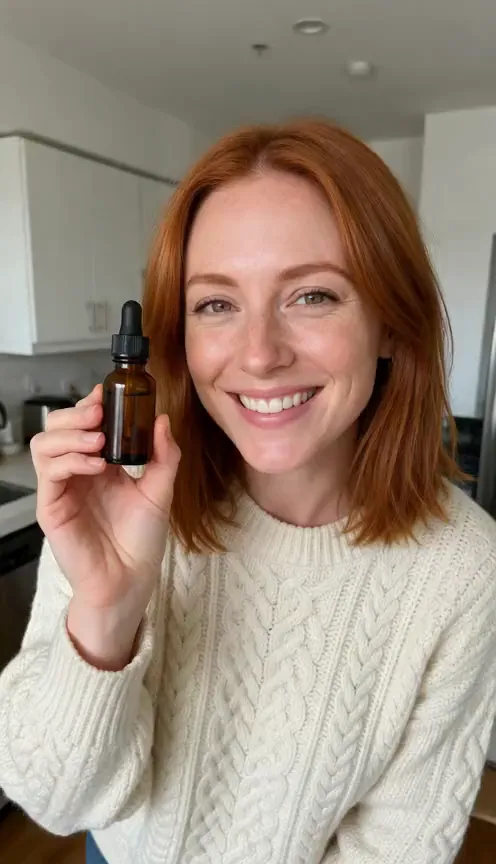 AI UGC adsTurn one photo of a person holding your product into a selfie-style clip where they say your line out loud, with a natural voice and matching lips.
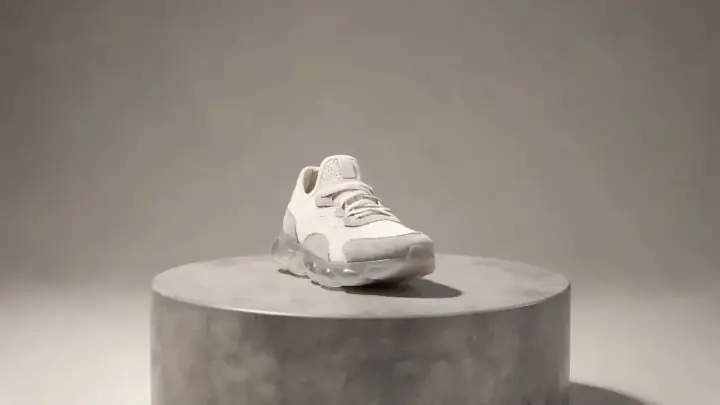 AI product videosTurn one product photo into a short, scroll-stopping video for your product page, ads or socials: a slow 360° spin, a splash of liquid or a burst of ingredients.
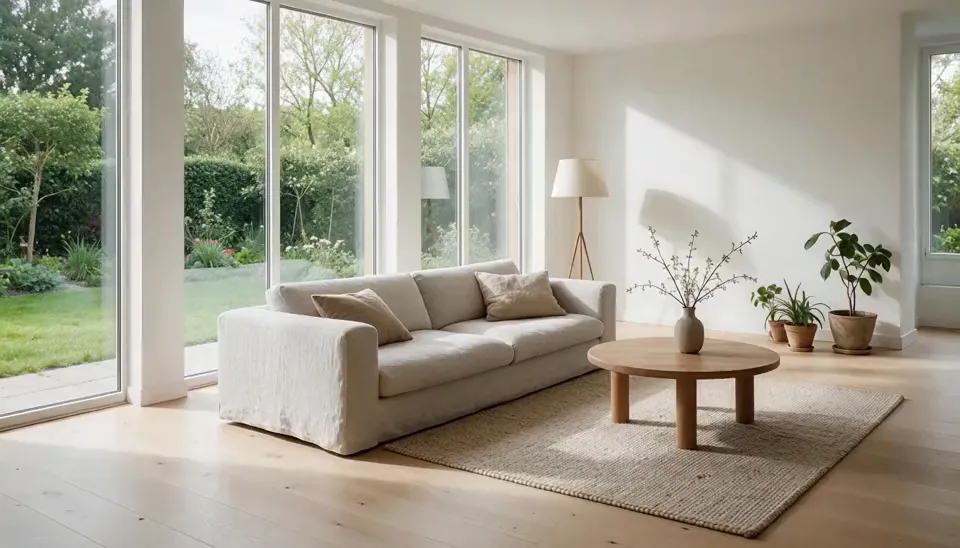 Real estate videosTurn the listing photos you already have into short videos: a slow walkthrough glide, a room going from day to dusk, or an empty room that furnishes itself.
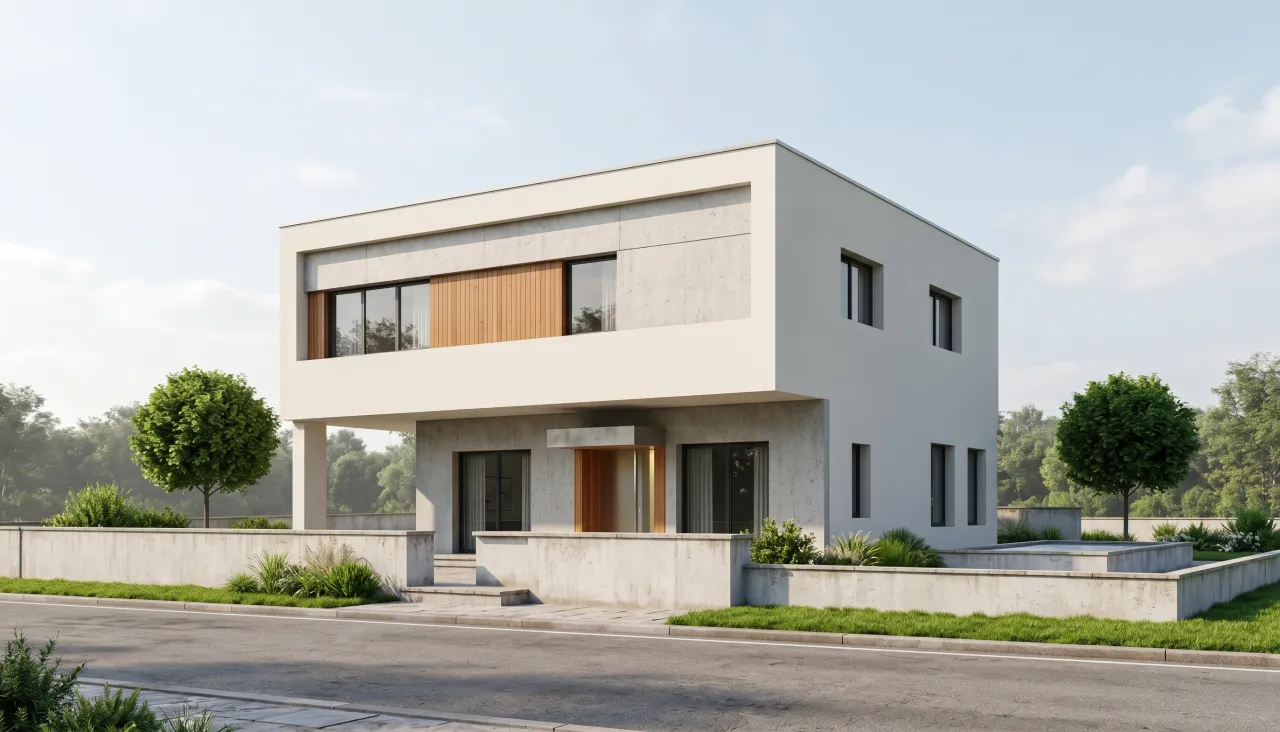 AI architecture rendersTurn a white massing model or a grey viewport screenshot into a photorealistic render in daylight, golden hour or blue hour, then make a short flythrough clip.