


Photo tools
Free filters that run right in your browser, plus AI tools for the jobs a filter can't do. Pick one and drop in a photo.
Free filters
Instant, private, no sign-up. Your photo never leaves your device.
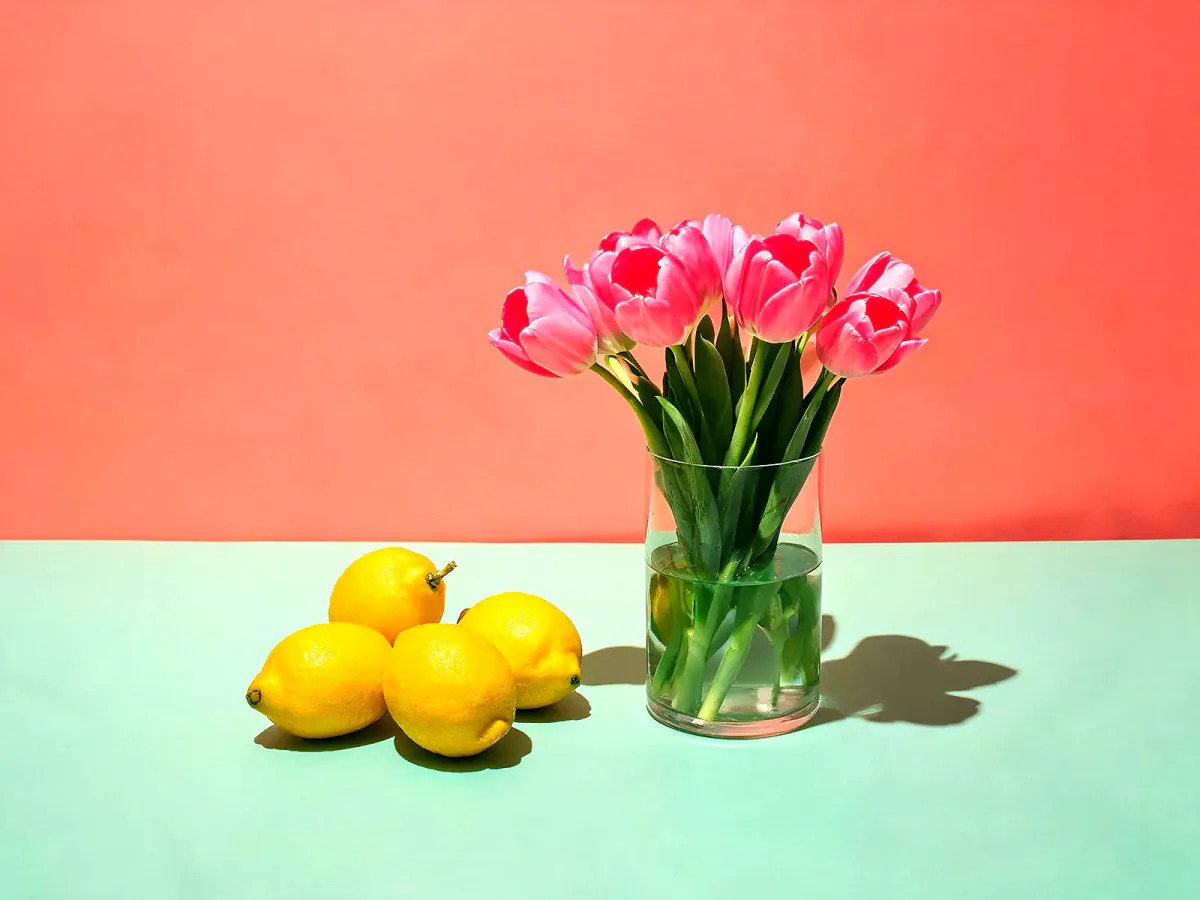 Basic adjustBrightness, contrast, warmth, sharpenFree
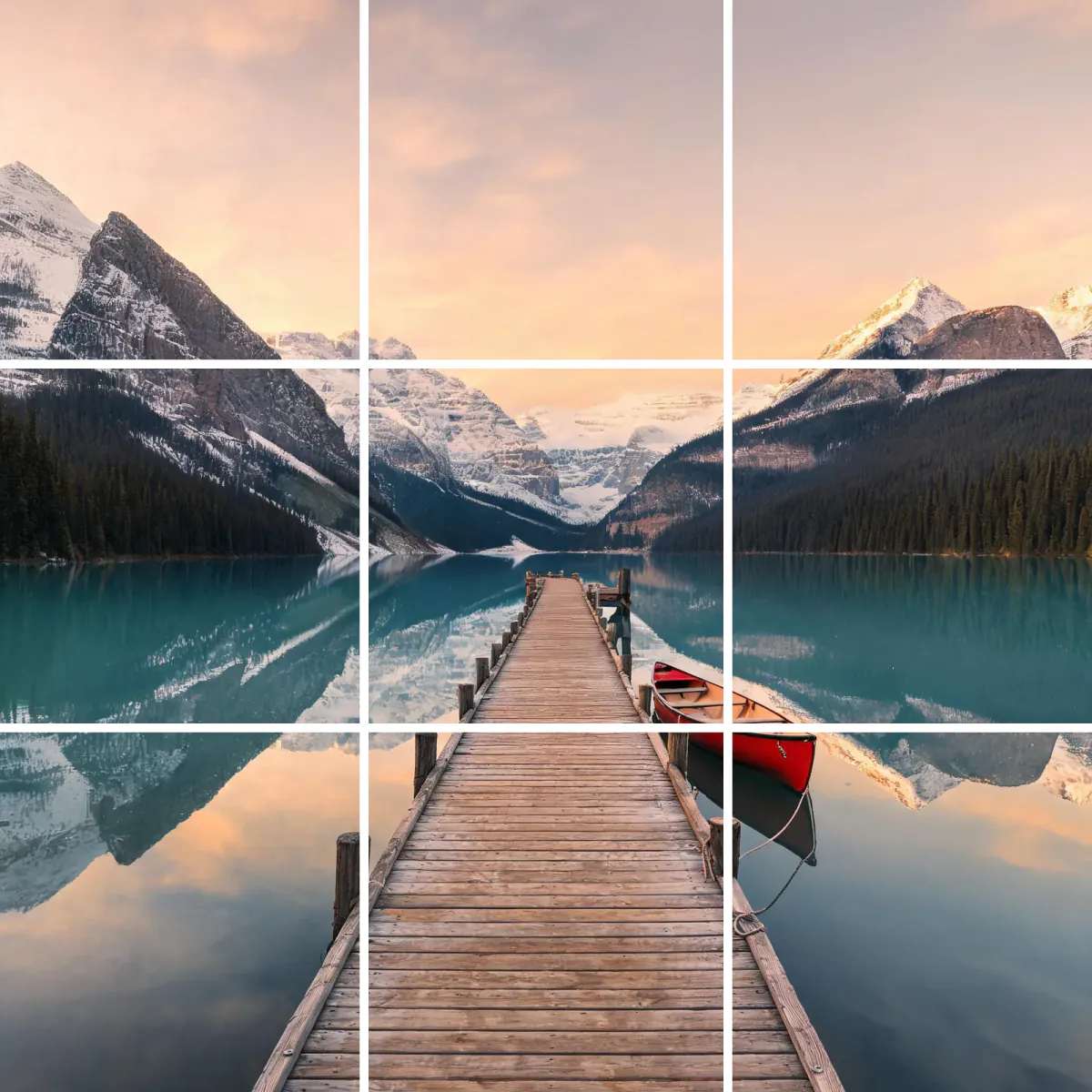 Split gridCut one photo into Instagram tilesFree
 StickerWhite outline, die-cut lookFree
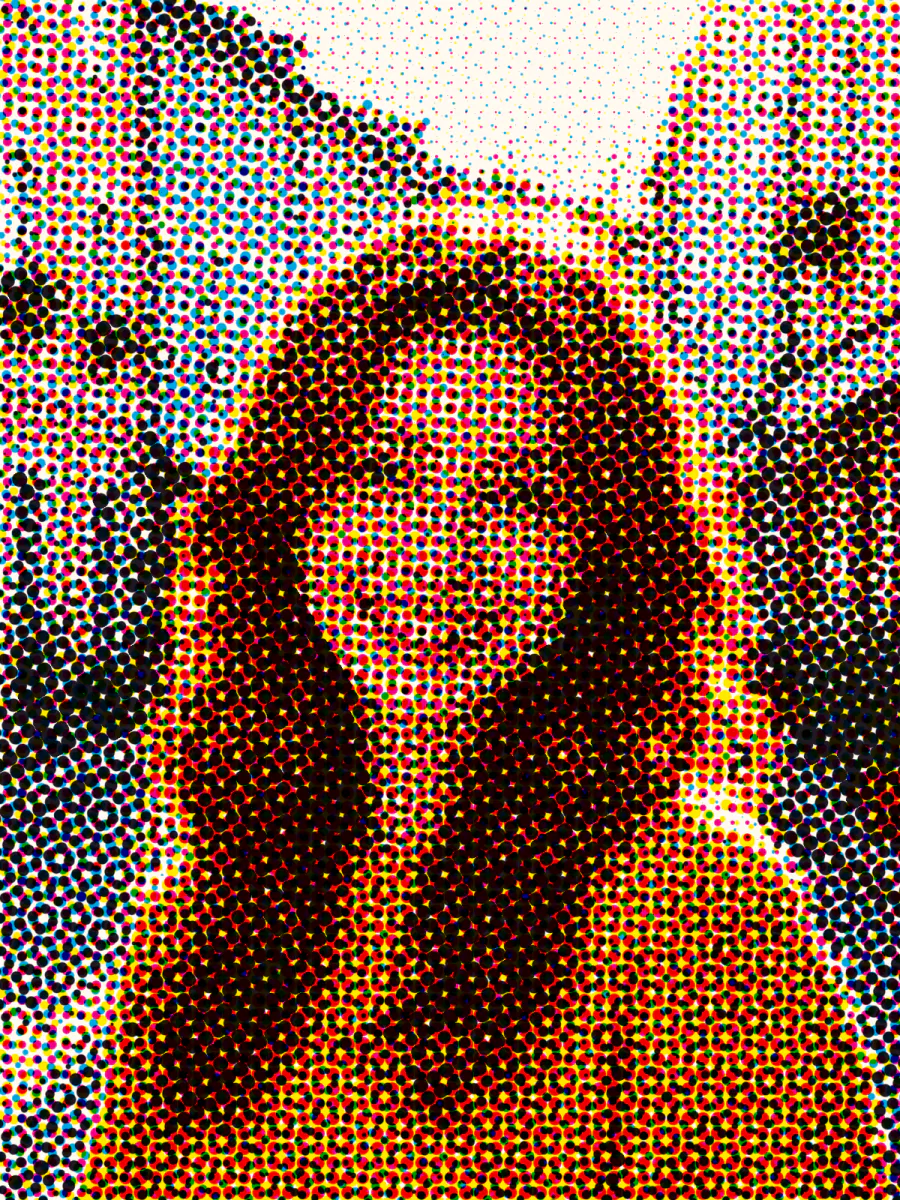 HalftoneComic-book and newsprint dotsFree
 DuotoneTwo colors, poster styleFree
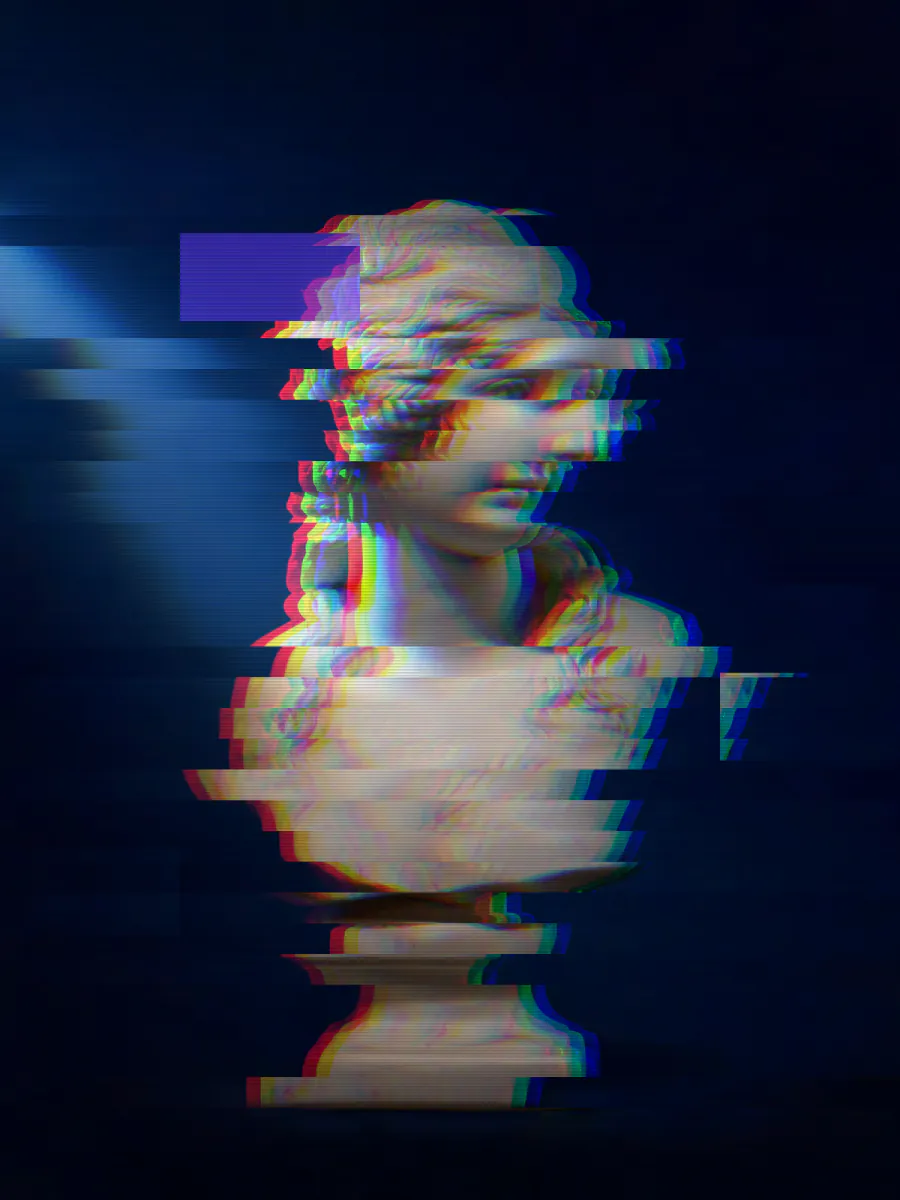 GlitchBroken-signal slices and RGB shiftFree
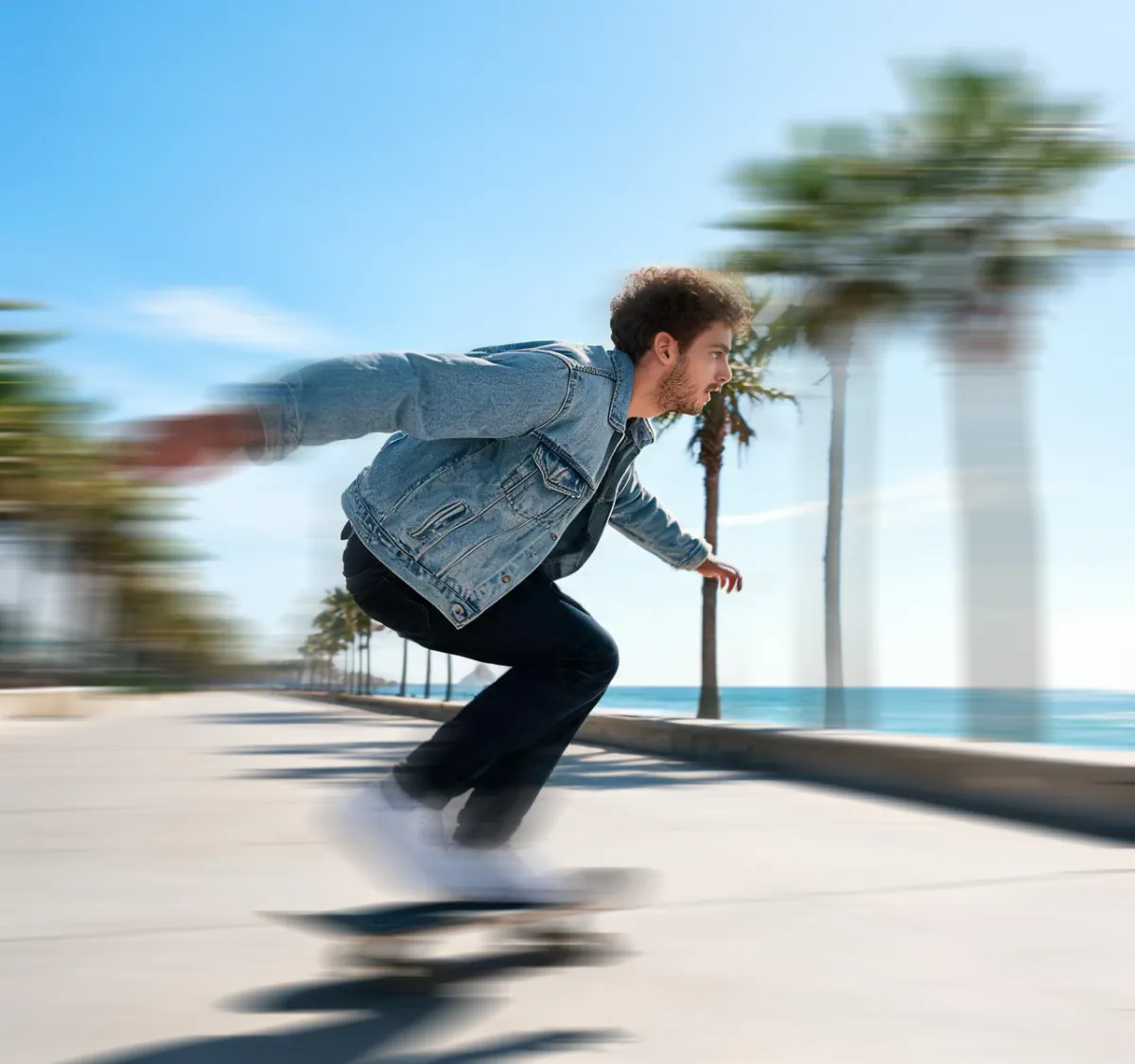 Motion blurSpeed, panning and zoom blurFree
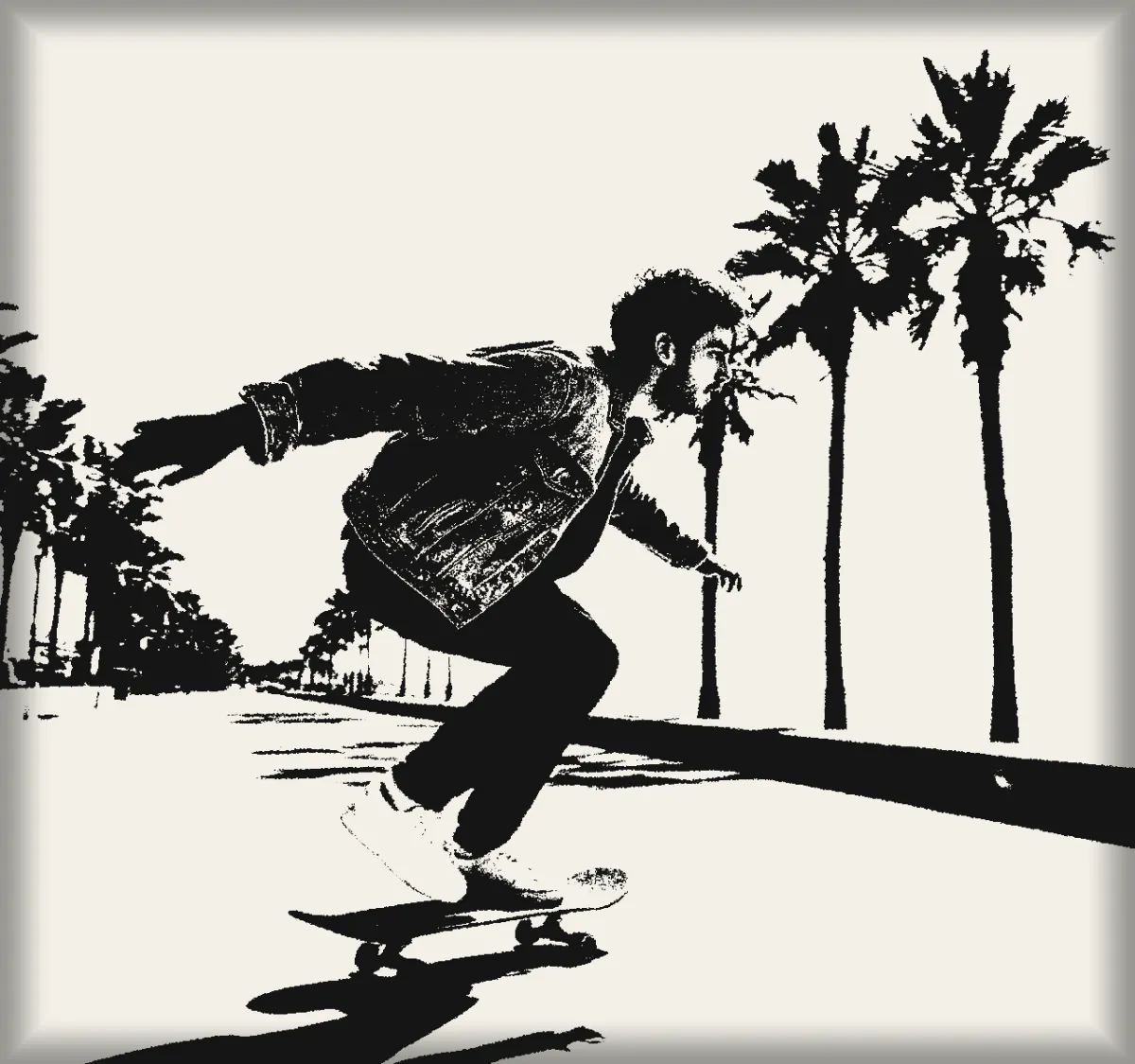 Xerox noisePhotocopy grain and toner streaksFree
 Textured glassFluted and reeded glassFree
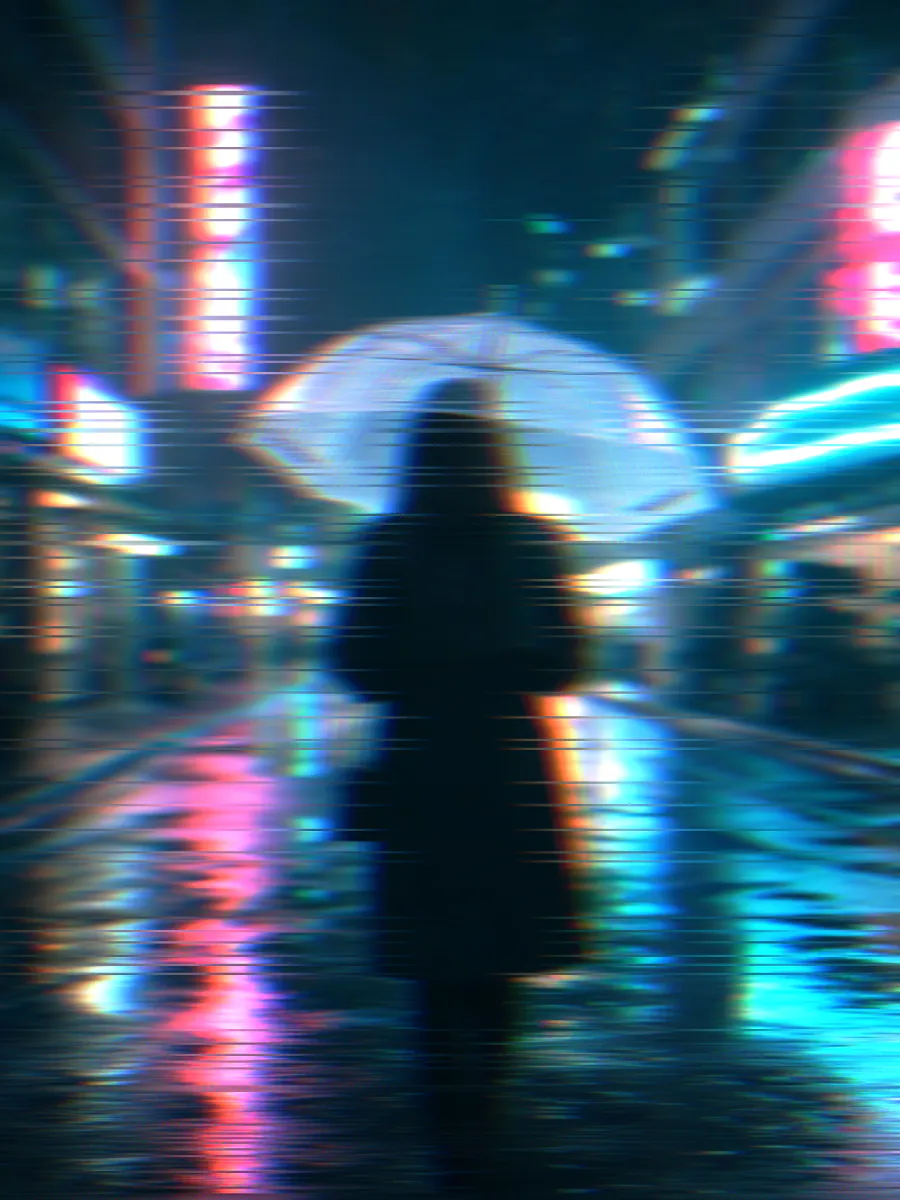 Glitch blurChromatic aberration and smearFree
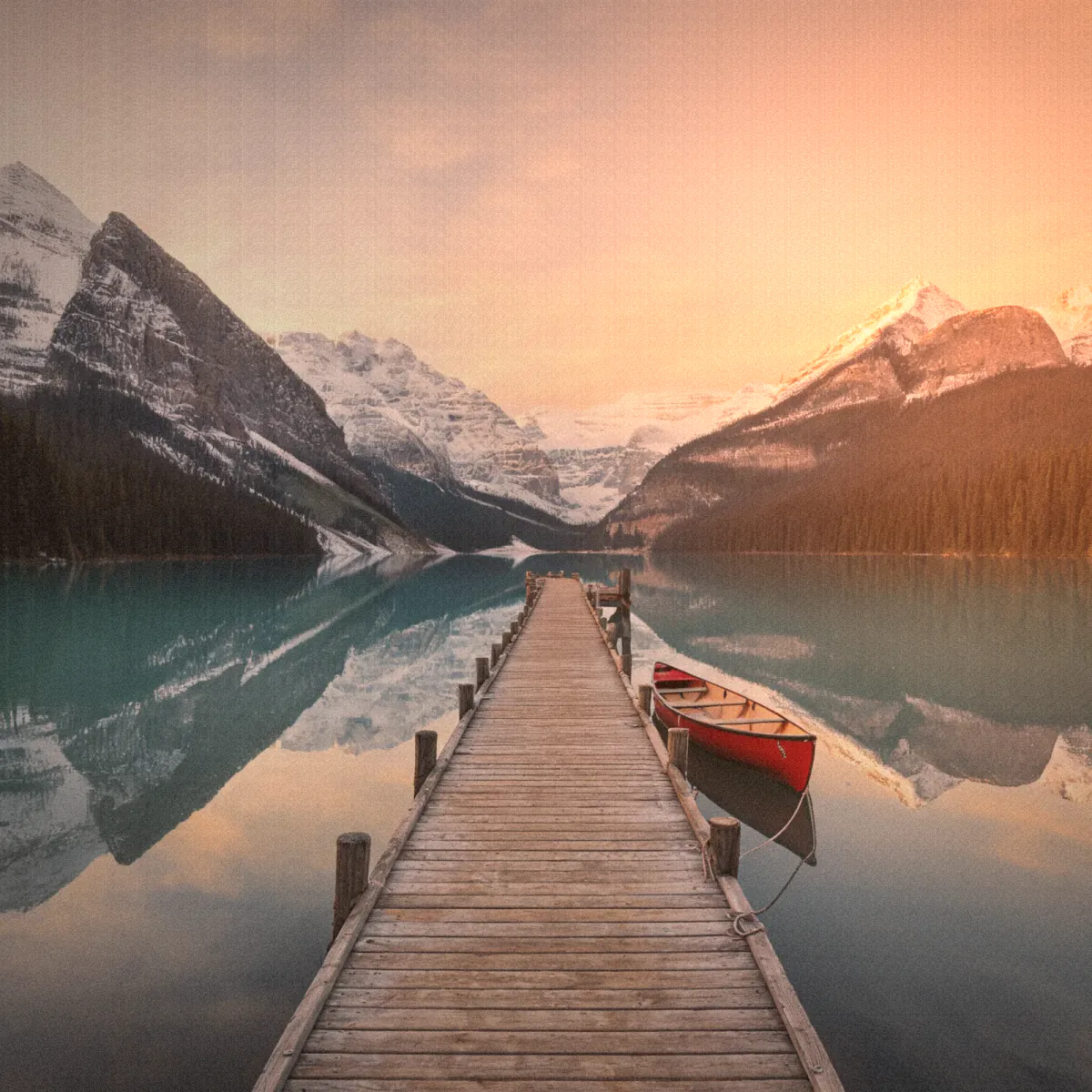 LO-FIFaded film, instant and VHSFree
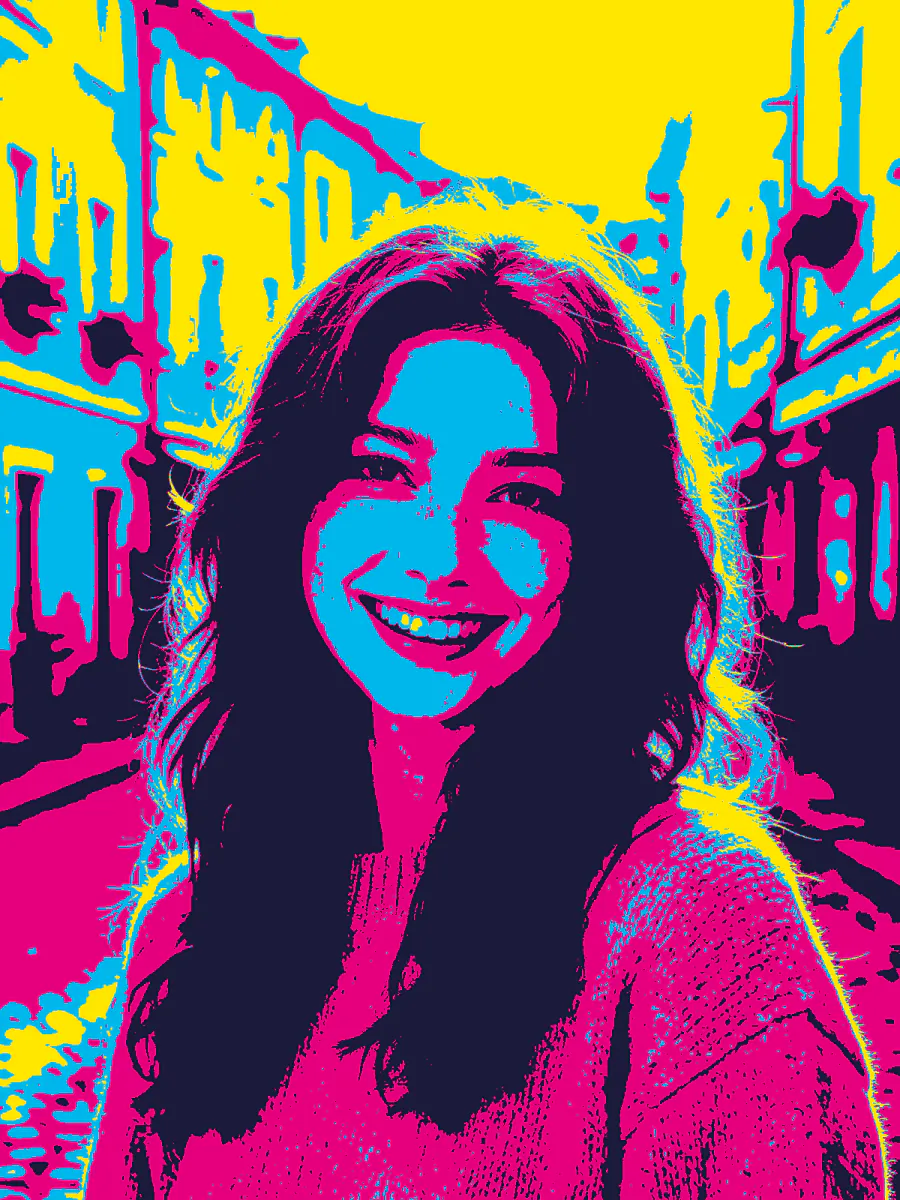 PosterizeFlat color bands, pop artFree
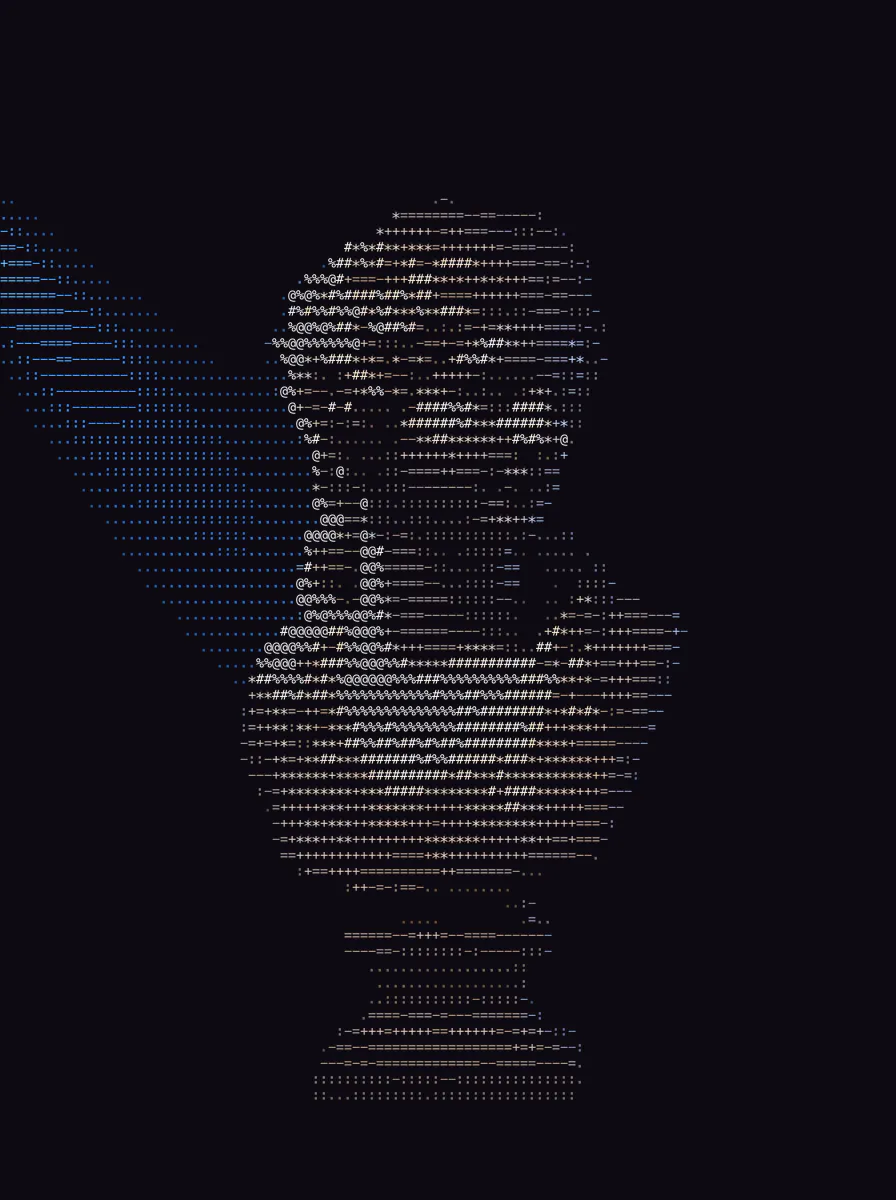 ASCII artTurn a photo into text charactersFree
AI tools
Uses credits. Fix, erase, upscale or rework a photo with AI.
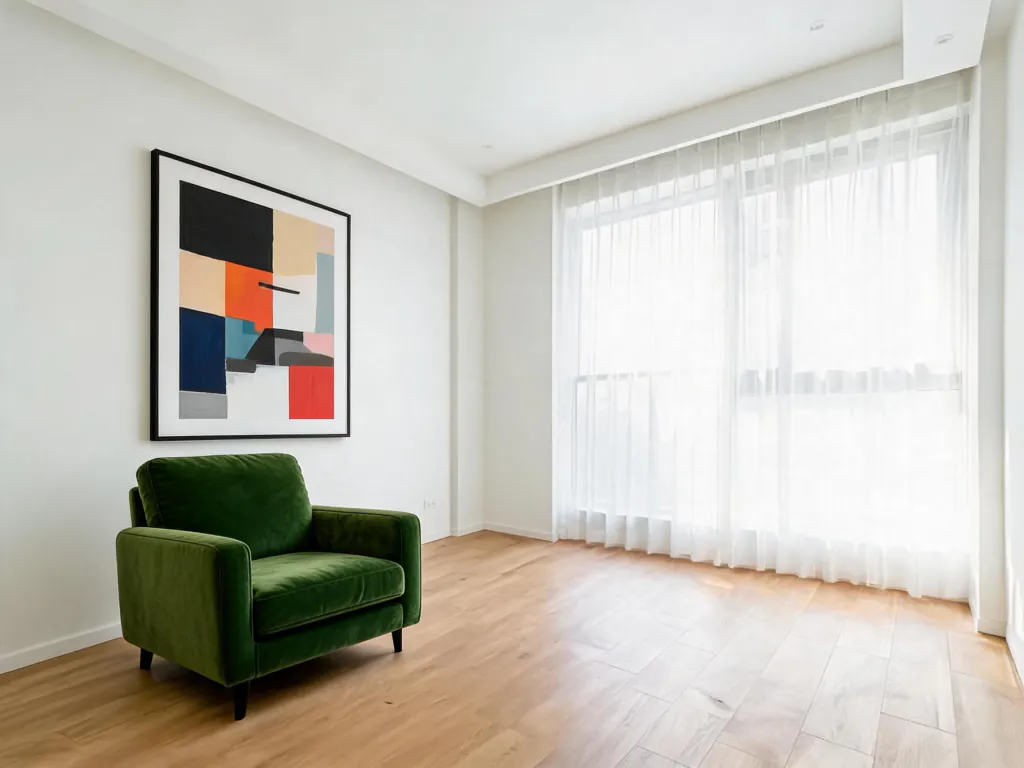 Draw to editScribble where to change it, AI redraws
 Smart angleSee the same scene from a new angle
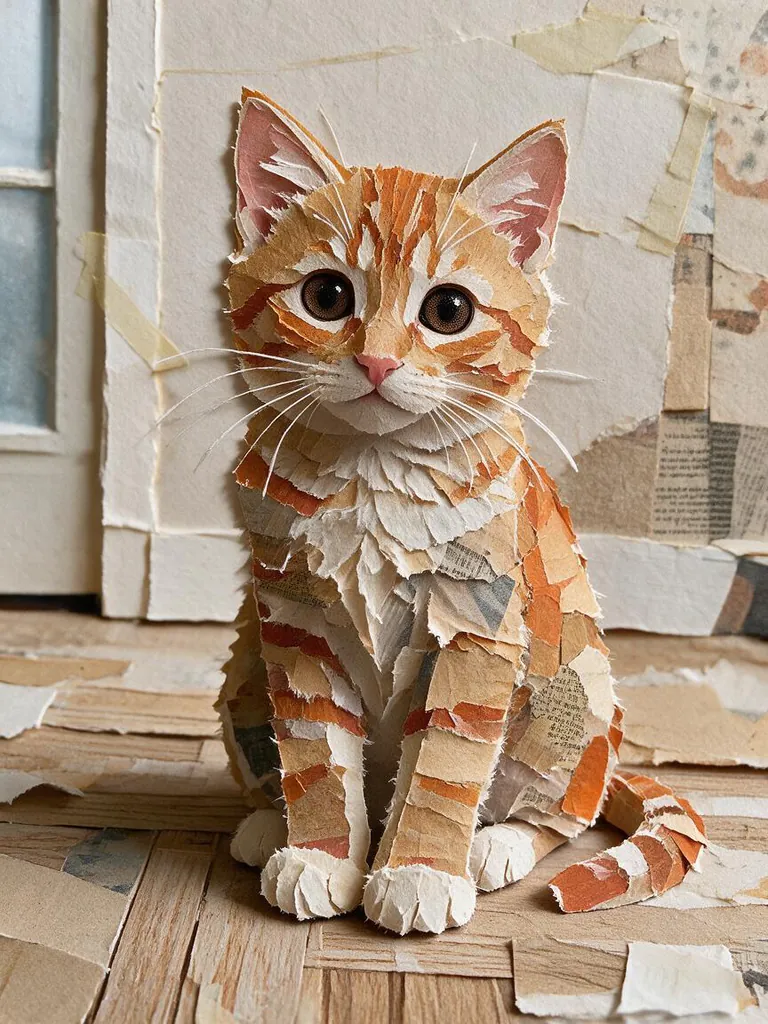 Collage styleTurn a photo into a cut-paper collage
 EraserBrush over something to remove it5 credits
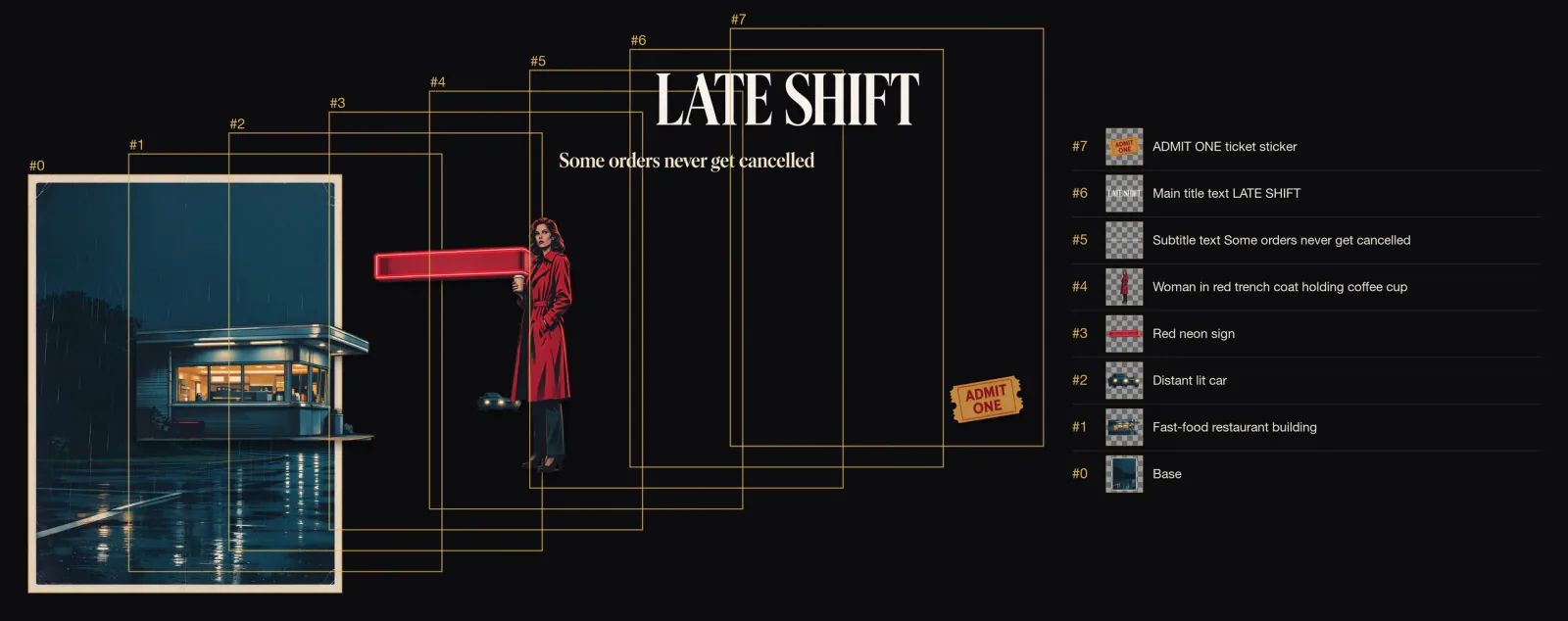 Split layersSeparate a picture into editable layers4 credits
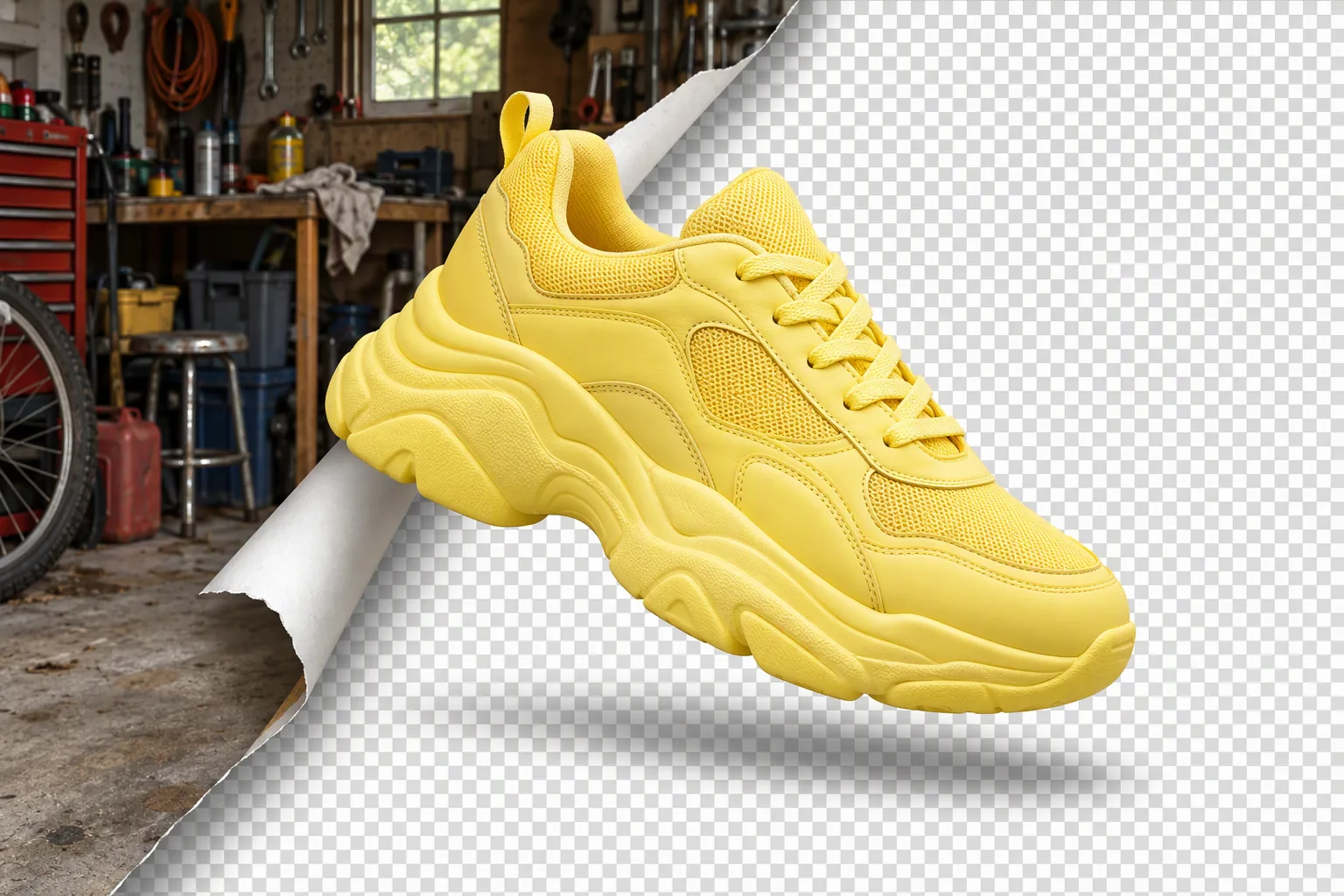 Remove backgroundOne tap, transparent PNG1 credit
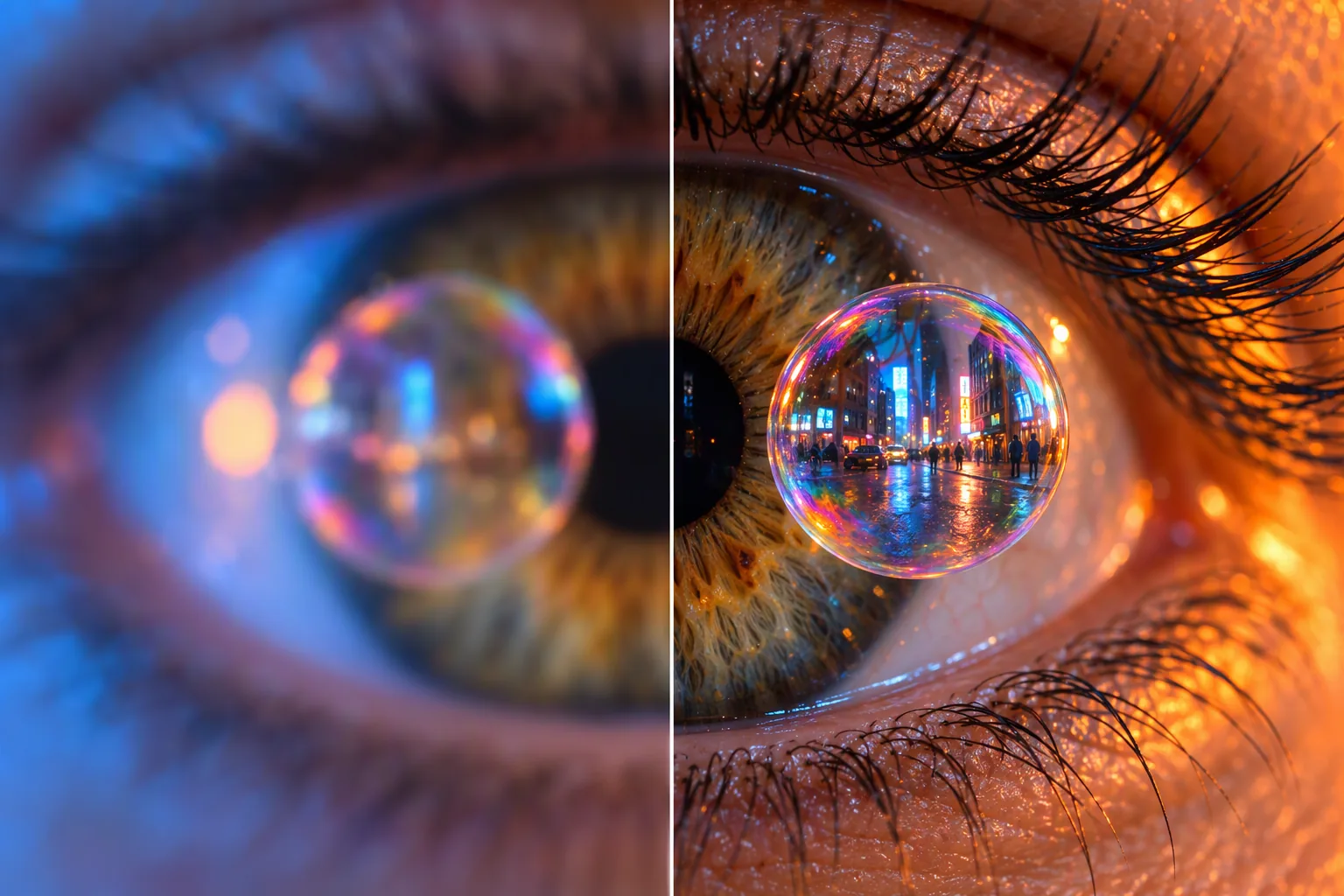 UpscaleSharper, bigger, more detail2 credits
 ExpandExtend the photo past its edges4 credits
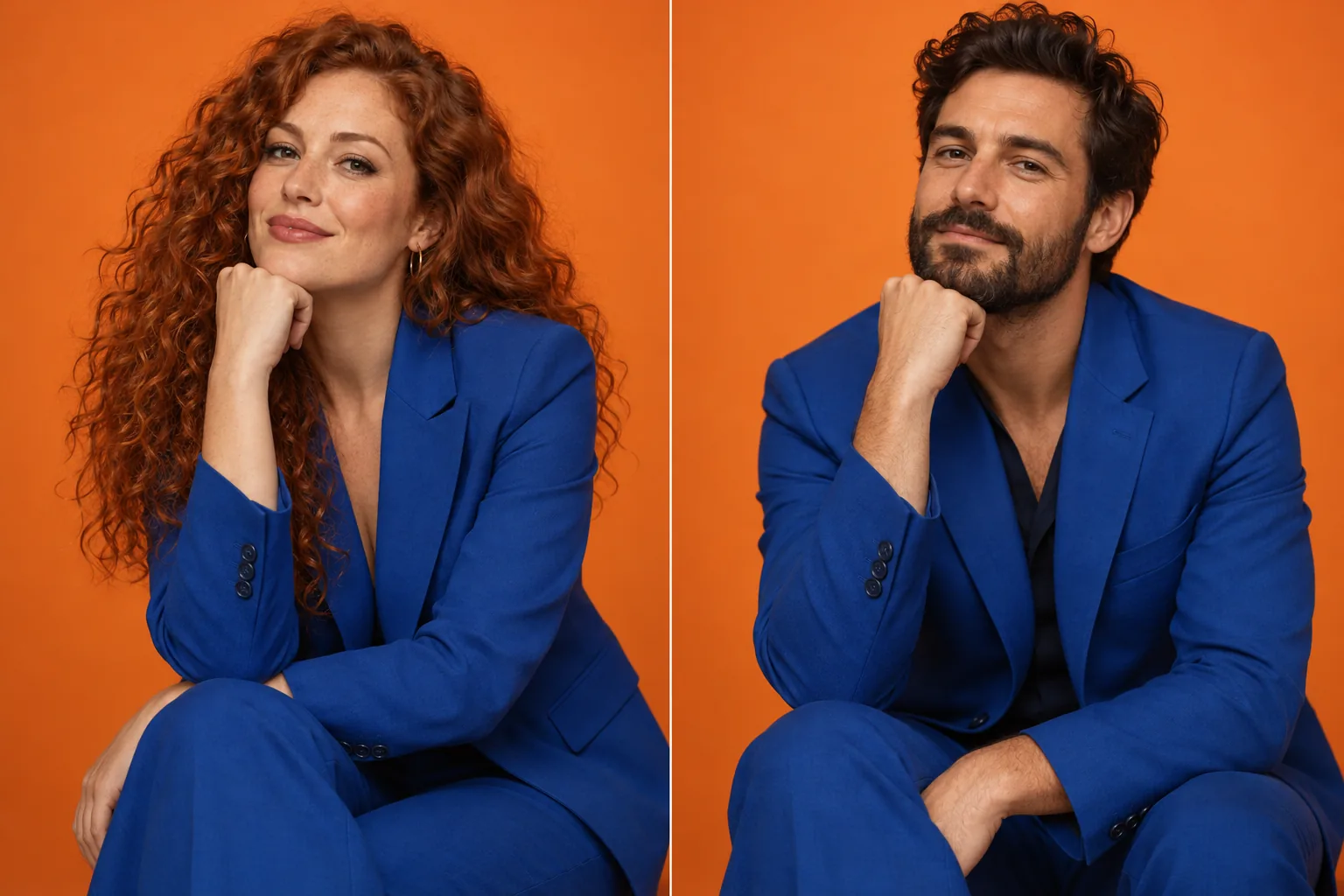 Face swapPut a face from one photo on another2 credits
Text effects
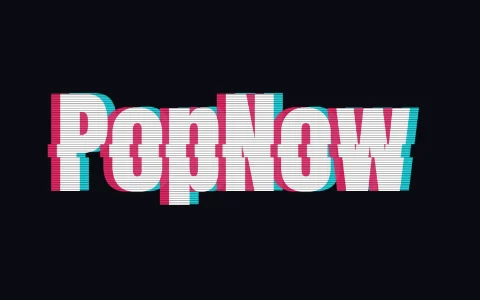
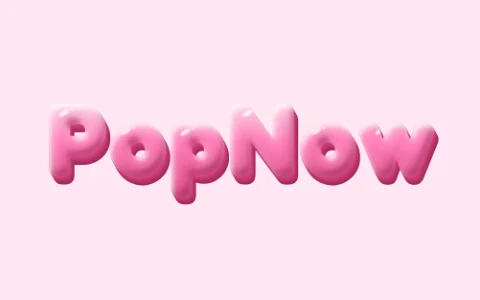
Type a word, get a styled graphic.


Questions
- Are the filters really free?
- Yes. Every filter in the Free filters group runs in your browser on your own device, so there is nothing to charge for. You don't need an account, and downloads have no watermark.
- Do you upload my photos?
- Not for the free filters. The photo is opened and processed by your browser and never sent to our servers. It only gets uploaded if you choose Send to, or an AI step such as cutting out a subject for a sticker.
- What's the difference between filters and AI tools?
- Filters change how the pixels look — dots, colors, blur, grain. AI tools understand what's in the picture, so they can remove an object, cut out a person, add detail when upscaling or redraw the scene. AI tools use credits; you get 30 free credits when you sign up.
- Can I use several filters on one photo?
- Yes. Download the result and open it in the next filter, or use Send to and keep going in another tool. Inside Studio your photo stays loaded when you switch between filters.