Pixel
What this tool does
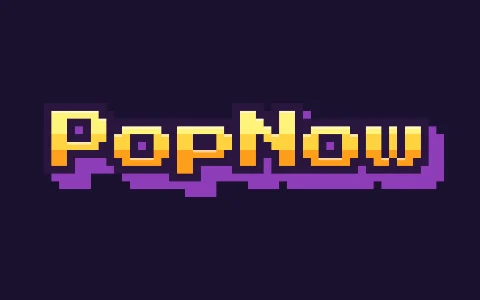
This pixel text generator draws your word the way 8-bit and 16-bit games drew their title screens: every letter is built from square blocks, filled with stepped color bands instead of a smooth gradient, ringed with a dark outline and pushed off the background with a chunky shadow. Latin and Cyrillic text uses Press Start 2P, a font drawn on an 8×8 grid; Chinese, Japanese and Korean are rasterized to a 16-dot grid, like the bitmap fonts in old consoles.
How to make it
- Type a game title, a channel name or a level number.
- Choose Arcade, Candy, Mint, Ice or Mono colors and set the pixel size.
- Download the PNG. Keep Pixel size high for small thumbnails, low for big posters.
Tips
- Short words in capitals read best; pixel letters get busy past ten characters.
- Turn Outline off for a flat, modern pixel look.
- Chunky and Round rasterize a bold font into blocks, which is handy for heavier logo text.
Good for: Gaming thumbnails, Twitch overlays, retro party invites, level cards in a video, chiptune album covers.
Questions
Which font does the pixel text use?+
Press Start 2P, an open-source font made on an 8×8 pixel grid. Characters it doesn’t have, such as Chinese or Korean, are drawn with your system font and snapped to a 16-pixel grid so they still look like bitmap text.
How do I get sharp pixels in a big image?+
The export is drawn block by block, not scaled up, so edges stay crisp at any size. Raise Pixel size for larger blocks.
Can I make the pixel text move?+
Pixel text is a still image. Use Send to › Make it move to animate it with a video model, or try Glitch with the Arcade font for a moving retro look.