Liquid
What this tool does
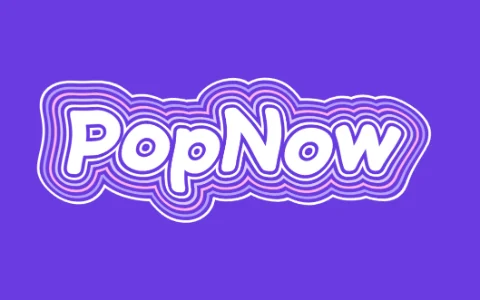
This liquid text effect stacks several thin outlines around your word, like ripples spreading in water, then bends the whole thing with two waves running in different directions so the lines flow. The animation repeats exactly every three seconds, so the GIF or video loops without a jump. You set how many outlines, how far apart they are, how strong the wave is and how fast it moves.
How to make it
- Type your word; short words with round letters flow best.
- Pick a color set and adjust Outlines, Spacing and Wave.
- Download a looping GIF, MP4 or WebM, or a still PNG of the current frame.
Tips
- Wave 3–5 keeps the word readable; 8 and up turns it psychedelic.
- Round and Script fonts give smoother rings than Bold.
- Ink on cream reads as a printed poster; turn Animate off for a still version.
Good for: Music visualizers, Reels and TikTok intros, event posters, psychedelic album art, animated stream screens.
Questions
Does the liquid animation loop seamlessly?+
Yes. The waves complete whole cycles in three seconds, so the last frame flows straight into the first in the GIF and video.
Can I export the liquid text with a transparent background?+
The PNG and the GIF can be transparent. MP4 and WebM can’t carry transparency, so they use the color set’s background or the color you choose.
Why are the edges a bit blurry in the GIF?+
GIF allows only 256 colors and one level of transparency, and the GIF is capped at 720 pixels to keep the file small. For the sharpest loop, download MP4.