Sticker
What this tool does
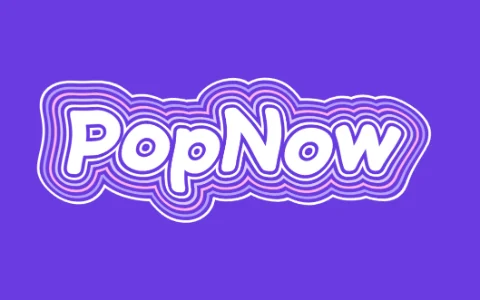
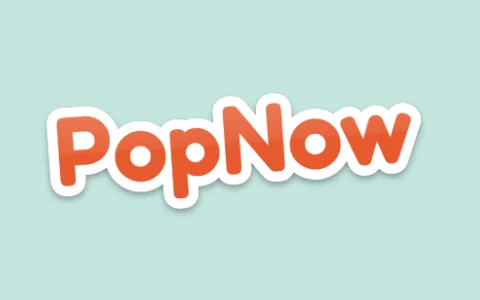
This sticker text generator wraps your word in a thick rounded border, like a vinyl sticker cut around the letters, adds a faint cut line, a soft drop shadow and a laminated shine across the top half, and tilts the whole sticker a few degrees. Pick the letter color, the border color and width, and one of four fonts.
How to make it
- Type a short word, a name or a reaction like OMG.
- Choose the letter and border colors, the font and the border width.
- Download a transparent PNG and drop it onto a story, a thumbnail or a print file.
Tips
- A white border pops on photos; a dark border pops on light backgrounds.
- Set Tilt to 0 for a straight label, or ±6 for a playful look.
- Turn Shadow off if you plan to print and cut it.
Good for: Instagram and TikTok stickers, YouTube thumbnails, merch mock-ups, laptop sticker designs, reaction images.
Questions
Can I print these as real stickers?+
Yes. Download the PNG (it is high resolution), turn Shadow off, and most sticker printers can cut around the border.
How do I add the sticker to my photo?+
Set the background to Photo, add your picture, then drag the sticker into place and set its size. The download is your photo with the sticker on it.
Can the border be another color?+
Yes. Choose white, black, yellow or mint, or any color with the custom swatch.
How do I make a sticker that matches my brand colors?+
Use the custom swatch under Color for your brand color and under Border for a second color, pick the font closest to your logo, and keep the tilt small. The same settings stay put when you switch to another word.