


by GoogleImageTop

Nano Banana Pro
Plans the layout first: dense text, diagrams and 4K edits
- Up to 4K
- Up to 14 reference images
- 10 aspect ratios
From 17 credits per image≈ $0.17· Create Image

What it's like to use
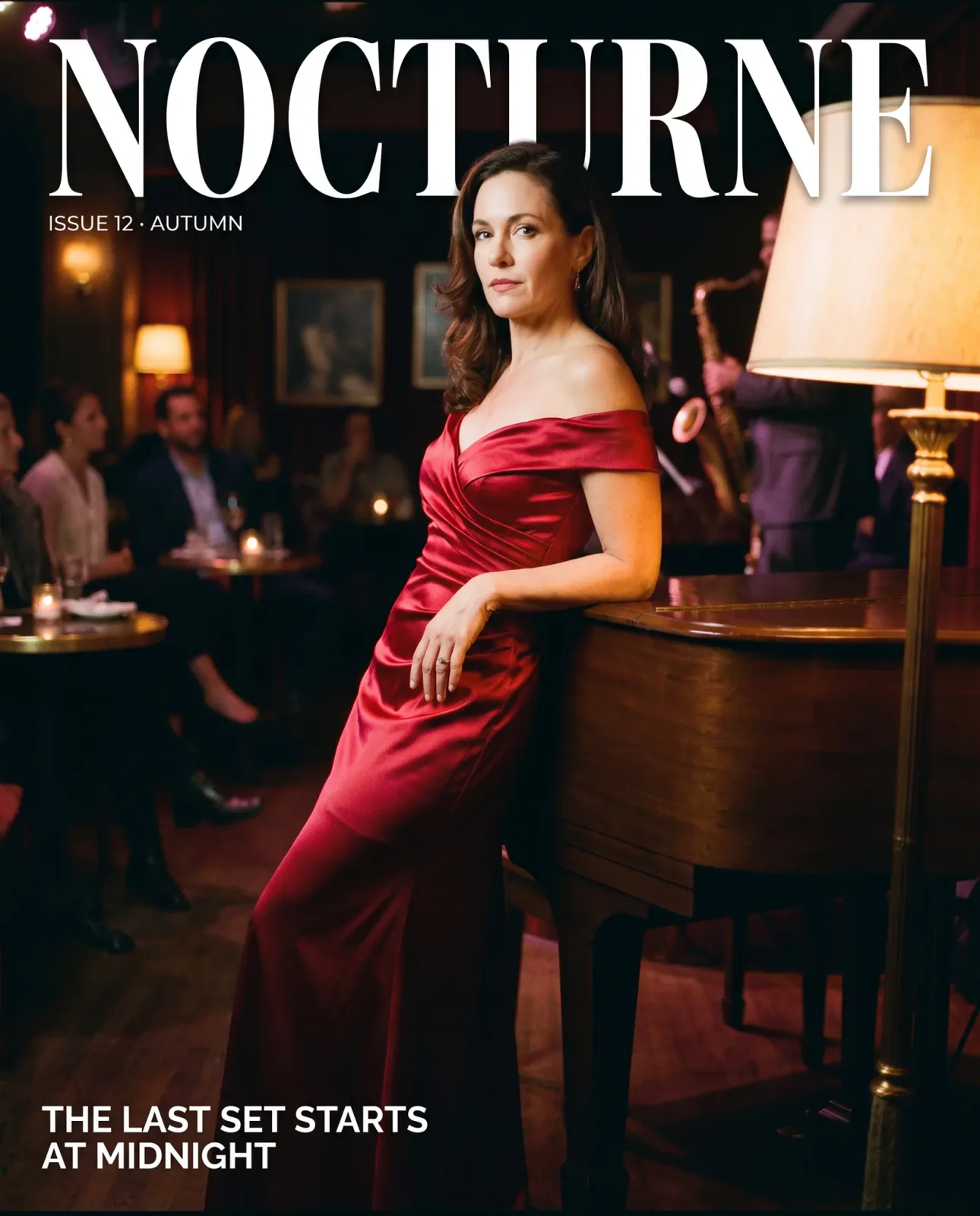
Nano Banana Pro is Google's Gemini 3 Pro Image model, and it thinks about the request before it draws. That shows in the hard stuff: posters with several lines of type, labelled diagrams, packaging and multi-part layouts. It edits with up to 14 reference photos and renders at 1K, 2K or 4K in ten aspect ratios.
Good for
- Event posters, menus and packaging with lots of text
- Infographics and labelled diagrams
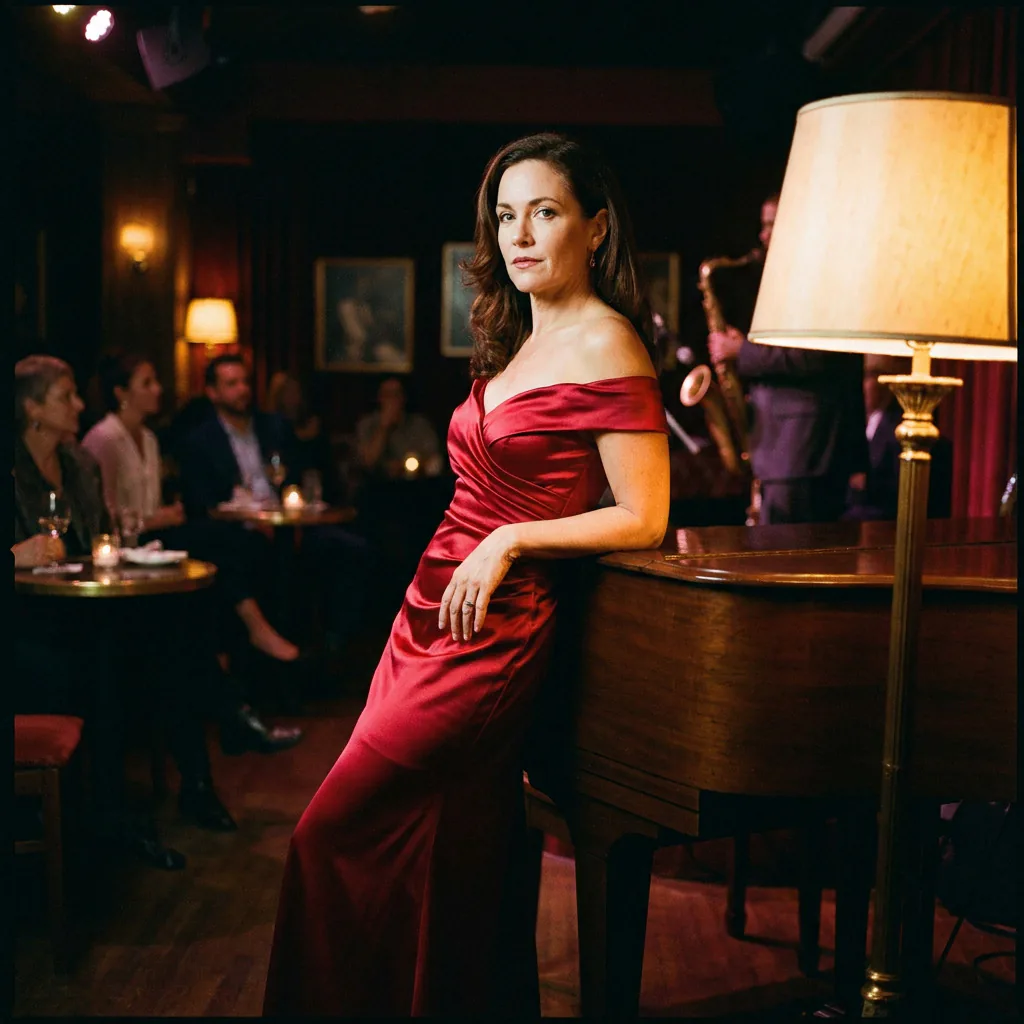
- Relighting a finished photo or adding type over it without changing the people
Real results from Nano Banana Pro
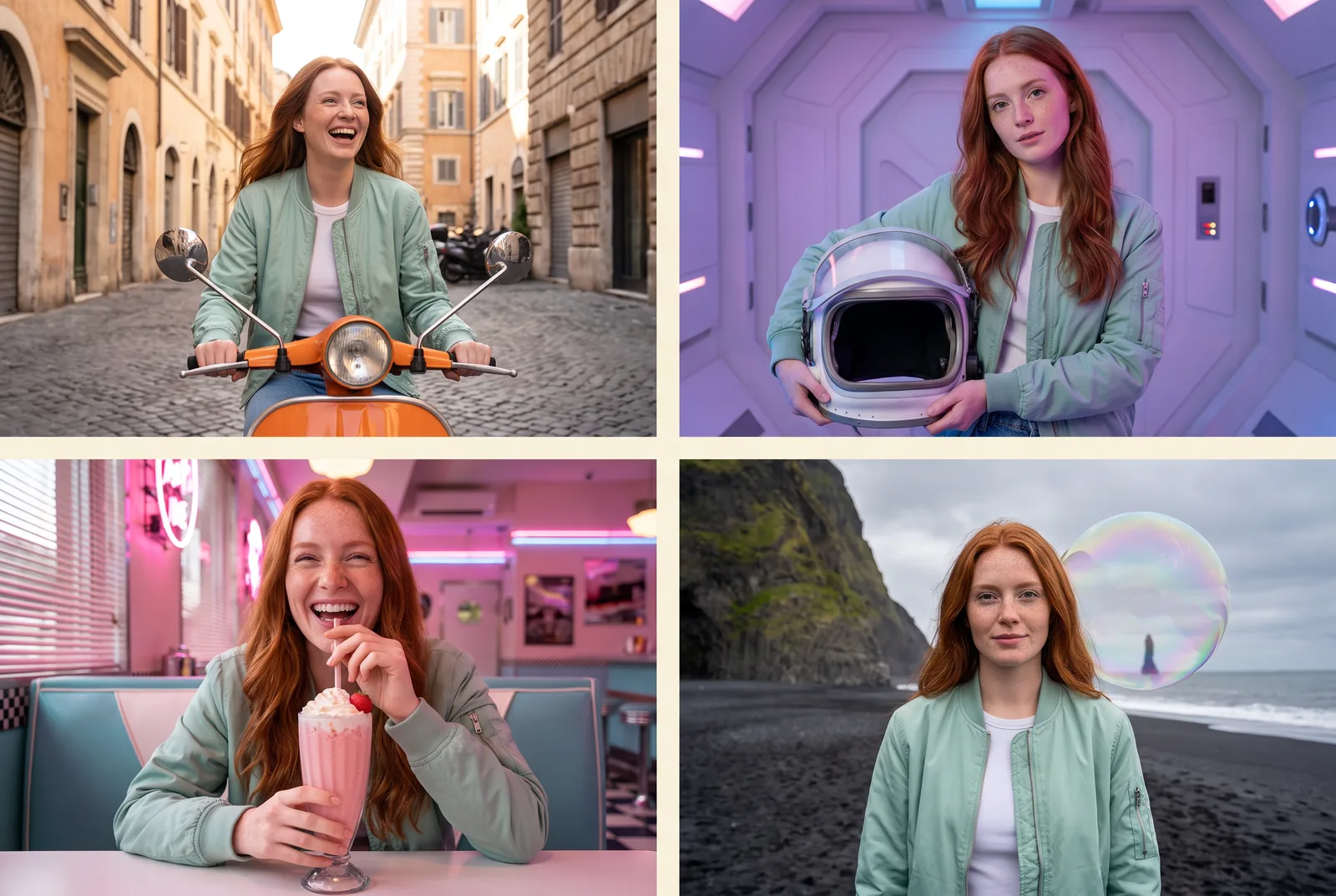
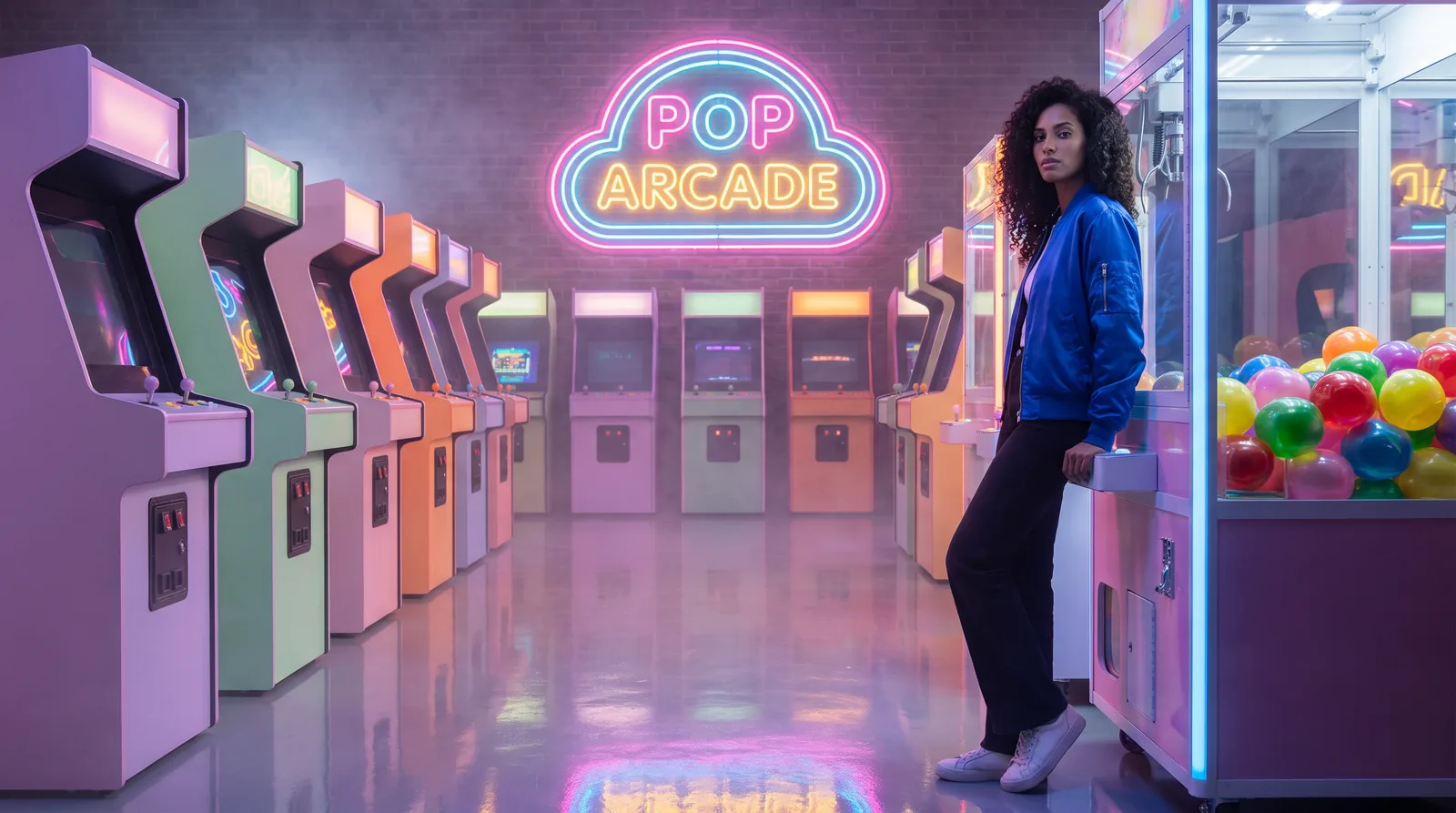
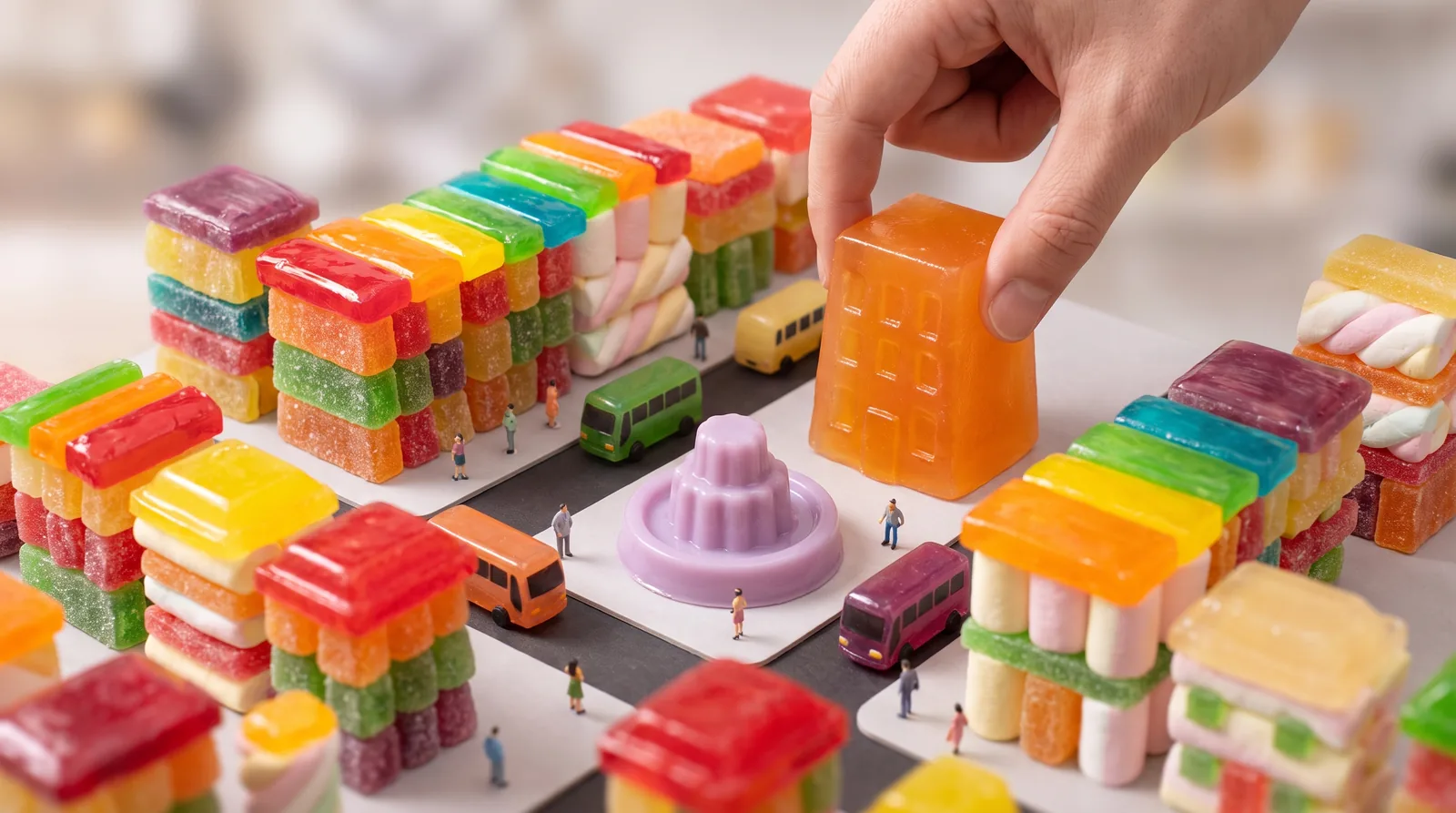
Every image and clip here was generated with Nano Banana Pro. Hit Recreate to open it in the studio with the same prompt and settings.
 Input
InputBring your own image
 Input
InputBring your own image
What Nano Banana Pro can do
Each mode opens in the studio with Nano Banana Pro already picked. The price shows before you generate.

How to prompt Nano Banana Pro
- Describe the layout, not a pile of keywords: say where each element sits and quote every piece of text.
- Go straight to 2K. On this model 1K and 2K cost the same.
- In edits, brief it like a retoucher: what each photo contributes, and what must stay exactly as it is.
Settings worth knowing
Everything else has a sensible default, so you can type a prompt and go.
resolution1K · 2K · 4K- Output size. Bigger sizes look sharper and cost more.
aspect_ratio1:1 · 3:2 · 2:3 · 3:4 +6- The shape of the frame: wide, square or tall.
image_urls≤ 14- Photos to edit or combine. Say in the prompt what each one adds.
How it compares
Same kind of job, different strengths and prices.
Nano Banana 2.1 is faster and less than half the price, with 8:1 banners and web search. Choose Pro when the layout is complicated or the text is dense.


Good to know
Because it reasons first, it's slower than the Flash models: most images take 20 to 50 seconds.
Questions about Nano Banana Pro
How much does Nano Banana Pro cost?
On PopNow, the cheapest run of Nano Banana Pro costs 17 credits ($0.17) per image. Larger sizes cost more: 1K 17 · 2K 17 · 4K 29. You pay with credits (1 credit = $0.01), the exact cost shows on the Generate button before you start, and failed generations are refunded automatically.
What can Nano Banana Pro do?
On PopNow, Nano Banana Pro works in these modes: Create Image and Edit Image. Pick one in the studio and add a prompt or an upload.
What sizes can Nano Banana Pro make?
Nano Banana Pro renders up to 4K in 10 aspect ratios, and edits with up to 14 reference images.
How should I write prompts for Nano Banana Pro?
Describe the layout, not a pile of keywords: say where each element sits and quote every piece of text. Go straight to 2K. On this model 1K and 2K cost the same. In edits, brief it like a retoucher: what each photo contributes, and what must stay exactly as it is.
Nano Banana Pro or Nano Banana 2.1?
Nano Banana 2.1 is faster and less than half the price, with 8:1 banners and web search. Choose Pro when the layout is complicated or the text is dense.
Do I need to install anything to use Nano Banana Pro?
No. Nano Banana Pro runs in your browser on PopNow: write a prompt or add a file, choose the settings and download the result. Sign up and you can generate straight away.
Make something with Nano Banana Pro
Type an idea, pick your settings and see the price before you hit Generate.