


AI photo & video apps
49 apps for photos, videos and characters, sorted by what you want to make. Each one opens right in your browser, and the free ones never use credits.
Start here
 RecastSwap yourself into any video edit, shot by shot.
 EffectsOne photo, 100+ one-tap video effects.
 EncoreRemake trending video formats with one line or one photo.
 AI InfluencerDesign a character and keep the face.
 ChatTalk with characters, then snap their photo.
 StudioImage, video and audio, full screen.
Trending & ideas
What people are making right now, plus prompts that work.
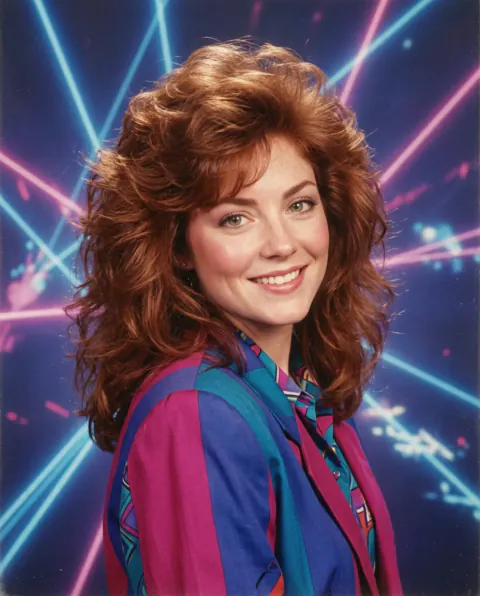
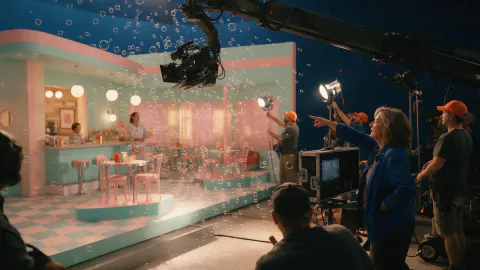
Star in it yourself
Start from one photo of yourself and show up in videos, dances and photo sets.
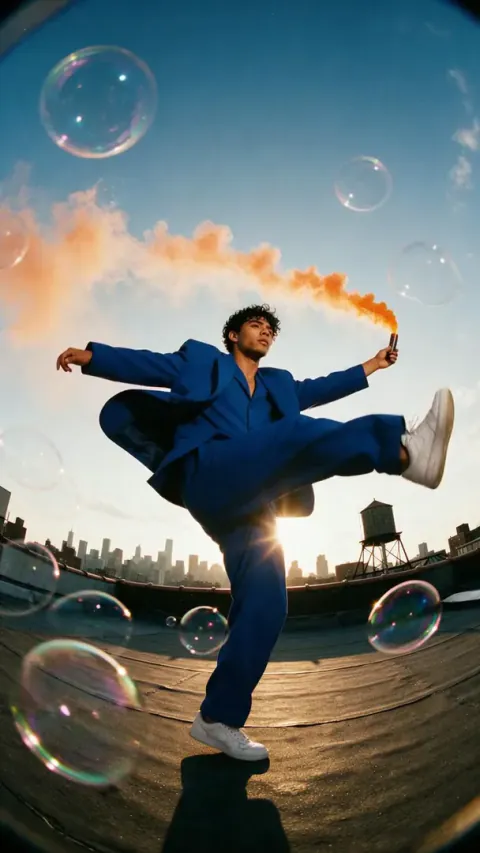
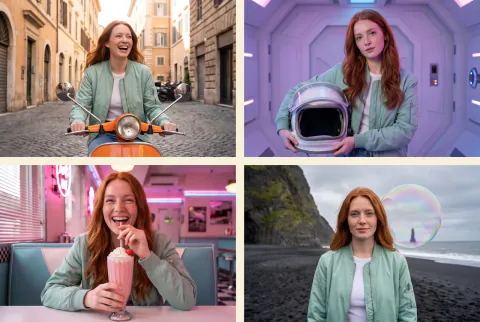
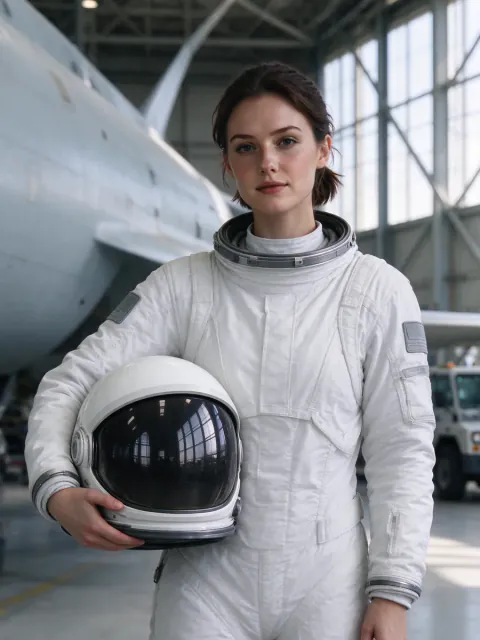
Viral videos
Turn a photo or an idea into a clip that is made to be shared.
- EffectsOne photo, 100+ one-tap video effects.
- EncoreRemake trending video formats with one line or one photo.
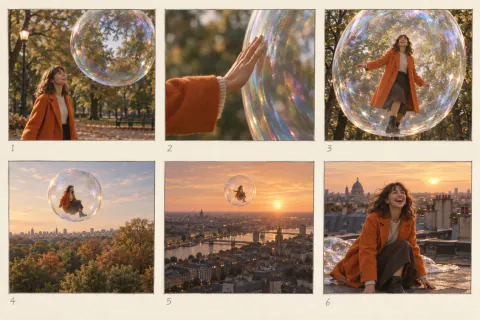 Short FilmTurn one idea into a multi-scene short.
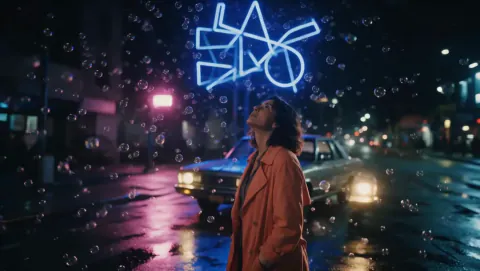 MovieDirect a cinematic scene, shot by shot.
 Clay to LifeTurn a grey 3D mock-up into a real photo or video.
 3D StoryboardPose 3D figures, set cameras and film every shot.
 Draw to VideoDraw arrows and notes, get a moving clip.
Photo magic
Make a picture from one sentence, or clean up and restyle the photos you have.
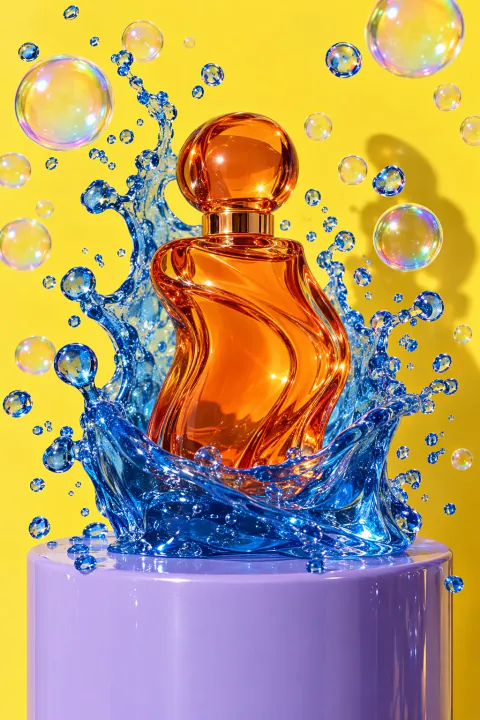 Image GeneratorDescribe it and get a picture.
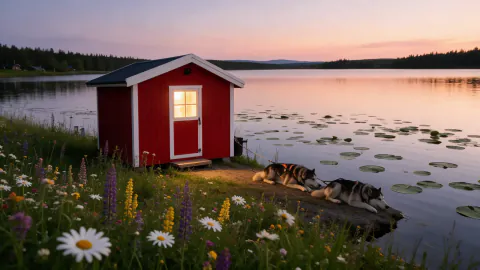 Edit ImageChange, restyle or combine photos with a plain instruction.
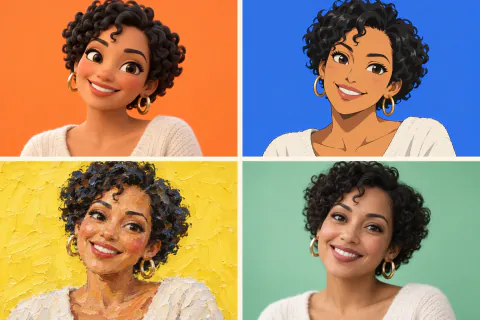 StylesRestyle an idea or photo in 90+ looks.
 AnimePhoto or text to anime, then a video.
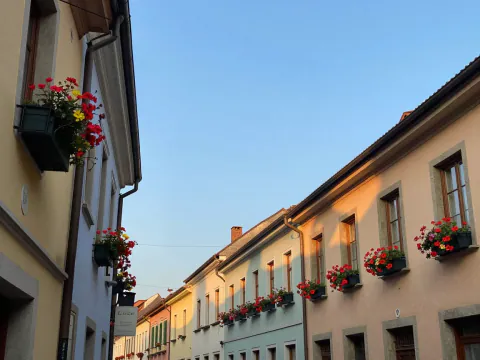 AI EraserBrush over people or clutter to remove them.
 Draw to EditSketch on a photo to add, remove or replace.
 Layer SplitterSplit one image into layers you can move and edit.
- Change AngleOne photo, any camera angle or 4 at once.
- Collage ArtPhoto to paper collage, clay, pixel and more.
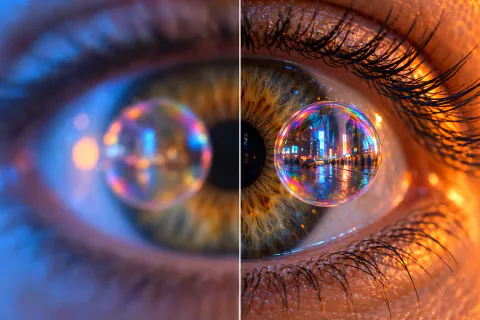 Upscale ImageEnlarge an image to 2K, 4K or 8K with crisp detail.
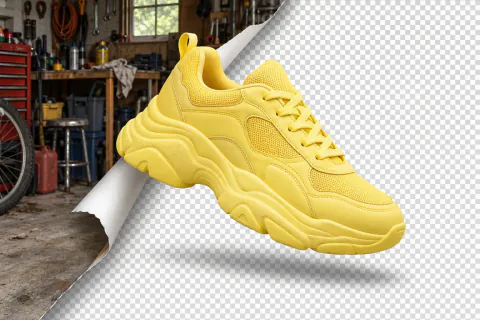 Remove BackgroundCut the subject out onto a transparent PNG.
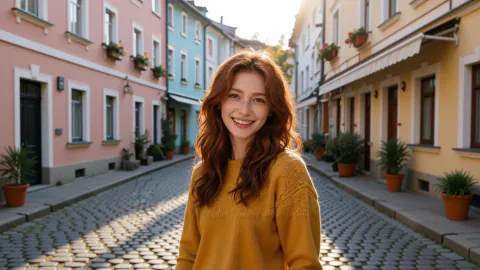 Expand ImageExtend a photo to a new shape with scenery that fits.
Video & audio tools
Make a clip, swap a face, sync lips, then add a voice, music or sound.
 Video GeneratorDescribe a scene or add a photo, get a clip.
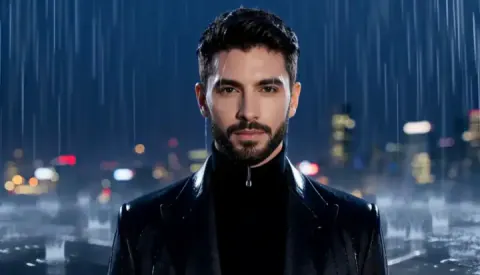 Image to VideoBring a still image to life with motion and sound.
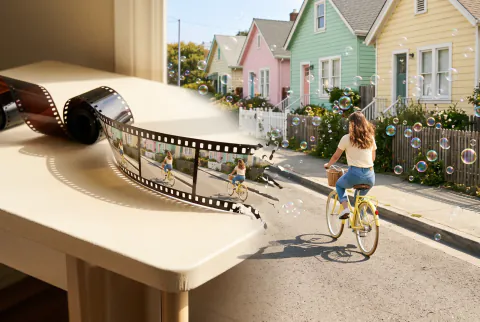 Extend VideoContinue a clip from where it ends for a longer shot.
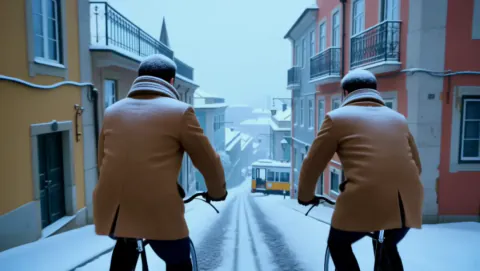 Edit VideoChange the subject, style or setting of a clip with a prompt.
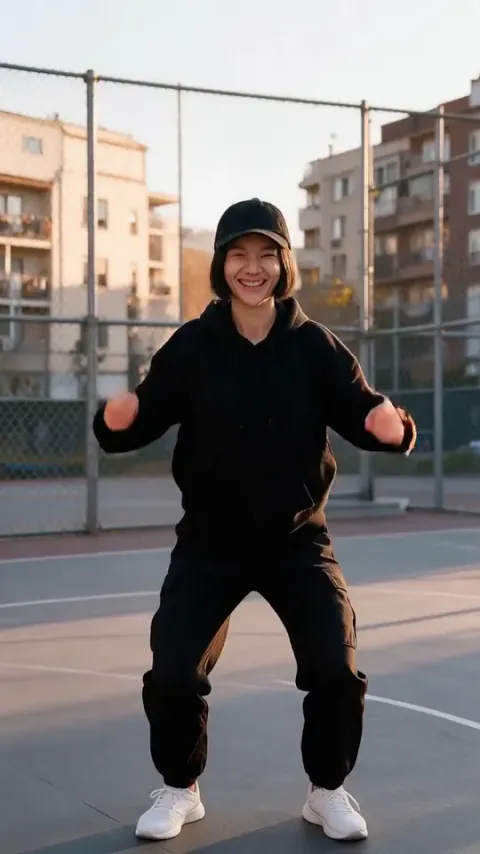 Motion ControlCopy the moves of a reference video onto your character.
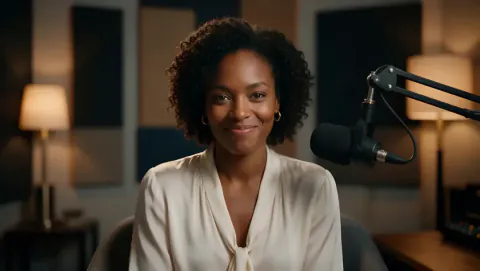 Talking AvatarTurn a portrait and a voice track into a talking video.
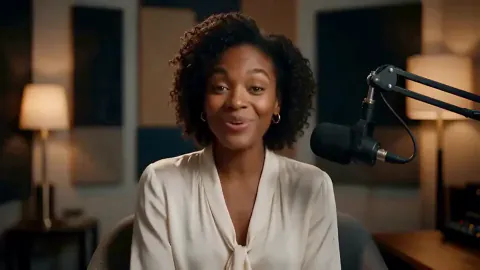 Lip SyncMake the person in a video speak a new audio track.
 Video Face SwapReplace a face, a head or a whole person throughout a clip.
 Upscale VideoSharpen a clip to 1080p, 2K or 4K.
 Text to SpeechTurn a script into natural speech in hundreds of voices.
 Music GeneratorFull songs with vocals from a style and your lyrics.
 Sound EffectsDescribe a scene and get ambience, effects and voices in one track.
 Video to AudioAdd sound effects and ambience that follow the action in a clip.
 Speech to TextTurn speech or sung vocals into text.
Free tools
Quick tools that run in your browser and never use credits.

Characters & fun
Chat with characters or dress up your own Poppie.
Pro tools
Bigger workspaces for when you want more control.
Made for a job
Ready-made setups for common projects, with real examples.
- AI UGC video generator for product adsMake UGC-style product videos from one photo: pick a format, type the line your creator says and get a selfie clip with a natural voice and synced lips.
- AI product video generator for online storesTurn one product photo into a short video for your shop: a 360° spin, a liquid splash or an ingredients burst, usually ready in about a minute. Pay per clip.
- Real estate video AI for listing photosTurn listing photos into smooth walkthrough clips, day-to-dusk shots and staged rooms for your property listings and socials. No filming, pay per clip.
- AI fashion model generator for lookbooksPut your clothes on an AI fashion model from one flat-lay photo, move a look to a new location, or make it turn and walk. Lookbook photos and clips in minutes.
- AI architecture rendering from a white modelTurn a white SketchUp or Rhino massing model into a photorealistic architectural render: daylight, golden hour, blue hour or interior, plus a flythrough.
Questions
- Are these apps free?
- Apps marked Free run in your browser and never use credits. The others use credits: you see the price before you start, new accounts get free credits to try them, and if a generation fails the credits come back.
- Do I need to install anything?
- No. Every app opens in your browser on a phone or a computer. Sign in to keep what you make in your assets.
- Which app should I start with?
- Want to be in the video yourself? Try Recast. Want a quick clip from one photo? Try Effects or Encore. Want to fix a photo? Start with the AI Eraser or the upscaler.