


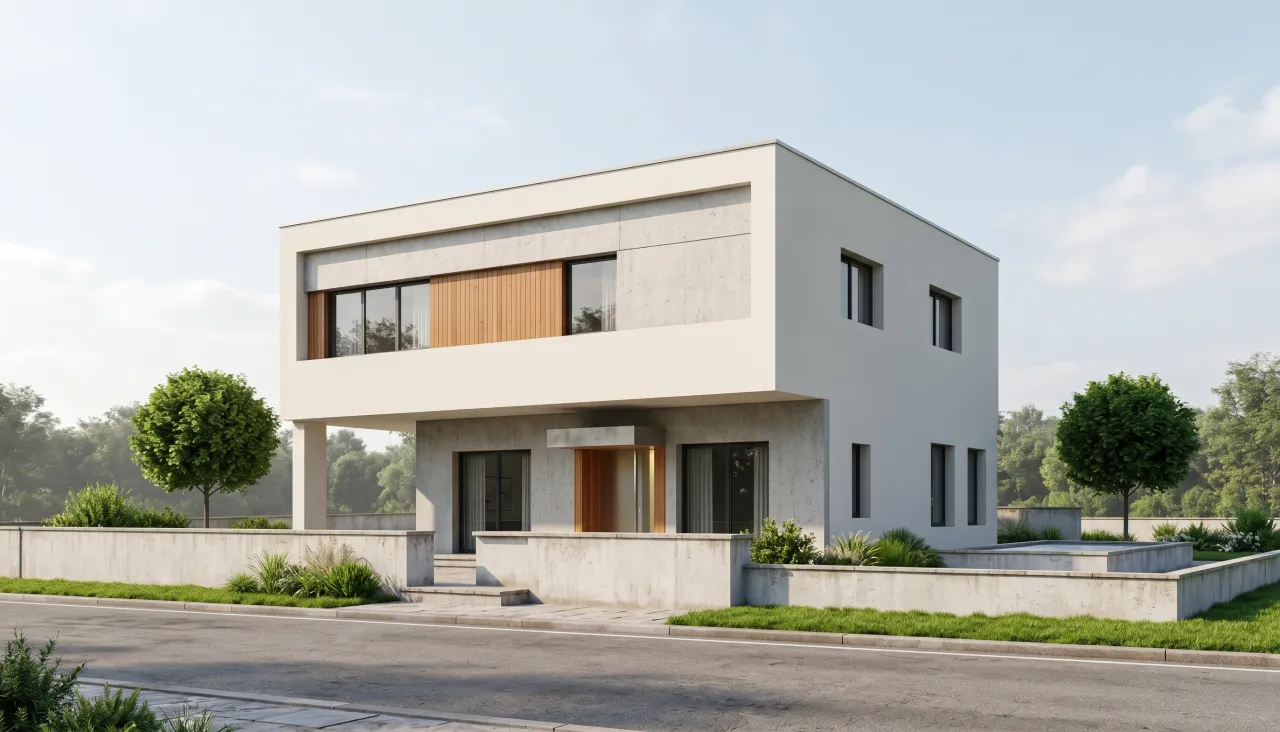
 ExampleNano Banana 2.1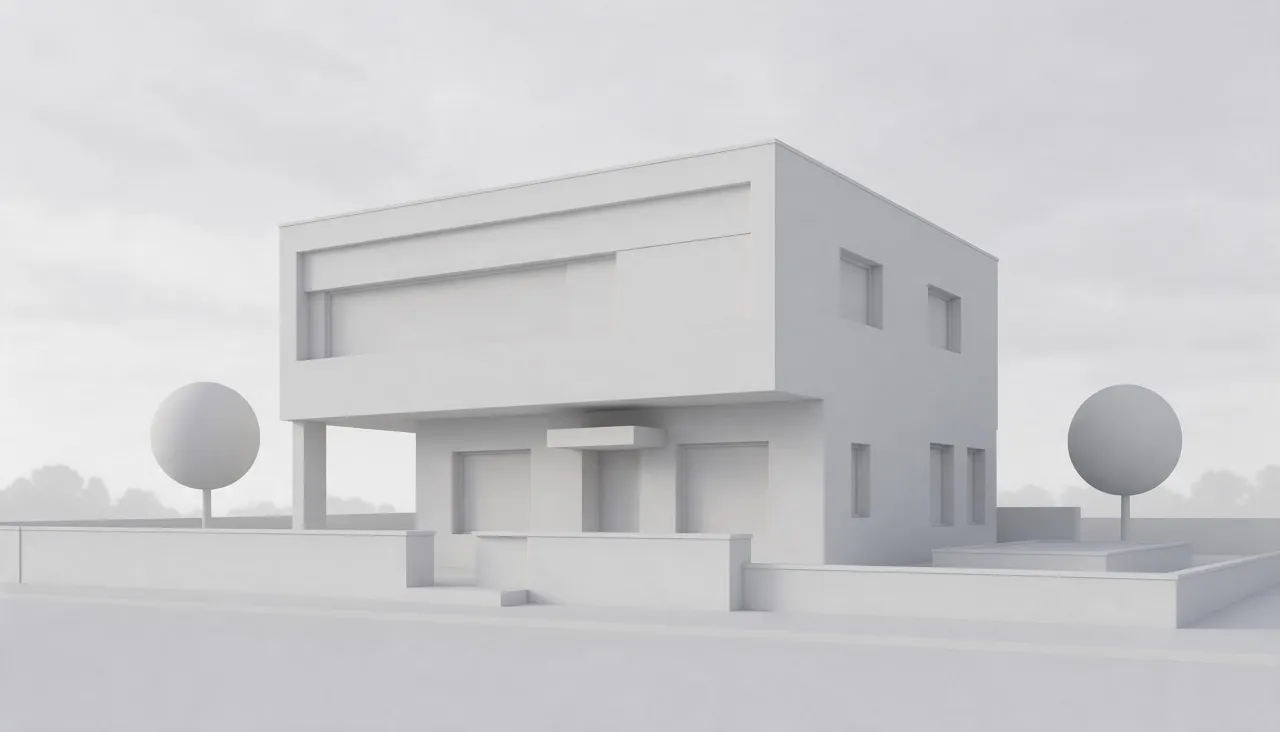
For architects and designers
AI architecture rendering from a white model
Turn a white massing model or a grey viewport screenshot into a photorealistic render in daylight, golden hour or blue hour, then make a short flythrough clip.
1Pick a look
2Your photo
Example photoA clean viewport export or clay render, with the camera where you want the shot.3Quality
Usually ready in about 1 min · new accounts get 30 free credits
Why architects use AI for early renders
Early in a project you need images that show the idea, not a week of material setup and render time. Clients react to light and materials far more than to a white model, yet full renders usually arrive late, when changes are expensive.
Export a view of your massing model, keep the camera where you want it and pick a time of day. The model keeps your geometry, proportions and openings and adds plausible materials, landscaping and sky. Treat the result as a mood image for design talks; final materials still need your own visualization.
Real results made on PopNow
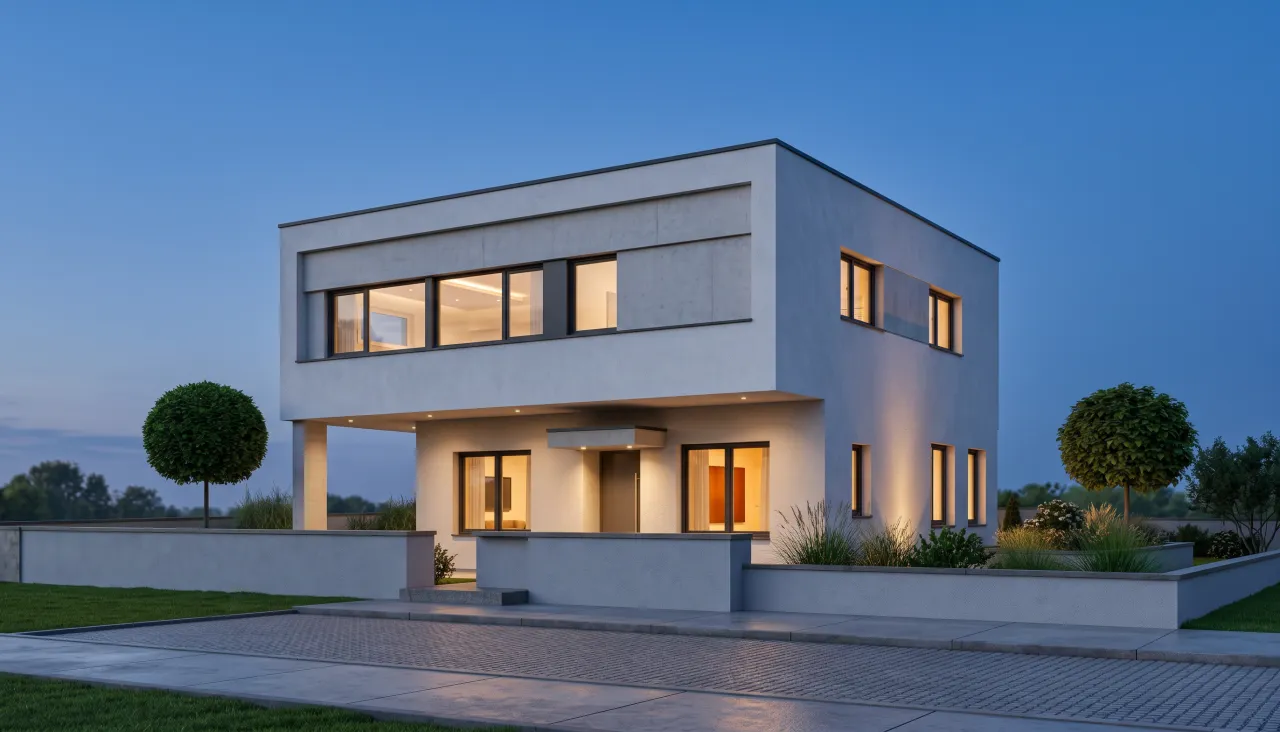
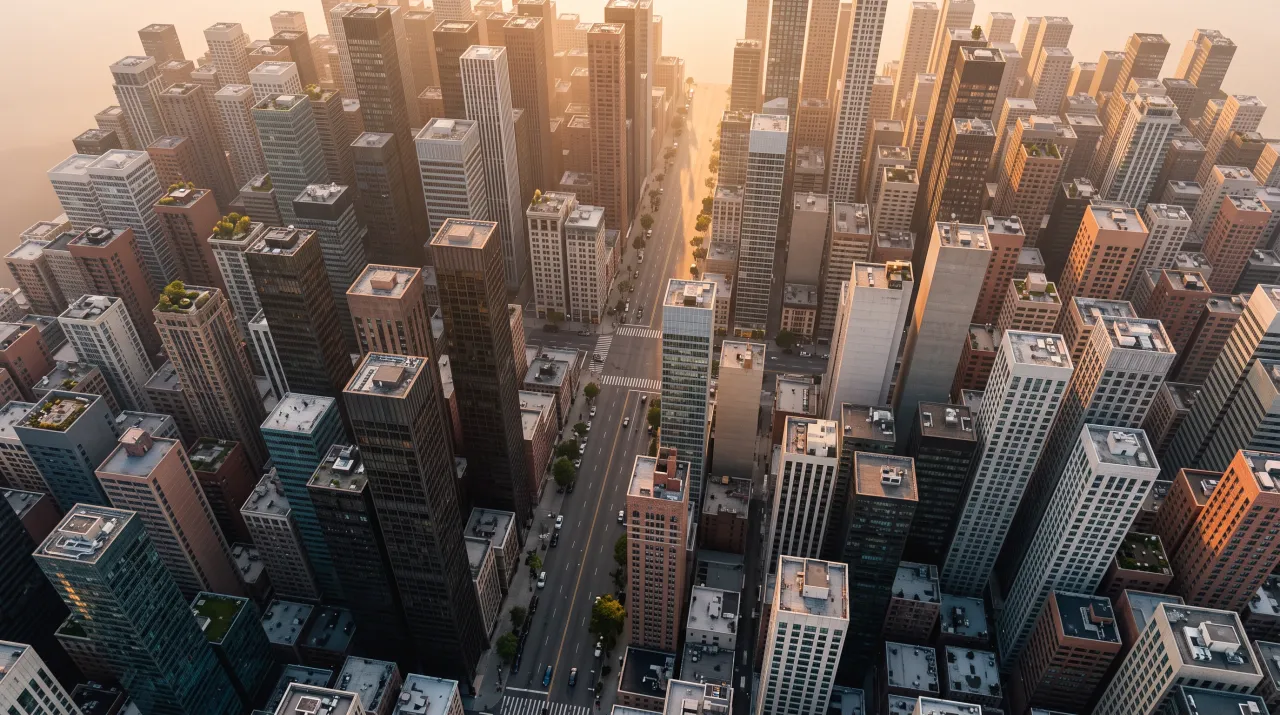
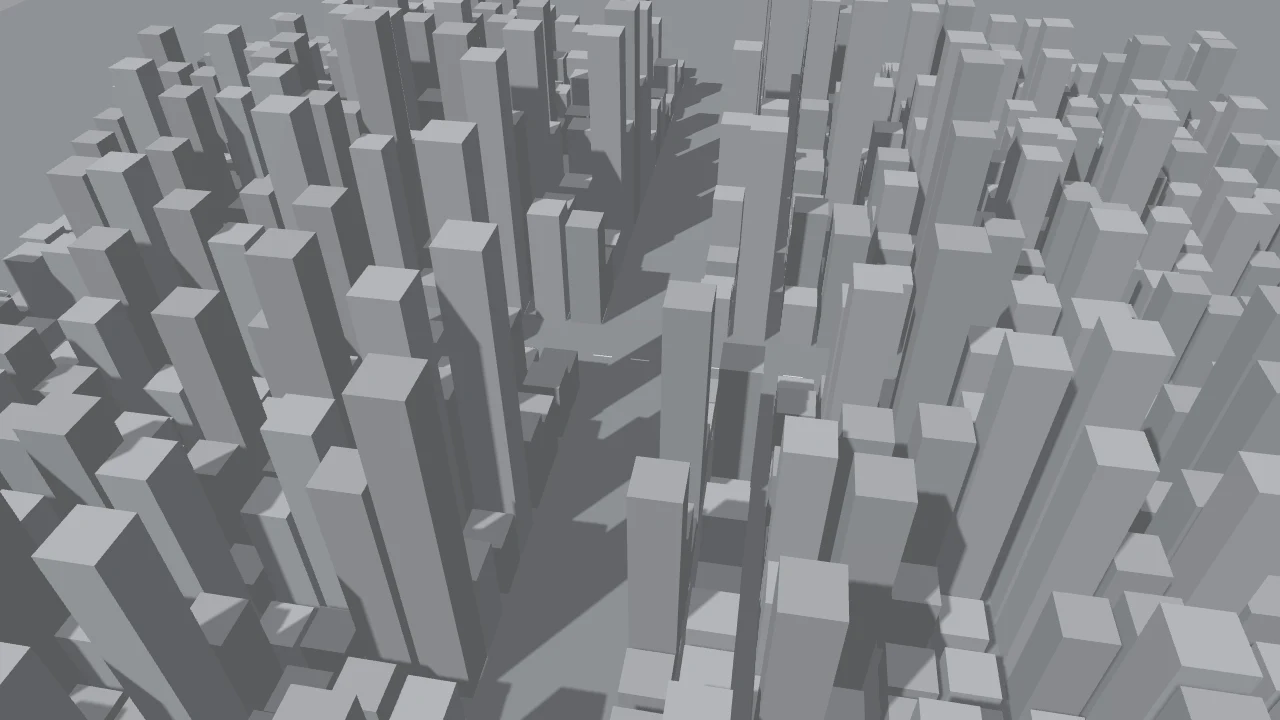
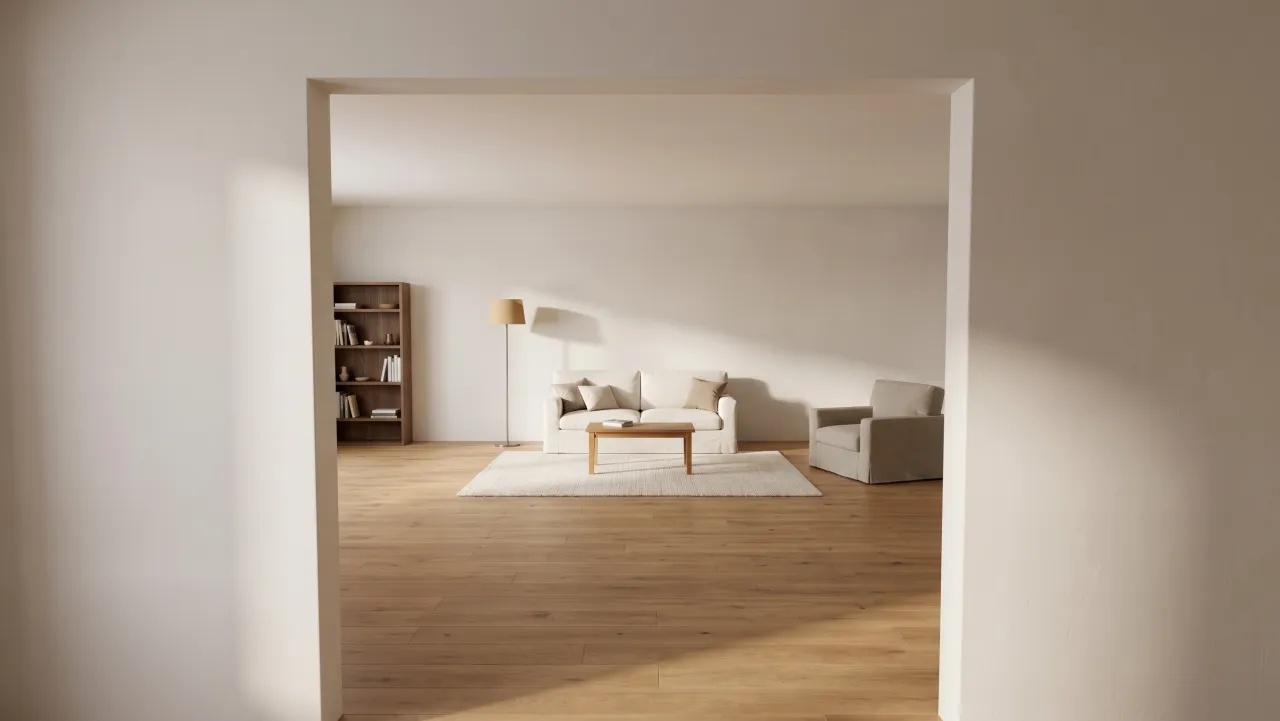
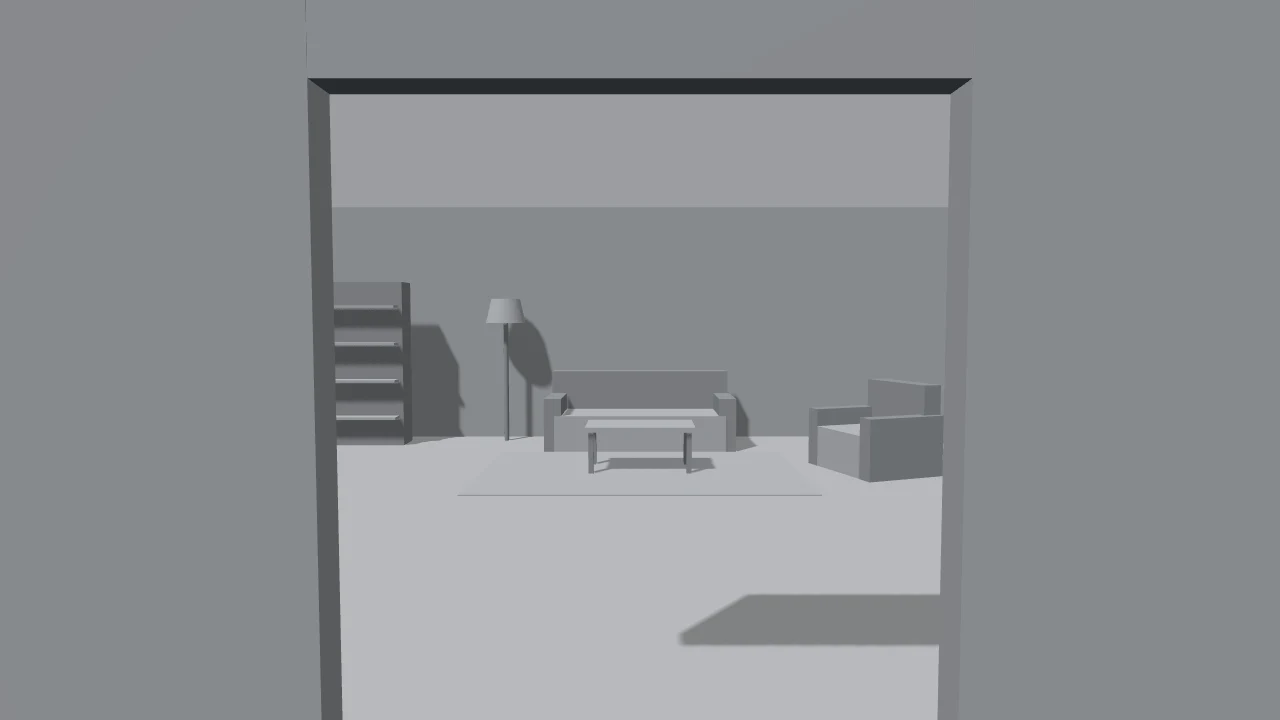
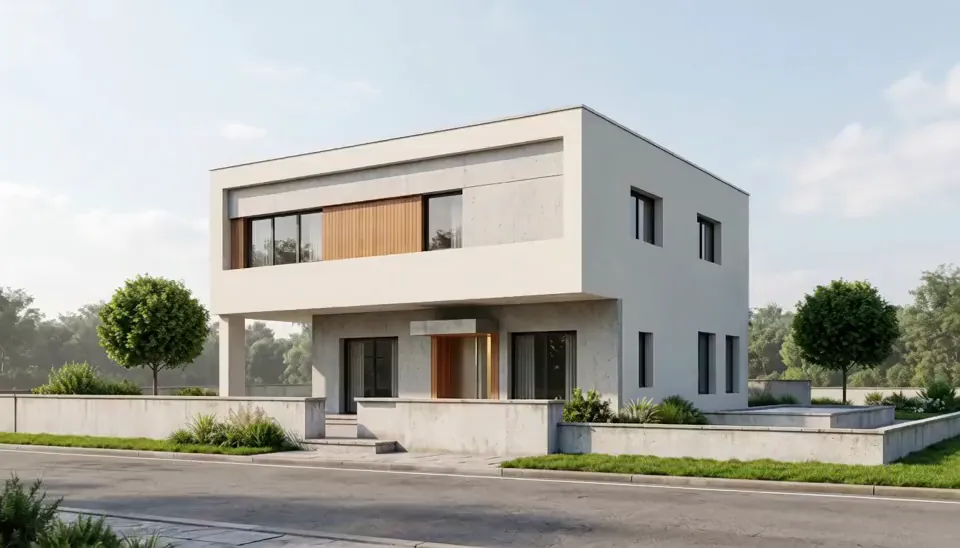
Real results from white models: the same house in daylight and at blue hour, a city massing at golden hour, an interior, and a flythrough made from the daylight render.


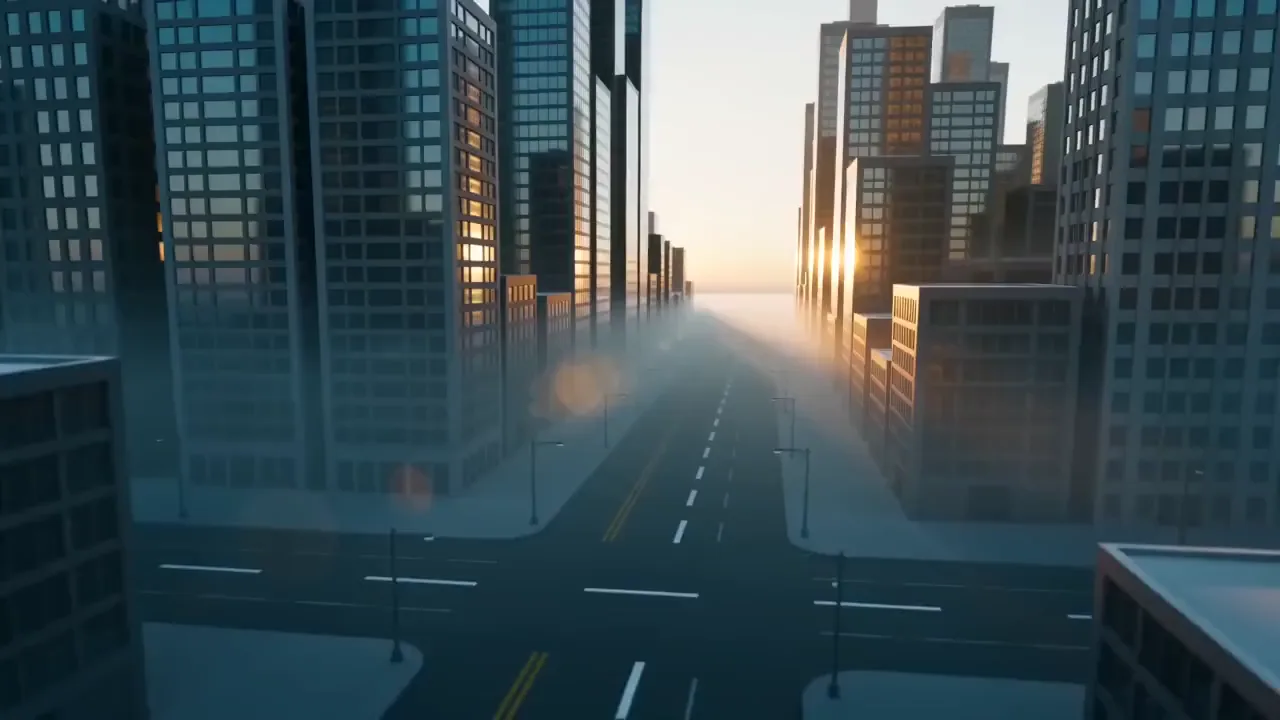
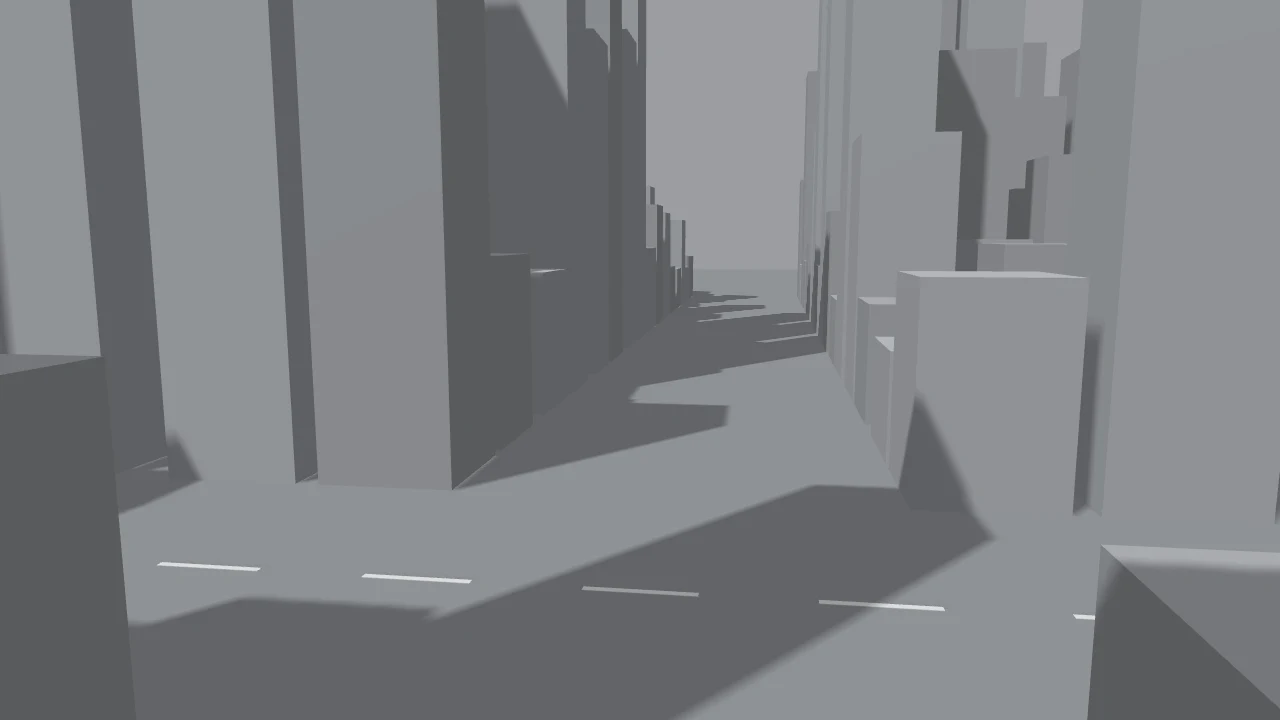

How to render a white model with AI
- 1
Export a clean view
Screenshot your SketchUp, Rhino or Revit viewport in a white or clay style, with the camera, lens and crop you want in the final image.
- 2
Pick the light
Daylight for clarity, golden hour for warmth, blue hour for an evening shot with lit windows, or interior for rooms.
- 3
Iterate, then animate
Make a few takes, keep the one closest to your intent, then turn it into a five-second flythrough for the presentation.
Which model to use for architectural renders
What matters most is keeping your geometry. These held lines and openings best in our tests.
- Nano Banana 2.1The default. Holds the massing, openings and camera angle closely, and made the daylight, blue hour, golden hour and interior examples.from 8 credits
- Seedream 5.0 ProRicher materials and light. It can take more freedom with small details, so check edges and openings.from 6 credits
- MiniMax H3Turns a finished render into a steady five-second flythrough, about a minute per clip.from 28 credits
What it costs
 ≈ 44 credits
One Nano Banana 2.1 render costs 11 credits. A 4-view set (daylight, golden hour, blue hour and interior) comes to about 44 credits, or $0.44 at the base rate of $0.01 per credit.
Prices come from our live model catalog and show on the button before you generate. New accounts get 30 free credits, and failed runs refund automatically.
See credit packsTips for better AI renders
- Export at a decent size with clean edges, and hide guides, labels and dimension lines.
- Set the final camera before you render. The AI keeps the view, so a better angle in the model gives a better image.
- Check openings, floor counts and roof lines against your drawings; small elements can get simplified.
- Present AI renders as concept and mood images, and say so when you share them with clients.
Questions people ask
Can AI turn a SketchUp model into a realistic render?
Yes. Export a white or clay-style view, upload it and pick daylight, golden hour, blue hour or interior. The model adds materials, landscaping and sky while keeping your geometry and camera angle.
Will it keep my design exactly?
It keeps the overall massing, proportions and openings closely, but small elements like mullions, railings or roof edges can be simplified or changed. Check it against your drawings before you share it.
Can I choose the materials?
This page uses a general prompt for realistic materials. For specific ones, open the image editor with the same model and describe them, for example board-formed concrete and dark timber cladding.
Can I make a flythrough video?
Yes. Render a still first, then pick Flythrough with that image. You get a five-second drone-style clip that keeps the building as it is in the render.
How much does an AI architectural render cost?
Every render shows its price in credits on the button before you generate, and one image with the default model costs less than the 30 free credits new accounts get.
Tools and pages that help
- Edit ImageChange anything in a photo by describing it in a sentence.
- Upscale ImageMake a small or blurry photo sharp at 2K, 4K or 8K.
- Expand ImageTurn a tight shot into a wider one, with scenery that fits.
- Image to VideoBring a still photo to life as a short video clip.
- Clay to LifeTurn a grey 3D mock-up into a real photo or video.
- Nano Banana 2.1Google's newest Nano Banana, sharp text and 4K output
- Seedream 5.0 ProHigh-detail images and edits from up to ten references
More ways to use PopNow
 AI UGC adsTurn one photo of a person holding your product into a selfie-style clip where they say your line out loud, with a natural voice and matching lips.
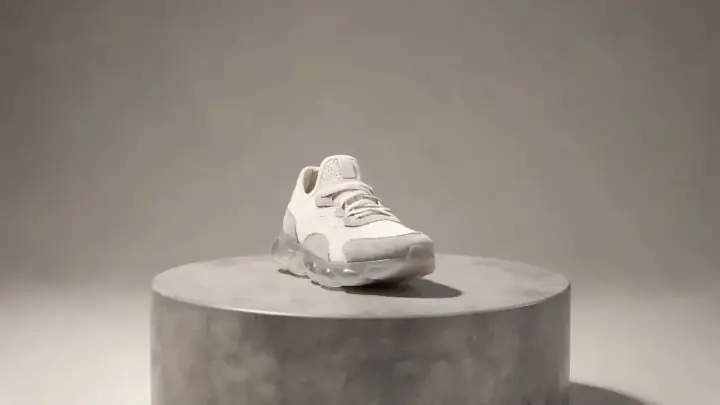 AI product videosTurn one product photo into a short, scroll-stopping video for your product page, ads or socials: a slow 360° spin, a splash of liquid or a burst of ingredients.
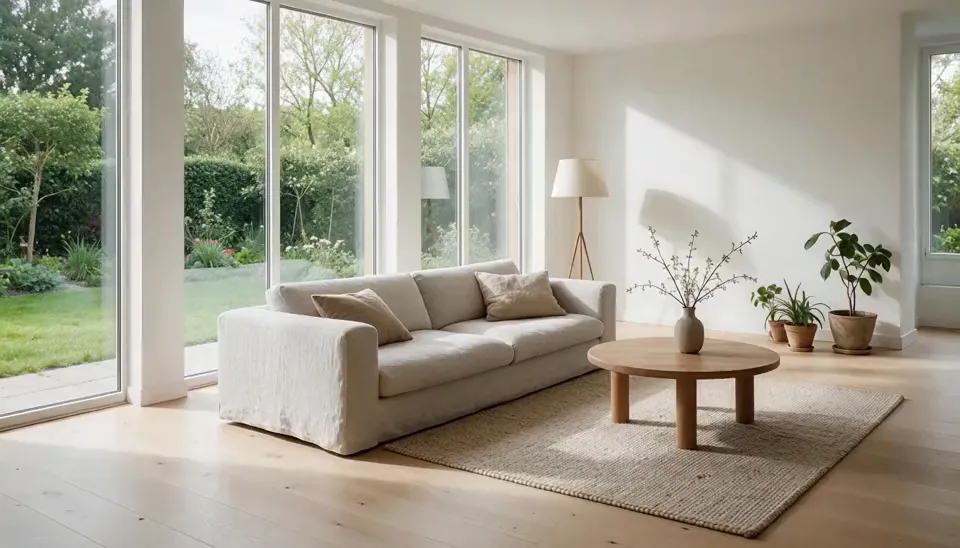 Real estate videosTurn the listing photos you already have into short videos: a slow walkthrough glide, a room going from day to dusk, or an empty room that furnishes itself.
 AI fashion lookbooksShow a garment on an AI model from a single flat-lay photo, move an outfit to a street or a studio, or make the look turn and walk in a short clip.