


by OpenAIImageTop
GPT Image 2.5 Sunburst
OpenAI's quality-first model, up to 4K with clean text
- Up to 4K
- Up to 16 reference images
- 15 aspect ratios
- Up to 10 per run
From 1 credit per image≈ $0.01· Create Image
What it's like to use
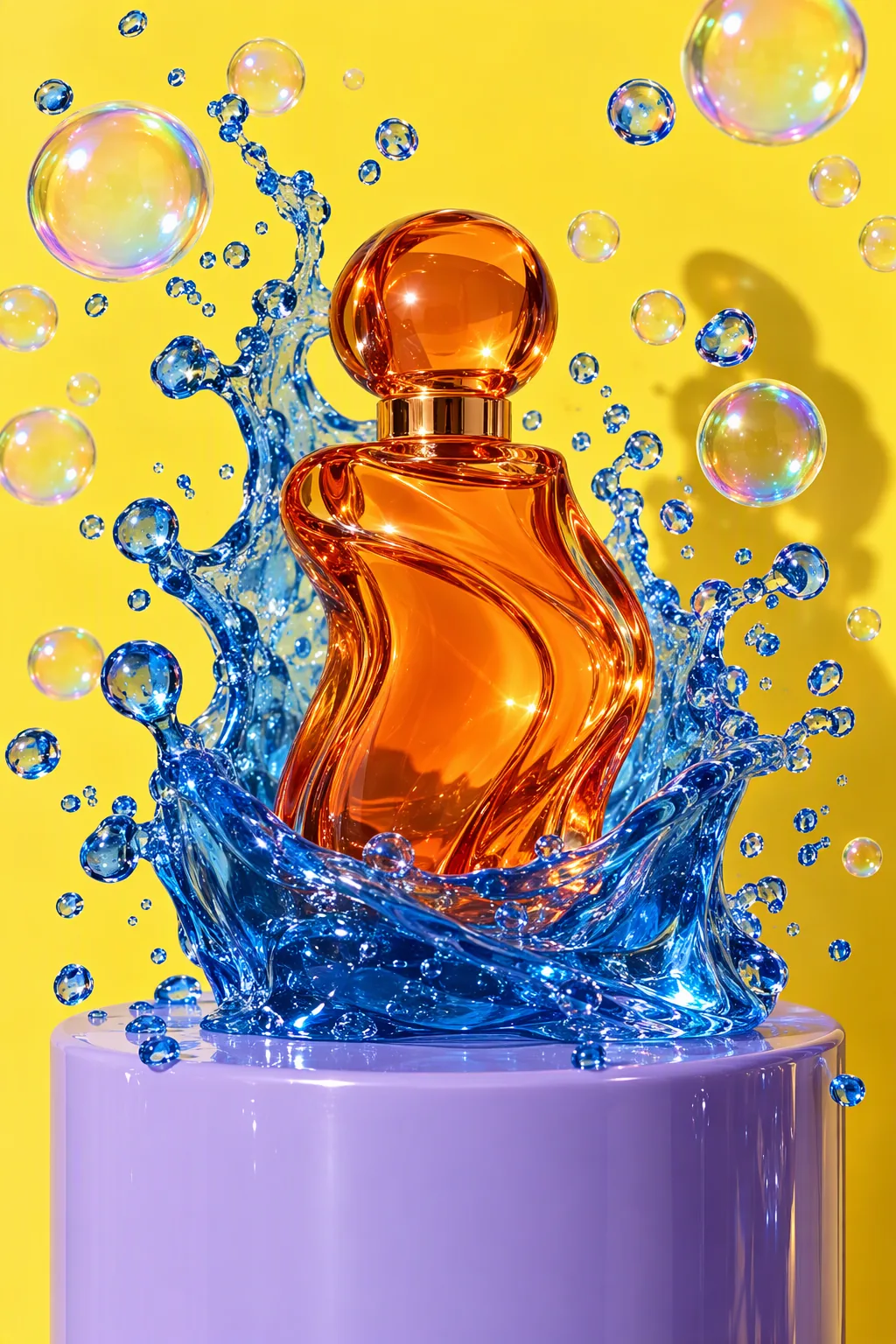
GPT Image 2.5 Sunburst is OpenAI's quality-first image model, built for work where edit precision matters most. It follows long, detailed prompts closely, keeps everything you didn't ask to change exactly as it was, and can return clean cut-outs on a transparent background. Extra quality tiers, up to max, add finer detail in fabric, glass and small type.
Good for
- Campaign key visuals and product shots that will be viewed full screen
- Careful retouching: a colour change, new light or a masked fix
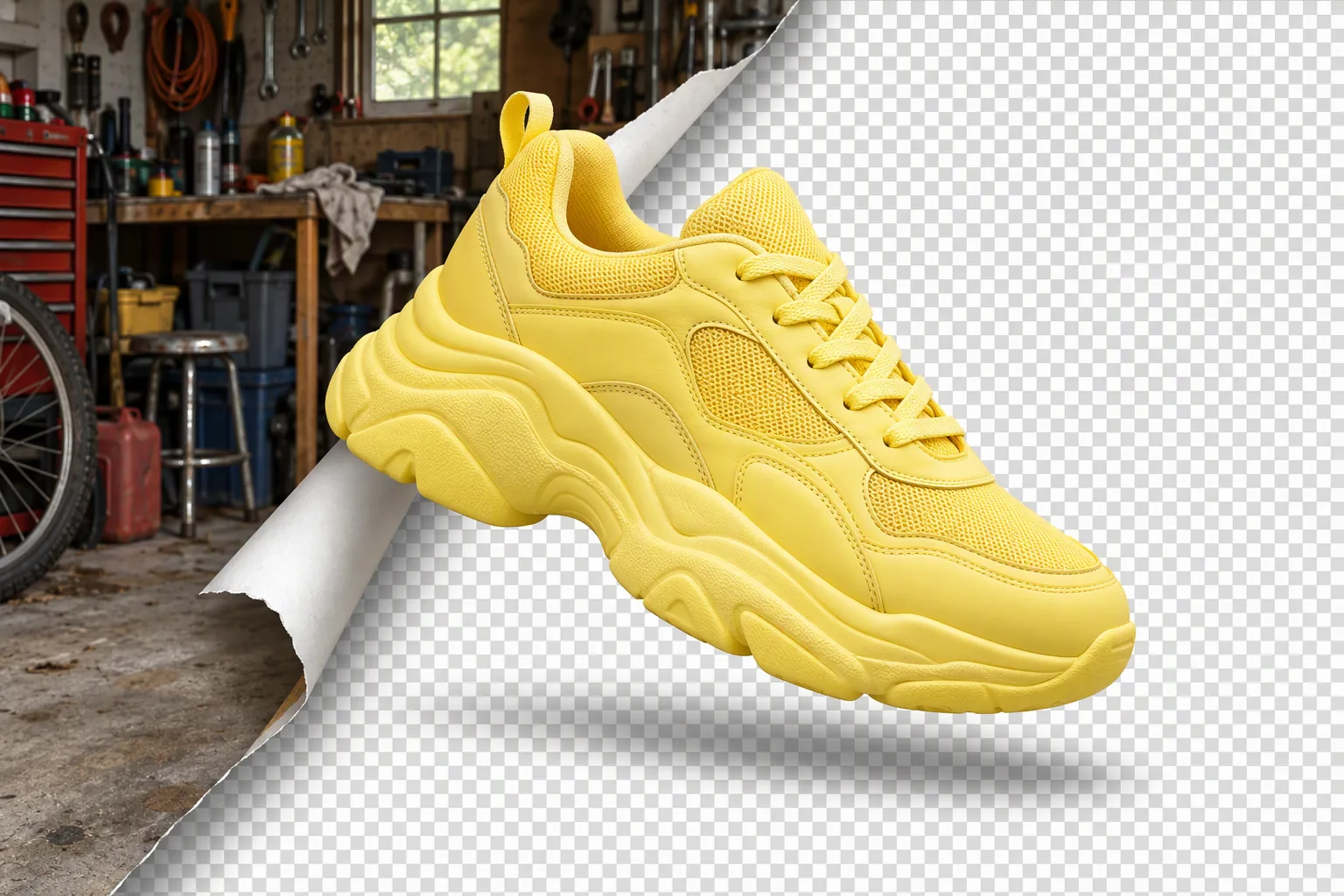
- People and products on transparent backgrounds, ready for a layout
Real results from GPT Image 2.5 Sunburst
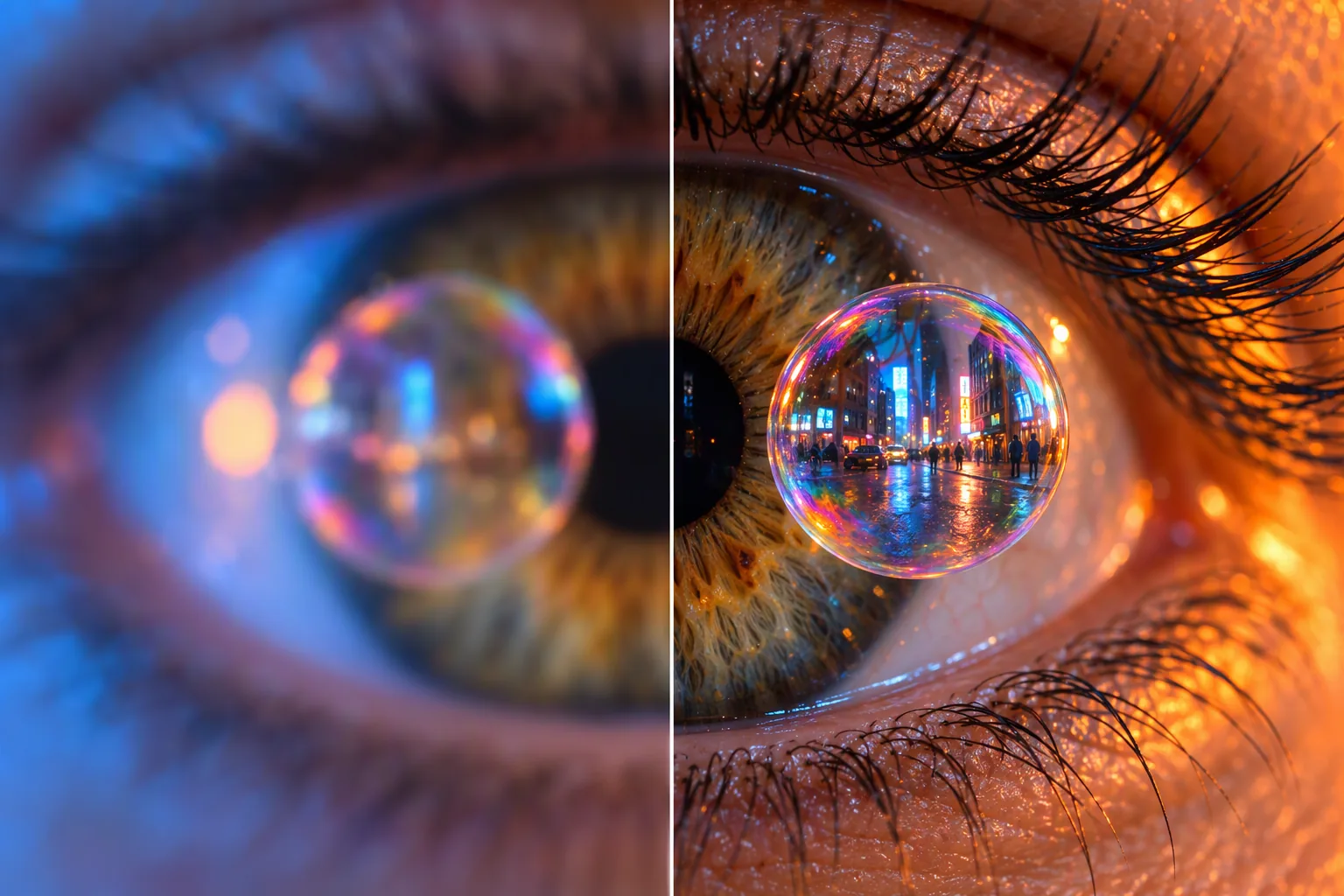
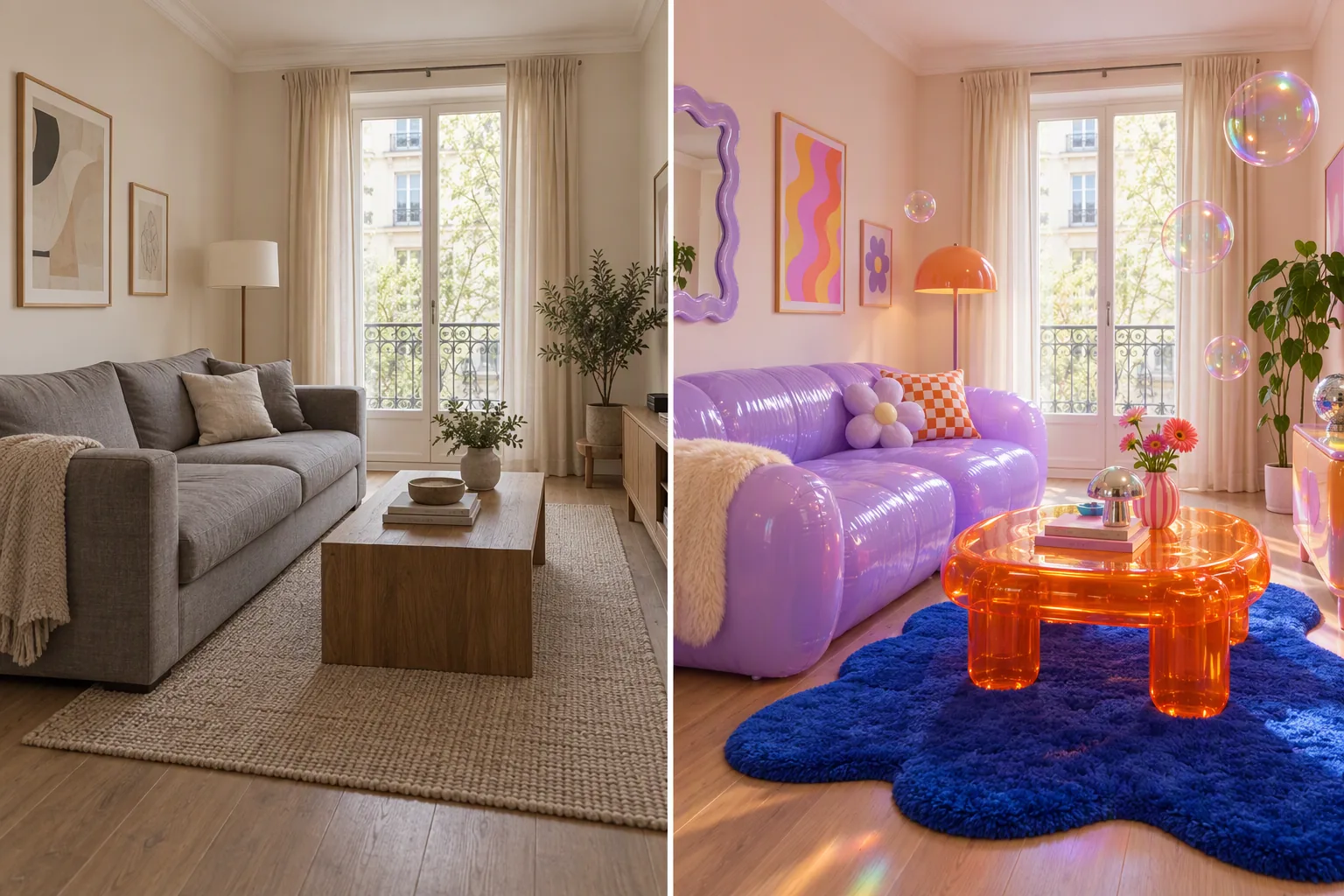
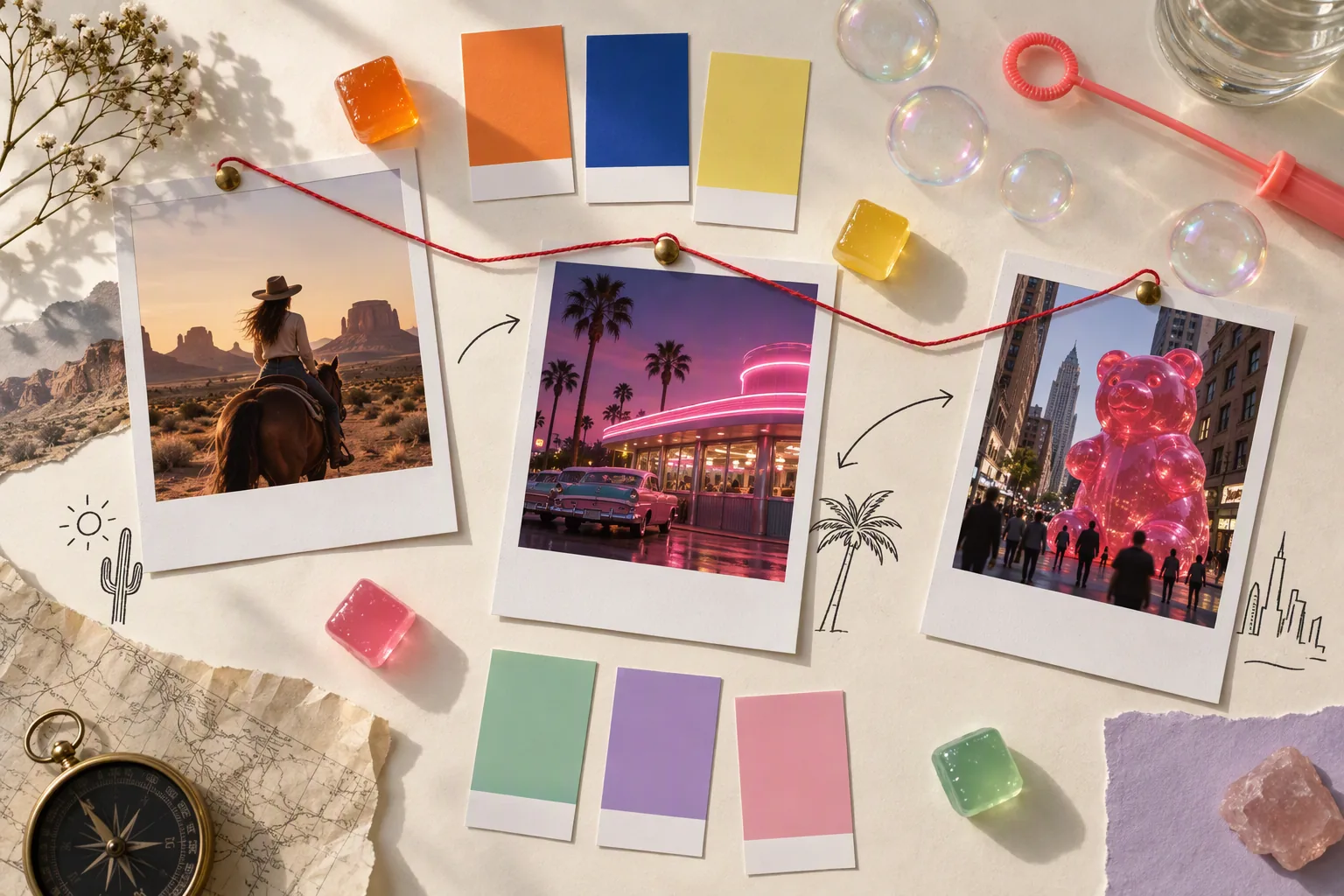
Every image and clip here was generated with GPT Image 2.5 Sunburst. Hit Recreate to open it in the studio with the same prompt and settings.
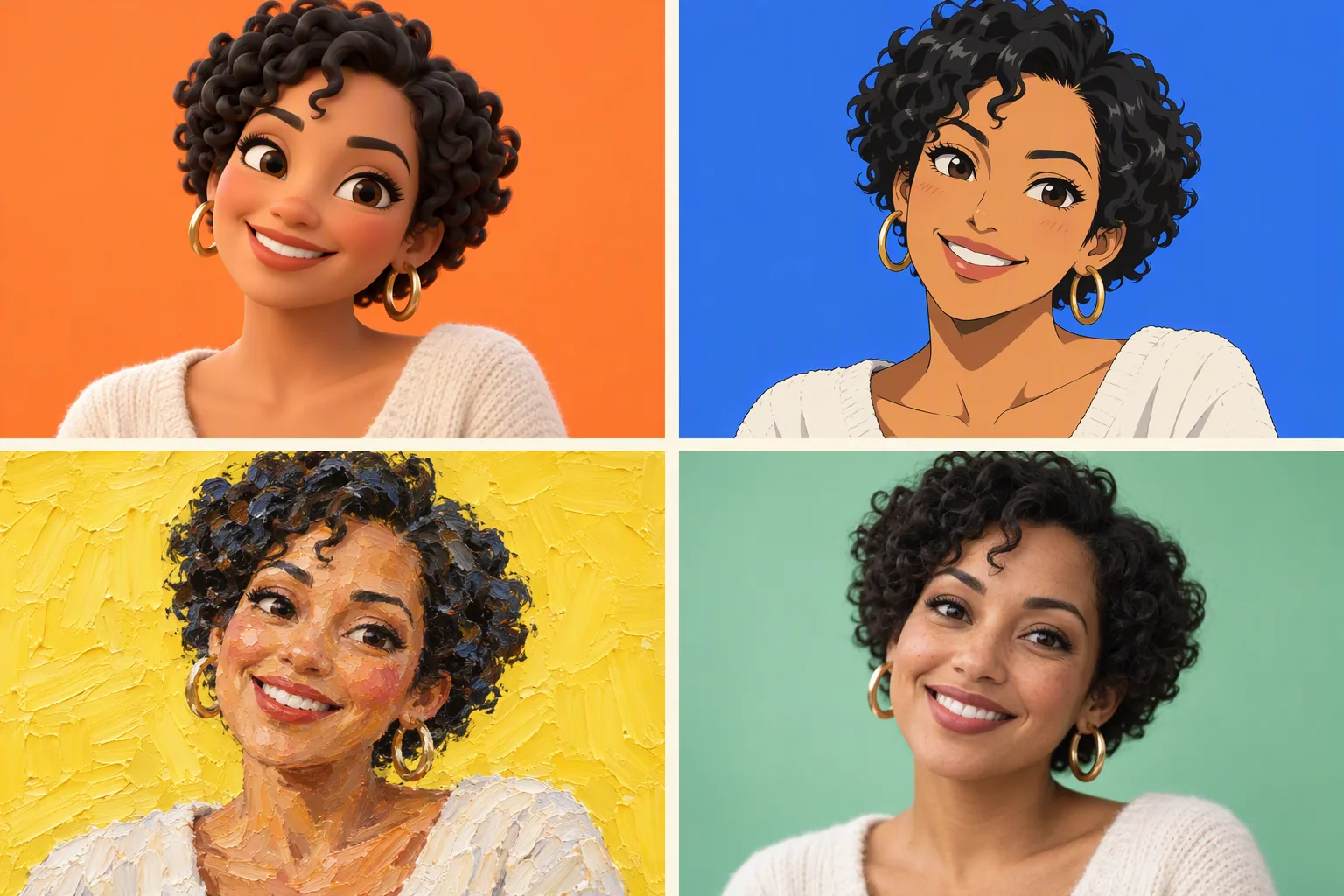

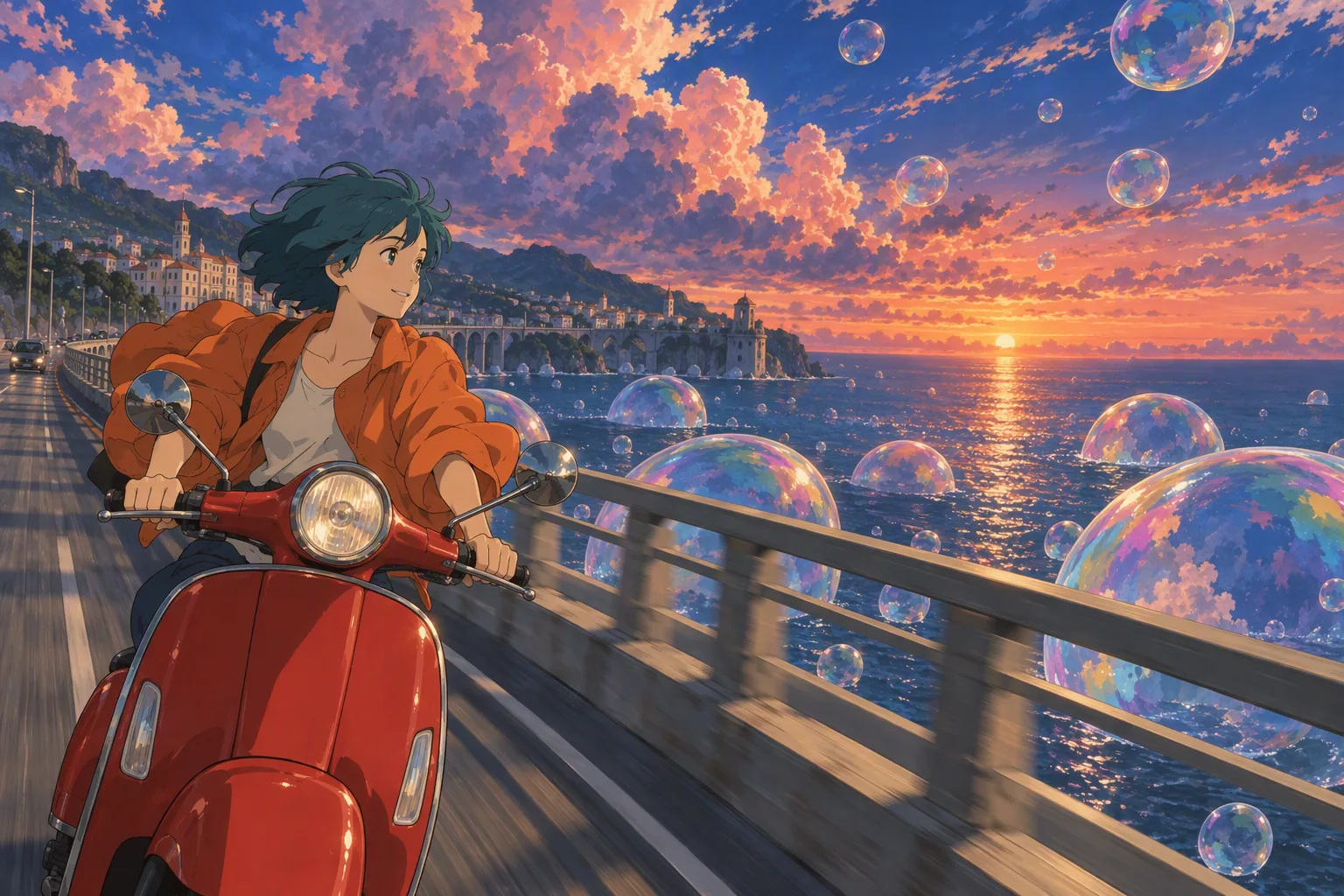
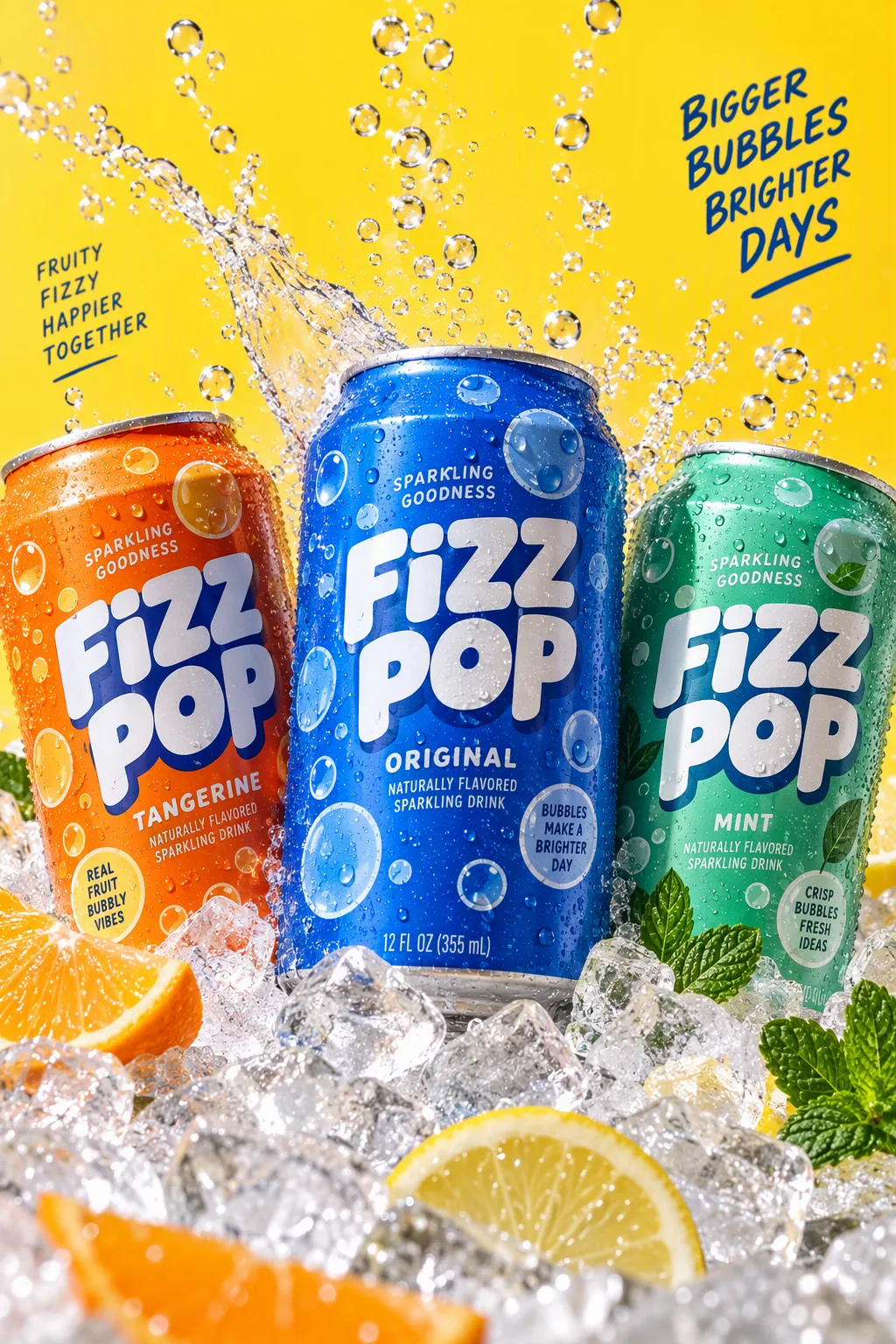
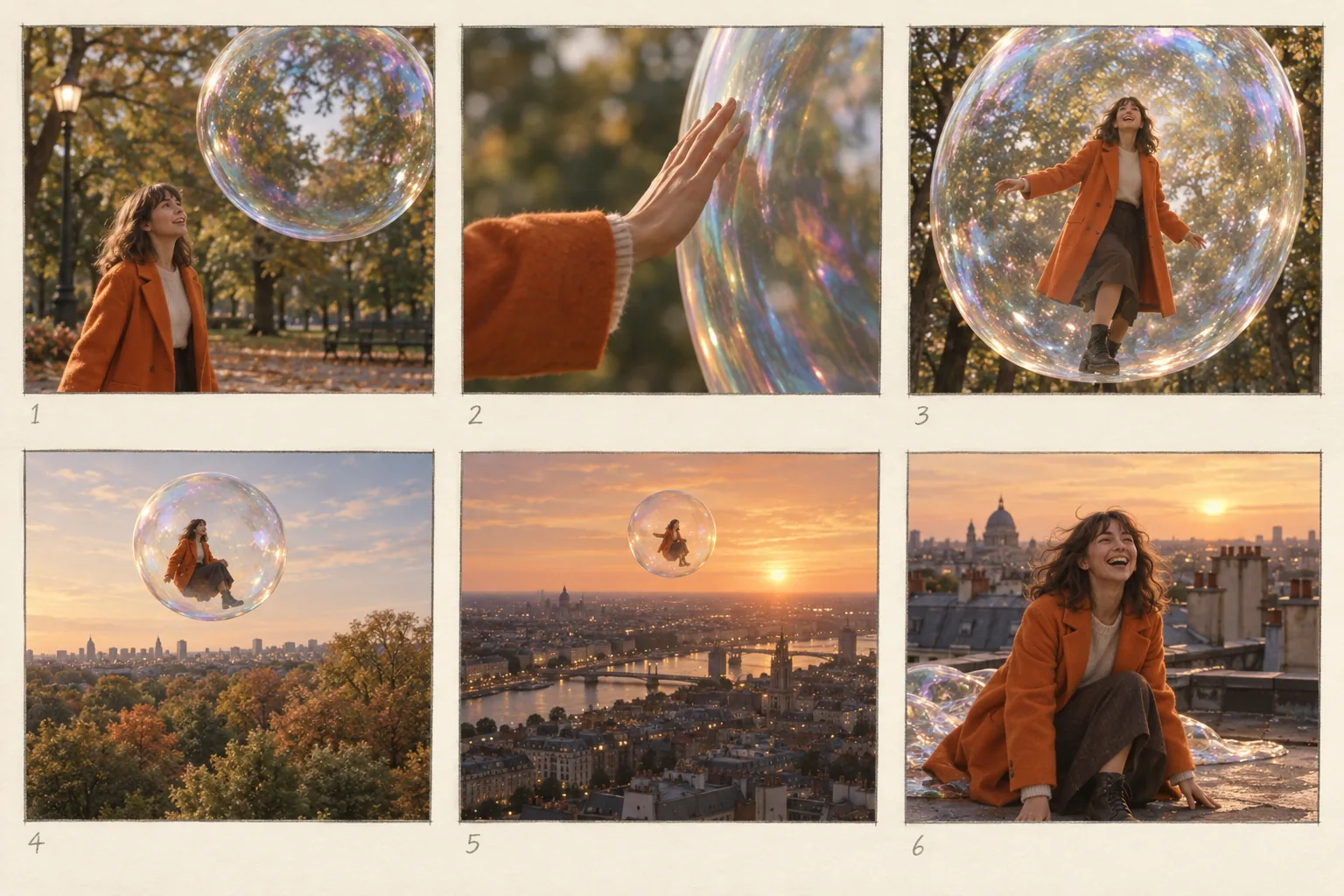

What GPT Image 2.5 Sunburst can do
Each mode opens in the studio with GPT Image 2.5 Sunburst already picked. The price shows before you generate.


How to prompt GPT Image 2.5 Sunburst
- Start at high quality and save xhigh or max for finals, where fabric, hair and small text get looked at closely.
- In edits, state the change and then list what stays: face, pose, light. Turn input fidelity to high when a person has to stay recognisable.
- For a cut-out, set the background to transparent and say in the prompt what should be kept.
Settings worth knowing
Everything else has a sensible default, so you can type a prompt and go.
resolution1K · 2K · 4K- Output size. Bigger sizes look sharper and cost more.
aspect_ratio1:1 · 1:2 · 1:3 · 2:1 +11- The shape of the frame: wide, square or tall.
qualitylow · medium · high · xhigh · max- Trades speed and price for finer detail.
num_outputs1–10- How many results to make in one go.
image_urls≤ 16- Photos to edit or combine. Say in the prompt what each one adds.
mask_url- Paint over the area that should change.
backgroundtransparent · opaque- Keep, remove or replace the background.
output_formatpng · jpeg · webp- File type of the result.
How it compares
Same kind of job, different strengths and prices.
GPT Image 2.5 Flare has the same options and price per image but is tuned for speed and usually finishes sooner. Sunburst is the one for final images and precise edits.


Questions about GPT Image 2.5 Sunburst
How much does GPT Image 2.5 Sunburst cost?
On PopNow, the cheapest run of GPT Image 2.5 Sunburst costs 1 credit ($0.01) per image. Larger sizes cost more: 1K 1 · 2K 1 · 4K 1. You pay with credits (1 credit = $0.01), the exact cost shows on the Generate button before you start, and failed generations are refunded automatically.
What can GPT Image 2.5 Sunburst do?
On PopNow, GPT Image 2.5 Sunburst works in these modes: Create Image and Edit Image. Pick one in the studio and add a prompt or an upload.
What sizes can GPT Image 2.5 Sunburst make?
GPT Image 2.5 Sunburst renders up to 4K in 15 aspect ratios, and edits with up to 16 reference images.
How should I write prompts for GPT Image 2.5 Sunburst?
Start at high quality and save xhigh or max for finals, where fabric, hair and small text get looked at closely. In edits, state the change and then list what stays: face, pose, light. Turn input fidelity to high when a person has to stay recognisable. For a cut-out, set the background to transparent and say in the prompt what should be kept.
GPT Image 2.5 Sunburst or GPT Image 2.5 Flare?
GPT Image 2.5 Flare has the same options and price per image but is tuned for speed and usually finishes sooner. Sunburst is the one for final images and precise edits.
Do I need to install anything to use GPT Image 2.5 Sunburst?
No. GPT Image 2.5 Sunburst runs in your browser on PopNow: write a prompt or add a file, choose the settings and download the result. Sign up and you can generate straight away.
Make something with GPT Image 2.5 Sunburst
Type an idea, pick your settings and see the price before you hit Generate.