Questions
How do I turn a photo into a collage with AI?+
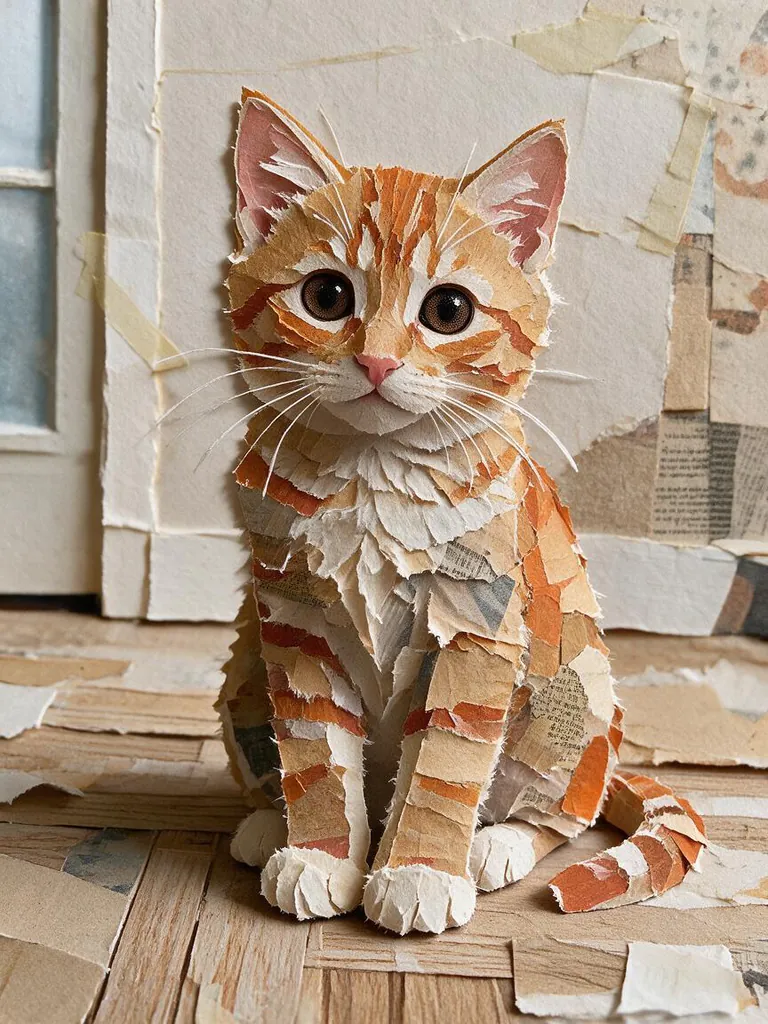
Upload a photo, keep Paper collage selected, pick a shape such as 3:4 and press Generate. The picture comes back built from torn and cut paper pieces. It costs 6 credits, and new accounts get 30 free credits.
Is this a photo grid collage maker?+
No. This makes one picture in a handmade paper-collage art style. To put several photos side by side in a grid, use a layout tool; to make each photo look hand-cut first, run them through here.
Which other looks can I use?+
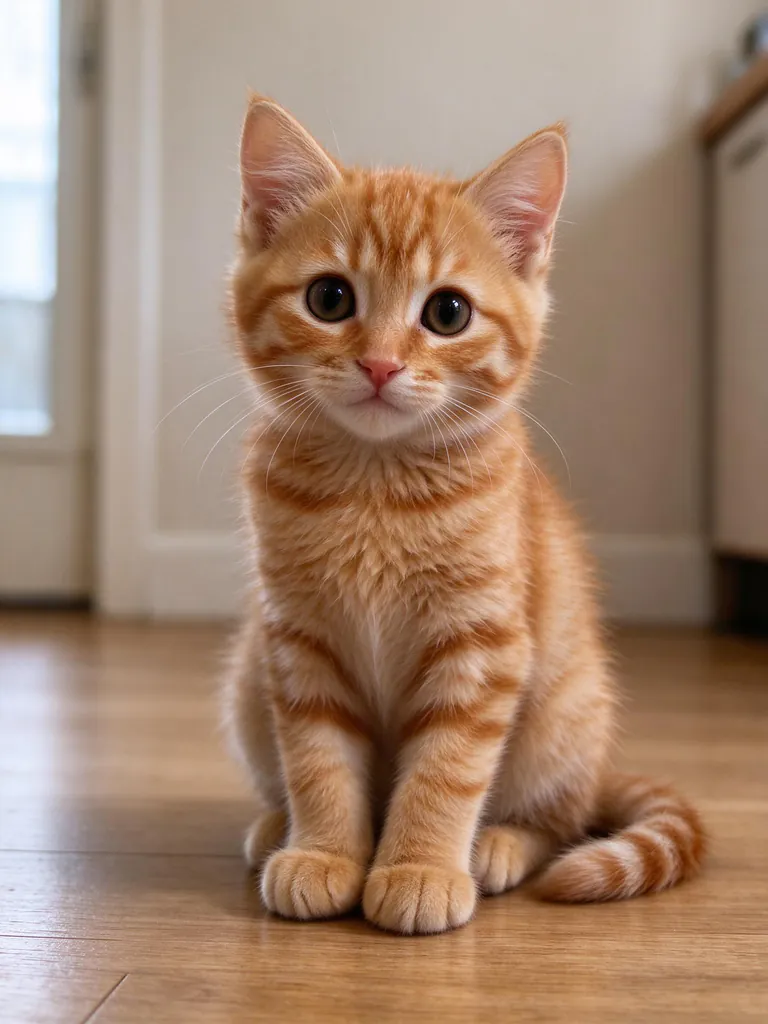
Papercut shadow box, watercolor, soft clay, 16-bit pixel art, embroidery, felt and yarn, and colored pencil. Each card shows the same kitten in that look, so you know what to expect.
Can I choose the size and shape?+
Yes: 3:4, 1:1, 4:5, 9:16, 16:9, or the same shape as your photo. Standard is about 1K pixels; Sharper is 2K for printing.
Which AI model makes the collage?+
Seedream 5.0 Pro from ByteDance. We compared it with Seedream 5.0 Flash and Nano Banana 2 on the same photo, and Pro gave the most convincing paper layers and magazine scraps.
Will it still look like my pet or me?+
The pose, colors and framing carry over, and faces stay recognizable in most looks. Strong looks such as pixel art and clay simplify details on purpose.