


For agents and listings
Real estate video AI for listing photos
Turn the listing photos you already have into short videos: a slow walkthrough glide, a room going from day to dusk, or an empty room that furnishes itself.
1Pick a look
2Your photo
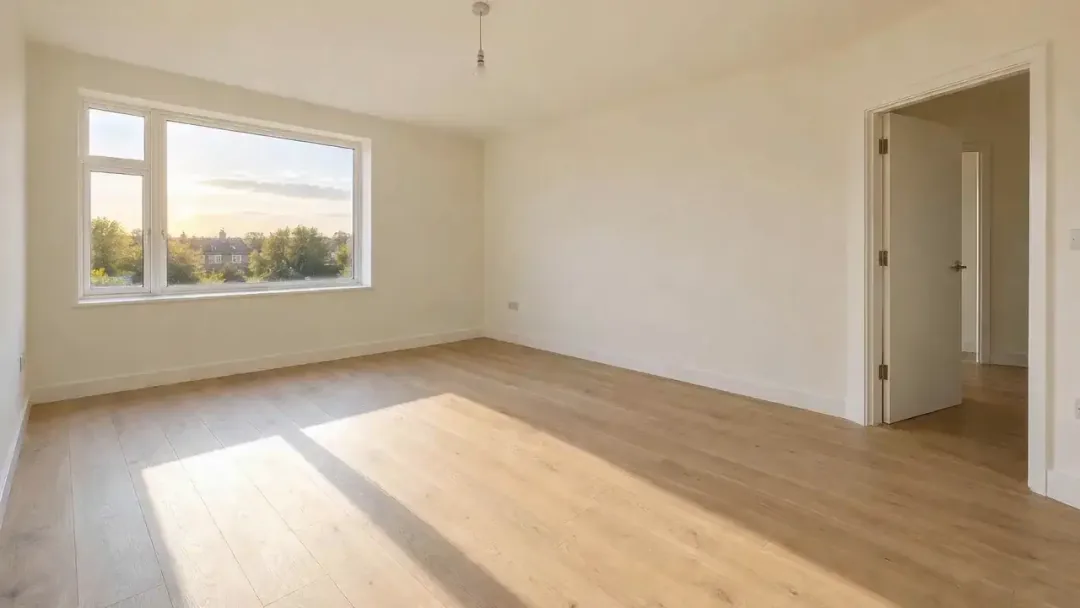
Example photoA wide, level, well-lit room or exterior photo works best.3Quality
Usually ready in about 1 min · new accounts get 30 free credits
Why listings use video, and where AI fits
Buyers scroll past still photos fast; a few seconds of movement makes a room feel like a place you could walk into. Booking a videographer for every listing is slow and costly, especially for rentals and smaller homes.
Here every listing photo becomes a five-second clip. Use the walkthrough glide for living spaces, day to dusk for the shot that sells the evening mood, and staging for empty rooms. Join six to eight clips in the free editor and you have a 30 to 40 second listing reel.
Real results made on PopNow
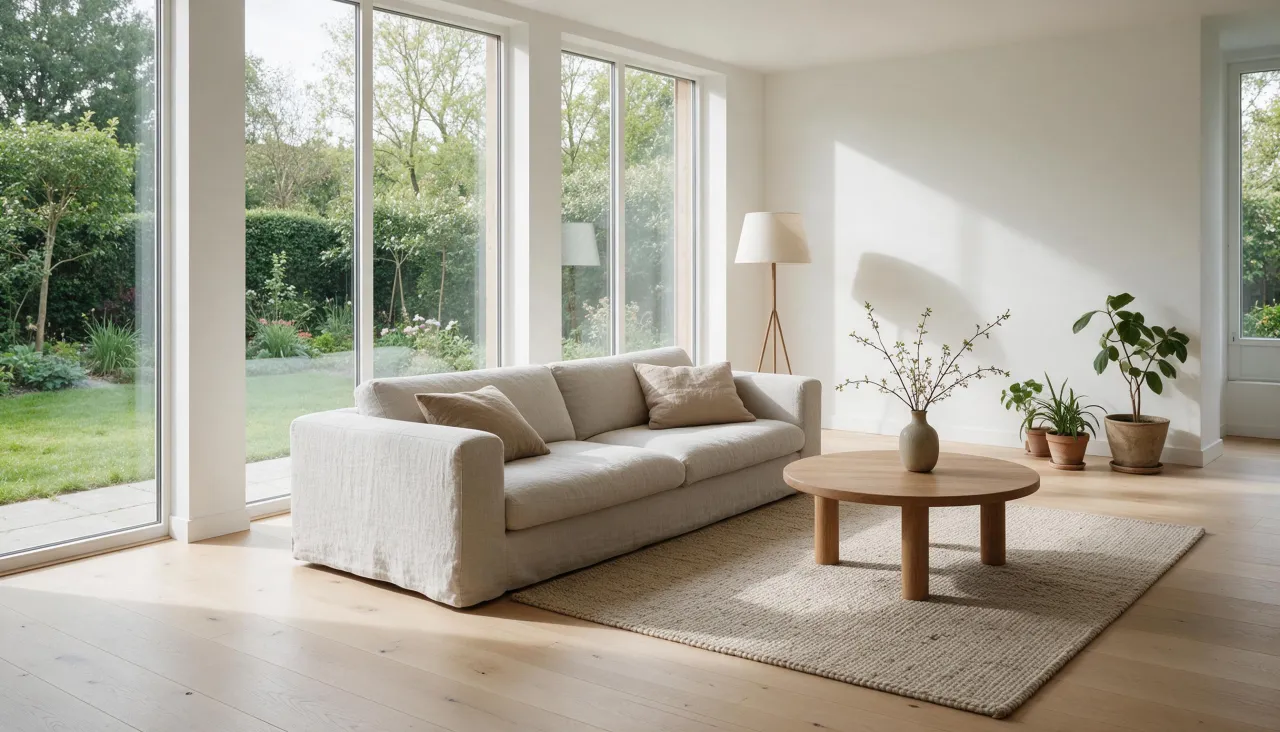
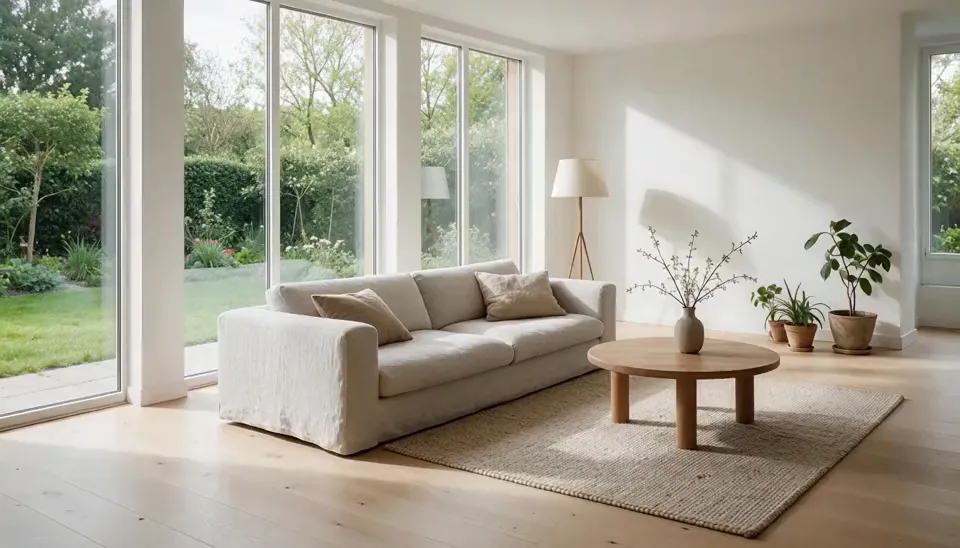
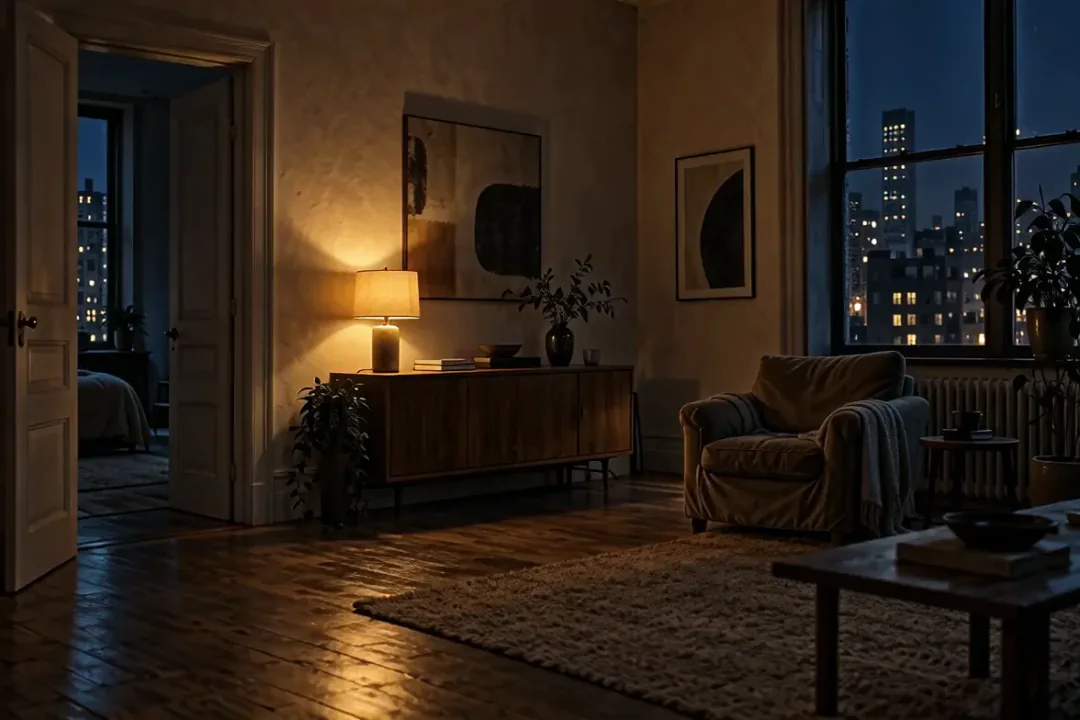
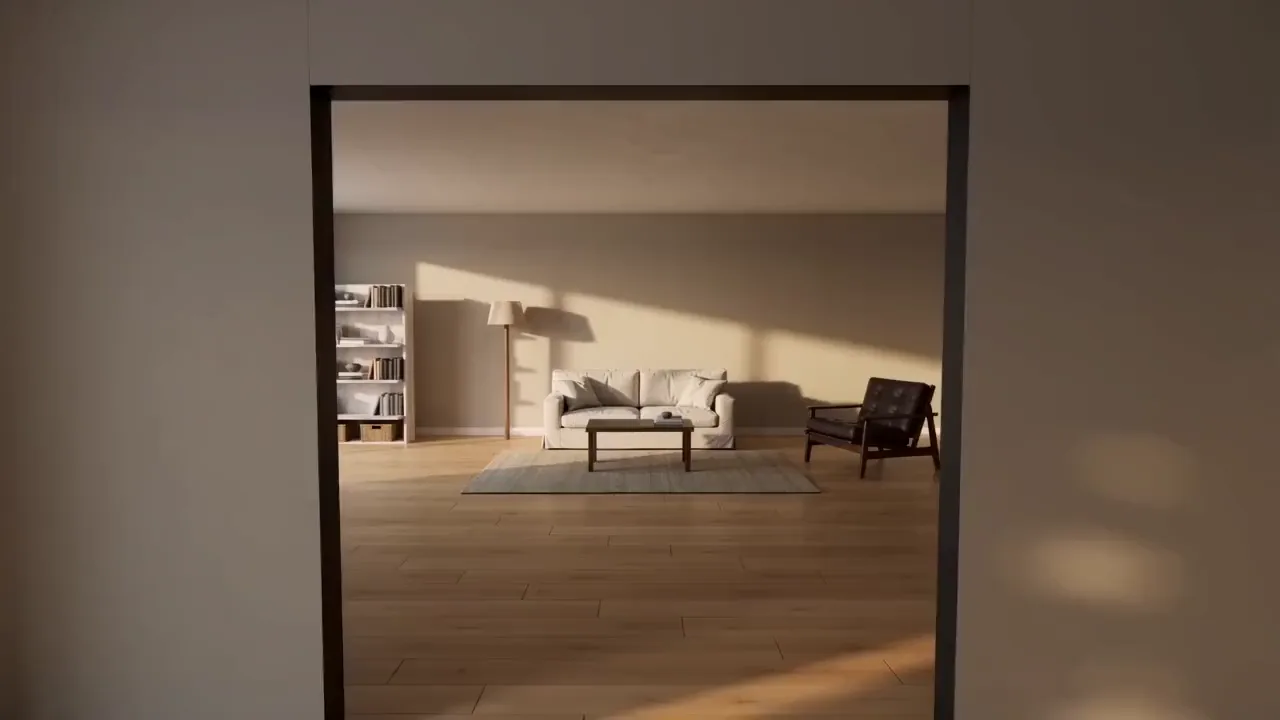
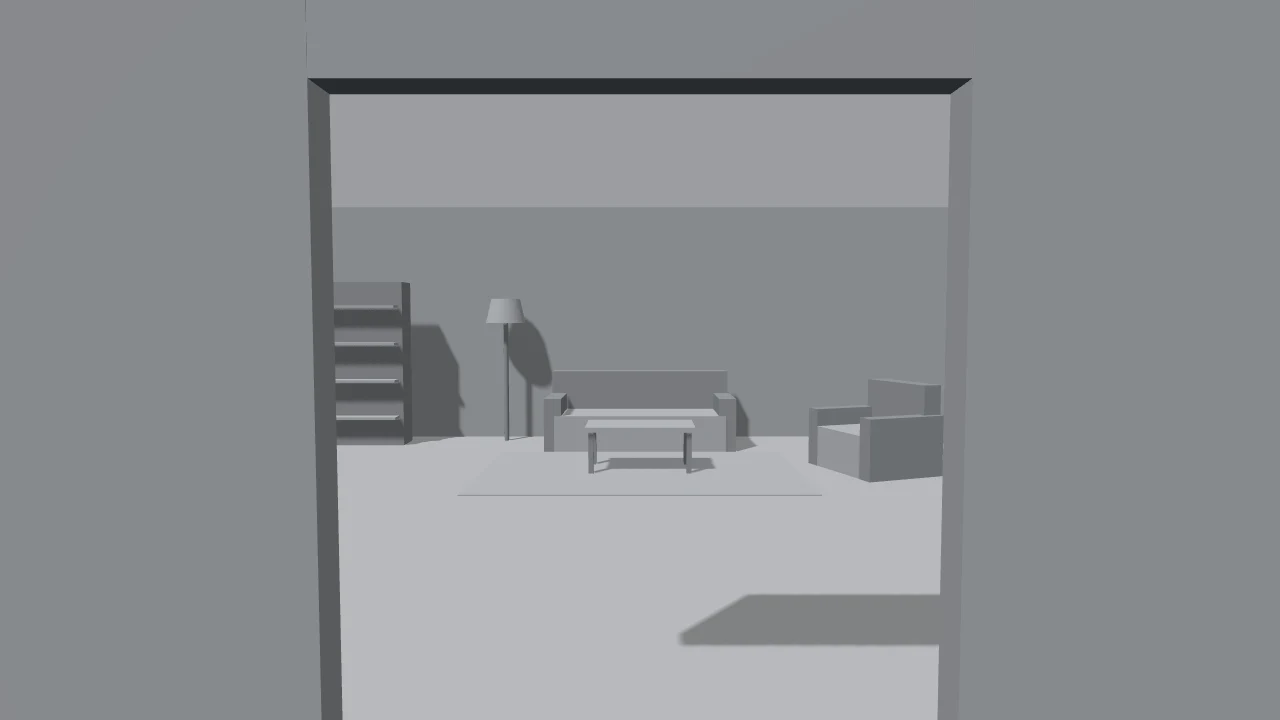
Real clips from single listing photos. The staging and evening examples come from the same kind of models in our prompt library and Clay to Life.



How to turn listing photos into a video
- 1
Pick your best wide shots
Use level, well-lit photos taken from a corner of the room. Wide shots give the camera room to move.
- 2
Match a move to each room
Walkthrough glide for living rooms and kitchens, day to dusk for views and terraces, staging for empty rooms.
- 3
Join the clips
Make one clip per room, then put them in order in the free video editor and add music or your contact card.
Which model to use for property videos
Choose by what should move: the camera, the light or the furniture.
- MiniMax H3The default. Smooth, level camera moves that keep walls and windows straight, usually ready in about a minute.from 28 credits
- Seedance 2.0 FastBest when something in the room changes, like furniture arriving in an empty room. It made the staging example.from 17 credits
- Wan 2.6Can cut one photo into a three-shot story with close-ups, for a more cinematic reel.from 49 credits
What it costs
 ≈ 168 credits
A 5-second clip with MiniMax H3 costs 28 credits. A 30-second listing reel made of 6 clips comes to about 168 credits, or $1.68 at the base rate of $0.01 per credit.
Prices come from our live model catalog and show on the button before you generate. New accounts get 30 free credits, and failed runs refund automatically.
See credit packsKeep your listing video honest
- Label virtual staging. Many listing services and local rules require digitally staged or altered listing media to be disclosed.
- Don’t hide or invent features: walls, windows, views and condition stay as they are, and staging only adds movable furniture.
- Use your own listing photos, or photos you have the rights to.
- Shoot level and wide. Tilted or very close photos give wobbly, cramped clips.
Questions people ask
Can AI make a real estate video from photos?
Yes. Each listing photo becomes a short clip with a camera move, a change of light or virtual staging. Join several clips in the free editor for a full listing video.
Does the AI change the room?
The walkthrough and dusk looks are told to keep the room exactly as it is and only move the camera or the light. Staging adds furniture to an empty room, so label those clips as virtually staged.
Do I have to disclose AI or virtual staging?
In many places, yes. MLS rules and local regulations often require virtually staged or digitally altered listing media to be labeled. Check the rules where you list.
How long is each clip, and what shape?
Five seconds per clip. The shape follows your photo, so landscape photos make landscape clips for your listing page; crop a vertical version for Reels or TikTok.
How much does an AI listing video cost?
Every clip shows its price in credits on the button before you generate, and one clip with the default model costs less than the 30 free credits new accounts get. A six-room reel is six clips.
Tools and pages that help
- Image to VideoBring a still photo to life as a short video clip.
- AI EraserRemove people, signs or clutter and fill the gap naturally.
- Expand ImageTurn a tight shot into a wider one, with scenery that fits.
- Upscale VideoSharpen a clip to 1080p, 2K or 4K and keep the sound.
- Day to NightAfternoon slides into night as the city lights blink on.
- Clay to LifeTurn a grey 3D mock-up into a real photo or video.
- MiniMax H3Expressive clips with audio, up to 2K
More ways to use PopNow
 AI UGC adsTurn one photo of a person holding your product into a selfie-style clip where they say your line out loud, with a natural voice and matching lips.
 AI product videosTurn one product photo into a short, scroll-stopping video for your product page, ads or socials: a slow 360° spin, a splash of liquid or a burst of ingredients.
 AI fashion lookbooksShow a garment on an AI model from a single flat-lay photo, move an outfit to a street or a studio, or make the look turn and walk in a short clip.
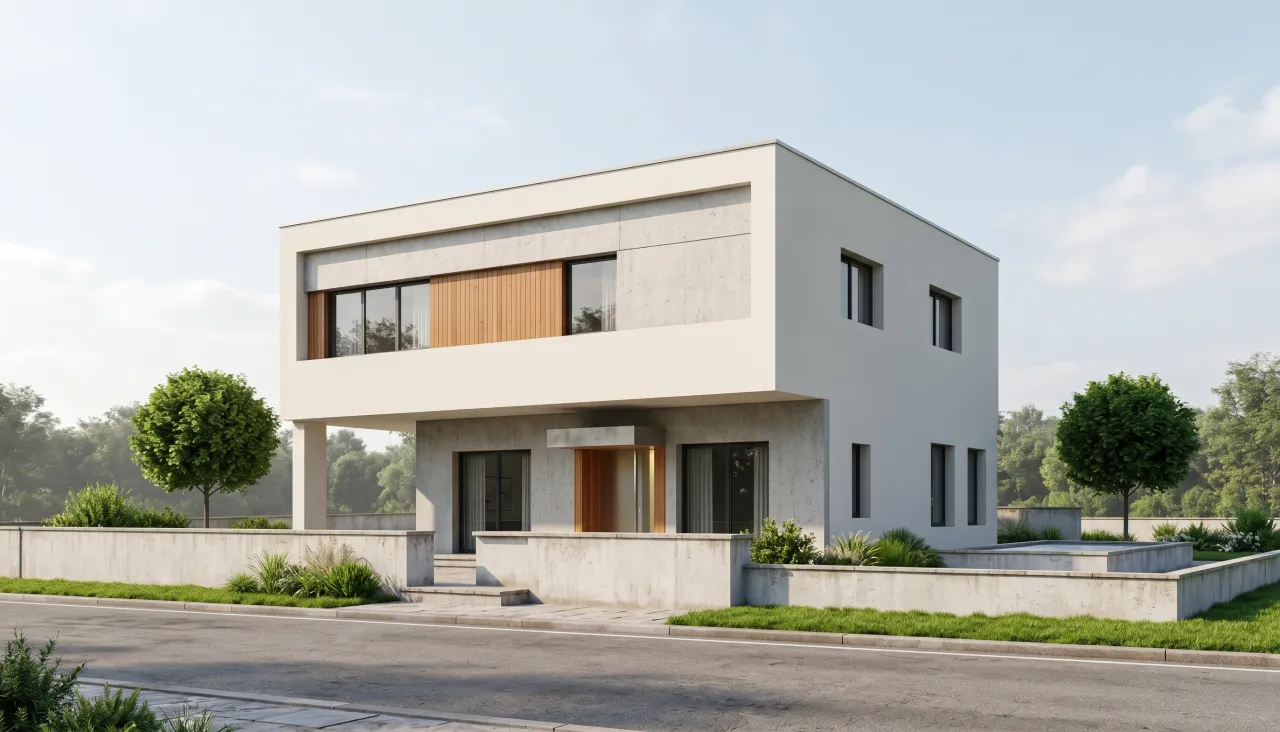 AI architecture rendersTurn a white massing model or a grey viewport screenshot into a photorealistic render in daylight, golden hour or blue hour, then make a short flythrough clip.