


by AlibabaVideo

Wan 2.6
Multi-shot sequences with sound at up to 1080p
- Up to 1080p
- 2–15s clips
- Up to 2 reference images
- 5 aspect ratios
From 49 credits for a 5-second clip≈ $0.49· Reference to Video
What is Wan 2.6?
Wan 2.6 is Alibaba's December 2025 video model with text to video, image to video and reference scenes. Text and image clips run exactly 5, 10 or 15 seconds with sound, and a multi-shot switch lets one clip cut between several numbered shots, enough for a teaser without an editor.
Best on PopNow for: Fifteen second story cards with three shots in one clip, product turntables from a single approved packshot, and the same brief rendered for vertical and widescreen channels.
Good for
- Fifteen-second story cards with three shots in one clip
- Product turntables from a single approved packshot
- The same brief rendered for 9:16 and 16:9 channels
Use casesReal estate videos
What Wan 2.6 does well
A three-shot teaser in one clip
Set multi-shot and write numbered shots, each with its own framing. Wan 2.6 cuts between them while keeping the same people and place.
Packshot to turntable
From one approved product photo, describe a slow quarter turn with light sweeping the surface, and the packshot becomes a clean product clip.
Swap the set, keep the product
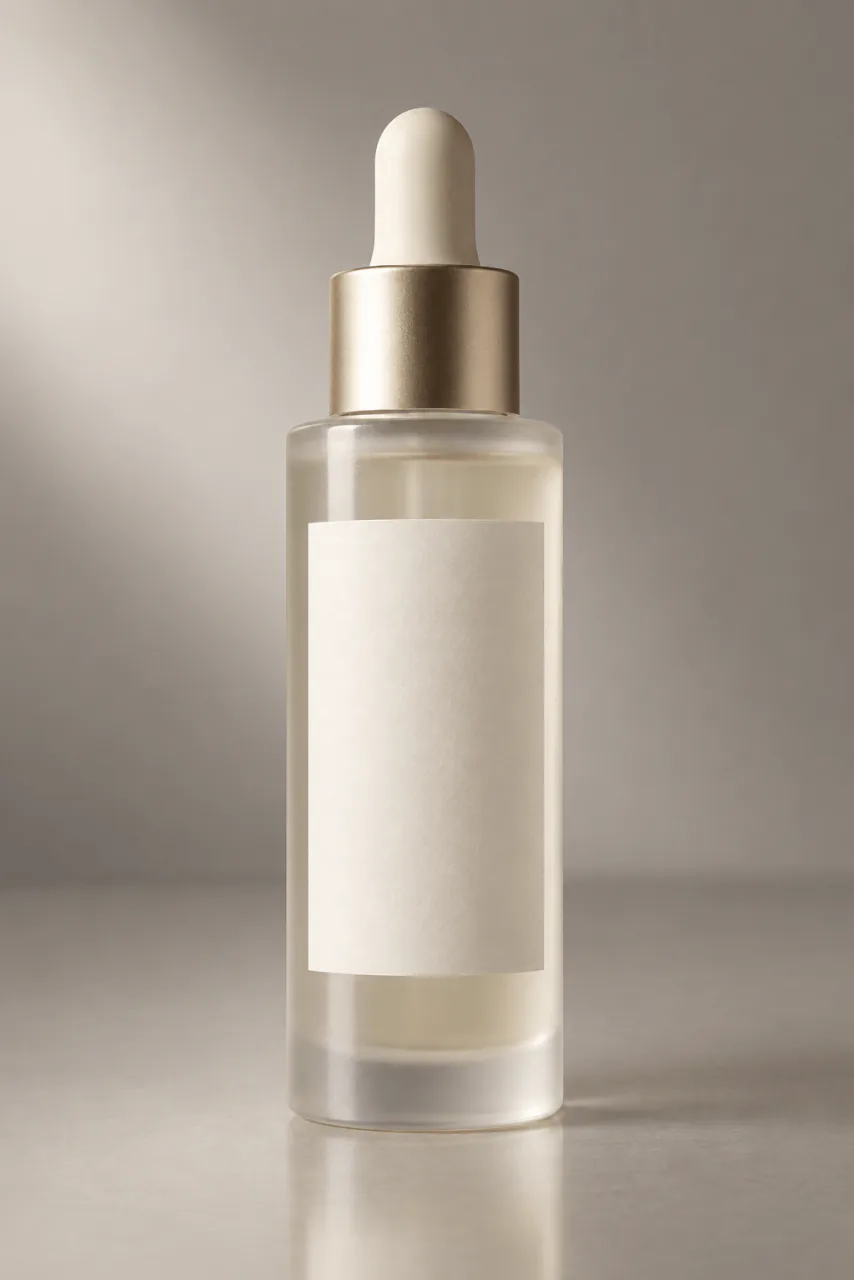
In reference mode, keep a bottle exactly as it is, shape, colour and base, and move it into a new environment.
Real results from Wan 2.6
Every image and clip here was generated with Wan 2.6. Hit Recreate to open it in the studio with the same prompt and settings.
Bring your own clip
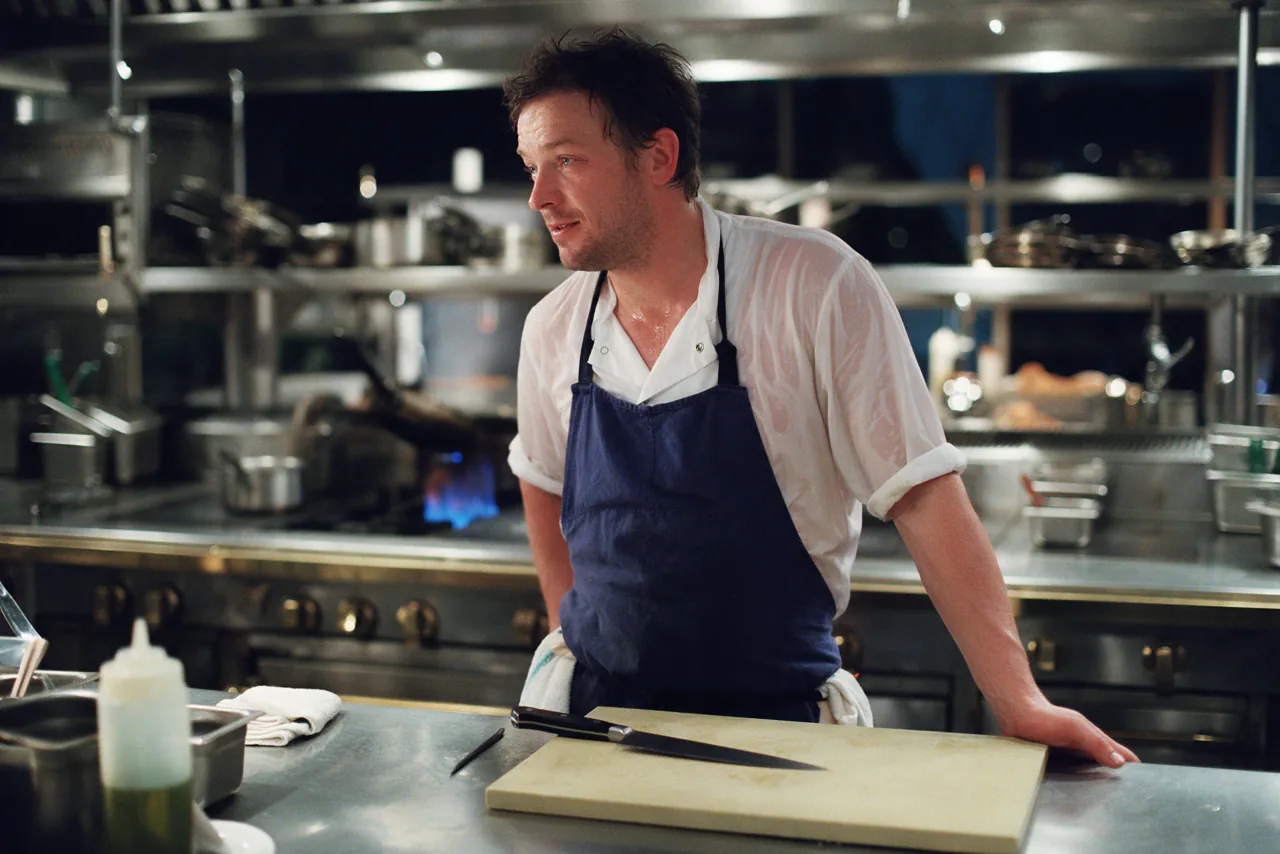 Input
InputBring your own image
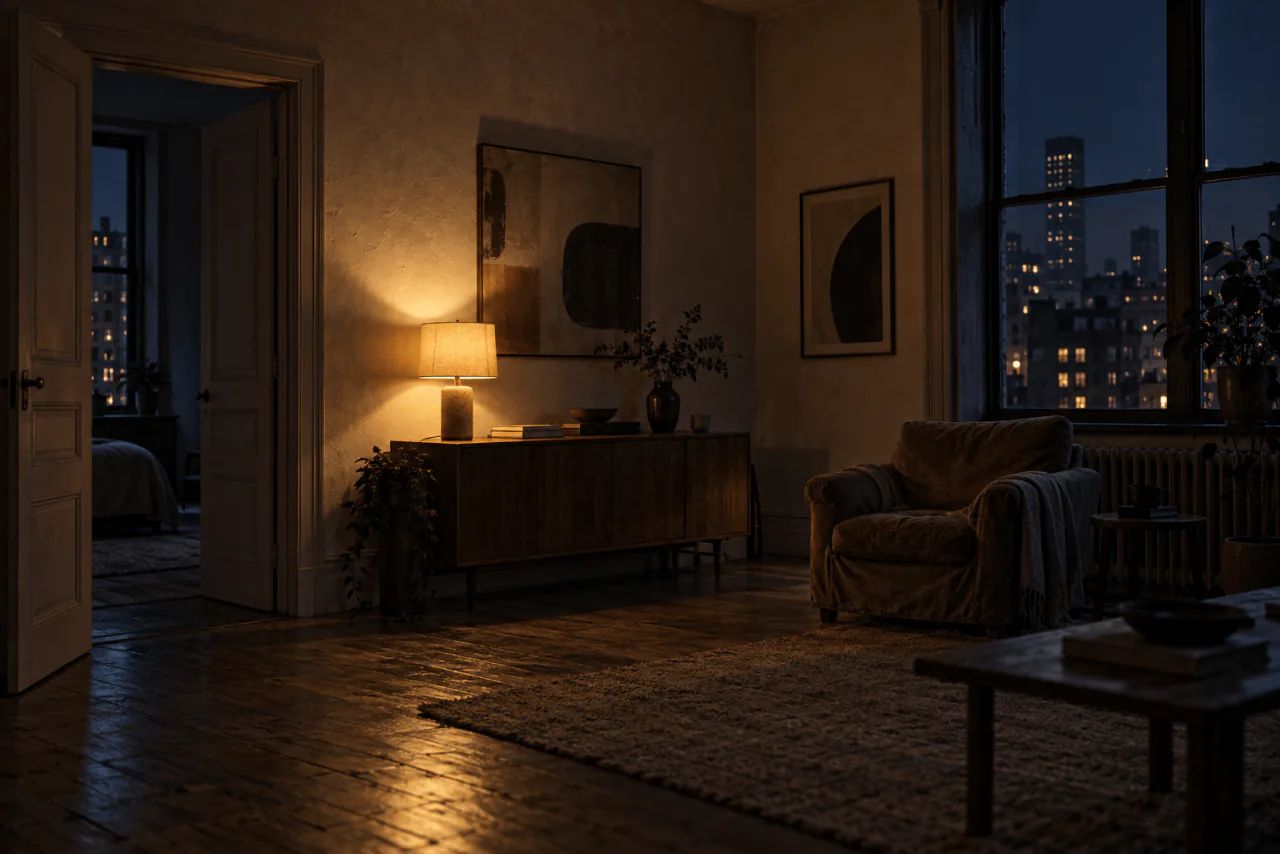 Input
InputBring your own image
 Input
InputBring your own image
Prompts that worked on Wan 2.6
Real outputs with the exact prompt we used, and why it worked. Hit Recreate to try the same settings.
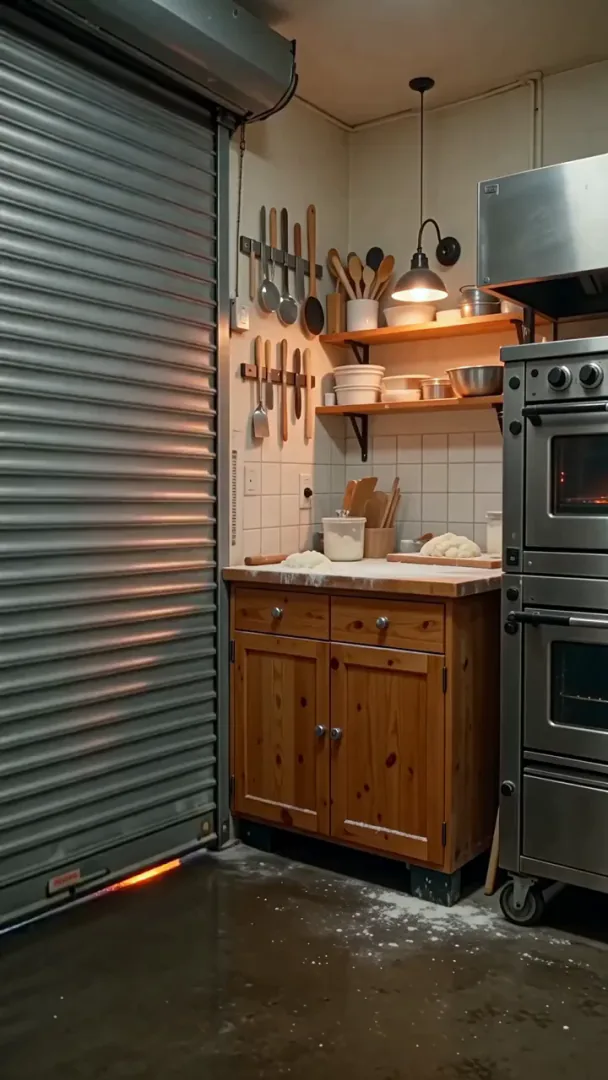
Shot 1: wide view of a small corner bakery at dawn as the metal shutter rolls up. Shot 2: close on floured hands shaping a loaf on a wooden counter. Shot 3: the baker slides a tray into the oven and the oven door glows orange. Warm tungsten light, the hum of the oven, a radio playing softly.
Three numbered shots, wide then close then detail, tell a tiny story of a bakery opening. Varying the framing per shot is what makes the multi-shot cut feel edited.
Recreate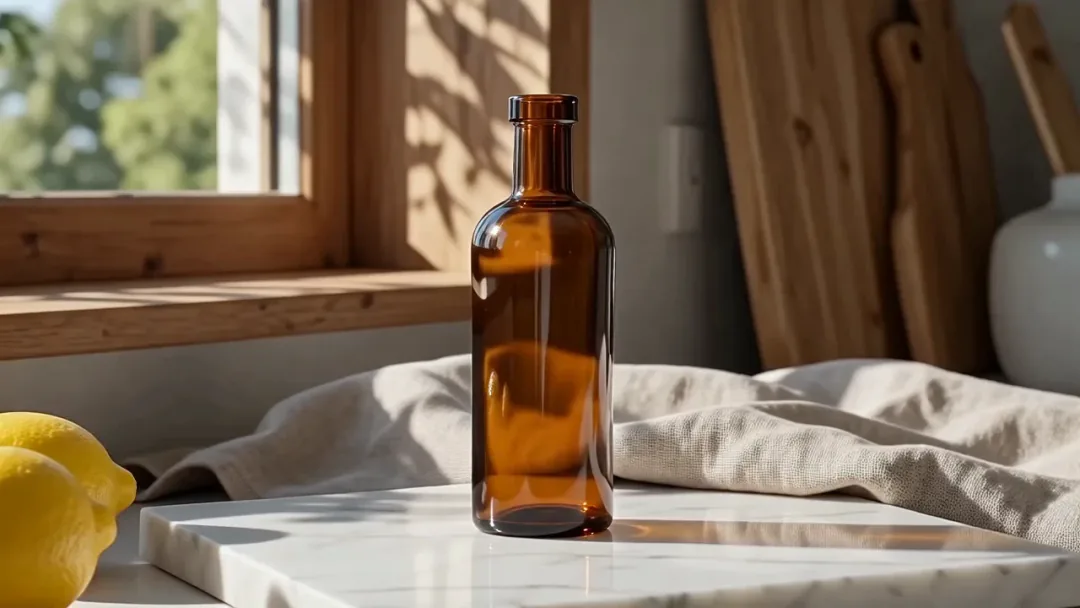
Keep character1, the amber glass bottle, exactly - its shape, colour and the marble block it stands on. Move it to a sunlit kitchen windowsill in the morning, lemons and a linen cloth beside it. The camera circles it slowly the way the reference clip does. Soft birdsong outside.
"Keep character1, the amber glass bottle, exactly" names what must not change before describing the new set. Stating the fixed element first protects it.
RecreateWhat Wan 2.6 can do
Each mode opens in the studio with Wan 2.6 already picked. The price shows before you generate.
 Create VideoGenerate a video clip from a text prompt.From 68 creditsfor a 5-second clip720p 68 · 1080p 102
 Image to VideoBring a still image to life with motion and sound.From 68 creditsfor a 5-second clip720p 68 · 1080p 102
 Reference to VideoKeep characters, outfits and places consistent from your references.From 49 creditsfor a 5-second clip720p 49 · 1080p 74
Best ways to use Wan 2.6 on PopNow
Where this model already does the work for you, from one-tap apps to the full studio.
How to prompt Wan 2.6
- Decide single or multi-shot before writing. Single wants one action and one camera move; multi wants numbered shots, each with its own framing.
- From a packshot, describe only the move, like a slow quarter turn with light sweeping the surface.
- Crop the still to each channel's shape before image to video; the clip keeps its proportions.
Settings worth knowing
Everything else has a sensible default, so you can type a prompt and go.
resolution720p · 1080p- Output size. Bigger sizes look sharper and cost more.
aspect_ratio16:9 · 9:16 · 1:1 · 4:3 · 3:4- The shape of the frame: wide, square or tall.
duration_seconds5s · 10s · 15s- How long the clip runs. You pay per second.
reference_image_urls≤ 2- Pictures of the people, outfits or places the result should keep.
image_url- The picture to start from.
reference_video_urls≤ 3- Clips whose motion, camera or style the result should follow.
audio_url- The voice or music track to use.
negative_prompt- Things you don't want to see.
seed0–2147483647- Reuse the same number to get a repeatable result.
How it compares
Same kind of job, different strengths and prices.
Wan 2.6 Flash takes the same requests for less, with a little less fine detail. Wan 3.0 runs longer clips, up to 30 seconds.


Where Wan 2.6 falls short
- Text and image clips are fixed at 5, 10 or 15 seconds.
- Choosing multi-shot turns on prompt expansion for that clip, which can reword your prompt.
- Reference mode takes at most two still images plus up to three clips.
How to use Wan 2.6 in three steps
- Pick Wan 2.6 in the video studio and decide on single or multi-shot first.
- For multi-shot, write numbered shots with their own framing; for single, one action and one camera move.
- Choose 5, 10 or 15 seconds and 720p or 1080p, then generate.
Questions about Wan 2.6
How much does Wan 2.6 cost?
On PopNow, the cheapest run of Wan 2.6 costs 49 credits ($0.49) for a 5-second clip. Larger sizes cost more: 720p 49 · 1080p 74. You pay with credits (1 credit = $0.01), the exact cost shows on the Generate button before you start, and failed generations are refunded automatically.
How long and how sharp are Wan 2.6 videos?
Clips run 2–15s at up to 1080p.
What does multi-shot do in Wan 2.6?
It lets one clip cut between several numbered shots you describe, like a mini edit.
How long can a Wan 2.6 clip be?
Text and image clips are 5, 10 or 15 seconds. Reference scenes have their own range.
Can Wan 2.6 use reference clips?
Yes, up to three clips and two still images in reference mode.
Wan 2.6 or Wan 3.0?
Wan 3.0 runs longer clips, up to 30 seconds, with more references. Wan 2.6 is the one with the built-in multi-shot cut.
Does Wan 2.6 make sound?
Yes, text and image clips come with sound.
Wan 2.6 or Wan 2.6 Flash?
Wan 2.6 Flash takes the same requests for less, with a little less fine detail. Wan 3.0 runs longer clips, up to 30 seconds.
Make something with Wan 2.6
Write three numbered shots and get a finished teaser in one generation.