What the gender swap filter does
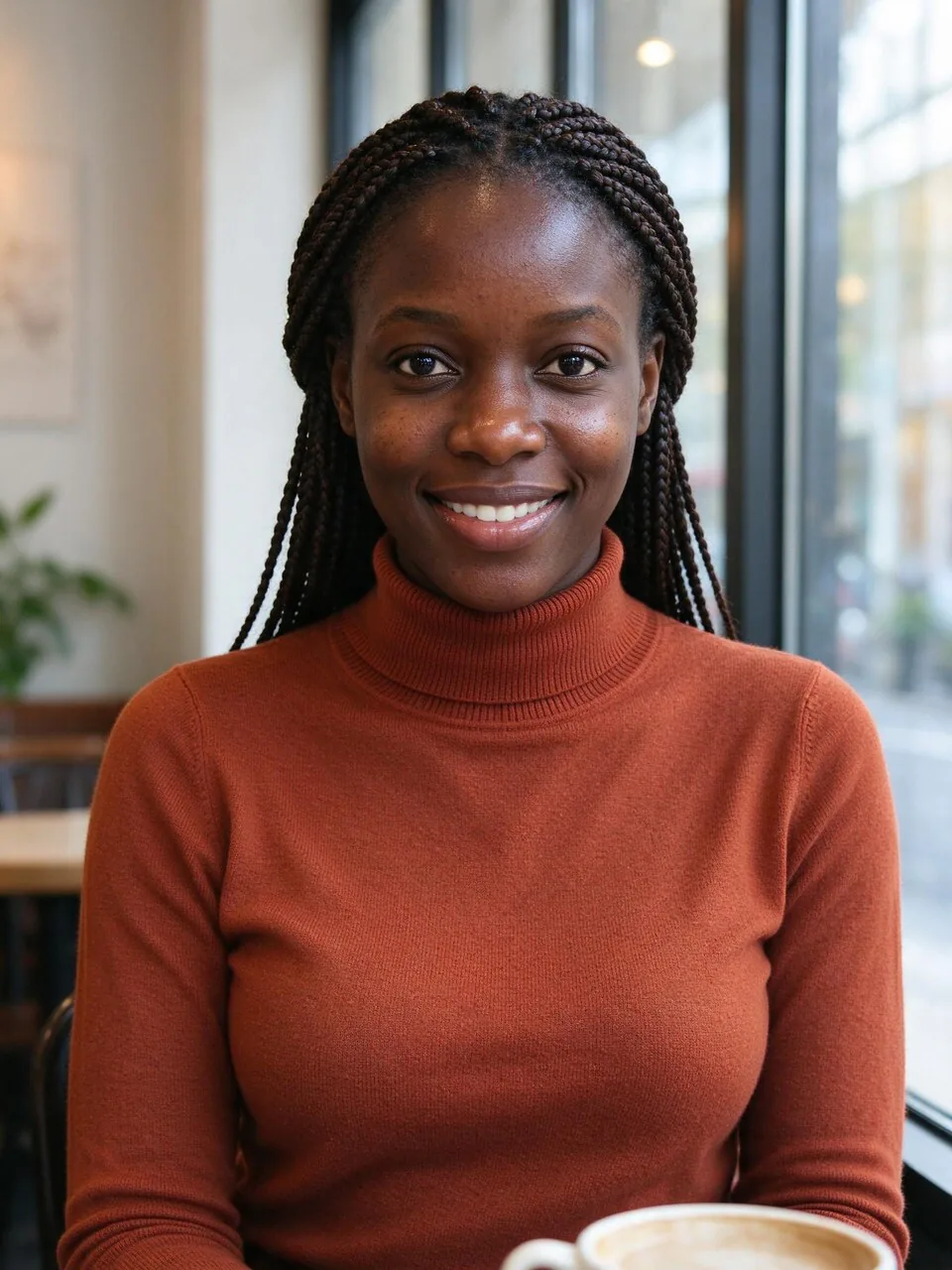
Upload one photo and the gender swap filter shows the same person as another gender. Only the face structure, brows, jawline, hairline and facial hair change; your age, skin tone, eye color, hair color, smile, glasses and outfit stay the same, so it still reads as you. Choose the hair length, add stubble or a beard, or light makeup, then turn the result into a short transformation video if you like. One photo costs 8 credits.
The looks you can pick
Three ways to swap, plus hair, facial hair and makeup. The thumbnails were made with this tool.
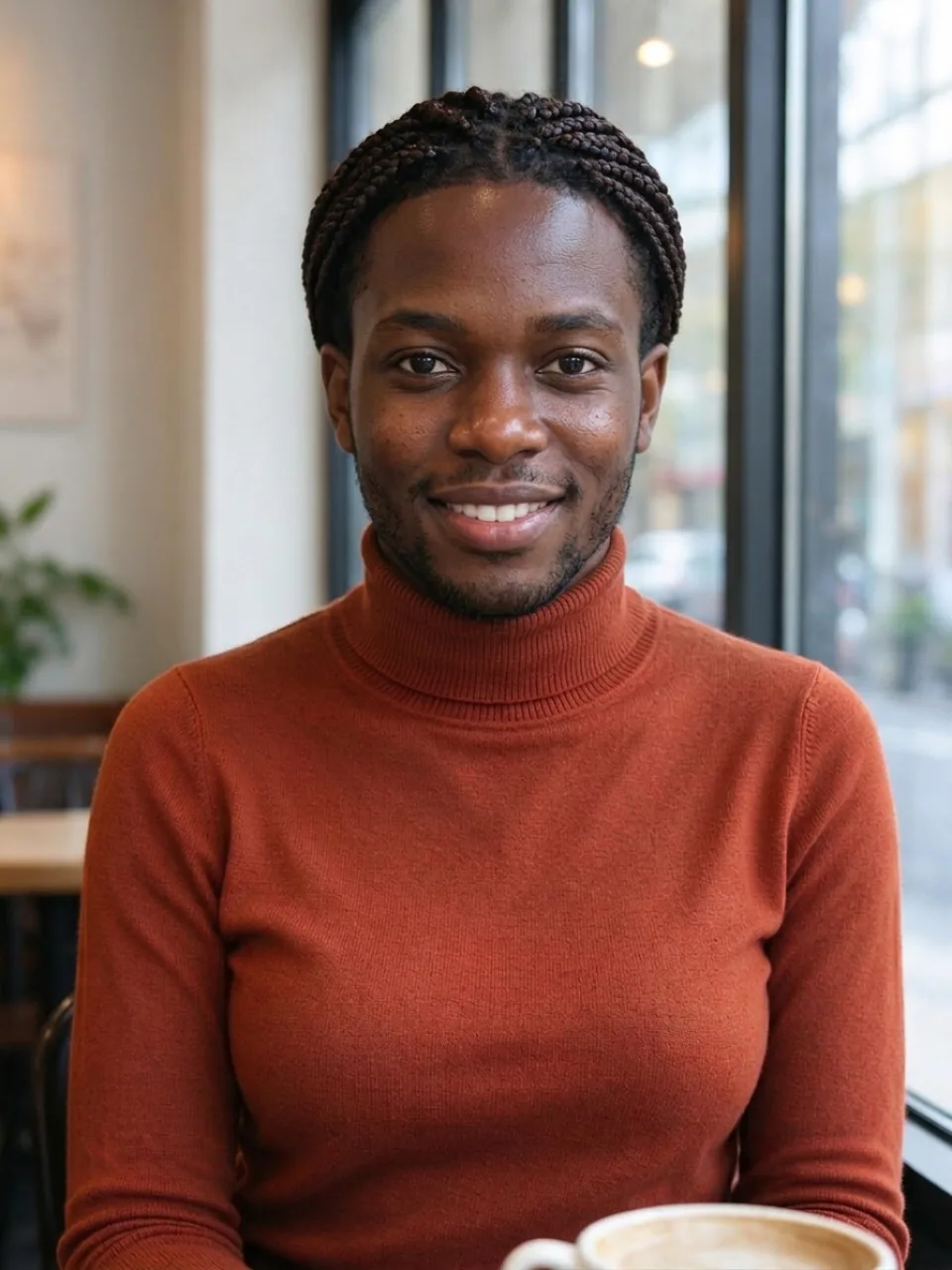 SwapFlips the photo to the opposite gender: the quickest way to try it.
 As a womanShows you as a woman. Add natural makeup or keep it bare.
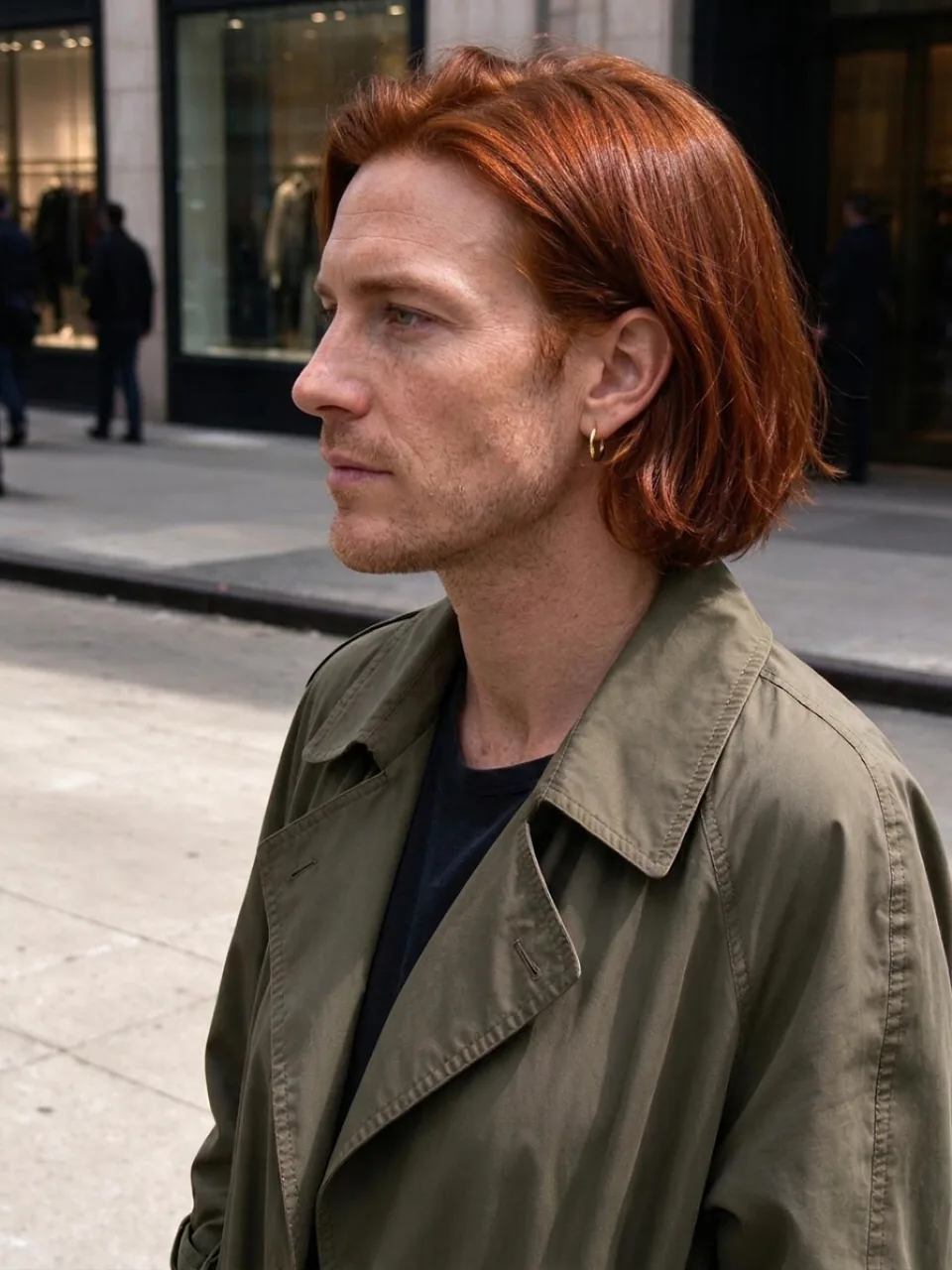 As a manShows you as a man. Choose clean-shaven, stubble or a short beard.
Hair length keeps your length or changes it to short, shoulder-length or long, always in your own hair color. Strength makes the change subtler or more pronounced, and the detail box takes anything else you want.
How to use it
- Add a photoDrop a clear photo of one face, paste one, or pick from your library.
- Pick a lookSwap, as a woman or as a man; then hair length and the extras. Each photo is 8 credits.
- Compare and shareDrag the slider to compare, then download, share, or turn it into a transformation video.
Which photos work best
Good photos
- One person, face clearly visible, looking roughly at the camera.
- Soft, even light: daylight from a window or outdoors in the shade.
- The face takes up a good part of the frame (a head-and-shoulders shot is ideal).
- Glasses, hats and beards are fine: they are kept as they are.
Photos that work less well
- Group photos: the change may land on the wrong person.
- Heavy filters, strong beauty retouching or very dark photos.
- Faces covered by hands, hair, masks or sunglasses.
- Tiny faces far away in the frame, or heavily blurred shots.
What people use it for
- The classic gender swap filter trend for TikTok, Reels and Stories.
- A laugh with friends: swap the whole group one by one.
- Character ideas for stories, games and cosplay.
- Just curious? See your "sibling who never was".
How many credits it takes
- One photo (standard)
- 8 credits
- One photo (sharper)
- 11 credits
- One photo (lighter model)
- 5 credits
- Transformation video (5 seconds)
- 51 credits
The button always shows the exact total before you start. New accounts get 30 free credits. If a run fails, the credits come back automatically.
Questions
Is the gender swap filter free?+
You can try it free: new accounts get 30 free credits and one photo takes 8. After that you pay per photo with credits; there's no subscription.
What stays the same?+
Your age, skin tone, eye color, hair color, expression, glasses, clothes, pose and background. Only the features that differ between genders change, so friends will still recognize you.
Does it work on older people and darker skin tones?+
Yes. We tested it on people of different ages, skin tones and body types, with and without glasses, and it keeps skin tone, gray hair and glasses as they are. The examples on this page include all of these.
Can I swap back?+
Your original photo is never changed. To go the other way, upload the result and pick the opposite look, or simply use your original again.
Can I use a friend's photo?+
Only if they say yes. Swap your own photos or ask first, keep it kind, and don't use results to pretend to be someone else.
How does the transformation video work?+
Turn on "Make a transformation video" (or press the button under a result). Kling 3.0 starts on your original photo and ends on the swapped one, in one smooth 5- or 10-second shot. A 5-second video is 51 credits on top of the photo.
Where do my photos go?+
Your photo is uploaded only to make your result. Results are saved in your private library, and nothing is posted anywhere unless you share it.



 Example