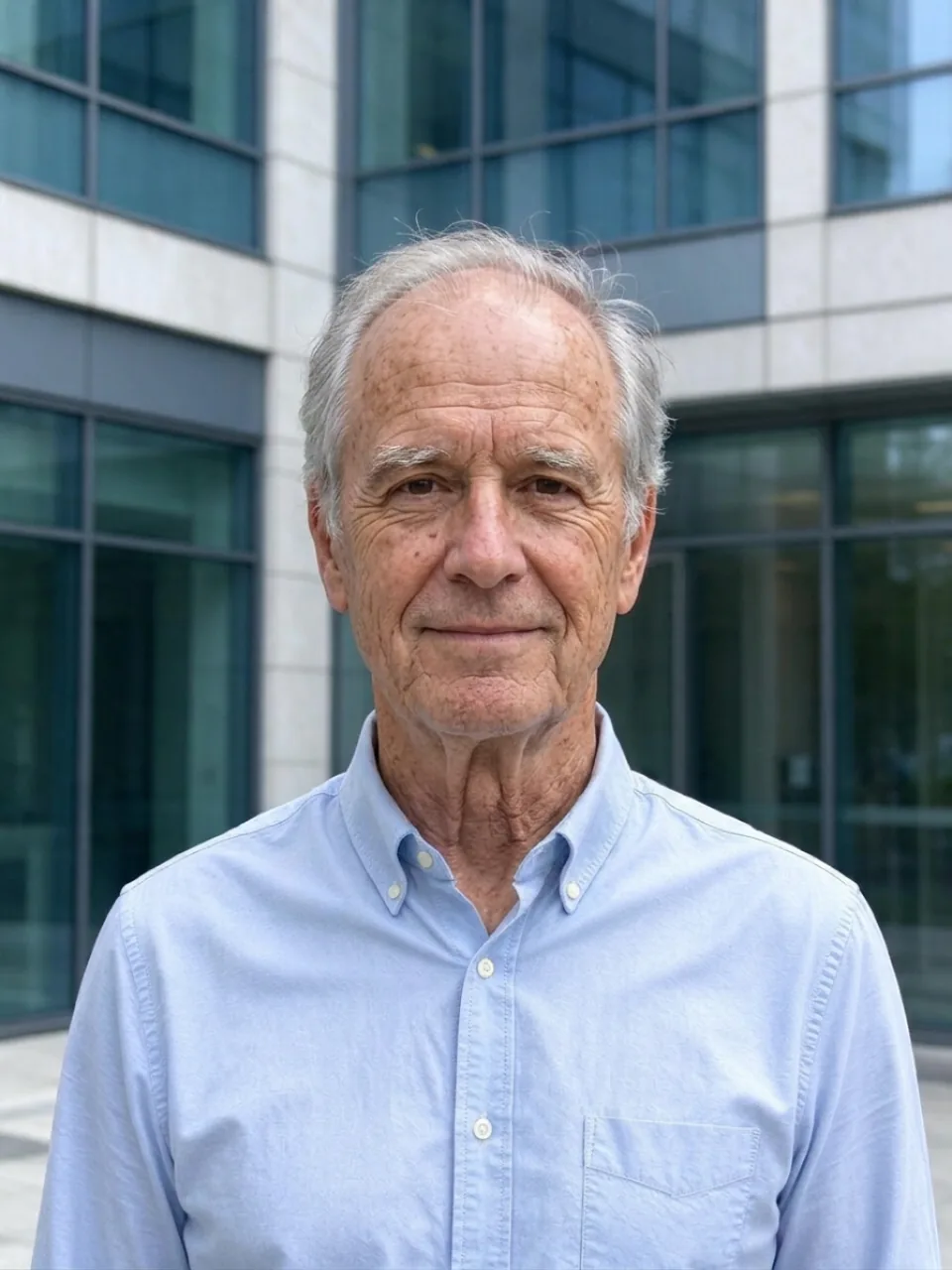
What the AI age filter does
Upload one photo and pick an age. The age filter redraws the same person with the wrinkles, skin texture, hairline and gray hair of that age, or smooths them back to your twenties, while the face shape, eyes, skin tone, glasses, clothes and background stay as they were. You can make one age, all three at once (40, 60 and 80), or turn the result into a short video where you slowly age on screen. One photo costs 8 credits.
Questions
Is the age filter free?+
You can try it free: new accounts get 30 free credits, and one photo takes 8. After that you pay per photo with credits; there's no subscription.
Will it still look like me?+
Yes, that's the point. The model keeps your face shape, eyes, nose, skin tone, glasses and clothes, and only changes what age changes: skin, hairline, hair color and wrinkles. Clear, front-facing photos keep the likeness best.
How young can it make me?+
Down to your twenties. We don't make anyone look like a child or a teenager, so there's no younger option.
How does the aging video work?+
Turn on "Make an aging video" (or press the button under a result). Kling 3.0 starts from your original photo and ends on the aged one, so you watch yourself grow older in one smooth 5- or 10-second shot. A 5-second video is 51 credits on top of the photo.
Can I use a photo of someone else?+
Only with their permission. Use your own photos, or ask friends and family before you age them, and don't use it to mislead anyone about who someone is.
Where do my photos go?+
Your photo is uploaded only to make your result. Results are saved in your private library, and nothing is posted anywhere unless you share it.
Is this how I will really look?+
No one can predict that. It's an AI guess based on how faces usually age, made for fun: genes, sun, health and lifestyle all change the real thing.



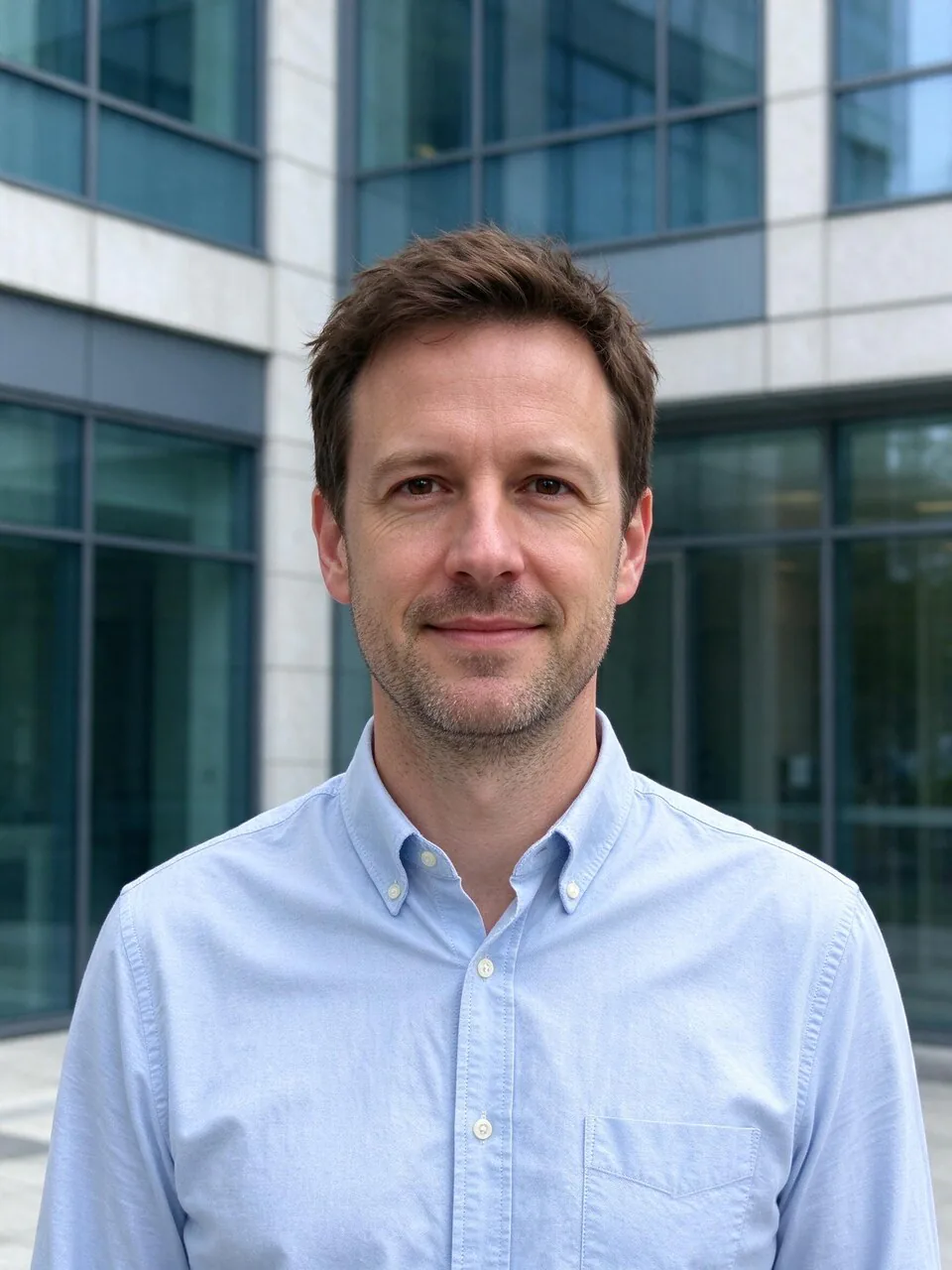 Example