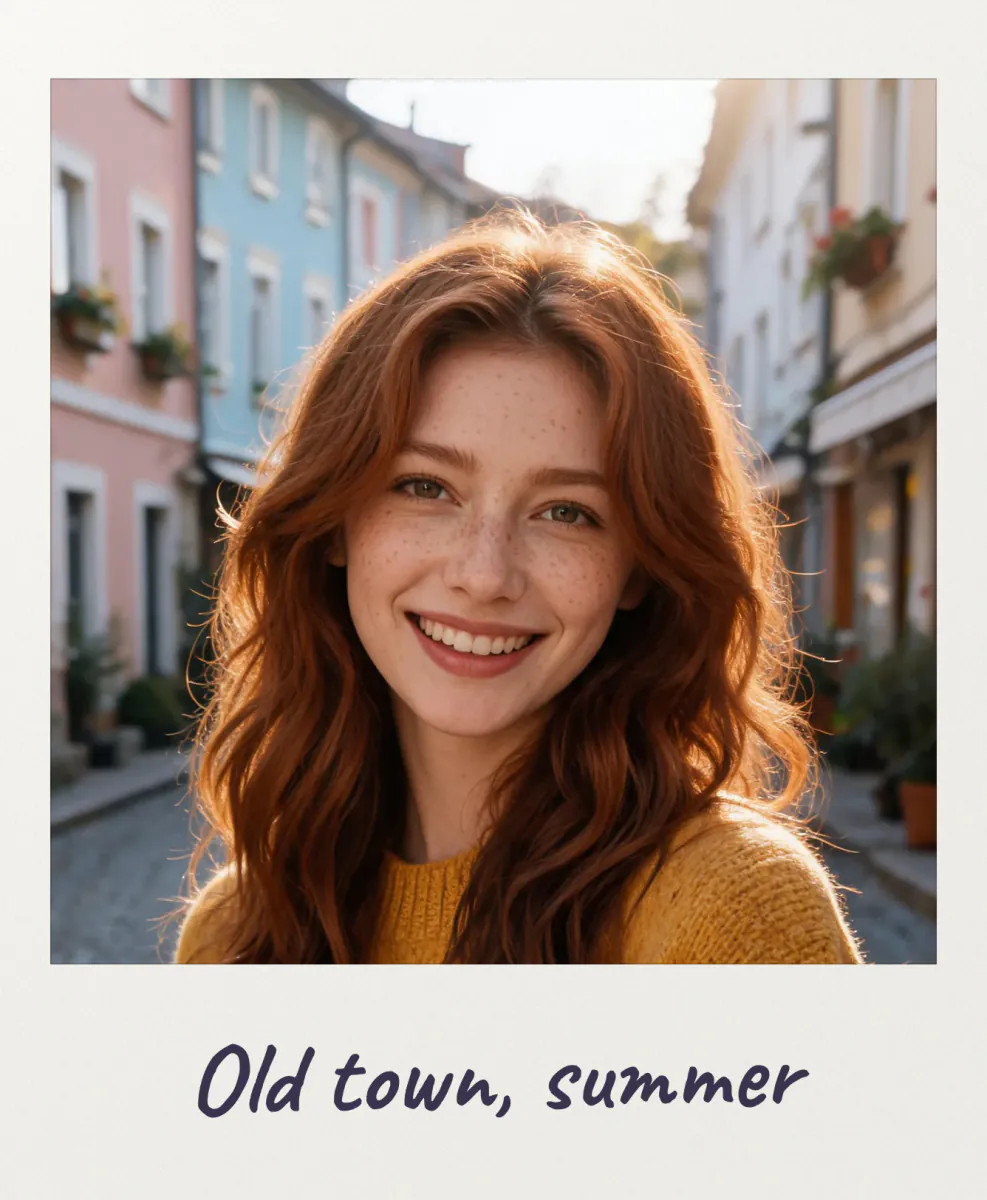
Polaroid frame
A Polaroid frame is the white instant-film border with the thick strip at the bottom, the one people write on with a marker. This tool puts that frame around your own photos, so a phone picture looks like it came out of an instant camera. Pick the classic square Polaroid, the tall Instax Mini, the Instax Wide or keep your photo uncropped, write a caption in handwriting, marker or typewriter letters, and add a vintage, faded or black-and-white tone if you like. You can frame a whole batch at once and download every picture in one ZIP. It all runs in your browser: no upload, no account, no watermark.
Questions
How do I make a photo look like a Polaroid?
Upload the photo and keep the Classic white preset. The picture is cropped to a square and set in a white frame with the thick bottom strip. Add a caption and, for an older look, set Tone to Vintage.
Can I write on the bottom of the Polaroid?
Yes. Type up to 40 characters in the caption box. You can choose handwritten, marker or typewriter letters, change the size and the color, and give every photo in the batch its own caption.
Can I frame several photos at once?
Yes, up to 20 at a time. Click a thumbnail to edit that photo's caption and framing, then use Download all to get every Polaroid in one ZIP file with the same frame settings.
What is the difference between Polaroid, Instax Mini and Instax Wide?
Polaroid has a square picture in a nearly square frame. Instax Mini is a tall, credit-card sized print, and Instax Wide is landscape. The tool copies the real proportions of each film, borders included.
Is it free, and are my photos uploaded?
It is free with no sign-up and no watermark. The frame is drawn by your own browser, so your photos stay on your device. They are only uploaded if you choose Send to, to keep editing in another PopNow app.
Is this the same as the AI Polaroid trend?
No. This tool only adds a frame to your real photo. The AI Polaroid trend makes a new picture of you hugging your younger self or a friend; use the link under the download buttons to try it.
How do I turn a picture into a polaroid with a transparent background?
Set Tilt to any value or turn Shadow on, then download a PNG. The area around the tilted card stays transparent, which lets you drop the polaroid onto a story, a slide or a digital scrapbook without a white box around it.
Can I print the polaroids at home?
Yes. Each card is exported with a picture window up to 1600 px, which prints sharply at the real Polaroid size. Download all as a ZIP, place the cards on an A4 or Letter page in any print dialog and cut along the edges.
Which film format should I use for a selfie?
The tall Instax Mini window fits a head-and-shoulders selfie best, because phones shoot portrait pictures. The square Polaroid window crops more of the top and bottom, so drag the picture until the face sits slightly above the middle.
Can I make a polaroid with a black or colored frame?
Yes. Pick the black swatch or Black frame preset for a dark card with light lettering, or any other swatch. When the paper turns dark, the text switches to a light color automatically so the caption stays readable.
Why is my caption getting smaller as I type?
The caption always stays inside the bottom strip. Once a line is too long for the card, the letters shrink to fit, down to half size. Keep captions under about 25 characters for a natural handwritten look.
Does the polaroid frame work on a phone?
Yes. It runs in mobile Safari and Chrome, you can select many pictures from your gallery at once, and dragging with one finger moves the crop. The ZIP download works on both iPhone and Android.
Go deeper
Before and after: what changes
You start with an ordinary phone or camera picture and finish with something that looks like an instant print you could pin on a fridge: the picture sits in a thin paper window with a deep strip underneath that carries your note in ink.
- What changes
- A paper card is drawn around the picture in the real proportions of the film you picked. The classic Polaroid card is 88 by 107 mm with a 79 mm square window, Instax Mini is a tall 54 by 86 mm card and Instax Wide a landscape 108 by 86 mm card. The bottom strip gets your caption, and the optional tone adds warmth, fade or grain.
- What stays the same
- Faces, colors and detail are not retouched. With Natural tone the pixels inside the window are your original pixels, only cropped and scaled; Uncropped keeps every edge of the picture and grows the card around it instead.
- What to look at when you compare
- Check that heads and hands are not cut off by the square or tall window, then drag the picture to move the crop. Look at the caption from a distance: if it touches the card edge, shorten it or lower Text size so the strip keeps some breathing room.
Pictures that make convincing instant prints, and ones that don't
Works well
- Close, simple shots with one subject in the middle, like a portrait, a pet or a coffee on a table, read well in a small square window.
- Warm daylight, sunsets and soft indoor light suit the Vintage and Faded tones, which mimic how real instant film renders color.
- Holiday, party and wedding snapshots where a short handwritten note (a date, a place, a name) adds the memory the picture alone can't.
Avoid
- Wide group photos or landscapes squeezed into the square Polaroid or tall Mini window lose people at the sides; pick Wide or Uncropped instead.
- Screenshots, documents and pictures full of small text, because the narrow window shrinks them until nothing is readable.
- Very small images such as chat thumbnails: the card is exported with a window of at least 640 px, so a tiny source looks soft once it is scaled up.
Step by step
- Drop in your picturesPress Upload photos and select one or many files, drag them onto the page, paste from the clipboard or choose From my library. Every picture you add appears as a numbered thumbnail under Your photos.
- Pick the film and paperChoose Polaroid, Mini, Wide or Uncropped under Film format, set Border width, and tap a paper swatch: white, cream, black, pink, mint, blue or yellow, or the rainbow circle for any color.
- Write on the stripClick a thumbnail and type in Caption on photo. Choose Handwritten, Marker or Typewriter letters, then adjust Text size and Text color. Use this caption on every photo copies the line to the whole batch.
- Frame and finishDrag the picture on the stage to reframe it, raise Zoom for a tighter crop, and add Tone, Tilt and Shadow if you want a scrapbook feel.
- Save one or allDownload the current card as PNG or JPG, or press Download all to get every card in a ZIP. Send to opens the current card in another PopNow app.
How the instant-film look is built
- Real film proportions
- Borders follow the physical cards: on the classic Polaroid the sides are about 4.5 mm, the top about 7 mm and the bottom about 21 mm. Border width scales all of them together, so the card keeps its familiar shape whether it is thin or chunky.
- Paper, not a flat box
- The card gets a faint paper grain, a soft light falloff from corner to corner and a thin pressed edge around the picture window, which is what makes it read as a print rather than a colored rectangle.
- Tones that imitate aging film
- Vintage warms the picture, lifts the blacks and adds a vignette; Faded lowers contrast with slightly cool shadows like an old instant print; B&W converts to monochrome with a little extra contrast. Grain is added to all three.
- Fonts drawn on your device
- Handwritten uses Caveat and Marker uses Permanent Marker, two open-source fonts served from popnow.ai and loaded only when you pick them; Typewriter uses your system's monospace font. Letters these fonts don't cover, such as Chinese or Japanese, fall back to a system font.
Where to go next