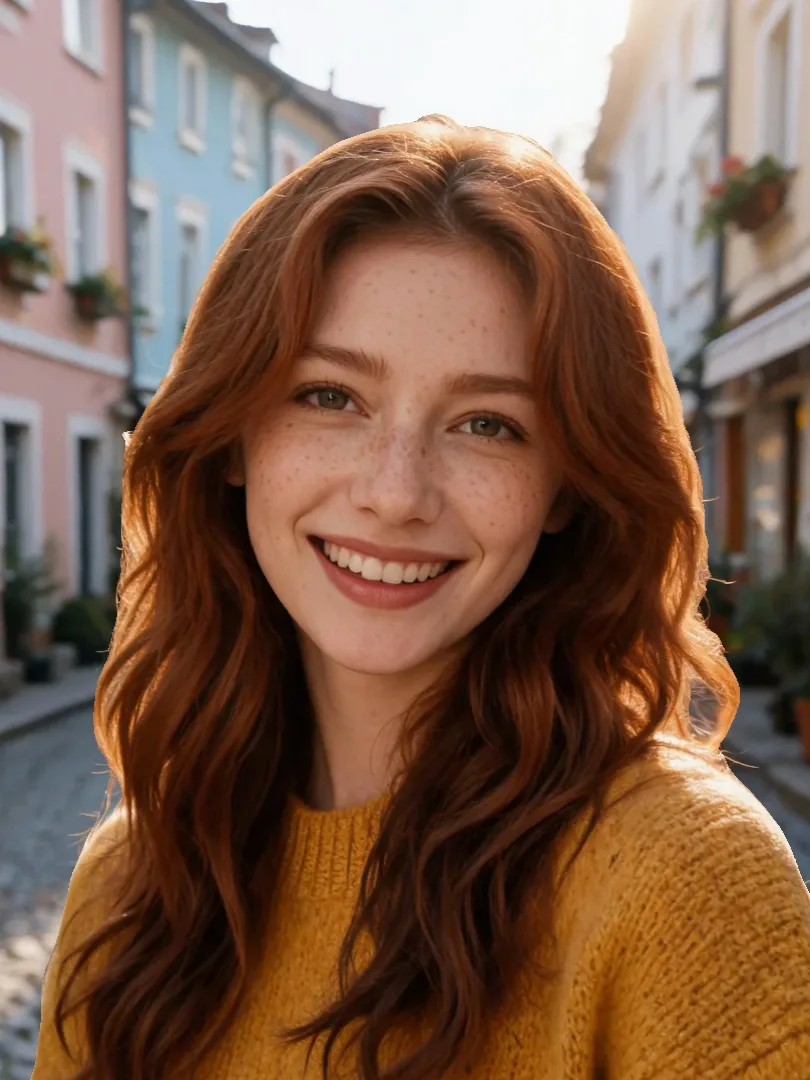
3D photo effect
A 3D photo effect, also called a parallax or 3D zoom photo, makes a flat picture look like it was filmed with a moving camera: the person in front drifts against the background, a pier stretches away as you glide in, and the street behind someone slides past. This tool works out how far away every part of your photo is with Depth Anything V2 Small, an open depth model that runs in your browser, then moves a virtual camera through that depth. Choose one of six camera moves, set the strength, which layer stays still, the length and the loop, and save it as an MP4, WebM or GIF. Your photo is not uploaded, there is no account and no watermark.
Questions
How do I make a 3D photo from a normal picture?
Upload the picture here and wait a few seconds while the depth is worked out. The preview starts moving straight away; pick a camera move such as Push in or Orbit, then download an MP4, WebM or GIF.
Is it really free, with no watermark?
Yes. The depth model and the animation run in your own browser, so there is nothing to pay for. There is no sign-up, no limit and no watermark on what you download.
Is my photo uploaded?
No. The photo stays on your device. The only download is the open depth model itself, about 27 MB the first time, which your browser then keeps in its cache. Sending the result to another PopNow tool is the only step that uploads anything.
What can't it do?
It moves the pixels that are already in your photo, so it can't show what was hidden behind the subject; when the camera moves a lot, the background next to the subject is stretched or mirrored to fill the gap. Glass, hair against a busy background and reflections can also confuse the depth model. For a real new camera angle, use an AI video model instead.
Which camera move looks most realistic?
Orbit and Float at 40 to 60 percent strength fool the eye best, because the camera only travels a little. Push in suits landscapes and leading lines, and Vertigo is a dramatic effect best kept short, around three or four seconds.
How do I keep the face from warping?
Move Keep still until the person's layer is the one that doesn't shift, usually toward the right of the slider for a close portrait. Then the face stays steady and only the scenery moves behind it.
Can I make a seamless looping GIF for a profile or a story?
Yes. Leave Playback on Seamless loop so the last frame flows back into the first, choose GIF, and download. A four-second loop is usually around four megabytes at 420 pixels wide.
Does it work on iPhone and Android?
It works in current Safari and Chrome on phones, but the first depth download and analysis take longer than on a laptop. If a phone runs out of memory, try a smaller photo or one of the samples, then export a 720p MP4.
Can it turn a photo into a real video with new motion?
No. This tool only moves the existing pixels to fake a camera move. To make people blink, smile or walk, use image to video, which generates new frames with an AI model and costs credits.
Go deeper
Before and after: what changes
You start with one flat picture and end with a short clip where the scene has layers: whoever stands closest to the lens drifts across the background, the far end of a pier or street opens up as the camera glides forward, and the frame never cuts or jumps.
- What moves
- Each pixel slides by an amount set by how close it is. Near things shift up to about five percent of the frame width at full 3D strength, the layer you choose with Keep still stays put, and distant mountains or sky barely move at all.
- What stays the same
- Colors, sharpness, faces and framing come straight from your original; nothing is redrawn by a generative model. The clip keeps the photo's own aspect ratio, so a vertical phone shot gives a vertical video.
- What to check before you save
- Switch the stage to Depth map. Bright areas are read as close, dark as far. If an arm or a lamppost has the wrong shade, that spot will bend oddly in motion, so pick a gentler move or lower 3D strength.
Pictures that turn into convincing 3D, and ones that fight back
Works well
- One clear subject with open space behind it: a portrait on a sidewalk, a cyclist on a country road, a dog on a beach, a bride under an archway.
- Lines that run into the distance, like jetties, train platforms, corridors, vineyard rows or a street lit by neon after rain.
- Sharp, well-lit phone or camera photos of 1,000 pixels or more on the long side; the depth estimate is cleaner when edges are crisp.
Avoid
- Flat scenes such as a document, a wall, a screenshot or a product shot on plain white; with no near and far there is nothing to separate.
- Fine detail against a busy backdrop, for example frizzy hair in front of leaves, a chain-link fence or glass; edges there can wobble.
- Group photos where people overlap tightly; when the camera swings, the gaps between heads are filled by stretching neighbors.
Step by step
- Bring in a picturePress Upload photo, drag a file onto the stage, paste it, or open one from your library. The portrait, lake pier and rainy street samples already have their depth worked out, so they move instantly.
- Let the depth load onceThe first time you add your own photo, the browser fetches the open depth model (about 27 MB) and reads the picture; on a laptop that takes a few seconds. Later photos reuse the cached model.
- Choose how the camera travelsPush in glides forward, Orbit circles gently, Sway pans left and right, Float rises and dips, Zoom breathes in and out, and Vertigo pushes in while widening the lens so the backdrop seems to rush away.
- Fine-tune the feelRaise or lower 3D strength, slide Keep still toward the subject, set Length between two and ten seconds, and decide on Seamless loop or Play once. Edges sets how the borders are hidden: Zoom to fill, Stretch or Mirror.
- ExportPick MP4 (720p or 1080p), WebM or GIF and press Download. MP4 is encoded faster than real time where the browser supports WebCodecs; WebM records in real time; GIFs are kept small for chats.
How the depth and the camera move work
- Depth Anything V2 Small
- An open monocular depth model released under the Apache-2.0 licence. It looks at one image and predicts relative distance for every pixel. It runs through Transformers.js and ONNX Runtime in a background worker in your tab.
- Parallax in WebGL
- For each pixel on screen, a shader steps through the depth layers from near to far and takes the first surface the virtual camera would hit. That keeps foreground objects in front of the background instead of smearing them together.
- Filling what the photo never showed
- A single photo has no pixels behind your subject. When the camera reveals that area, the nearest background is stretched, or mirrored if you choose Mirror. The depth map is widened slightly around the subject so its outline stays crisp.
- Private and offline after loading
- Decoding, depth, rendering and encoding all happen on your device. Nothing about the picture is sent anywhere unless you press Send to, which uploads the clip so another PopNow tool can open it.
Where to go next