Questions
How do I make product photos with AI?+
Upload a photo of the product, pick one to four scenes and press Make 4 photos. The background is removed first, then the product is placed in each scene. Four photos cost about 32 credits, and new accounts get 30 free credits.
Will my product or label change?+
The product is kept as it is: same shape, colour and printed text. For the most exact result choose Best. For a white main image, use the free Pure white export, which uses the cut-out pixels themselves.
How do I get a pure white background for marketplaces?+
After a run, open Export, choose Pure white and 2000×2000. The product is centred on RGB 255 white and fills about 85% of the frame, with or without a soft shadow. It is made in your browser and costs nothing.
Which sizes can I export?+
2000×2000 for marketplace main images, 1080×1350 for feed posts and 1080×1920 for stories and short-video covers.
What product photo works best?+
A sharp, evenly lit photo with the whole product in view and nothing covering it. The background can be anything: it is removed before the scene is made.

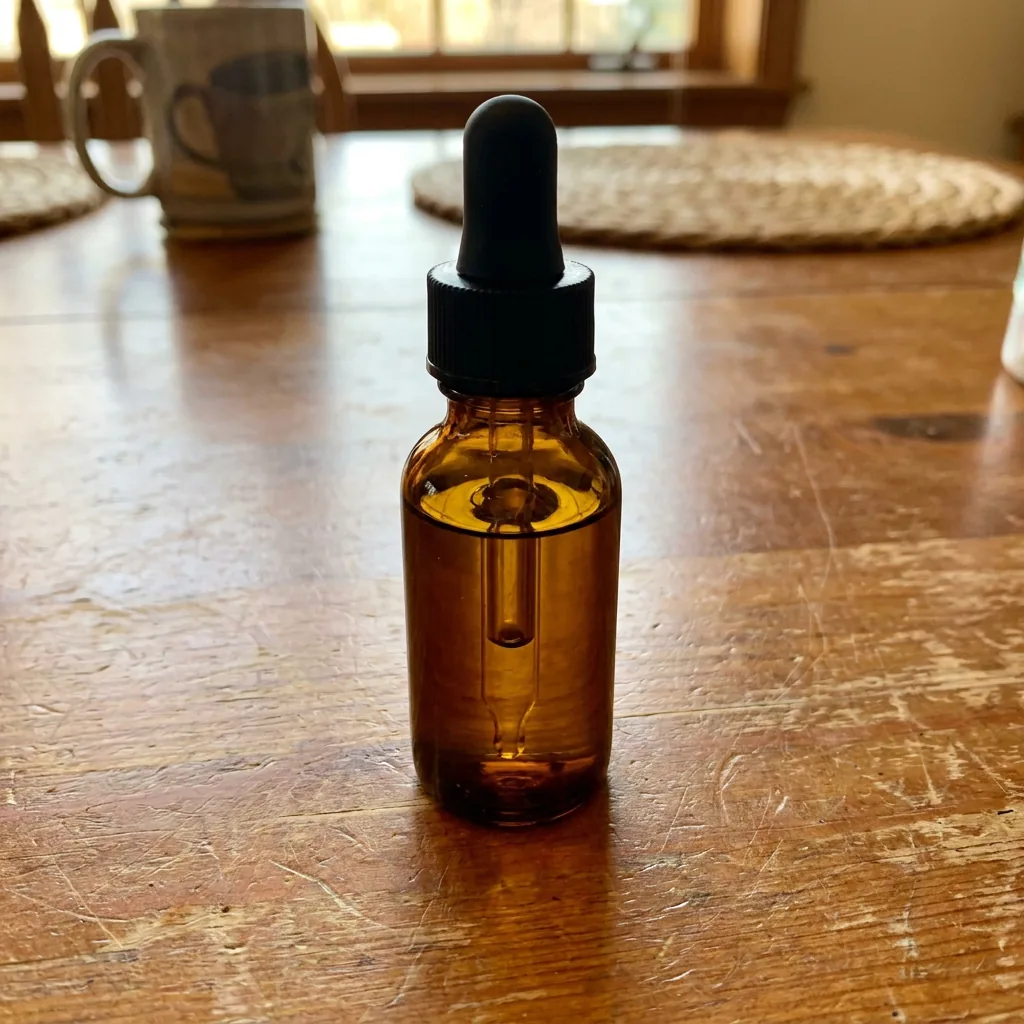 Example
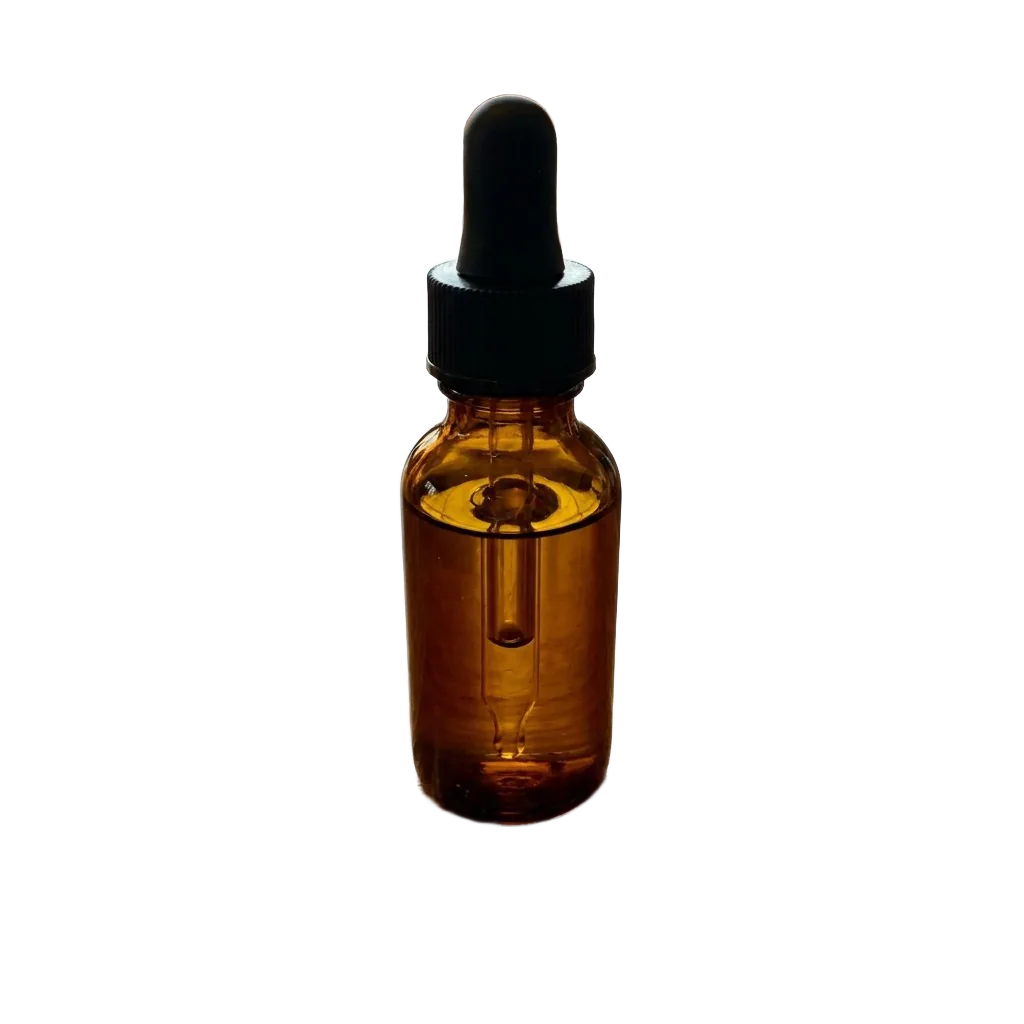 ✓ Cut out