ExampleSeedance 2.0 Mini
Example photo
Example photo

For brands and creators

AI UGC video generator for product ads

Turn one photo of a person holding your product into a selfie-style clip where they say your line out loud, with a natural voice and matching lips.

1Pick a look

2Your photo

Example photoA selfie-style photo of an adult holding the product works best.

3Quality

Usually ready in about 1 min · new accounts get 30 free credits

Why brands make UGC ads with AI

UGC ads work because they look like a real person talking to their phone, not like a commercial. The slow part is the footage: finding creators, shipping product, waiting for takes and paying again when a line doesn’t land.

Here you start from one photo of your creator with the product and type the sentence they should say. Seedance 2.0 animates the photo, speaks the line in a natural voice and moves the lips to match, so you can test five hooks in the time one reshoot takes. Use your own creator’s photo with their permission, or design an AI creator first in AI Influencer.

Real results made on PopNow

Each clip below came from one photo and one typed line. Turn the sound on: the voice and the lips are generated together.

The “Honest review” look on this page · Seedance 2.0 MiniPhoto it started from
Seedance 2.0 MiniThe “Honest review” look on this page
The “Unboxing” look on this page · Seedance 2.0 MiniPhoto it started from
Seedance 2.0 MiniThe “Unboxing” look on this page
The “Quick demo” look on this page · Seedance 2.0 MiniPhoto it started from
Seedance 2.0 MiniThe “Quick demo” look on this page

Real cases from this page

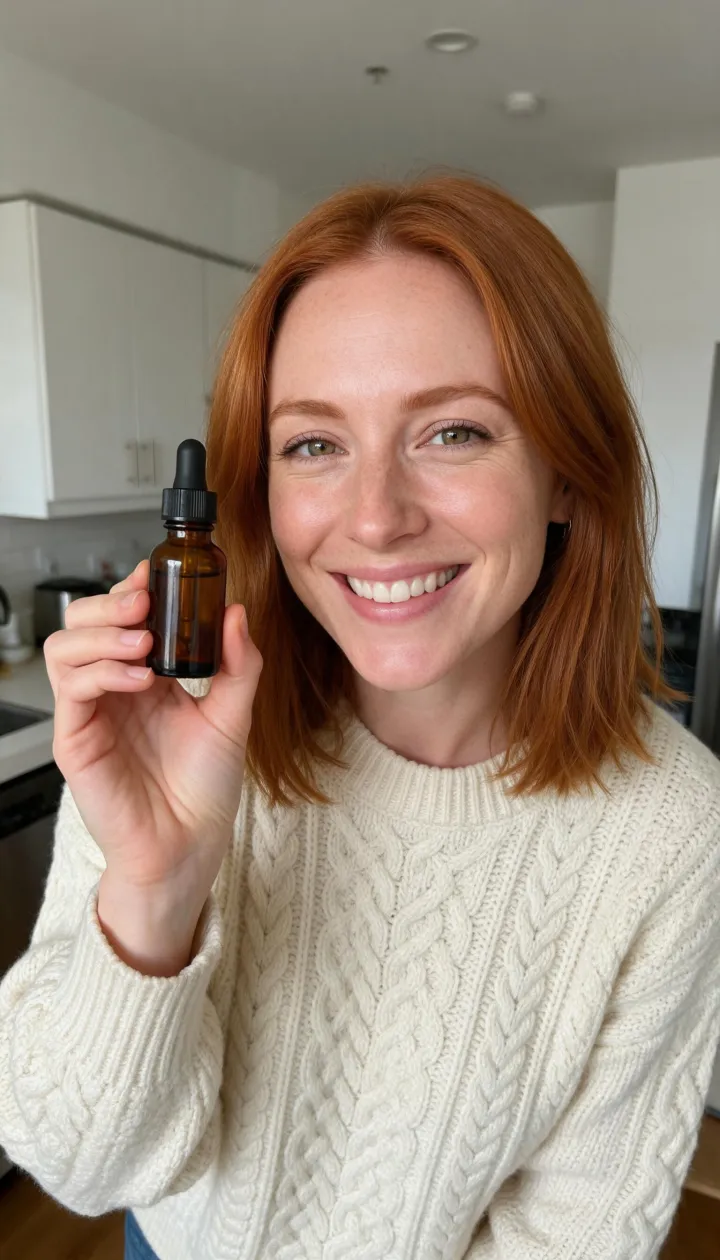
Serum review, one photo, one line

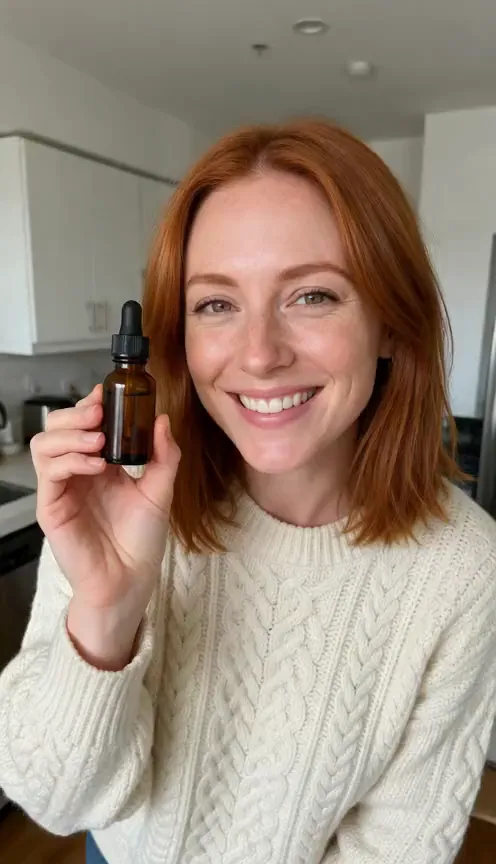
The starting photo is a red-haired woman in a cream cable-knit sweater holding a small amber dropper bottle up to the camera in her kitchen. We typed 'Two weeks in, and honestly? I'm not going back.' and ran Seedance 2.0 Mini at 480p for five seconds with sound. She lifts the bottle slightly, looks into the lens and says the line; when we transcribed the audio it matched the typed words exactly. The hand already holding the product near her face is what makes this work: the model only has to animate small movements, so the bottle keeps its shape.

Unboxing and demo with the same recipe

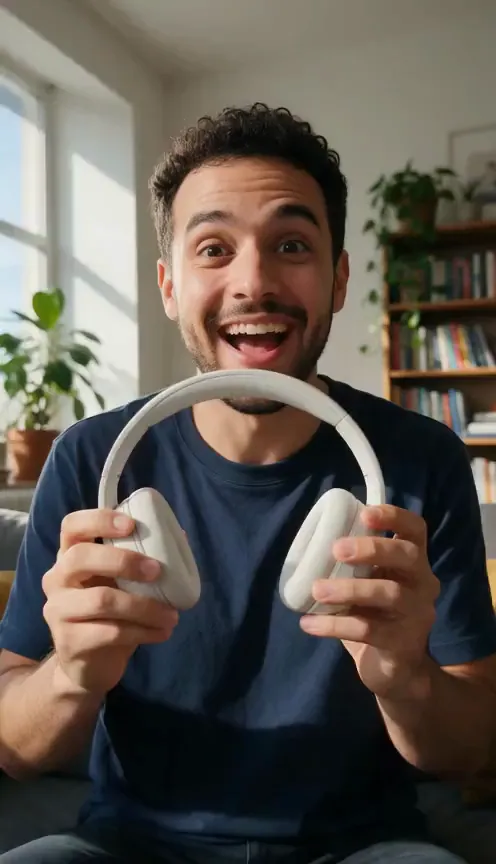
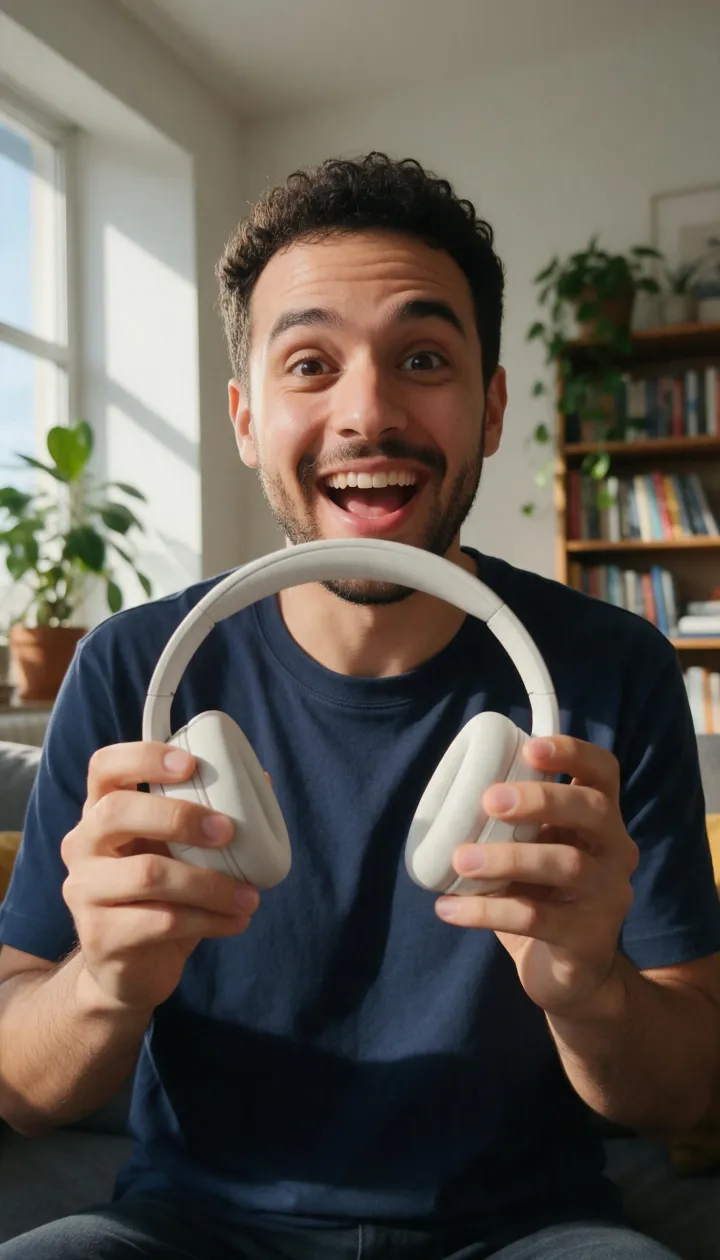
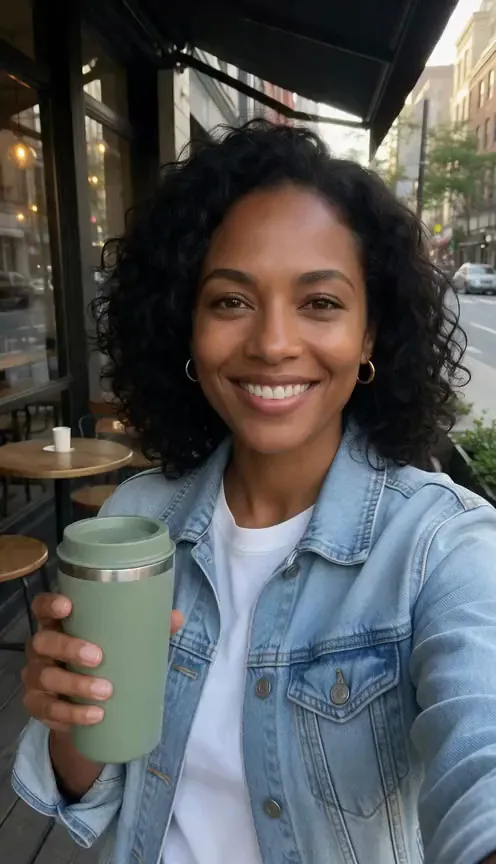
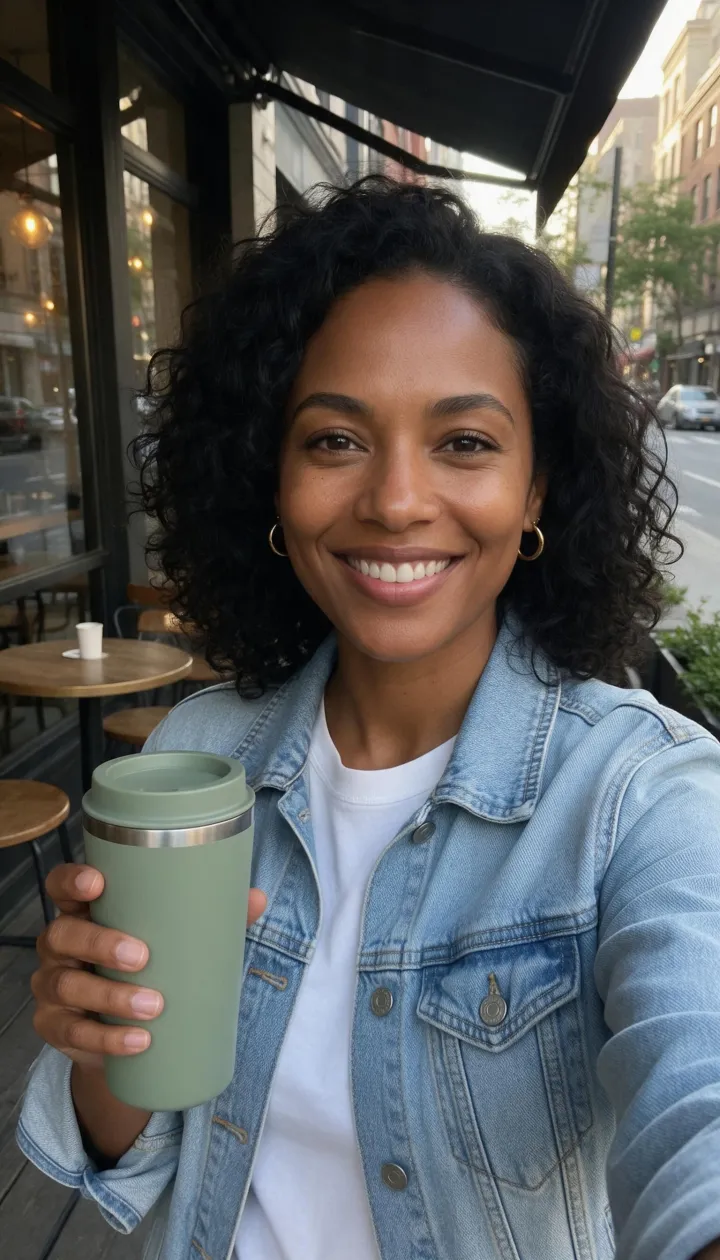
The unboxing preset starts from a creator holding headphones and the demo preset from a creator holding a tumbler. Same model, same length, different wording: the unboxing prompt asks for a delighted, surprised smile and one turn of the product, the demo prompt for pointing at it once. Swapping only the line and the gesture is how you get a set of ads that feel varied without reshooting anything.

How to make a UGC ad with AI

  1. Start from a photo

    Use a selfie-style shot of an adult holding your product at chest height, facing the camera in natural light. Or keep our example to see how it works.

  2. Write one line

    One short sentence per clip, about 10 to 12 words for five seconds. Lead with the hook: a result, a surprise or a question.

  3. Generate, then cut

    Each clip is five seconds with sound. Make three or four lines, keep the best takes and join them into a 15-second ad in the free video editor.

The full UGC ad workflow on PopNow

A finished UGC ad is more than one clip. This is the chain we use to go from a product and an idea to a 15-second vertical ad, using only PopNow tools.

  1. Get a creator photo

    Use a photo of a real creator who has agreed to appear in your ads. No creator yet? Design an original adult character in AI Influencer, then generate them holding something at chest height so the hand pose is ready for your product.

    AI Influencer
  2. Put your product in their hand

    If the photo shows a different item, describe the swap in one sentence, for example 'replace the bottle in her hand with this amber serum bottle', and add your packshot as a second picture so the label and shape match.

    Edit Image
  3. Generate three hooks

    Run the same photo with three different lines: a result, a surprise and a question. Each run is a five-second clip with voice, lip sync and room sound, so three runs give you options for the first second of the ad.

    UGC ads (this page)
  4. Cut the ad

    Drop the best takes into the free browser editor, trim the dead frames at the start, add burned-in captions (most people watch muted) and export at 9:16.

    Video Editor
  5. Need a longer script?

    For 20 to 60 seconds of talking, write the script in Text to Speech, pick a voice, and feed the audio plus the creator photo to Talking Avatar instead of stitching many short clips.

    Text to Speech

Which model to use for UGC ads

All three keep the face from your photo. Pick by how much the clip has to say and where it will run.

What it costs

≈ 57 credits

A 5-second clip with Seedance 2.0 Mini costs 19 credits. A 15-second ad cut from 3 clips comes to about 57 credits, or $0.57 at the base rate of $0.01 per credit.

Prices come from our live model catalog and show on the button before you generate. New accounts get 30 free credits, and failed runs refund automatically.

See credit packs

Before you post an AI UGC ad

  • Label it as AI-generated. Most ad platforms ask advertisers to disclose realistic AI people, so turn on the platform’s AI label or say it in the caption.
  • Endorsement rules still apply, such as the FTC’s in the US: the line has to match what the product really does, with no results you can’t back up.
  • Only use a real person’s photo with their permission, and never put words in their mouth they wouldn’t say themselves.
  • Short beats long: one idea per clip, the product in frame from the first second, the line said in under five seconds.

Questions people ask

Can AI make a UGC video from just a photo?

Yes. Pick a look, keep or replace the photo and type the line. The model animates the person, says the line in a natural voice and syncs the lips, all in one five-second clip with sound.

Whose voice does the clip use?

The model generates a voice that fits the person in the photo; it doesn’t clone anyone. If you need a specific voice, record it and use Talking Avatar with your own audio track instead.

How long can one UGC clip be?

Each clip here is five seconds, about 10 to 12 spoken words. For a 15 to 30 second ad, make several clips and join them in the free video editor, or use Talking Avatar with a longer voice track.

Can I use a real creator’s photo?

Yes, if they have agreed to their likeness being used in your ads. Don’t use photos of celebrities or of anyone who hasn’t agreed, and only feature adults.

How much does an AI UGC ad cost?

Every clip shows its price in credits on the button before you generate, and one clip with the default model costs less than the 30 free credits new accounts get. Failed runs refund automatically.

What makes a good hook line for an AI UGC ad?

Lead with the outcome or the surprise in the first three or four words, keep it under 12 words, and write it the way people talk, with contractions. 'It finally came, and it's even nicer in person' works; a feature list does not.

Can I make the same creator say different lines in different ads?

Yes. Keep the photo and change only the line. The face, outfit and room stay the same across runs, so you can A/B test hooks with a consistent creator. For a whole set of new photos of the same person, use Photo Sets.

Which aspect ratio should a UGC ad use?

Vertical 9:16 for TikTok, Reels and Shorts, which is what the selfie-style presets are written for. Start from a vertical photo; if you only have a square or horizontal one, widen it to 9:16 with Expand Image first.

Tools and pages that help

More ways to use PopNow