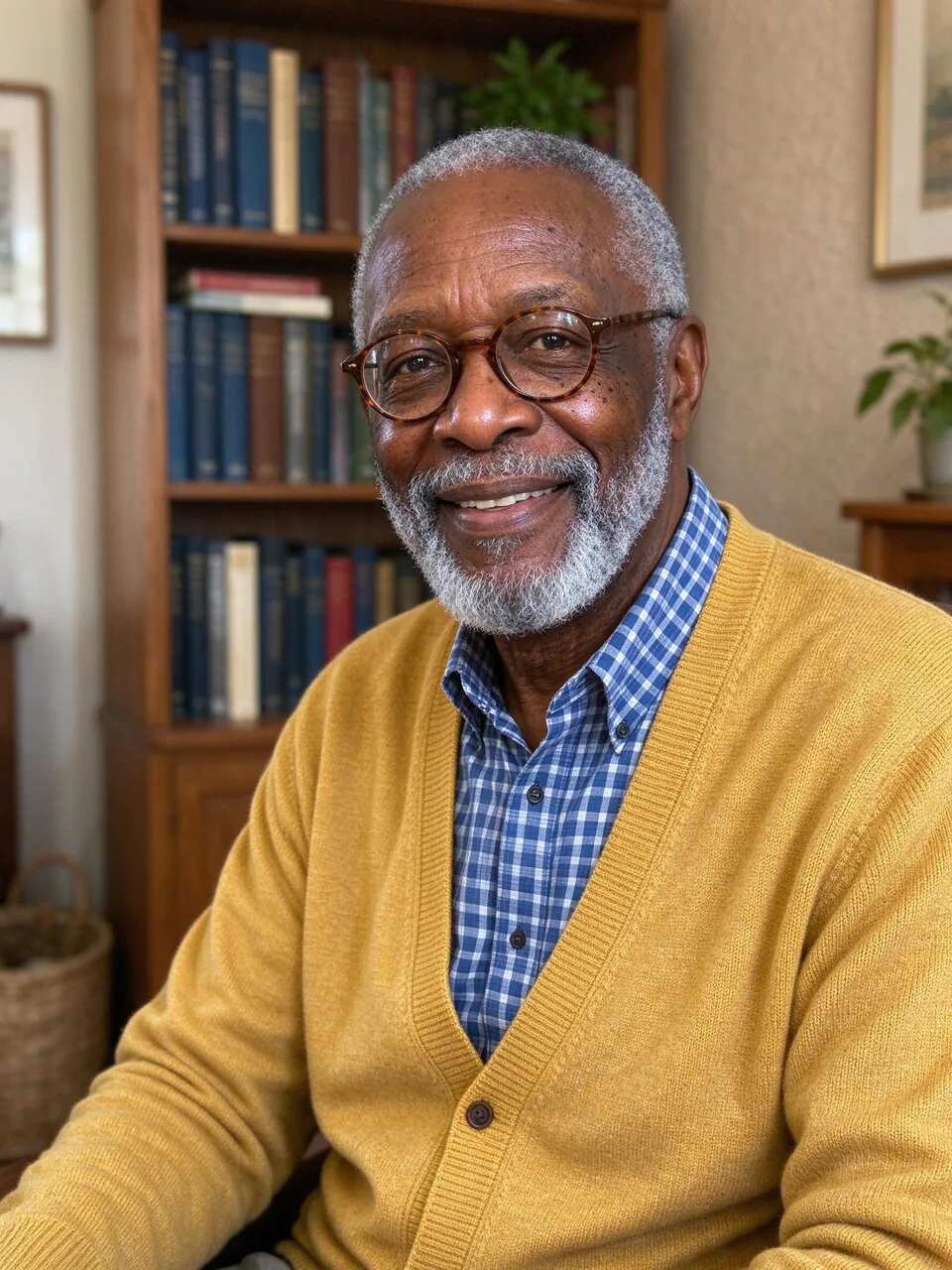
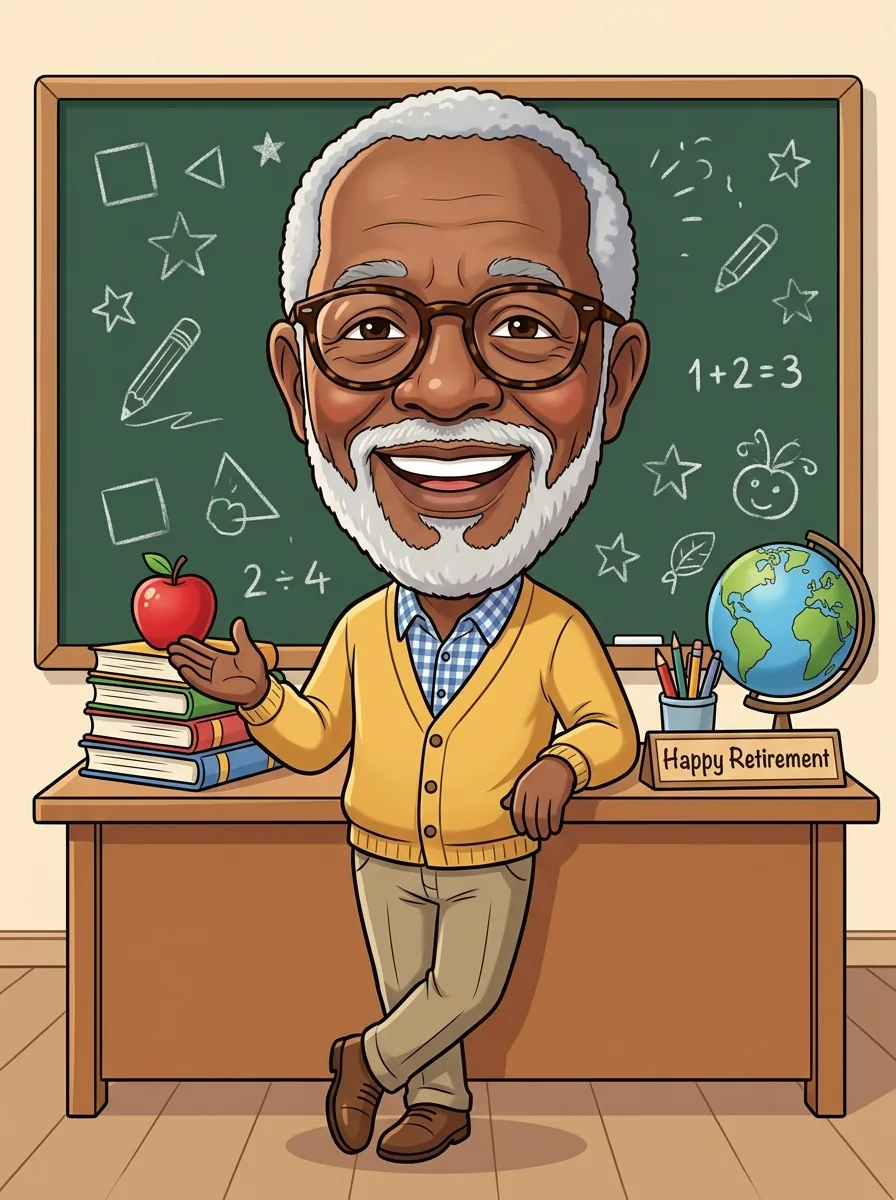
What is the ChatGPT caricature trend?
The ChatGPT caricature trend is a social media challenge where people ask an AI image tool to "create a caricature of me and my job based on everything you know about me". The result is a cheerful cartoon with an oversized head on a small body, dressed for work and surrounded by little props from their job and hobbies: a laptop and rubber duck for a developer, a stethoscope for a nurse, a dog at the feet of a dog lover. People post them as profile pictures, on team pages and in farewell cards.
PopNow does the same thing from one photo, without a chat history to rely on: you tell it your job and up to three hobbies, pick one of six styles, and it draws the caricature while keeping your face, skin tone, hair and glasses. One caricature costs 8 credits, and new accounts get 30 free credits, enough for 3 tries.
How to do the ChatGPT caricature trend on PopNow
- Upload one photoA clear photo of one person works best. A selfie or a head-and-shoulders shot is enough: the body is drawn for you.
- Pick your job and hobbiesChoose one of 12 jobs or type your own, then pick up to three hobbies or pets. These become the outfit and the props around you.
- Choose a style and how far to push itTrend cartoon is the look most people post. Exaggeration goes from Subtle to Bobblehead; the humor stays in the head size and the smile.
- Draw, compare, downloadPress the button (8 credits for one). Drag the slider to compare with your photo, then download, make it move or try another style.
Caricature prompts you can copy
These are the requests people use for the trend. In PopNow you do not need to paste them: the job, hobby and style buttons write the full prompt for you. If you want an extra touch, put a short phrase in the Add a detail box.
- The original trend prompt
Create a caricature of me and my job based on everything you know about me.
- With your job and hobbies spelled out
Draw me as a caricature with a big head and a small body. I am a primary school teacher who loves gardening and my golden retriever. Put my classroom and garden things around me.
- For a farewell or retirement card
A friendly caricature of me as a nurse on my last day, holding a small sign that says Thank You, colorful hospital props around me, warm and kind.
- For a team page
A caricature of me as a software developer at my desk with a laptop, headphones and a coffee mug, clean background, same style for the whole team.
Tip for team pages: keep the same style, background and exaggeration for everyone and the drawings will look like one set.
PopNow vs doing it in ChatGPT
ChatGPT is a chat assistant made by OpenAI; PopNow is a separate site and is not affiliated with OpenAI. Both can draw this kind of caricature. The differences are practical:
- You do not need a chat history. ChatGPT guesses your job from past conversations; here you tell it with a tap, so the props are right the first time.
- Your face is the input. The caricature is drawn from your photo, and the prompt locks your face shape, skin tone, hair and glasses.
- Six styles and three exaggeration levels as buttons, plus 2 or 4 versions at once, instead of rewriting the prompt each time.
- Two models to choose from: Nano Banana 2.1 by default, GPT Image 2 when you want clearer text on a sign.
- Pay per picture with credits (8 for one) instead of a monthly plan, and failed runs refund automatically.
Which photos work best
Good photos
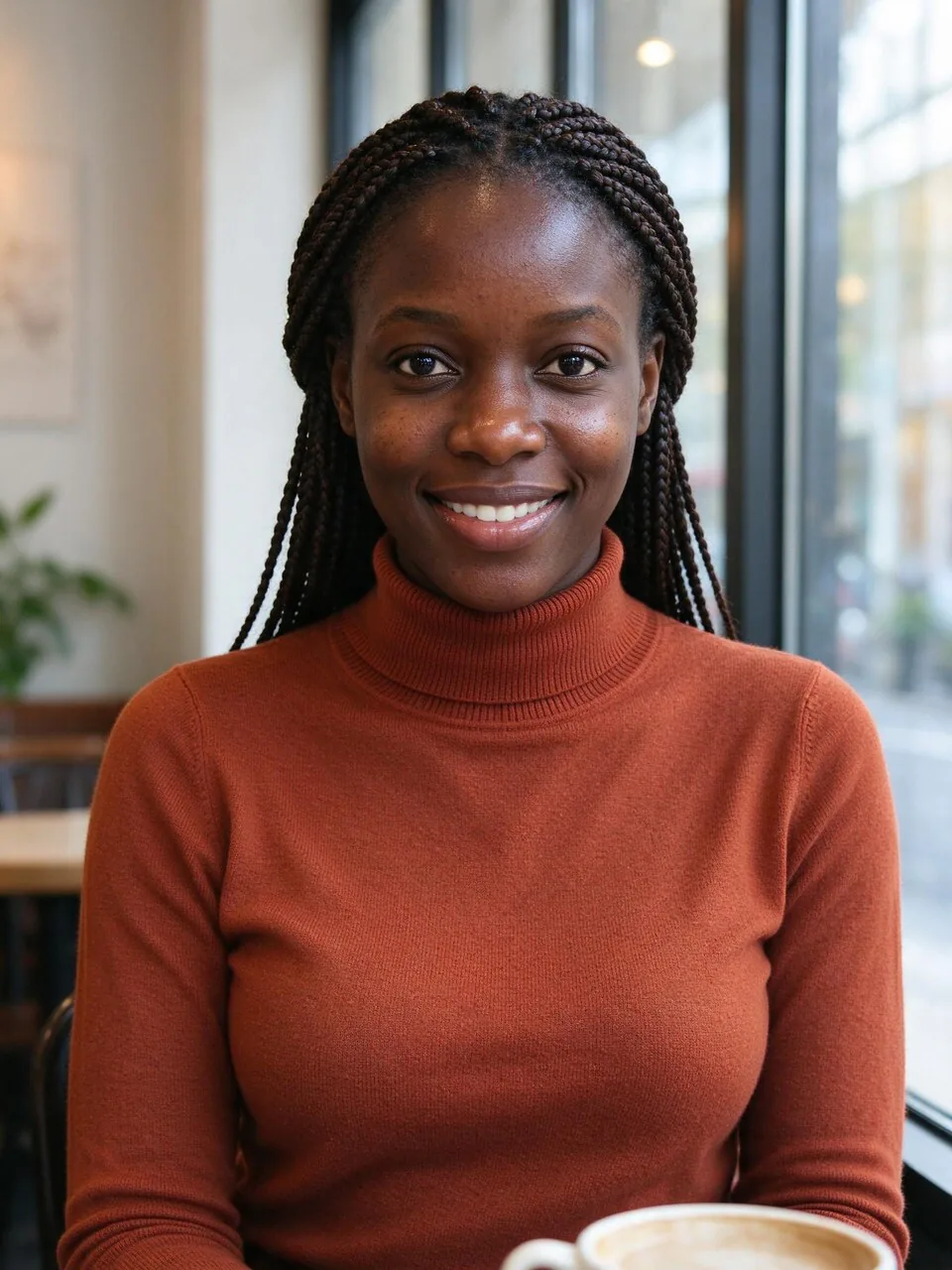
- One person, face clearly visible and well lit.
- A selfie or head-and-shoulders photo is enough; full-body photos also work.
- Glasses, beards, braids and hats are kept and drawn in.
- Side views work too: the tool turns the face toward the viewer.
Photos that work less well
- Group photos: the caricature may pick the wrong person.
- Faces hidden behind sunglasses, masks or hands.
- Very dark, blurry or heavily filtered photos.
- Photos of other people without their permission.
What people use it for
- Retirement, farewell and promotion cards, with a short message on a sign.
- Team and about-us pages: one style for the whole team.
- Profile pictures for social media, Slack or a gaming account.
- Birthday gifts: print it, frame it or put it on a mug.
- Wedding and party guest books, with the couple's jobs and hobbies.
How many credits it takes
- One caricature (Nano Banana 2.1)
- 8 credits
- One caricature, sharper
- 11 credits
- One caricature (GPT Image 2)
- 5 credits
- Four versions at once
- 32 credits
The button always shows the exact total before you start. New accounts get 30 free credits. If a run fails, the credits come back automatically.
Questions
How do I do the ChatGPT caricature trend from a photo?+
Upload one photo, pick your job and up to three hobbies, choose Trend cartoon and press Draw my caricature. You get a big-head cartoon of you with props from your work and hobbies, the same idea as the trend, in about half a minute.
Will the caricature make me look bad?+
No. The prompt asks for a kind, flattering drawing: the big head, a big smile and a lively pose carry the joke, and it is told never to exaggerate weight, skin color, wrinkles or any feature as a flaw. If a version is not to your taste, draw again or switch to Subtle.
Can I create a caricature of a friend or a coworker?+
Yes, if they agreed. Use a photo of someone who said yes, for example for a farewell card the whole team signed. Do not upload photos of strangers or public figures.
What if my job is not in the list?+
Type it in the box under the job presets, for example nurse, barista, lawyer or electrician. The outfit and the props follow what you type. The same works for hobbies and pets.
Can I add my name or a message?+
Yes. Type up to 24 characters in the sign box and it appears on a small desk sign; in the magazine style it becomes the magazine title. GPT Image 2 writes longer words more cleanly than the default model.
Is this the same as using ChatGPT?+
It is the same kind of picture, made on a different site. PopNow is not affiliated with OpenAI. You pick your job, hobbies and style with buttons instead of relying on chat history, and you pay per picture with credits.
How much does an AI caricature cost?+
One caricature costs 8 credits with the default model, 11 for the sharper version and 5 with GPT Image 2. New accounts get 30 free credits, and failed runs are refunded automatically.
Can I turn my caricature into a video?+
Yes. Under the result, use Send to and pick Image to video to make it wave, dance or talk, or send it to Photo styles to try it in another look.



 Example