


For online stores
AI product video generator for online stores
Turn one product photo into a short, scroll-stopping video for your product page, ads or socials: a slow 360° spin, a splash of liquid or a burst of ingredients.
1Pick a look
2Your photo
Example photoA clean product shot on a plain background works best. Phone photos are fine.3Quality
Usually ready in about 1 min · new accounts get 30 free credits
Why product videos help, and why AI makes them easy
Online, shoppers can’t pick the product up, so movement does that job for them: a turn shows the back and the sides, a splash shows the texture, a burst of ingredients says what’s inside. A few seconds of motion answers questions a still photo can’t.
A turntable shoot needs a rig, lights and someone to edit. Here one photo is enough: the model keeps your product’s shape, label and colour, and adds the motion and the light. Make the hero clip first, then the same product in two or three more looks for your ads.
Real results made on PopNow
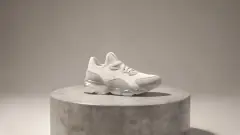
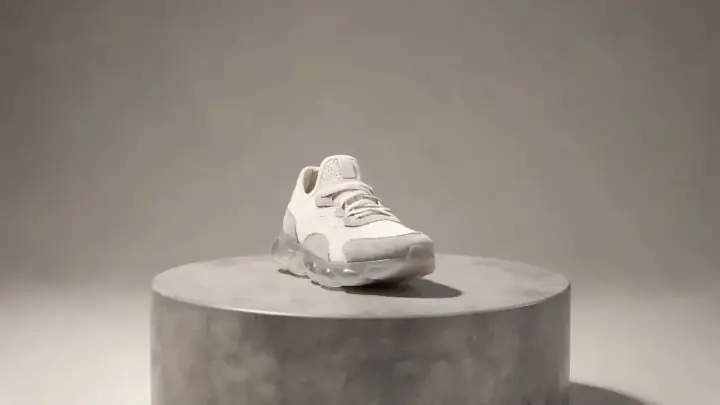
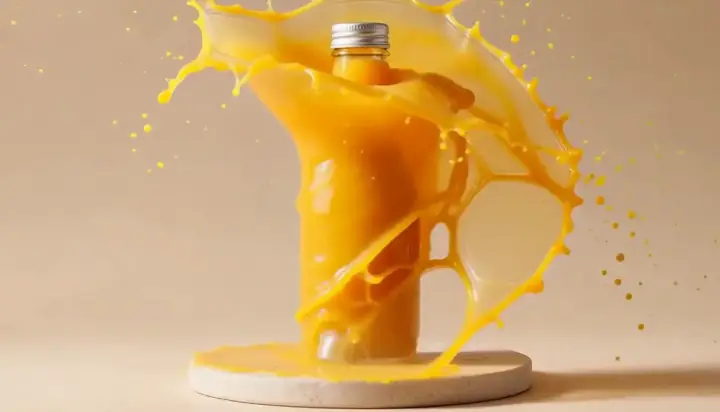
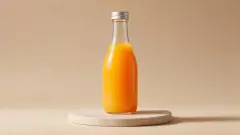
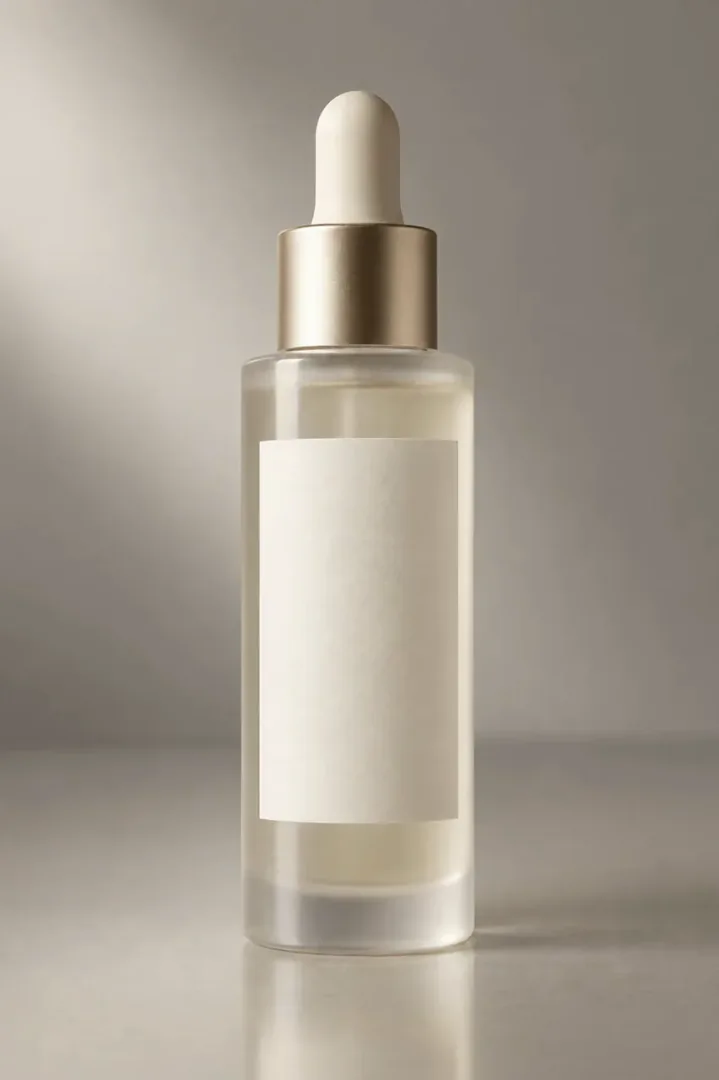
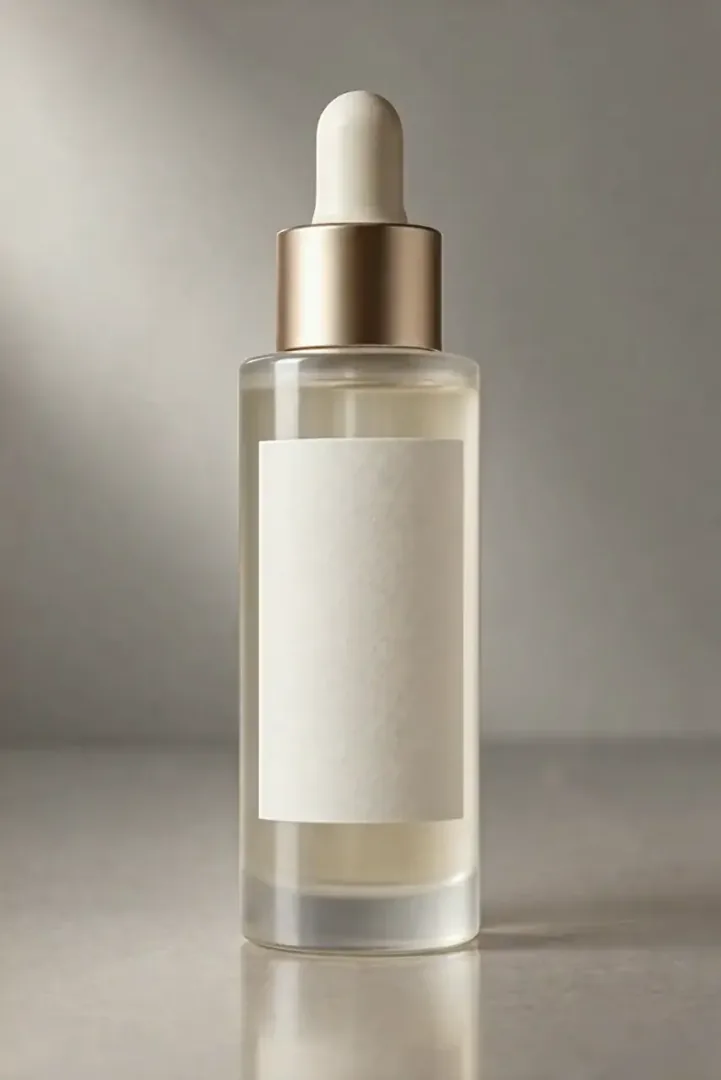
Real clips, each from one product photo. The first three are the looks on this page; the rest come from our prompt library.

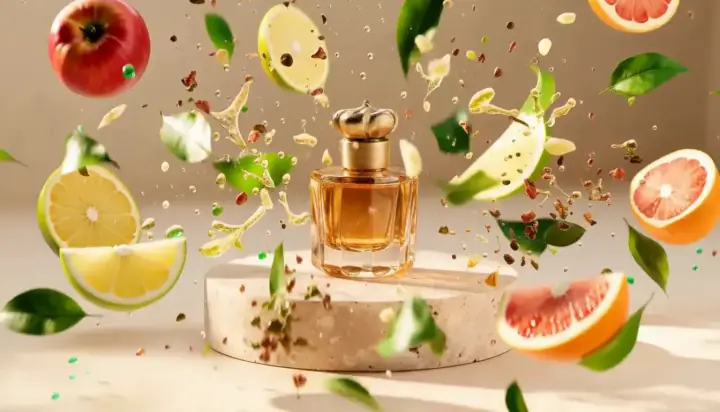

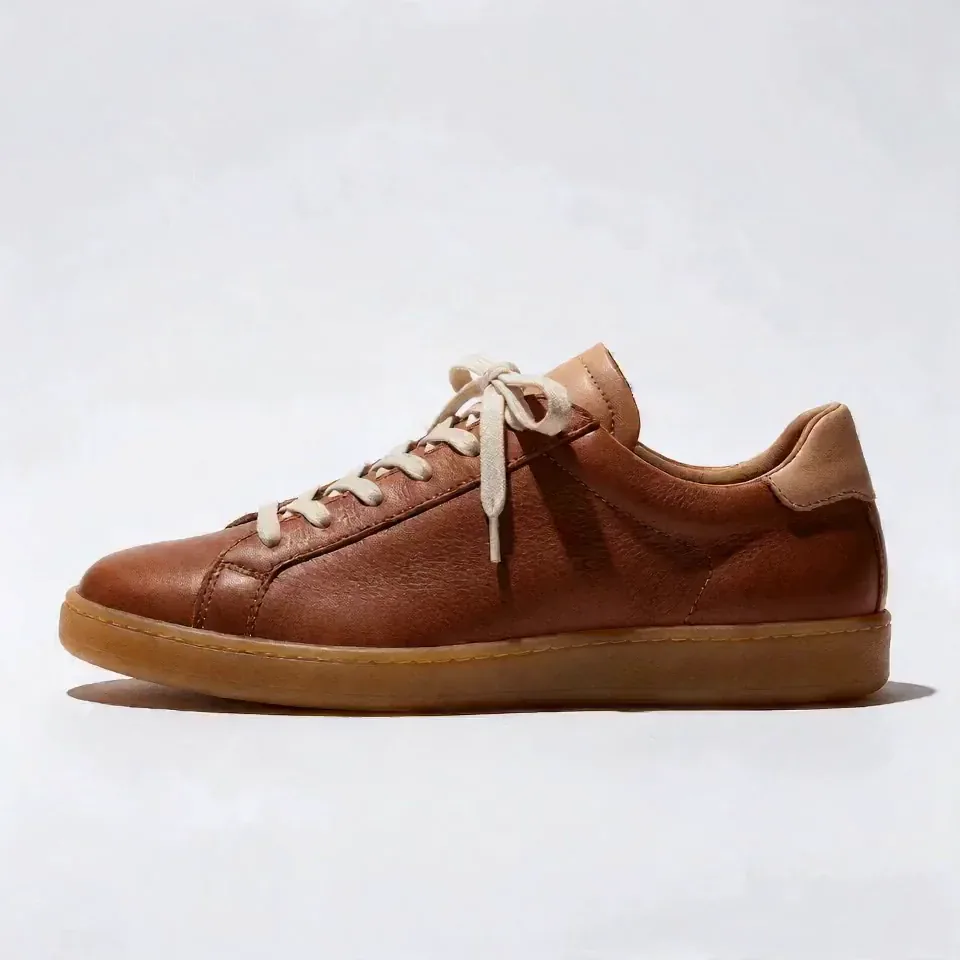

How to make a product video from a photo
- 1
Pick one good photo
Center the product, light it evenly and leave some space around it. If the background is busy, remove it first.
- 2
Choose the motion
A 360° spin for shape and details, a liquid splash for drinks and skincare, an ingredients burst for food and fragrance.
- 3
Generate and reuse
Each clip is five seconds. Use it on your product page, crop it vertical for Reels and TikTok, or extend it when you need more time.
Which model to use for product videos
The motion looks come from our effect library, so you can watch what each one makes before you spend a credit.
- MiniMax H3Made every look on this page. Steady camera, clean product edges, usually ready in about a minute.from 28 credits
- Wan 3.0Sharper output with crisp highlights on glass and metal. A good pick for the hero video on your product page.from 34 credits
- Seedance 2.0 FastCan take up to three photos of the same product, front, side and back, and turn them into one smooth spin.from 17 credits
What it costs
 ≈ 84 credits
A 5-second clip with MiniMax H3 costs 28 credits. A 15-second product reel made of 3 clips comes to about 84 credits, or $0.84 at the base rate of $0.01 per credit.
Prices come from our live model catalog and show on the button before you generate. New accounts get 30 free credits, and failed runs refund automatically.
See credit packsTips for product videos that sell
- Show the real product. AI adds the motion and the light, but the label, colour and shape should match what customers receive.
- Win the first second: the product should be in frame and in focus from the very first frame.
- Make one version per placement: square for marketplaces, vertical for Reels and TikTok, wide for your site.
- Start sharp. A blurry or tiny photo gives a blurry video, so upscale it first if you have to.
Questions people ask
Can I make a product video from a single photo?
Yes. Upload one clear photo, pick a motion and generate. The model keeps your product’s shape and label and adds the camera move and the lighting around it.
Will the AI change my product or its label?
It is told to keep the product exactly as it is, and most clips do. Small text can blur while it moves, so check the clip before you publish and try another take or model if a detail drifts.
What size and length are the videos?
Each clip is five seconds. The default model makes 768p, and Wan 3.0 or Kling 3.0 make 720p or more. The shape follows your photo, so shoot square or vertical if that’s where it will run.
Can I use these videos in ads and on marketplaces?
Yes, the videos you make are yours to use commercially under our terms. Check each marketplace’s rules for product media, and only show products you are allowed to sell.
How much does an AI product video cost?
Every clip shows its price in credits on the button before you generate, and one clip with the default model costs less than the 30 free credits new accounts get.
Tools and pages that help
- Remove BackgroundCut out the subject onto a clean, transparent background.
- Image to VideoBring a still photo to life as a short video clip.
- Expand ImageTurn a tight shot into a wider one, with scenery that fits.
- Upscale VideoSharpen a clip to 1080p, 2K or 4K and keep the sound.
- 360 TurntableYour product or pet spins a full circle on the spot.
- Clay to LifeTurn a grey 3D mock-up into a real photo or video.
- MiniMax H3Expressive clips with audio, up to 2K
More ways to use PopNow
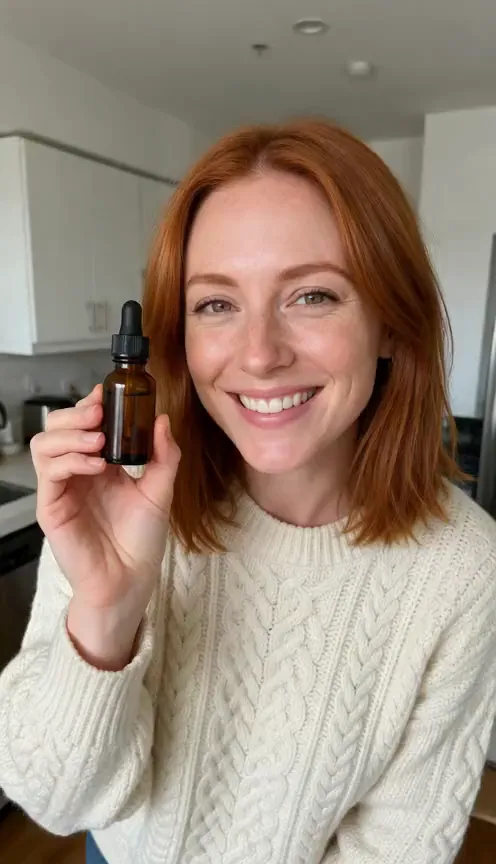 AI UGC adsTurn one photo of a person holding your product into a selfie-style clip where they say your line out loud, with a natural voice and matching lips.
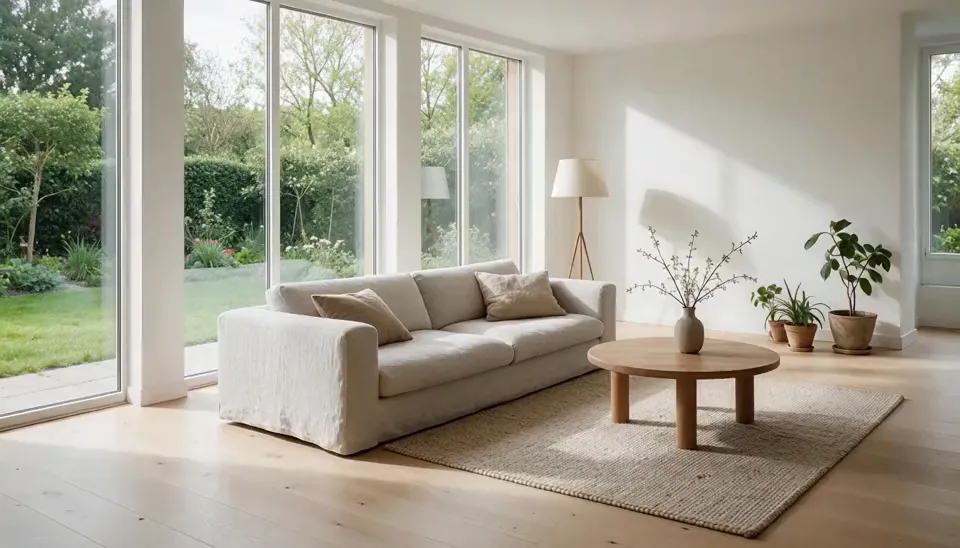 Real estate videosTurn the listing photos you already have into short videos: a slow walkthrough glide, a room going from day to dusk, or an empty room that furnishes itself.
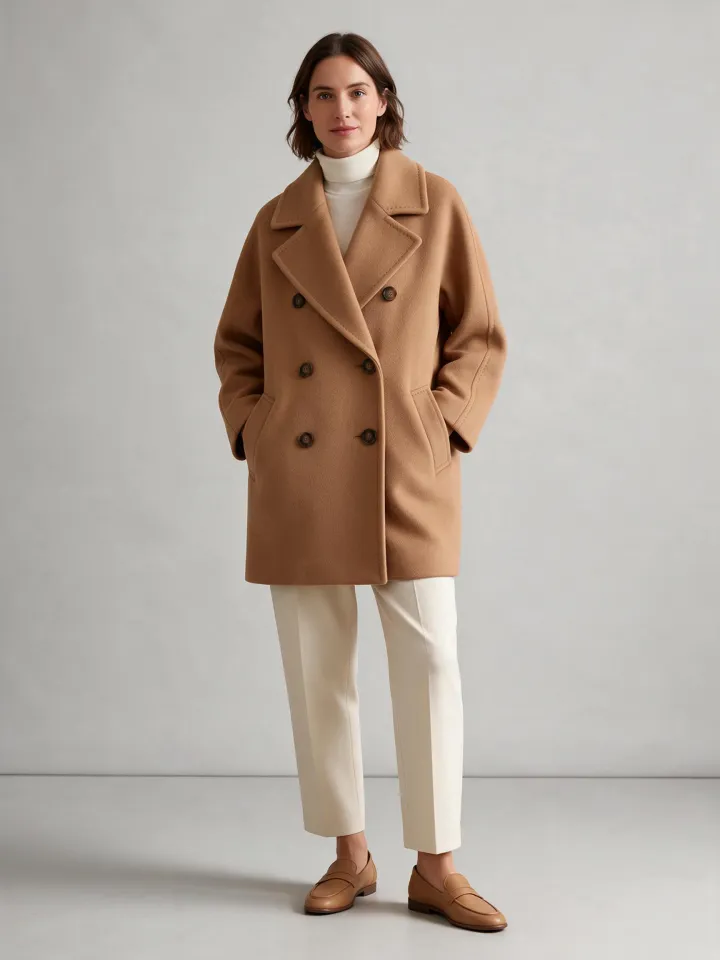 AI fashion lookbooksShow a garment on an AI model from a single flat-lay photo, move an outfit to a street or a studio, or make the look turn and walk in a short clip.
 AI architecture rendersTurn a white massing model or a grey viewport screenshot into a photorealistic render in daylight, golden hour or blue hour, then make a short flythrough clip.