


AI skills
A little direction. A lot you can make.
Pick what you want to make. Poppie helps you plan the steps, then you choose what to create.
Find a skill
6 of 52 skills

Dialogue coverage
Give a conversation clear eyelines, reactions and edit points.
- Bring
- An idea or text
- Work toward
- Plan only
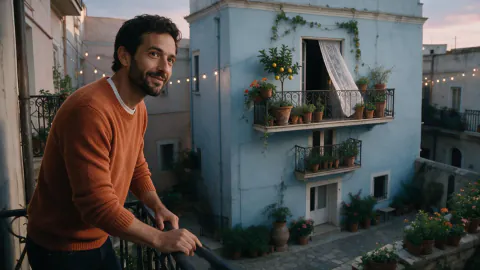
Cinematic still
Turn a photo or idea into a film-like frame.
- Bring
- Photos · An idea or text
- Work toward
- Images
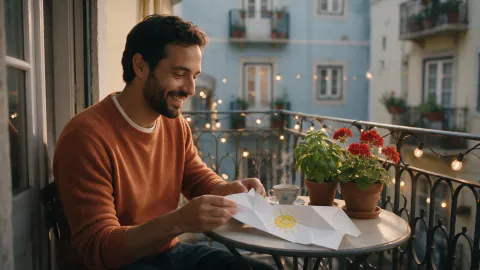
Hooks and script
Three timed voice-over scripts built from your own facts.
- Bring
- An idea or text
- Work toward
- Plan only

Product in scenes
Your real product placed in four believable scenes.
- Bring
- Photos
- Work toward
- Images
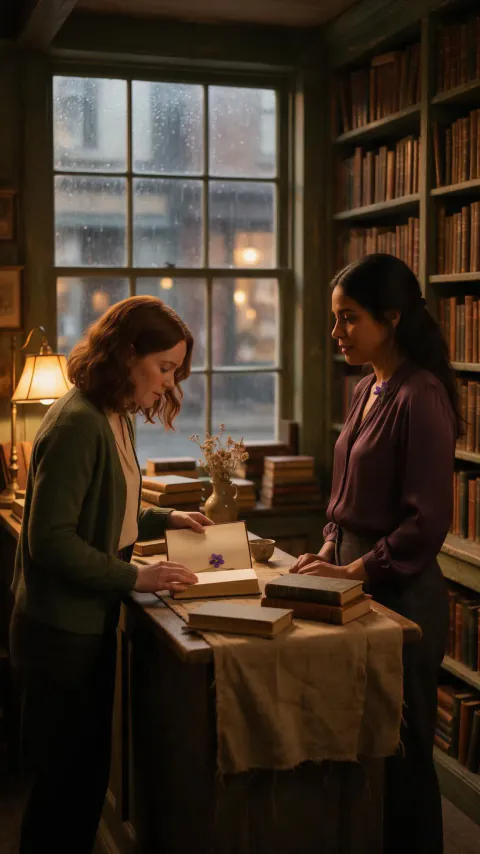
Lighting continuity
Plan consistent light and purposeful changes across shots.
- Bring
- An idea or text · Photos · Video clips
- Work toward
- Plan only
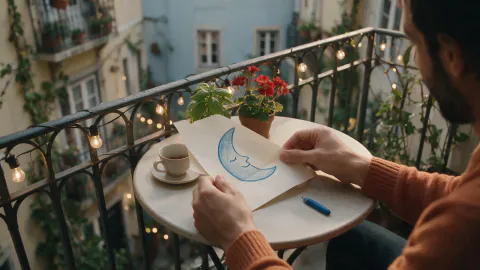
Moodboard to keyframes
A style guide from your board, then matching frames.
- Bring
- Photos
- Work toward
- Images
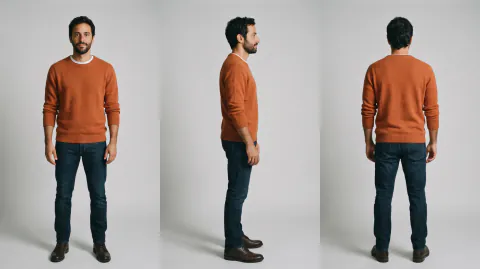
Character turnaround
Front, side and back views plus expressions of one character.
- Bring
- Photos · An idea or text
- Work toward
- Images
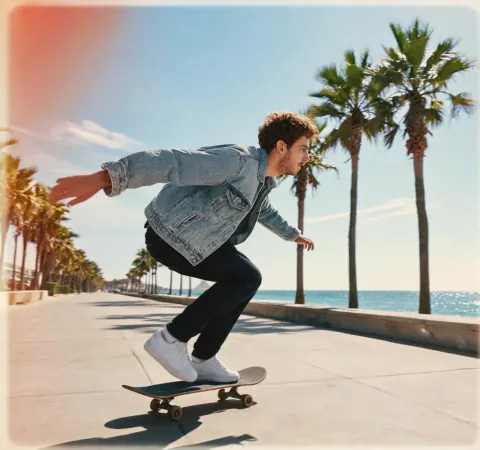
Style transfer
Same picture, new art style, layout kept.
- Bring
- Photos
- Work toward
- Images

Lifestyle scene set
A matching set of mood images, no product needed.
- Bring
- An idea or text
- Work toward
- Images
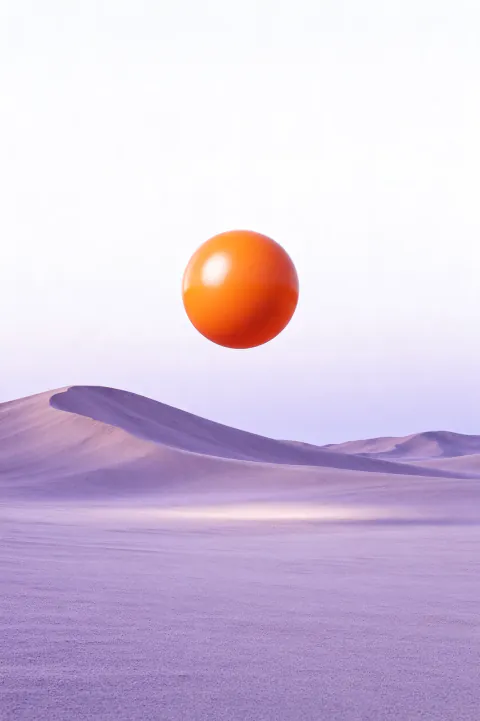
Poster with text
Posters and covers with correctly spelled text.
- Bring
- An idea or text
- Work toward
- Images
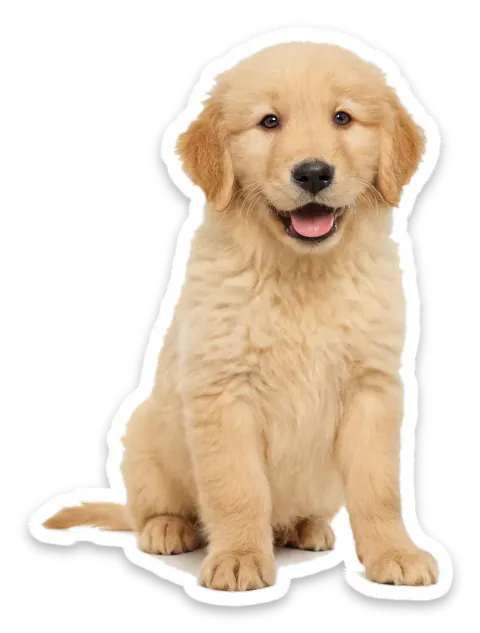
Sticker pack
Cut-out stickers of a character or pet.
- Bring
- Photos · An idea or text
- Work toward
- Images
Final polish
Plan the image cleanup and enlargement. Use the separate retouching tools for edits and Upscale to enlarge it; this skill only writes the plan.
- Bring
- Photos
- Work toward
- Plan only
Video breakdown
Shot-by-shot read of a reference video's rhythm.
- Bring
- Video clips
- Work toward
- Plan only
Remake with my assets
A reference video's format, rebuilt with your content.
- Bring
- Video clips · Photos
- Work toward
- Video
Camera move replica
The same camera motion on your own image.
- Bring
- Photos · Video clips
- Work toward
- Video
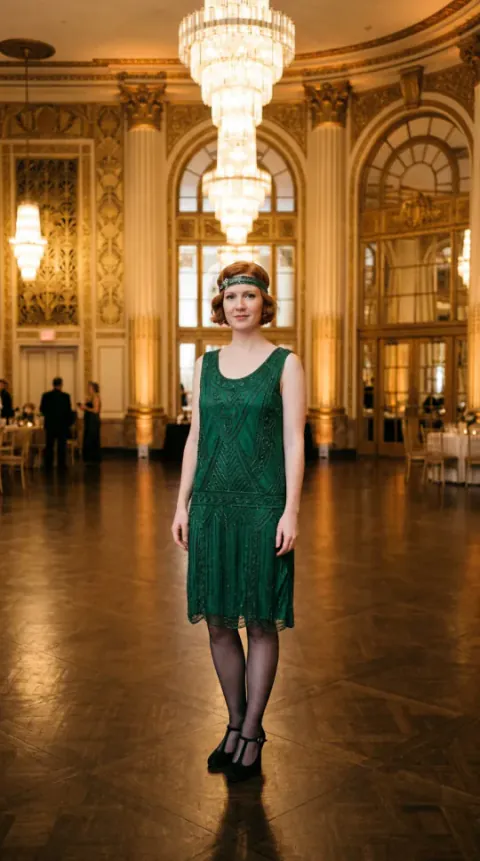
Motion transfer
Plan the character’s movement and reference setup. Use Motion control separately to generate the clip; this skill does not transfer motion itself.
- Bring
- Photos · Video clips
- Work toward
- Plan only
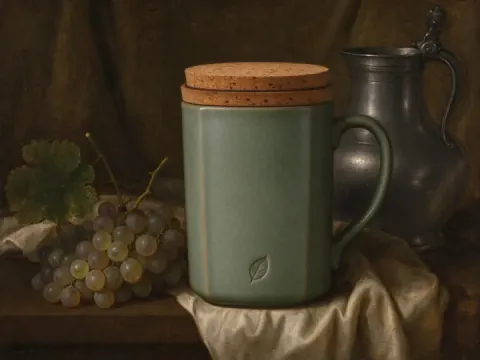
Image recipe remix
Get the prompt behind a look and reuse it.
- Bring
- Photos
- Work toward
- Images

UGC-style ad
Plan an ad’s hook, script and shots. To produce the ad, continue in Ads; this skill does not run that production flow.
- Bring
- Photos · An idea or text
- Work toward
- Plan only
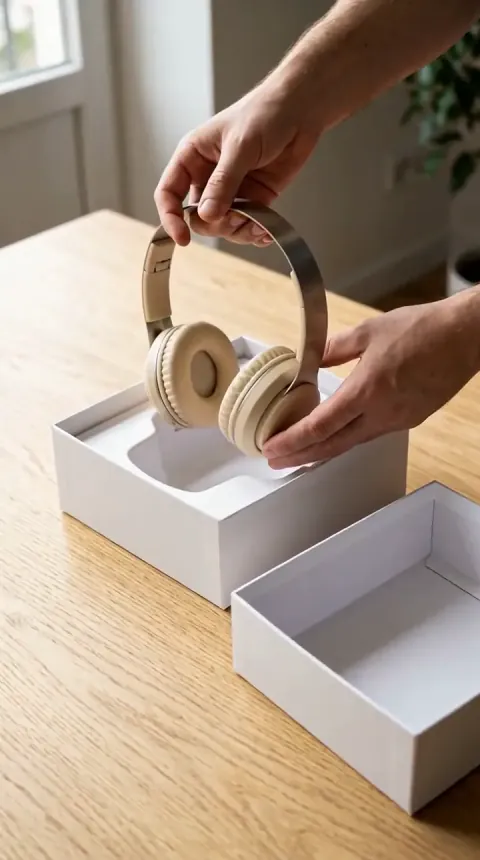
Unboxing video
Box, reveal and details in a short sequence.
- Bring
- Photos
- Work toward
- Video

Before & after
Plan ad layouts and image sizes. Adapt the sizes in a separate tool; this skill does not generate or resize images directly.
- Bring
- Photos
- Work toward
- Plan only
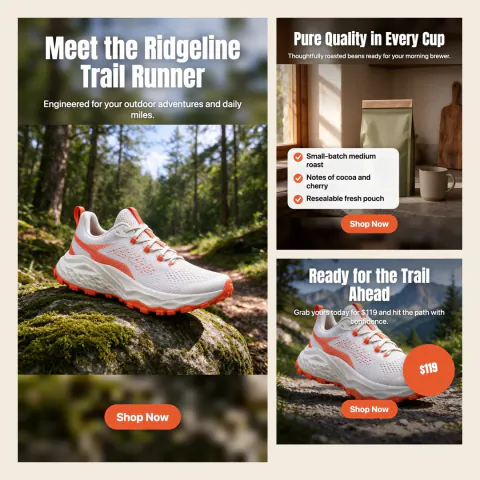
Multi-size ad set
Plan ad layouts and image sizes. Adapt the sizes in a separate tool; this skill does not generate or resize images directly.
- Bring
- Photos
- Work toward
- Plan only
Product 360 spin
A turntable clip from one product photo.
- Bring
- Photos
- Work toward
- Video

Ad hook variants
Several openings to test on the same ad.
- Bring
- Video clips · An idea or text
- Work toward
- Video
Make it funny
Tightens a joke, meme or caption until it lands.
- Bring
- An idea or text
- Work toward
- Images · Video
Name finder
Names for brands, products, characters and titles.
- Bring
- An idea or text
- Work toward
- Plan only
Release copy
Captions, taglines and a blurb for posting your work.
- Bring
- Video clips · An idea or text
- Work toward
- Plan only

Ecommerce image set
Main image, gallery and page modules from one product photo.
- Bring
- Photos · An idea or text
- Work toward
- Images

Product photoshoot
A small shoot in one look, picked by what the photos are for.
- Bring
- Photos
- Work toward
- Images

Ad creative pack
Plan ad layouts and image sizes. Adapt the sizes in a separate tool; this skill does not generate or resize images directly.
- Bring
- Photos · An idea or text
- Work toward
- Plan only

Social carousel
Plan ad layouts and image sizes. Adapt the sizes in a separate tool; this skill does not generate or resize images directly.
- Bring
- Photos · An idea or text
- Work toward
- Plan only

Seasonal restyle
Same product, new season or style around it.
- Bring
- Photos
- Work toward
- Images

Listing image check
Checks background, fill, stray text and sizes before you publish.
- Bring
- Photos
- Work toward
- Plan only
Which ad should I make?
Picks the right ad format for your goal and opens it.
- Bring
- Photos · An idea or text
- Work toward
- Plan only

Voice-over product video
Plan an ad’s hook, script and shots. To produce the ad, continue in Ads; this skill does not run that production flow.
- Bring
- Photos · An idea or text
- Work toward
- Plan only

How-to-use video
Plan an ad’s hook, script and shots. To produce the ad, continue in Ads; this skill does not run that production flow.
- Bring
- Photos · An idea or text
- Work toward
- Plan only
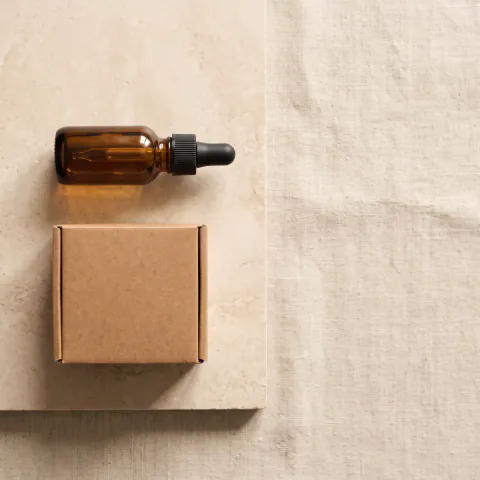
Product card
Describe a product once and reuse it in every shop tool.
- Bring
- Photos
- Work toward
- Plan only
Explore, then commit
Four cheap drafts first, polish only the winner.
- Bring
- An idea or text
- Work toward
- Images
Batch restyle
Give every selected image the same look.
- Bring
- Photos
- Work toward
- Images
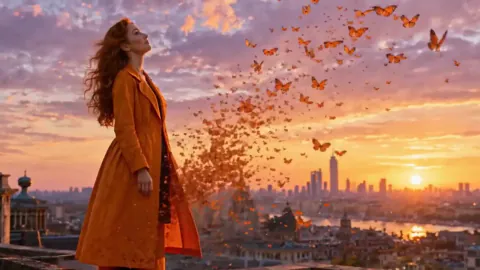
Stills to sequence
Animate a row of stills into connected clips.
- Bring
- Photos
- Work toward
- Video
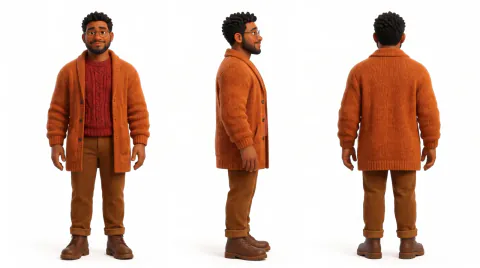
Asset pack builder
Reusable characters, plates and props for a project.
- Bring
- An idea or text · Photos
- Work toward
- Images
Brainstorm
Grows one idea into truly different directions, sketched.
- Bring
- An idea or text
- Work toward
- Images
Canvas workflow
Edits the board safely: reads cards by id and runs only what’s needed.
- Bring
- Photos · Video clips · An idea or text
- Work toward
- Images · Video
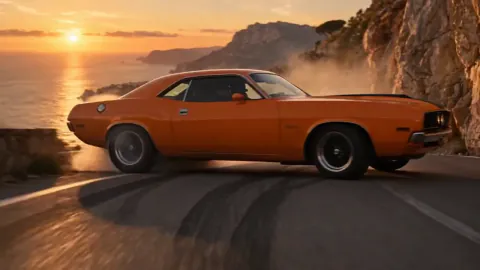
Trailer cut
A 30–60 second trailer from your film's shots.
- Bring
- Video clips · An idea or text
- Work toward
- Video
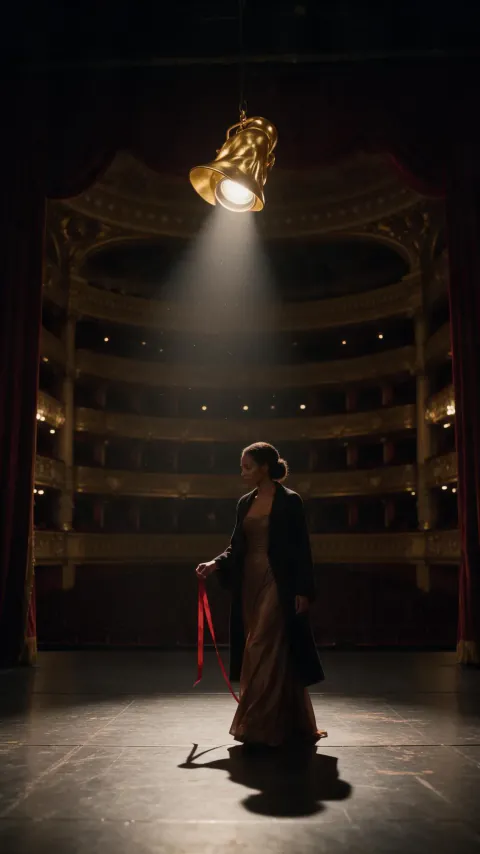
Music video on the beat
Bring lyrics, tempo and section timings in text. Plan visuals and make clips in Canvas; this skill does not listen to a song or sync a finished edit to its beat.
- Bring
- An idea or text
- Work toward
- Video
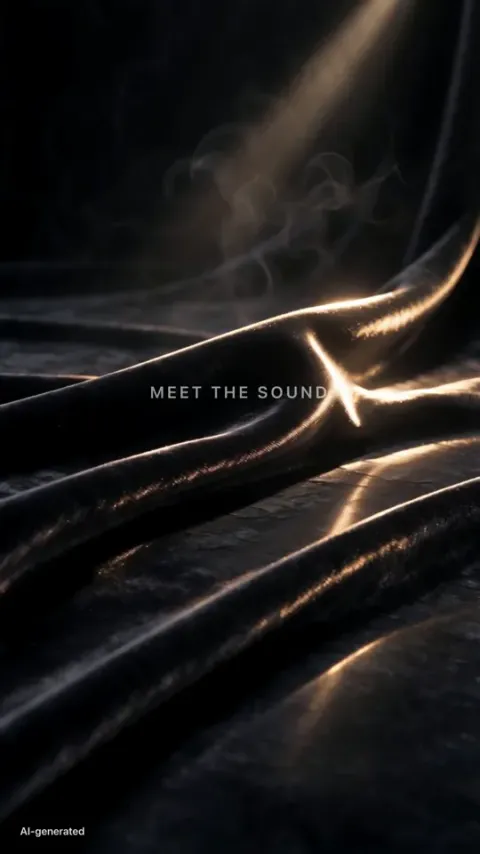
Title sequence
Opening titles or end credits with motion.
- Bring
- An idea or text
- Work toward
- Video
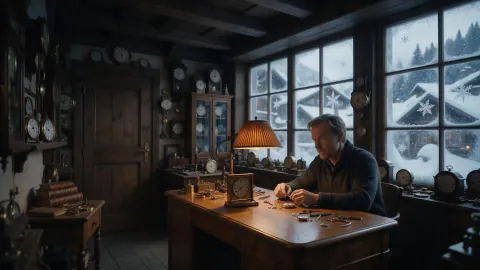
Scene soundscape
Write a music or voice-over plan from your text. Create the audio separately in Audio; this skill does not listen to recordings or generate sound.
- Bring
- An idea or text
- Work toward
- Plan only
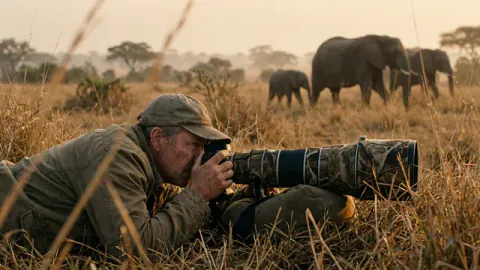
Narration pass
Write a music or voice-over plan from your text. Create the audio separately in Audio; this skill does not listen to recordings or generate sound.
- Bring
- An idea or text
- Work toward
- Plan only
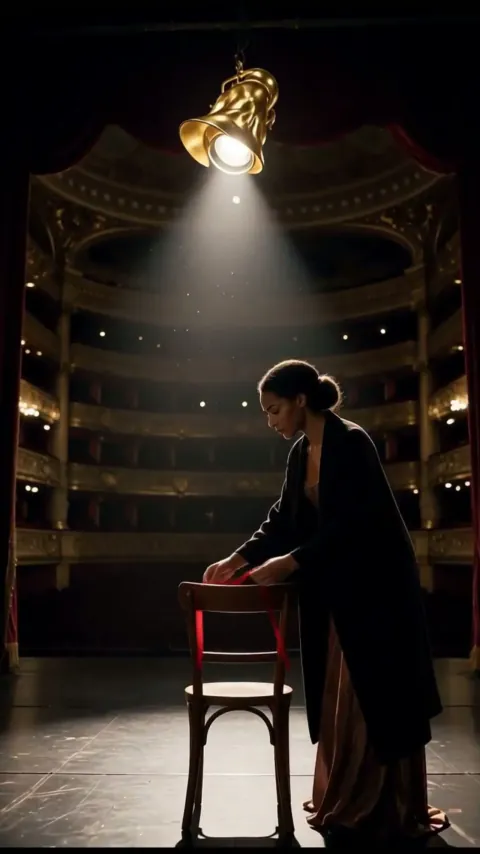
Lyric doctor
Write a music or voice-over plan from your text. Create the audio separately in Audio; this skill does not listen to recordings or generate sound.
- Bring
- An idea or text
- Work toward
- Plan only
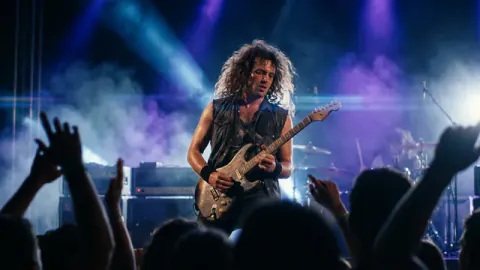
Sound description
Write a music or voice-over plan from your text. Create the audio separately in Audio; this skill does not listen to recordings or generate sound.
- Bring
- An idea or text
- Work toward
- Plan only
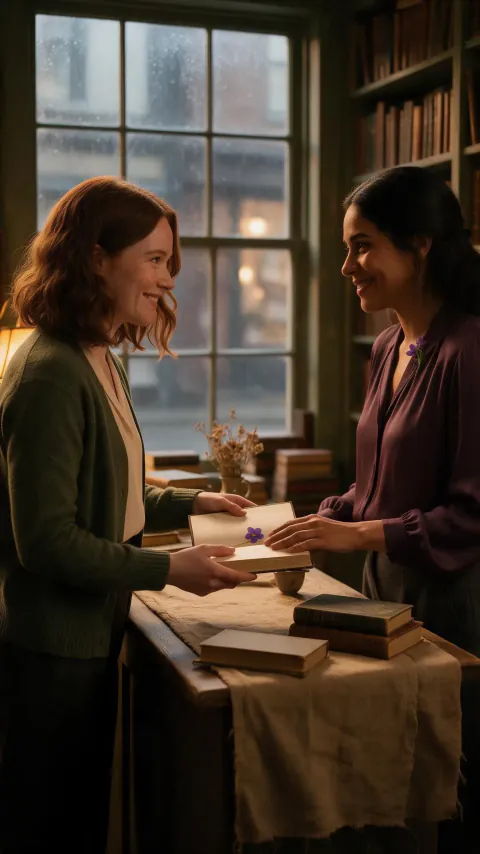
Document to narrated video
Write a music or voice-over plan from your text. Create the audio separately in Audio; this skill does not listen to recordings or generate sound.
- Bring
- An idea or text
- Work toward
- Plan only
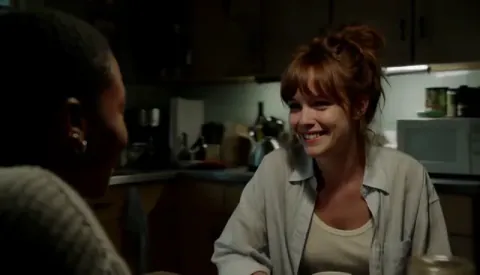
Written to spoken
Write a music or voice-over plan from your text. Create the audio separately in Audio; this skill does not listen to recordings or generate sound.
- Bring
- An idea or text
- Work toward
- Plan only
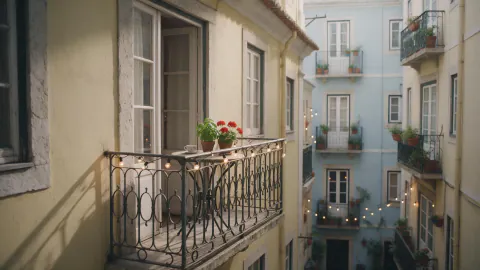
Location continuity
Keep one believable space across camera angles.
- Bring
- An idea or text · Photos
- Work toward
- Plan only
Choosing a skill does not start a paid generation. Messages and analysis follow your account limits; image, video and audio steps show their price before you confirm.
Images are creative references that illustrate a scenario, not actual results from every skill.
A skill is a reusable creative method, not another tool to learn.
From an idea to your next step
Choose a result
Find a method for the thing you want to make.
Add your material
Bring the text or references shown on the card. Poppie helps fill in the gaps.
Review, then create
Keep the plan, change it, or confirm the next media step when you are ready.
A few things to know
- Do I need Canvas to use a skill?
- No. Writing and planning skills can start in Poppie without a Canvas project. Skills that arrange several images or clips ask you to choose a Canvas project. Ads and Filmmaker are separate workspaces you can open yourself; choosing a skill here does not transfer a project to them.
- Will clicking a skill spend my credits?
- Choosing a skill prepares your next step; it does not send a message or generate media. Chat and analysis follow your account limits. Review the price before confirming any image, video or audio generation.
- Does a skill finish the whole project in one click?
- No. Some skills return a written plan. Others help you create images or clips in stages. You review the plan and decide which steps to run; a shot list is not a finished storyboard or film.
- Where are my saved skills?
- Open the skill library in Poppie's message box and choose My skills. Your personal and team skills remain in that library; they are not listed in this public directory.