What this tool makes
An online store page needs more than one picture: a main image on a white background, a gallery of extra images, and on many marketplaces a row of wide modules further down the page. This tool builds that whole set of ecommerce product images from one product photo. It makes the main image first, and once you accept it, every other image is made with the main image as its reference, so the product, light and colours stay the same from the first picture to the last.
One look for the whole set
Pick Clean, Natural, Bold or Premium and up to three colours. The look sets the background, the light and the framing, and the same sentence goes into every image, so the gallery and the page modules feel like one shoot. When you accept the main image the look locks; you can unlock it, but only images you make afterwards change.
Text on the images
The images are made without any lettering. Your product name, selling points, steps and brand story are then set on top in clean type by your browser, in the brand colours you picked. That means no misspelled words, and you can fix a typo or change a selling point for free without making the picture again. Fields you leave empty are simply left off; we never invent selling points, results or reviews.
Export sizes
Square images export at 2000×2000 (or 2048×2048 for online stores, 1080×1350 for social), and page modules at 970×600, 1464×600, 1920×800 or 1200×628. These match the sizes most marketplaces and store themes ask for. Rules change, so check your marketplace's current image requirements before you publish; sizes here were last checked on 21 October 2026.
Questions
What size should a main product image be?+
Most marketplaces ask for a square image at least 1000 px on the long side, and recommend 1600–2000 px so shoppers can zoom; Amazon, for example, recommends 2000×2000 on pure white, and Etsy and Shopify themes work well with 2000×2000 or 2048×2048 squares (checked 21 October 2026). The Marketplace preset exports 2000×2000.
What is A+ content and can I make the modules here?+
A+ content is a set of wide images and text blocks that sits below the gallery on some marketplaces. Yes: Main + modules and Full set make seven modules (banner, key features, problem, highlights, materials, how to use, brand story) at 970×600 or 1464×600, with your text placed on top.
Does the main image need a white background?+
On most marketplaces, yes: the product alone on pure white (RGB 255), filling about 85% of the frame, with no props, logos or text. The main image here is made to those rules, and your browser checks the background and the fill and shows the result next to the image.
Can I make every size from one product photo?+
Yes. Upload one clear photo; the background is removed for you, and every image in the set is made from it. When you download, your browser crops and lays out each image for the export size you picked, free.
Will the product look the same in every image?+
Every image after the first uses your accepted main image and the cut-out as references, with instructions to keep the shape, colours and label exactly. If one image drifts, redo just that one; the others stay as they are.
How much does a full set cost?+
A main image with the cut-out costs about 80 credits, and the main image plus five gallery images about 465 credits. The full set of 13 costs about 836 credits. The price is on the button before you start, and failed images are refunded.
Can I use the images commercially?+
Yes, the images you make are yours to use in your store, listings and ads. Only claim what is true about your product: the tool places your own words and never adds reviews, ratings or results.
Which marketplaces are the size presets for?+
The presets match common sizes on Amazon (2000×2000 images, 970×600 and 1464×600 A+ modules), Shopify and other online store themes (2048×2048 images, 1920×800 banners) and social shops (1080×1350, 1200×628), as of 21 October 2026. PopNow is not affiliated with these platforms; check each one's current requirements before you publish.



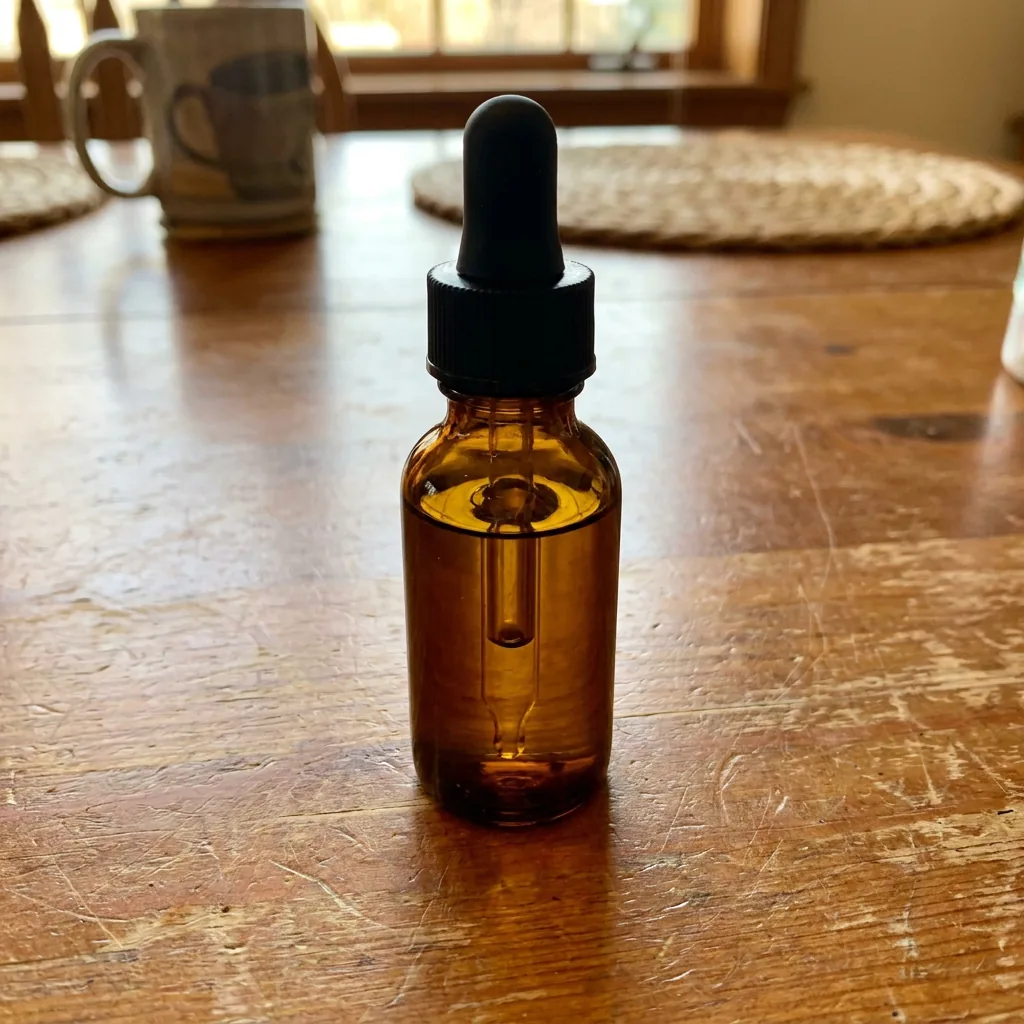 Example
 —
—