Start here: your first AI video on PopNow
New to PopNow? Learn how credits work, what a five-second clip costs on each model, and how to make your first AI video with a cheap preview before the final take.


Watch a short video, follow the steps, then open the tool with the settings already in place. Start with your first video, then learn one tool at a time.
New to PopNow? Learn how credits work, what a five-second clip costs on each model, and how to make your first AI video with a cheap preview before the final take.
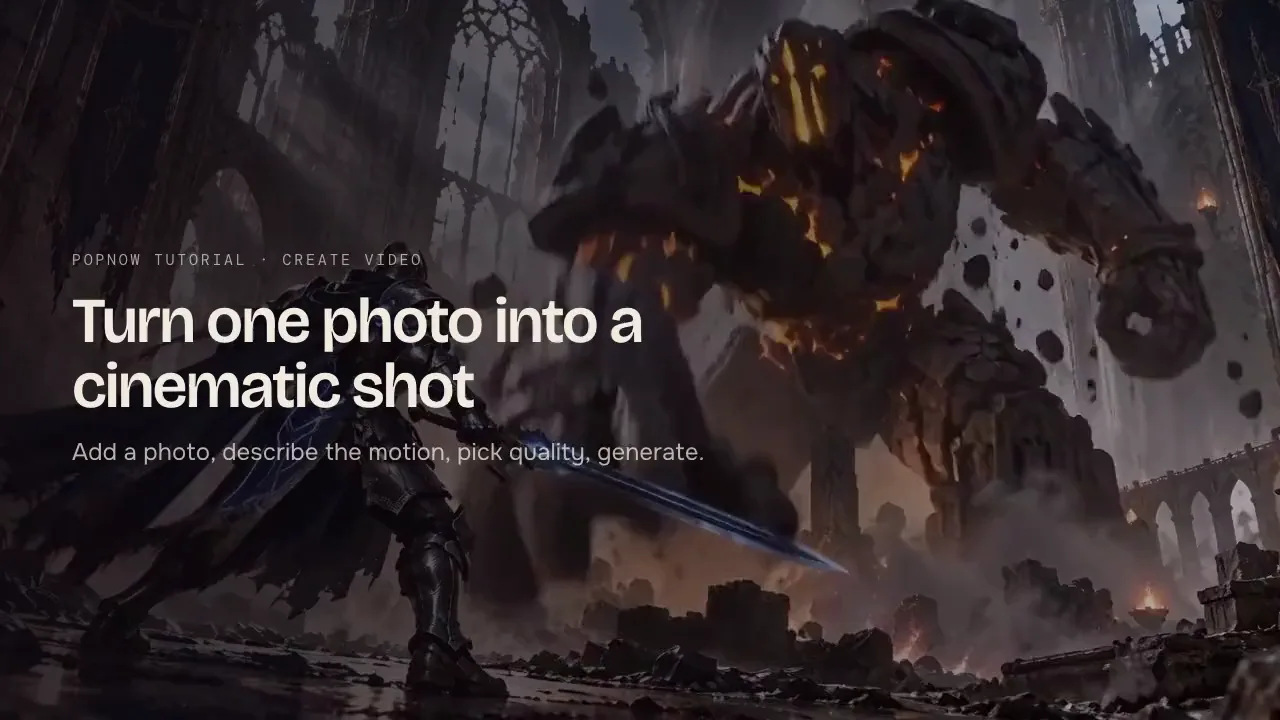
Turn one photo into a short cinematic AI video: add the image, describe the motion, pick quality and generate. Includes prompt tips and what each clip costs.
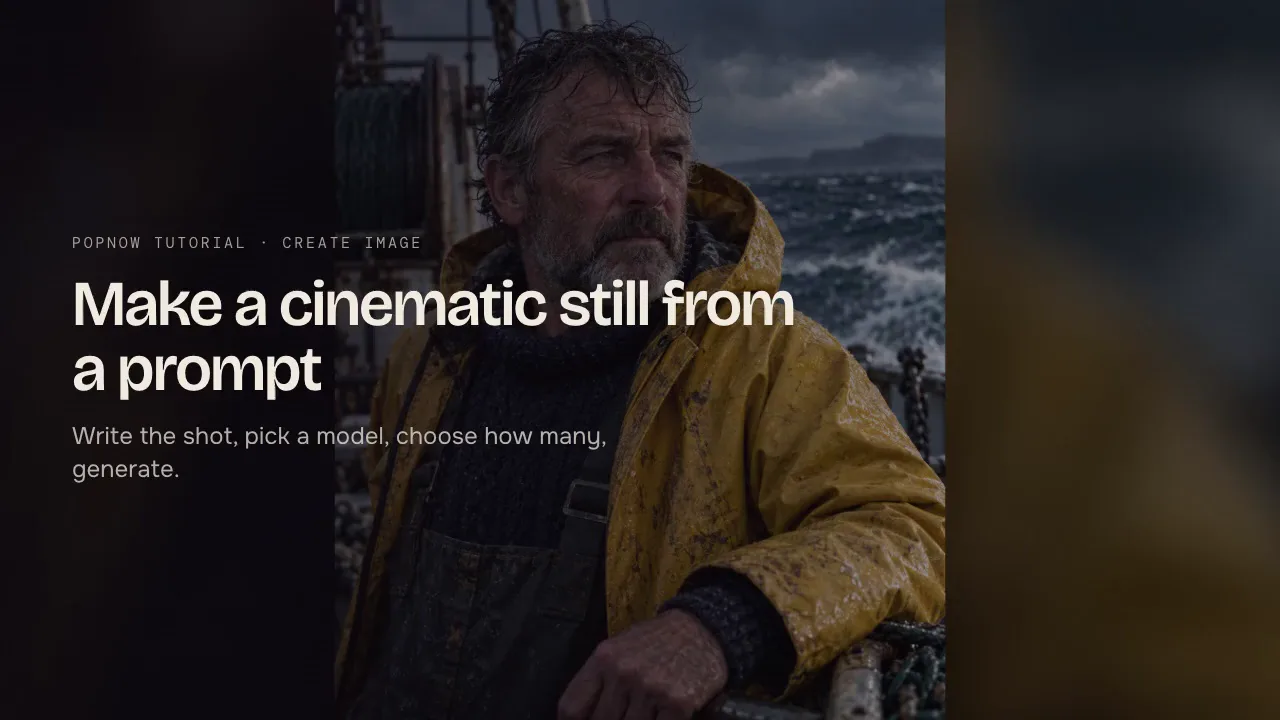
Write the shot, pick a model, choose shape and size, then generate. A step-by-step guide to Create image with prompt structure, model choices and live prices.
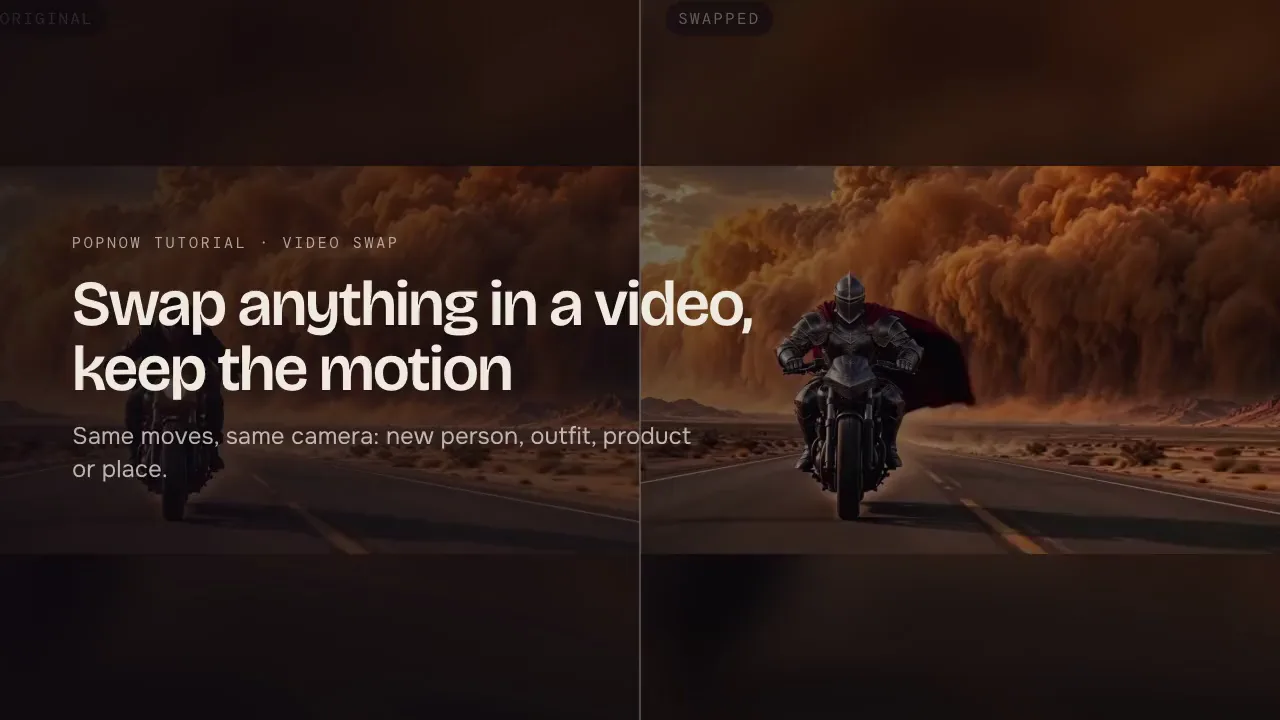
Keep a clip's motion and camera but change who or what is in it. Pick a clip from the motion library or upload your own, add a reference image and swap.
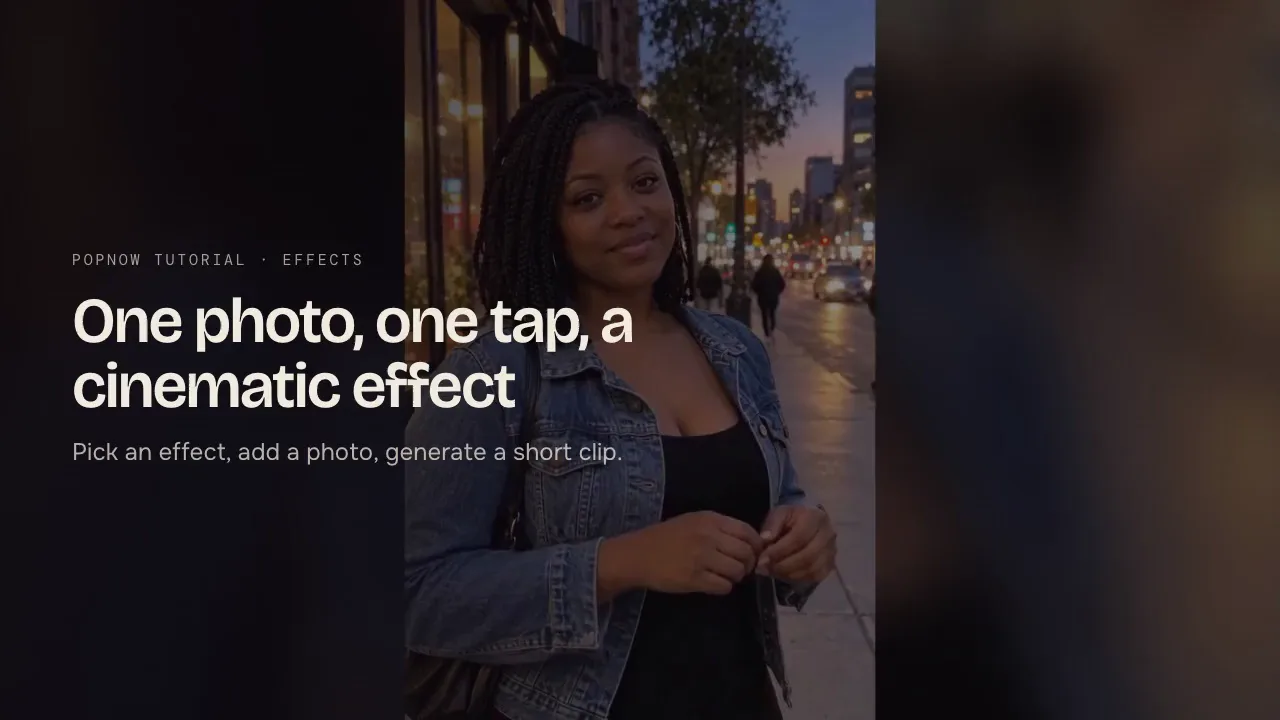
Pick an effect such as the new Cinematic VFX, add one photo and get a short video back with no prompt to write. Which photos work best and what it costs.
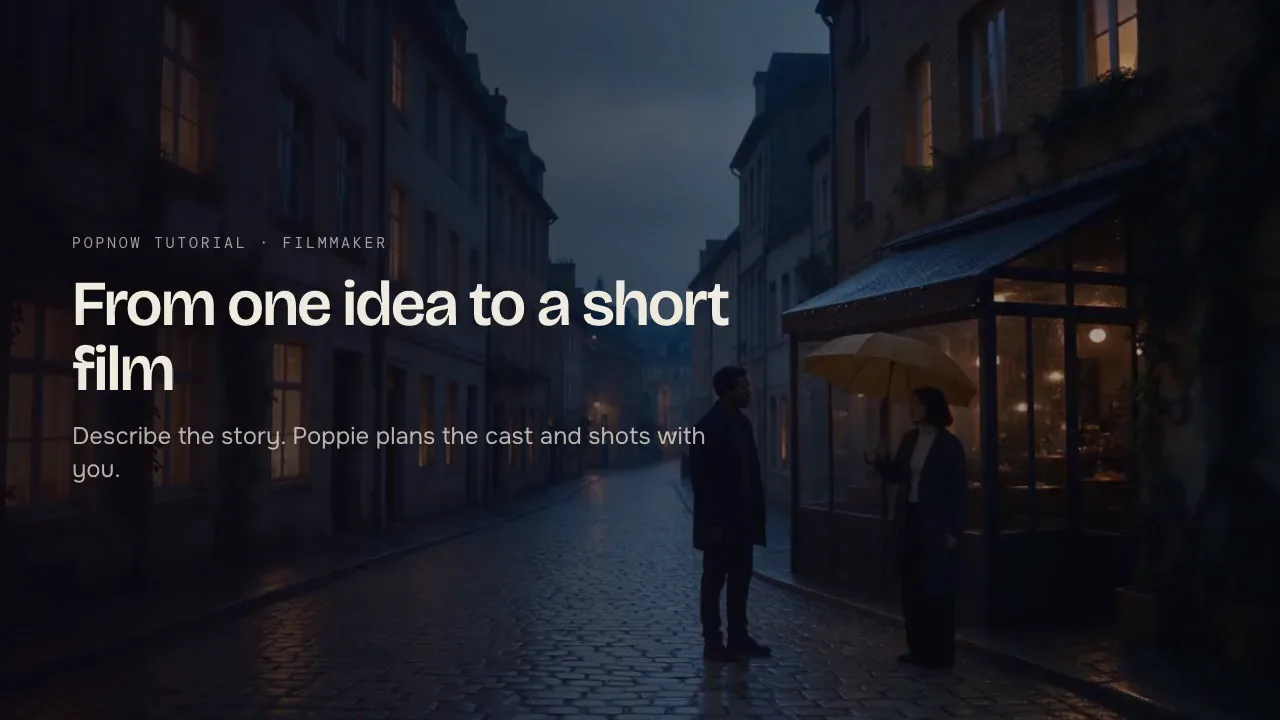
Describe a story idea and let Filmmaker plan the cast and shots with you, then generate the film scene by scene. Steps, tips and how the planning works.
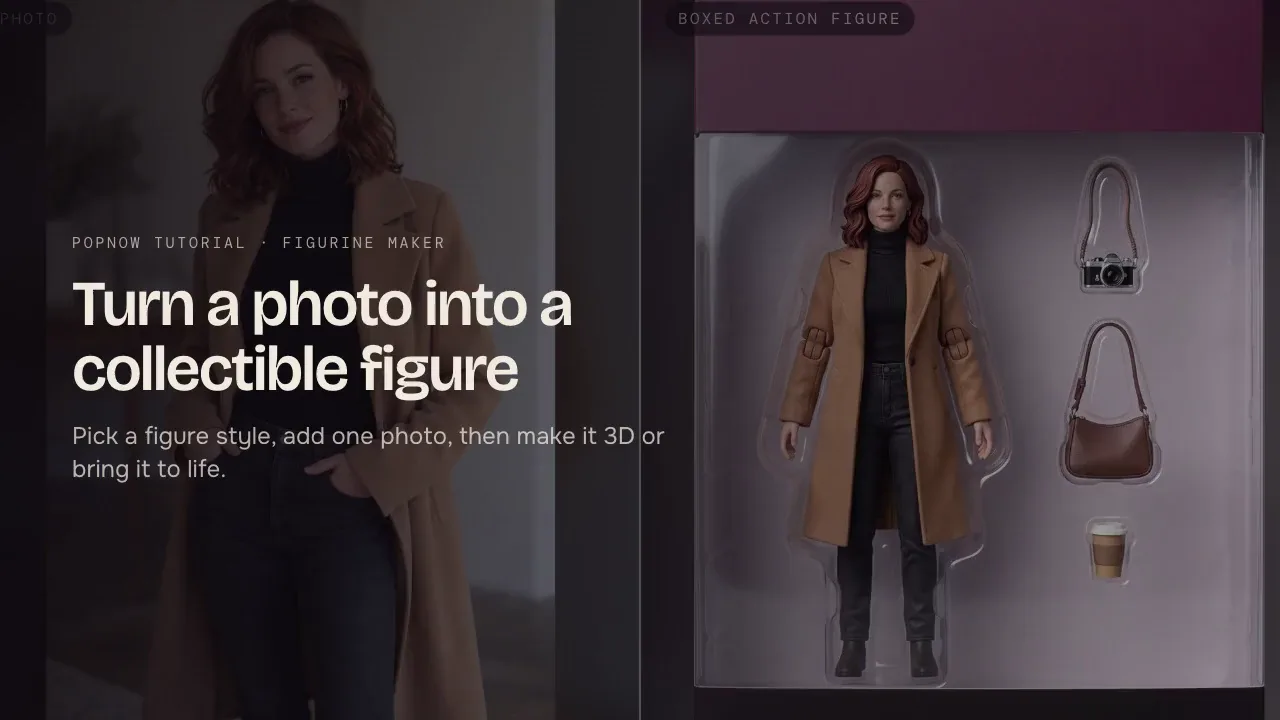
Make a collectible figure from one photo of a person or a pet: pick a style such as a boxed action figure or a marble bust, then make it 3D or bring it to life.
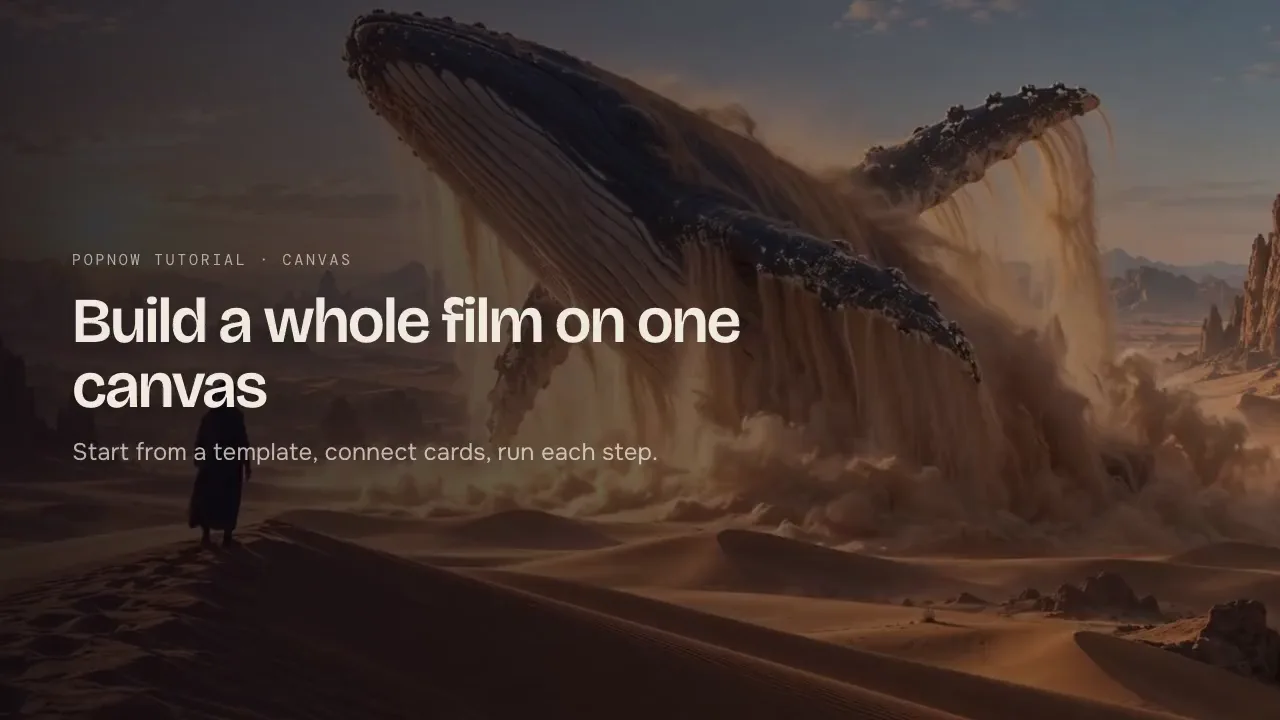
Canvas lays out every step of a project as connected cards: images, videos, voiceover and music. Start from a template, connect cards and run them one by one.
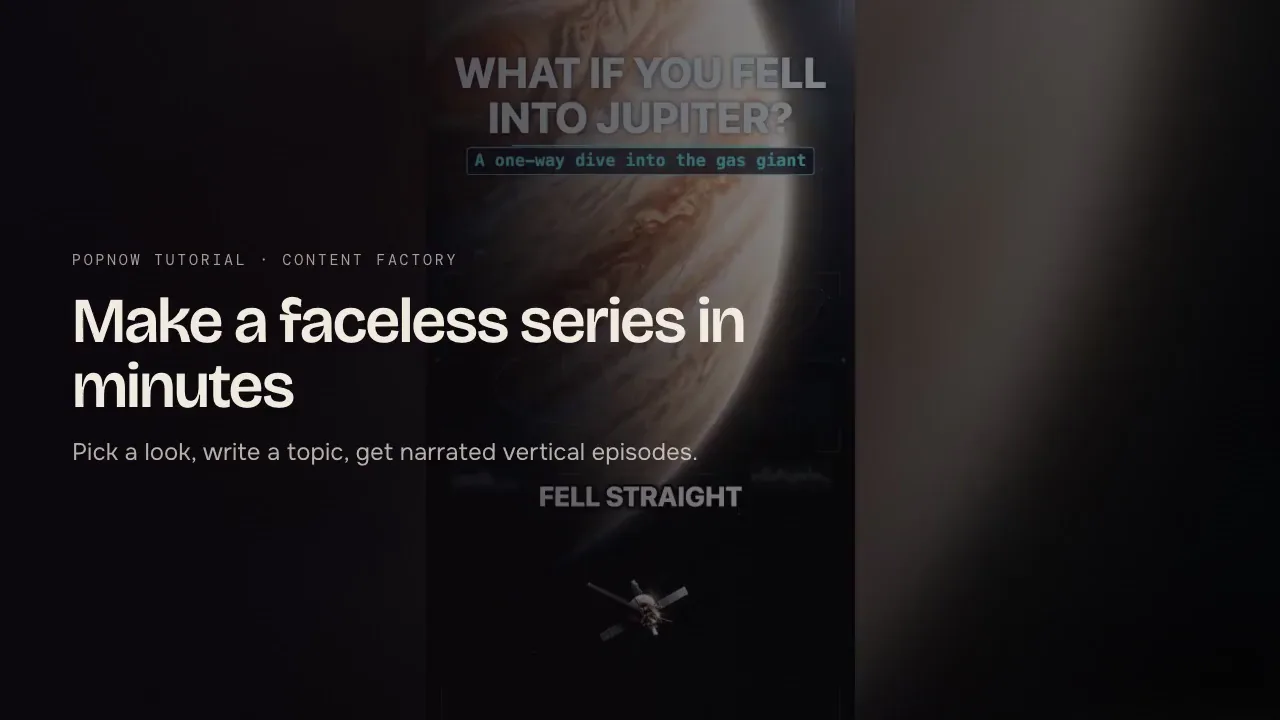
Pick a look, write one What if topic and get narrated vertical episodes with captions and music. A step-by-step guide to Content Factory with costs and tips.
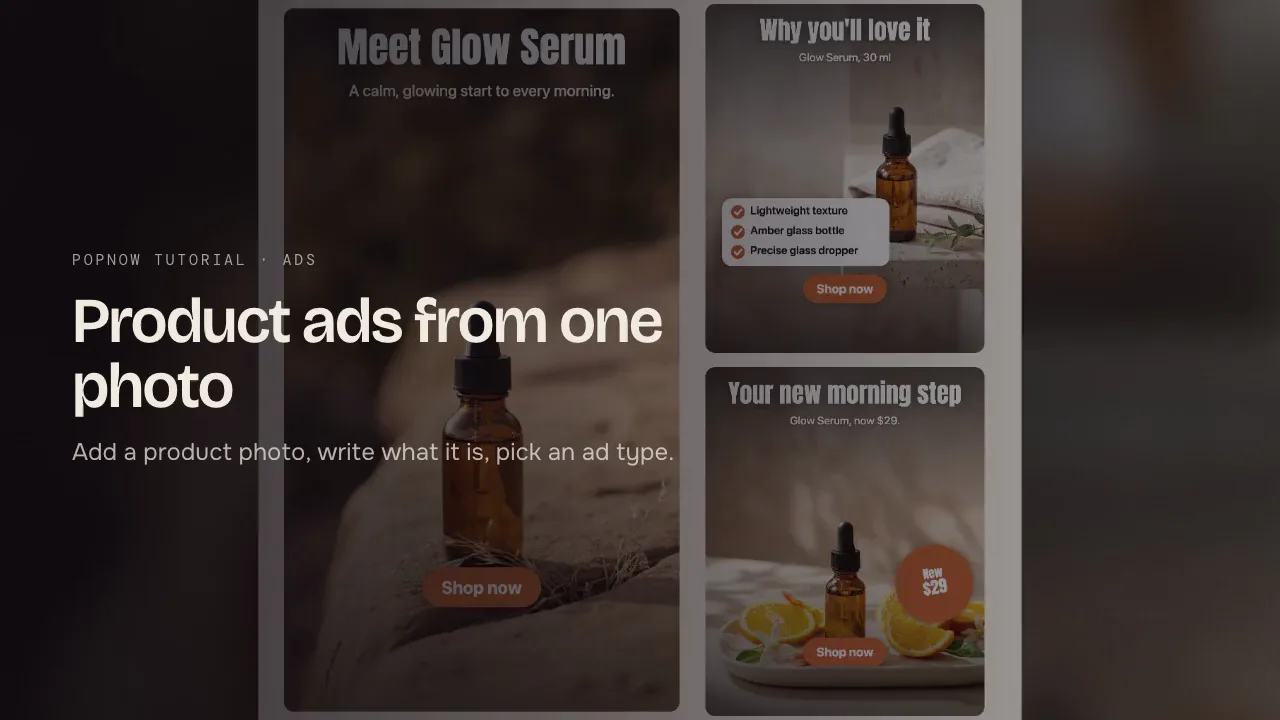
Add a product photo, name it, list what makes it good and pick an ad type: image ads in every feed size, a cinematic reveal or a creator-style video.
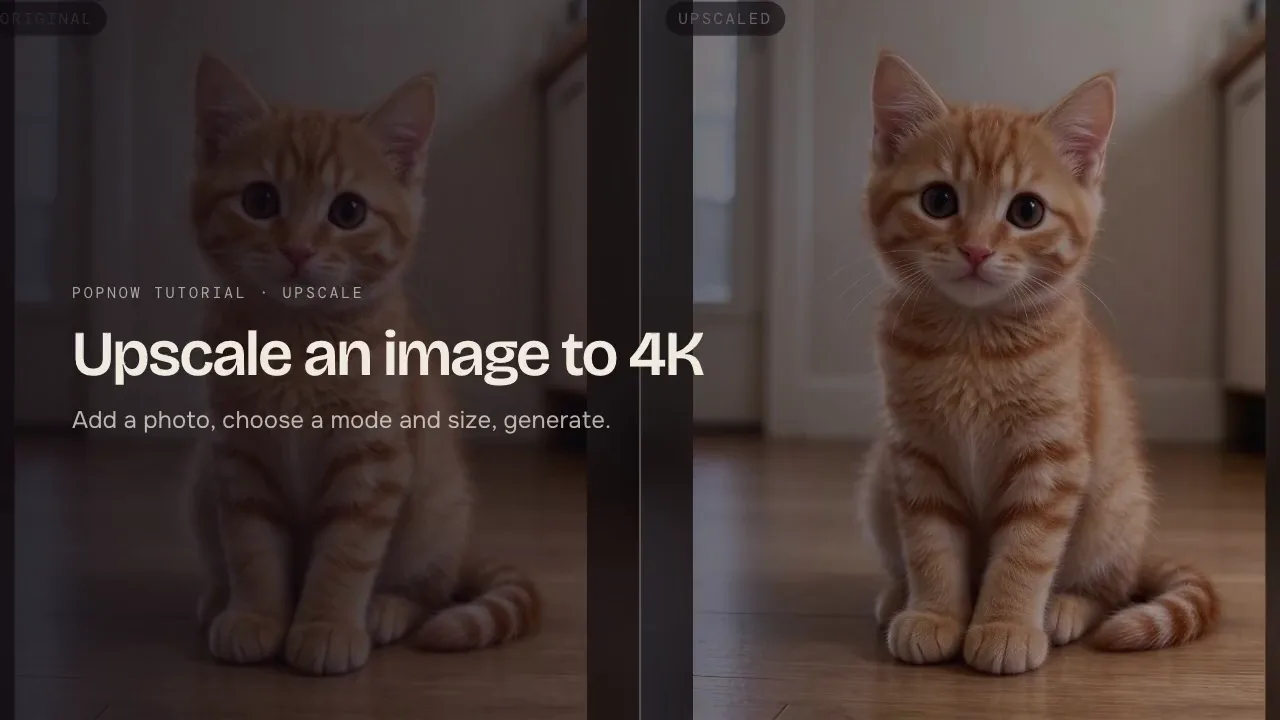
Add a photo, choose Enhance or Upscale only, pick the content type and size, then generate. How to upscale images to 2K, 4K or 8K and what each option costs.
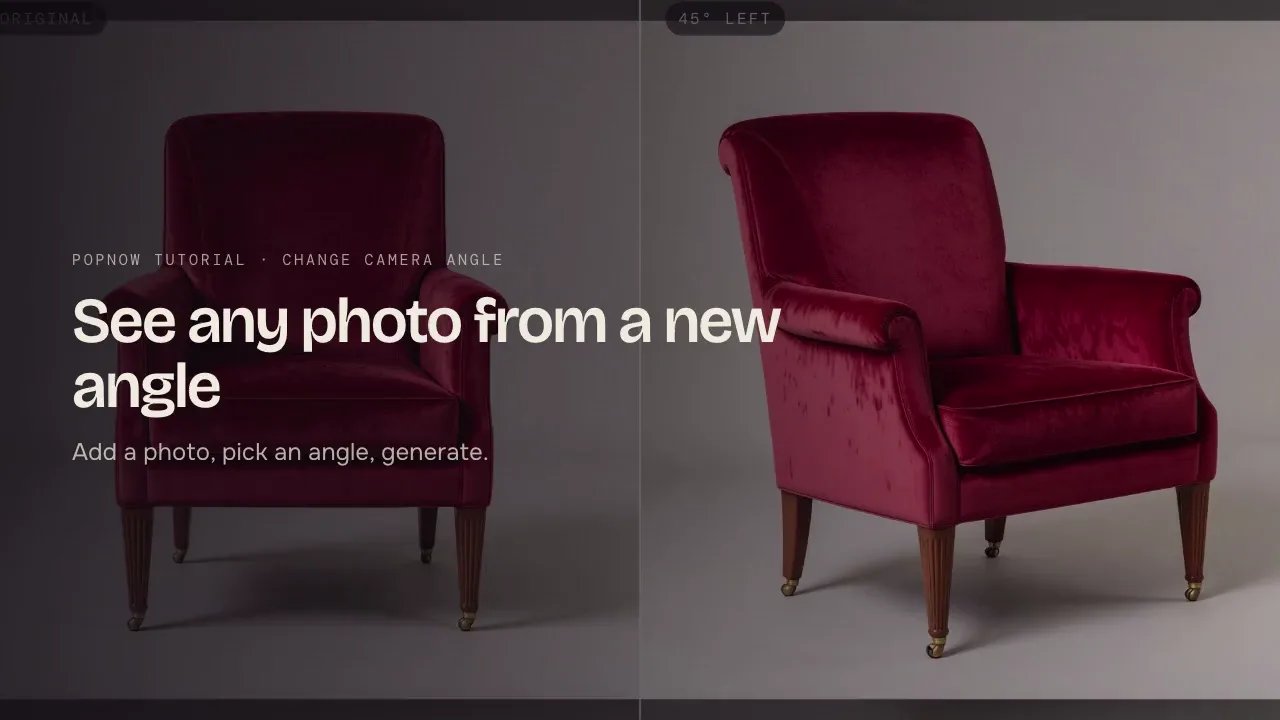
Add a photo, drag the camera or pick a quick angle such as 45 degrees left or from above, then generate a new view of the same subject. Steps and tips.
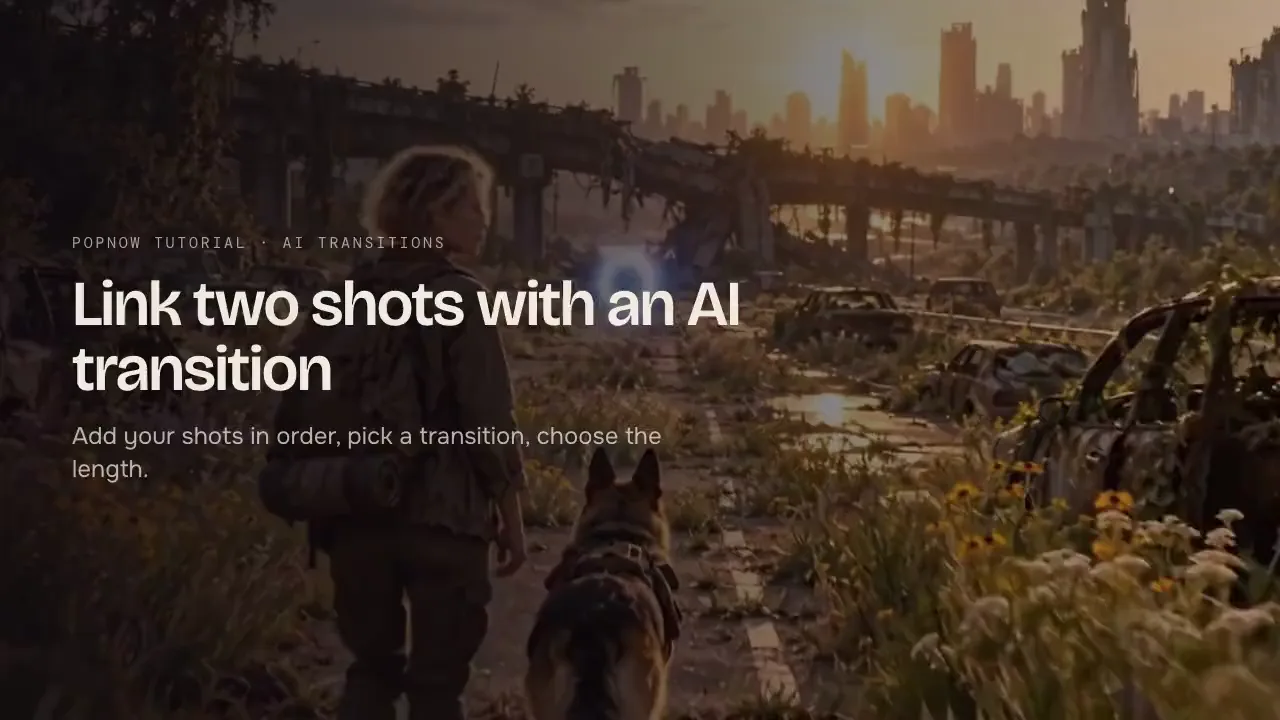
Add two to six photos or clips in order, pick a transition such as Portal, Shatter or Whip pan, choose the length and let AI build the move between them.
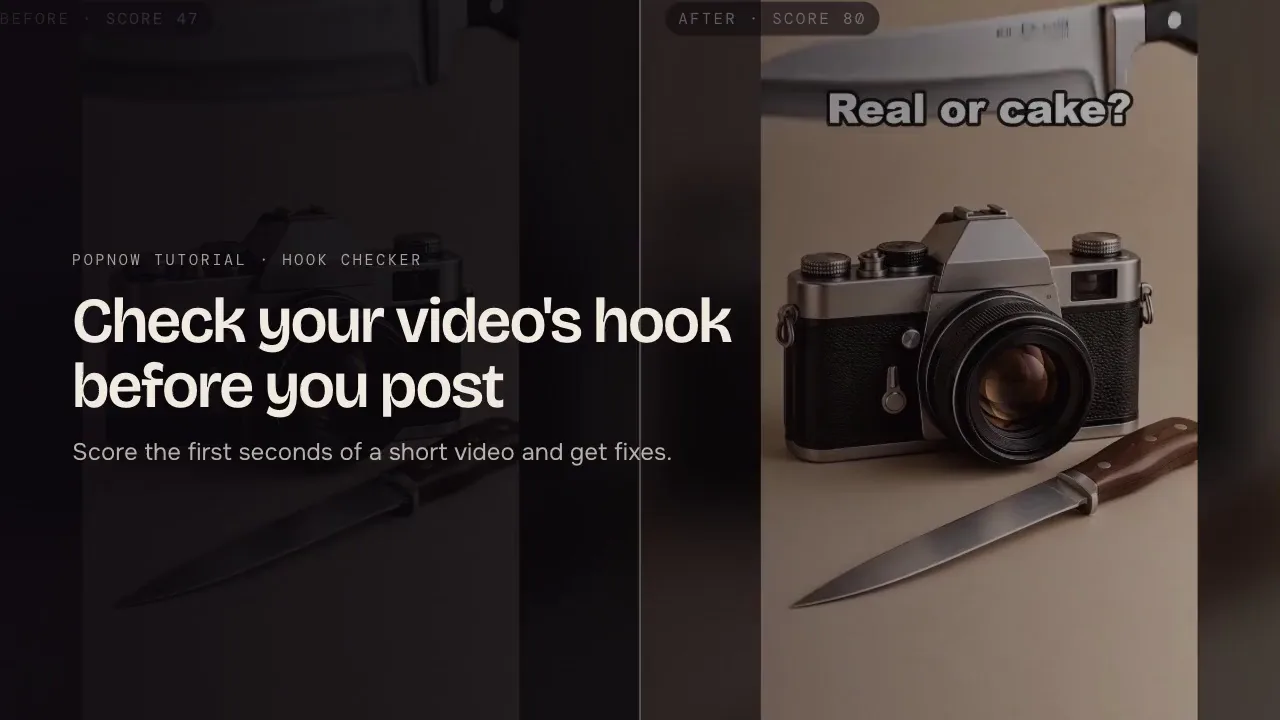
Score the first seconds of a TikTok, Reel, Short or ad, see where viewers are likely to drop off and get specific fixes. Free to use, no upload needed.
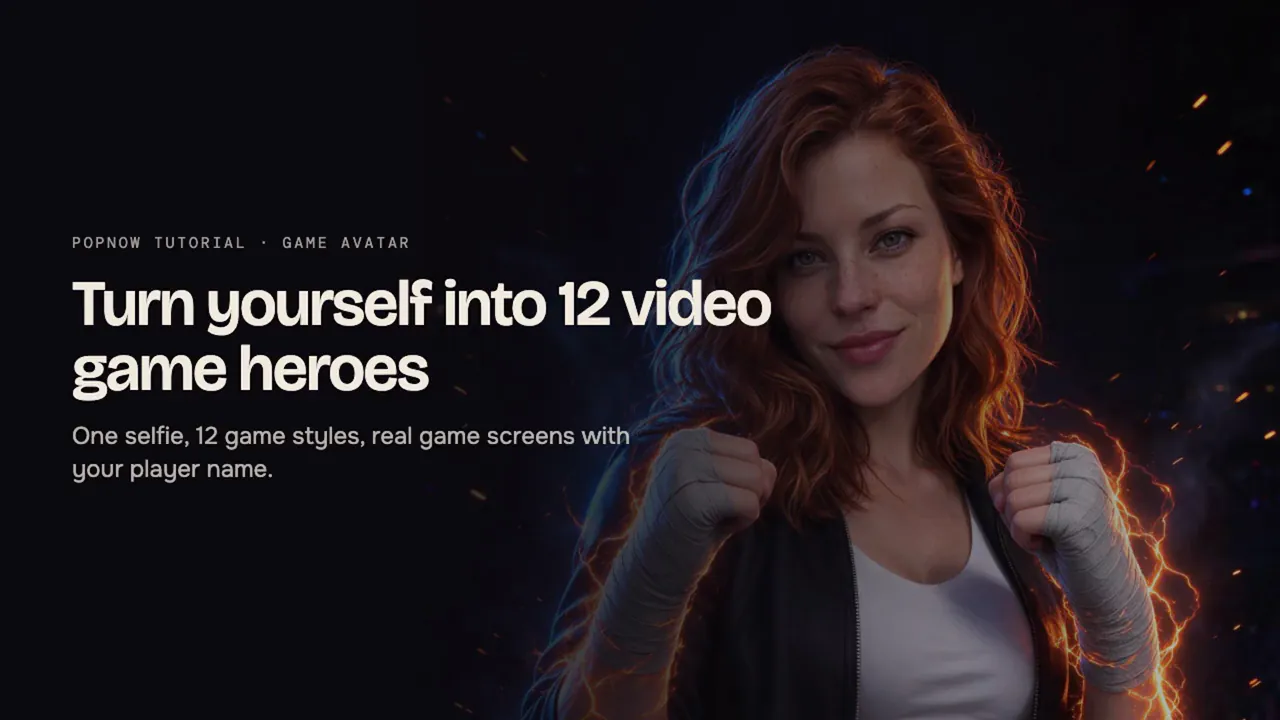
Turn one selfie into 12 video game heroes, from 8-bit arcade to an RPG card, with health bars and scores. Download a 3×4 grid or single images.
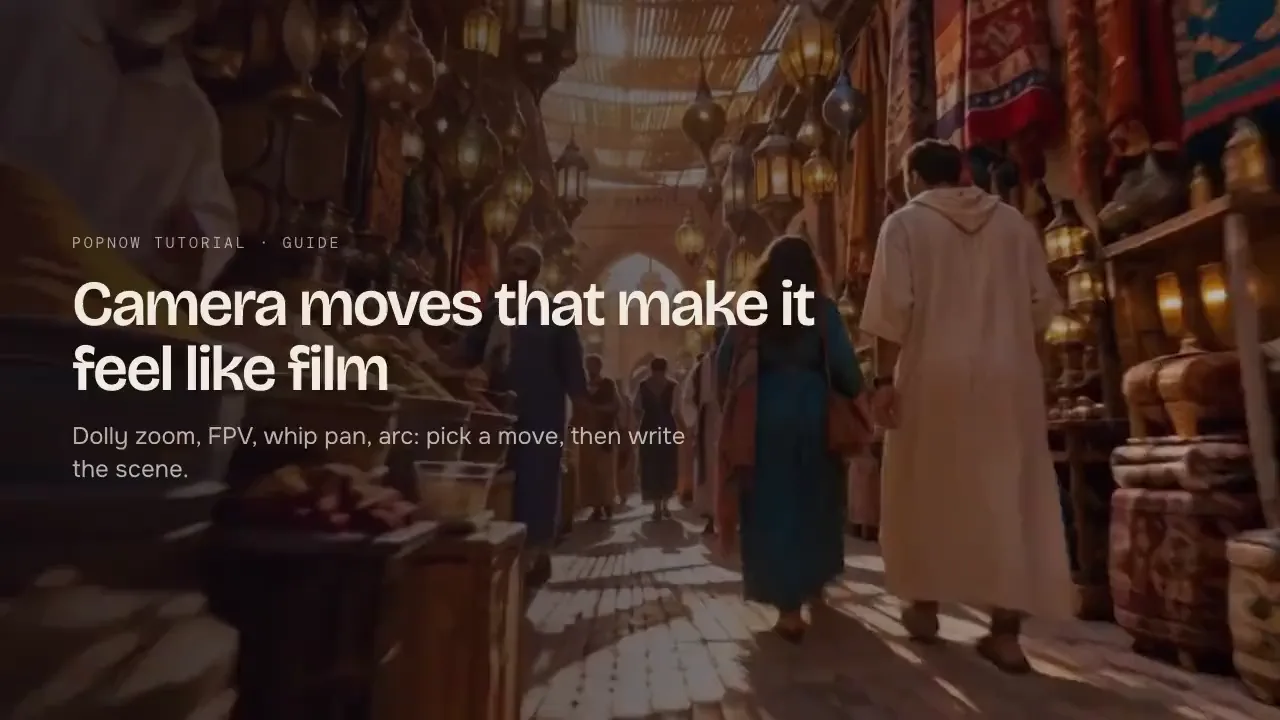
The camera moves that make AI video feel like film, what each one does and how to ask for it. Pick from 35 moves in Movie or write them into any video prompt.
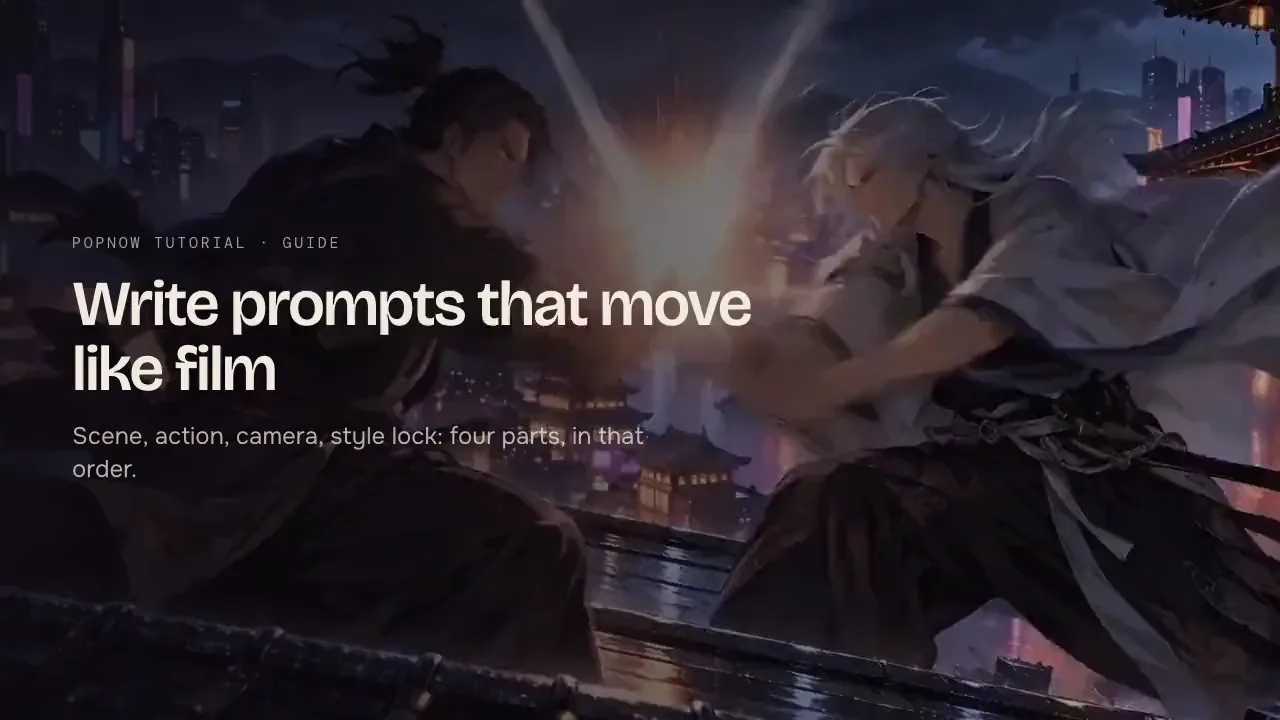
A four-part structure for AI video prompts that move like film: scene, action written as cause and effect, one camera move, and a style lock. With examples.
How to get four game looks from AI image and video models: 16-bit pixel art, voxel, Unreal-style game cinematics and cel-shaded anime. Prompts and fixes.
How PopNow credits turn into dollars, what a five-second clip costs on each popular model, how bonus packs lower the price, and how to spend less per clip.