Make product ads from one photo

Add a product photo, name it, list what makes it good and pick an ad type: image ads in every feed size, a cinematic reveal or a creator-style video.

BeginnerTutorial video 0:212 min read

Ads turns one product photo into ready-to-post ads. Add the photo and a few facts — the name, what makes it good, an offer — then choose the kind of ad. Image ads come in every feed size at once, so you do not have to resize anything.

A Cinematic Reveal ad made from one product photo.

Step 1: Open Ads

Open Ads. The form on the left asks for your product; the right side shows an example and how it works.
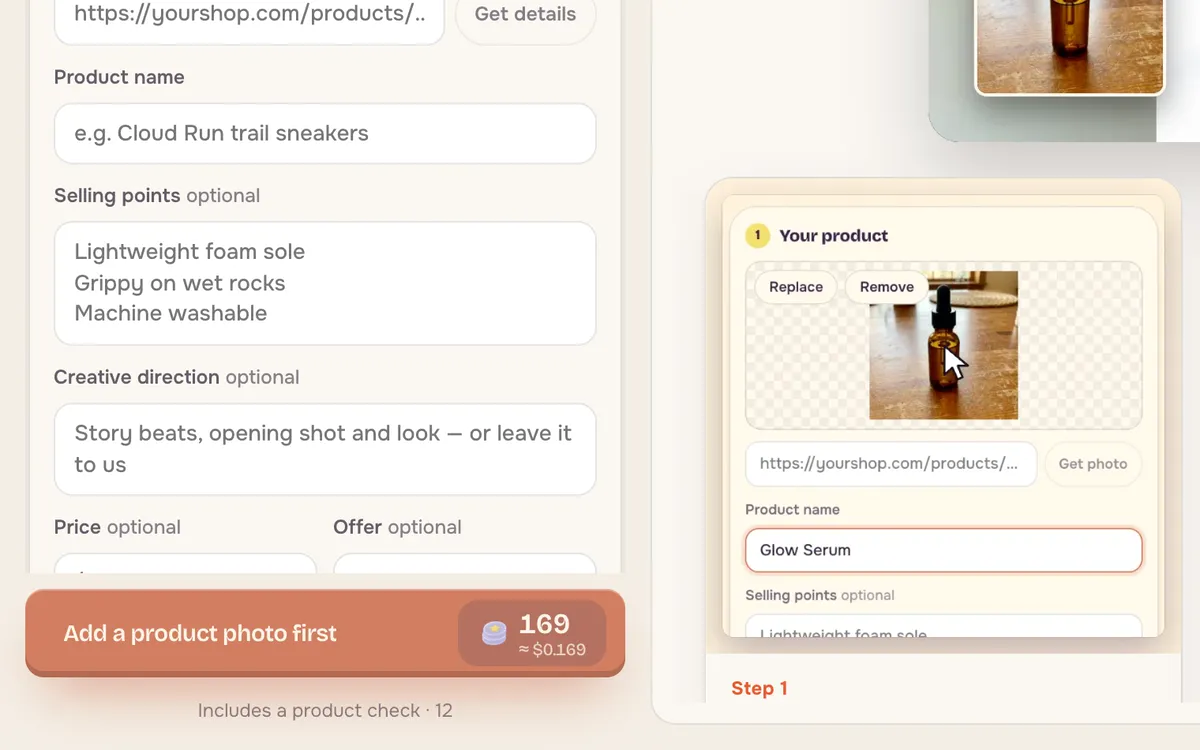
The Ads page with the product photo slot, product name, selling points and creative direction fields
Only the product photo and name are required; everything else is optional.

Step 2: Add a product photo

Drop in a clear product photo, or paste a product link and press Get details to fill the form from your store page.
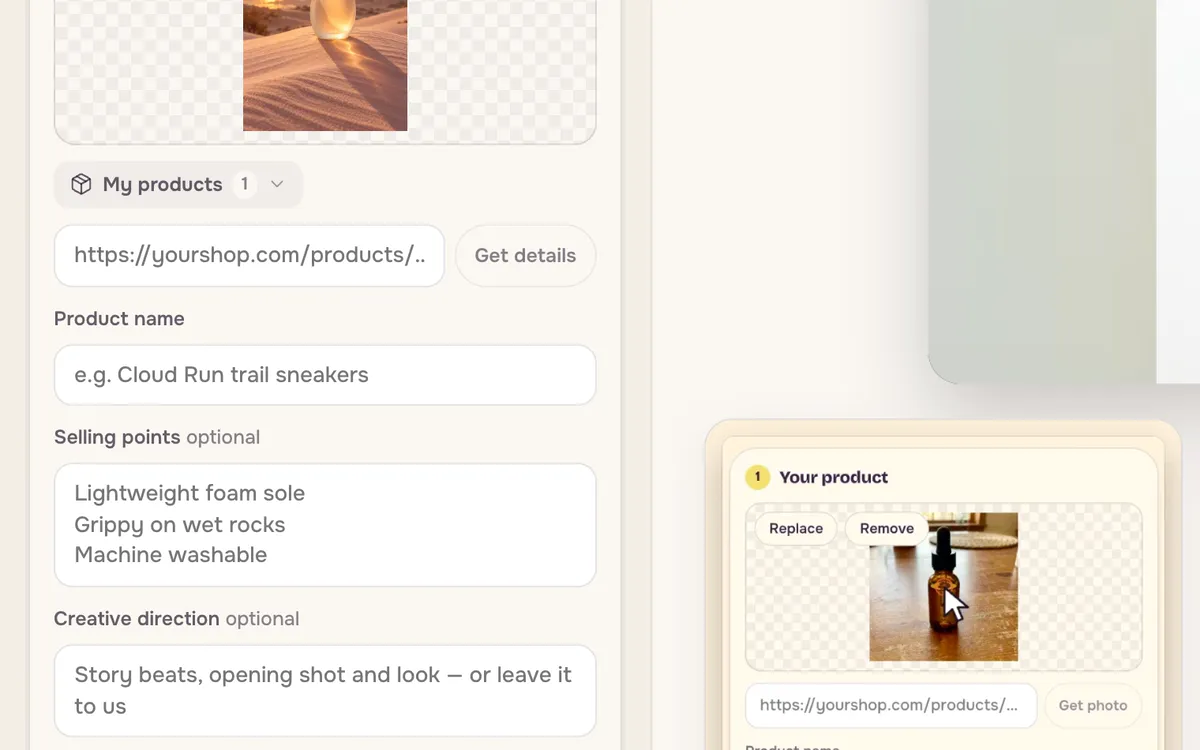
A perfume bottle photo added to the product slot with Replace and Remove buttons
A clean photo on a plain background gives the cleanest ads.

Step 3: Name it and list what's good

Write the product name and two or three selling points, one per line. Add a price or an offer if you want them on the ads. Creative direction is optional — leave it empty and the ad type decides the look.
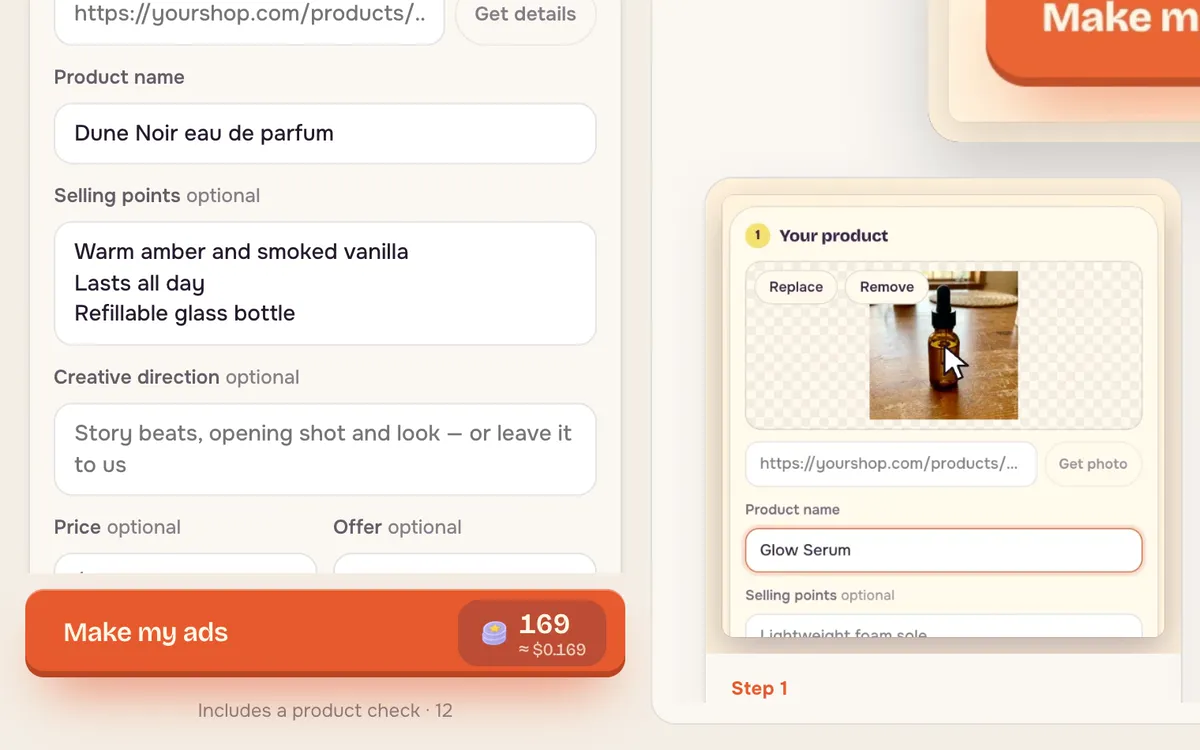
The form filled with the product name Dune Noir eau de parfum and three selling points
Short selling points read best on small screens.

Step 4: Pick an ad type and make the ads

Choose Static Ad Set for image ads in every feed size, Cinematic Reveal for a short product film, or UGC Creator Ad for a creator-style video. The main button shows the total before you start.
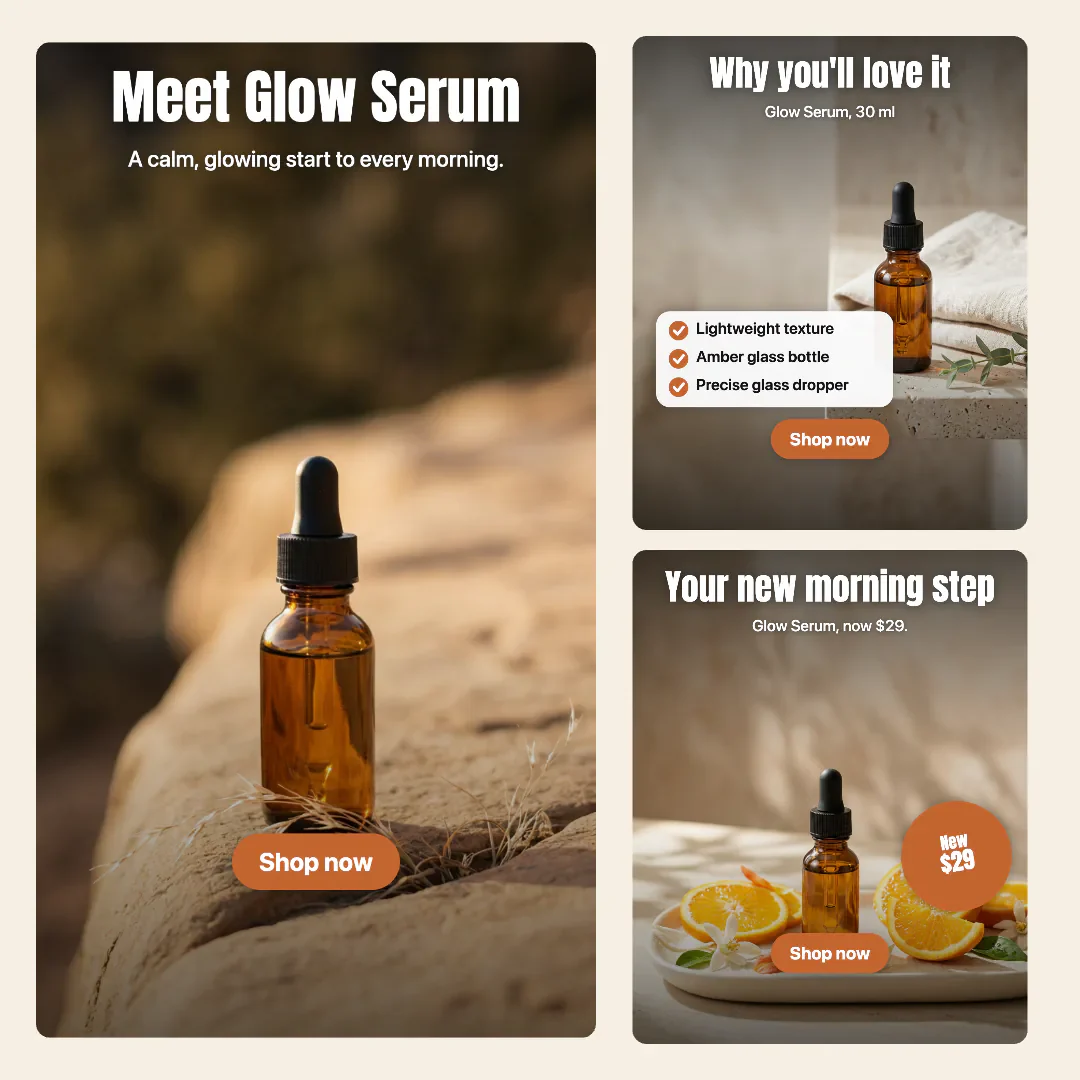
A set of static product ads in square, portrait and story sizes
A Static Ad Set: the same ad in every feed size.

Tips for better results

  • Use a real product photo. The ads keep your product as it is; a better photo makes better ads.
  • Write benefits, not specs. "Lasts all day" sells more than "50 ml".
  • Make the image set first. It is the cheapest way to test your headline and offer.

FAQ

Will the product look exactly like mine?

Your photo is the source, so the product keeps its shape, label and color. Check text on labels before you publish.

What sizes do the image ads come in?

The Static Ad Set includes square, portrait and story sizes for the main social feeds.

Can I make a video ad too?

Yes. Pick Cinematic Reveal or UGC Creator Ad instead of the image set.
Next tutorials

All tutorials

Create image2 min read

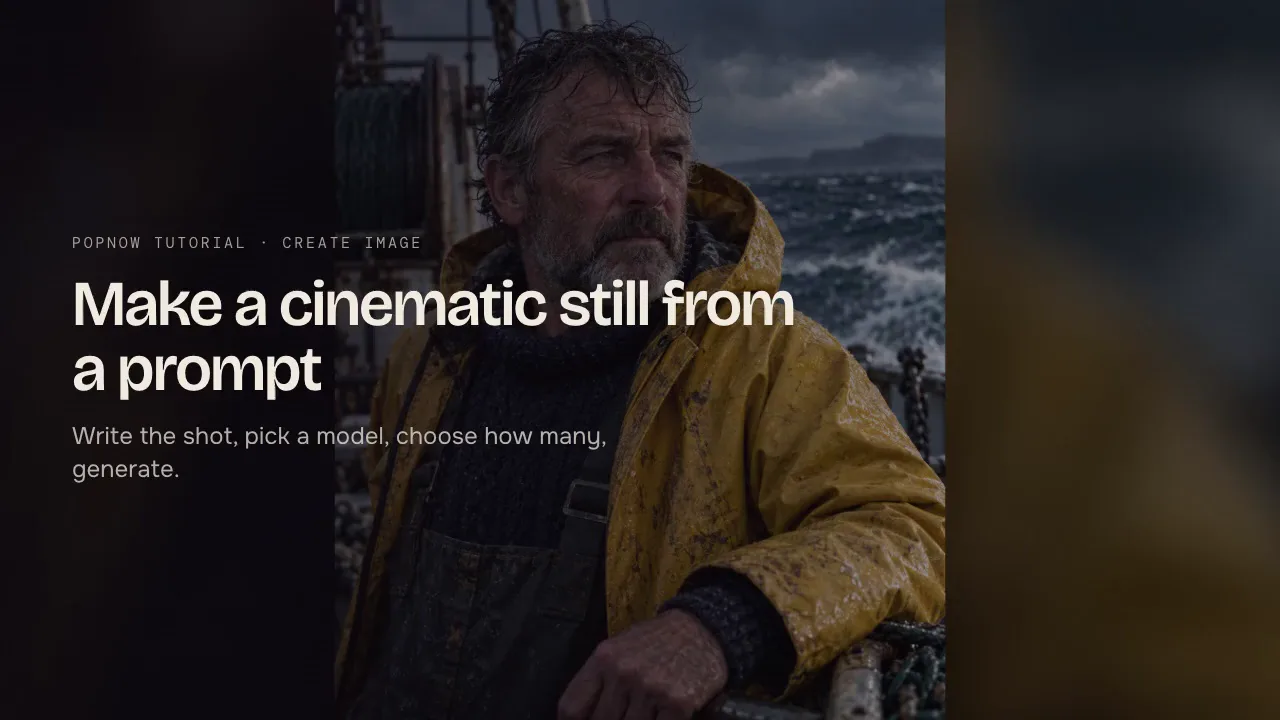
Create cinematic AI images from a prompt

Write the shot, pick a model, choose shape and size, then generate. A step-by-step guide to Create image with prompt structure, model choices and live prices.

Upscale2 min read

Upscale an image to 4K or 8K

Add a photo, choose Enhance or Upscale only, pick the content type and size, then generate. How to upscale images to 2K, 4K or 8K and what each option costs.

Create video2 min read

Start here: your first AI video on PopNow

New to PopNow? Learn how credits work, what a five-second clip costs on each model, and how to make your first AI video with a cheap preview before the final take.

Try it while it’s fresh

The tool opens with the settings from this tutorial. You’ll see the credit price on the button before anything runs.