Create image turns a written description into a picture. Write it like a director describes a shot — subject, setting, light, lens — and you get stills that work as finished images or as first frames for a video.
Step 1: Open Create image
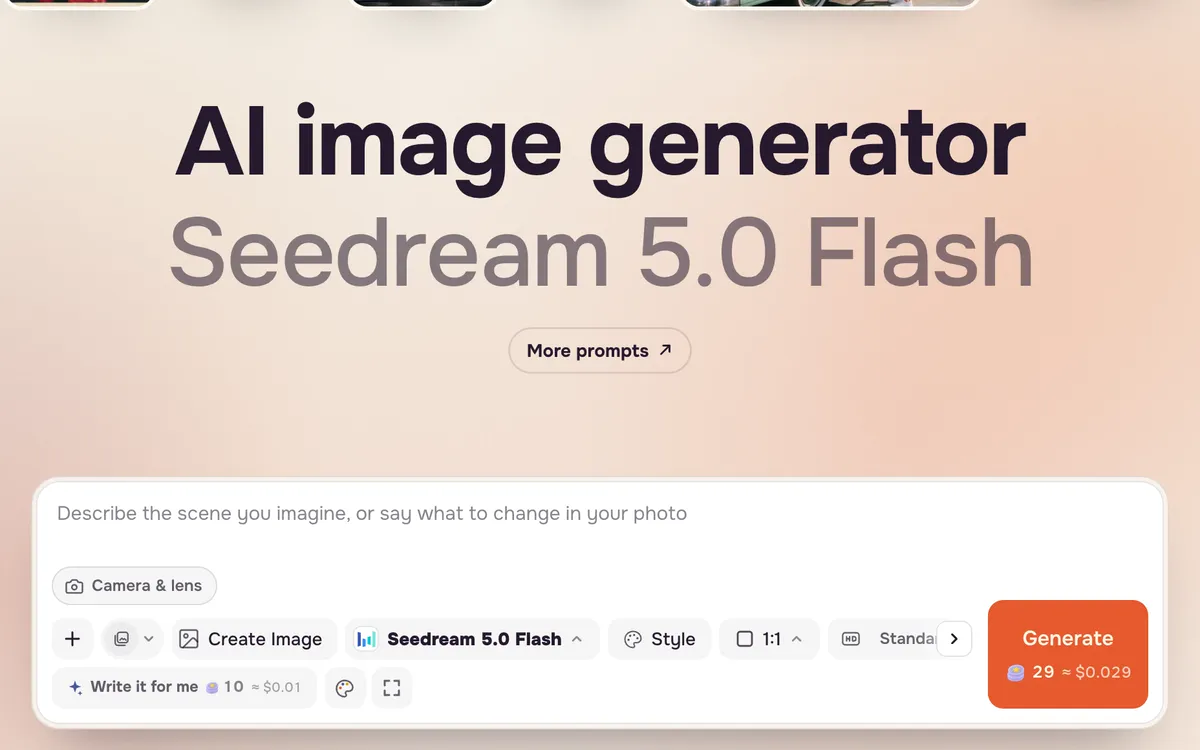
Open Create image. The prompt bar sits at the bottom with the model, style, shape and number of images next to it.
Step 2: Write the shot
Start with the subject, then the setting, then light and camera. Concrete details beat adjectives: "sodium harbor lights" says more than "moody".
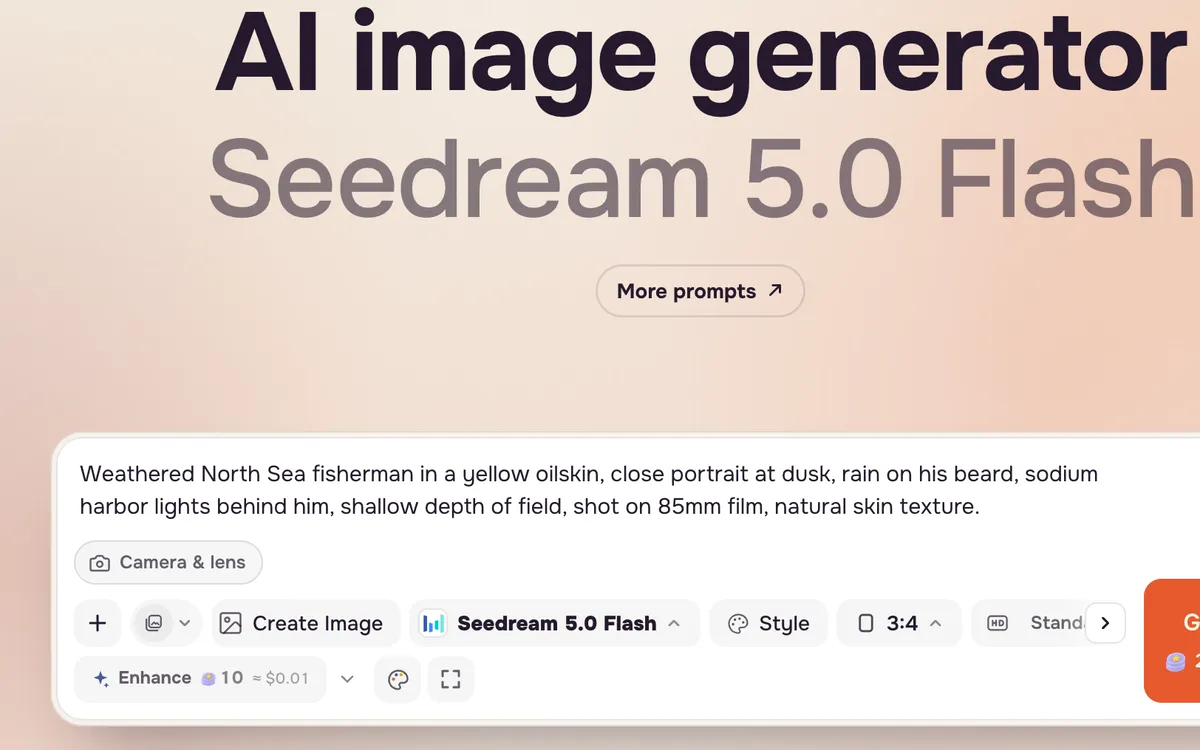
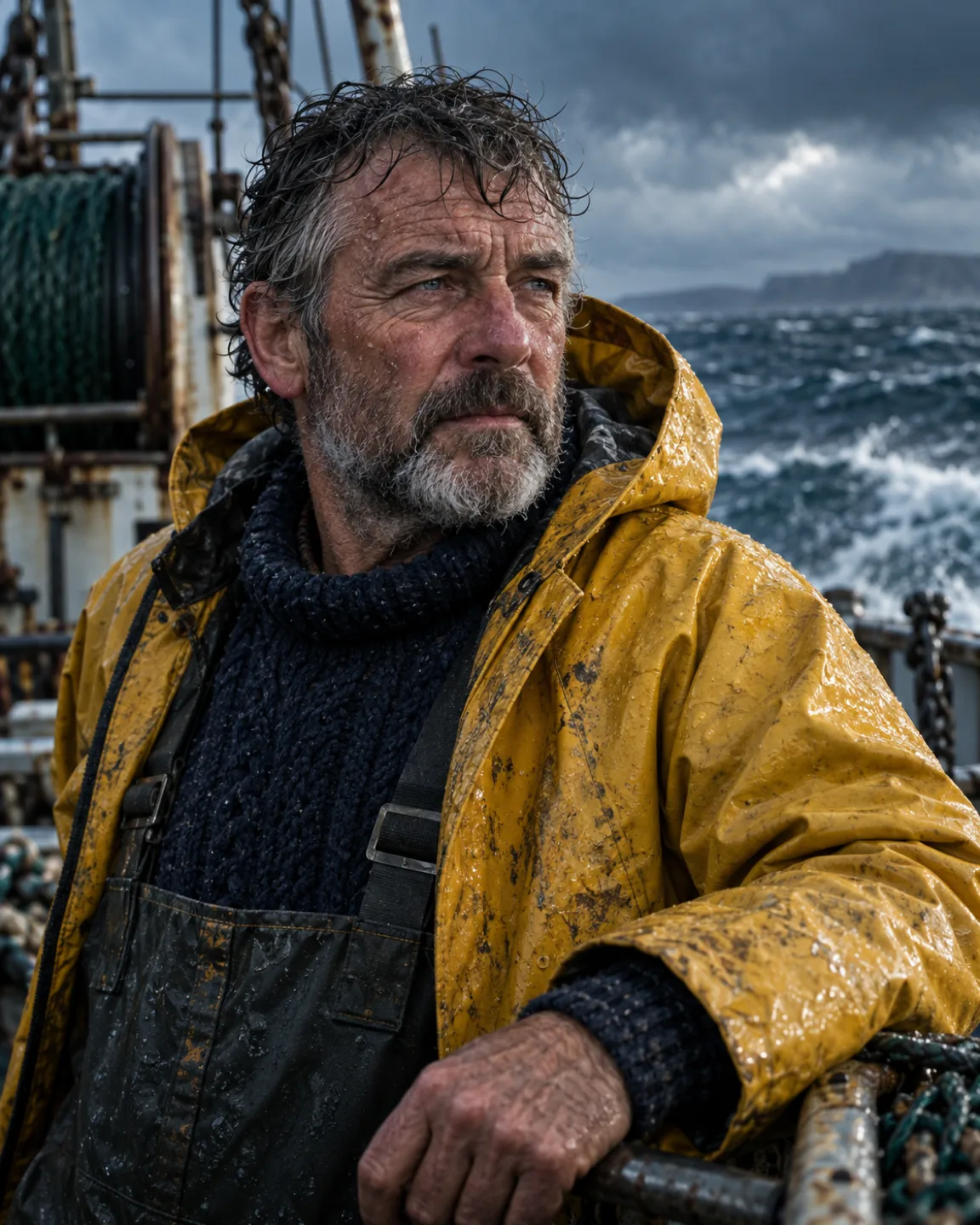
Weathered North Sea fisherman in a yellow oilskin, close portrait at dusk, rain on his beard, sodium harbor lights behind him, shallow depth of field, shot on 85mm film, natural skin texture.
Step 3: Pick shape and size
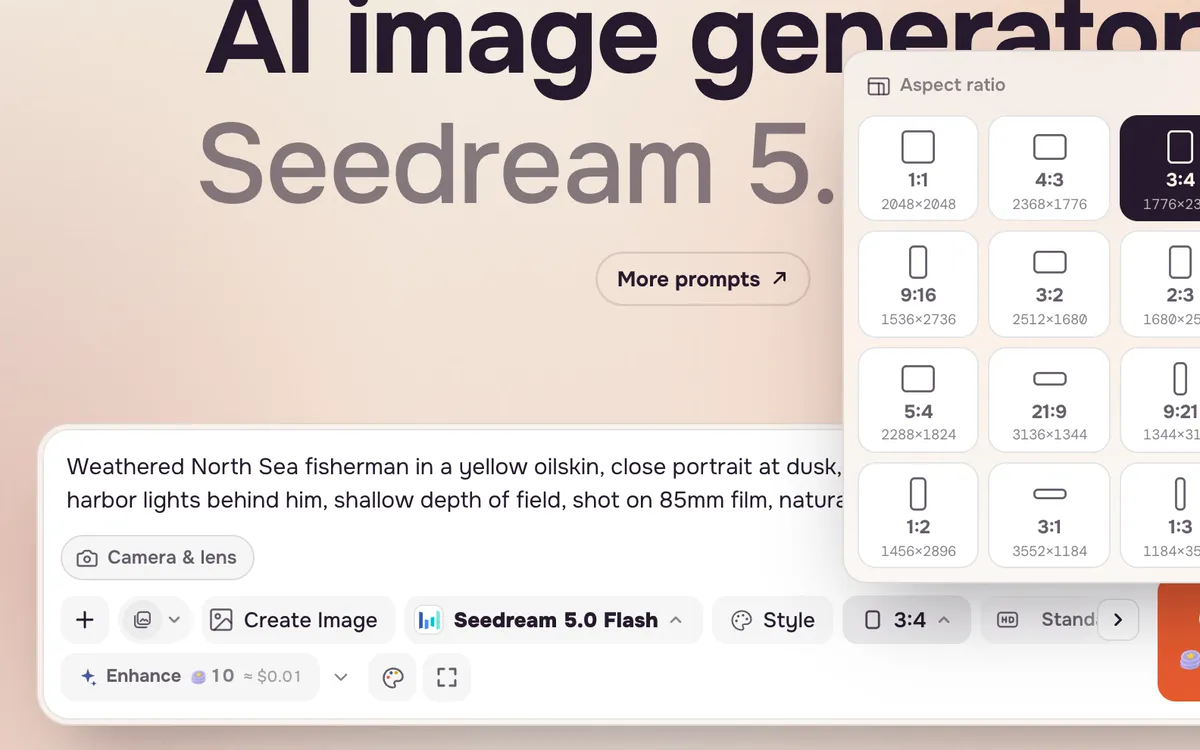
Choose an aspect ratio for where the image will live: 3:4 or 4:5 for portraits and feeds, 16:9 for banners and video first frames, 9:16 for stories. Pick a size; Standard is enough to judge the idea.
Step 4: Choose how many and generate
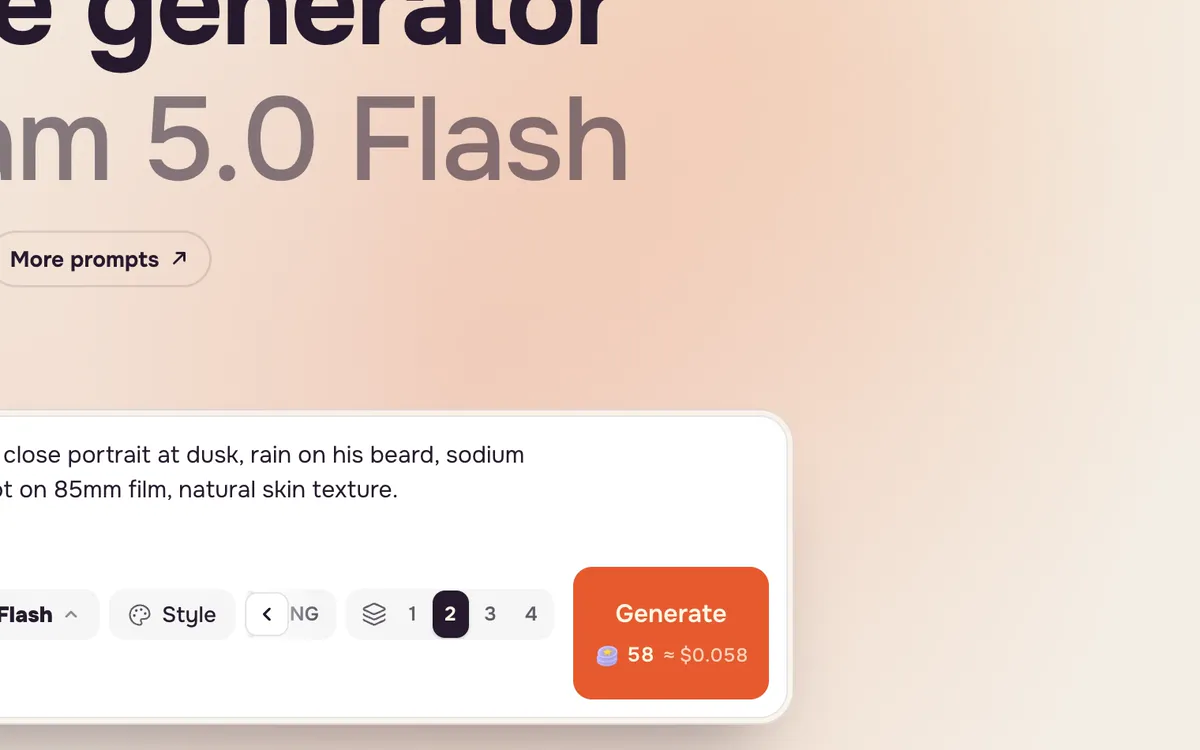
Generate up to four images at once to compare options. Each image is charged, and the Generate button shows the total. With the default Seedream 5.0 Flash, one image costs 29 credits.
Tips for better results
- Use Write it for me to turn a rough idea into a detailed prompt (it costs a few credits).
- Add a reference image when you need a specific face, product or style to carry over.
- Avoid text in the image unless the model is known for it; add type later in a design tool.
- Next step: send a still to Create video to make it move.
FAQ
Which image model is best?
It depends on the job. Seedream 5.0 Flash is fast and cheap for drafts; Nano Banana and GPT Image are strong at following detailed instructions and editing. Compare them on the models page.
Can I edit an image I already have?
Yes. Switch the mode to Edit image, add your picture and describe the change.
Can I use the images commercially?
You can use what you make for your own projects, subject to the terms. Do not upload photos of people without their permission.