Game styles look great in AI video, but they drift: pixel art turns smooth, anime turns 3D, voxels melt. The fix is the same for every style — name it first, describe it with measurable details, and list what it must not become.
Step 1: Name the style first
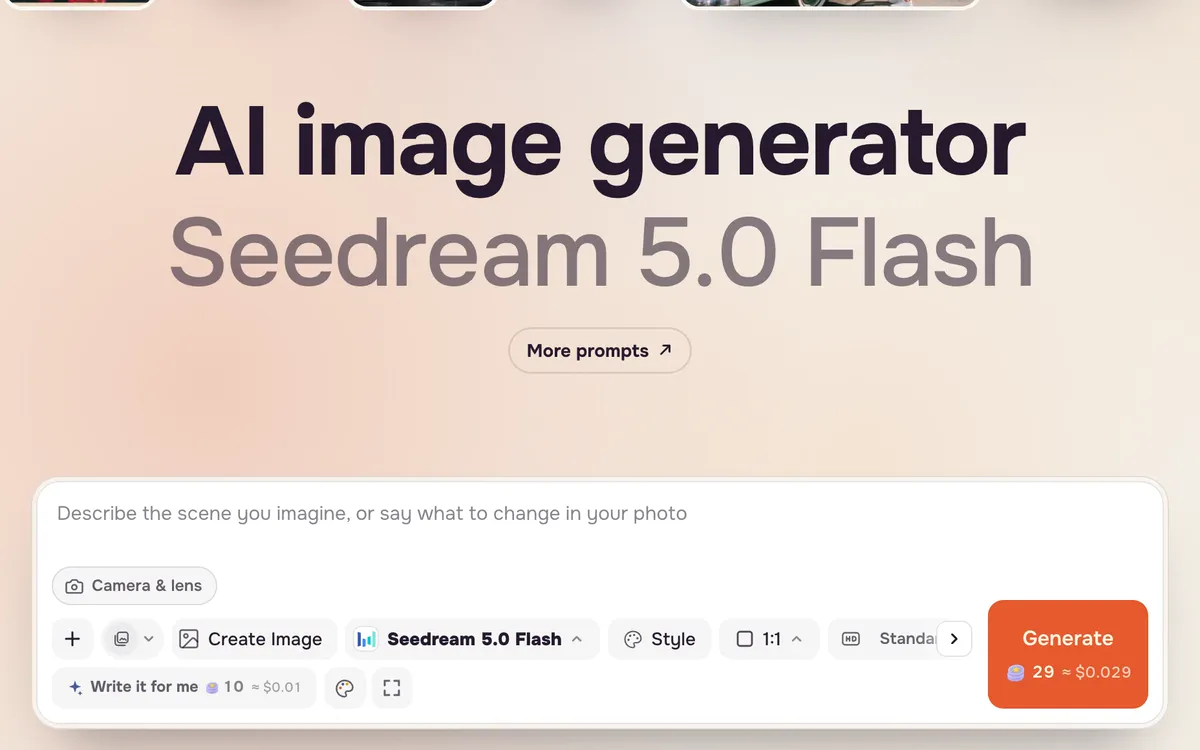
Open Create image or Create video and put the style at the very start of the prompt: "16-bit pixel art", "voxel", "game cinematic", "hand-drawn anime". Words at the start carry the most weight.
Step 2: Add measurable details and a "not" list
Describe the style with things the model can check: a palette size, pixel edges, number of shading steps. Then add what to avoid: "no anti-aliasing, no smooth gradients, not 3D". For video, add "keep the same art style throughout".
Four styles and how to ask for them
Pixel art (8-bit and 16-bit)
Name the era and canvas: "16-bit pixel art, 1990s console style" or "8-bit, chunky 16×16 sprites". Add "limited 32-color palette, hard pixel edges, no anti-aliasing". For video, ask for stepped animation and "no motion blur".
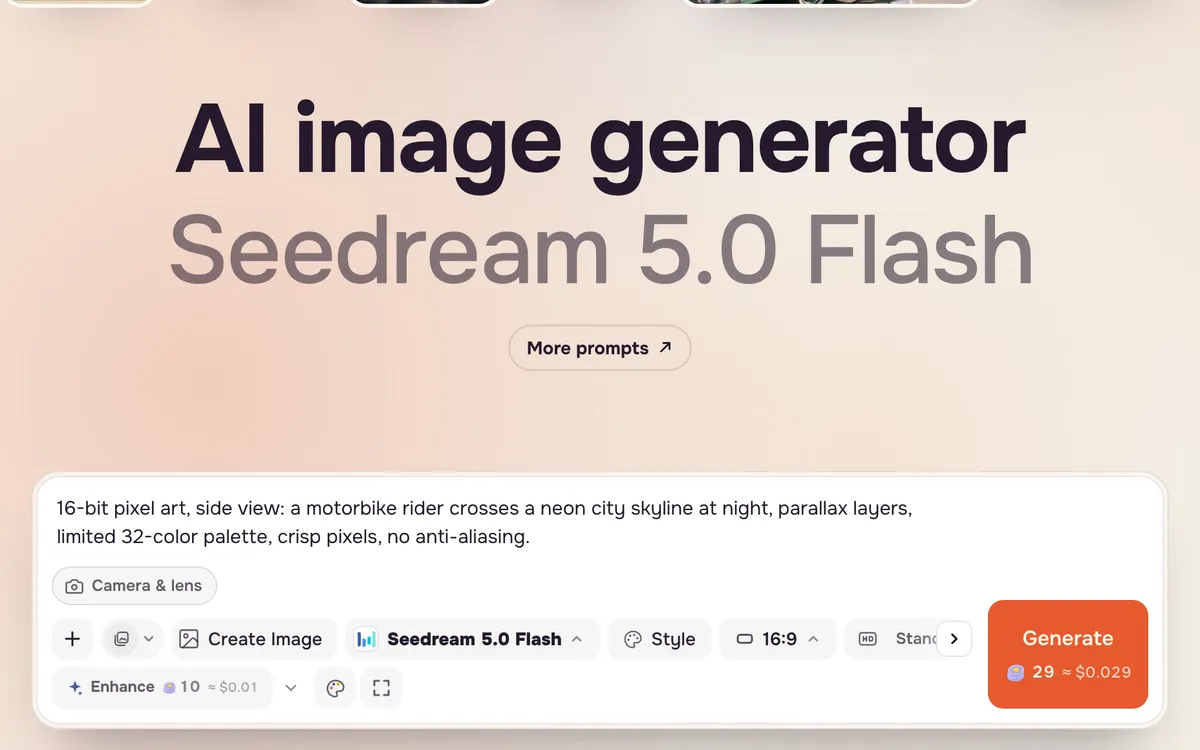
16-bit pixel art, side view, a motorbike rider crosses a neon city skyline at night, four parallax layers, limited 32-color palette, crisp pixels, no anti-aliasing, no text.
Voxel
Describe the world as cubes: "voxel art, everything built from small cubes, chunky blocky shapes, soft ambient occlusion". Tilt-shift or isometric framing makes voxel scenes read as miniatures.
Unreal-style game cinematic
Write it like a trailer: "AAA video game cinematic, next-gen game engine look, volumetric fog, detailed armor, dramatic rim light". This style suits big action and slow camera arcs.
Cel-shaded anime
Ask for "hand-drawn anime film style, clean line art, two-tone cel shading, painted sky", then "not 3D, no smooth interpolation". Keep characters clearly adult if people appear.
Fixes when the style slips
- Pixel art turns smooth: repeat "hard pixel edges, no anti-aliasing" and add "no motion blur".
- Anime turns 3D: add "not 3D, flat cel shading, animated on twos".
- Voxels lose their blocks: add "every surface made of visible cubes".
- Text and HUDs appear: end with "no HUD, no score, no text".
FAQ
Can I make a whole video in one game style?
Yes. Make a still in the style with Create image, then use it as the first frame in Create video and add "keep the same art style throughout".
Can I copy the look of a specific game?
Describe the style instead of naming a game or studio. Named games and characters can be refused, and a description gives you more control.
Which model holds pixel art best?
Results vary by model; pixel art needs the strongest style lock. Generate two or three options and keep the one with the cleanest edges.