Most AI clips look flat for the same reason: the prompt describes a picture, not a shot. Video models need to know what changes over five seconds. This guide gives you a four-part structure that works across MiniMax, Kling and Seedance.
Step 1: Set the scene in one sentence
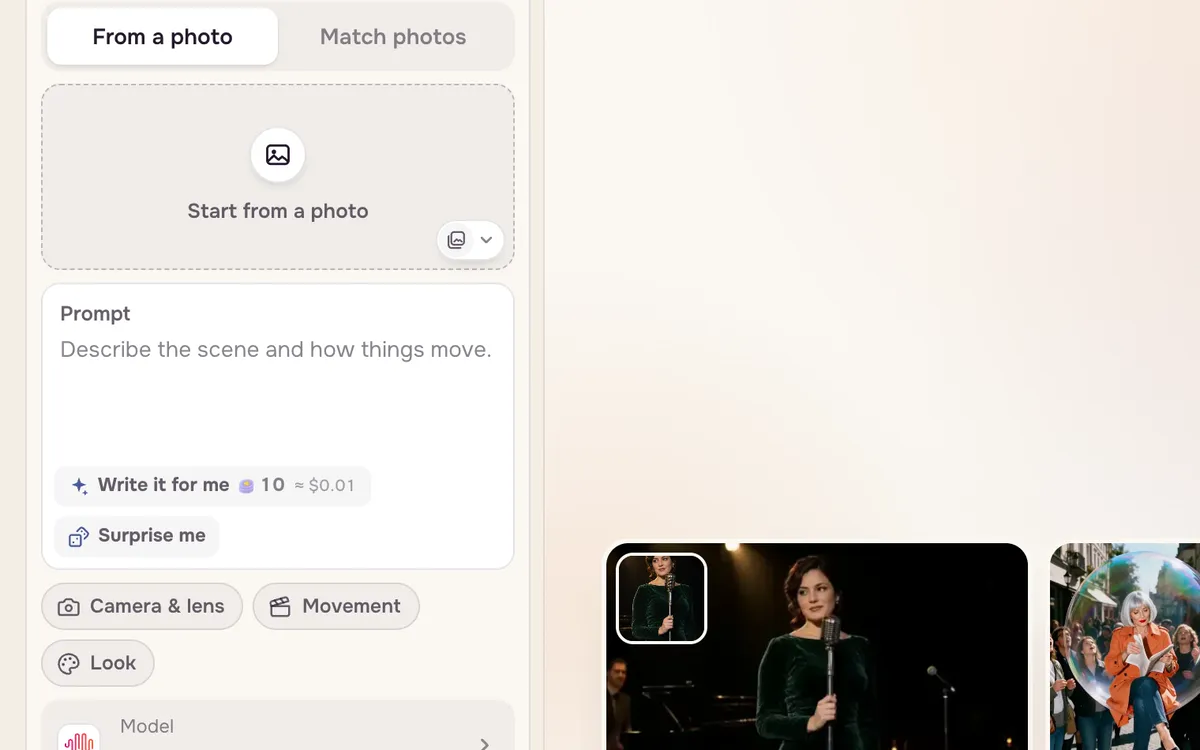
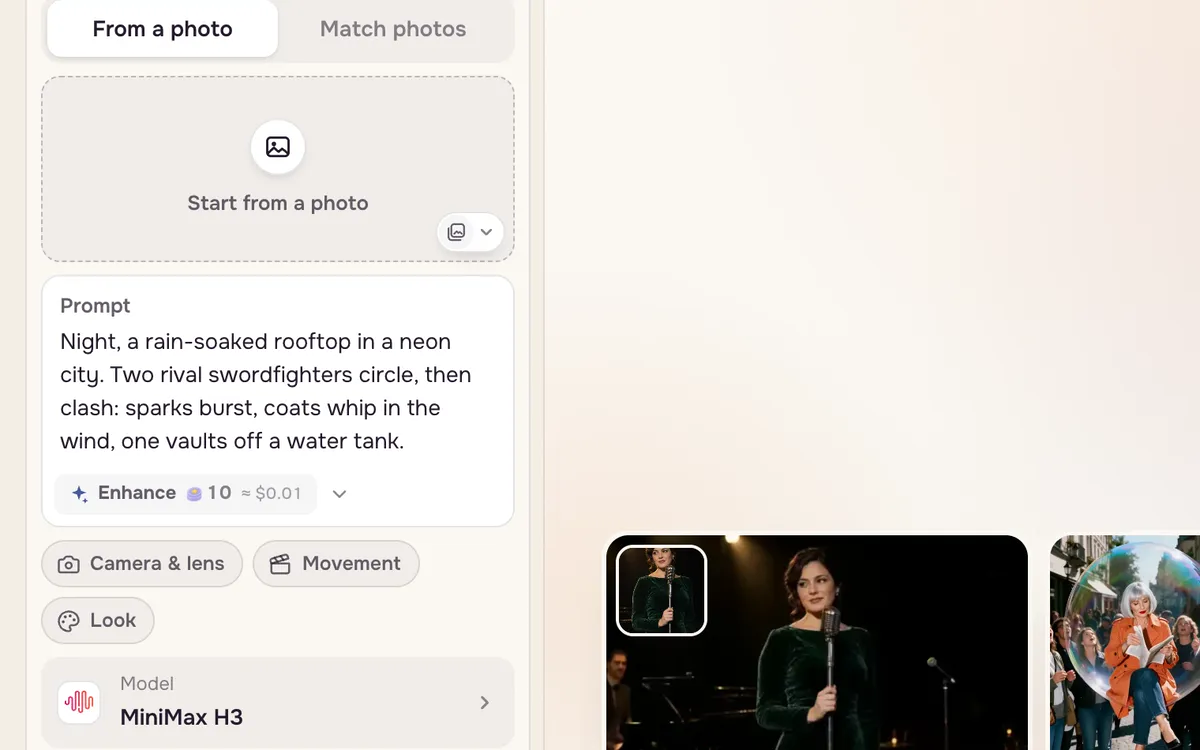
Where and when: "Night, a rain-soaked rooftop in a neon city." If you are starting from a photo, skip this — the model can already see the scene. Spend your words on what changes.
Step 2: Write the action as cause and effect
Do not just name the result ("they fight"). Write the chain: they circle, then clash; sparks burst; coats whip; one vaults off a tank. Every contact — a foot landing, a blade striking — gives the model something physical to animate. Use verbs, not adjectives.
Step 3: Add one camera move and a style lock
Add a single camera move with a speed and an end frame, then lock the style: name it, and add what must not change. Finish with "no text" so signs do not come out garbled.
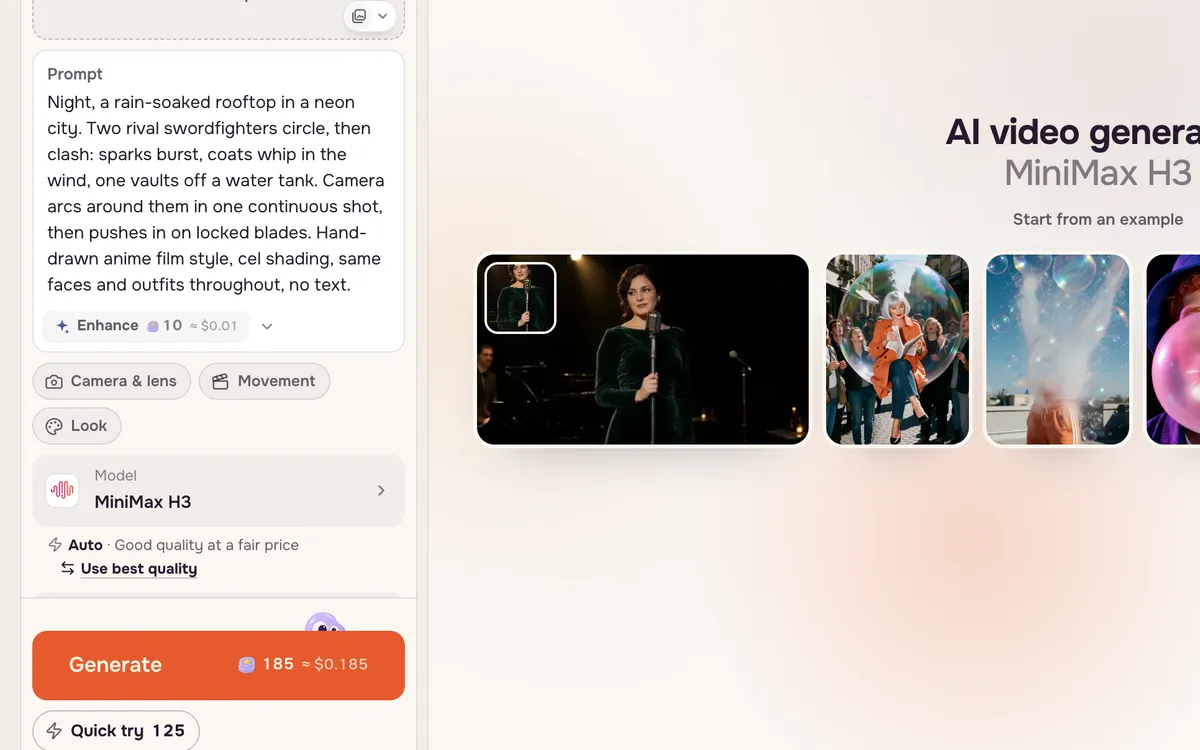
Night, a rain-soaked rooftop in a neon city. Two rival swordfighters circle, then clash; sparks burst, coats whip in the wind, one vaults off a water tank. Camera arcs around them in one continuous shot, then pushes in on the locked blades. Hand-drawn anime film style, cel shading, same faces and outfits throughout, no text.
The four-part template
| Part | What to write | Example |
|---|---|---|
| Scene | Place, time, weather (skip it when you start from a photo) | Night, a rain-soaked rooftop in a neon city |
| Action | A chain of verbs with contact and weight | circle, then clash; sparks burst; one vaults off a tank |
| Camera | One move, a speed, where it ends | Camera arcs around them, then pushes in on the blades |
| Lock | The style plus what must not change | Anime film style, same faces and outfits, no text |
Keep it to 40–90 words. Longer prompts tend to bury the action.
Three motion layers
A shot feels alive when three things move: the camera, the subject, and the environment — rain, dust, sparks, lights, water. If your clip feels frozen, the environment layer is usually missing. Then say what stays still: faces, outfits, a product's shape, the horizon.
Starting from a photo
When you use a photo as the first frame, write only what changes. Describing the picture again wastes words and can make the model cut to a new scene. Also make sure the action fits the photo: a head-and-shoulders portrait cannot suddenly walk out of frame.
FAQ
Do I need to write long prompts?
No. Forty to ninety words is the sweet spot. Short prompts often barely move; very long ones lose the action.
Should the camera move come first or last?
For most models, after the action works well. If a model ignores your camera move, try moving that sentence to the start.
Why does my clip cut to a different scene?
The prompt probably describes something that is not in the first frame. Remove new elements and add "one continuous shot, no cuts".