What is an AI avatar?
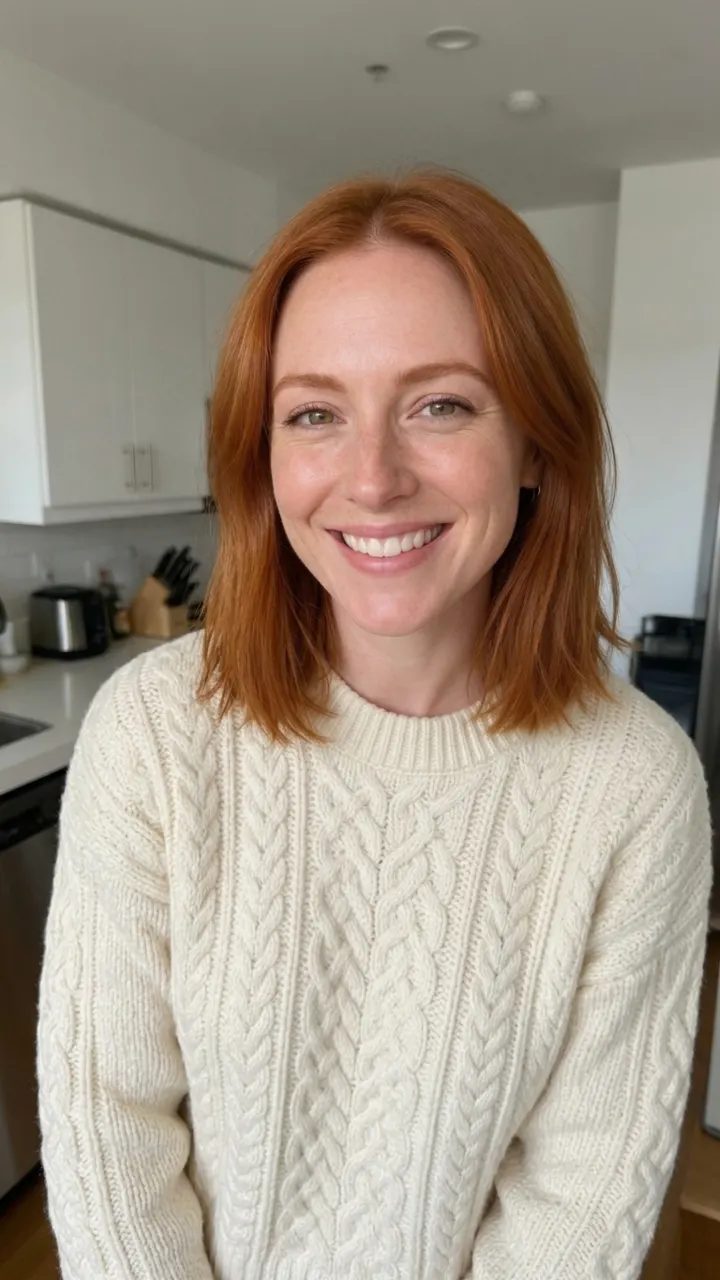
An AI avatar is a video of a real-looking person speaking, made from a single photo. Add a portrait, give it something to say, and the face moves with the words: lips, eyes, small nods and expressions all follow the voice.
You choose where the voice comes from. Type a script and pick one of six studio voices, read it in your own cloned voice, or upload a recording or a song. The video is exactly as long as the audio, from a few seconds up to a minute.
How to make a talking photo
- Add a portraitA clear photo with one face looking roughly at the camera. Head-and-shoulders shots work best.
- Give it a voiceType a script, choose a voice or your own clone, or upload an MP3 or WAV of 3 to 60 seconds.
- Make it talkThe button shows the full price before you start. Download the video or send it on to edit, translate or share.
Why make avatars here
- Any language. The script is read in whatever language you type, so one portrait can greet customers in English, Spanish or Japanese.
- Your own voice. Clone your voice once and every avatar you make can speak with it.
- Speech or song. Upload a song and the portrait sings it, with breathing and expressions that follow the music.
- Choose the engine. Auto picks a fast, affordable model; switch to a premium avatar model for longer or 1080p clips.
What people make
- Shop greetings A friendly face that welcomes visitors on a product page or a menu screen.
- Course and explainer clips Short lessons read by the same presenter every time.
- Birthday messages A photo that wishes someone a happy birthday in your voice.
- Social posts Talking intros and outros without setting up a camera.
Tips for a natural result
- Use a sharp photo with even light; sunglasses, hands over the mouth and strong side angles make lips harder to follow.
- Keep each clip under a minute and split long scripts into scenes.
- Punctuation shapes the delivery: commas add short pauses, exclamation marks add energy.
- For singing, upload a clean vocal track; heavy instruments can blur the mouth shapes.
Use it responsibly
Only use your own face and voice, or those of people who said yes. Never upload anyone under 18, and don’t use results to mislead people about who said or did something. Every request goes through PopNow’s content checks, and anything uploaded is used only to make your result.
Price
You pay per second of finished video: Talking Avatar costs 18 credits a second, so a 10-second clip with a typed script is about 184 credits including the voice. The button always shows the total before you start, and failed runs are refunded.
Questions
Can I use any photo?+
Use a photo of yourself, or of someone who has agreed. Never use a photo of anyone under 18. Uploaded photos need a quick permission tick before they are used.
Which languages can it speak?+
Typed scripts are read in the language you write them in, including English, Spanish, French, German, Portuguese, Japanese, Korean and Chinese. Uploaded audio can be in any language.
How long can the video be?+
Between 3 and 60 seconds with the default model; premium models in More options accept longer audio.
Can it sing?+
Yes. Choose Upload audio and add a song; the portrait performs it for as long as the track runs.
How much does it cost?+
Talking Avatar costs 18 credits per second of video, so a 10-second clip is about 184 credits with the voice included.
Who owns the video?+
You do. Results are saved to your PopNow library and you can use them commercially, as long as you have the rights to the photo and the voice.

 Example
