


by ByteDanceImageNew

Seedream 5.0 Flash
Quick Seedream images, edits and layer splits up to 2K
- Up to 2K
- Up to 10 reference images
- 15 aspect ratios
From 4 credits per image≈ $0.04· Layer Splitter
What is Seedream 5.0 Flash?
Seedream 5.0 Flash is the lighter, quicker tier of ByteDance's Seedream 5.0. It creates and edits with up to ten references, sets lettering cleanly, and can split a finished picture into a base plate plus up to sixteen transparent layers. 1K, 1.5K and 2K all cost the same.
Best on PopNow for: Retro posters and ads with real lettering, putting the same person into a new setting without a reshoot, and breaking a design into layers to swap a headline or prop.
Good for
- Retro posters and ads with real lettering
- Putting the same person into a new setting without a reshoot
- Breaking a design into layers to swap the headline or a prop
What Seedream 5.0 Flash does well
2K at the same price as 1K
All three sizes cost the same, so the sensible default is 2K.
Lettering that reads
Quote the copy and name its position, and titles, taglines and ticket stubs come out spelled correctly.
Up to sixteen layers
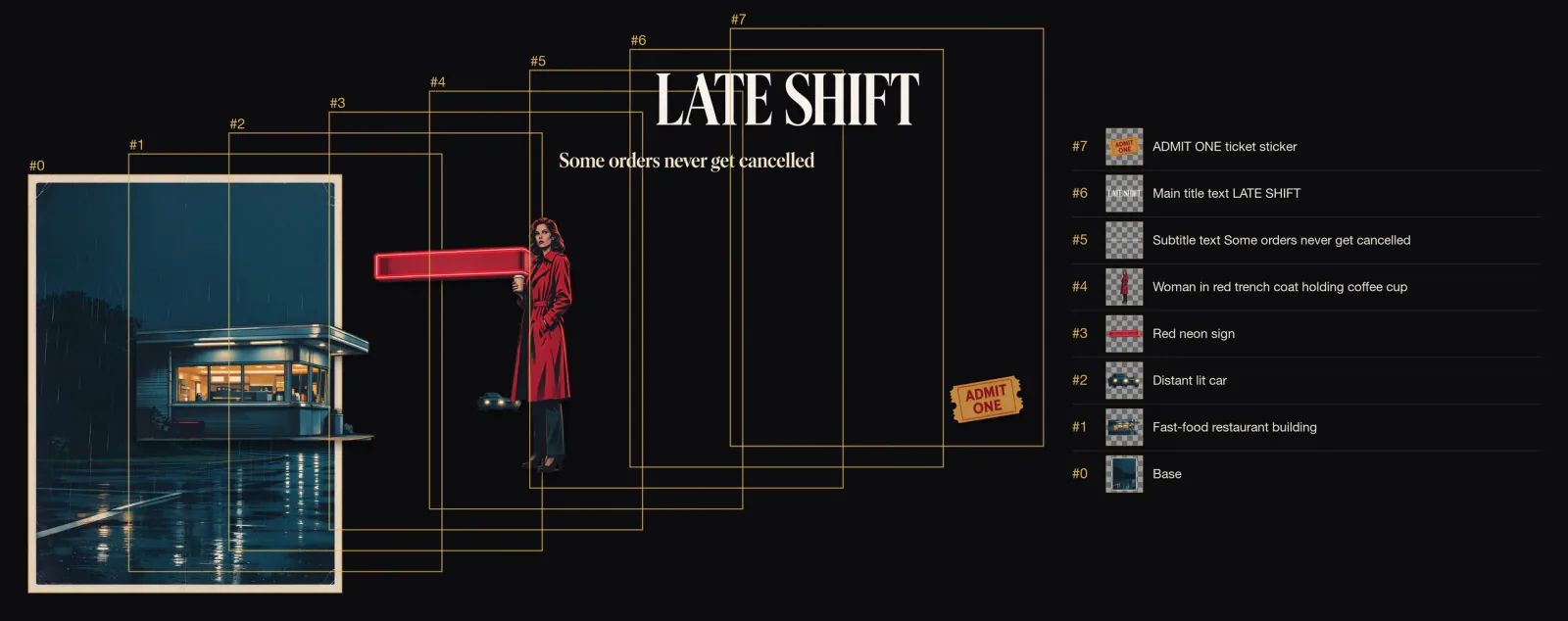
Layer Splitter returns a repaired background plate and up to sixteen named, transparent layers, so a poster becomes an editable file.
Real results from Seedream 5.0 Flash
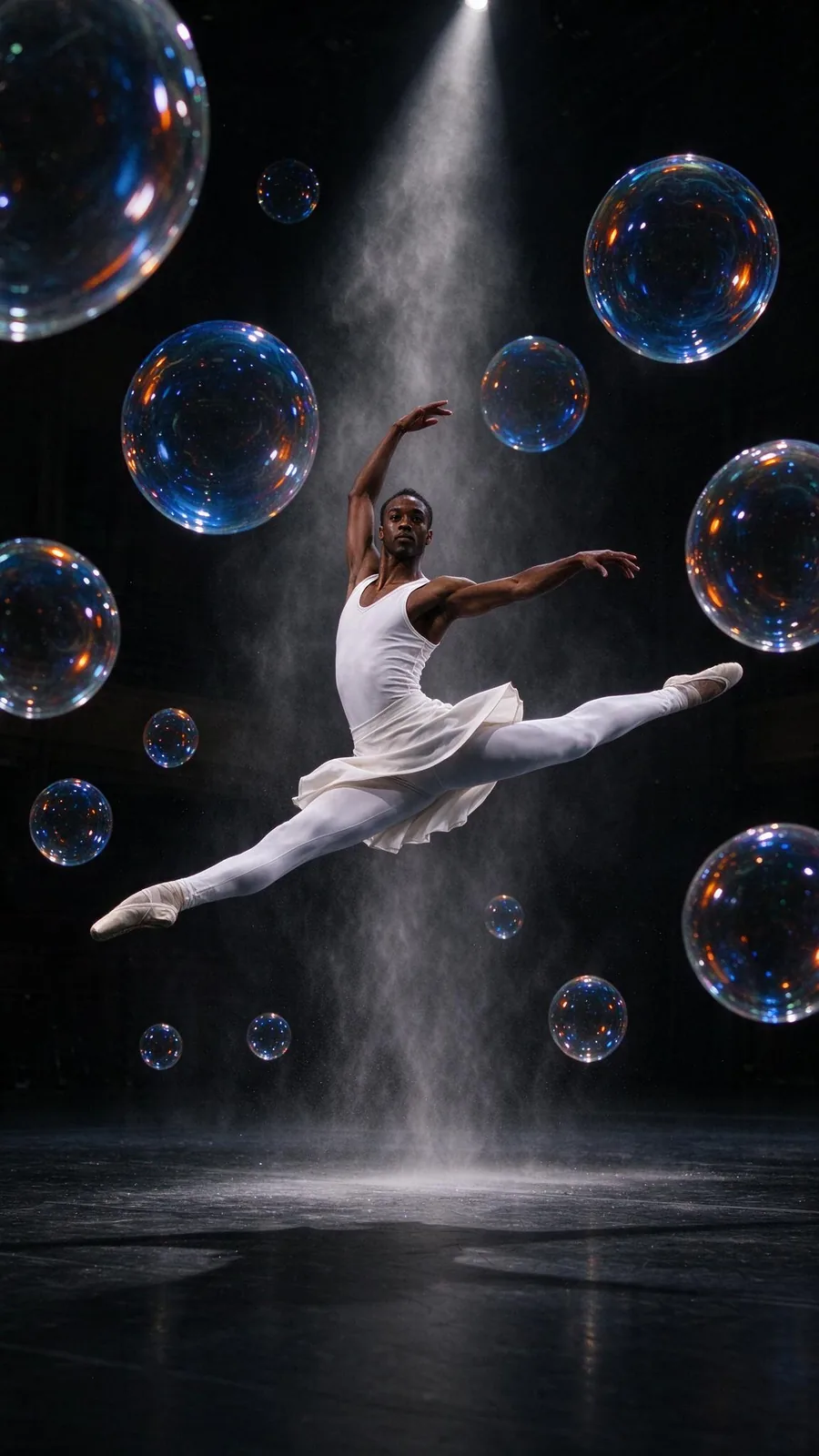
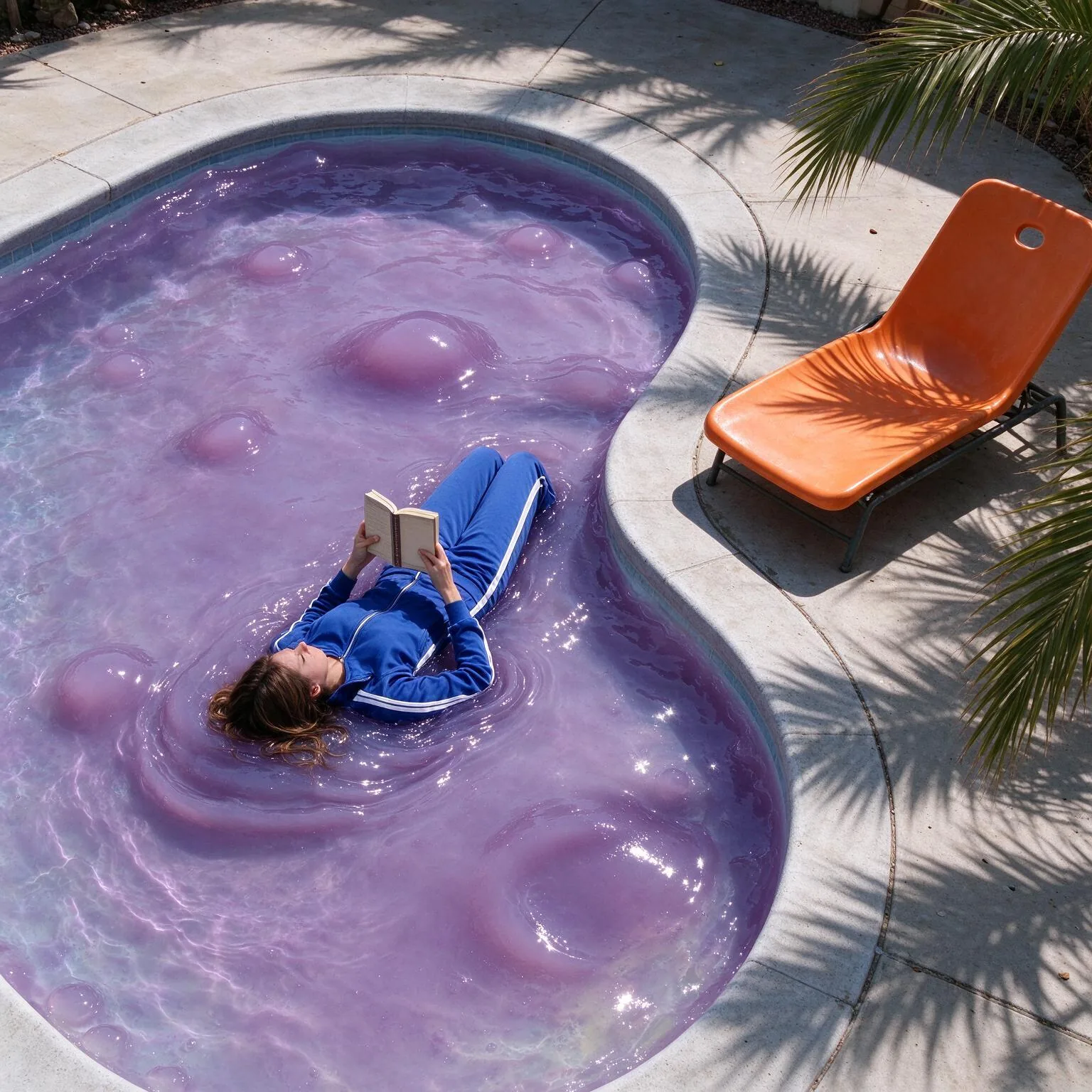
Every image and clip here was generated with Seedream 5.0 Flash. Hit Recreate to open it in the studio with the same prompt and settings.

 Input
InputNo prompt, just the settings
Bring your own image
 Input
InputBring your own image



Prompts that worked on Seedream 5.0 Flash
Real outputs with the exact prompt we used, and why it worked. Hit Recreate to try the same settings.
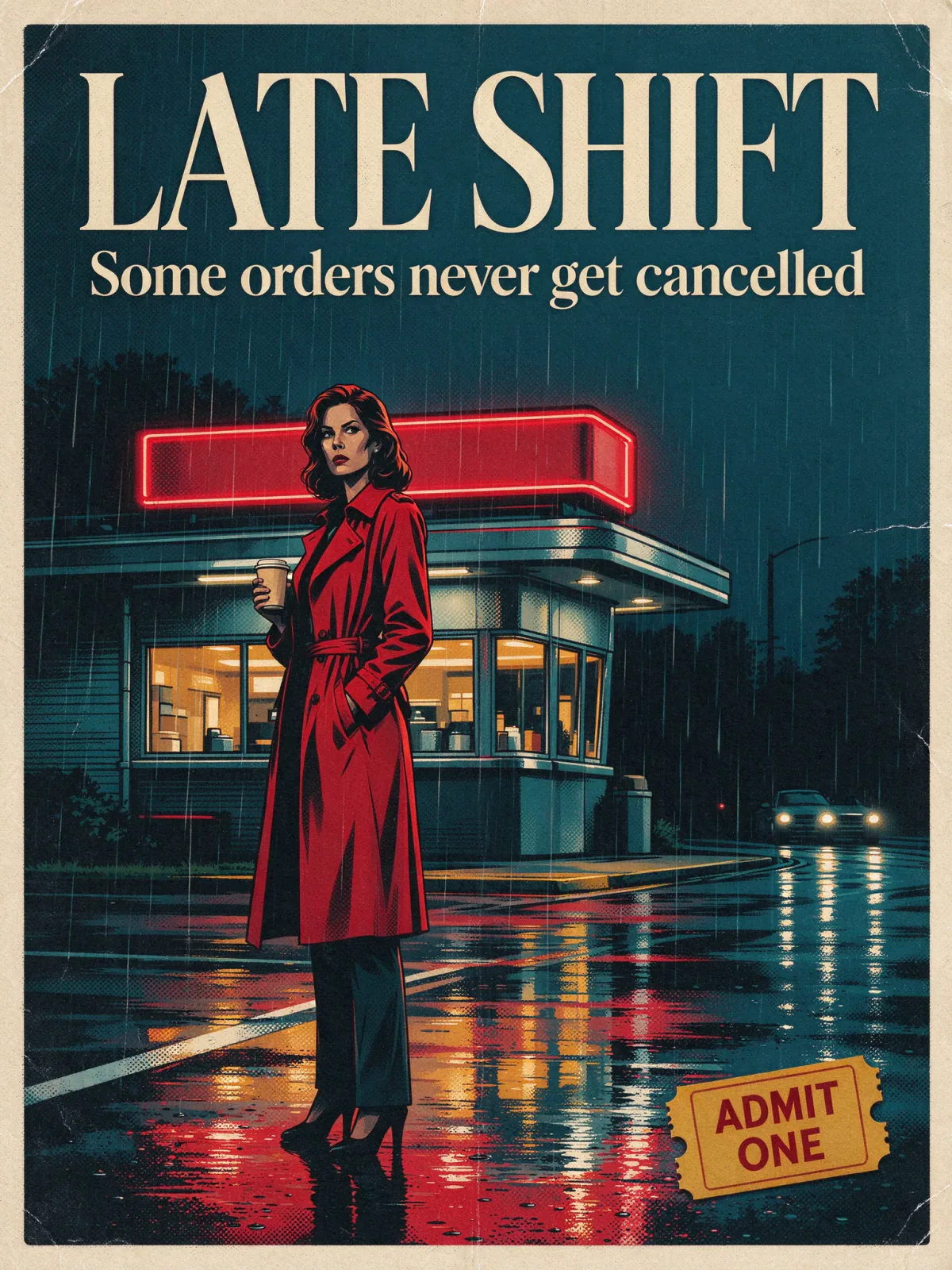
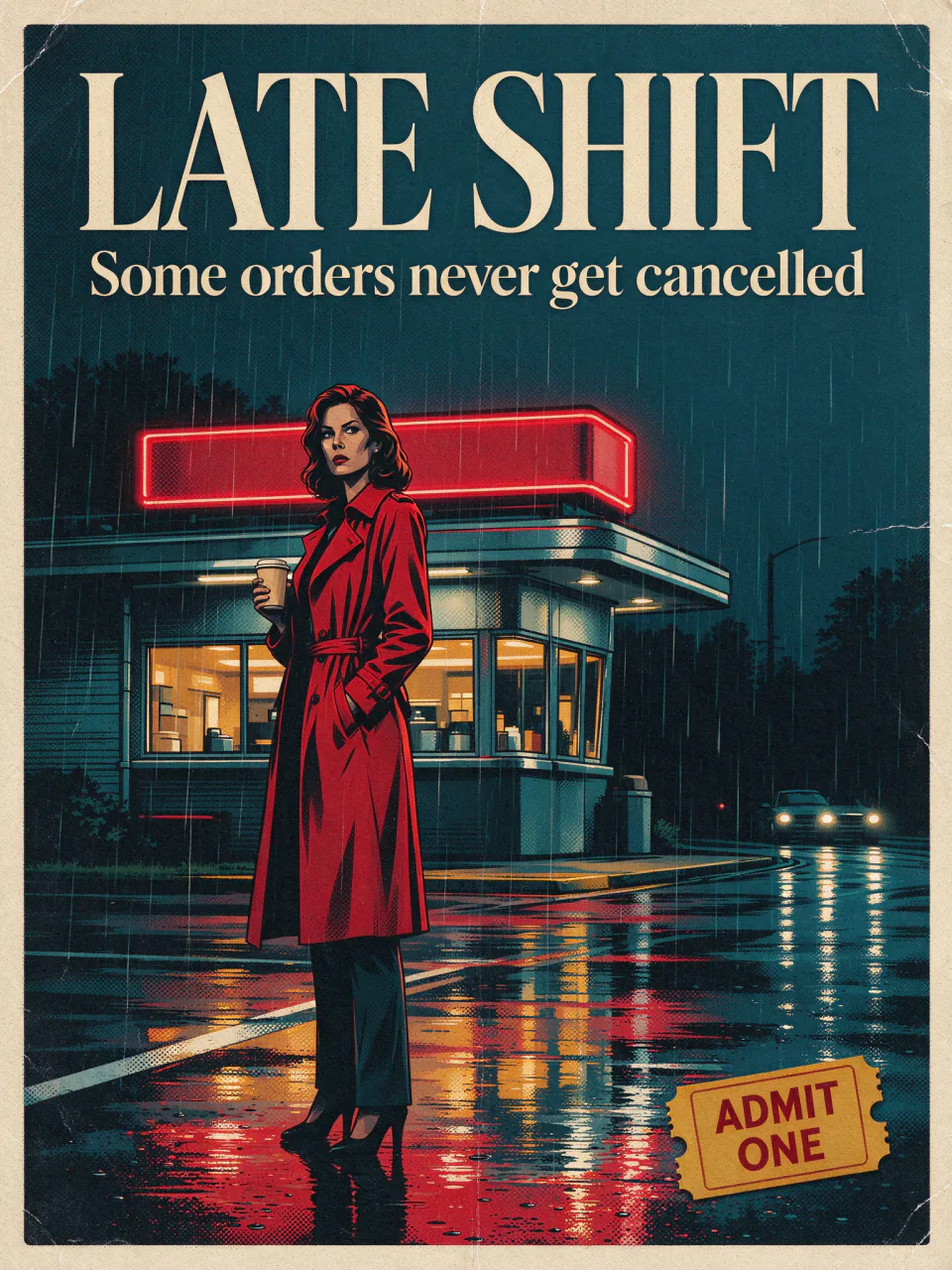
A retro cinema poster: a woman in a red trench coat stands under a flickering diner sign in the rain, holding a paper coffee cup; bold cream serif title 'LATE SHIFT' across the top, smaller tagline 'Some orders never get cancelled' beneath it, and a small yellow ticket stub graphic in the lower right corner reading 'ADMIT ONE'; wet asphalt reflections, cinematic teal and red palette, clean graphic design with clear separated elements
A retro cinema poster brief with the character, setting, weather and props all named. Concrete props like a ticket stub give the layout anchors for text.
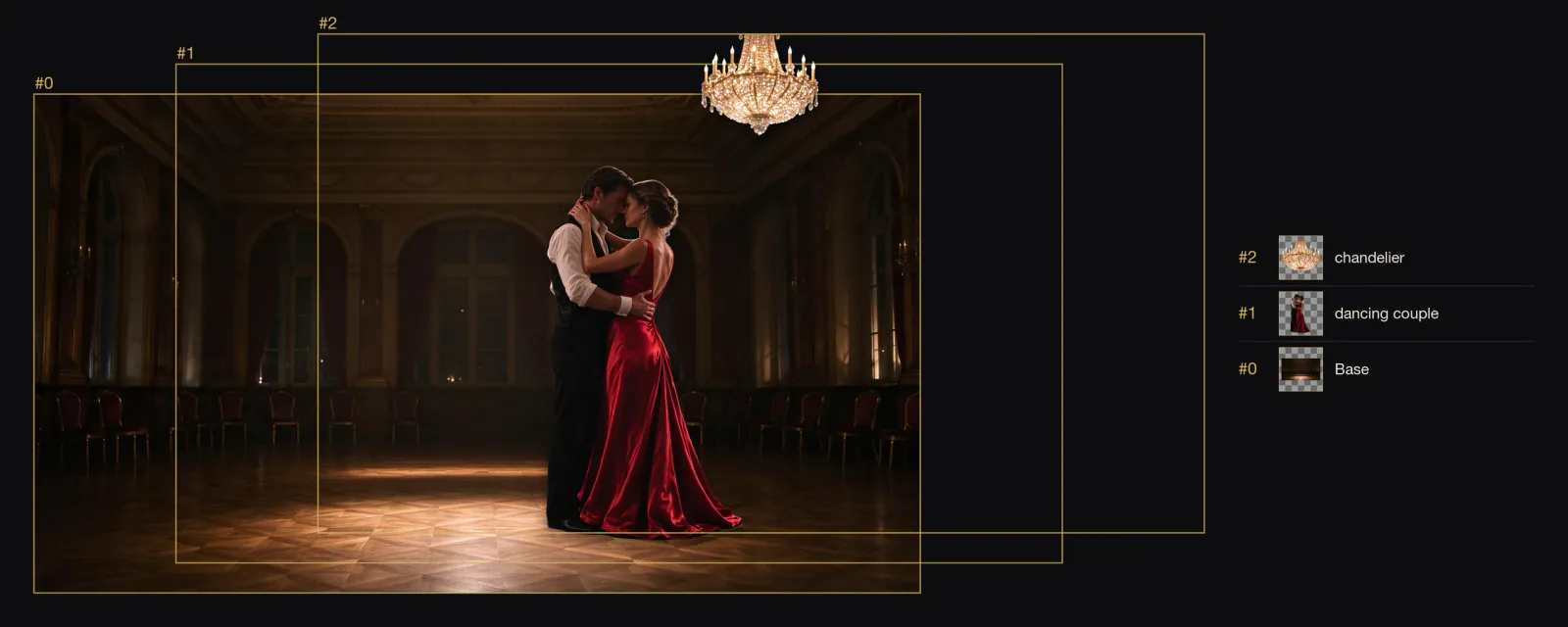
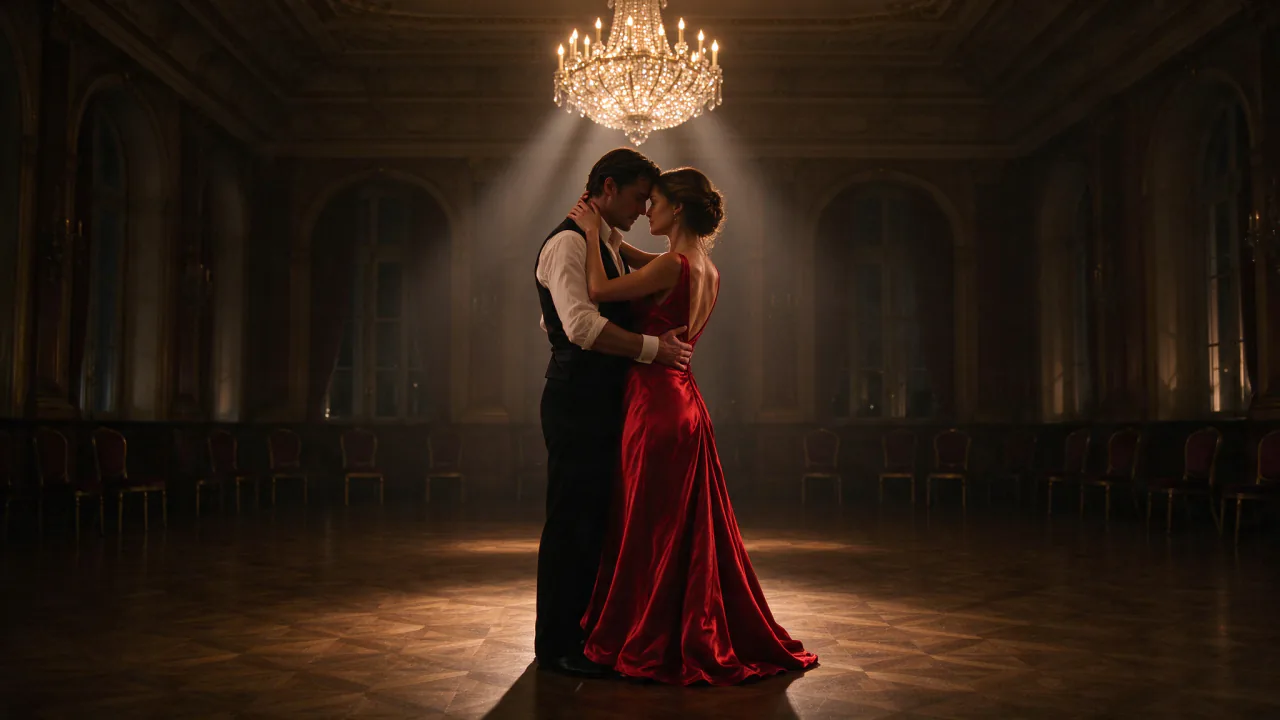
RecreateSeparate the dancing couple and the chandelier into their own layers
The layer split instruction names what to separate (the couple and the chandelier). Telling it which elements matter produces cleaner, more useful layers.
RecreateWhat Seedream 5.0 Flash can do
Each mode opens in the studio with Seedream 5.0 Flash already picked. The price shows before you generate.



Best ways to use Seedream 5.0 Flash on PopNow
Where this model already does the work for you, from one-tap apps to the full studio.
How to prompt Seedream 5.0 Flash
- Quote the exact copy, name its position, and check the spelling before you publish.
- Write the shot, not adjectives: who's in frame, what they wear, where the light comes from, the lens or film feel.
- Long chains of edits drift. Go back to the original frame rather than editing the last result again.
Settings worth knowing
Everything else has a sensible default, so you can type a prompt and go.
resolution1K · 1.5K · 2K- Output size. Bigger sizes look sharper and cost more.
aspect_ratio1:1 · 4:3 · 3:4 · 16:9 +11- The shape of the frame: wide, square or tall.
image_urls≤ 10- Photos to edit or combine. Say in the prompt what each one adds.
image_url- The picture to start from.
backgroundopaque · transparent- Keep, remove or replace the background.
output_formatjpeg · png- File type of the result.
How it compares
Same kind of job, different strengths and prices.
Seedream 5.0 Pro spends more on material detail for final frames and costs more at 2K. Flash is the faster, cheaper way to work through ideas.

Where Seedream 5.0 Flash falls short
- Long chains of edits drift; return to the original frame rather than editing the last result again.
- There is no seed.
- Material detail is lighter than Seedream 5.0 Pro's for final hero frames.
How to use Seedream 5.0 Flash in three steps
- Choose Seedream 5.0 Flash in the image studio and pick create, edit or layers.
- Quote the exact copy and its position; write the shot, not adjectives.
- Select 2K, since it costs the same as 1K, and generate.
Questions about Seedream 5.0 Flash
How much does Seedream 5.0 Flash cost?
On PopNow, the cheapest run of Seedream 5.0 Flash costs 4 credits ($0.04) per image. You pay with credits (1 credit = $0.01), the exact cost shows on the Generate button before you start, and failed generations are refunded automatically.
What sizes can Seedream 5.0 Flash make?
Seedream 5.0 Flash renders up to 2K in 15 aspect ratios, and edits with up to 10 reference images.
Do all Seedream 5.0 Flash sizes cost the same?
Yes, 1K, 1.5K and 2K are one price.
How many layers can Seedream 5.0 Flash split into?
A base plate plus up to sixteen transparent layers, each with a short name.
Seedream 5.0 Flash or Pro?
Flash is faster and cheaper for ideas and drafts; Pro spends more on material detail for the final frame.
Can Seedream 5.0 Flash keep the same person across images?
Yes. Edit with the person's photo as a reference and give it a role in the prompt.
How many references does it accept?
Up to ten, each up to 30 MB in jpeg, png or webp.
Seedream 5.0 Flash or Seedream 5.0 Pro?
Seedream 5.0 Pro spends more on material detail for final frames and costs more at 2K. Flash is the faster, cheaper way to work through ideas.
Make something with Seedream 5.0 Flash
Draft posters fast at 2K, then split the keeper into layers and tweak the headline.