


by ByteDanceImage

Seedream 5.0 Lite
Fixed-size 2K frames that keep a series consistent
- Up to 10 reference images
From 6 credits per image≈ $0.06· Create Image

What it's like to use
Seedream 5.0 Lite is the preset-size tier of ByteDance's Seedream 5.0: you pick one of eight fixed 2K frames, from a 2048×2048 square to a 3136×1344 banner strip, and the picture is composed for that exact size. That keeps a whole illustration set in one shape, and edits can combine up to ten reference images.
Good for
- Illustration and card sets that share one frame size
- 4:3 and 3:4 print comps and layout mock-ups
- Site heroes and storefront banners composed for the strip
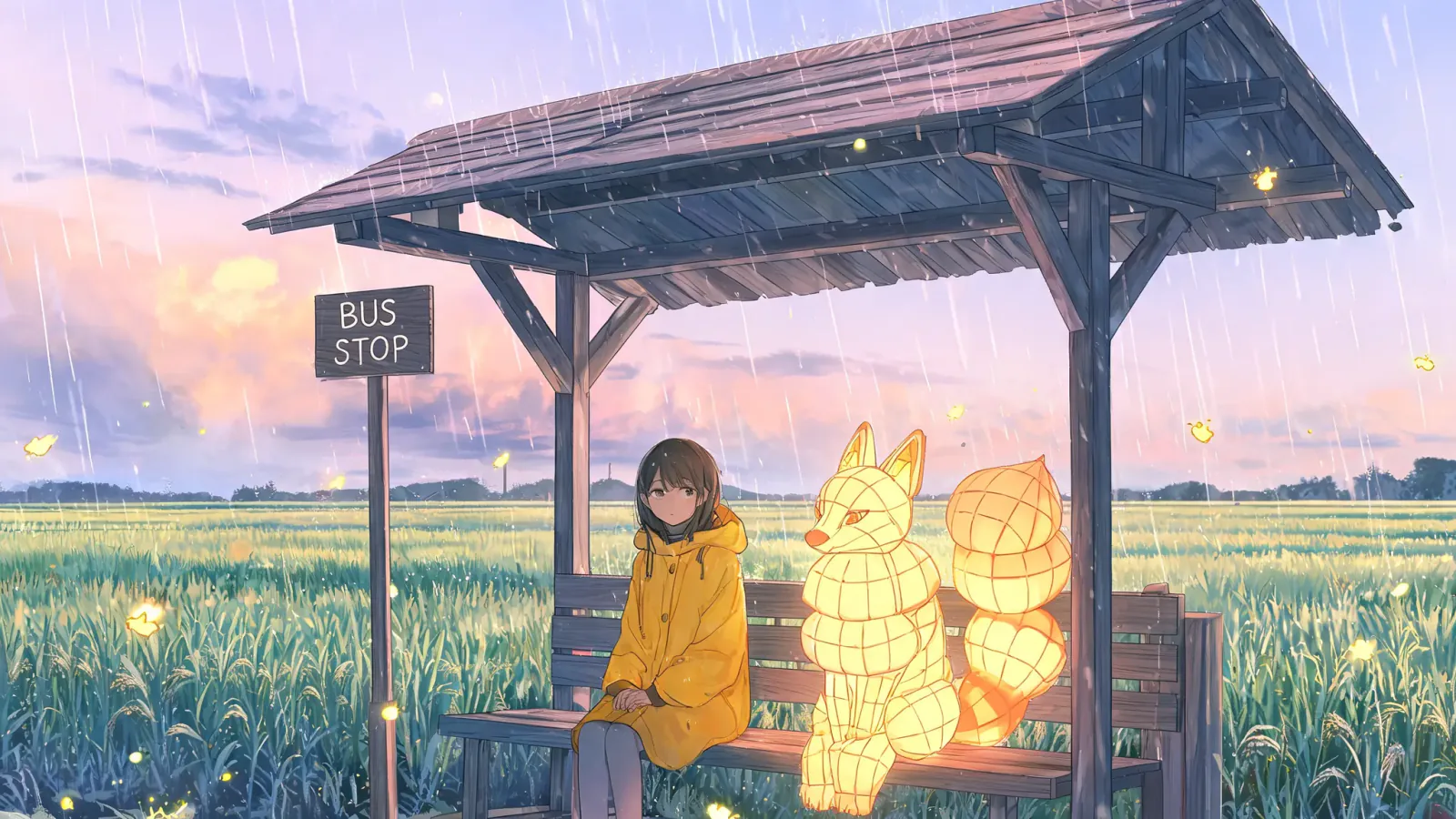
Real results from Seedream 5.0 Lite
Every image and clip here was generated with Seedream 5.0 Lite. Hit Recreate to open it in the studio with the same prompt and settings.


What Seedream 5.0 Lite can do
Each mode opens in the studio with Seedream 5.0 Lite already picked. The price shows before you generate.

How to prompt Seedream 5.0 Lite
- Choose the size before writing: square for feeds, 2304×1728 for a print comp, 3136×1344 for a hero strip.
- Write subject, wardrobe, palette, line quality and lighting in one pass of up to 3,000 characters.
- In edits, give every reference a role in the prompt. Unnamed sources get blended.
Settings worth knowing
Everything else has a sensible default, so you can type a prompt and go.
image_urls≤ 10- Photos to edit or combine. Say in the prompt what each one adds.
output_formatjpeg · png- File type of the result.
How it compares
Same kind of job, different strengths and prices.
Seedream 5.0 Pro frames with any of fifteen aspect ratios at 1K or 2K and spends more on material detail. Lite is the one when a fixed preset size is part of the brief.

Questions about Seedream 5.0 Lite
How much does Seedream 5.0 Lite cost?
On PopNow, the cheapest run of Seedream 5.0 Lite costs 6 credits ($0.06) per image. You pay with credits (1 credit = $0.01), the exact cost shows on the Generate button before you start, and failed generations are refunded automatically.
What can Seedream 5.0 Lite do?
On PopNow, Seedream 5.0 Lite works in these modes: Create Image and Edit Image. Pick one in the studio and add a prompt or an upload.
How should I write prompts for Seedream 5.0 Lite?
Choose the size before writing: square for feeds, 2304×1728 for a print comp, 3136×1344 for a hero strip. Write subject, wardrobe, palette, line quality and lighting in one pass of up to 3,000 characters. In edits, give every reference a role in the prompt. Unnamed sources get blended.
Seedream 5.0 Lite or Seedream 5.0 Pro?
Seedream 5.0 Pro frames with any of fifteen aspect ratios at 1K or 2K and spends more on material detail. Lite is the one when a fixed preset size is part of the brief.
Do I need to install anything to use Seedream 5.0 Lite?
No. Seedream 5.0 Lite runs in your browser on PopNow: write a prompt or add a file, choose the settings and download the result. Sign up and you can generate straight away.
Make something with Seedream 5.0 Lite
Type an idea, pick your settings and see the price before you hit Generate.