PopNow puts the top image, video and audio models behind one credit balance. You pick a tool, see the price on its button, and pay only for what you generate — there is no subscription. This page covers the three things to know before your first clip: how credits work, what a clip costs, and how to test an idea cheaply.
Step 1: Know what a credit is
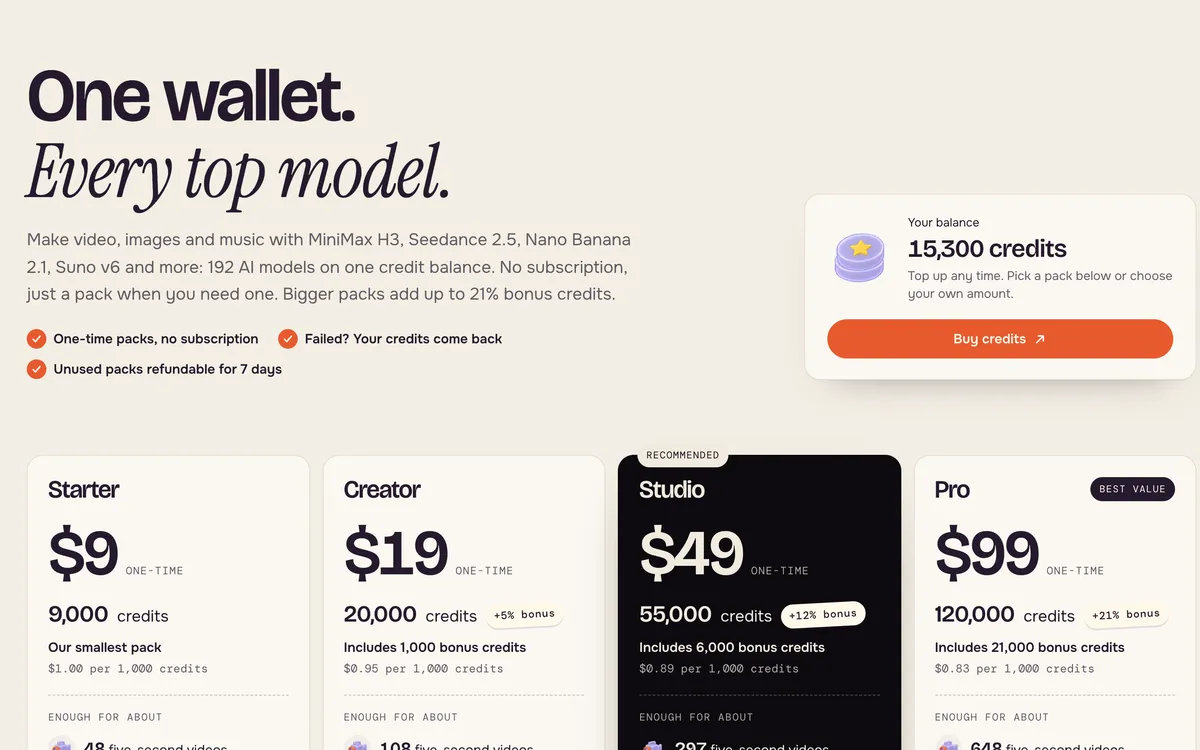
Everything on PopNow is priced in credits. At the Starter pack rate, 1,000 credits cost $1, so a 185-credit video is about 19 cents. Bigger packs add bonus credits — up to 21% extra on the largest pack — which lowers the real price per credit. Packs are one-time purchases, and failed generations give their credits back.
Step 2: Open Create video
Create video is the quickest place to start. Write a sentence, or add a photo to use as the first frame. The model, length and quality are already set to sensible defaults.
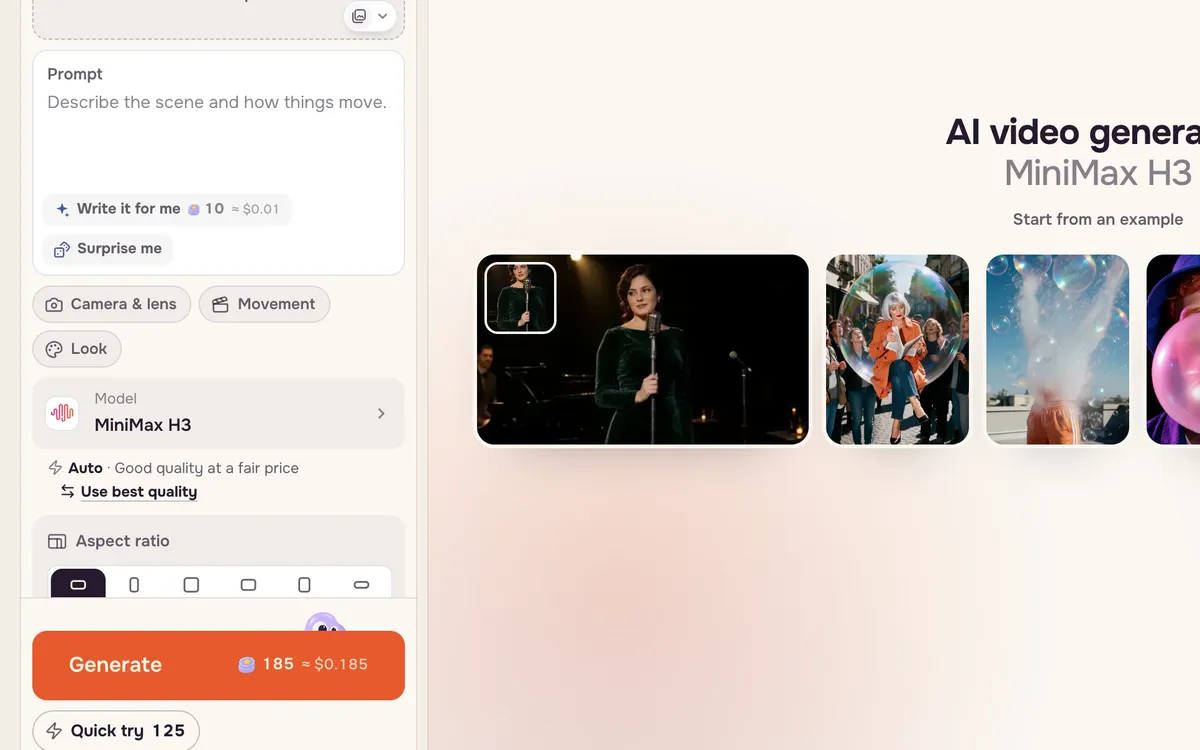
Step 3: Write one line and preview it
Describe one scene: who or what is in it, what happens, and how the camera moves. Then press Quick try. It makes a lower-resolution preview for fewer credits, so you can check the motion before paying for the sharp version.
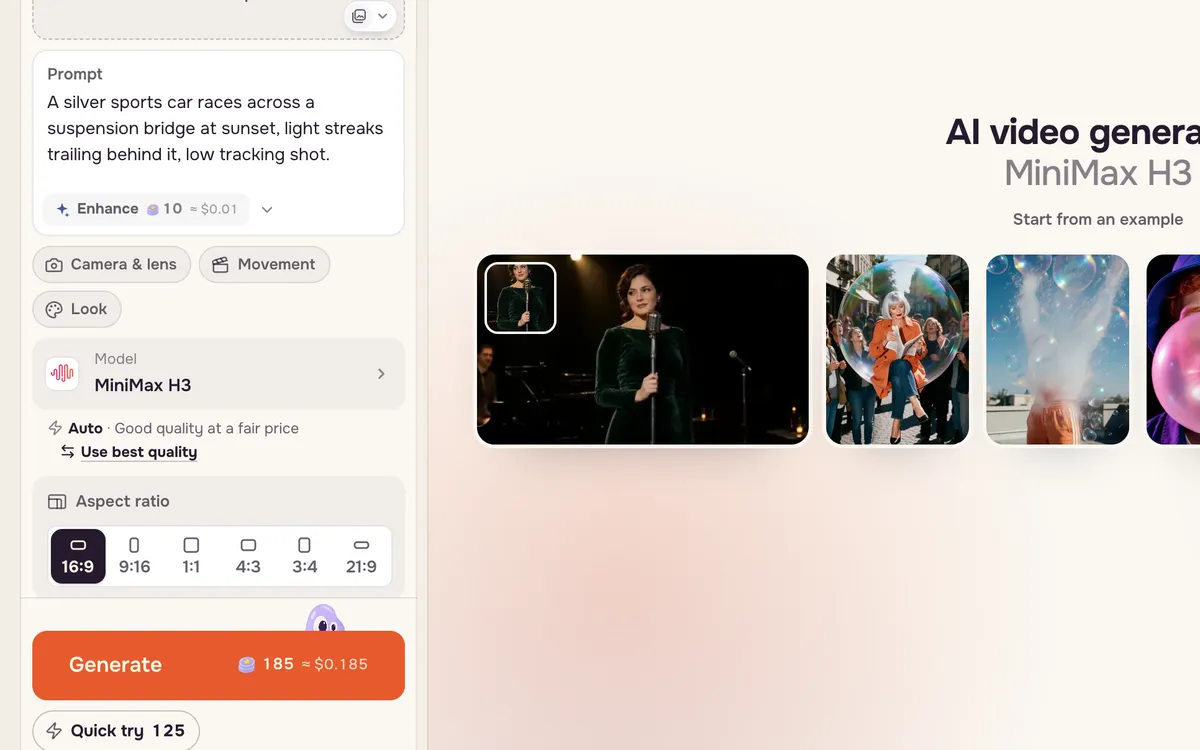
What one clip costs
Prices depend on the model, the resolution and the length. These are live numbers for a five-second clip:
| Model | Resolution | 5-second clip |
|---|---|---|
| MiniMax H3 | 480p (preview) | 125 credits |
| MiniMax H3 | 768p (default) | 185 credits |
| MiniMax H3 Max | 768p | 400 credits |
| Kling 4.0 | 720p | 942 credits |
| Seedance 2.5 | 720p | 1,387 credits |
The button always shows the exact price for your settings, so you never have to work it out. The price per clip guide goes deeper.
Where your results go
Every result appears in History on the page and is saved to your assets. From a result you can download it, extend it, or send it to another tool — for example, turn a still from Create image into a video.
FAQ
Do I need a subscription?
No. Credits come in one-time packs. Buy a pack when you need one; there is no monthly plan.
What happens if a generation fails?
The credits for that generation go back to your balance automatically.
Which tool should I learn next?
If you have a photo, read Turn a photo into a video. If you want instant results, try a one-tap effect. For longer stories, Filmmaker plans the shots for you.