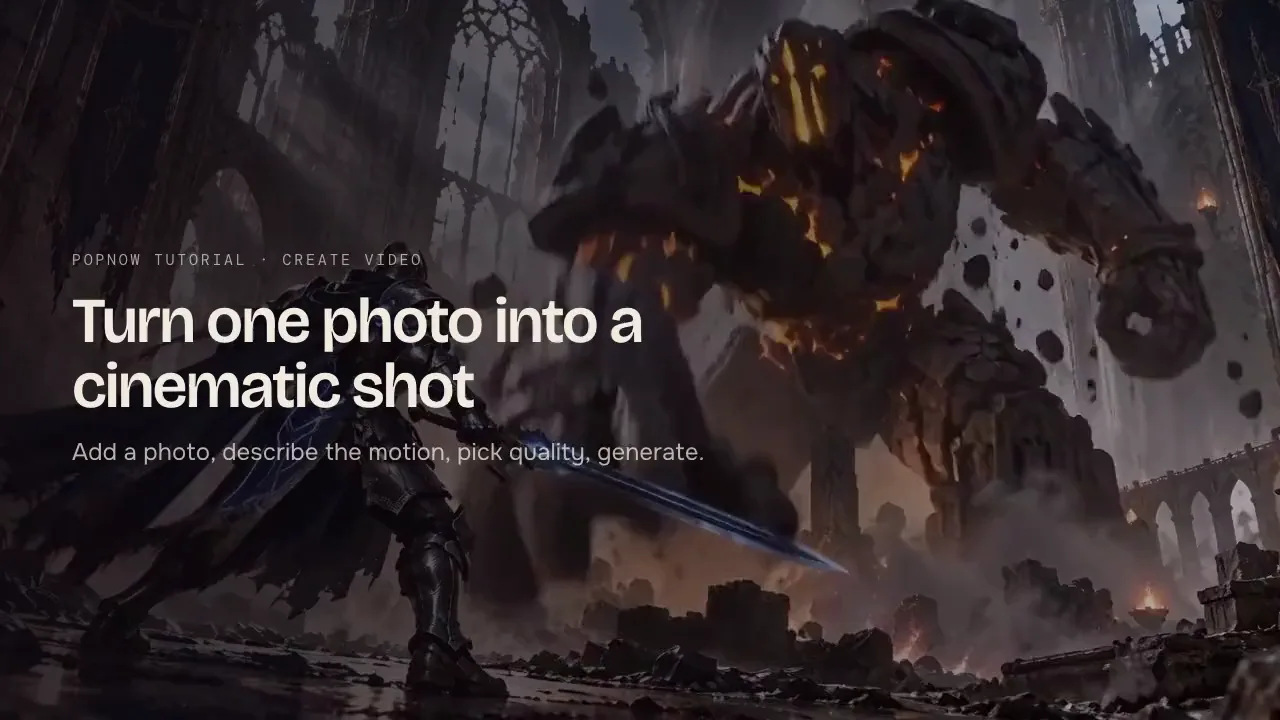
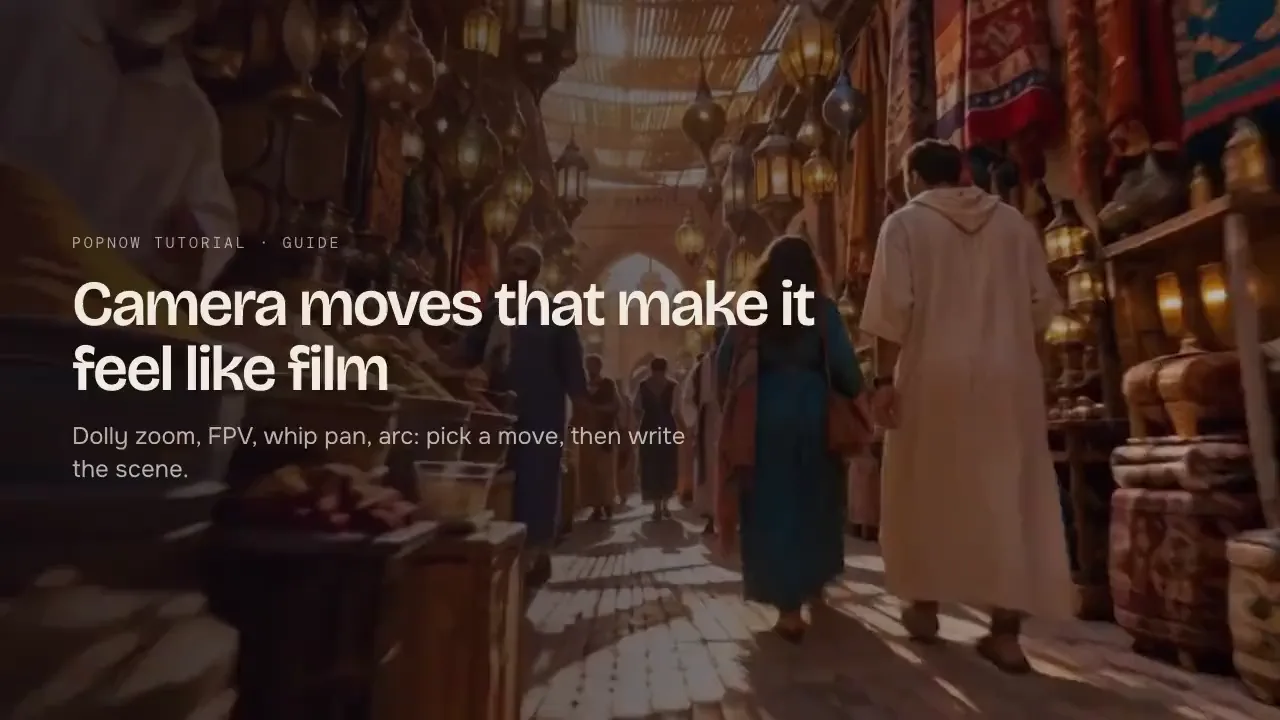
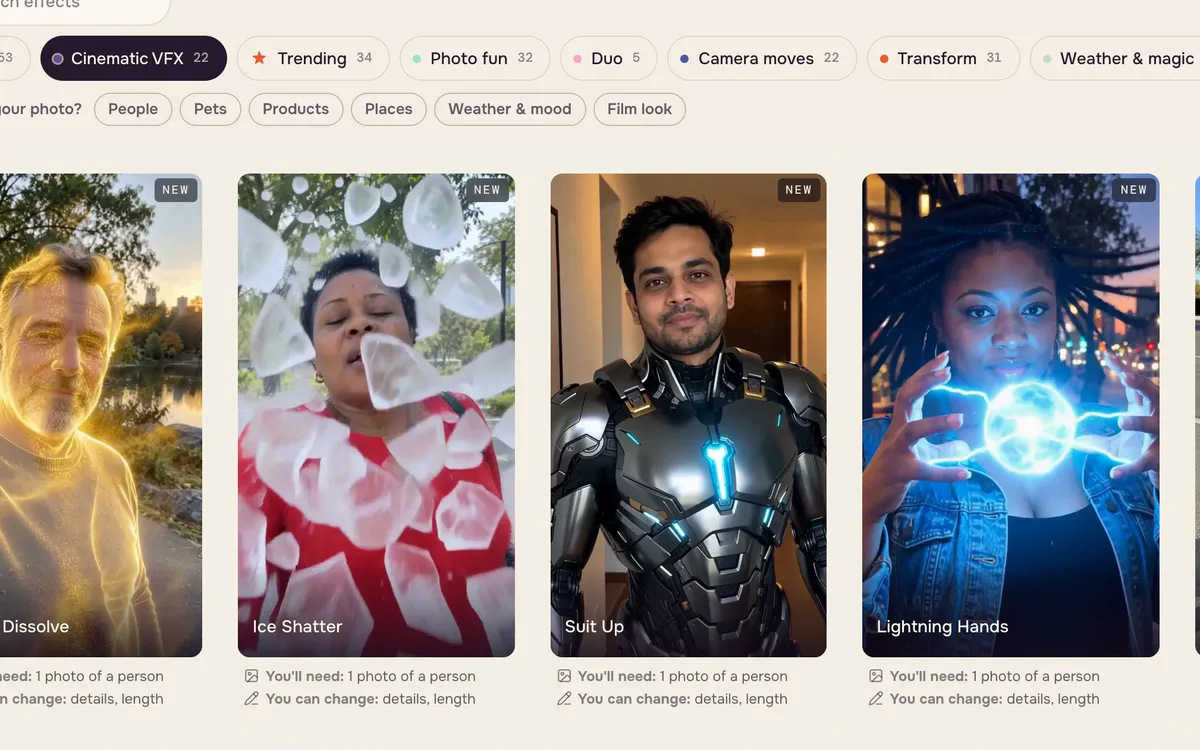
Effects are ready-made shots: you supply one photo, and the effect supplies the motion, camera and transformation. There is no prompt to write. Each one returns a short video with you or your subject at the center. The newest category, Cinematic VFX, adds blockbuster moments — lightning in your hands, a superhero landing, turning to golden dust.
Step 1: Open Effects and pick a category
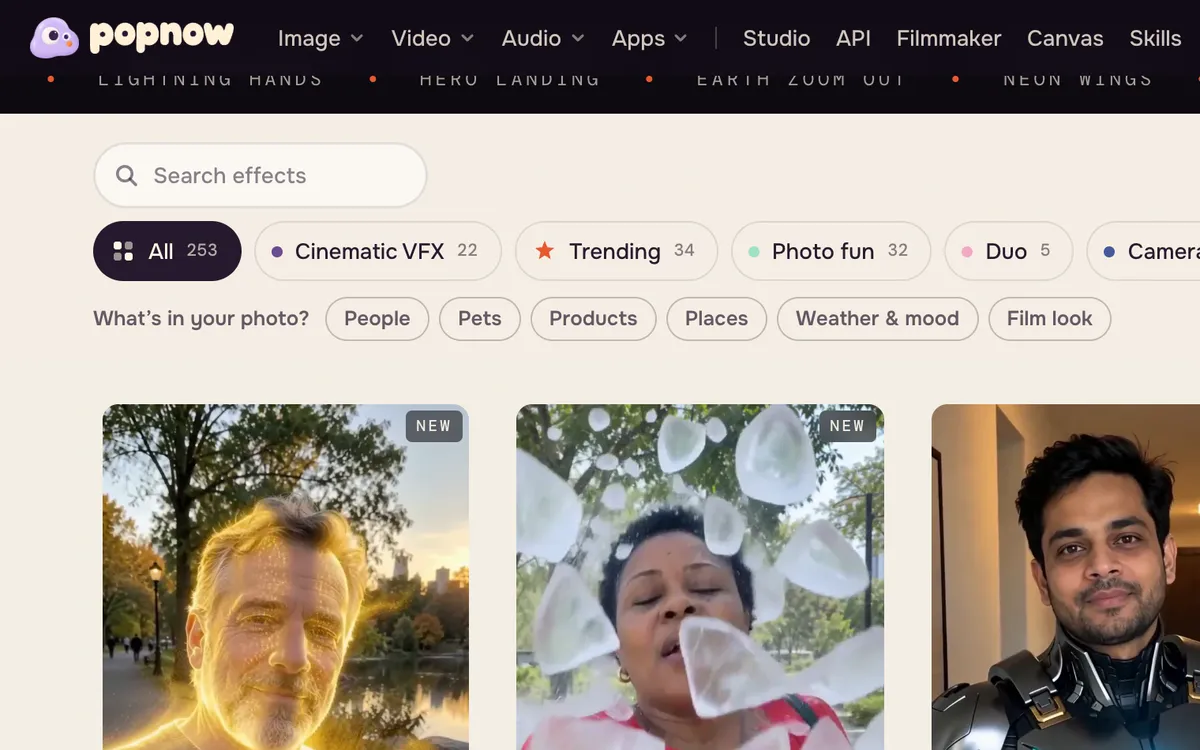
Open Effects and scroll to the gallery. Categories such as Cinematic VFX, Trending, Camera moves, Transform and Film looks narrow the list. Each card plays its own sample and says what you need — usually one photo of a person.
Step 2: Choose an effect
Click a card to open its page. You will see the sample before and after, a one-line description and the photo slot. More options shows the model the effect uses and lets you change details or length.
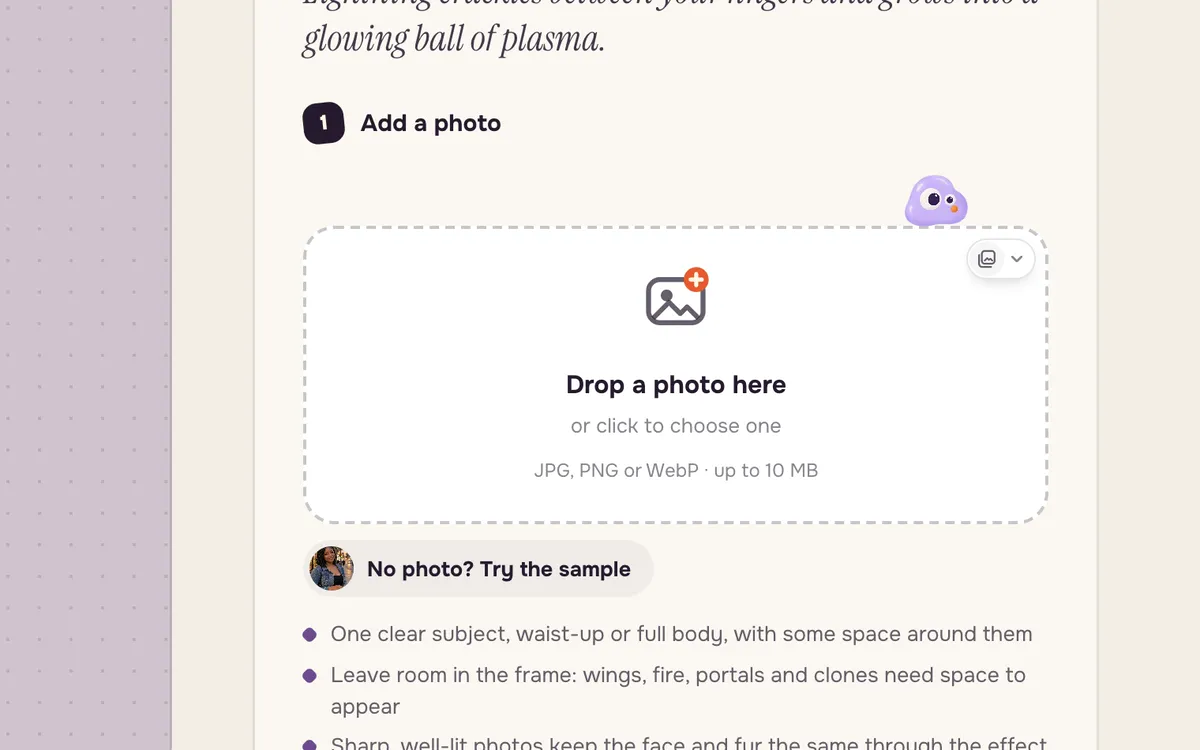
Step 3: Add your photo and generate
Drop in one photo, or press No photo? Try the sample to see how it works. The Generate button shows the price before you start. Cinematic VFX effects use a premium video model, so they cost more than the everyday effects.
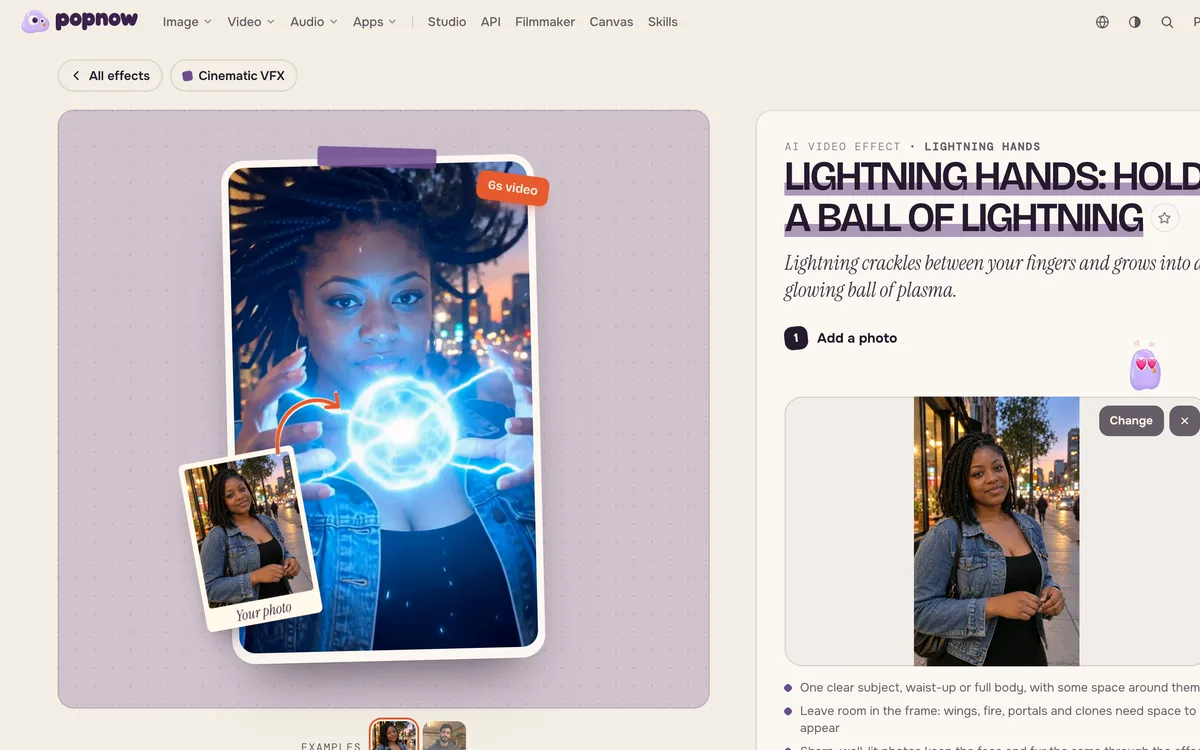
Which photos work best
- One clear subject near the middle of the frame, waist-up or full body.
- Some space around them — wings, fire, portals and the camera need room.
- Sharp and well lit. Blurry or dark photos come out softer.
- For duo effects, pick photos of two adults who agreed to be included.
More to try
The Camera moves category builds an effect around one dramatic camera move — for example Pupil Portal, which zooms into an eye and flies into a galaxy.
FAQ
Do I need to write a prompt?
No. Each effect has its prompt built in. If you want to change the motion, use Create video with your own prompt instead.
How much does an effect cost?
The price is shown on the Generate button before you start, and failed generations return their credits. Cinematic VFX effects cost more than the everyday ones because they use a premium model.
Can I use photos of other people?
Only with their permission, and only of adults. Some effects ask you to confirm consent before generating.