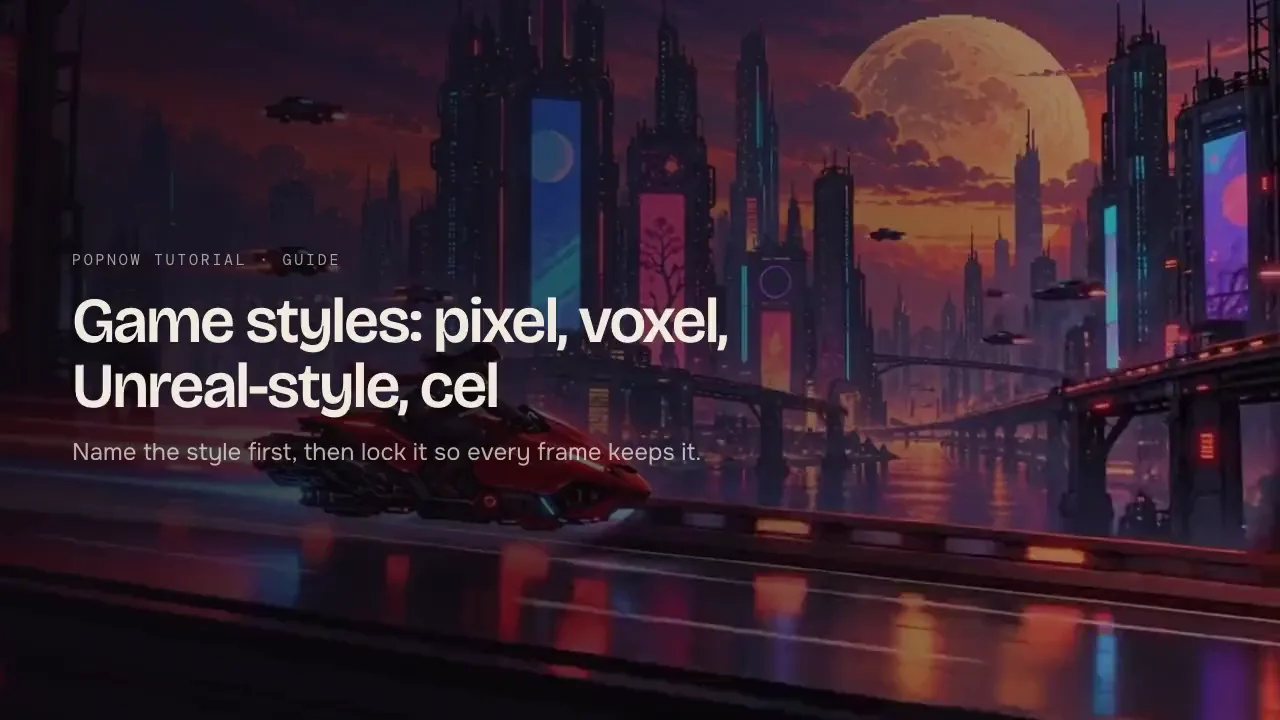
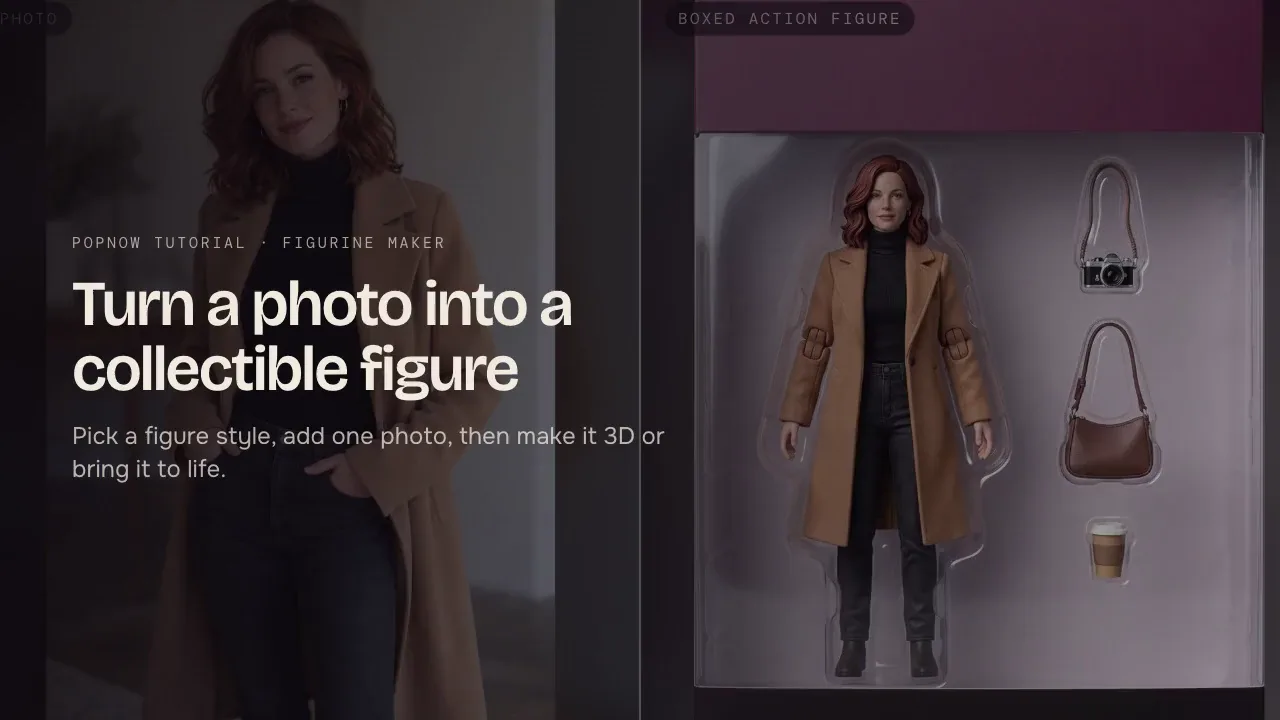
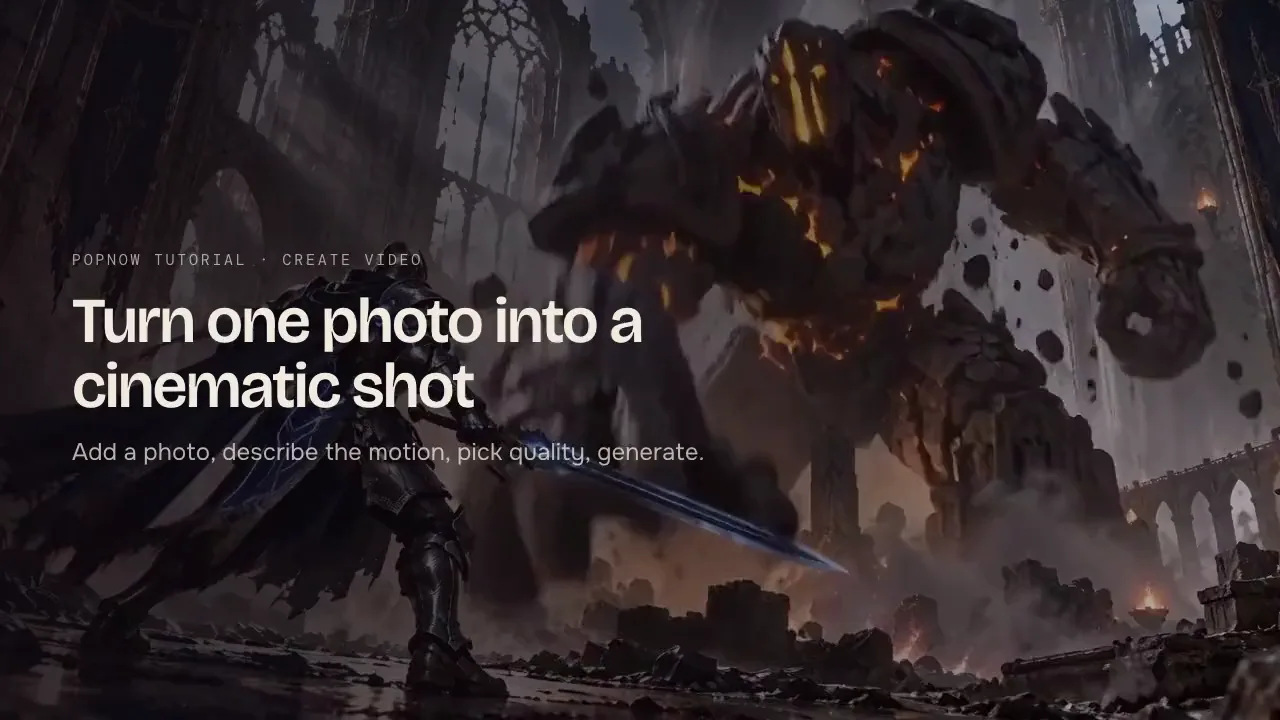
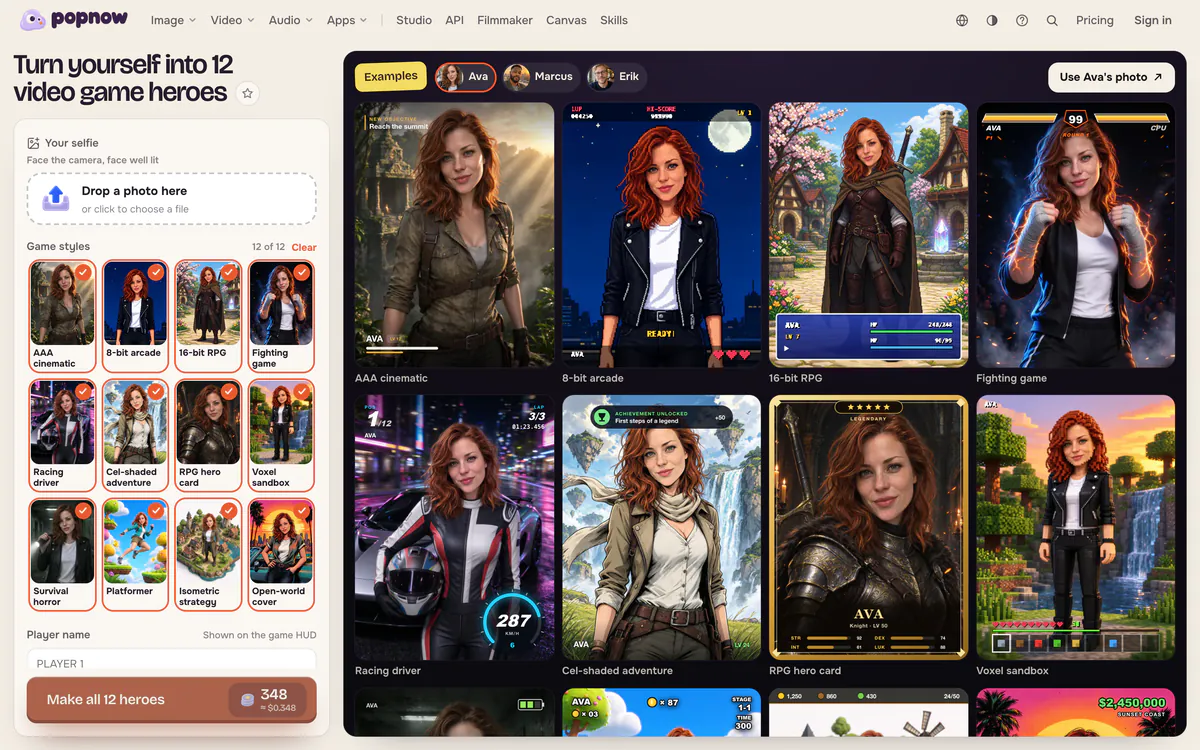
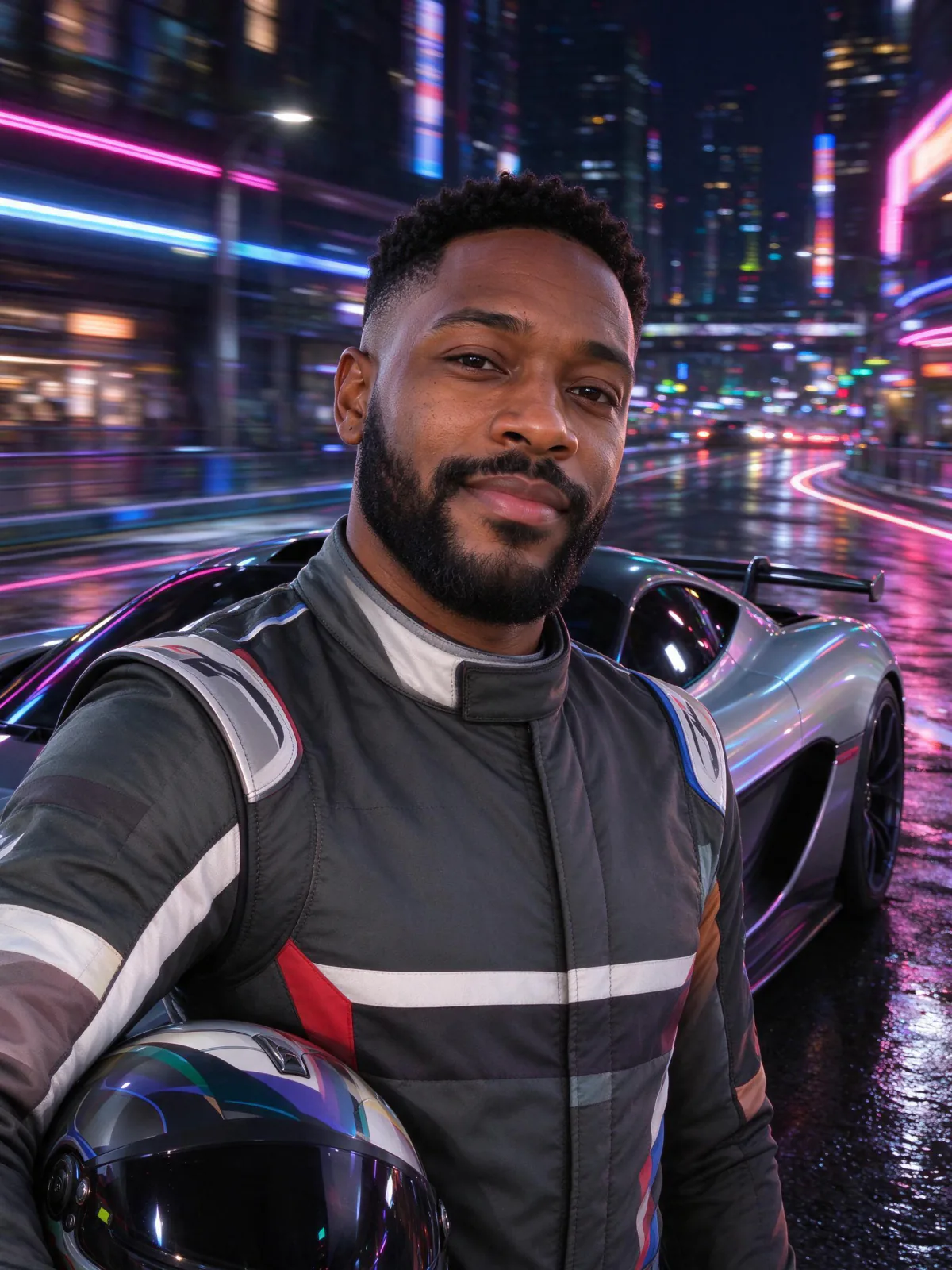
Game Avatar turns one selfie into 12 video game heroes: a cinematic action game, 8-bit arcade, 16-bit RPG, a fighting game, a racing game, a cel-shaded adventure, an RPG hero card, a voxel sandbox, survival horror, a platformer, isometric strategy and an open-world cover. Each picture comes with its own game screen — a health bar, a score, a lap counter or a character card — and your player name is written on it.
Step 1: Open Game Avatar
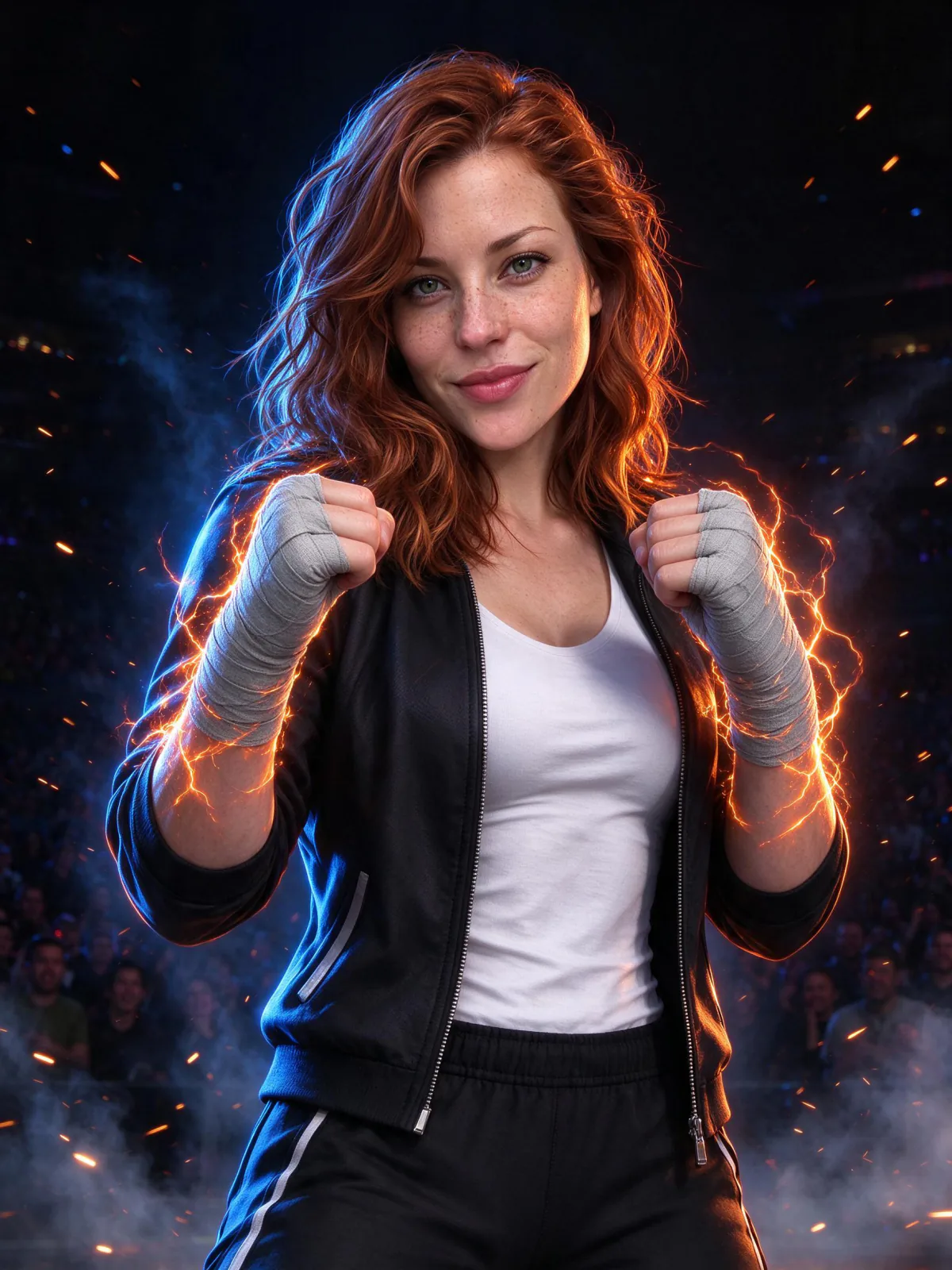
Open Game Avatar. The examples on the right show all 12 styles for three example players; switch between them with the names above the grid.
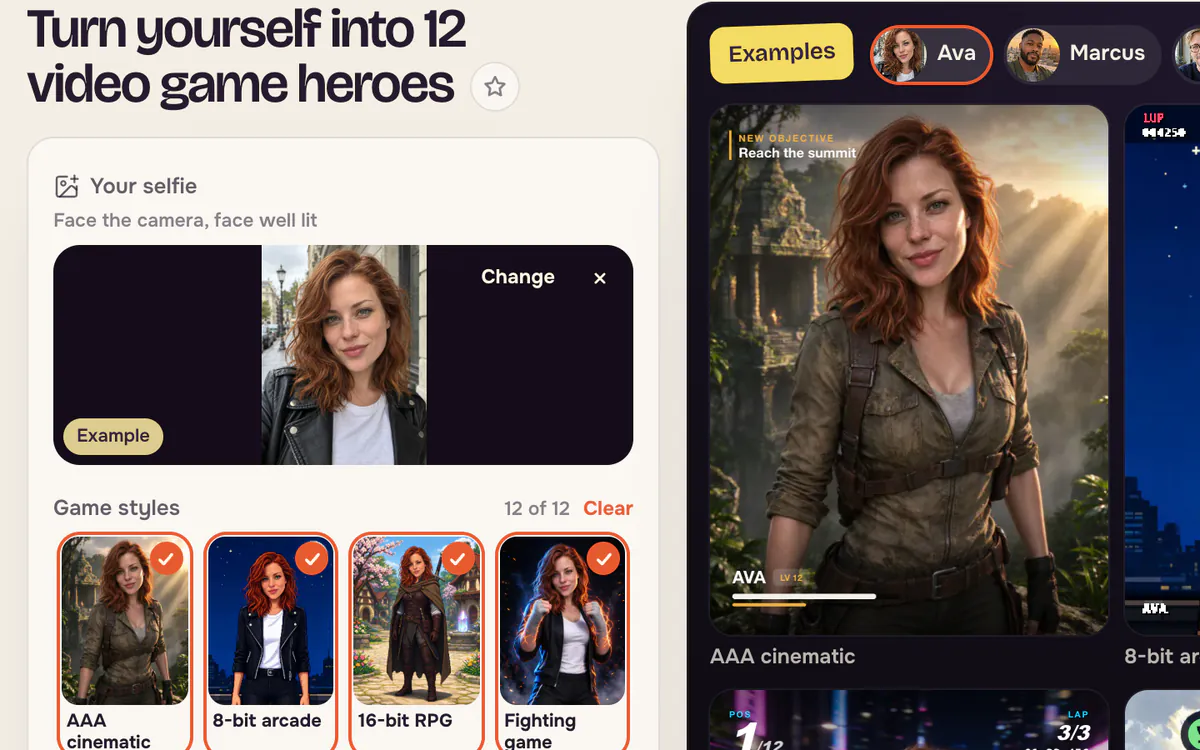
Step 2: Add a selfie
Drop in a photo of yourself, or press Use Ava's photo to try the example. A front-facing photo with the face well lit works best; glasses, beards and hairstyles are kept.
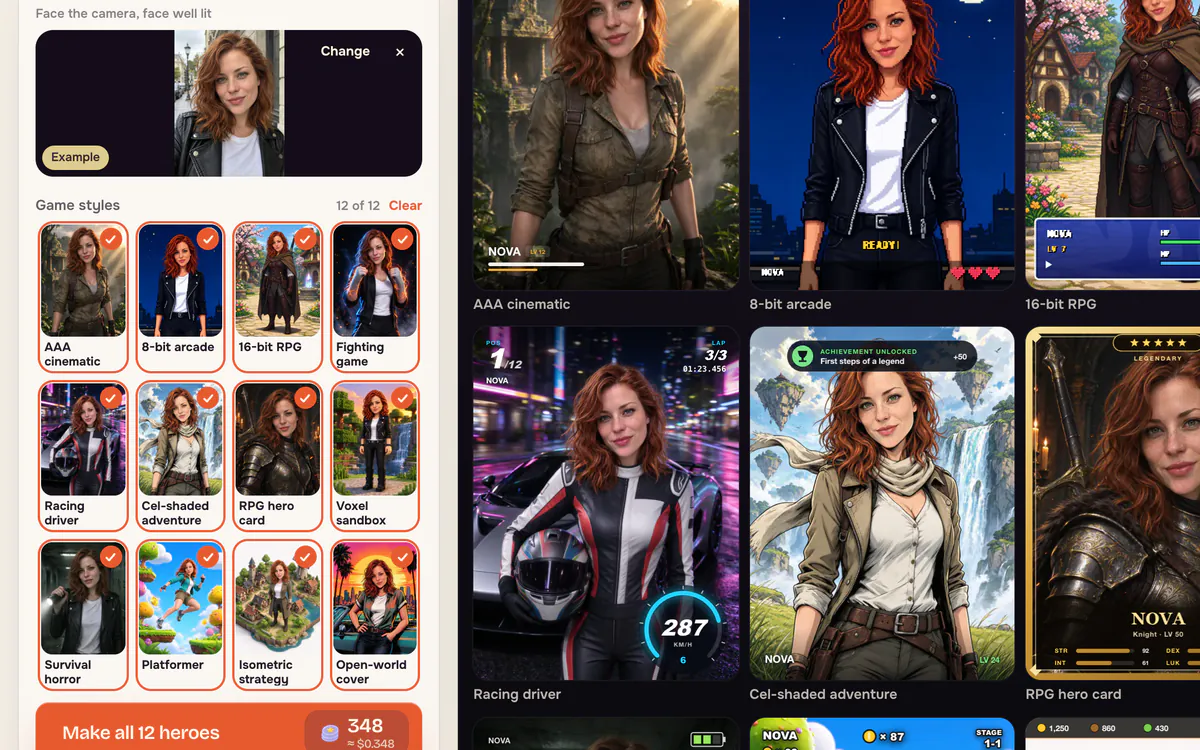
Step 3: Pick styles and name your player
All 12 styles are selected at first; tap a style to leave it out. Type a Player name — up to 12 characters — and the game screens on the example wall update to show it.
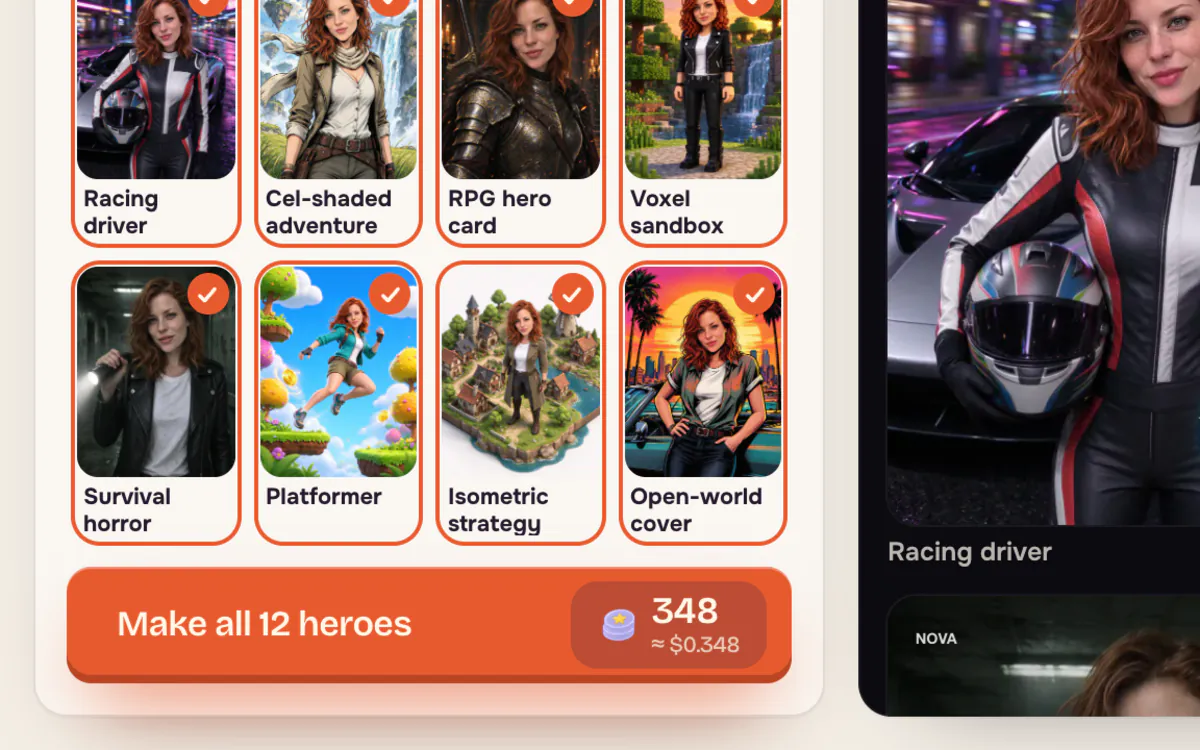
Step 4: Make your heroes and download
Press Make all 12 heroes. The button shows the price before you start — 12 heroes cost 348 credits. When they are ready, download the 3×4 grid, a single hero with or without the game screen, or all of them at once.
Tips for better results
- Face the camera. A side view still works, but a clear front-facing face keeps the likeness best.
- One person per photo. Group photos make it unclear who the hero should be.
- Keep the name short. Short names fit every game screen, from the arcade score bar to the hero card.
- Turn the game screen off in the result view if you want a clean picture for a profile photo.
FAQ
Does the AI write the text on the game screen?
No. The picture is made without any text, and PopNow draws the health bars, scores and your player name on top, so every letter is correct.
Can I make only a few styles?
Yes. Leave out the styles you don't want before you start. The price on the button follows the number of styles you pick.
Can I use a photo of a friend?
Only if they agreed. Game Avatar asks you to confirm that you have permission before it uses a photo of someone else.
Can I turn a hero into a video?
Yes. Open a single hero and choose Animate to bring it into the video generator with the picture already added.