Content Factory makes short vertical videos without anyone on camera. You choose a look and a topic — usually a "What if…" question — and it writes the script, narrates it, adds animated captions and music, and renders the episode. Keep the same look to build a recognizable series.
Step 1: Open Content Factory
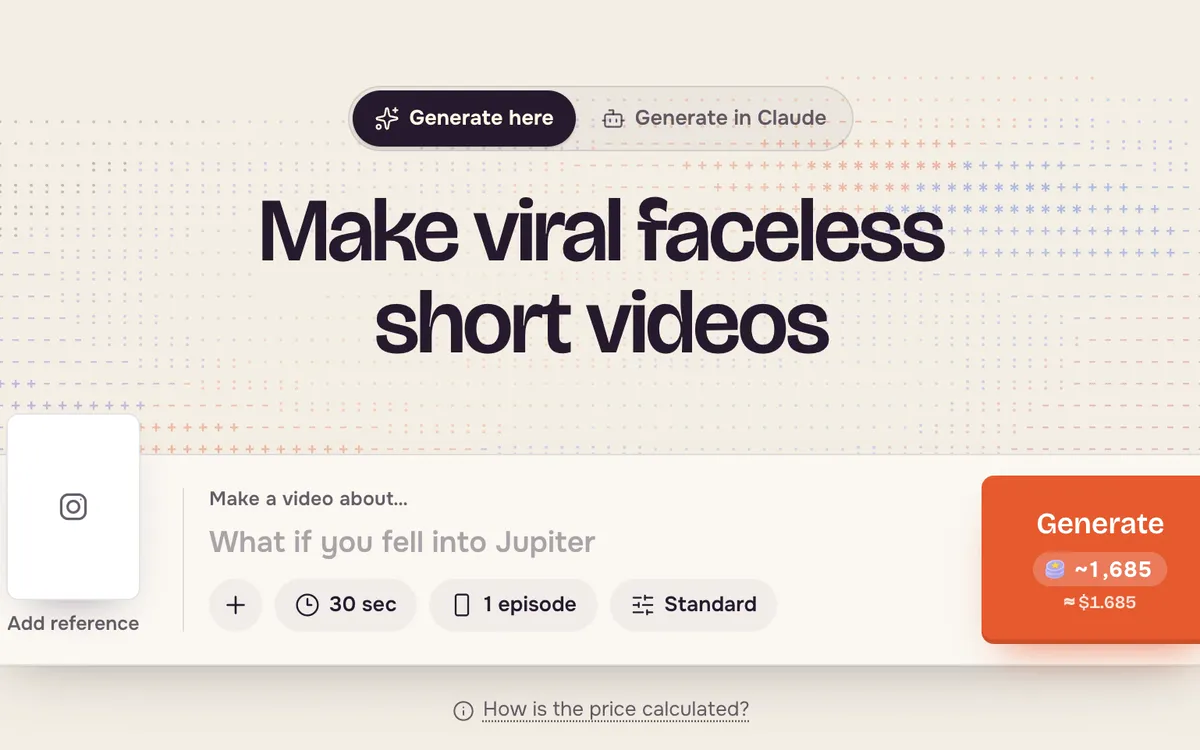
Open Content Factory. The topic box is at the top; the styles to start from are below it.
Step 2: Pick a look
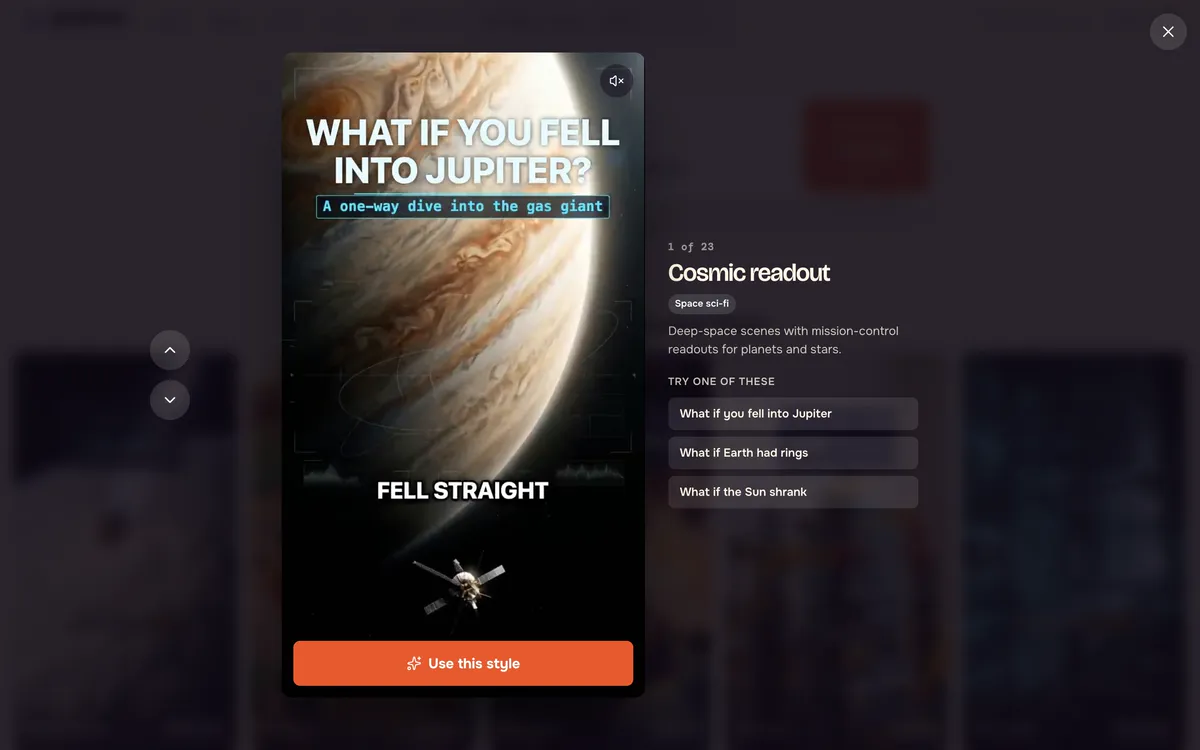
Click a style to preview a full sample episode. Styles include space sci-fi readouts, clay toy worlds, pixel art and toy bricks.
Step 3: Use the style
Press Use this style. The style is attached to the topic box, ready for your topic.
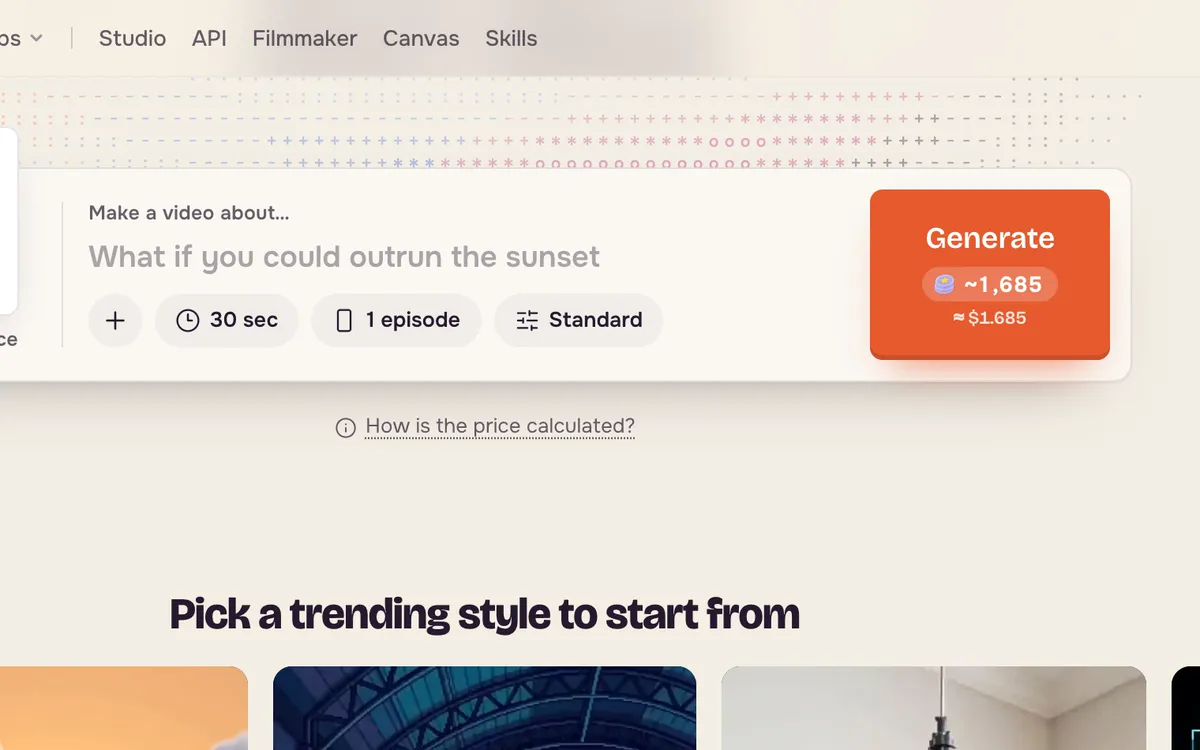
Step 4: Write a topic and generate
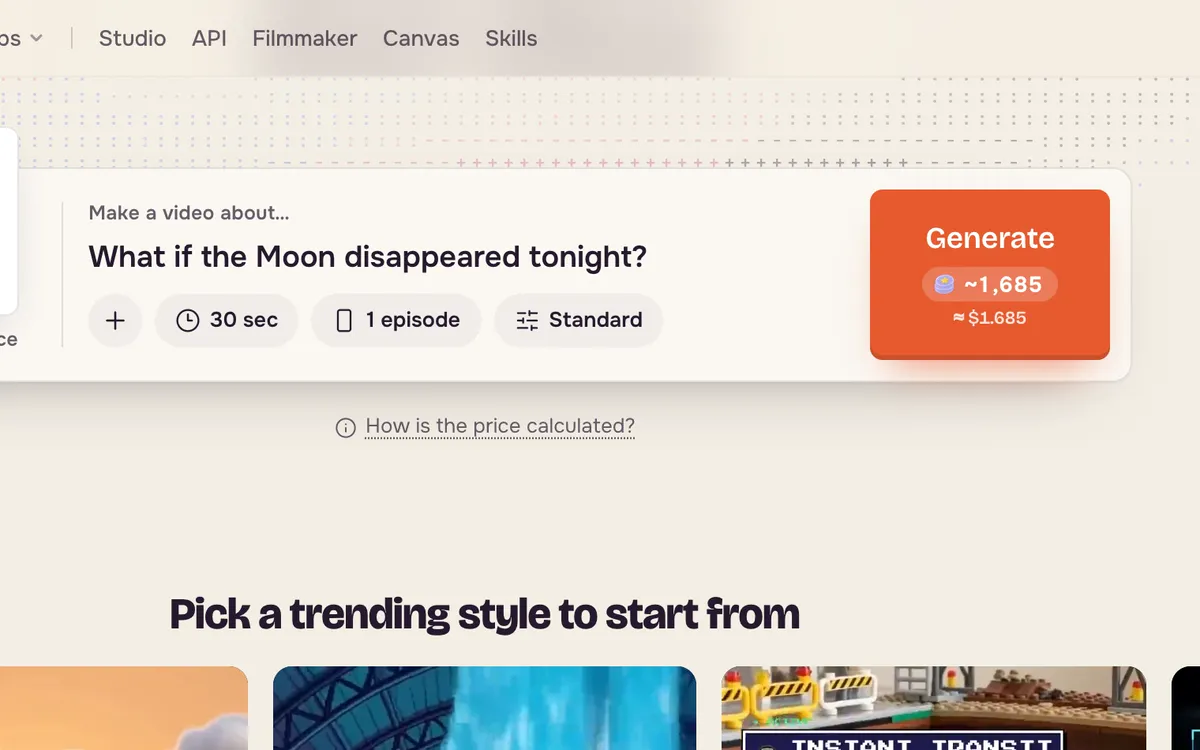
Write one question or idea, set the length and the number of episodes, and press Generate. The button shows an estimate before you start; a 30-second episode is the cheapest way to test a style.
Tips for better results
- Ask a question a viewer wants answered. "What if the Moon disappeared?" beats "Facts about the Moon".
- Keep one style per series so viewers recognize your channel.
- Make one episode first. Check the narration and pacing, then make more.
FAQ
Do I need to write the script?
No. Content Factory writes the script and narration from your topic and style.
Can I post the videos on TikTok, Reels and Shorts?
Yes. Episodes are vertical and sized for short-video apps.
How much does an episode cost?
The Generate button shows an estimate for your length, number of episodes and quality before anything runs.