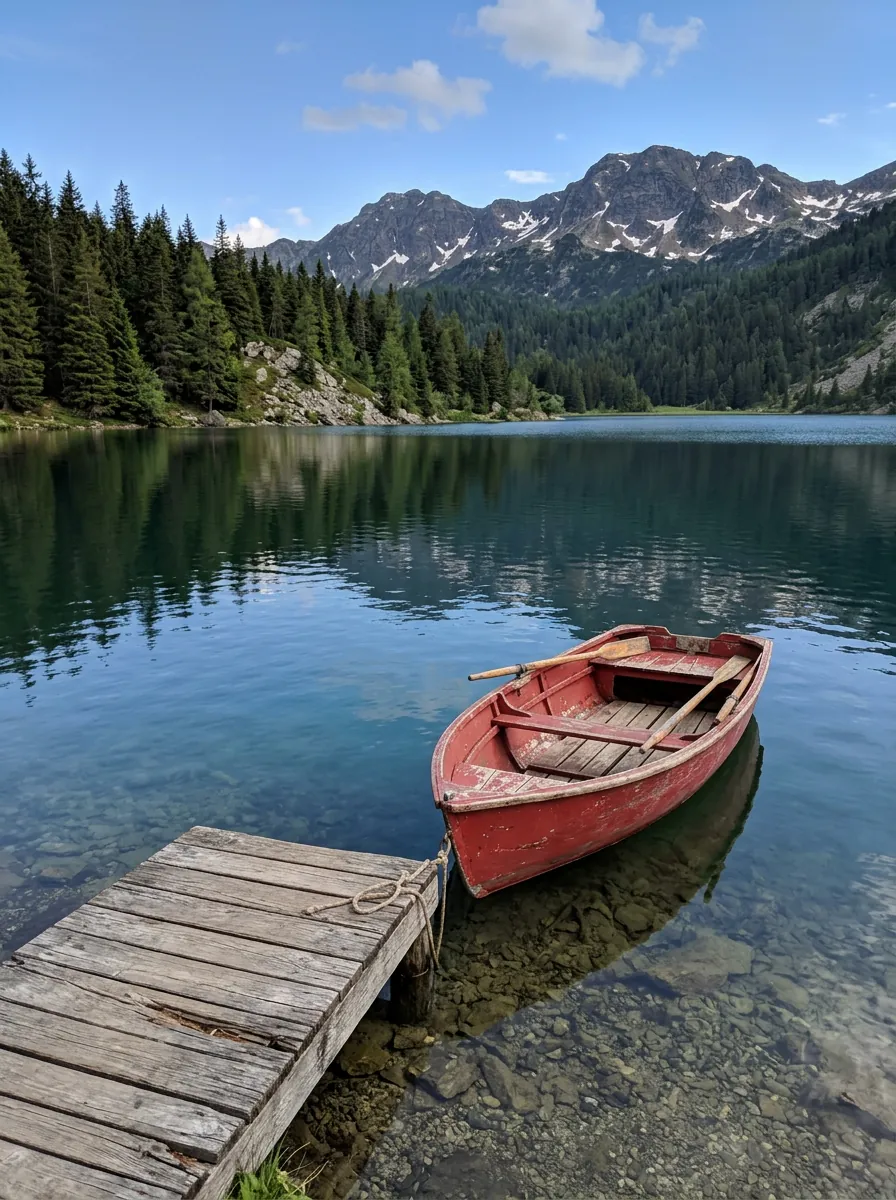
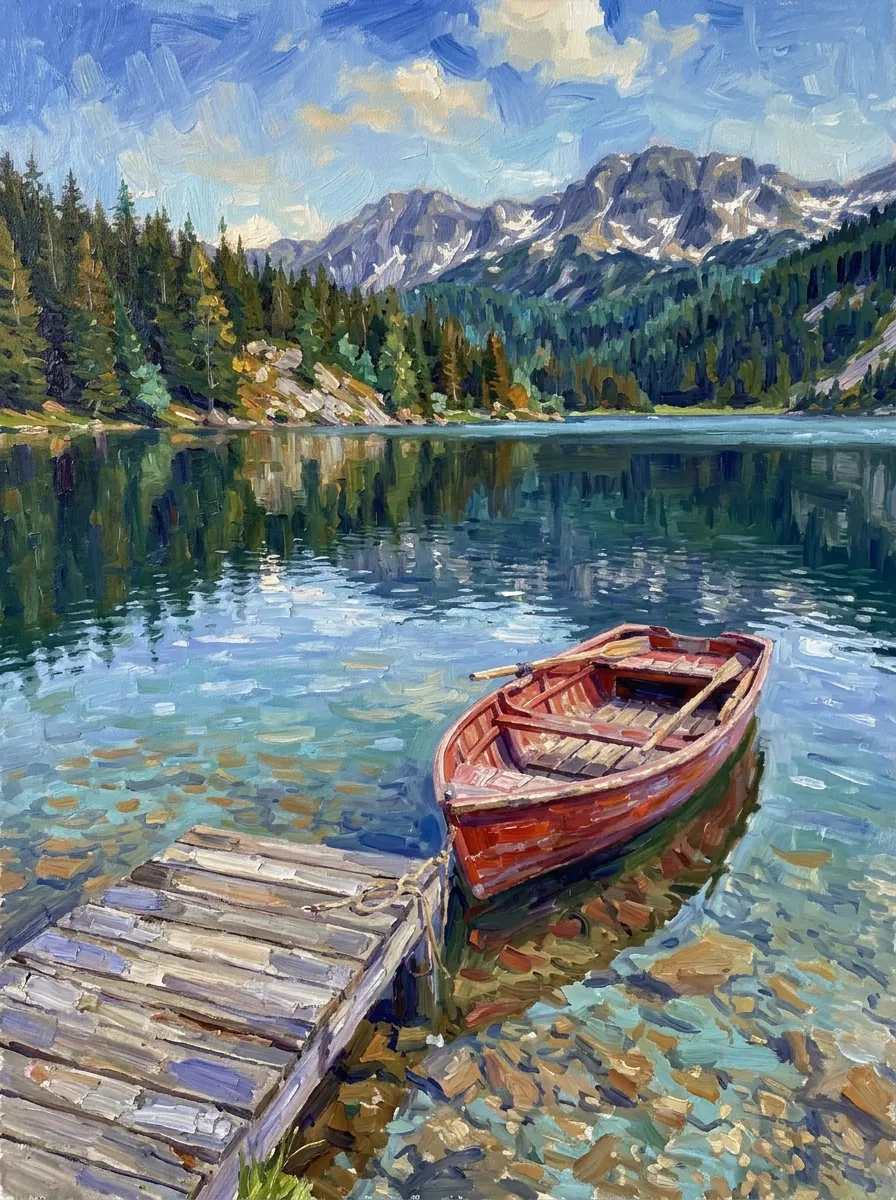
Turn photo into painting, not into a filter
Most photo-to-painting filters smear the picture and leave the faces looking like photos. Here the whole picture is repainted in the medium you pick: thick oil strokes, wet watercolor washes, smudged charcoal, pastel chalk or separate dots of color, faces and sky included.
What doesn’t change is what you care about: the people still look like themselves (face, skin tone, age, glasses, hair), and the composition, objects and background stay where they were. That is written into every style, so you only pick a look.
Three steps
- Add a photoA portrait, a family photo, a pet or a landscape. Your photo’s shape is kept unless you pick another.
- Pick a painting style, or fourOne painting is 8 credits. Turn on “Try 4 styles at once” to compare four.
- Frame it and print itSee it in three frames on a wall, then download an 8 × 10, 11 × 14 or A4 print file at 300 dpi.
What stays the same
Written into every style:
- Each person’s face, skin tone, age, hair, glasses and expression
- The pose, the clothes and the composition
- Every object and the background, in the same places
- Animals’ colors and markings
Compare four styles in one go
Switch on “Try 4 styles at once”, pick up to four styles and they run together in a 2 × 2 grid (32 credits with the default model). Tap one to see it bigger and compare it with your photo.
See it framed, then print it
Any result can be placed in three real frames: gilded on a dark green wall, black with a white mat above a sofa, or light oak on a sideboard. The mockups are made in your browser and cost nothing.
Print files come in 8 × 10 in, 11 × 14 in and A4, cropped to the paper shape and saved as 300 dpi JPGs. A standard result is about 900 × 1200 pixels, enough for small prints; for 8 × 10 and up, make it in HD or upscale it first. The page shows how sharp your print will be.
Photos that work, and the ones that don’t
Works well
- Faces in focus and not too small
- Even light, indoors or outdoors
- Landscapes, city scenes and travel photos
- Side profiles, glasses and older faces (all tested)
Works less well
- Crowds where each face is tiny
- Very dark or heavily filtered photos
- Screenshots with text: lettering gets painted over
- Old-master style keeps faces smoother and darker than the others
Photo to painting, image styles or pet portraits?
This page is only for painting and drawing looks, with likeness and composition locked, plus frame previews and print files. AI image styles has 90+ looks of every kind (film, light, clay, anime) one at a time. For a pet in a costume, like a crowned king or an astronaut, use AI pet portraits.
Two models
Nano Banana 2.1 is the default (8 credits, or 11 in HD) and keeps faces the closest. GPT Image 2 paints with bolder, more visible brushwork, especially on landscapes, and costs about 6 credits for a portrait-shaped picture.
Price
- One painting, Nano Banana 2.1
- 8 credits
- HD for print (about 2K)
- 11 credits
- One painting, GPT Image 2
- 6 credits
- Four styles at once
- 32 credits
No subscription. You pay per painting, and failed runs refund credits. Frames and print files are free.
Questions
Will the painting still look like me?+
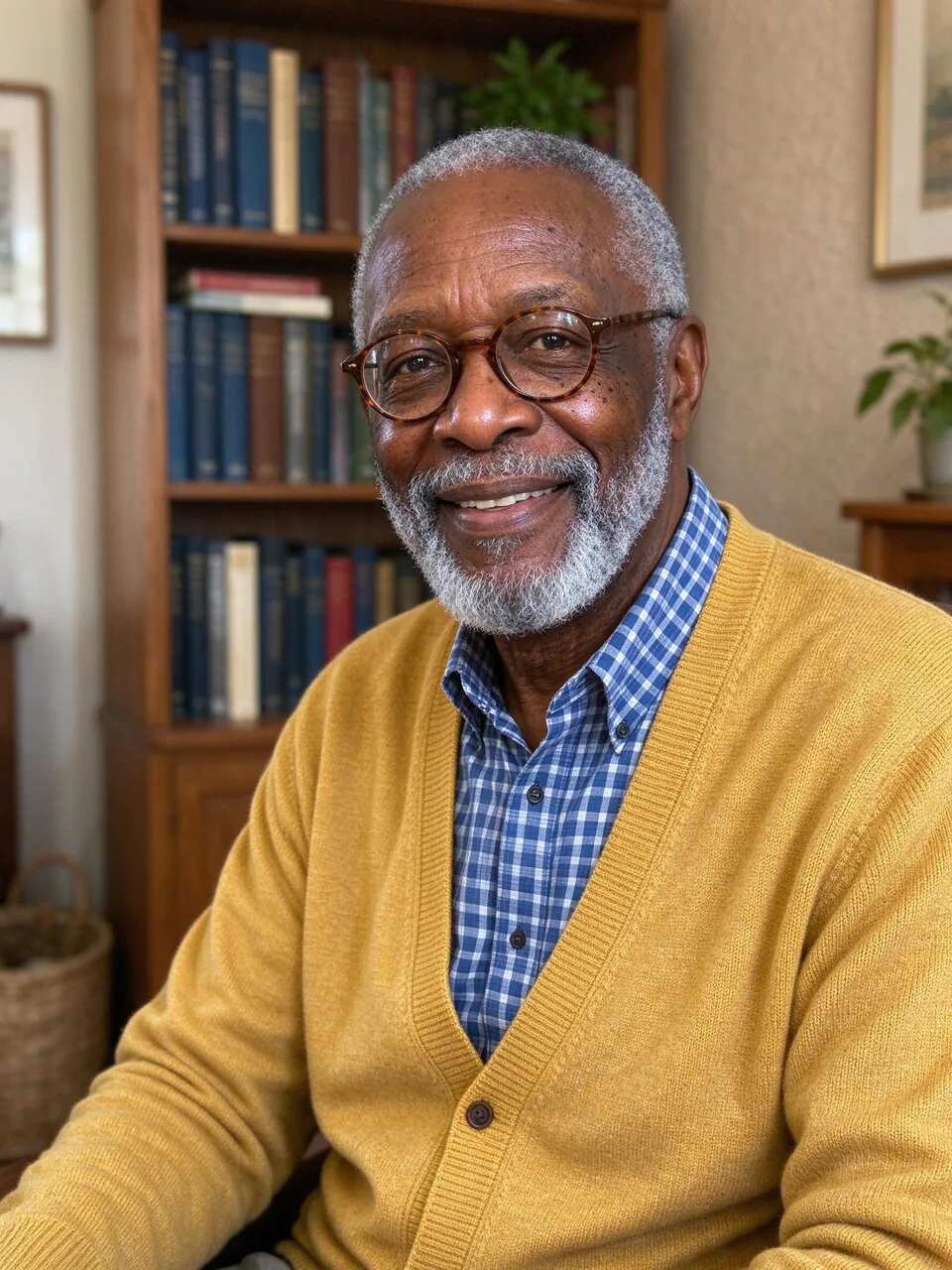
Yes, that is locked in every style: face shape, eyes, skin tone, age, hair, glasses and expression stay. We tested a woman with braids, an older man with glasses and a side profile across all twelve styles. Old-master style smooths faces the most.
What kinds of photos can I turn into a painting?+
Portraits, couples and family photos, pets, landscapes, city scenes and travel photos. The objects and background stay in place, so a lake stays a lake with the same boat. Faces that are very small in a crowd lose detail.
Can I print it on paper or canvas?+
Yes. Download an 8 × 10 in, 11 × 14 in or A4 file at 300 dpi from the Print tab and send it to any print shop. For large sizes, make it in HD or upscale it first; the page tells you how sharp it will be.
How much does it cost?+
One painting is 8 credits with Nano Banana 2.1 (11 in HD). Four styles at once cost four times one. No subscription, and failed runs refund credits. Frames and print files are free.
How is this different from AI image styles?+
AI image styles is our big library of 90+ looks, from film to clay. This page focuses on 12 painting and drawing styles with stronger rules for likeness and composition, a four-at-once comparison, frame previews and print-size export.
Can I give it as a gift or sell prints?+
Gifts and personal prints of your own photos are fine. For photos of other people, ask them first. Selling prints of someone else’s photo needs the photographer’s permission.



 Example