Custom pet portraits from a single photo
A hand-painted pet portrait usually means mailing photos to an artist and waiting weeks. Here you upload one photo of your pet, pick a style and get a finished animal portrait in about a minute: a Renaissance noble in a lace ruff, a crowned king or queen, a loose watercolor, a pop-art print and eight more.
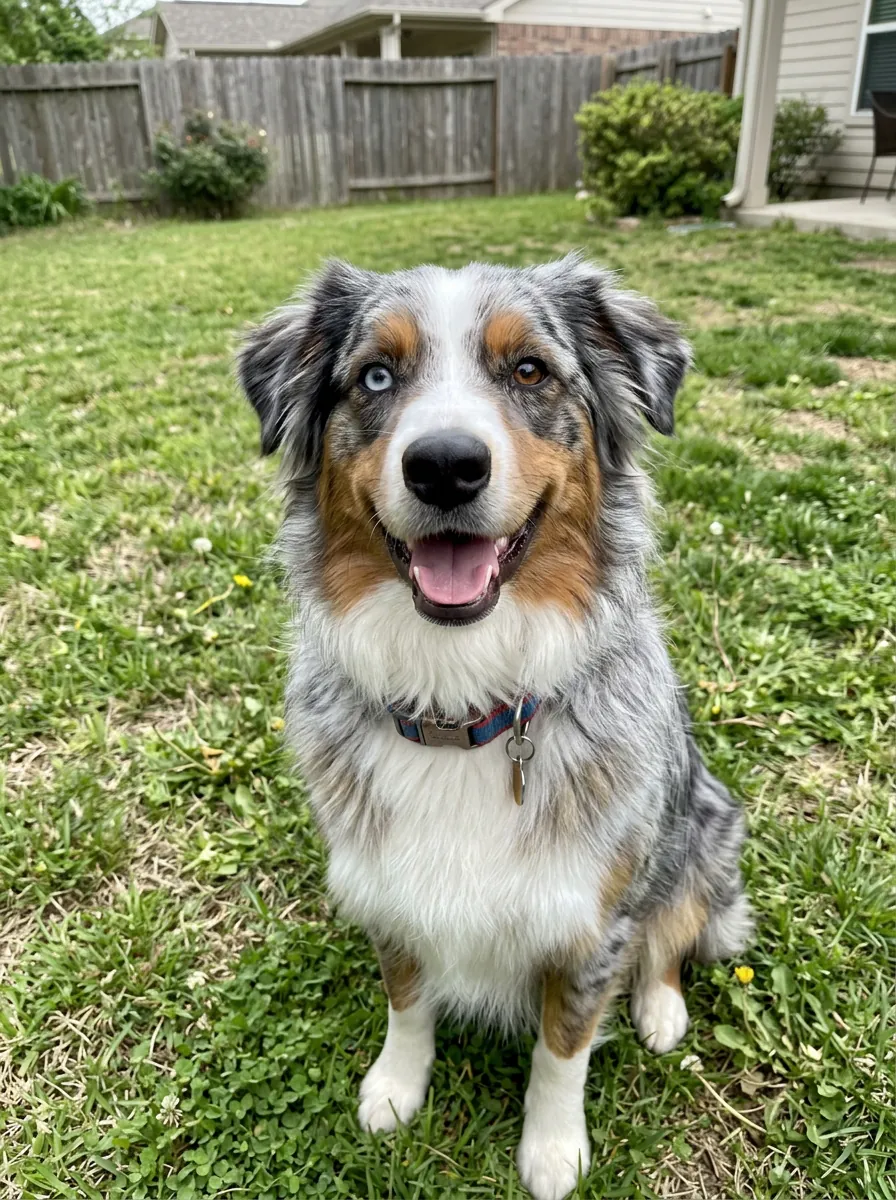
The difference from typing a prompt into a chatbot is what stays locked. Every style carries the same instruction: keep the breed, the head and ear shape, the exact fur colors and where every patch and spot sits, the fur length and the eye color, even when the two eyes are different colors. Your pet gets the costume, not a new face.
Three steps
- Add a photoOne pet, face in focus, eyes visible. A phone photo is fine.
- Pick a style, or fourOne portrait is 8 credits. Turn on “Try 4 styles at once” to compare four side by side.
- Frame it and print itSee it in three real frames on a wall, then download an 8 × 10, 11 × 14 or A4 print file at 300 dpi.
12 pet portrait styles
All twelve were tested on a black cat, a merle Australian Shepherd with one blue and one brown eye, a long-haired collie, a lop rabbit and a cockatiel. The thumbnails are the same dog in each style.
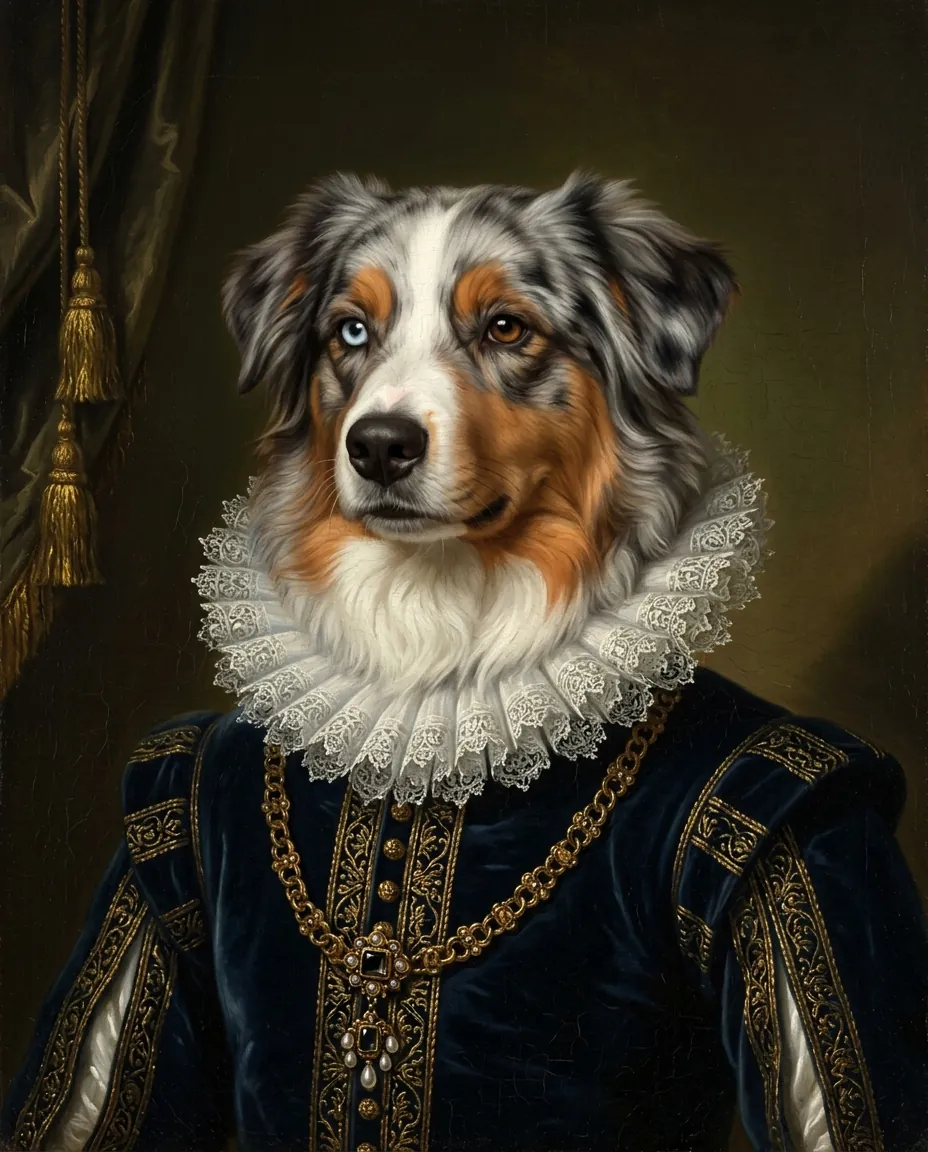 Renaissance nobleVelvet doublet, lace ruff and a gold chain in old-master oil. The classic regal pet portrait.
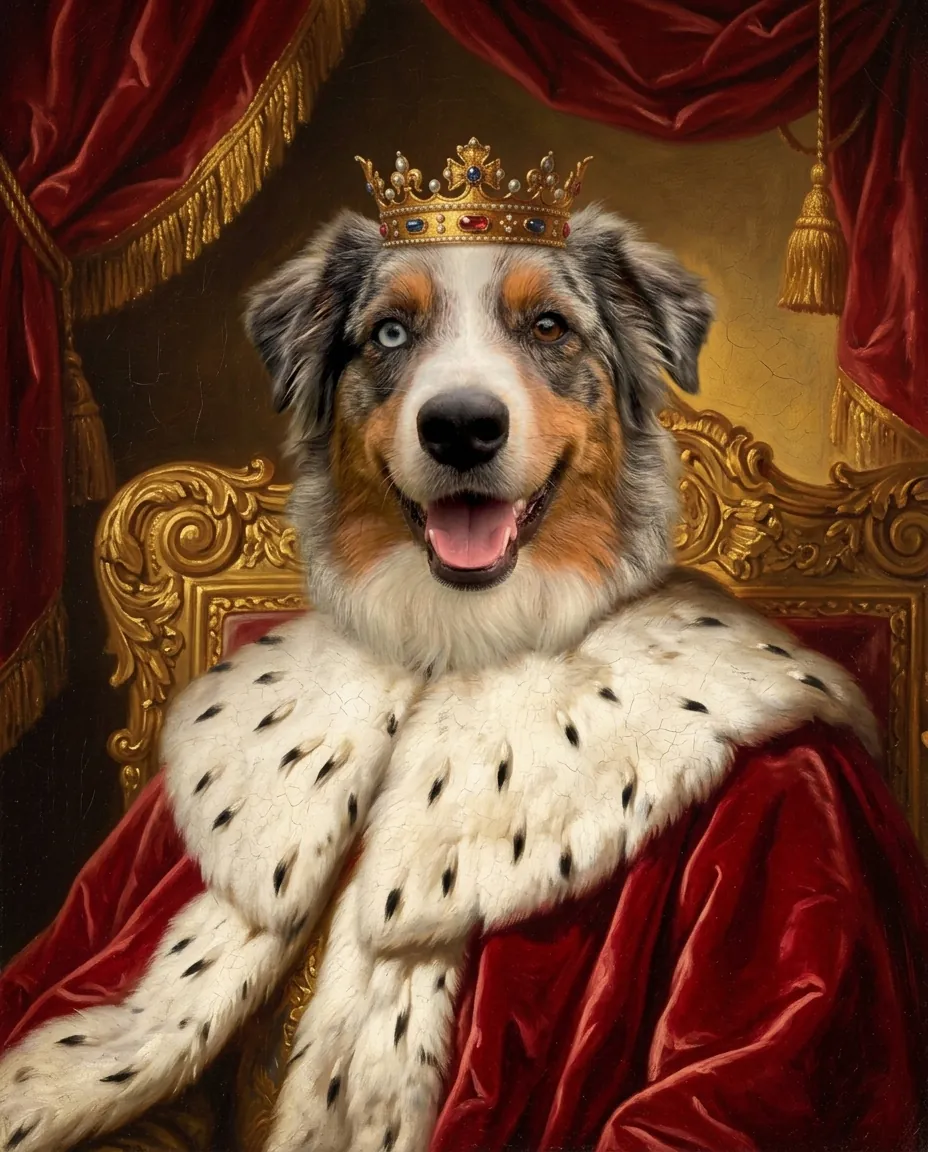 King or queenA jeweled crown, ermine robe and a gilt throne. Made for the pet who runs the house.
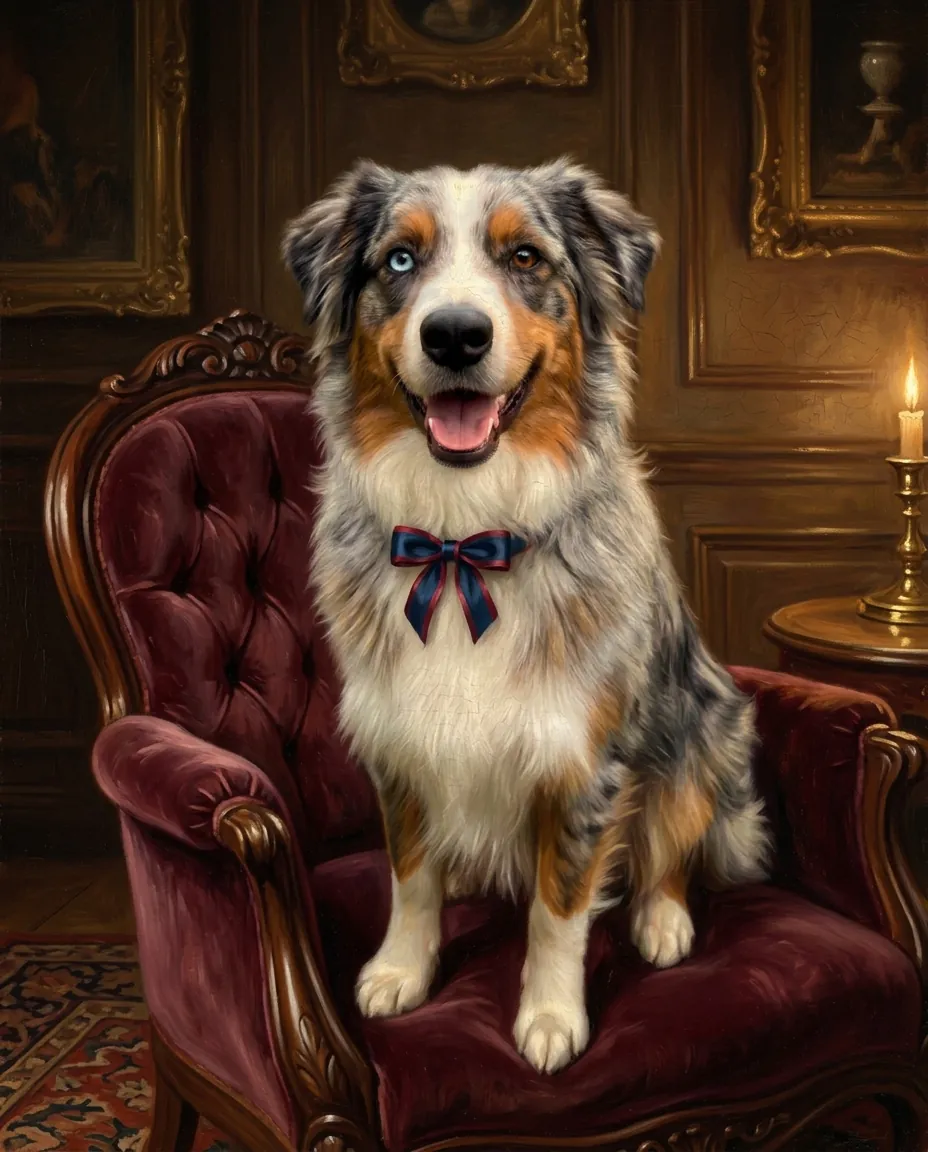 Victorian oilYour pet on a tufted velvet armchair in a lamplit parlor, painted like an 1880s family portrait.
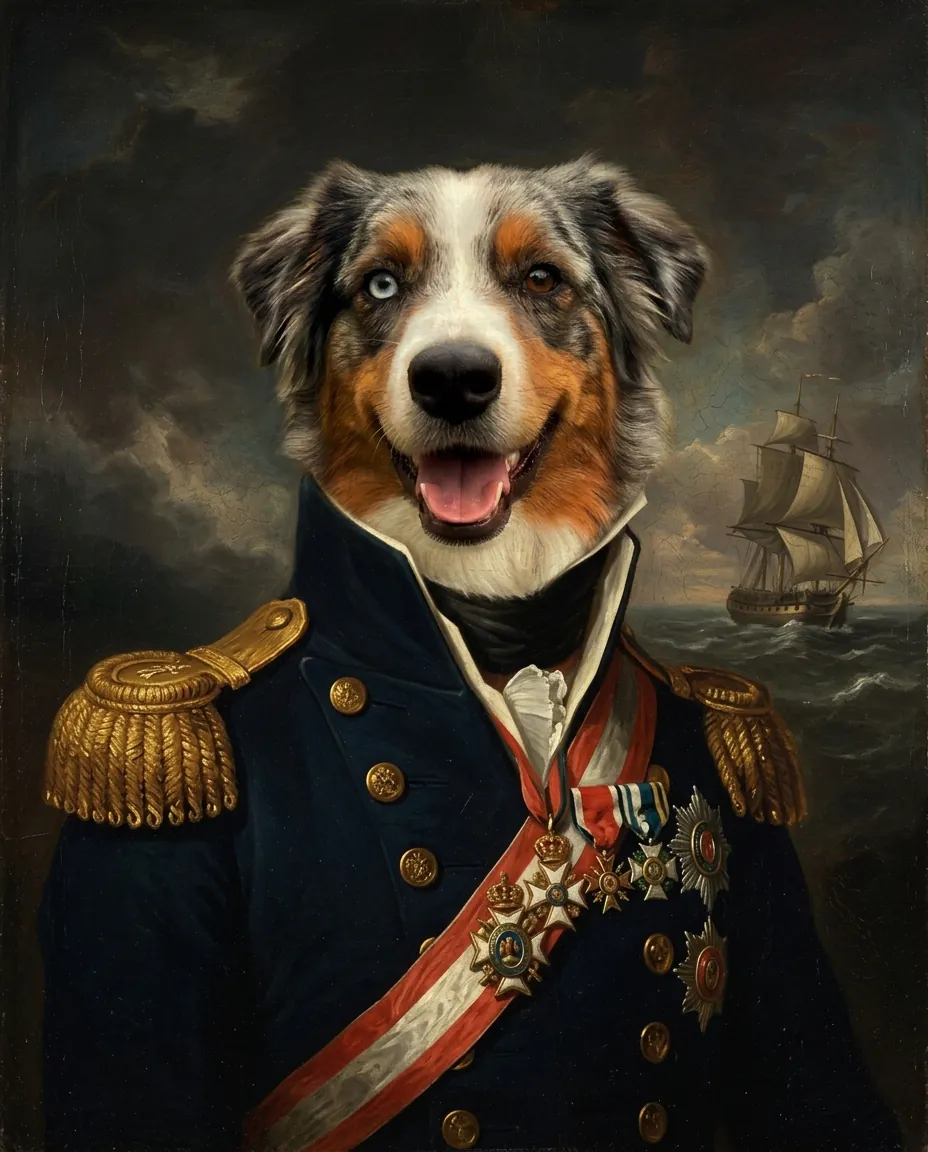 The generalGold epaulettes, a sash and invented medals before a stormy sea. No real flags or badges.
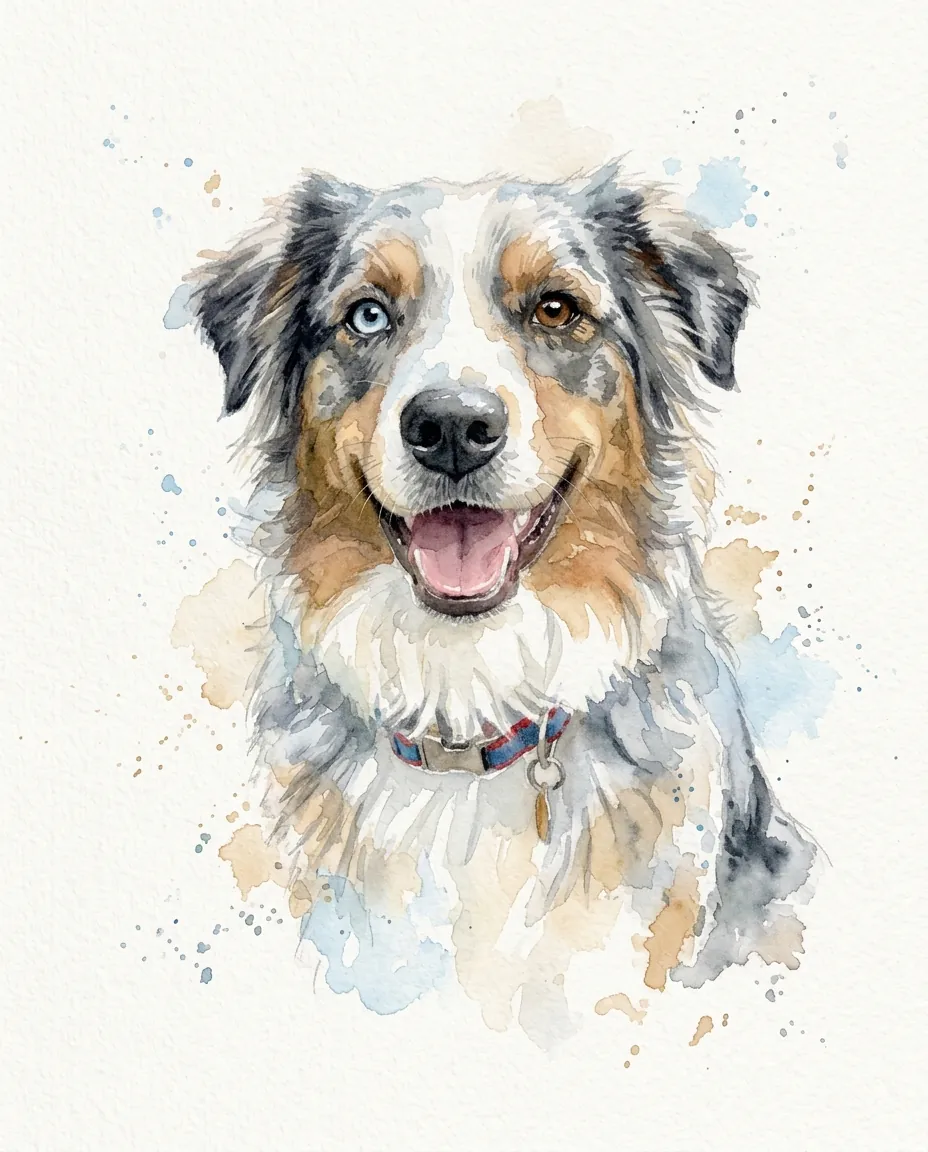 WatercolorLoose washes and soft blooms with crisp eyes and nose, on white paper.
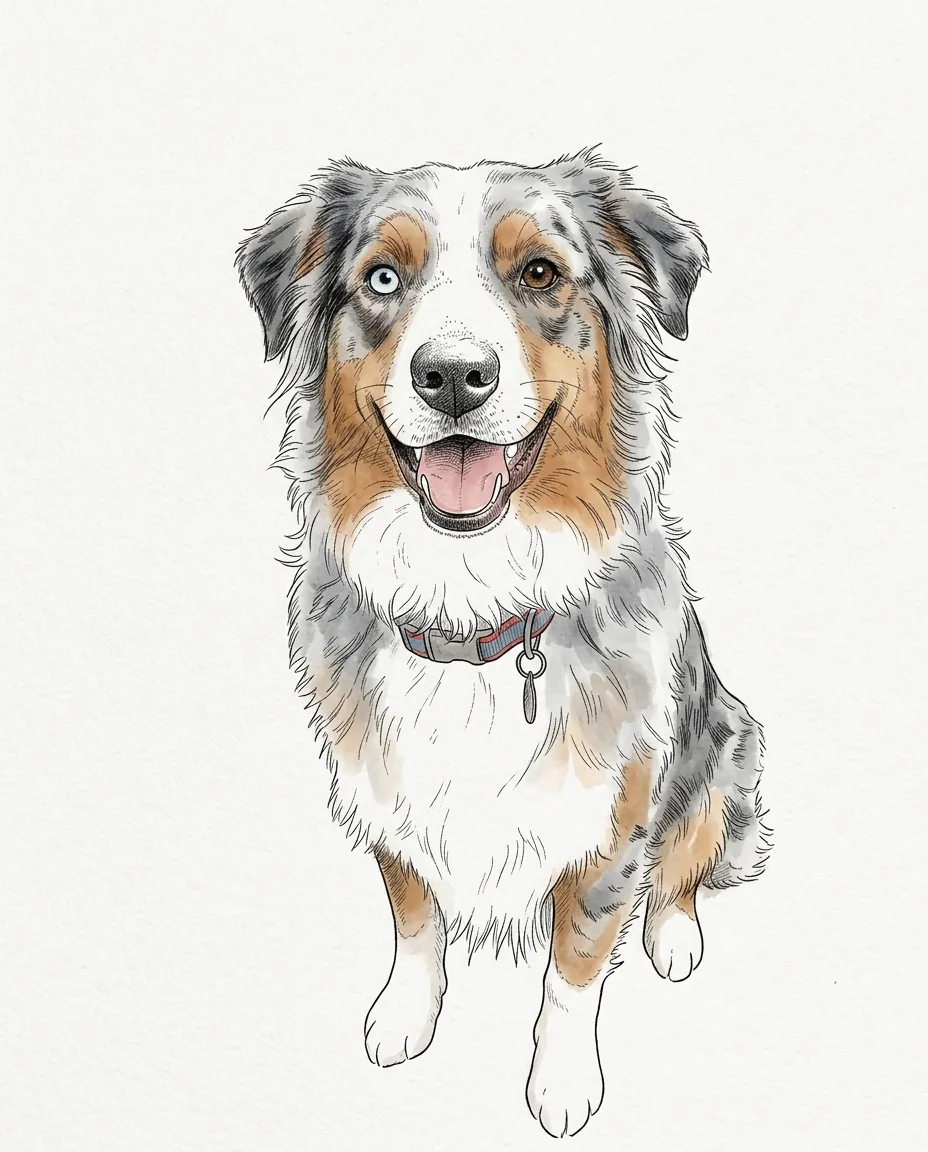 Ink line artClean ink lines and hatching with a light wash in their real colors. Minimal and modern.
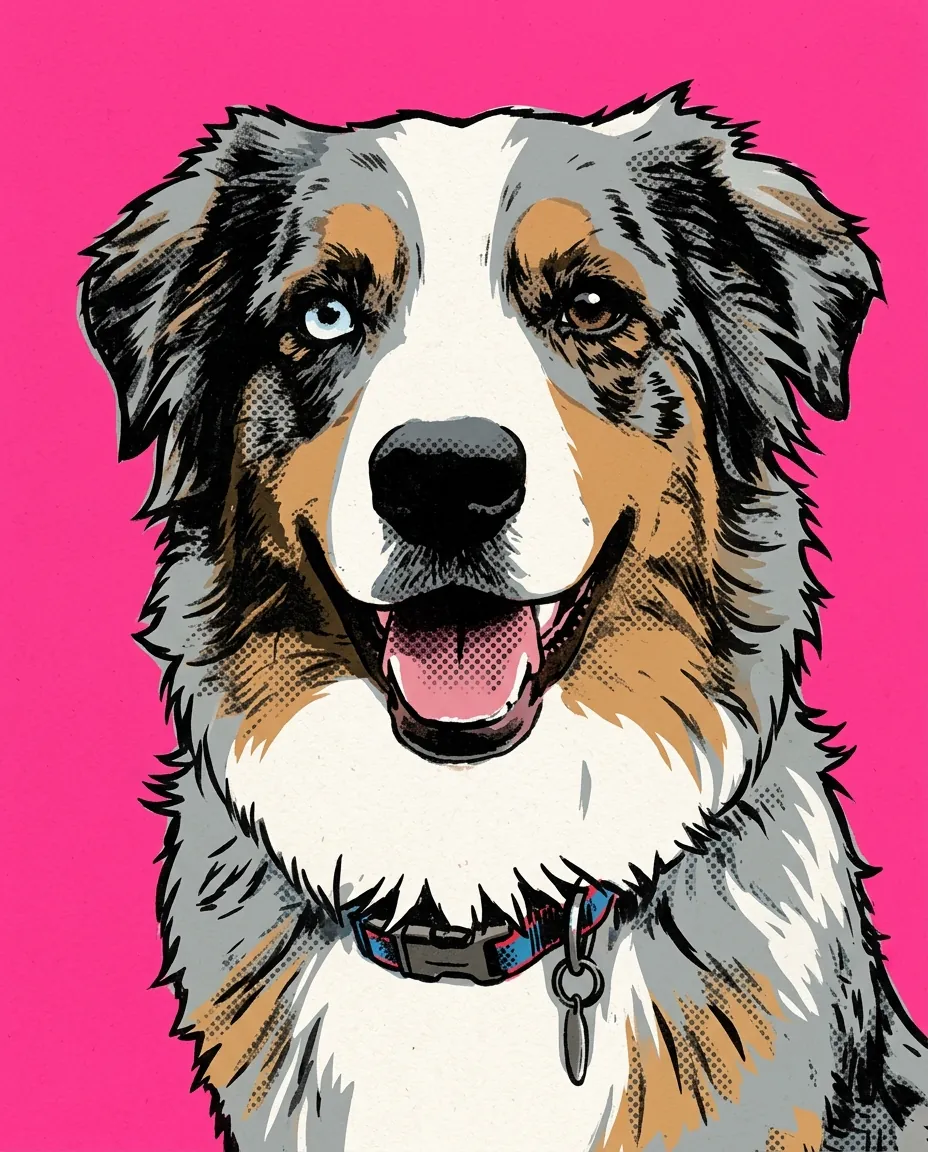 Pop artFlat inks, thick outlines and halftone dots on hot pink.
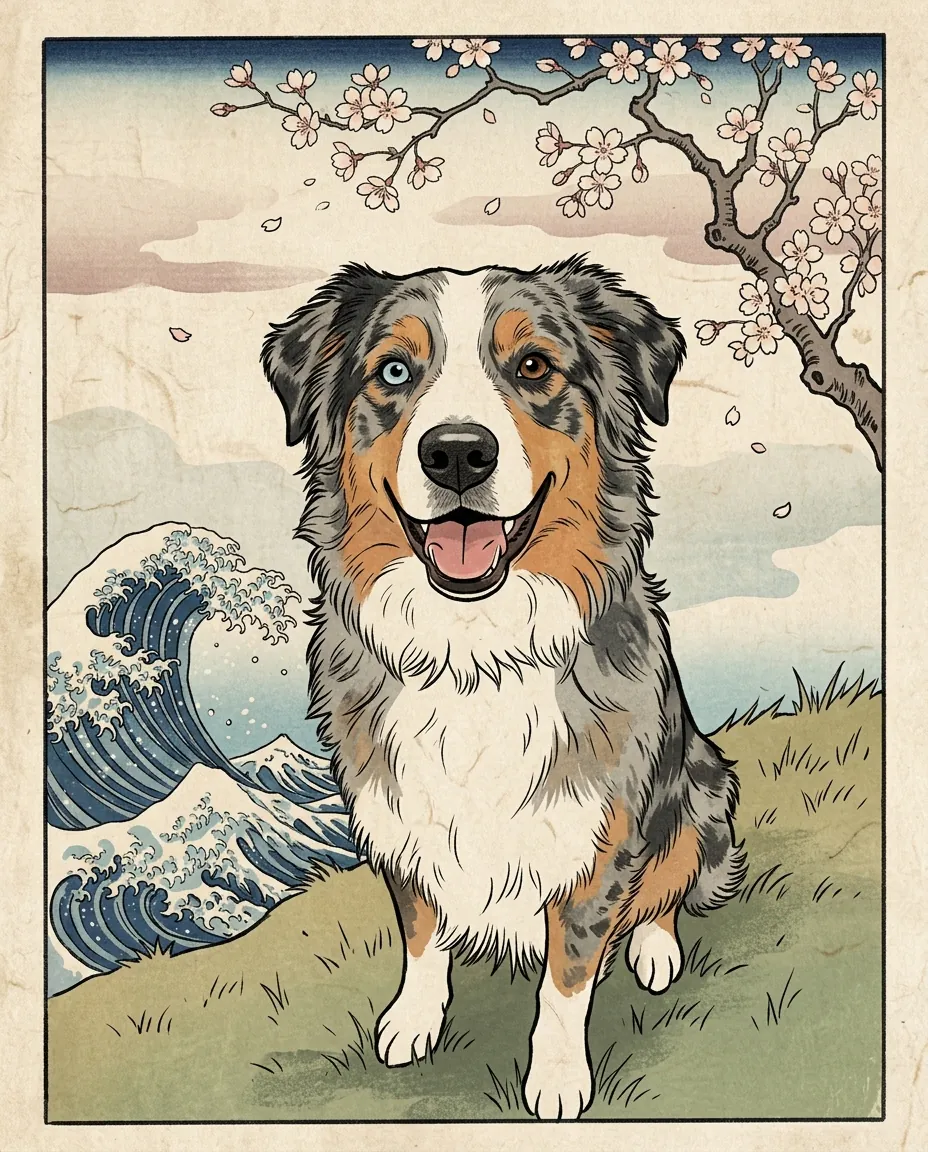 Ukiyo-e printA Japanese woodblock print with a stylized wave and cherry blossoms.
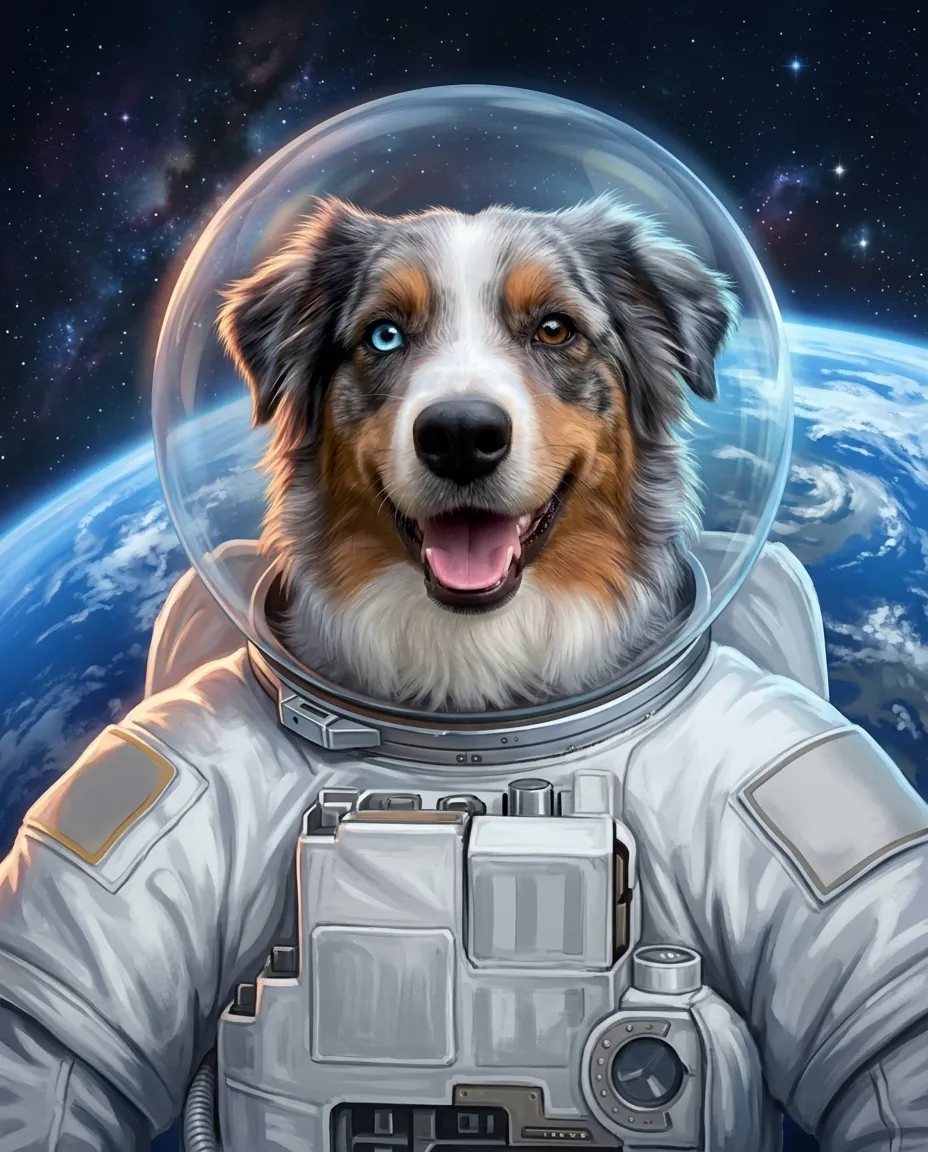 AstronautA white space suit and clear helmet, floating above the Earth.
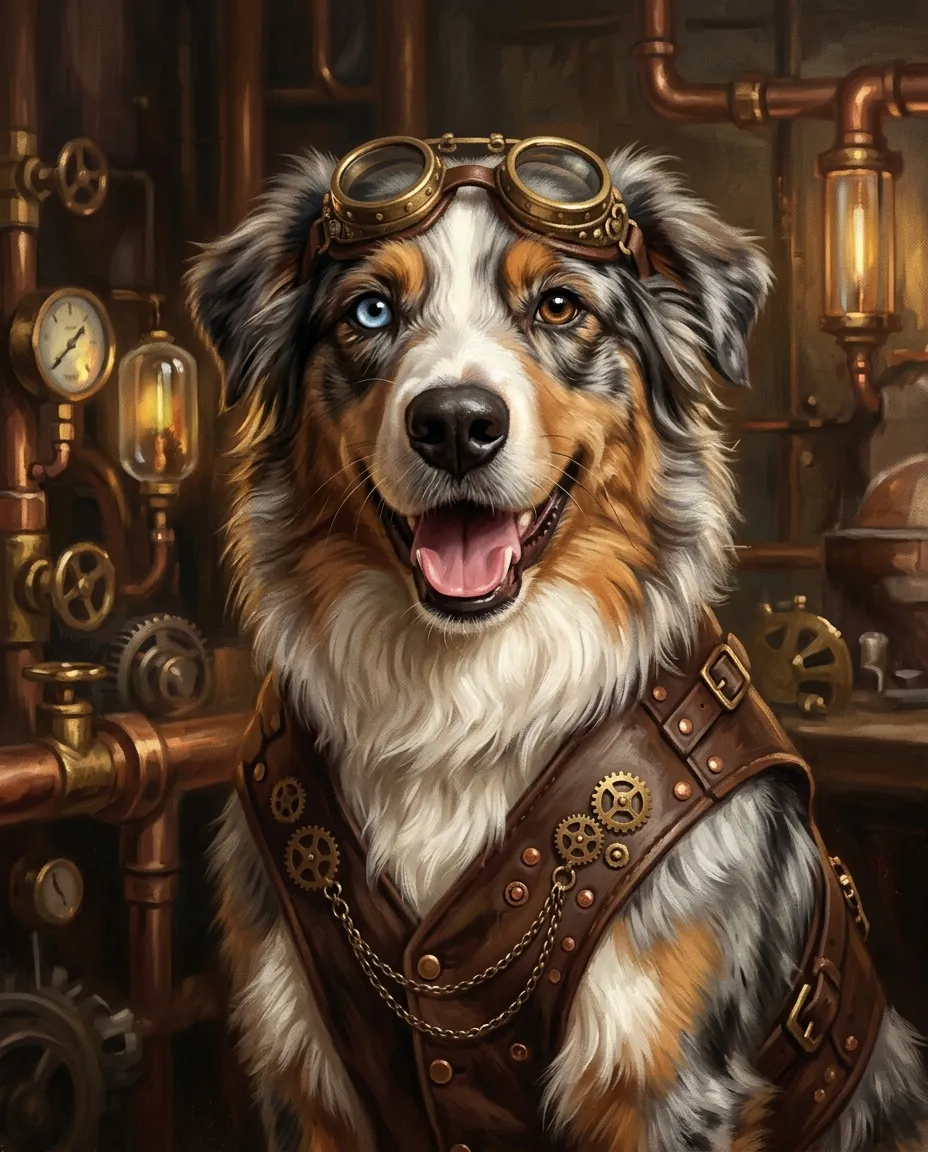 SteampunkBrass goggles, a leather waistcoat and gears in a copper workshop.
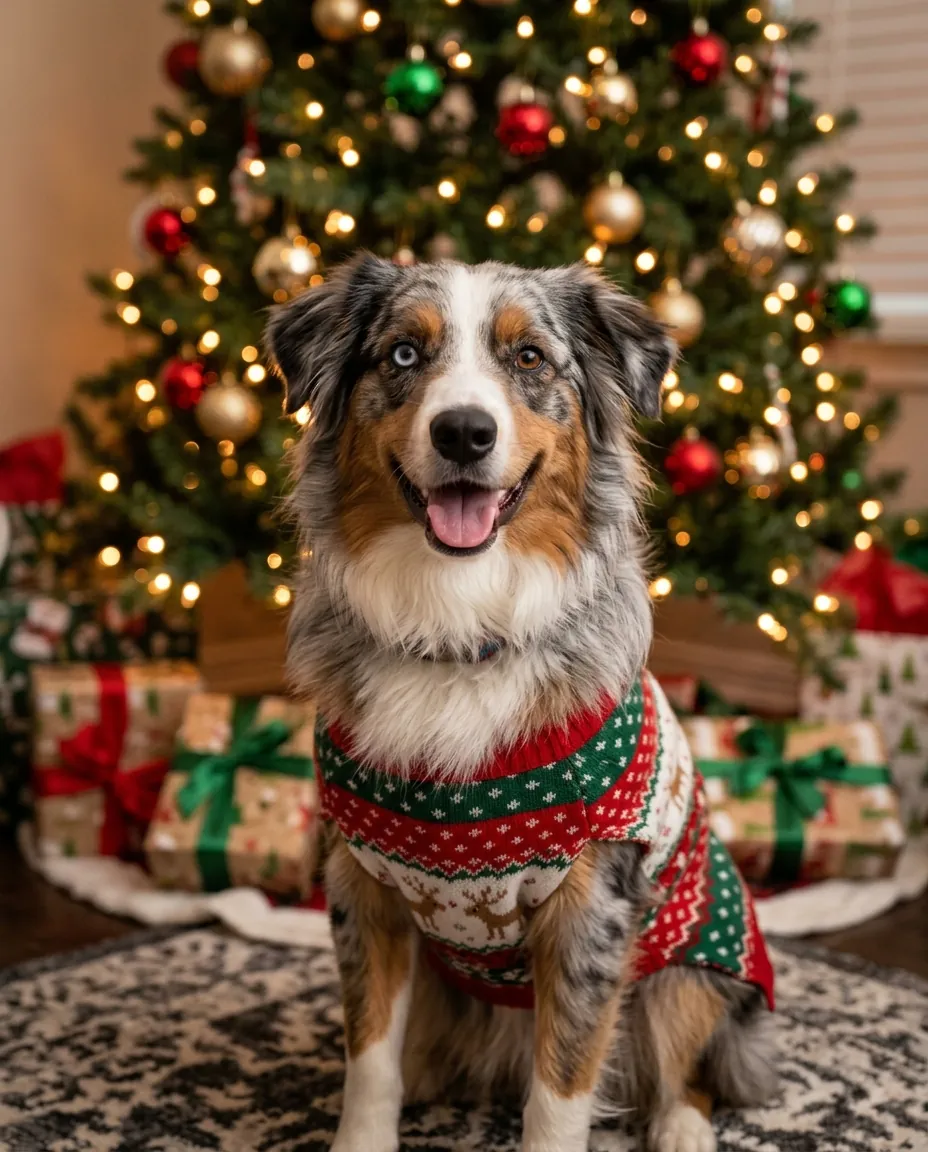 Christmas sweaterA knitted holiday sweater in front of a lit Christmas tree. Ready for a card.
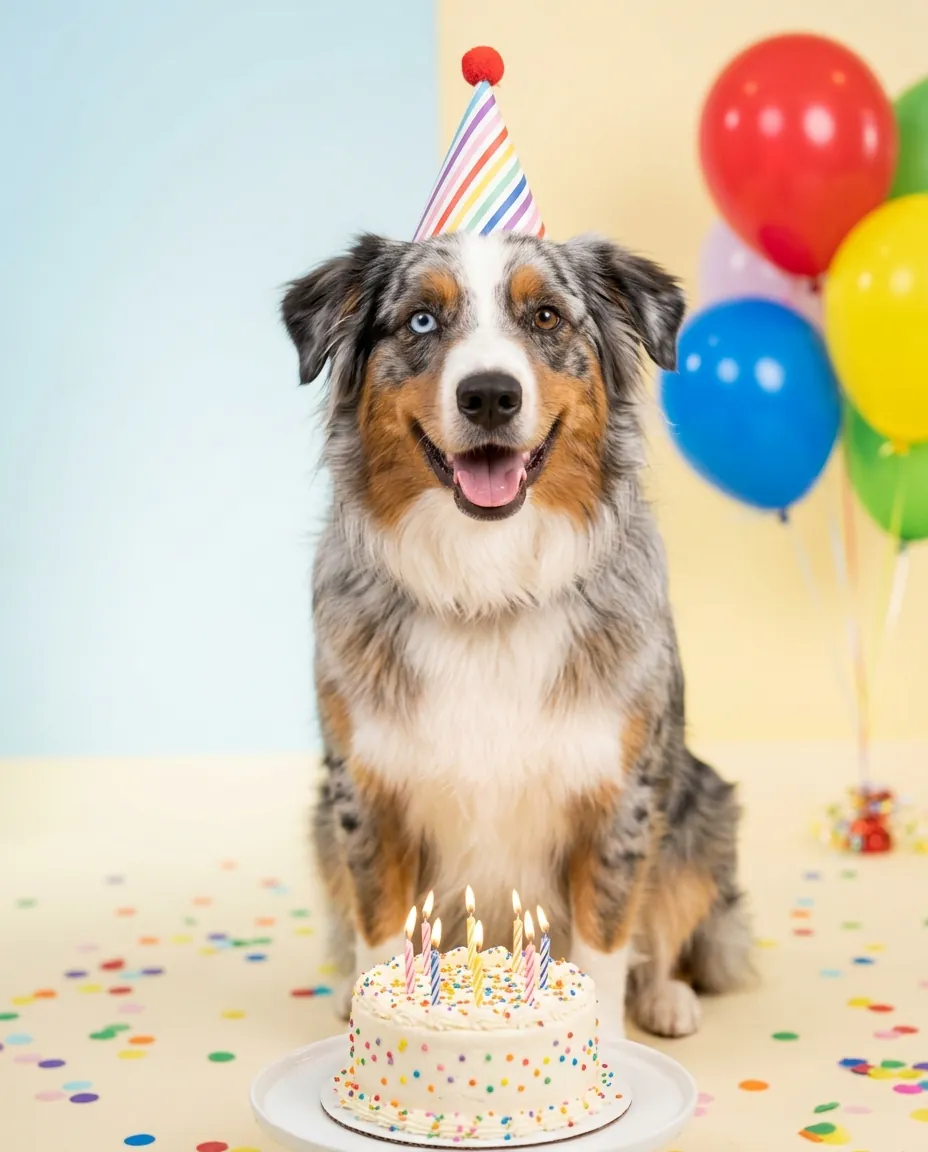 Birthday partyA striped party hat, balloons and a little cake with candles.
What stays the same
These are written into every style, so you don’t have to describe your pet:
- Breed, head shape, ear shape and how the ears sit
- Exact fur or feather colors and the position of every patch, spot and stripe
- Eye color, each eye separately when they differ
- Real animal anatomy: no human hands or faces. Costume styles stop at the chest, so no odd paws.
Compare four styles in one go
Not sure between royal and watercolor? Switch on “Try 4 styles at once”, pick up to four and they run together in a 2 × 2 grid. Four portraits cost four times one (32 credits by default). Tap any result to see it bigger, compare it with the photo, frame it or print it.
Frame previews and print files
Every result can be dropped into three real frames: a gilded frame on a dark green wall, a black gallery frame with a white mat above a sofa, and a light oak frame on a sideboard. You can add your pet’s name on a small plaque. The mockups are made in your browser and cost nothing.
For printing, pick 8 × 10 in, 11 × 14 in or A4. The file is cropped to the paper shape and saved as a 300 dpi JPG. We also tell you how sharp it will really be: a standard result is about 900 × 1100 pixels, fine for small prints; for 8 × 10 and larger, make it in HD or upscale it first.
Photos that work, and the ones that don’t
Works well
- One pet, face toward the camera, both eyes visible
- Daylight or a bright room, fur in focus
- The whole head in frame, ears included
- Any breed or species: dogs, cats, rabbits, birds
Works less well
- Two or more pets in one photo: one may change
- Very dark photos of black pets: markings get lost
- Back views or heavy motion blur
- Birds in the party scene: feather colors drifted once in our tests
Pet portraits, image styles or a painting of a photo?
This page is only for pets: the styles are written for animals and lock fur, markings and eye color. For a person, a family photo or a landscape, use Turn photo into painting. For 90+ other looks such as film, clay or anime, use AI image styles.
Two models
Nano Banana 2.1 is the default (8 credits, or 11 in HD). It kept fur patterns and a blue-and-brown pair of eyes the best in our tests. Seedream 5.0 Flash costs 5 credits and keeps the likeness almost as well; pick it when you want to try many styles.
Price
- One portrait, Nano Banana 2.1
- 8 credits
- HD for print (about 2K)
- 11 credits
- One portrait, Seedream 5.0 Flash
- 5 credits
- Four styles at once
- 32 credits
No subscription. You pay per portrait, and failed runs refund credits. Frames and print files are free.
Questions
Will the portrait still look like my pet?+
That is what the styles are built for. Each one keeps the breed, the head and ear shape, the exact fur colors, the placement of every marking and the eye color. In our tests it held a merle coat and two different eye colors across all 12 styles. If one result drifts, run it again or try the other model.
Which photo makes the best pet portrait?+
One pet, face toward the camera, both eyes open and in focus, with the whole head in frame. Daylight helps a lot, especially for black or very dark fur. Avoid photos with several animals or heavy blur.
Can I print and frame it?+
Yes. Open the Print tab, pick 8 × 10 in, 11 × 14 in or A4 and download a 300 dpi JPG cropped to that shape. For 8 × 10 and larger, choose HD before you make it, or upscale the result first. The page tells you how sharp the print will be.
How much does a pet portrait cost?+
One portrait is 8 credits with Nano Banana 2.1 (11 in HD), or 5 with Seedream 5.0 Flash. Four styles at once cost four times one. There is no subscription, and failed runs refund credits.
Does it work for cats, rabbits and birds?+
Yes. We tested a black cat, a lop rabbit and a cockatiel next to two dogs. Cats and rabbits held their markings in every style. Birds worked too, but in one party scene a cockatiel’s grey body came out brown, so check the colors and run it again if needed.
Can I put two pets in one portrait?+
It works best with one animal. You can upload a photo of two pets together and say so in the note, but one of them may change more than you like. For a set, make one portrait of each pet in the same style.



 Example