What this tool does
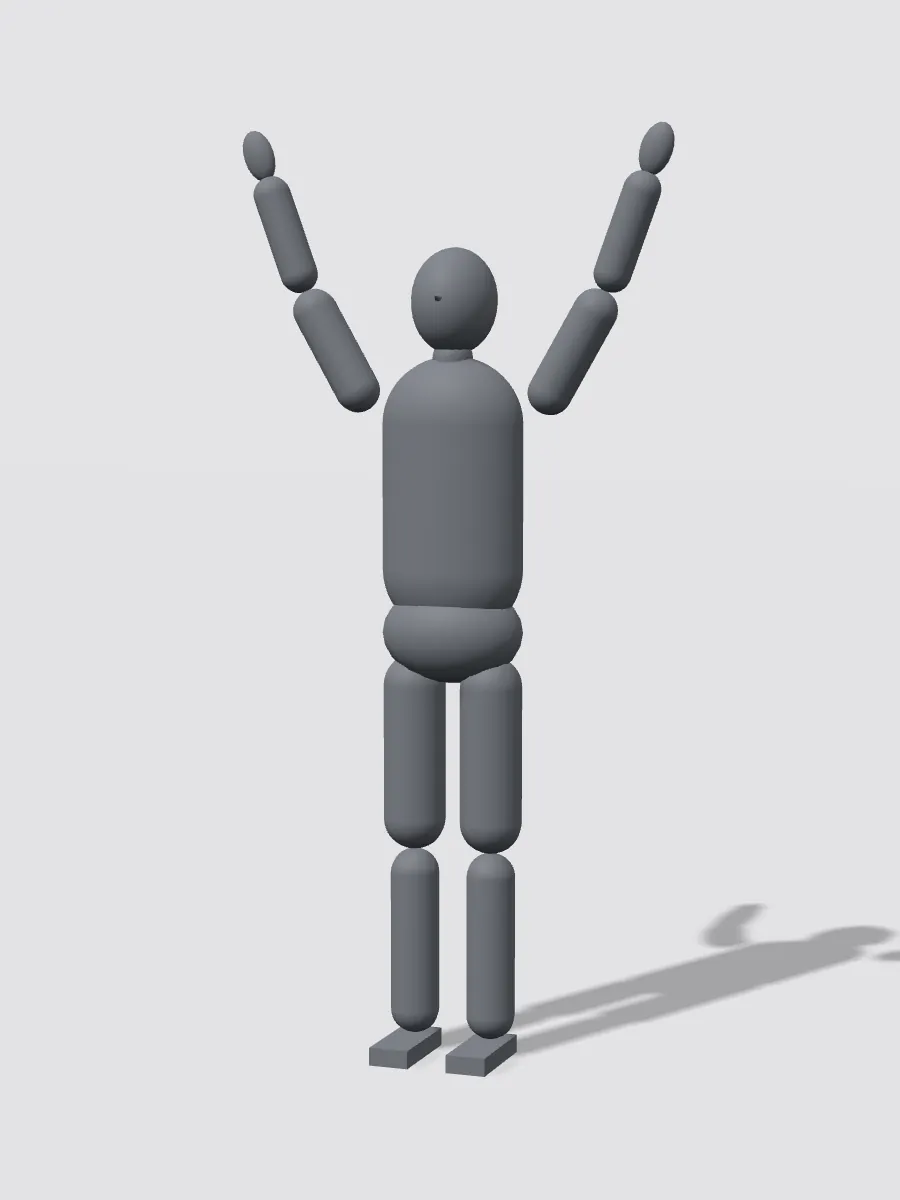
It changes the pose of the person in your photo and keeps everything else: the same face, hairstyle, skin tone, clothes and background. You do not need to describe the pose in words or find a reference photo; pick a mannequin card from the library, or upload any photo whose pose you like. It is not an AI pose generator that invents a new person or a stick-figure pose sheet: the result is your own photo, re-posed.
How to change a pose in a photo
- Add a full-body photo of one person, head to feet, with their hands visible.
- Pick a pose from Standing, Sitting, Action, Gestures or Dance, or upload your own pose photo. Turn on 4 poses at once to get a set.
- Press Change pose (5 credits per pose), then drag the slider to compare and download, save or send the result on.
How do the 3D mannequin poses work?
We built the poses on our own jointed 3D mannequin and rendered them all with the same camera, so arms, legs and head angles are easy to read. When you pick a card, its picture is sent as the pose reference together with your photo. The background of your photo is kept, and seated poses are placed on something that already fits your scene, such as a step, bench or chair.
Copy a pose from your own photo
Open the Your photo tab and upload any picture of the pose you want: a fashion shot, a sports photo or a friend striking a pose. Only the pose is copied; the face, clothes and background come from your photo.
Does it keep the face and clothes?
Yes. In our tests with three different people and four poses each, faces, hairstyles, glasses and clothes stayed the same. Hands and feet in unusual angles are the parts most likely to look off, so check them before you share.
Which photos work best
Good photos
- One person, the whole body in the frame from head to feet.
- A clear background with some floor or ground visible.
- Normal clothes that show the body shape of arms and legs.
- Sharp photos at least 800 pixels tall.
Photos that work less well
- Close-up selfies or half-body shots: legs have to be invented.
- Group photos: the pose may land on the wrong person.
- Long coats or dresses that hide the legs completely.
- People holding big objects that the new pose cannot hold.
Before and after
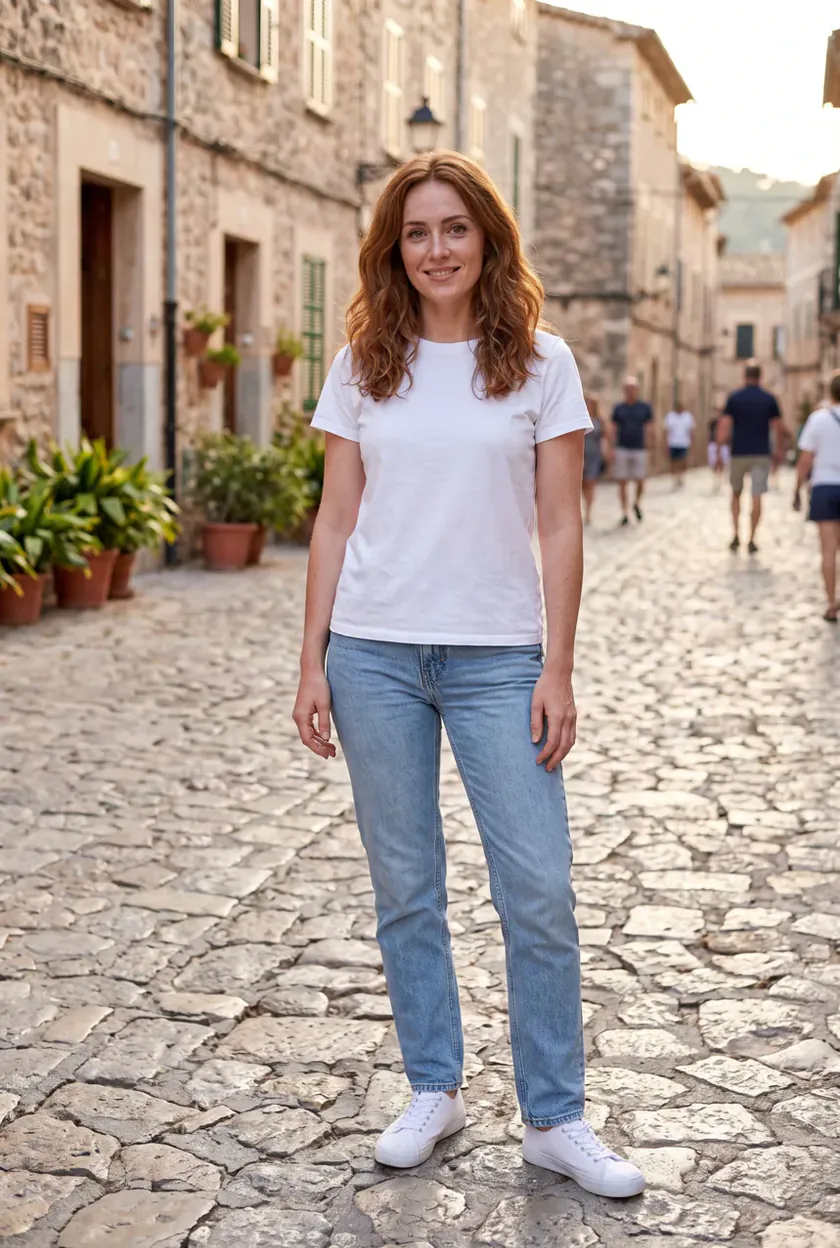
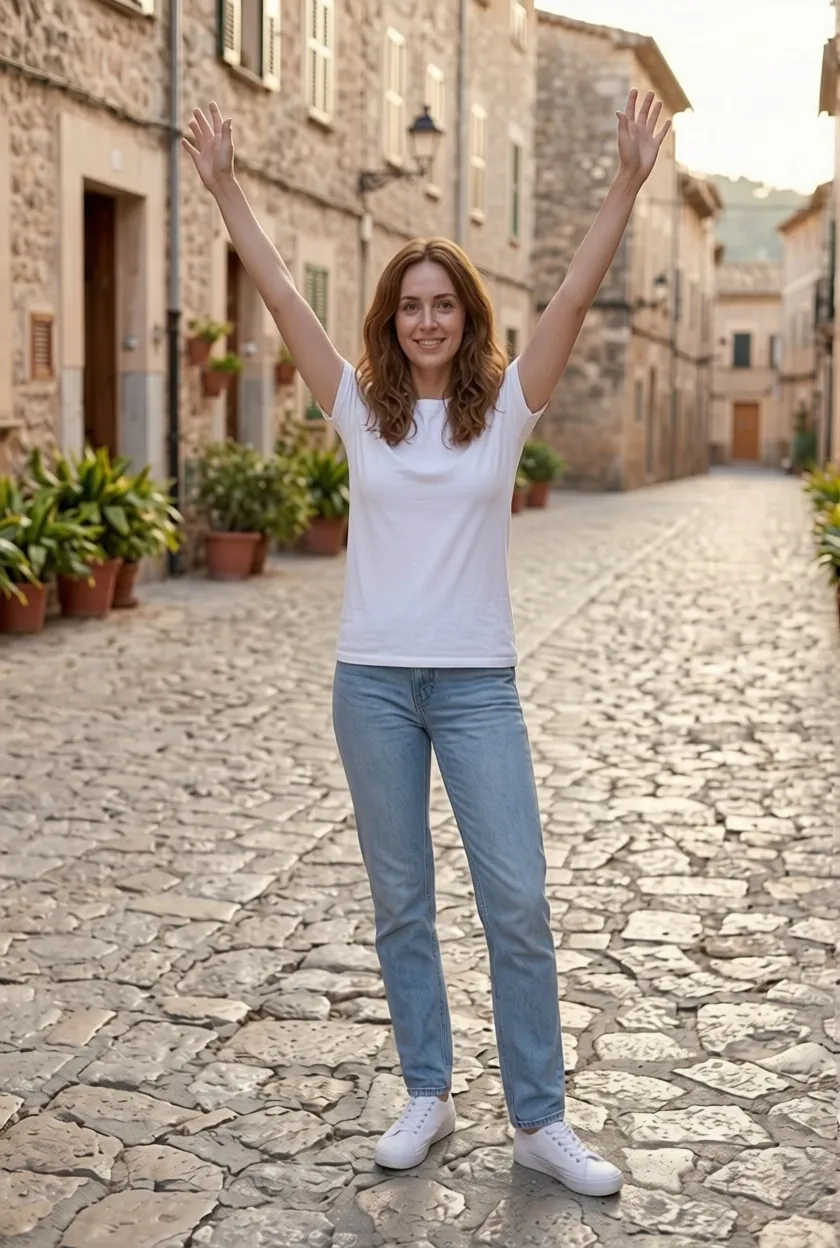 Street, cheer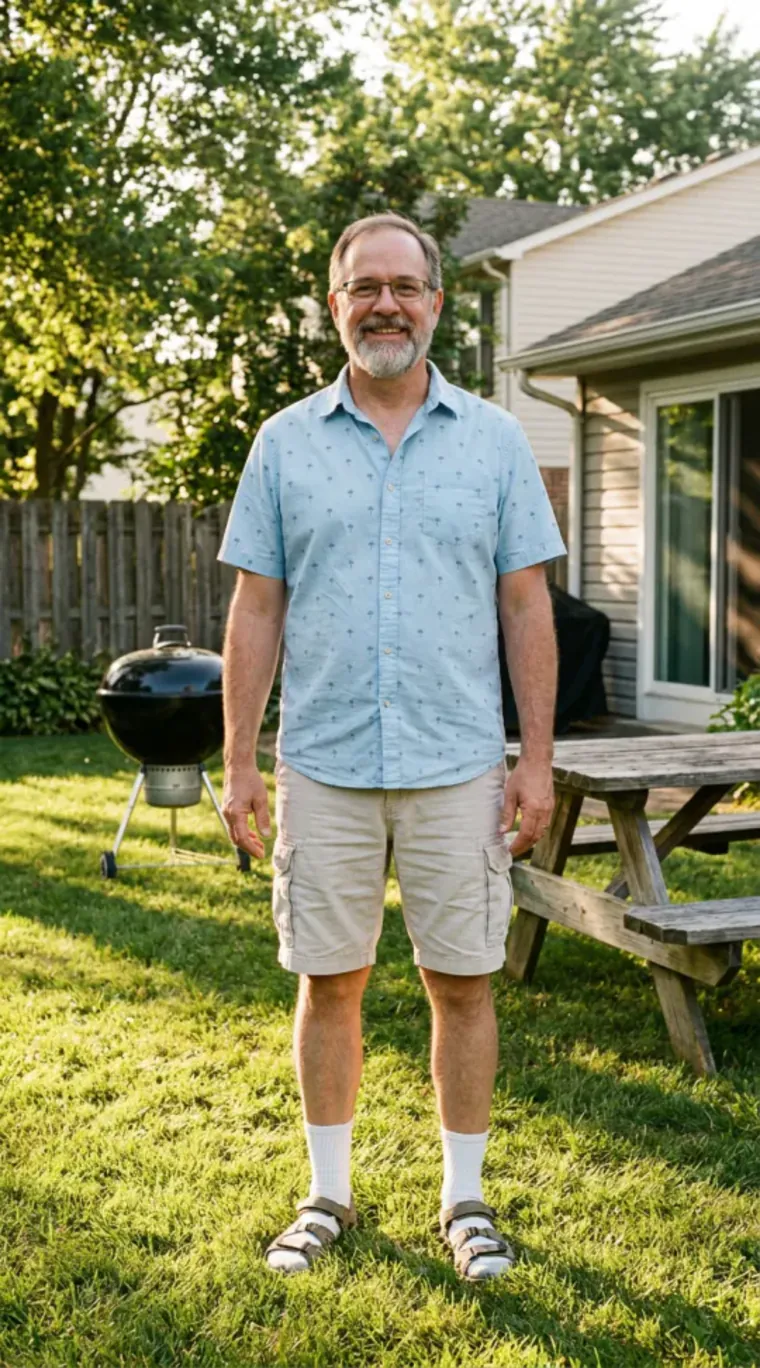
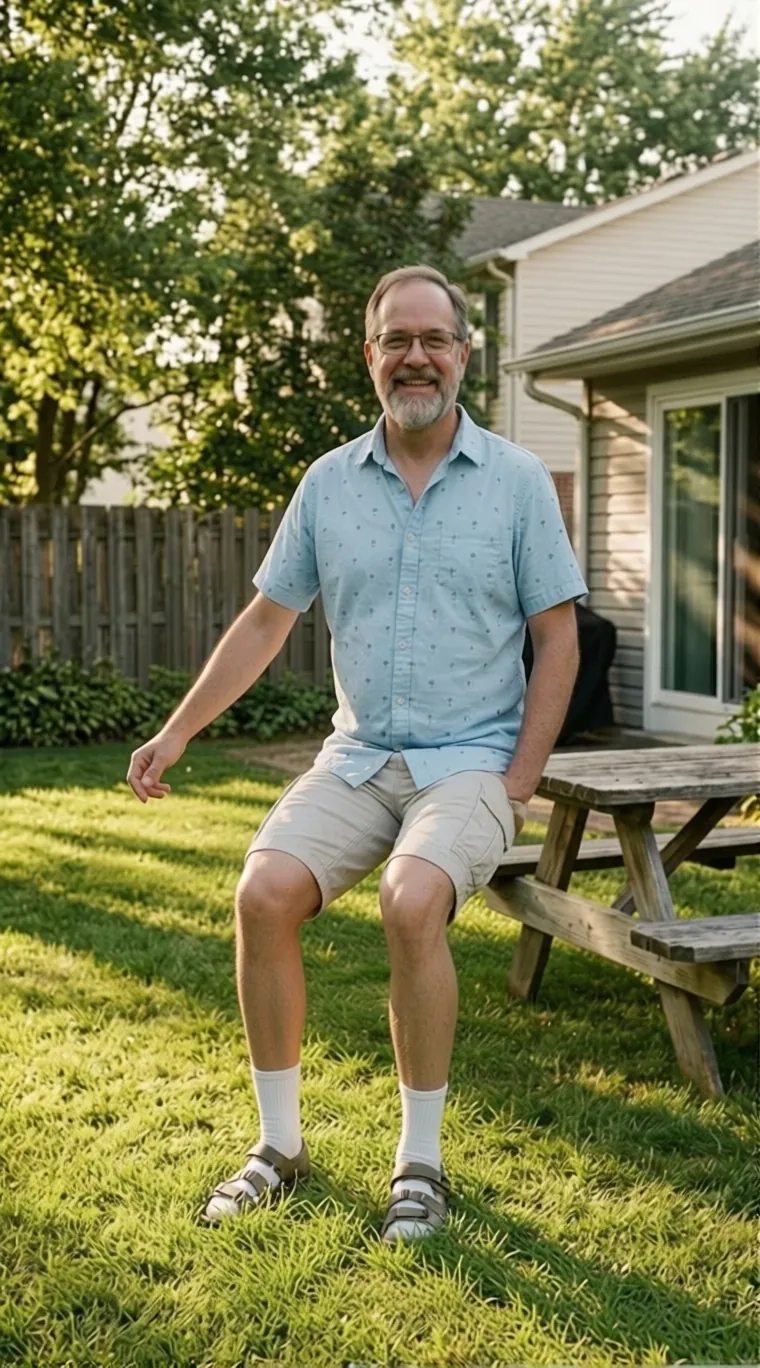 Backyard, sit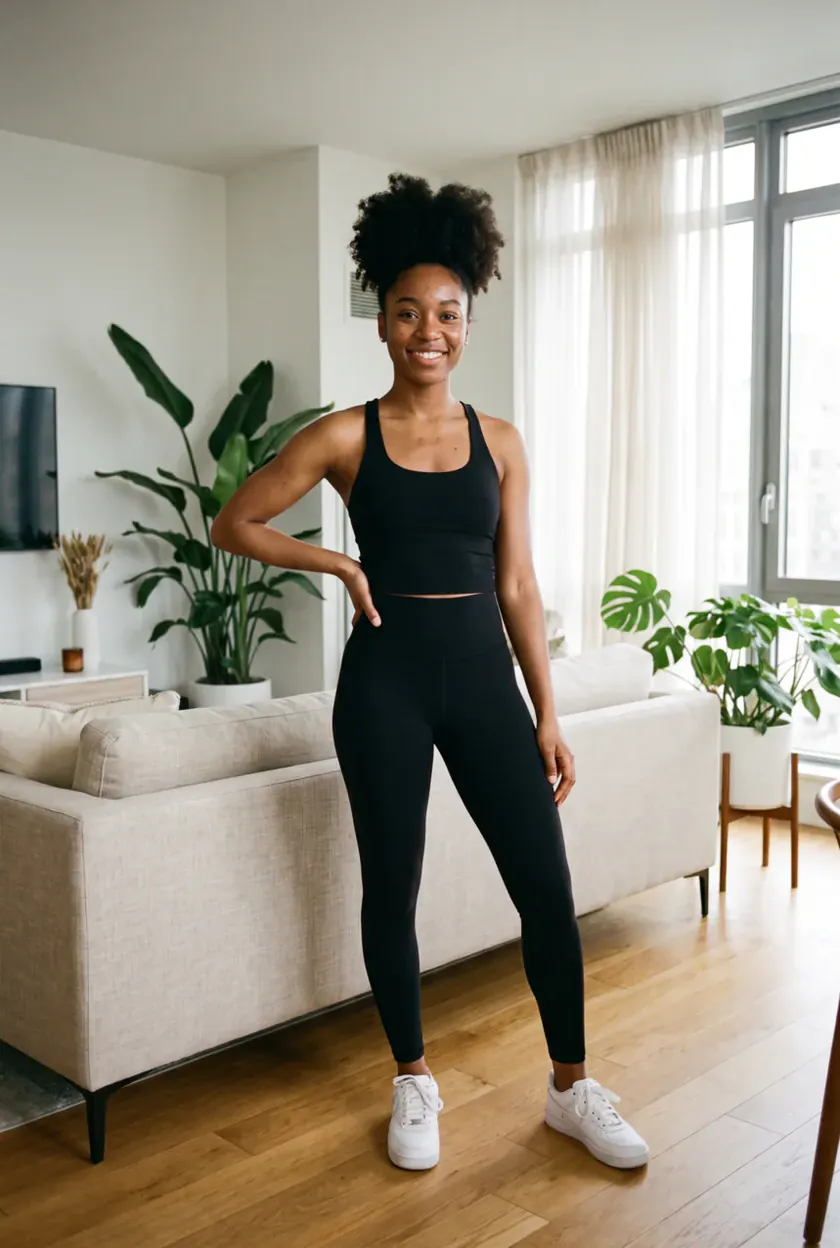
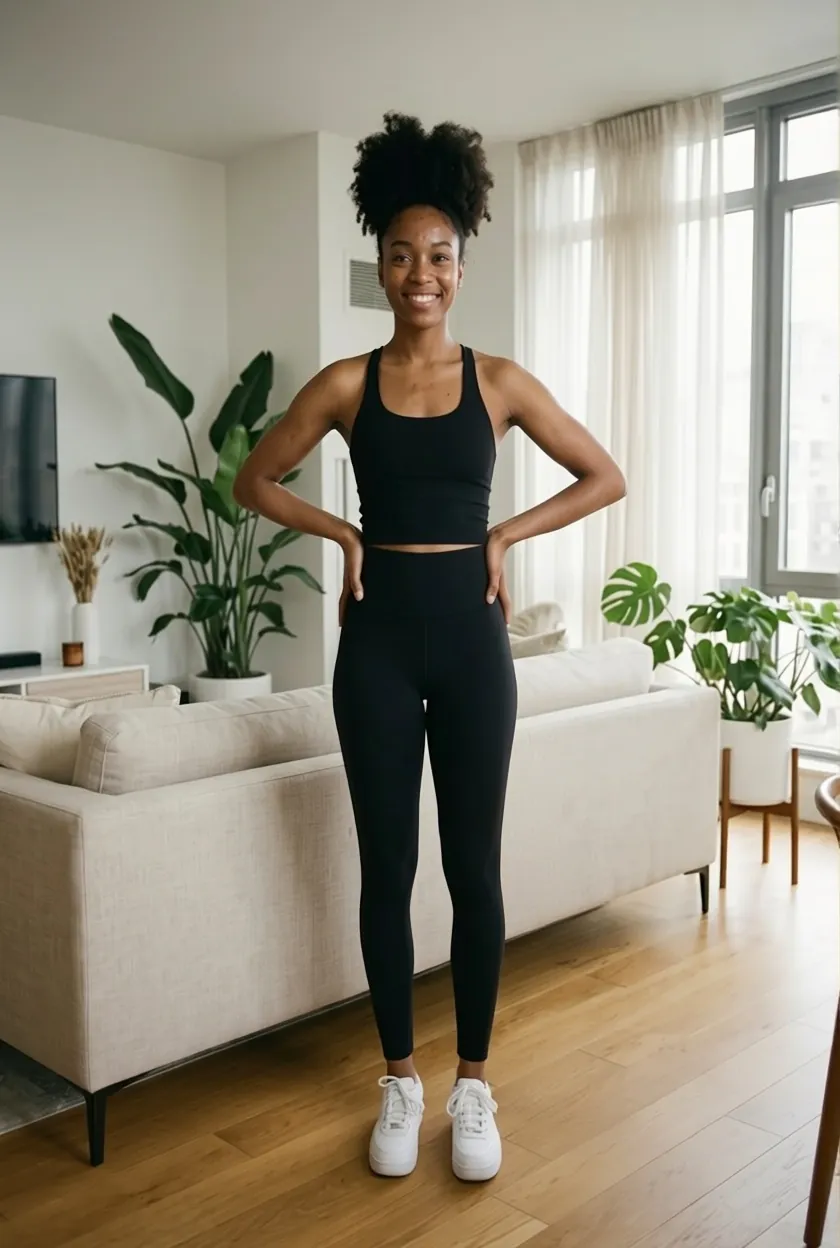 Living room, hands on hips
The model behind it
- Pose Changer takes two pictures, the person and the pose, and was the most faithful in our tests: the pose was copied closely and the face and outfit stayed put.
- We tell it to keep the background of your photo, which keeps the street, room or garden instead of the plain grey of the mannequin card.
- We also tried a general image model with the same two pictures: seated poses often did not change, so it is not offered here.
What people use it for
- A set of different poses for a profile or social post from one photo.
- Fixing a stiff pose in an otherwise good photo.
- Trying a pose before a shoot, without a model.
- Keeping the same person and outfit across a series of images.
How many credits it takes
- One pose
- 5 credits
- 4 poses at once
- 20 credits
The button always shows the exact total before you start. If a run fails, the credits come back automatically.
Questions
How do I change a pose in a photo?+
Add a full-body photo, pick a pose card or upload a photo of the pose you want, and press Change pose. In about half a minute you get the same person in the new pose; drag the slider to compare before and after.
Does it keep my face and clothes?+
Yes. Every run tells the model to keep the face, hairstyle, skin tone and clothing from your photo and to take only the pose from the reference. Unusual hand and foot angles are the parts to check before you share.
How do the 3D mannequin poses work?+
Each card is a grey 3D mannequin rendered from the front on a plain background. Its picture is sent as the pose reference, so the model copies the arms, legs and head angles and nothing else. Your own background is kept.
Can I use my own pose photo?+
Yes. Open the Your photo tab in the pose list and upload any picture of the pose. Only the pose is used; the person, outfit and background come from your own photo.
Can I get several poses at once?+
Turn on 4 poses at once and pick up to four cards. They run side by side, show up as a grid, and you can download them as one sheet or as a ZIP file.
Which photos work best?+
One person, whole body visible from head to feet, with some floor in the frame. Half-body selfies, group photos and long coats that hide the legs give weaker results because the model has to invent what it cannot see.
Is this the same as an AI pose generator?+
No. A pose generator draws a new figure or a pose sheet from text. This tool keeps your own photo and person and only moves them into a new pose, which is what you want for profile pictures, outfits and series.
How many credits does it cost?+
Each pose takes 5 credits, so 4 poses at once take 20. The button shows the total before you start, and failed runs are refunded automatically.