Where do I find a reference video?
Use your own clip, or open Dance, which has ready-made moves you can apply in one tap.


Motion Control reads the body movement in a reference clip and drives your character with it. The photo sets how your character looks; the reference video sets every move.
 From 40 credits per 5 seconds of video
 A run that fails is refunded automatically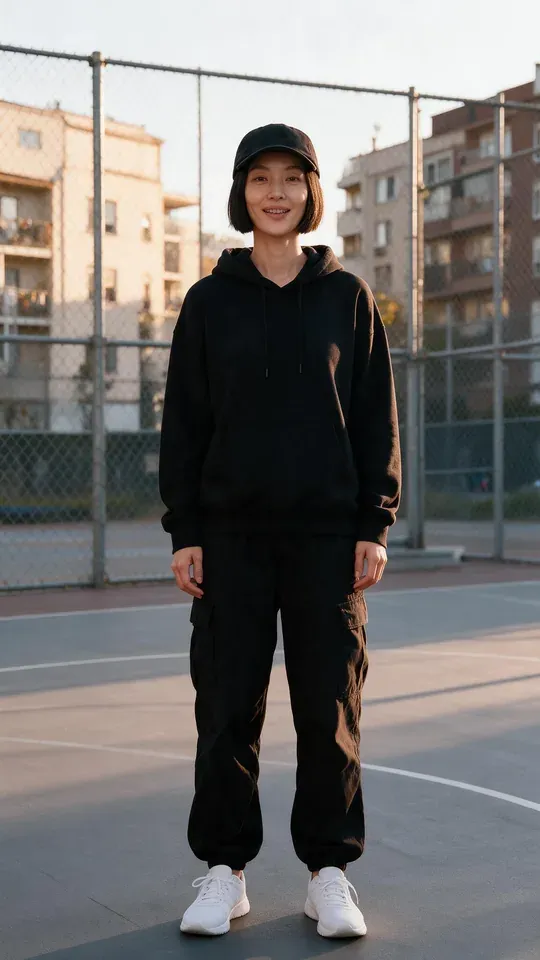
 You add
 You getUsually ready inStarts at
Upload a full-body photo of your character.
Upload the video with the moves, or pick one in Dance.
Generate and watch your character perform it.
PopNow starts you on Kling 3.0. Switch to another model in the generator any time; each one shows its price before you run it.
Use your own clip, or open Dance, which has ready-made moves you can apply in one tap.
Yes, as long as the character has a clear body with arms and legs. The closer to human proportions, the more faithfully the moves carry over.
The model follows the reference frame by frame, so a clip usually takes a few minutes. It’s worth the wait for the precision.
Motion Control starts at 40 credits per 5 seconds of video. The generator shows the exact price before you run it, and a run that fails is refunded automatically. New accounts get 30 free credits to start.
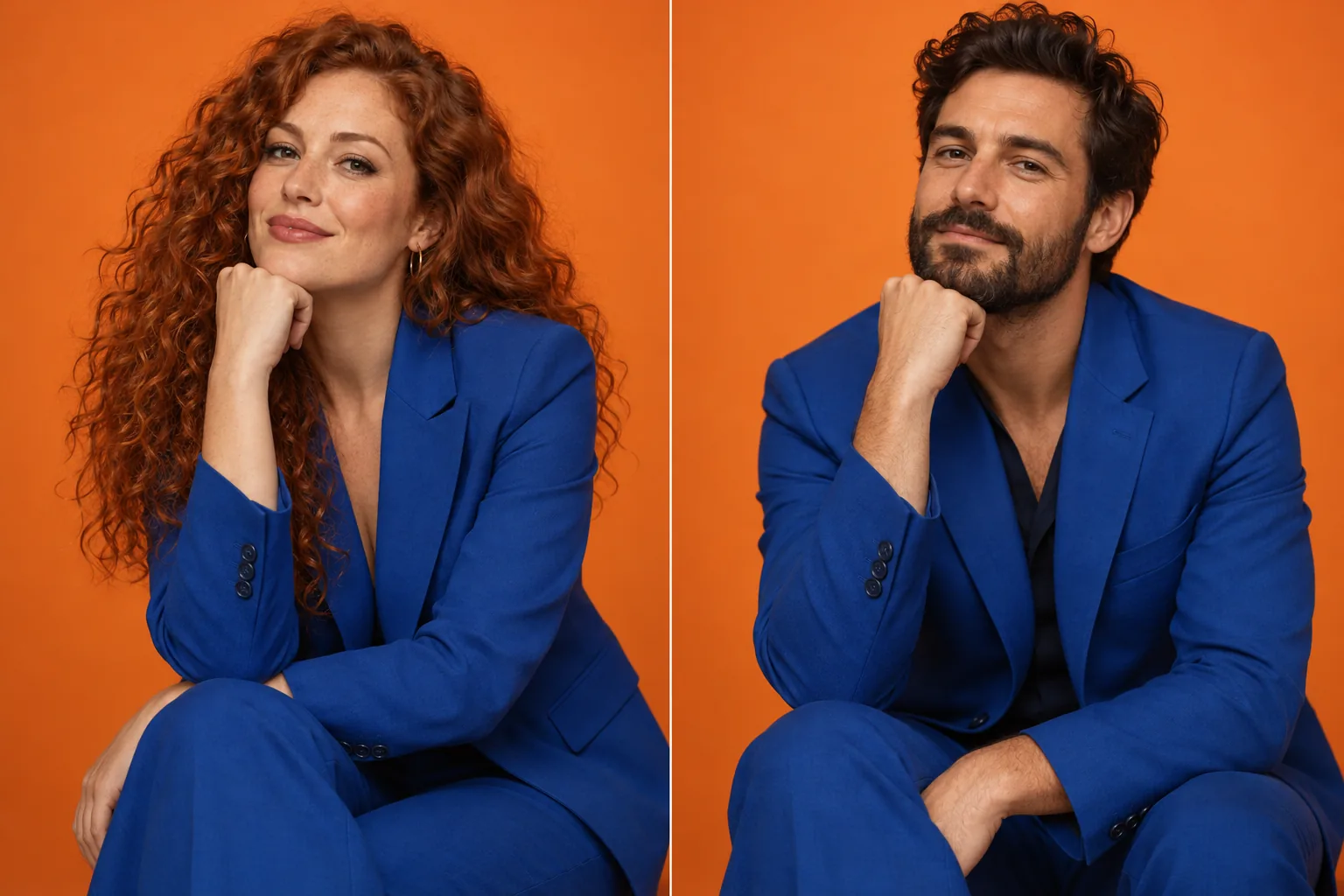 Illustration
Put one face onto another photo, keeping the pose and light.
From 2 creditsper imageHow it worksCarry a new face through every frame of a video clip.
From 20 creditsper 5 secHow it works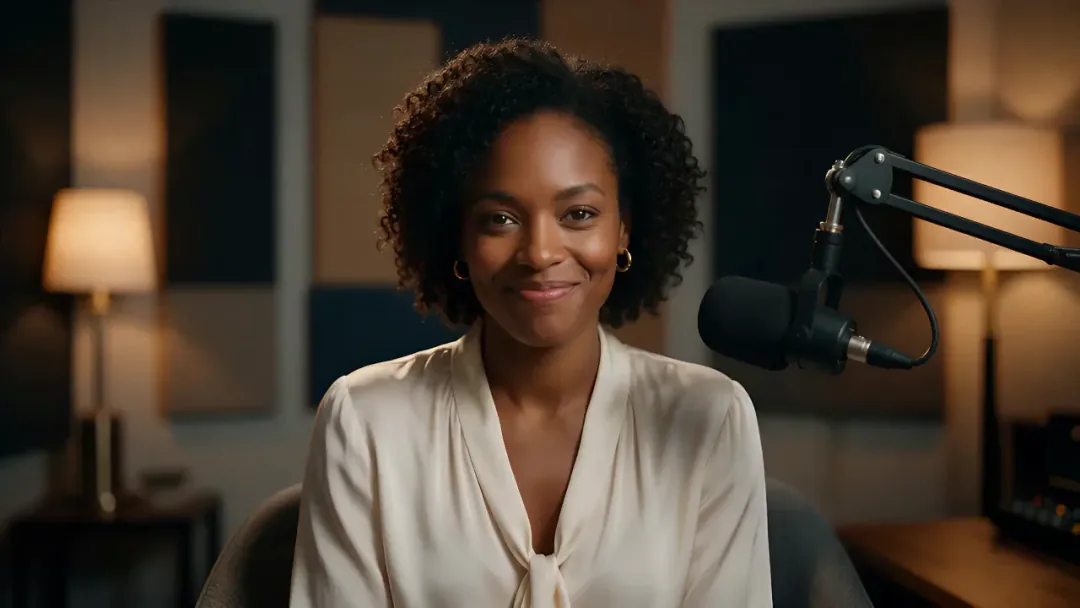
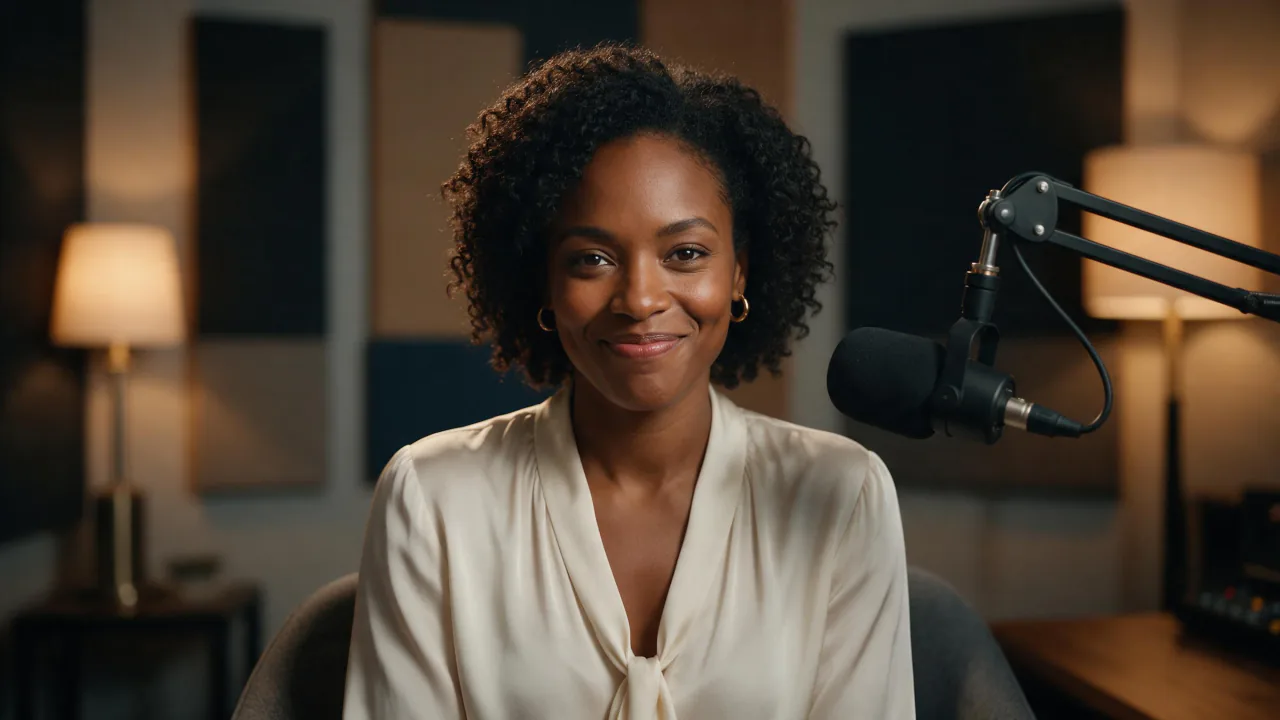 Made with Kling Avatar 2.0
Turn a portrait and a voice track into a talking video.
From 14 creditsper 5 secHow it worksDrop it in, press Generate and keep the result. You only pay for what you make.