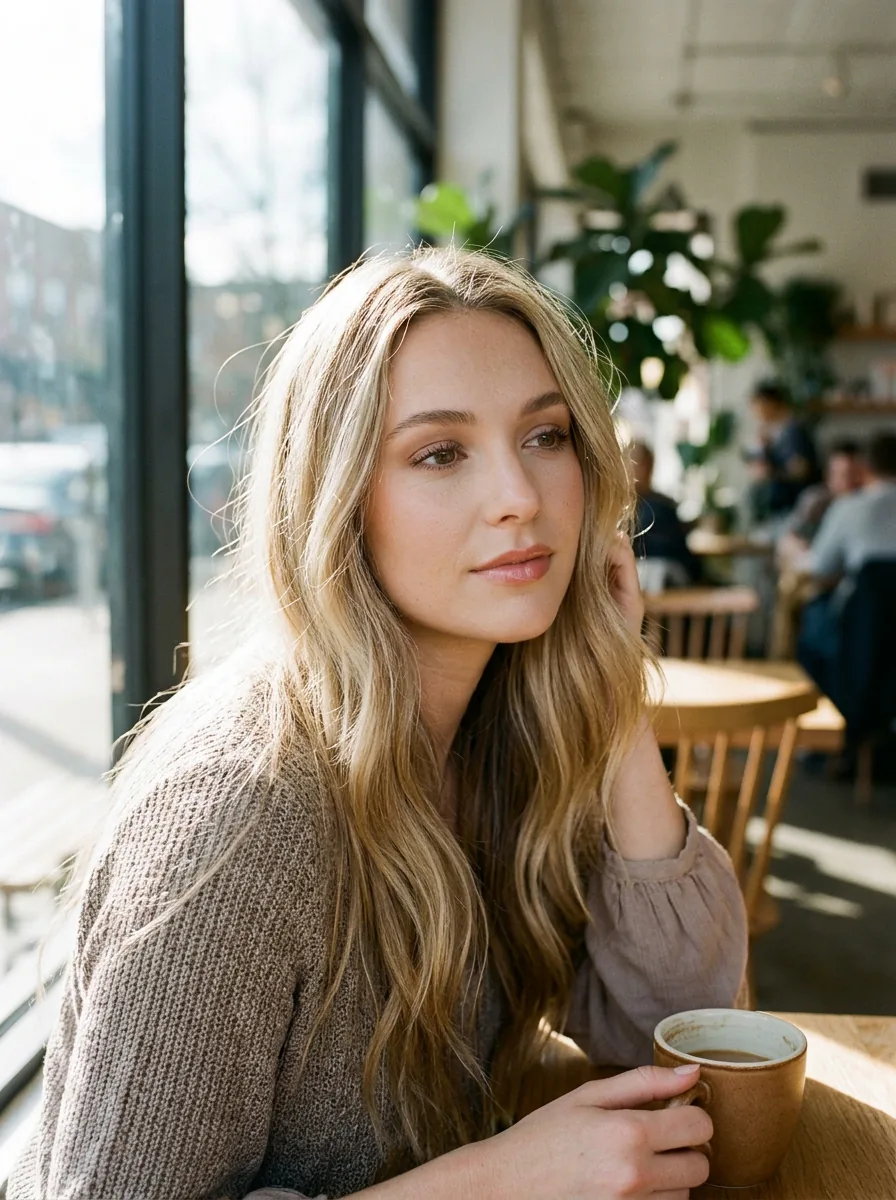
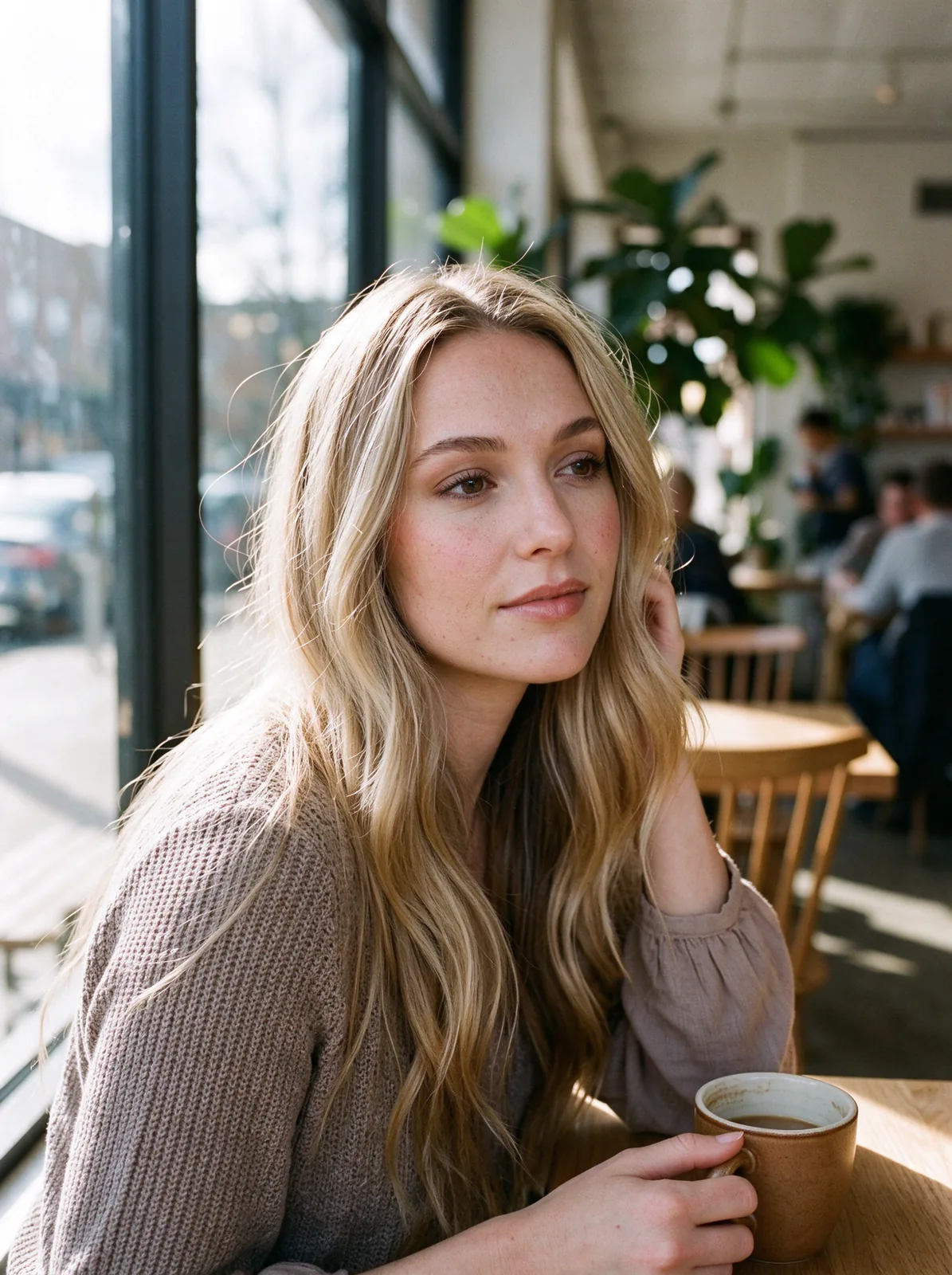
What the AI Realism Enhancer does
AI images often give themselves away: skin as smooth as wax, a glossy glow on every surface, colours pushed a little too far. The AI Realism Enhancer keeps your image exactly as it is and only changes how it is rendered. Skin gets real pores, fine facial hair and small imperfections, hair breaks into individual strands, fabric shows its weave, and colours settle into what a camera would actually capture. The face, eye colour, pose, background and every letter of text stay the same. One image costs 29 credits and comes out at about 2K (4 megapixels).
Questions
What does the AI Realism Enhancer change?+
Only the rendering. It replaces smooth, plastic-looking skin with real texture, separates hair into strands, gives fabric and surfaces their real detail and calms over-saturated colour. The people, the composition, the background and any text are kept.
Will the face stay the same?+
That is the first thing the tool is told to protect: the same face, eye colour, skin tone, expression and hairstyle. In our tests the identity held on every portrait. If you ever see a small drift, run it again or pick Subtle.
Does it change text, logos or labels?+
No. Signs, labels and logos are kept letter for letter. We checked this on a shop sign and a perfume label, and both came back word for word.
Which level should I choose?+
Natural for most images. Subtle when you like the colours and only want texture. Strong when you want the look of an unedited camera file, with freckles, fine lines and grain. Your own when you have a specific look in mind.
Which images work best?+
Photo-style AI images from any generator, including Midjourney, Nano Banana, GPT Image, Seedream and Flux. Portraits, products, food, interiors and landscapes all work. Drawings and anime are better served by Anime to Real.
How much does it cost?+
29 credits per image, about $0.029. You see the price on the button before you start, and a failed run is refunded.
How big is the result, and can I upscale it?+
Results come out at about 2K, roughly 4 megapixels, which is plenty for social posts and most prints. Plain upscalers smooth skin again, so we don't add one by default. If you need a larger file, the Upscale tool can enlarge it, but expect the finest pores to soften a little.
Why do AI images look fake?+
Most AI pictures give themselves away with waxy, poreless skin, a soft glow on every edge, oversaturated color and hair or fabric that looks painted. The enhancer replaces those with real skin texture, natural light and true-to-life color. It doesn't redraw hands or extra fingers, so fix those in an editor first.