How Restyle Video works
 About 633 credits with the default settingsFrame 30 s, clip 3–6 min
Flow preview
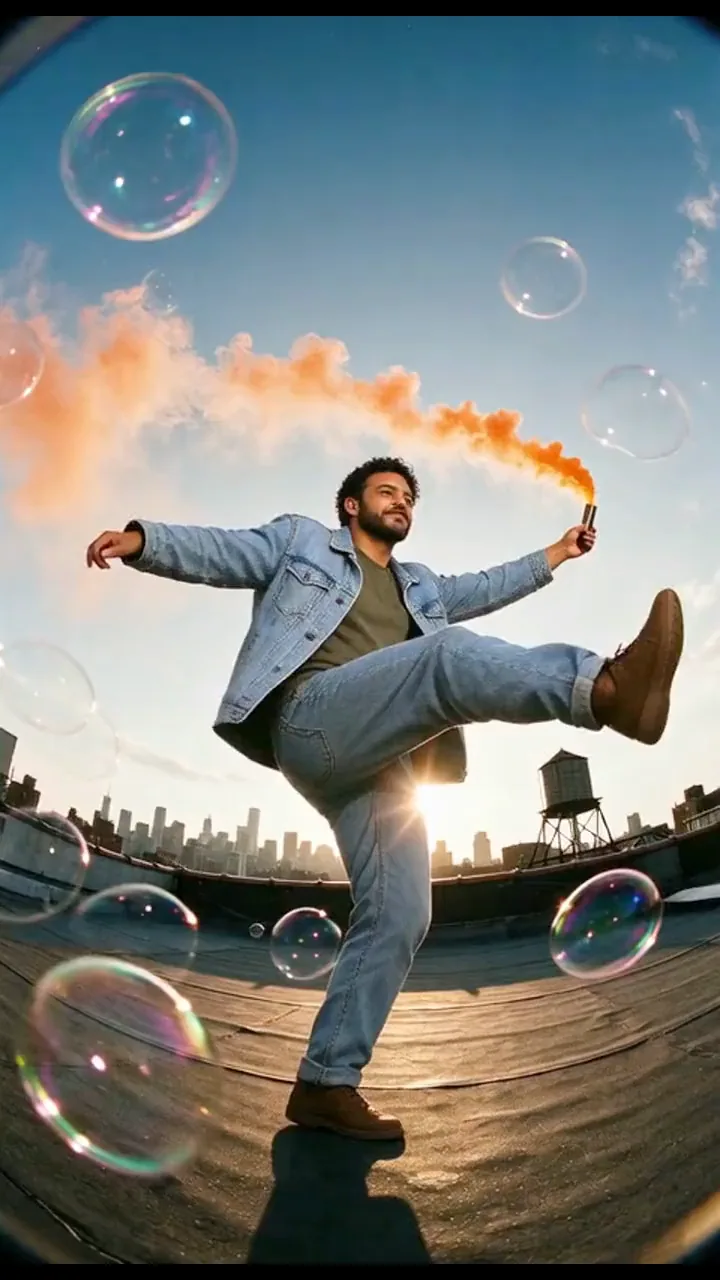 01Original
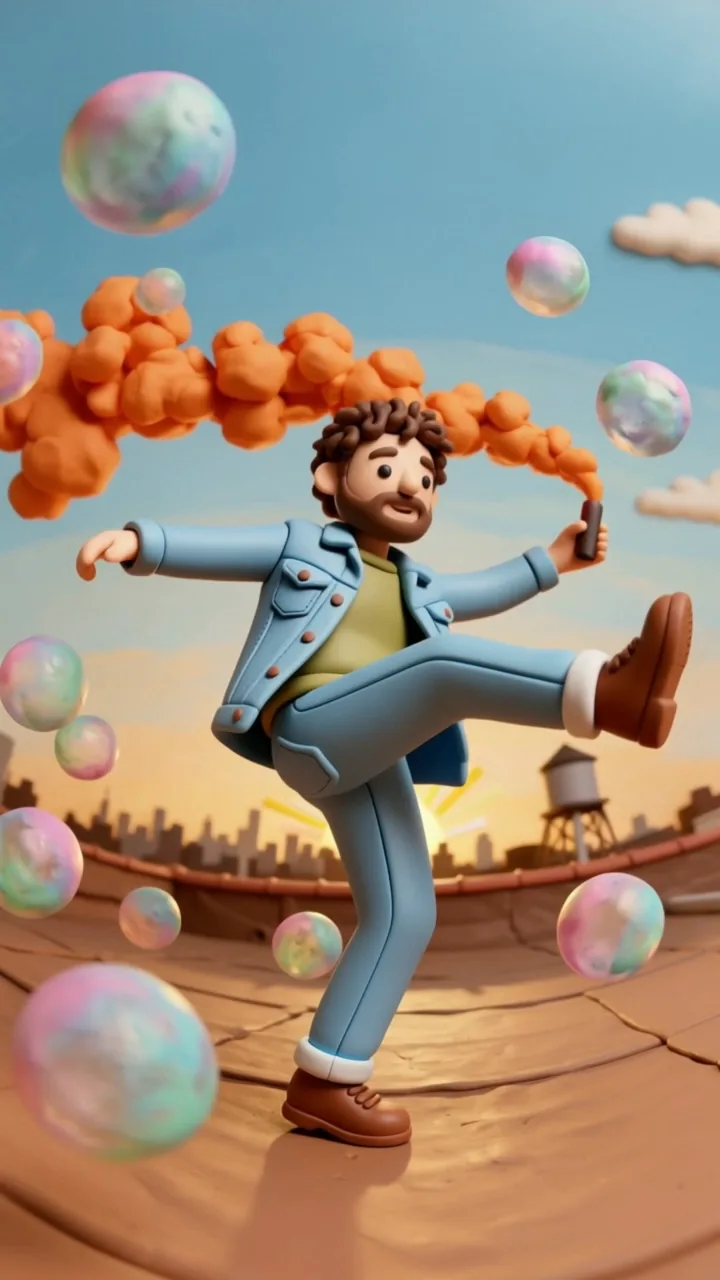 02Claymation
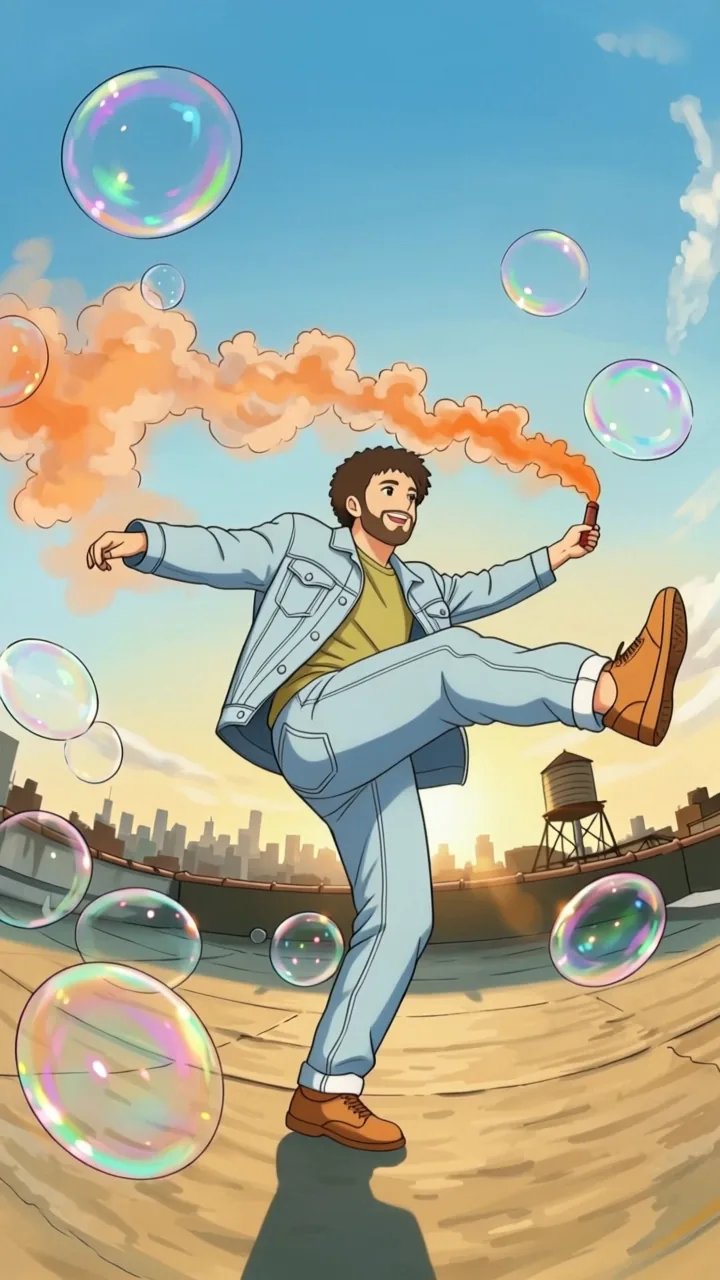 03Anime
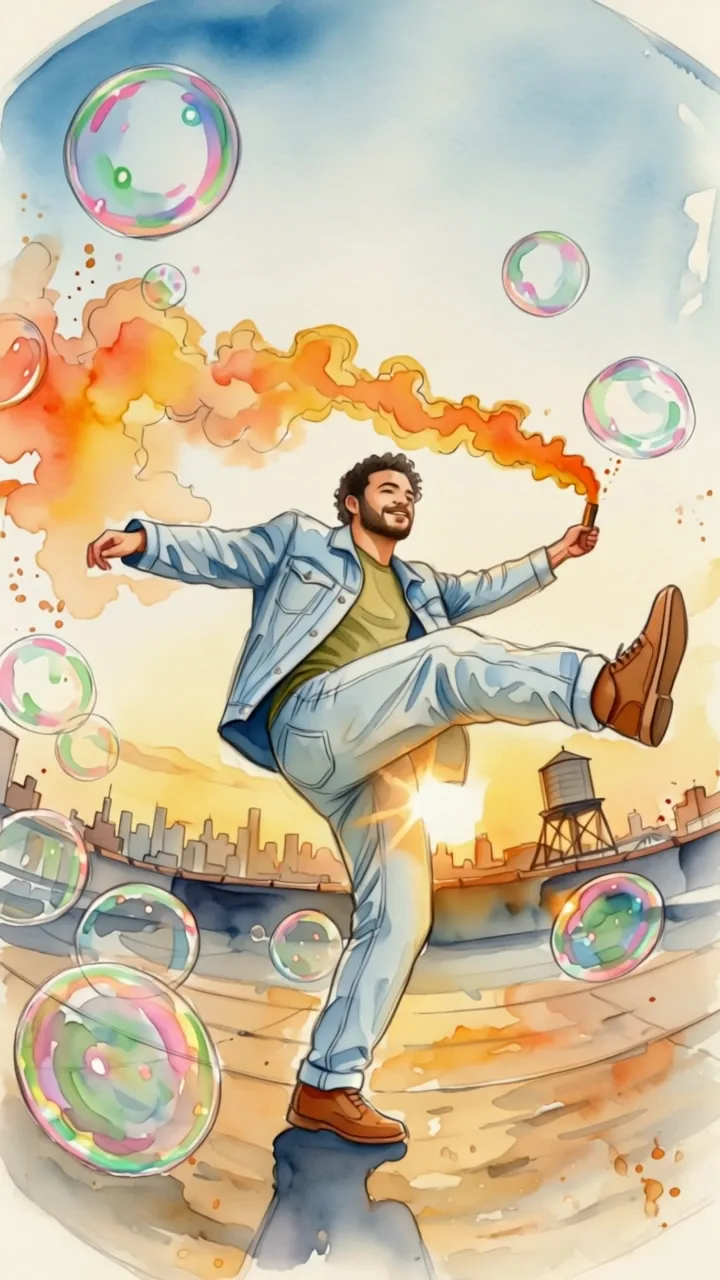 04Watercolor
You provide
- A clip 3 to 10 seconds long, at least 720 px on each side; motion, timing, camera and framing are kept exactly
- A look from 19 presets, or what to replace and what to put there, with an optional photo of the new object
- If people appear in the clip, your confirmation that they agreed
How it works
- 01Pick a look or a swapEach of the 19 looks shows the same test clip restyled, so you can compare them before spending anything.
- 02Preview the first frameThe first frame of your clip is restyled for the price of one image. Drag to compare it with the original and try another look until it fits.
- 03Restyle the whole clipThe approved frame guides the whole clip, second by second. The result is as long as your clip and keeps its sound if you want.
You get
- Restyled clip720p MP4, the same length as yours, with the original sound if you keep itEdit later: Pick another look and run it again.
- Approved first framePNG about 1,000 px on the long side
What it doesn't do
- It doesn't change what happens in the clip or move the camera
- It doesn't put a different person into your clip
- Clips longer than 10 seconds need trimming first
What you can do next
- Turn a still from the clip into nine shots with Shot Coverage
Credits and time
- A 5-second clip costs 633 credits, plus 51 credits for each first-frame preview. Watching the 19 look previews is free.
Also insideVideo to Anime
What it's for
Keep a clip you already like, the moves, the timing and the camera, and give it a different look.
- Turning a phone clip into a claymation, vinyl-toy or paper-puppet short
- Music videos and reels that switch looks between scenes
- Swapping a product or prop in a shot without reshooting
- Testing how a scene reads as anime, watercolor or 35mm film before committing
What you give it
A video 3 to 10 seconds long, at least 720 pixels on each side (MP4, MOV or WebM). For a swap, say what to replace and what to put there, and add a photo of the new object if you have one.
Motion, timing, camera movement and framing stay exactly as in your clip. People keep their hairstyle, skin tone and clothing colors. If people appear in your video, you confirm they agreed.
How it works
- Pick a look or a swapChoose one of 19 looks; each shows the same test clip in that style. Or switch to Swap an object and describe the change.
- Preview the first frameThe first frame of your clip is restyled for the price of one image. Drag to compare it with the original; try another look if it isn't right.
- Restyle the whole clipWhen the frame looks right, the whole clip is restyled to match it, second by second, and comes back as an MP4 the same length as yours.
What you get
- An MP4 the same length as your clip, 720p, with your original sound if you keep it
- The approved first frame as a PNG
- A side-by-side comparison with the original
What it doesn't do
- It doesn't change what happens in the clip or move the camera
- It doesn't put a different person into your video
- Clips longer than 10 seconds need to be trimmed first
Price
A frame preview costs 51 credits. The whole clip costs 126.6 credits a second: 633 credits for 5 seconds, 1265 credits for 10 seconds. Previews of the 19 looks are free to watch.
Questions
Will the motion and camera stay the same?+
Yes. Only the look changes: every movement, the timing, the camera move and the framing follow your clip frame by frame, and the result is as long as your clip.
Why preview the first frame first?+
So you only pay for the whole clip when you like the look. The preview costs 51 credits; the approved frame then guides the whole clip so it matches what you saw.
Which looks can I choose?+
Nineteen: claymation, paper puppet, torn collage, vinyl toy, watercolor, oil paint, ink wash, woodcut, photocopy, comic book, anime, 90s cel, 3D animation, pixel art, low poly, 35mm film, VHS tape, silent film and neon night.
Can I swap just one object?+
Yes. Choose Swap an object, say what to replace and what to put there, and add a photo of the new object for an exact match. Everything else in the clip stays the same.
How much does it cost?+
A preview frame is 51 credits and the whole clip is 126.6 credits a second, so a 5-second clip costs 633 credits. The price on the button is the most you pay.
Can I use a video with people in it?+
Yes, if they agreed to it. Before the first preview you confirm that you filmed the clip or have permission from the people in it.