What is photo to song?
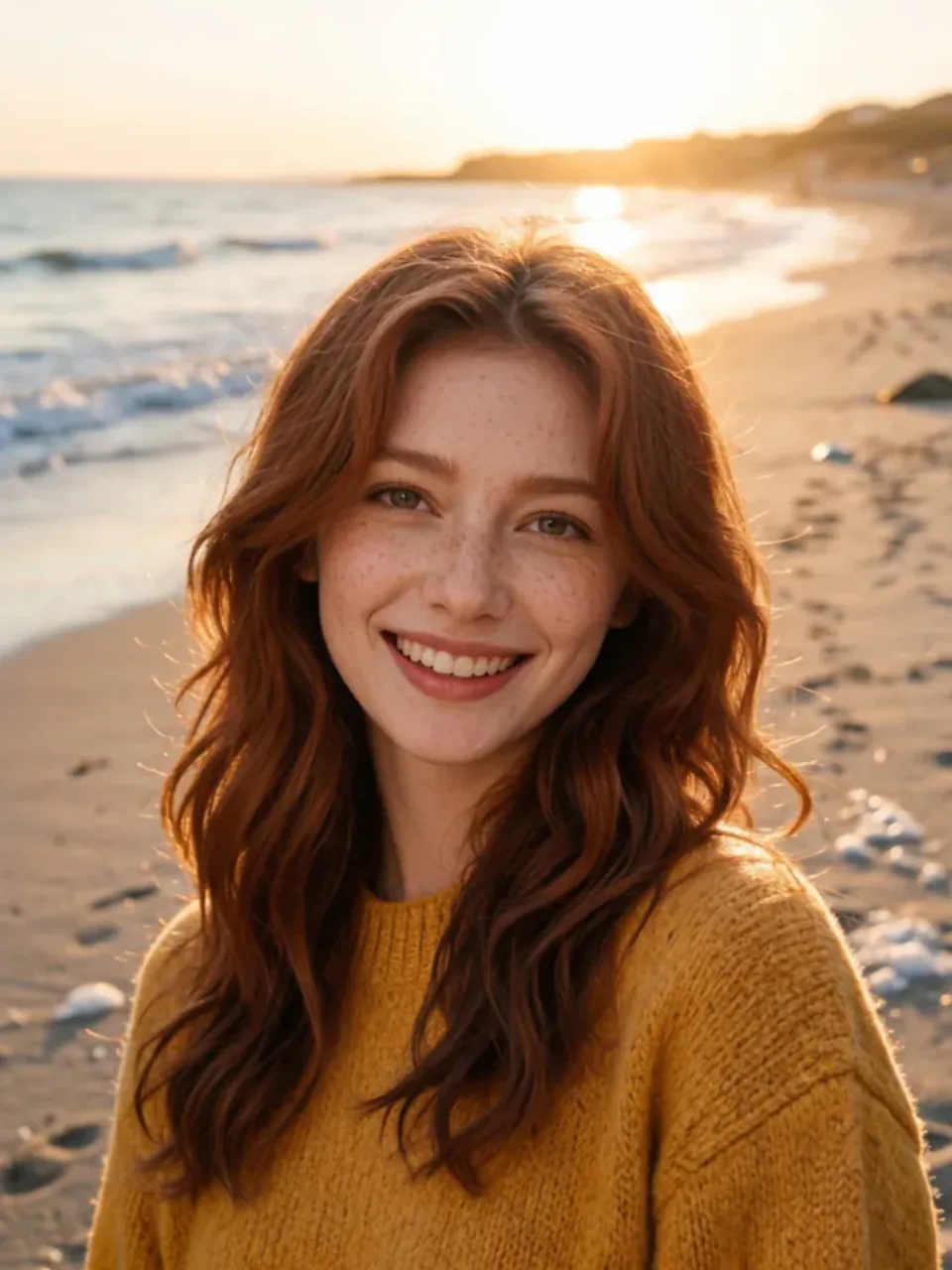
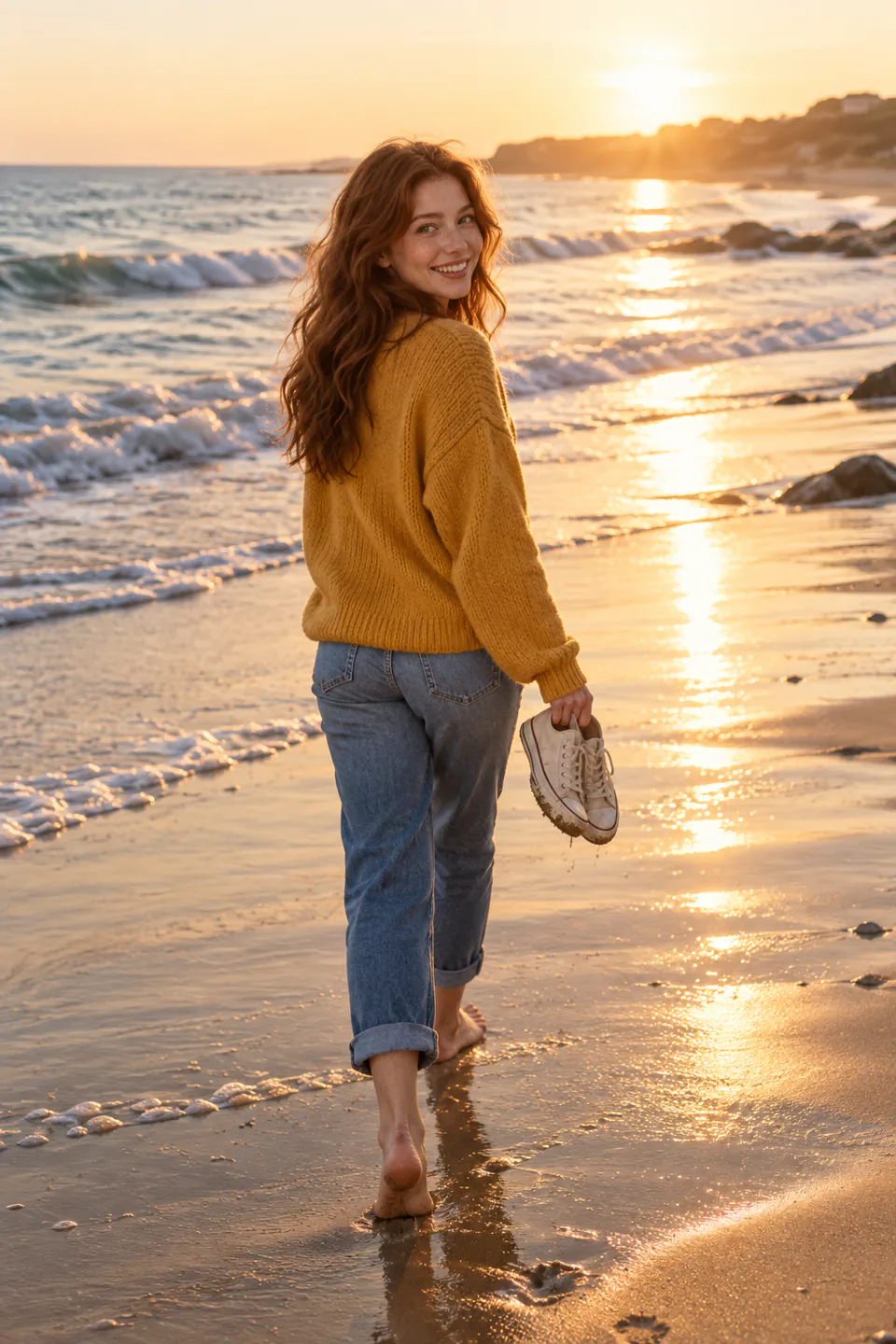
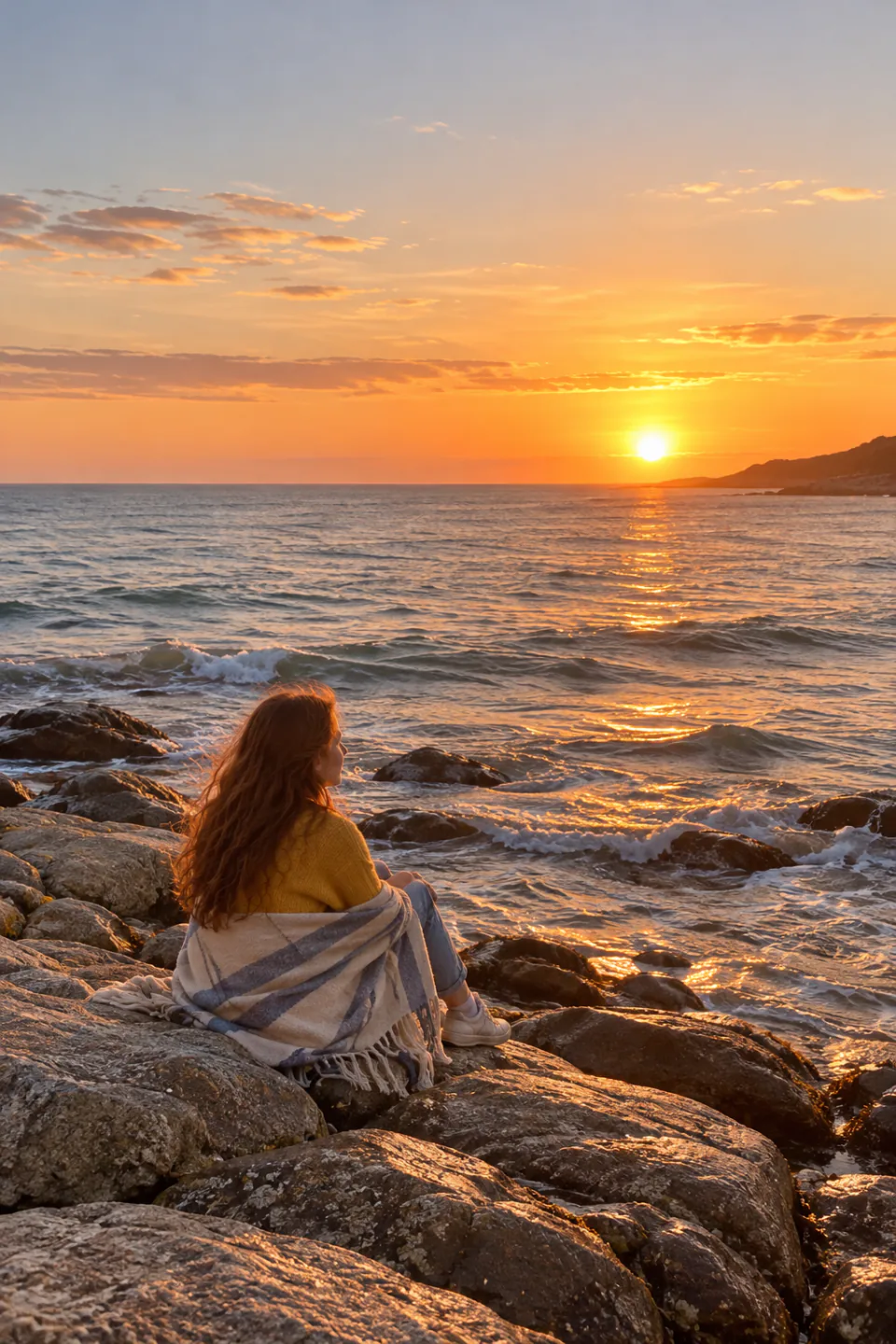
Photo to song writes an original song about your pictures. The music model looks at the places, people, light and colors in up to five photos, writes lyrics about them and sings them in the style you pick.
Add a name and it is sung in the chorus. Add a few memories and they end up in the verses. When the song is ready, your photos become a music video with gentle camera moves and lyrics that light up as they are sung.
How to turn photos into a song
- Add your photosOne to five pictures from the same day, trip or person work best.
- Pick the occasion and styleBirthday, love, travel, pet and more. Add a name to sing and a few memories if you like.
- Get two versions and a videoListen to both versions, pick a look and download the music video for free.
Why it feels personal
- It reads your photos. The lyrics come from what is actually in the pictures, not from a template.
- Your words in the song. The name and memories you type are written into the lyrics and sung.
- A finished video, not just audio. Photos, camera moves, transitions and word-by-word lyrics, ready for Reels, TikTok or a birthday message.
- Two takes every time. Each song comes in two versions so you can keep the one that fits.
Ideas for your photo song
- Birthday surprise. Collect a few pictures from friends, add the name and an inside joke, and send the video on the morning of the birthday.
- Anniversary or proposal. Photos from your first trip together become a love song that tells your story back to them.
- Travel recap. Turn the best shots of a holiday into a postcard song for your feed instead of a silent slideshow.
- Pets and family. A playful song about the dog, a lullaby for a newborn, or a gentle tribute to a grandparent.
Tips for a better song
- Choose photos that tell one story: a trip, a day, a person or a pet.
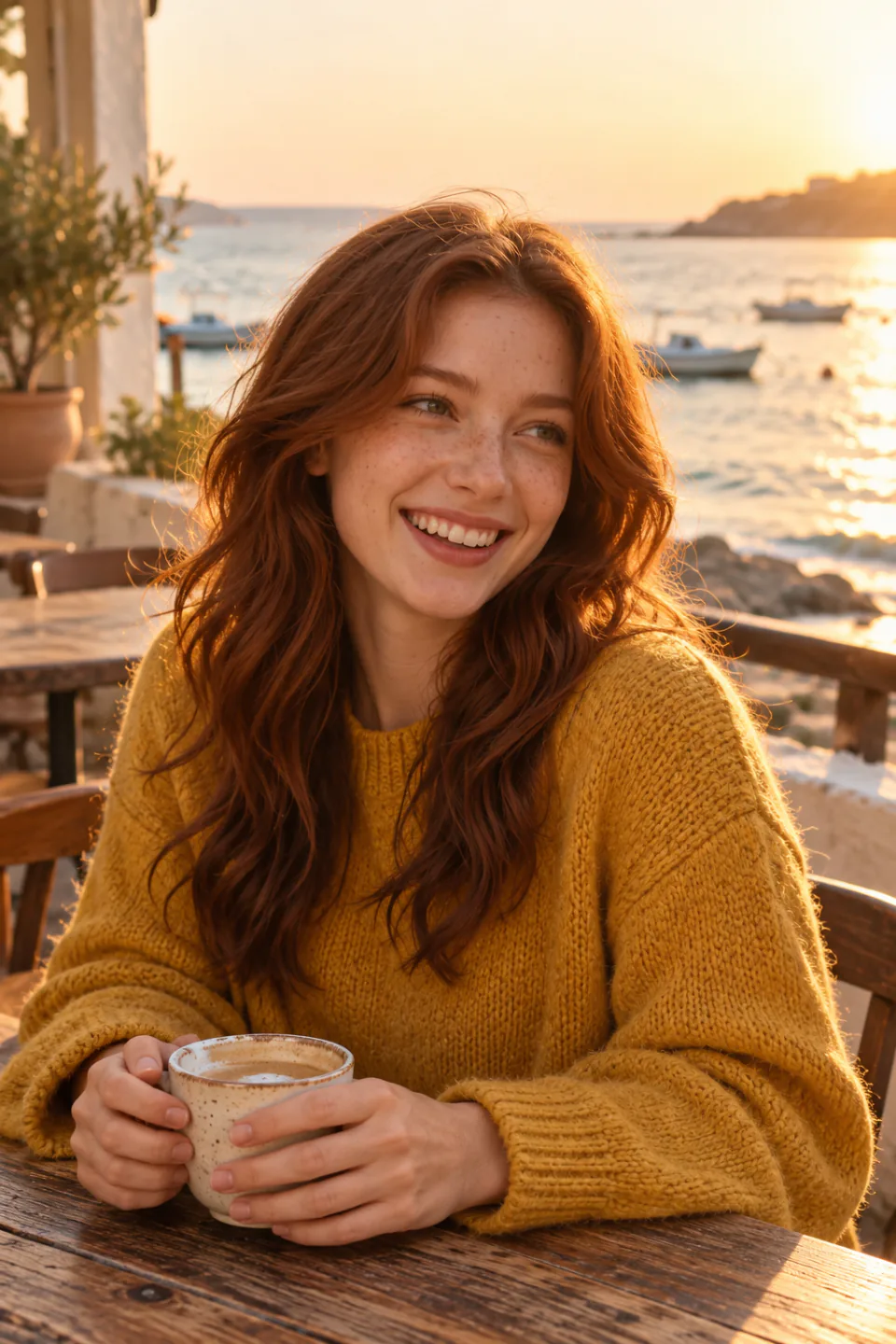
- Write memories as short phrases: "coffee by the harbor", "always late for movies".
- Short names are easiest to sing. Spell the name the way it sounds if it is unusual.
- Try the Golden hour or Romance look for warm photos and Party for birthdays.
How the song and video are made
The song is written by Suno v6, which can look at images before it writes. It notices settings, weather, clothing colors, activities and moods, and turns them into verses. Your occasion, name and memories steer the chorus and the details. The video is assembled in your browser: each photo is cropped to the shape you choose, given a slow zoom or pan, joined with soft transitions and graded with the look you pick. The vocals are transcribed with exact timing so each word can light up as it is sung, and you can correct any line before you export.
How many credits does it take?
A song with two versions costs 72 credits on Suno v6. Syncing the lyrics for the video costs about 7 credits for a 3½-minute song, so most songs come to about 79 credits. Making and downloading the video happens in your browser and costs nothing.
Questions
Can I make a song from a photo for free?+
Making the song uses credits: about 79 credits for a song with two versions and synced lyrics. Building and downloading the music video afterwards is free.
How many photos can I use?+
One to five. The model reads all of them, and the video shows each photo several times with different camera moves.
Will the song include the name I type?+
Yes. The name is written into the chorus and sung. Very unusual names may be sung slightly differently, so spell them the way they sound.
Which languages can the lyrics be in?+
English, Spanish, Portuguese, French, German, Italian, Polish, Russian, Japanese, Korean and Chinese.
Can I fix the lyrics in the video?+
Yes. Open Edit lyrics to change a word, remove a line or shift the timing, and the video updates right away.
Can I use the song and video?+
You can download both and share them. Songs you make here are original; please only upload photos you have the right to use.



 7
7