What are AI Transitions?
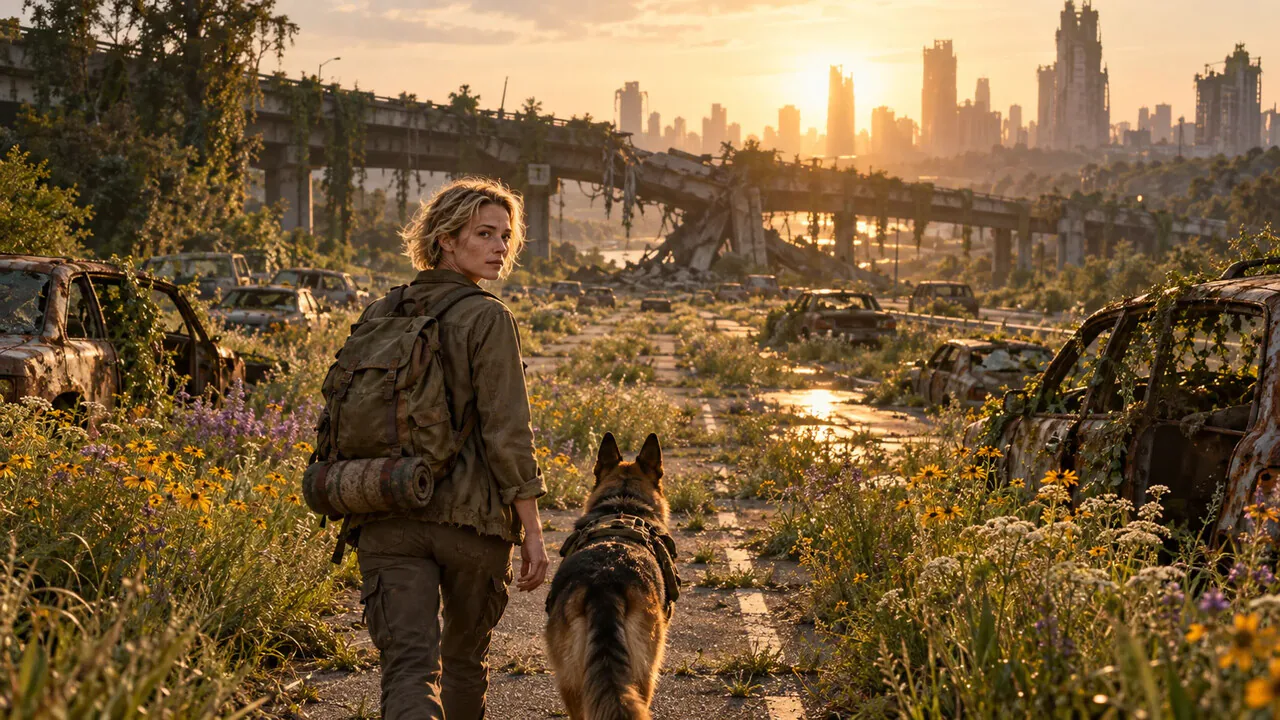
AI Transitions turn the cut between two shots into a moment of its own. Instead of a plain crossfade, an AI video model animates from the last frame of one shot into the first frame of the next: the first scene melts, shatters, spins or flies straight into the second.
Add two to 6 photos or clips in order, pick one of twelve transitions and get one transition for every pair. Export the whole sequence as a single MP4 in your browser, or open it in the PopNow editor to add music and captions.
How to make an AI transition
- Add your shotsTwo to 6 photos or short clips, in the order you want them to play. Clips hand over their last and first frames to the transition.
- Pick a transitionMorph, whip pan, zoom-through, portal, liquid, ink bleed, glitch, match cut, fly-through, shatter, light leak or spin.
- Export or keep editingWhen every transition is ready, export one MP4 or send the whole sequence to the editor.
Twelve transitions
- Morph. Shapes and colors melt from one scene into the next.
- Whip pan. A fast sideways camera whip with motion blur.
- Zoom through. Rush into a detail and burst out in the next scene.
- Portal. A glowing portal opens and the camera flies through.
- Liquid. The first scene ripples away like water.
- Ink bleed. Ink blooms across the frame and clears into the next shot.
- Glitch. RGB split and digital tearing for a hard, energetic jump.
- Match cut. A shape in one shot becomes a similar shape in the next.
- Fly through. A drone-style flight from one place into another.
- Shatter. The first scene breaks like glass and falls away.
- Light leak. Warm film light and flare wash between the shots.
- Spin. A fast camera roll that lands on the next scene.
How it works
Each transition is a short first-and-last-frame video: the model starts exactly on your first shot and ends exactly on the next one, so nothing jumps when the pieces are joined. Your browser then decodes every piece, crops them to the shape of your first shot and encodes one continuous MP4, skipping any stray black frames at the joins.
What people use it for
- Travel and day-in-my-life edits. Fly from the beach to the city to dinner without a single hard cut.
- Before and after. Morph an old room into the renovated one, or a sketch into the finished piece.
- Product and brand reels. Portal from the product into the place it is used.
- Music edits. Glitch and whip-pan transitions on the beat, then add the track in the editor.
Tips
- Shots with a similar shape or color in the same spot make the smoothest morphs and match cuts.
- Use the same orientation for every shot; the sequence follows the shape of the first one.
- Three seconds is snappy for social video; five seconds gives slow, dreamy transitions.
- Export first, then open the editor to put music under the whole sequence.
How much does it cost?
Each transition is one short video: about 96 credits for 3 seconds at 720p. The price for all your transitions is on the button before you start, exporting in your browser is free, and failed transitions are refunded.
AI Transitions FAQ
Can I use video clips, not just photos?+
Yes. A clip's last frame starts the transition and the next clip's first frame ends it, and the clips themselves play in between.
How many shots can I join?+
From two up to 6. You get one transition for every pair of neighboring shots.
Will there be a black flash between shots?+
No. The transitions start and end on your own frames, and the export skips any stray black frames at the joins.
Can I add music?+
Yes. Open the sequence in the PopNow editor and add a track, beat-synced cuts or captions.
What size is the final video?+
It follows your first shot: vertical, horizontal or square, up to 1280 pixels on the long side.
Which AI model makes the transitions?+
A first-and-last-frame video model that is built to start and end on exact frames, so the pieces line up.
How much does it cost?+
Making your own transitions uses credits, and the price is shown on the button before you start. Every transition style also has a real example you can play and load without spending credits.

 1
1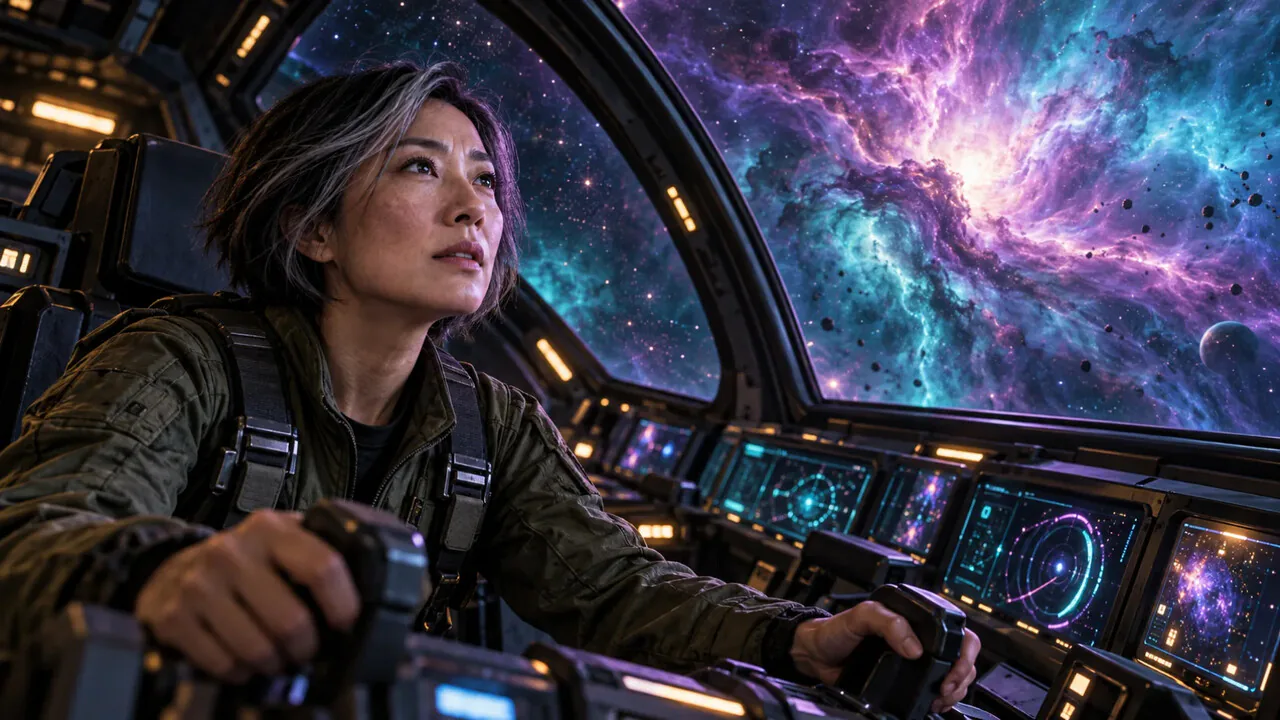 2
2
