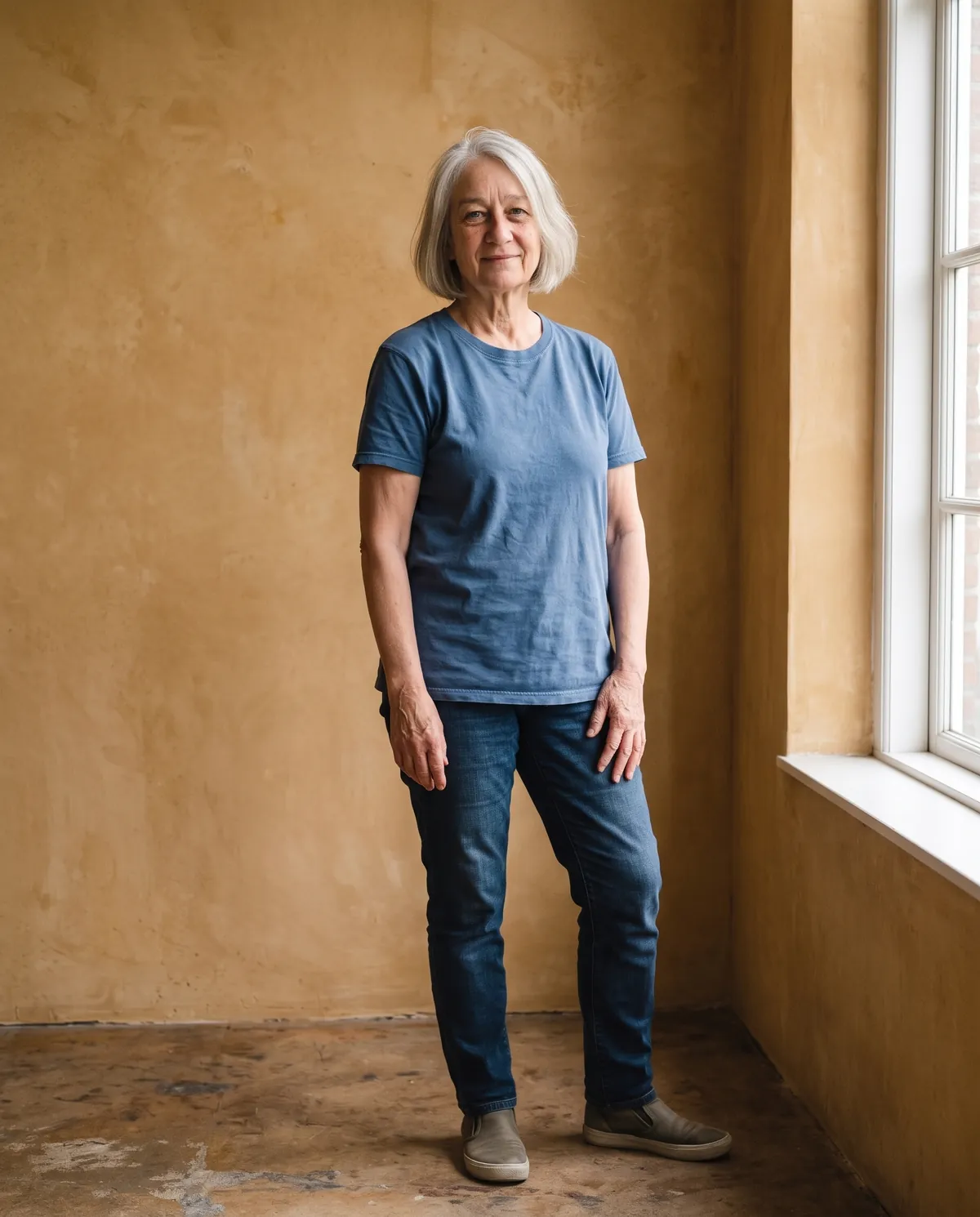
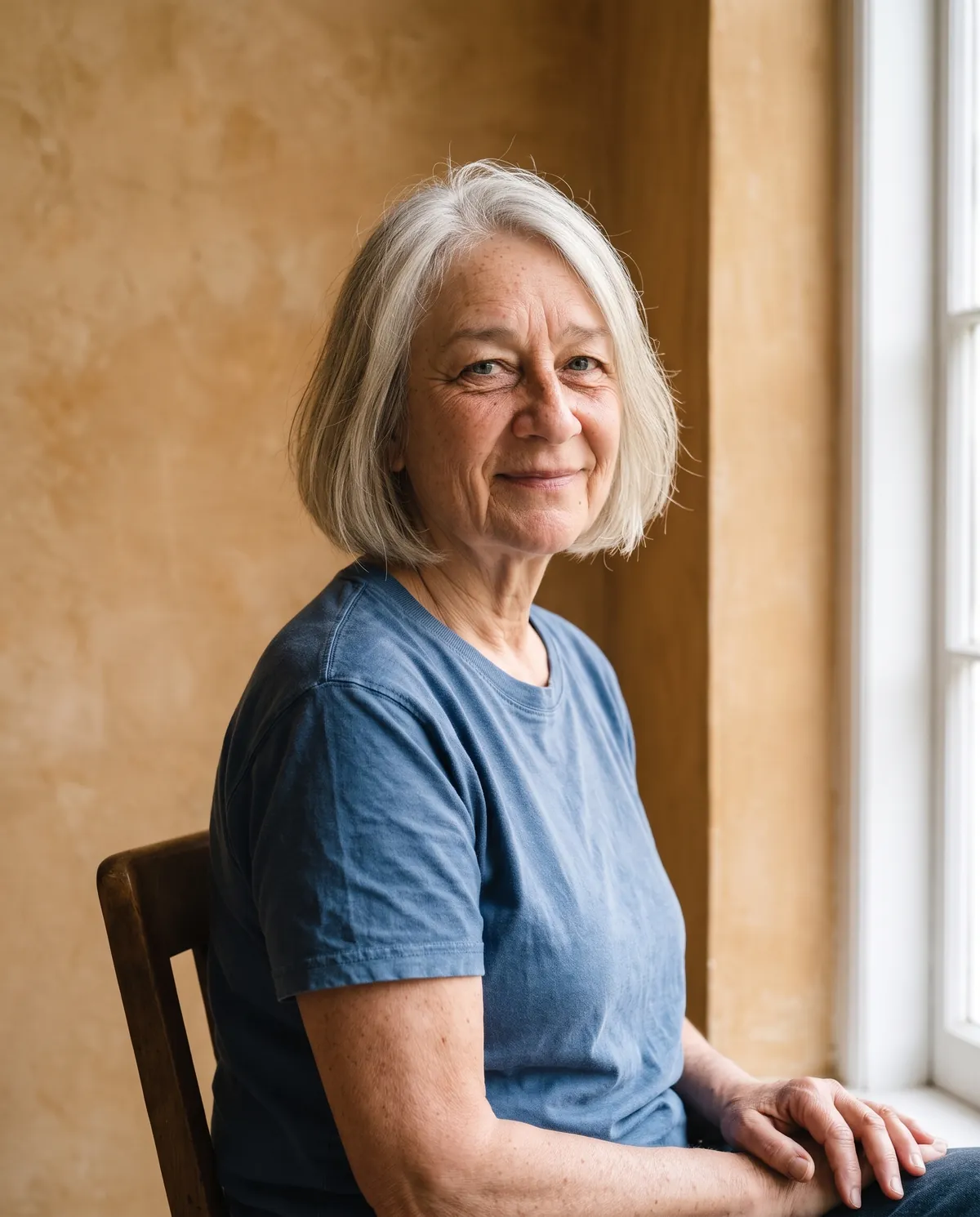
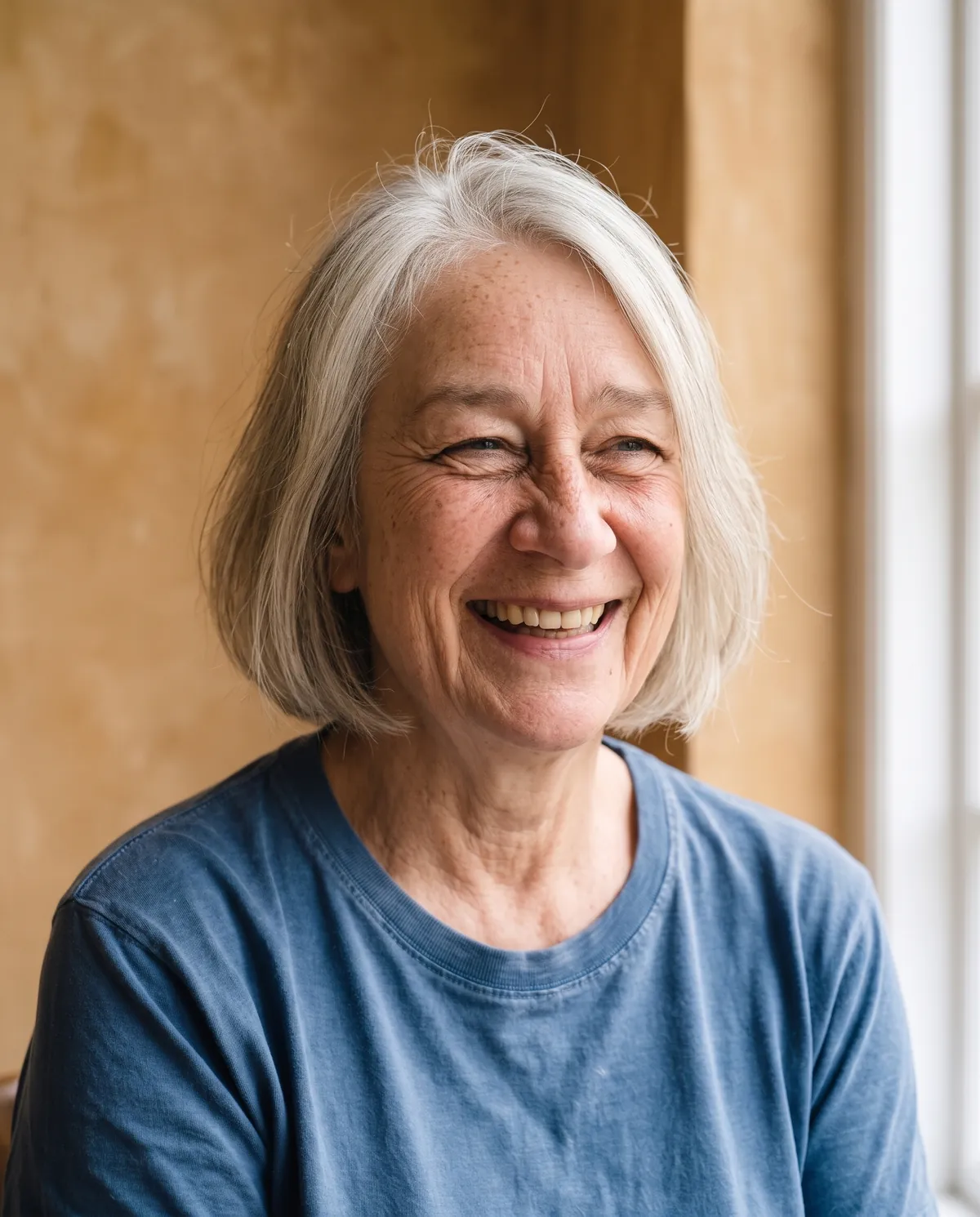
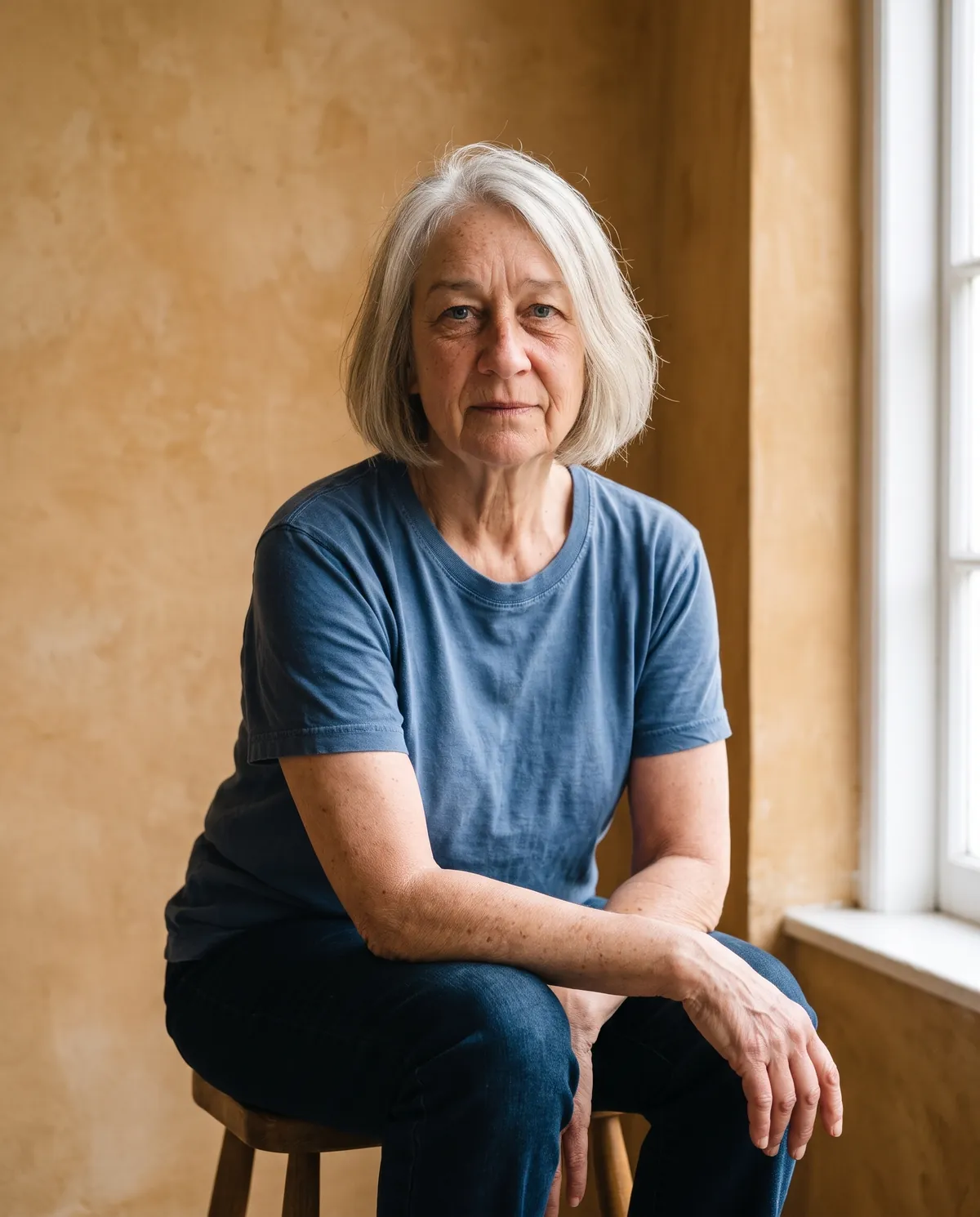
About this shoot
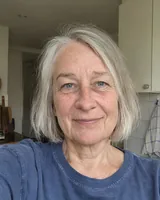
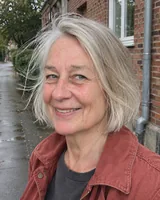
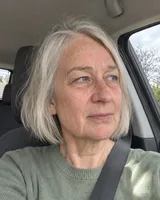
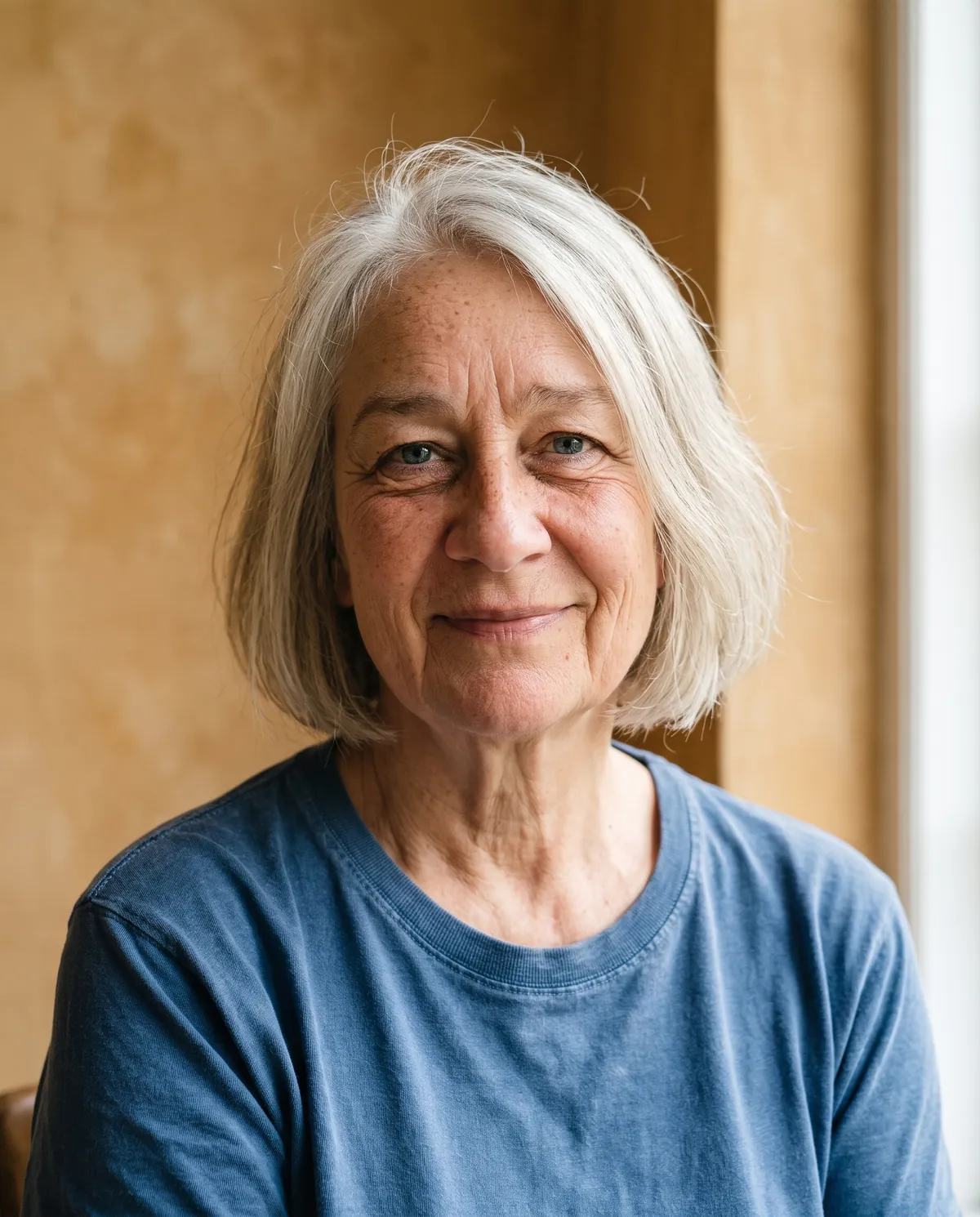
Use three to ten reference photos of the same subject. Choose a theme and scene to shoot a set with different poses and camera angles.
Whose photos can I use?
Use your own photos or photos of consenting adults. For couples or families, everyone shown must be an adult and give permission.
How can I use my photos?
Compare shots, star your picks and download JPEGs. A shared album shows only the frames you select. You can revoke its link.
How many reference photos do I need for a good photoshoot?
Three is the minimum and six to ten gives the steadiest likeness. Variety matters more than quantity: different days, angles and light teach the model the face, while ten near-identical selfies add very little.
Will the photos really look like me?
Every frame is compared with your references before delivery, and frames with a drifted face are redone or refunded. Results are best when the references are sharp and recent; heavy filters or very old photos make the likeness weaker.
What does a shoot cost and when am I charged?
The start button shows the highest possible price for the number of photos and output size you chose. You are charged only for frames that are delivered, so a shoot can cost less than the button but never more.
Can I make a shoot of a friend or a client?
Yes, if they are an adult and have agreed to it. You confirm permission before the shoot starts, and you should only share the album with people they are comfortable seeing it. Photos of minors are not accepted.
Can I change one photo without reshooting the whole set?
Yes. Adjust photos lets you apply a change to This photo or to the Whole shoot, and Reshoot redoes a single frame with the same references. Each change is priced before you apply it, and the original frame is kept.
Need one profile headshot? Use Professional headshot. Need a full set of photos for many uses? Shoot it here.
Go deeper
You bring a handful of everyday pictures of one person, taken on a phone at home, at work or on holiday. You leave with a coherent set of finished frames that look like they came from one booked session: the same face in every shot, but new poses, new camera angles, a chosen location and consistent lighting from the first frame to the last.
- What changes
- The location, light, pose, crop and lens. A Portraits shoot moves between close-ups, waist-up frames and wider environmental shots; Fashion leans on full-length styling and editorial framing; Headshots keeps most frames at head-and-shoulders or half-length on a clean backdrop with the outfit you pick: Business, Casual or Formal.
- What stays the same
- Identity comes from your reference set. Face shape, eye color, hairline, skin texture, freckles and glasses are carried over, and an automatic check compares every finished frame against the references, rejecting drifted faces or accessories that were never in the originals before you see them.
- What to look at when you compare
- Open two frames side by side with Compare and check the details a friend would notice first: the hairline, the gap between the teeth, ear shape and whether the jacket or earrings match from shot to shot. Star the frames you would actually post or print.
Works well
- Three to ten recent photos of the same adult, with the face large and sharp, taken on different days so the model sees more than one expression and light.
- A mix of angles: at least one straight-on photo, one turned slightly to each side and one that shows the shoulders and hairstyle clearly.
- Even daylight with no heavy filters, beauty modes or stickers, so skin tone and eye color come through as they really are.
Avoid
- Group pictures where the person is small, cropped at the forehead, or partly hidden behind another face; the browser check flags these before upload.
- Blurry night shots, strong motion blur, sunglasses, masks or a hand over the mouth, which leave the model guessing at features.
- Photos of someone who has not agreed to it, photos of anyone under 18, or old pictures from years ago mixed with new ones.
- Add reference photosDrop or choose three to ten pictures. Each one is checked in your browser for face size, sharpness and a single main face, and the strip of good and bad examples shows what to swap out. Confirm you have permission for every portrait.
- Pick a theme and sceneChoose Portraits, Fashion or Headshots, then a scene such as Window light. For Headshots, choose the outfit. A link with ?theme=headshots opens the studio on that theme directly.
- Check the price and startSet Photos per shoot. The button shows the most the shoot can cost before you press it, and the final charge never goes above it. Output size is 2K by default; 1K is under Advanced for quicker, cheaper drafts.
- Review, star and refineFrames arrive one by one with a progress count and time estimate. Enlarge a photo, compare two, star your favourites, then use Adjust photos for light, background, outfit, pose, expression, local retouch or a wider frame, or Reshoot a single frame.
- Download or shareDownload the original JPEGs or a ZIP, choose a print size in the export drawer, or create an album link that shows only the frames you starred. You can revoke the link at any time.
- A shot list, not one prompt
- Each theme carries its own list of frames with framing, pose and lens notes, so a set of twelve covers close, medium and wide shots instead of twelve versions of the same picture. Headshot lists keep almost every frame tight on the face.
- Anchor frame and reference rotation
- The first approved frame becomes an anchor for clothing and accessories. Later frames receive the anchor plus a rotating subset of your references, which keeps wardrobe continuity and lets every reference contribute to the face.
- Per-frame quality check and refunds
- A vision check scores each frame for identity, extra or missing accessories and outfit continuity. Frames that fail are retried; frames that still cannot be delivered are refunded in credits automatically, and the receipt shows exactly what you paid for.